5.0
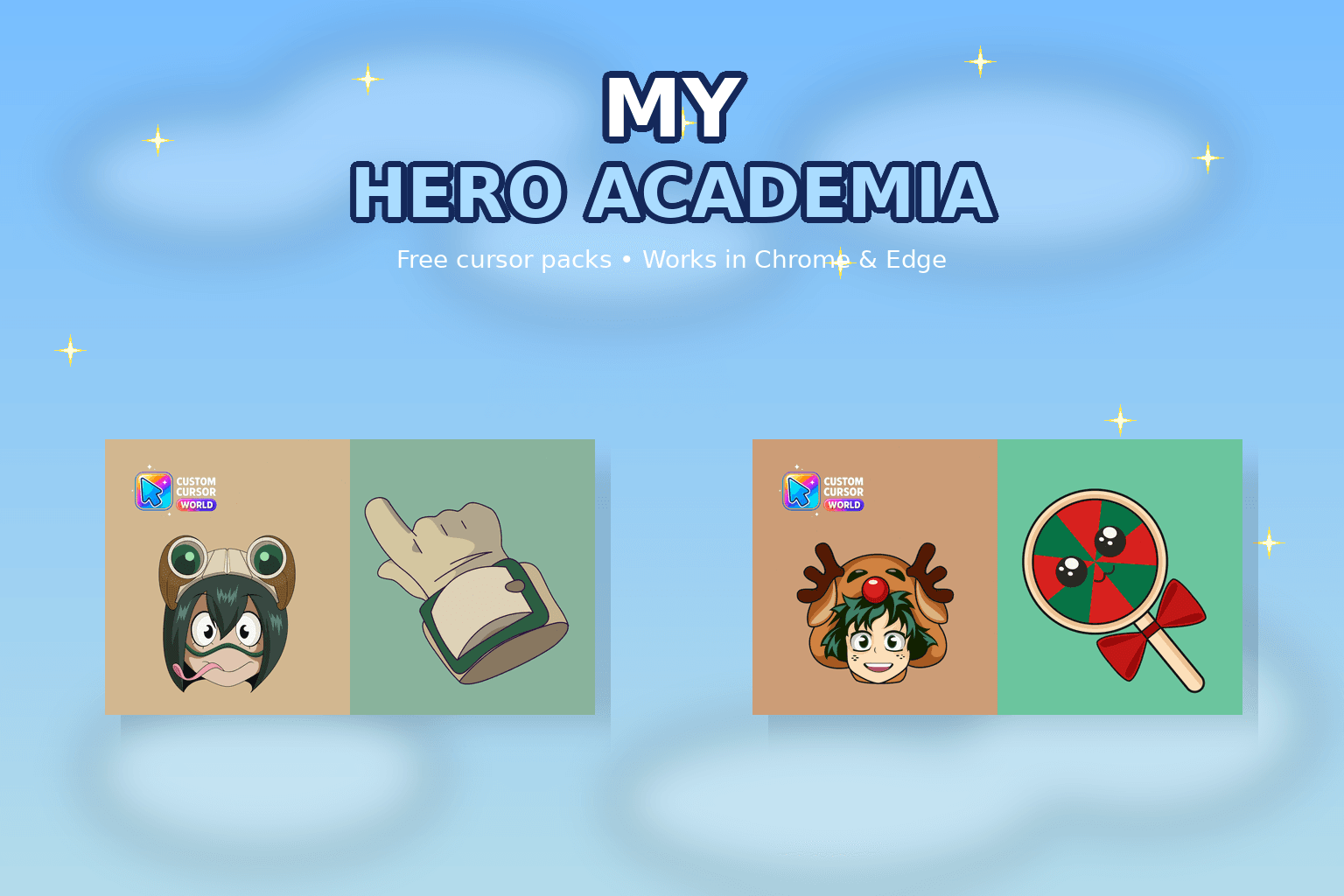
My Hero Academia Custom Cursor Collection
My Hero Academia cursor collection for Chrome and Edge.
6,697
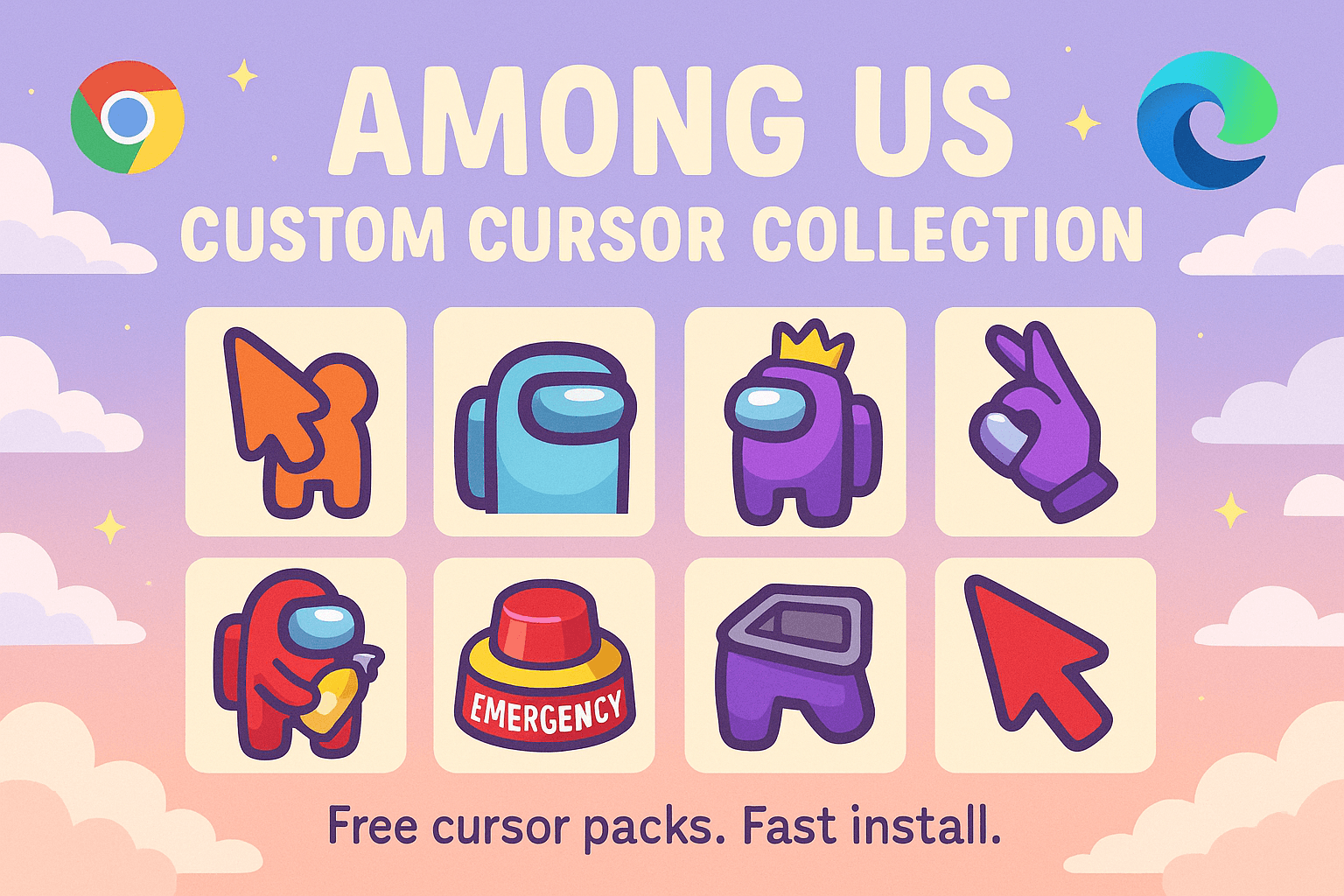
Among Us cursors: crewmate & impostor mouse pointers for Chrome, Edge & Windows.
Browse 313 carefully curated cursor packs in this collection. All packs are free to download and work with Chrome, Edge, and Windows browsers.
From Custom Cursor World, Custom Cursors, and Cute Cursors catalogs
Discover more curated cursor collections that match your interests. Explore similar themed collections with free cursor packs for Chrome, Edge, and Windows.
My Hero Academia cursor collection for Chrome and Edge.
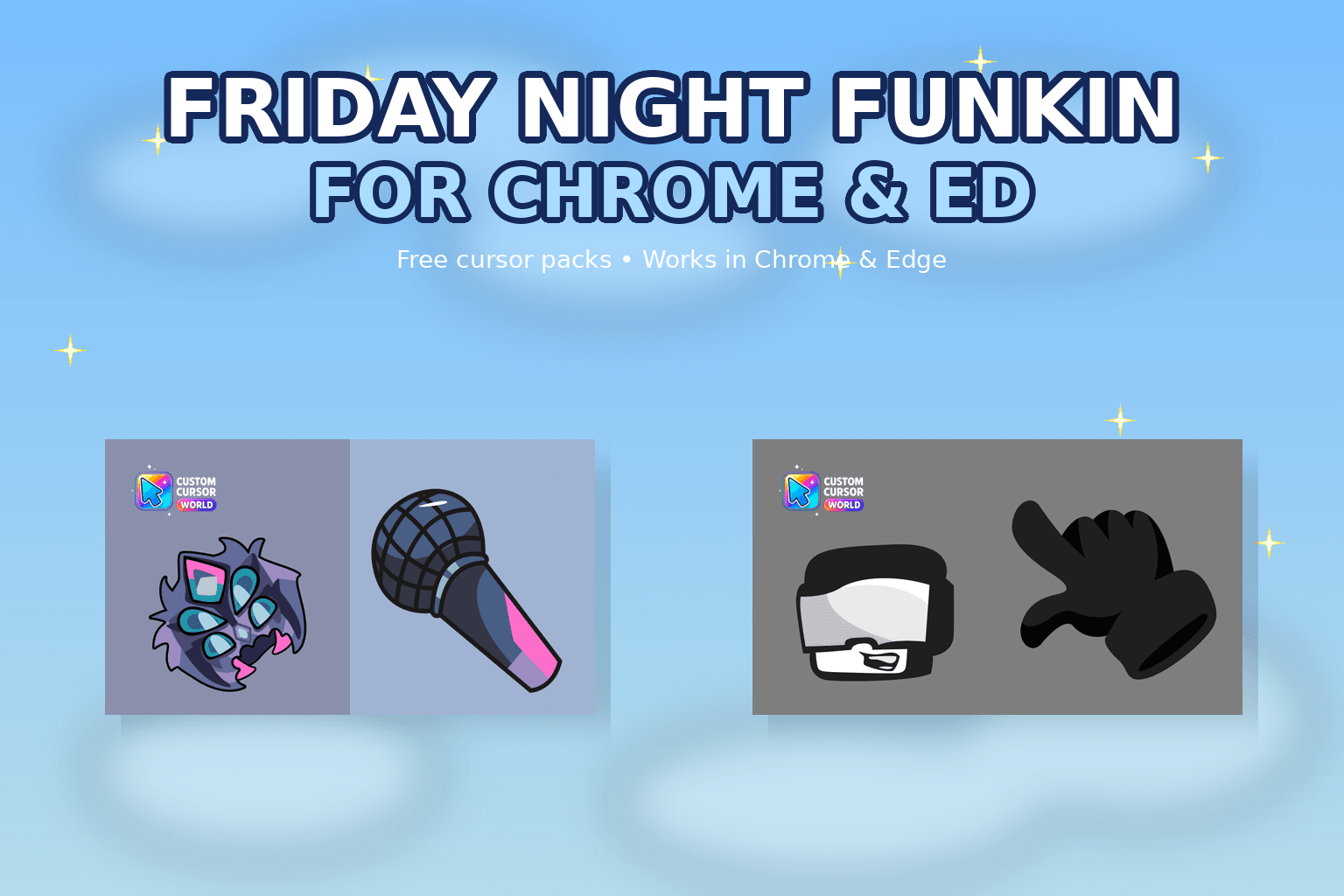
Elevate your browsing experience with our custom cursor collection inspired by 'Friday Night Funkin'. Set popular game characters instead of default b
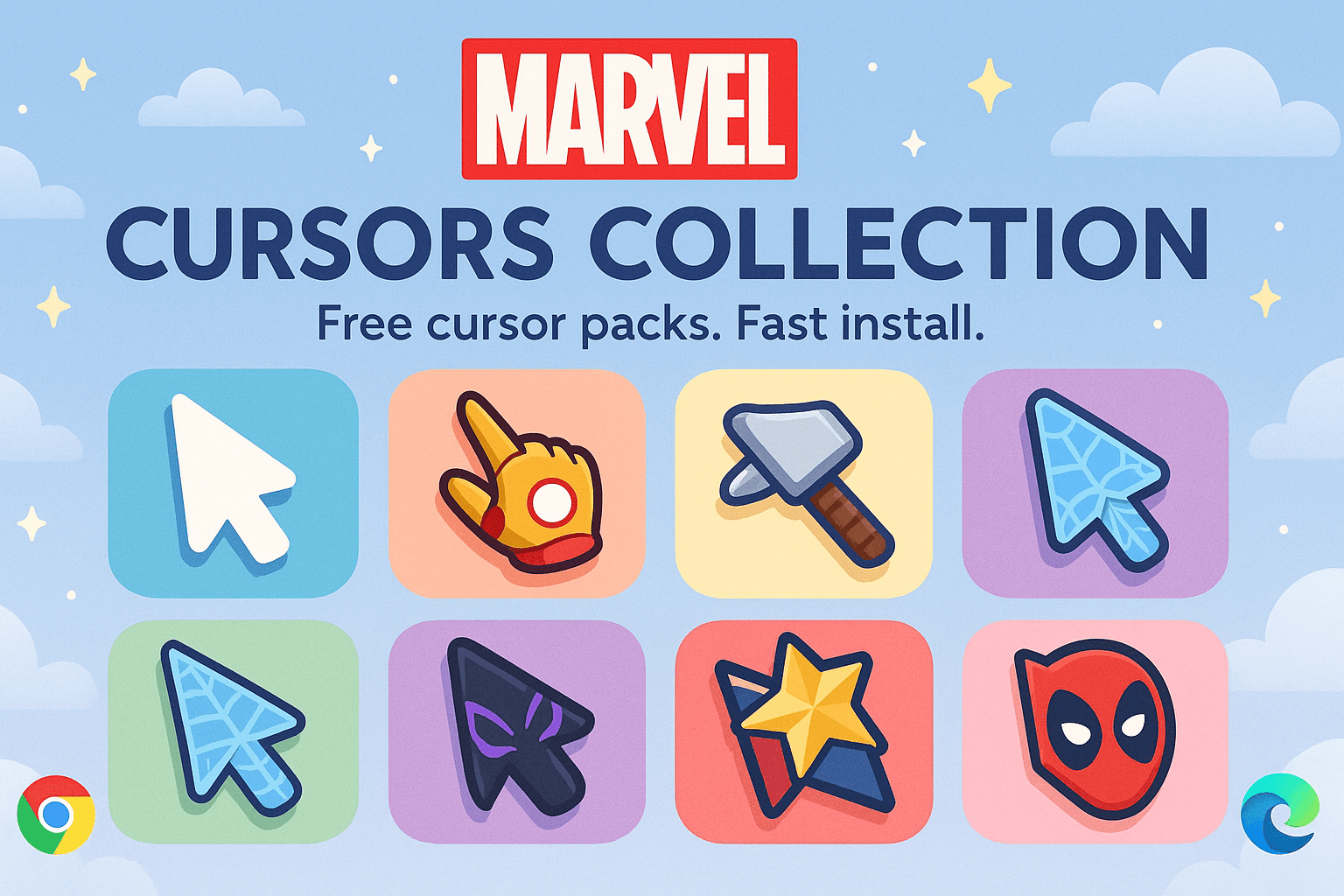
Marvel Cursors Collection - Superhero cursors for Chrome and Edge
Explore the Cursor Kingdom Collection - Fun cursors for Chrome, Edge & Windows
Follow these simple steps to start using custom cursors from the Among Us Custom Cursor Collection collection. All cursor packs are free and easy to install.
Install the Custom Cursor World extension for Chrome or Edge browser. The extension is free and takes less than a minute to set up.
Explore 313 cursor packs in the Among Us Custom Cursor Collection collection and find your favorite designs. Each pack is carefully curated for quality.
Click on any cursor pack and download it directly to your browser. No additional software or configuration needed.
Your new cursor is now active! Customize your browsing experience with unique cursor designs from the Among Us Custom Cursor Collection collection.
Common questions about the Among Us Custom Cursor Collection cursor collection
The Among Us Custom Cursor Collection collection is a curated set of custom cursor packs designed to enhance your browsing experience. Each pack in this collection has been carefully selected to provide unique and visually appealing cursor designs.
Yes! All cursor packs in this collection are completely free to download and use. There are no hidden fees or subscriptions required.
These cursor packs work with Chrome and Edge browsers through the Custom Cursor World extension. The extension is free and easy to install.
Simply click on any cursor pack in this collection, then click the "Add" or "Download" button. The extension will automatically install the cursor pack for you.
Yes! You can switch between different cursor packs at any time. Just browse our collections and select a new pack whenever you want to change your cursor style.
No restart is needed! Once you install a cursor pack, it becomes active immediately. You can start using your new cursor right away.

Install our free browser extension to instantly apply any cursor from our vast collection with one click. Works seamlessly with Chrome, Edge, and Windows.
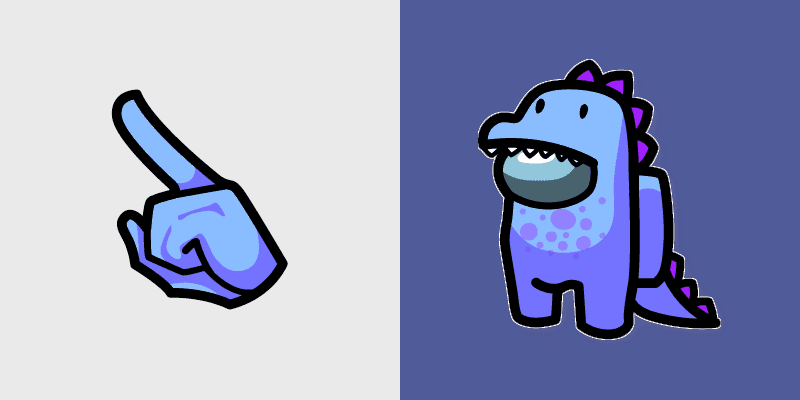
Reactor meltdown dino crewmate countdown colors your custom cursor pointer with impostor stealth flair.
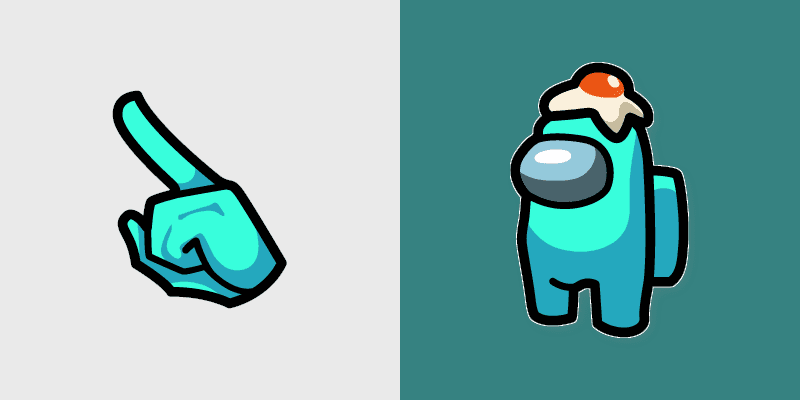
Egg hat Among Us cursors bounce across your pointer with adorable Inner Sloth cosmetic charm on every tab.
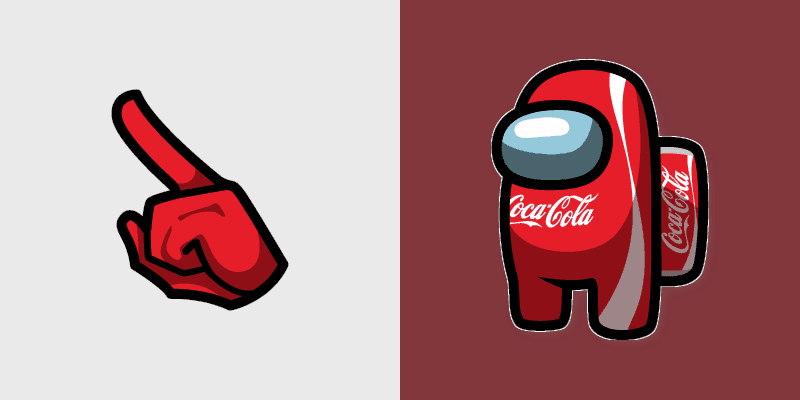
Security cam coca-cola crewmate watch styles your custom cursor tabs with Among Us MIRA HQ pointer charm.
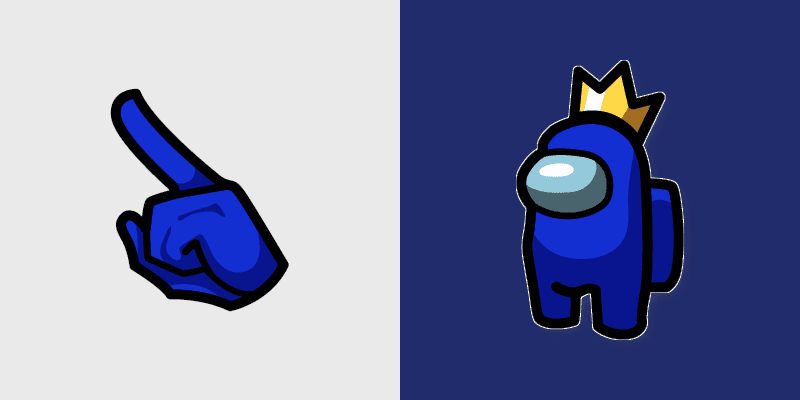
Polus ice blue crown crewmate glow lands on your custom cursor pointer pair with Among Us base map mood.
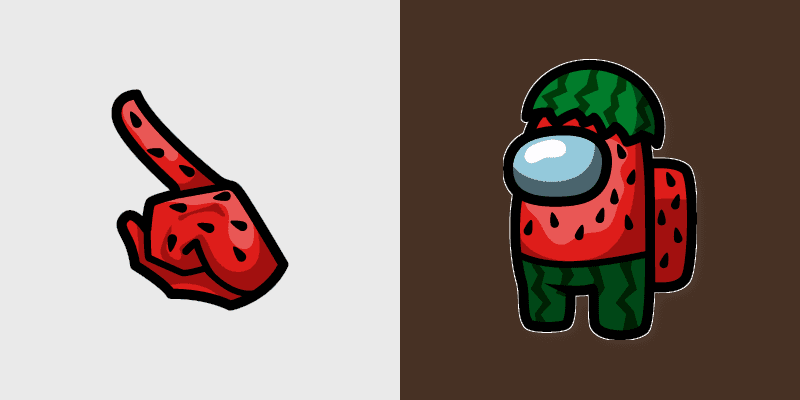
Weapons bay watermelon crewmate edge sharpens your custom cursor clicks with Among Us pointer crossover charm.
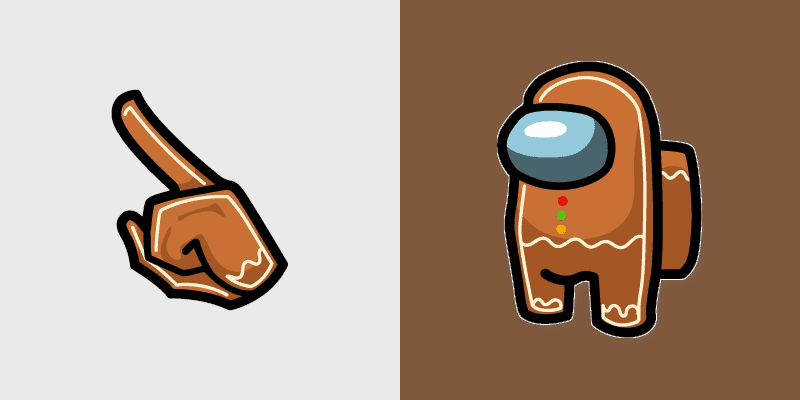
Medbay scan btd dart monkey crewmate proof shines on your pointer and click cursors with custom cursor task fun.
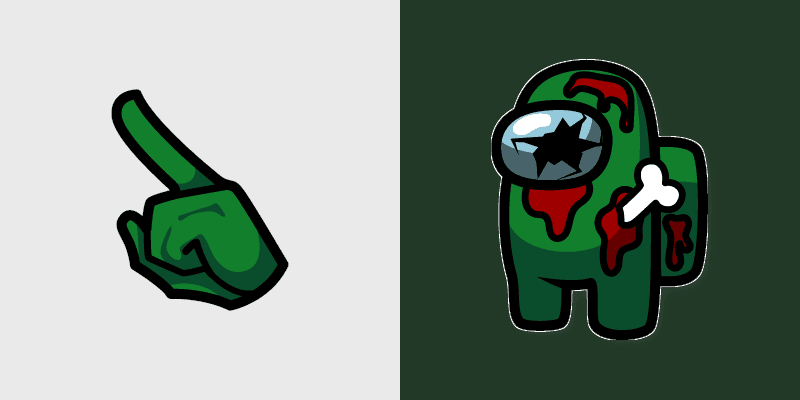
Storage crate zombie crewmate loot decorates your Among Us custom cursor pointer with crewmate hat flair.
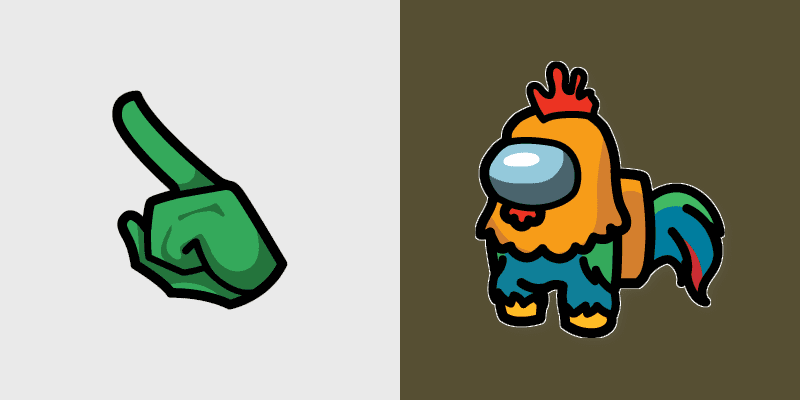
Shield admin rooster crewmate glow shields your Among Us pointer cursors with custom cursor crew energy.

Unicorn Character Among Us cute cursor - free custom cursor with pastel horn sparkle.

John Wick Skin Among Us cute cursor - free custom cursor with sleek suit-crew style.

Strawberry Character Among Us cute cursor - free custom cursor with berry-sweet charm.

Deadpool Character Among Us cute cursor - free custom cursor with cheeky red flair.

Space Character Among Us cute cursor - free custom cursor with zero-g crew sparkle.

Red Devil Horns Among Us cute cursor - free custom cursor with mischievous crew heat.

Viking Character Among Us cute cursor - free custom cursor with horned-helmet crew grit.

Angel and Devil Among Us cute cursor - free custom cursor for dual-mood clicks.
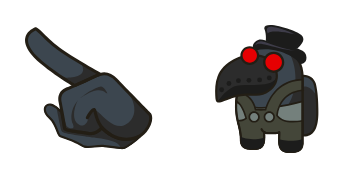
Plague Doctor Character Among Us cute cursor - free custom cursor with eerie beak style.

Teletubbies Character Among Us cute cursor - free custom cursor with soft kids-TV fun.
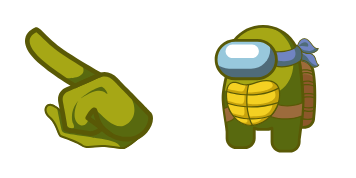
Ninja Turtle Character Among Us cute cursor - free custom cursor with shell-hero fun.

Reptile Character Among Us cute cursor - free custom cursor with scale-crew cool.

Fox Character Among Us cute cursor - free custom cursor with sly orange crew charm.

Nita Character Among Us cute cursor - free custom cursor with bear-power crew charm.

Deadpool Skin Among Us cute cursor - free custom cursor for red-mask crew clicks.
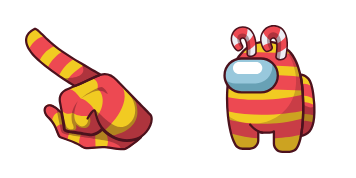

Yellow Twerk animated Among Us cute cursor - free custom cursor with dance-crew energy.

Ghost Character Among Us cute cursor - free custom cursor with soft floaty crew vibes.

Deer Character Among Us cute cursor - free custom cursor with soft woodland vibes.

Cactus Character Among Us cute cursor - free custom cursor with prickly plant charm.

Sheep Character Among Us cute cursor - free custom cursor with fluffy cloud-crew calm.

Police Skin and Dog Pet cute cursor - free custom cursor with badge-and-buddy fun.

Robot Skin animated Among Us cute cursor - free custom cursor with chrome-crew pulse.
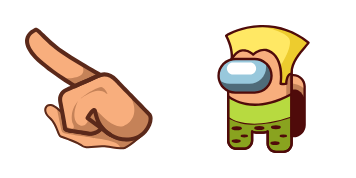
Guile Character Among Us cute cursor - free custom cursor with fighter-crew flair.

Captain Character Among Us cute cursor - free custom cursor with bold ship-lead style.

Jester Character Among Us cute cursor - free custom cursor with cheeky bell energy.

Captain Skin and Stickmin Pet cute cursor - free custom cursor with sidekick fun.

Macho Character Among Us cute cursor - free custom cursor with bold muscle-crew vibes.
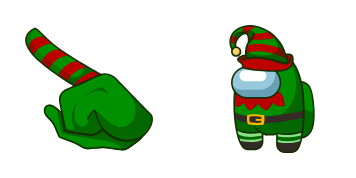
Elf Character Among Us cute cursor - free custom cursor with festive pointed ears.

Builder Character Among Us cute cursor - free custom cursor for hard-hat crew fun.

Ratchet and Clank Skin cute cursor - free custom cursor with gadget-hero crew style.
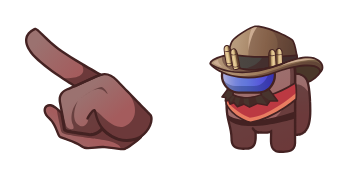
Cowboy Character Among Us cute cursor - free custom cursor with dusty saloon charm.

Pharaoh Character Among Us cute cursor - free custom cursor with golden crown vibes.

Cannonbolt Character Among Us cute cursor - free custom cursor with roll-out energy.

Brainslug Skin and Pet cute cursor - free custom cursor with quirky crew control.

Avatar Aang Among Us cute cursor - free custom cursor with airbender crew charm.

Albert Einstein Among Us cute cursor - free custom cursor with genius crew vibes.

Homebody Skin and Hamster Pet cute cursor - free custom cursor with cozy pet vibes.

Flamingo Skin and Pegasus Pet cute cursor - free custom cursor with pink wing flair.

Astronaut Skin and UFO Pet cute cursor - free custom cursor with space-crew flair.

Punk Skin and Panic Imp Pet cute cursor - free custom cursor with loud crew attitude.

Among Us Serie Brown cursor with a magnifying-glass bean arrow and a brown chef pointing glove.

Among Us Series Red Captain Purple Cop cursor with a red captain-bean arrow and a purple cop pointing glove.
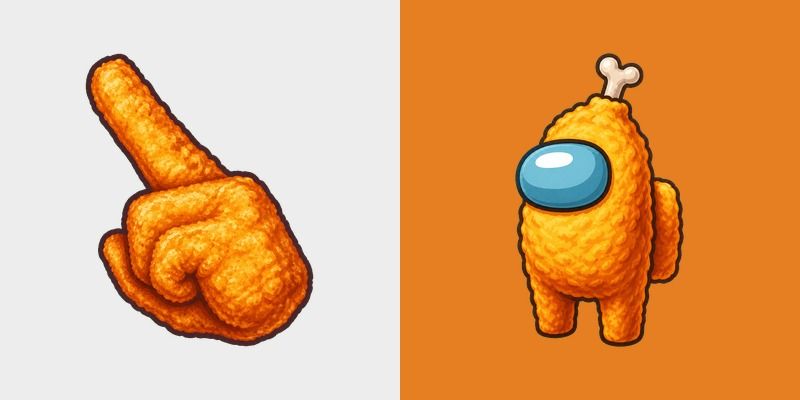
Satisfy your gaming cravings with the Among Us Fried Chicken cursor pack, featuring a crispy nugget pointing hand and chicken drumstick crewmate.


Equip your browser with the Among Us Lucario Character cursor pack, featuring a spiked paw pointer and a suited blue crewmate.
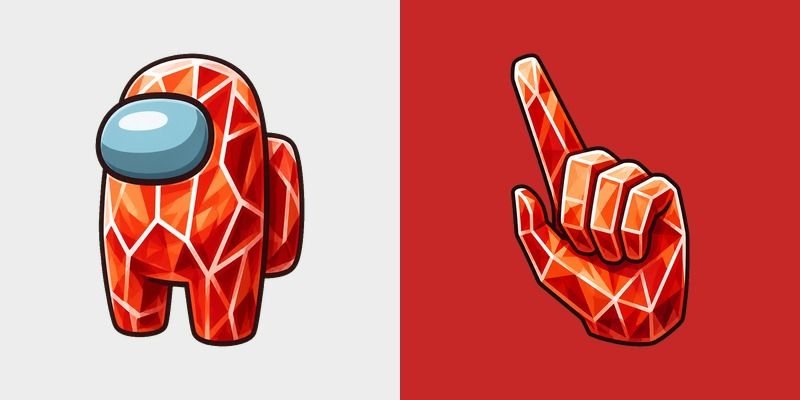
Free Among Us Red Zircon Character cursor - cute crystalline crewmate tip with matching gem pointer.


Brighten your spaceship tasks with the Among Us Red Character in Duck Hat cursor pack, featuring a bold red pointing hand and cute duck-hat crewmate.
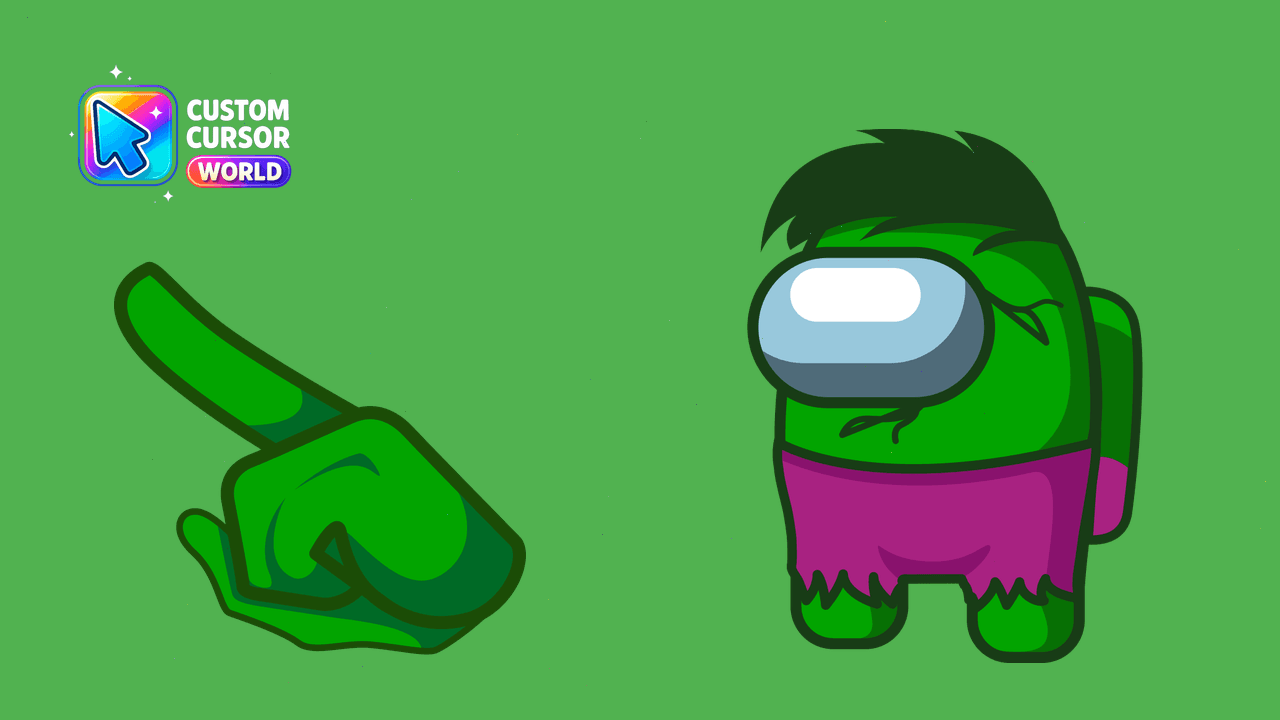
Transform your browser cursors with creative design inspired by Among Us
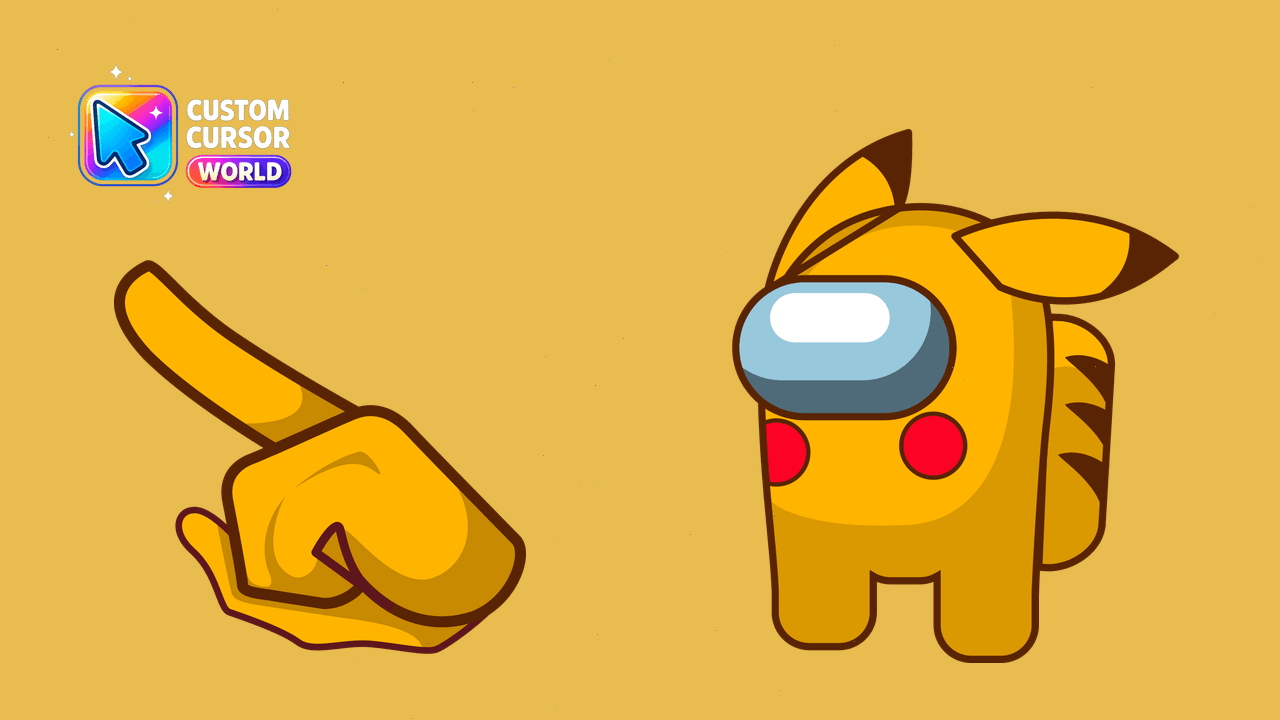
Experience Pokémon Among Us - Custom Cursor Pack
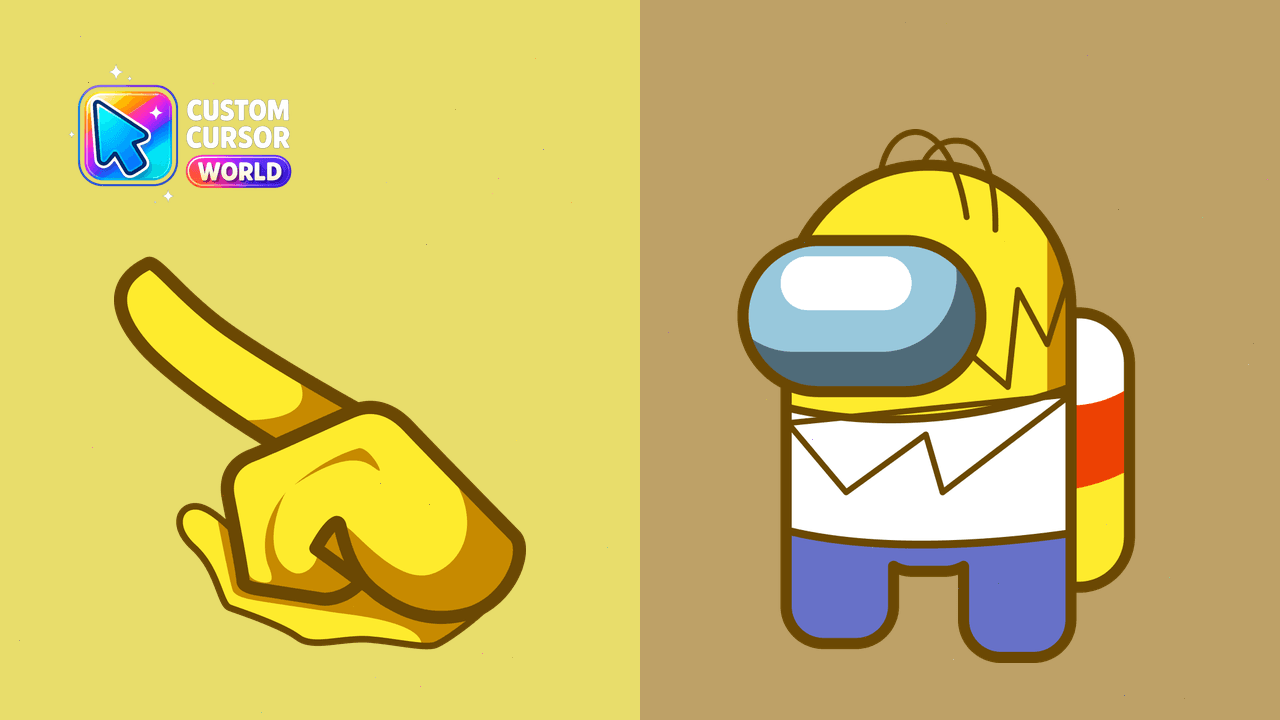
Enjoy Homer Simpson-themed custom cursor
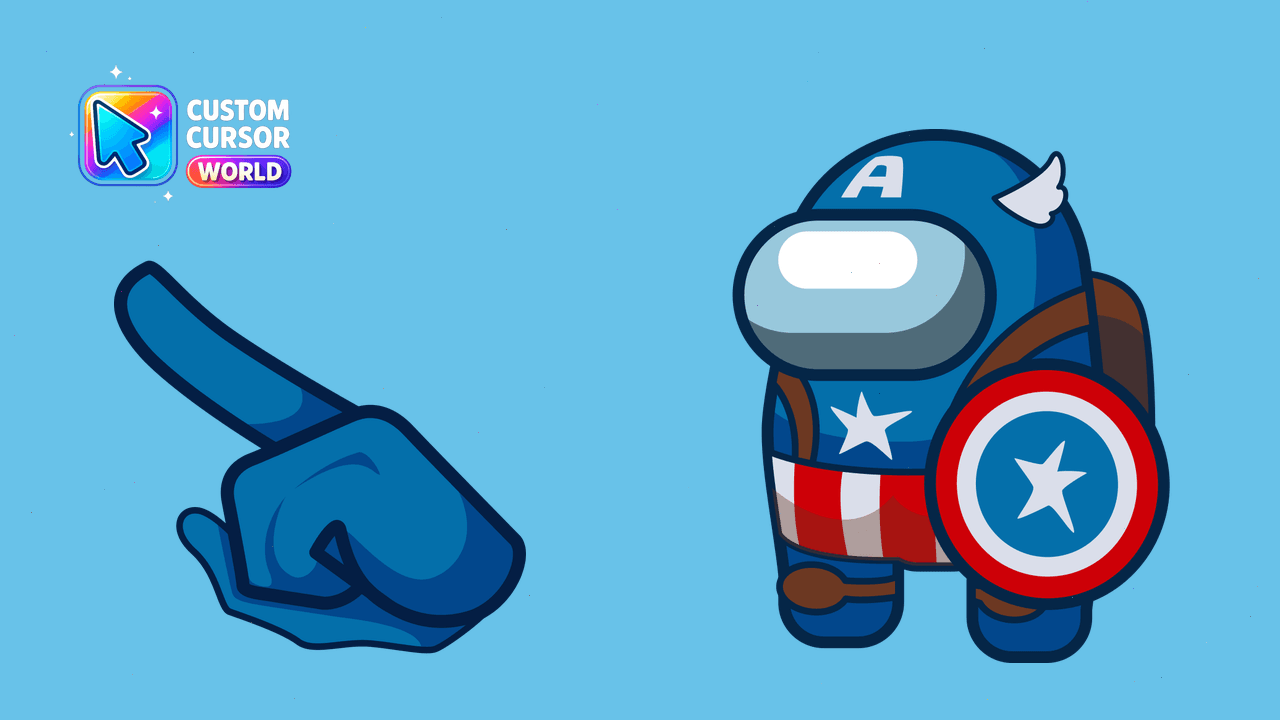
Captain América - Marvel's bravest hero among the stars
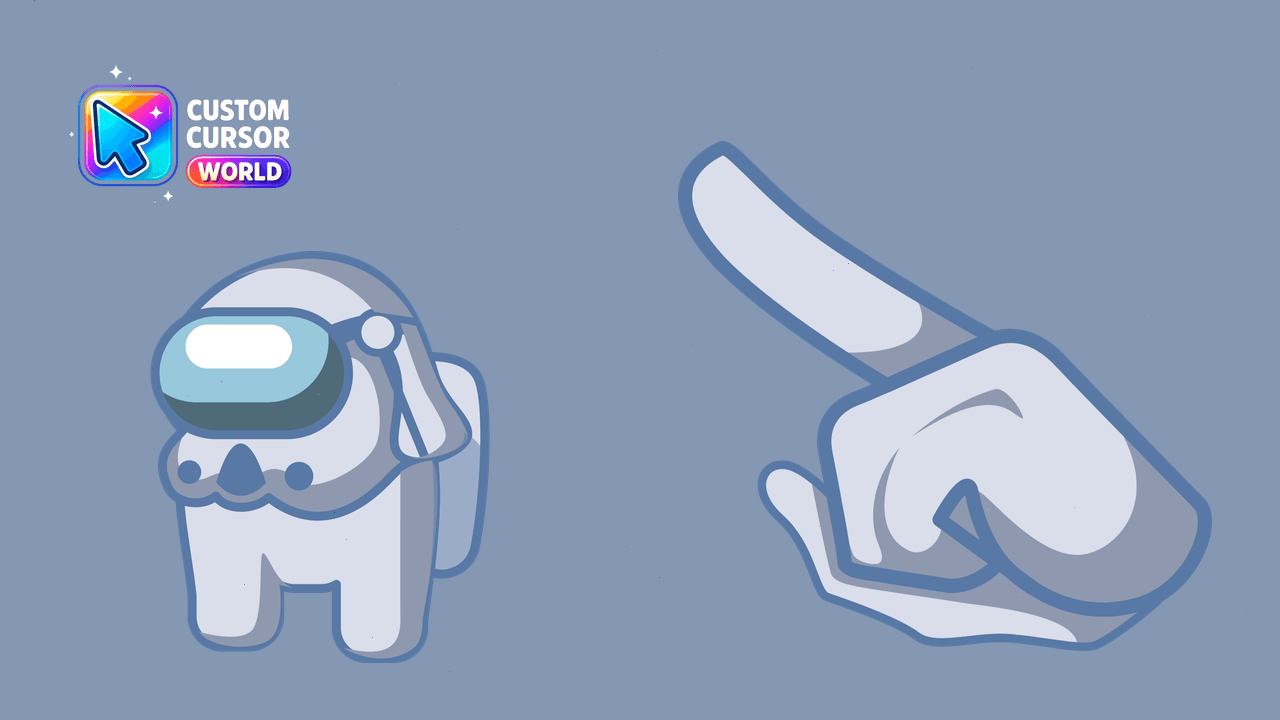
Custom Clone Trooper Dogma Cursor Pack - Among Us inspired cursor pack for Chrome, performance-friendly and accessible
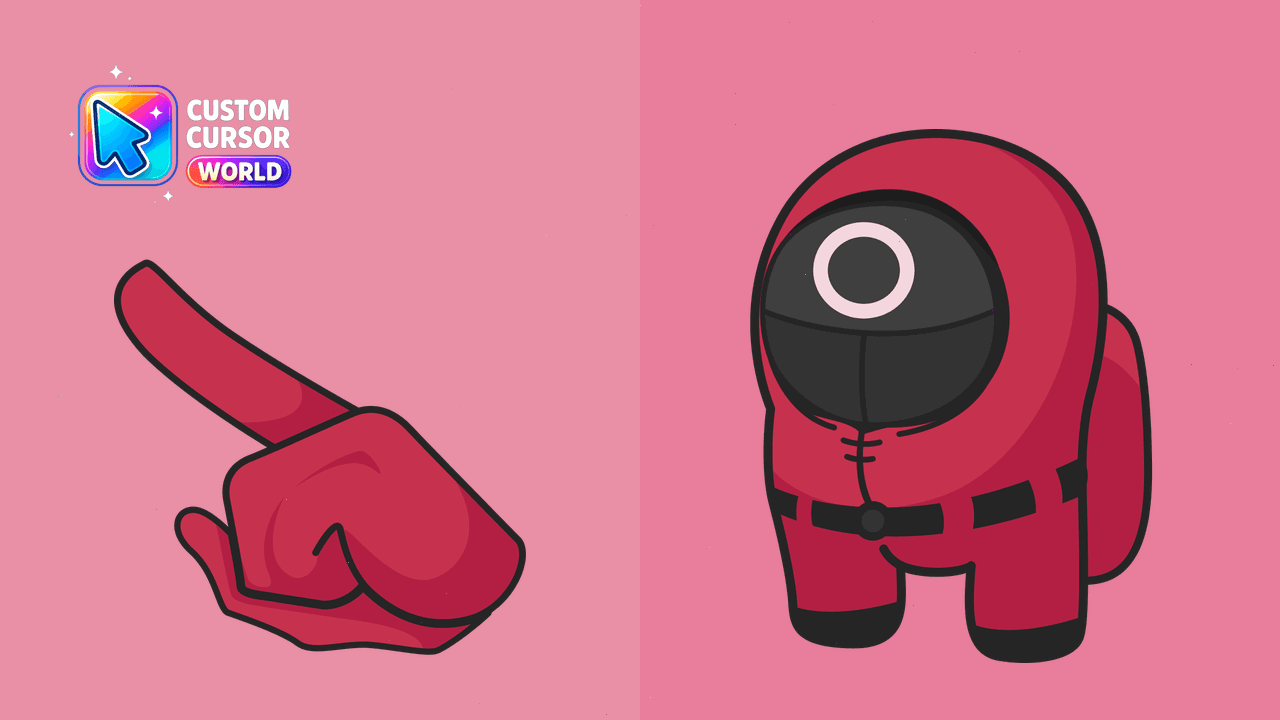
Among Us Cursor Pack Worker Edition - Squid Game inspired browser cursor
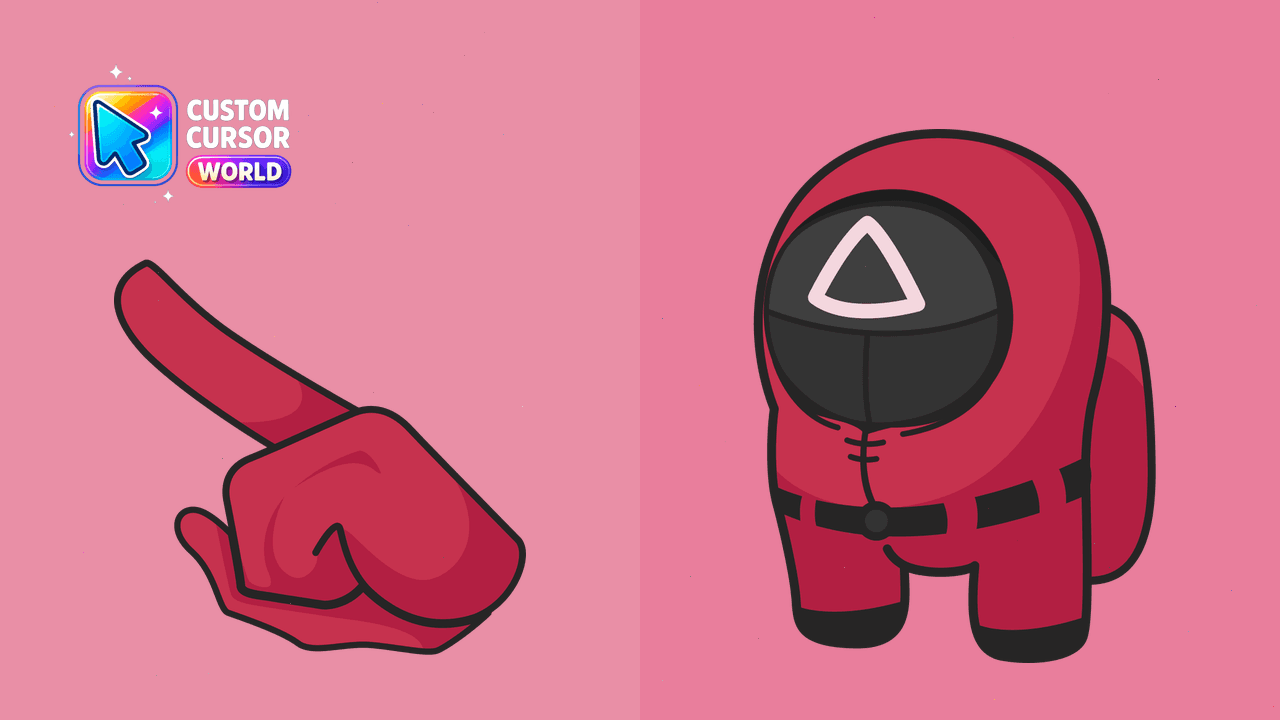
Enhance your Among Us game with our Custom Cursor Pack featuring the Soldier Character cursor for Windows, Chrome, and Edge. Performance-friendly and
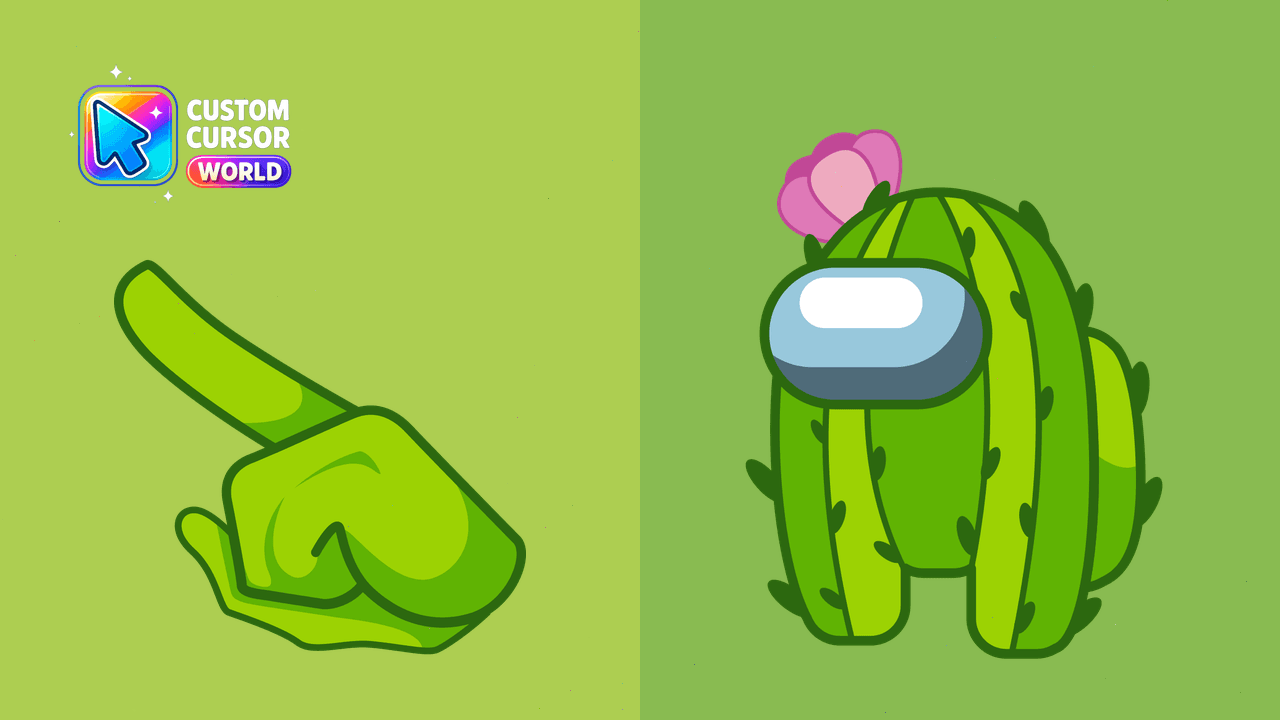
Change your browser cursor to an iconic Among Us character - fun & functional!
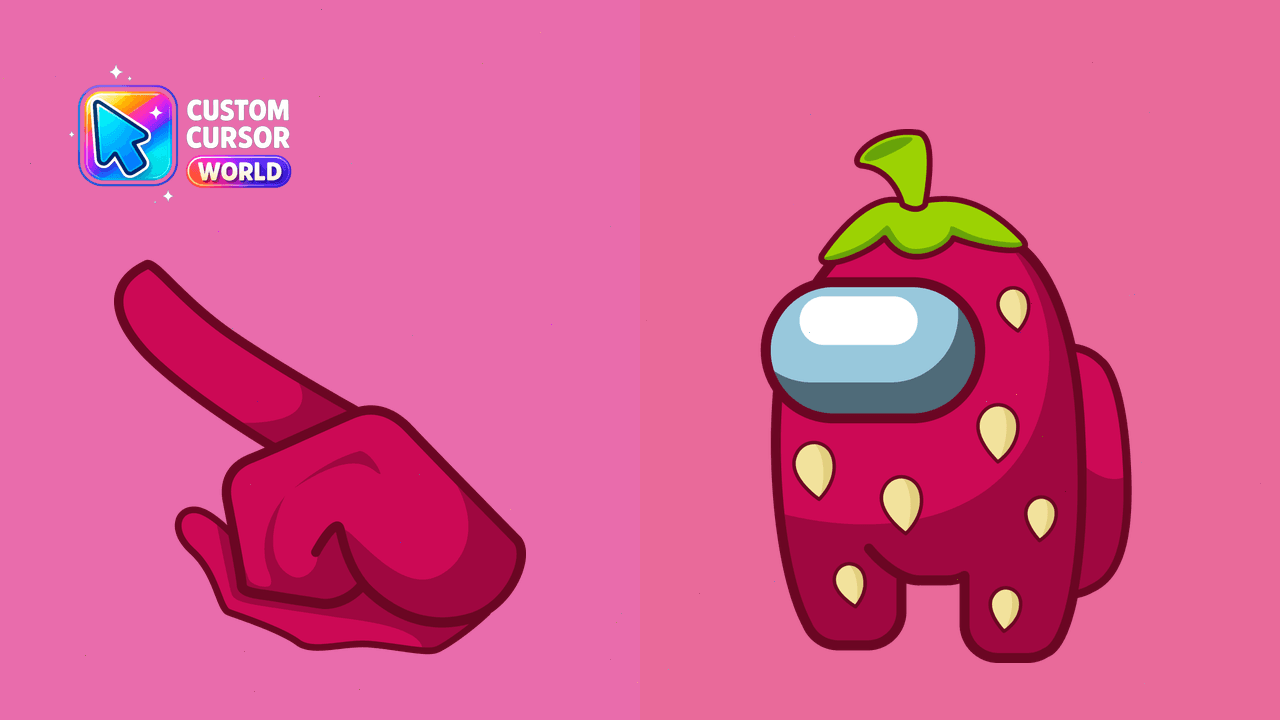
Customize your cursor with the adorable Among Us Strawberry design in this pack, perfect for Windows and Chrome users.
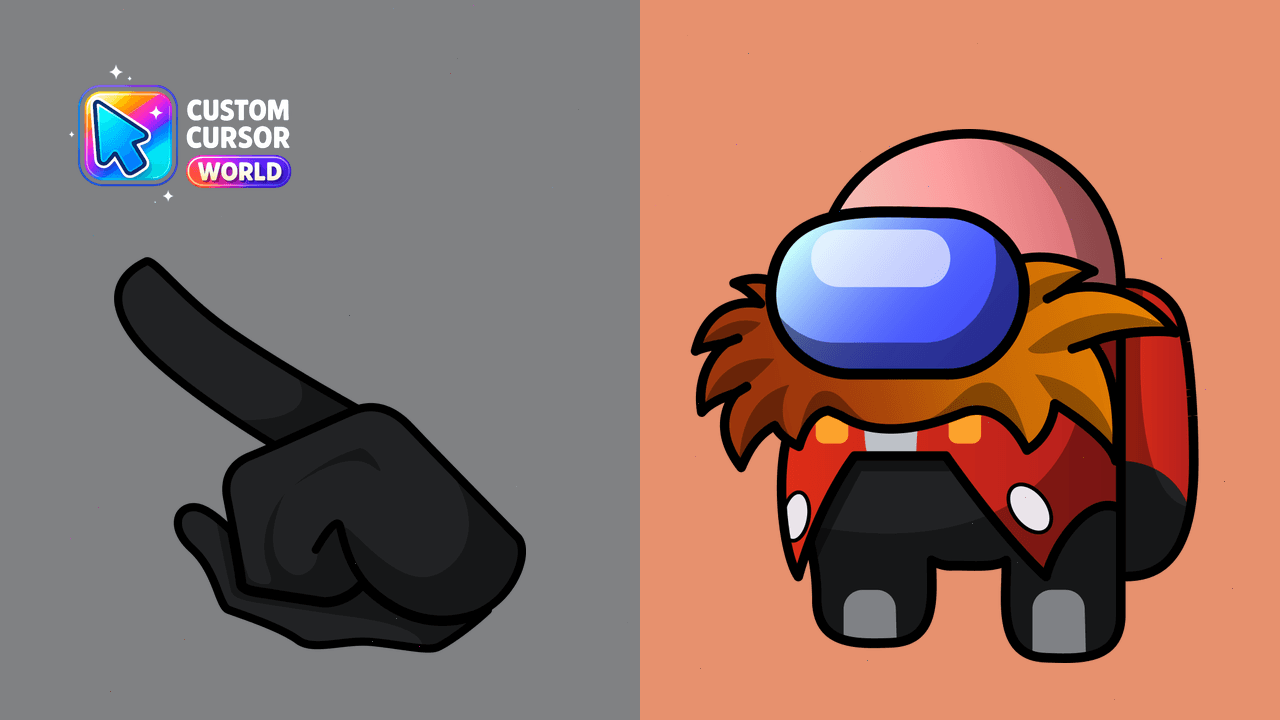
Transform your cursor experience with our Doctor Eggman Custom Cursor Pack for Chrome and Edge on Windows
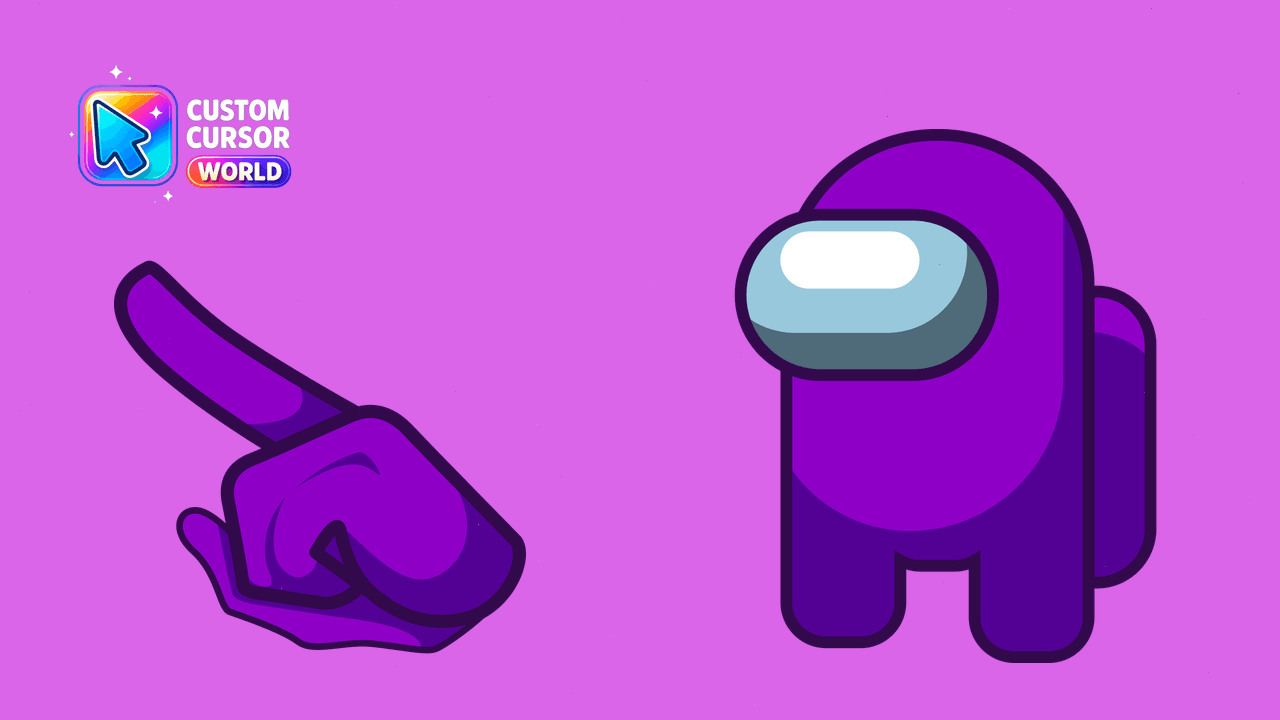
Custom Cursor Pack for Chrome - Among Us Purple Character
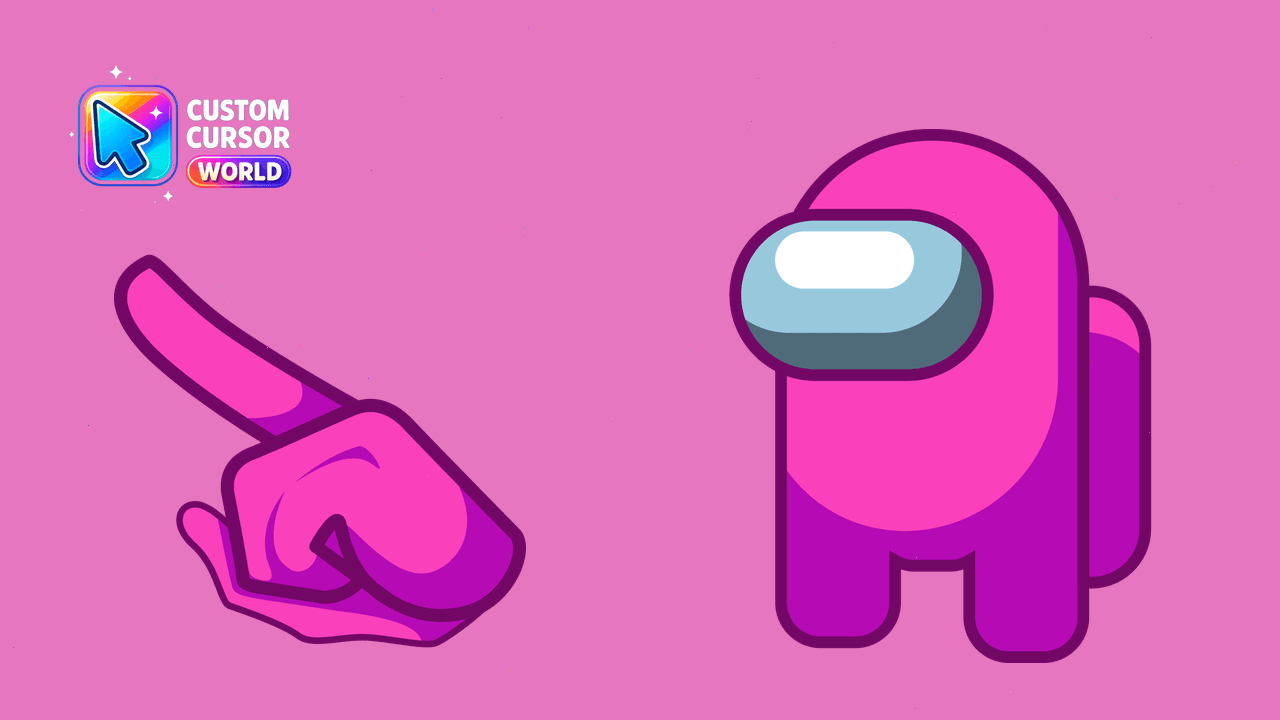
Personalize Your Among Us Character with Custom Cursor Pack
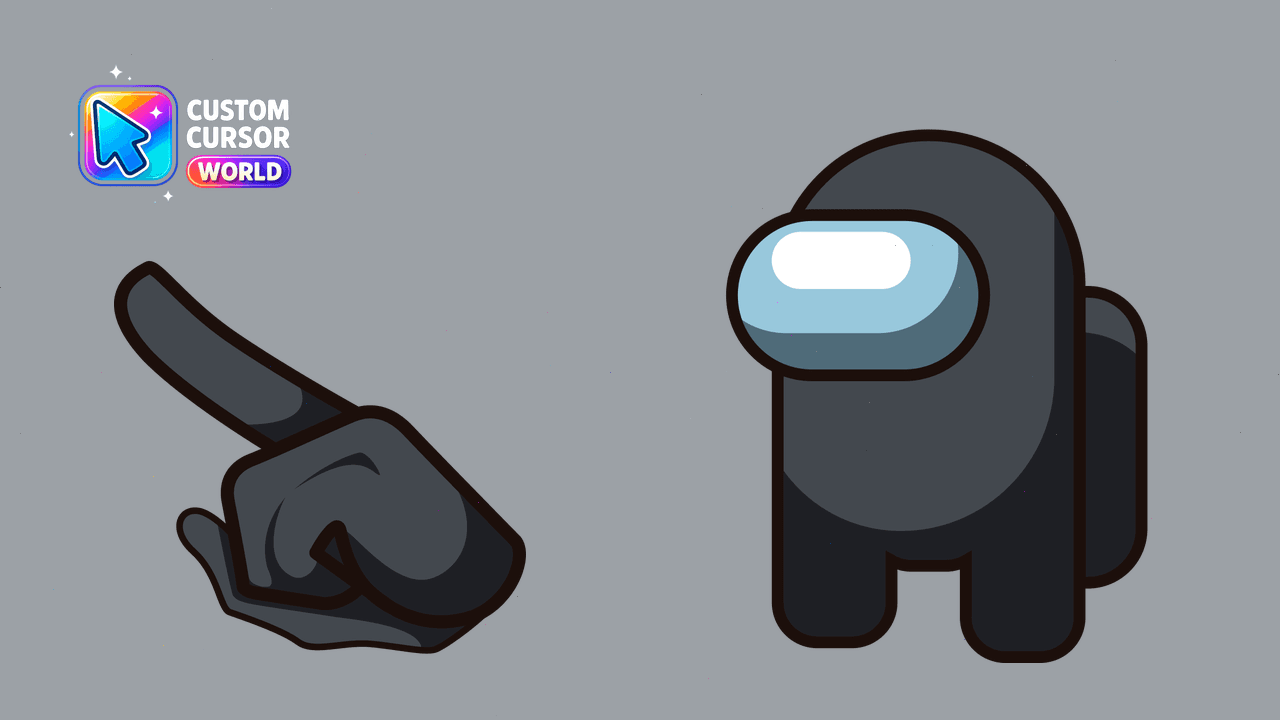
Custom Cursor Pack - Black Among Us Character with 18 color options
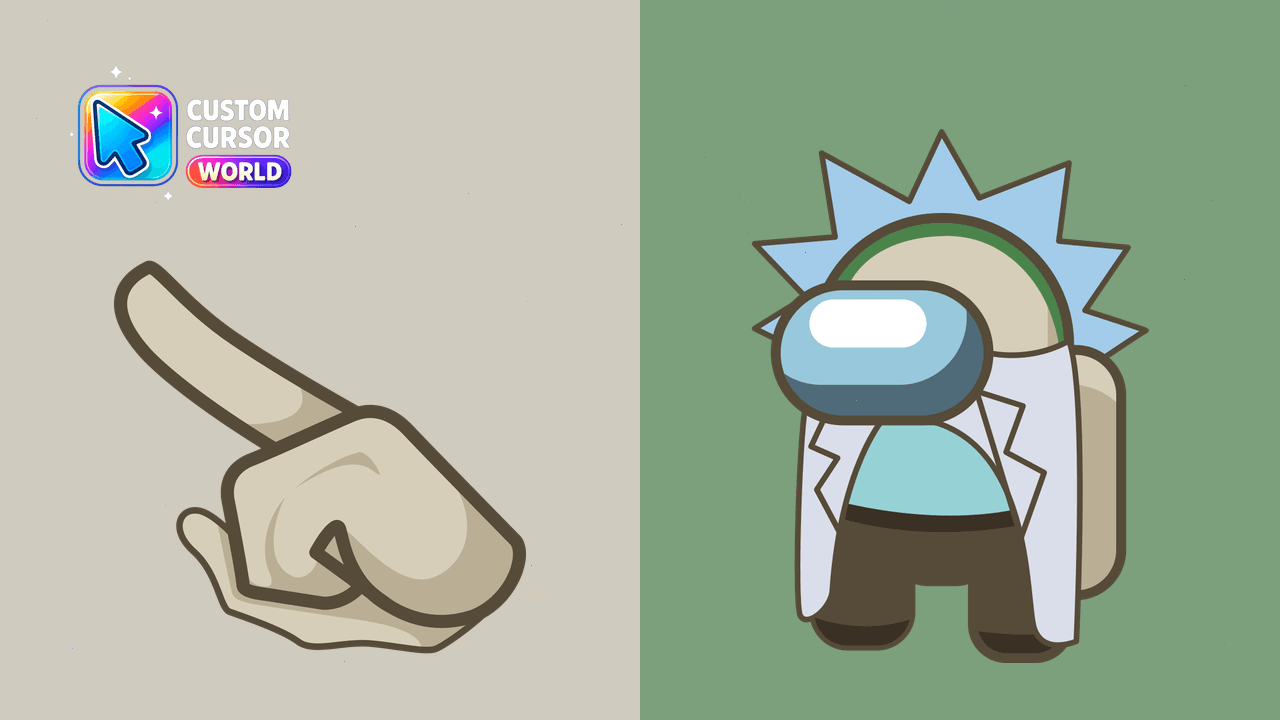
Enhance your cursor collection with the fun 'Rick Sanchez Custom Cursor Pack for Chrome & Edge'.
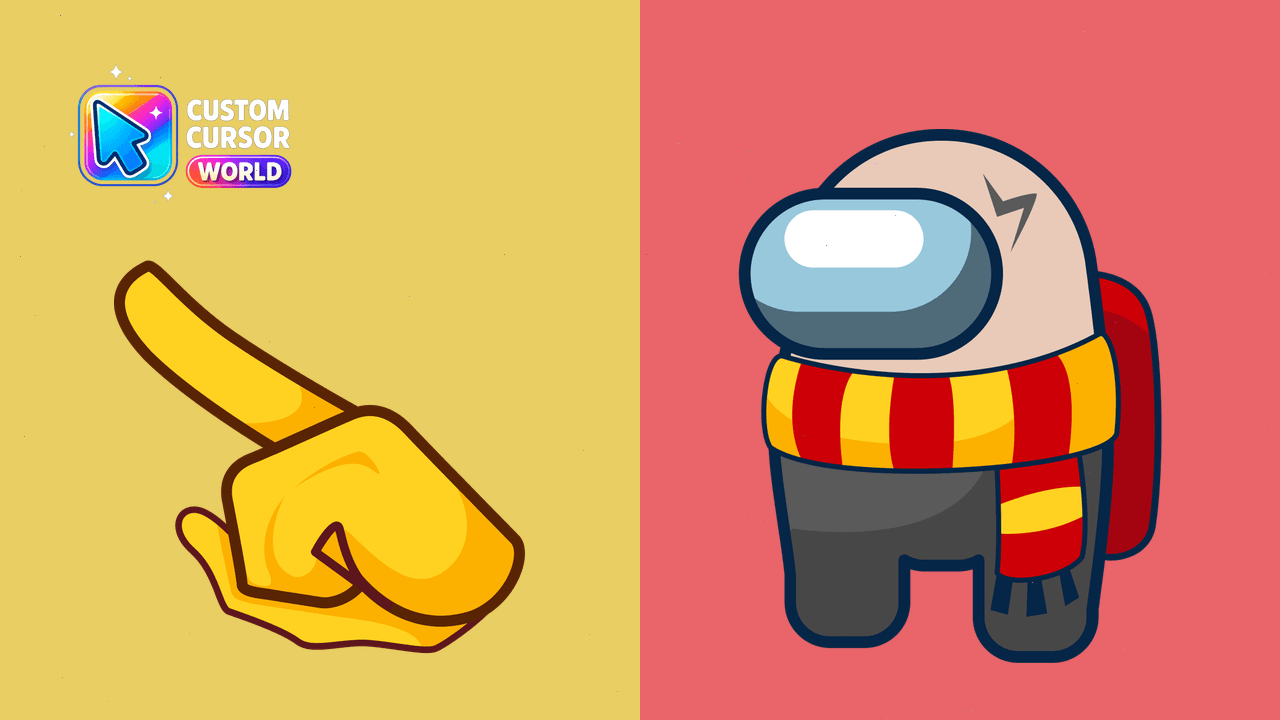
Magically enhance your browser with the Harry Potter Cursor Pack!
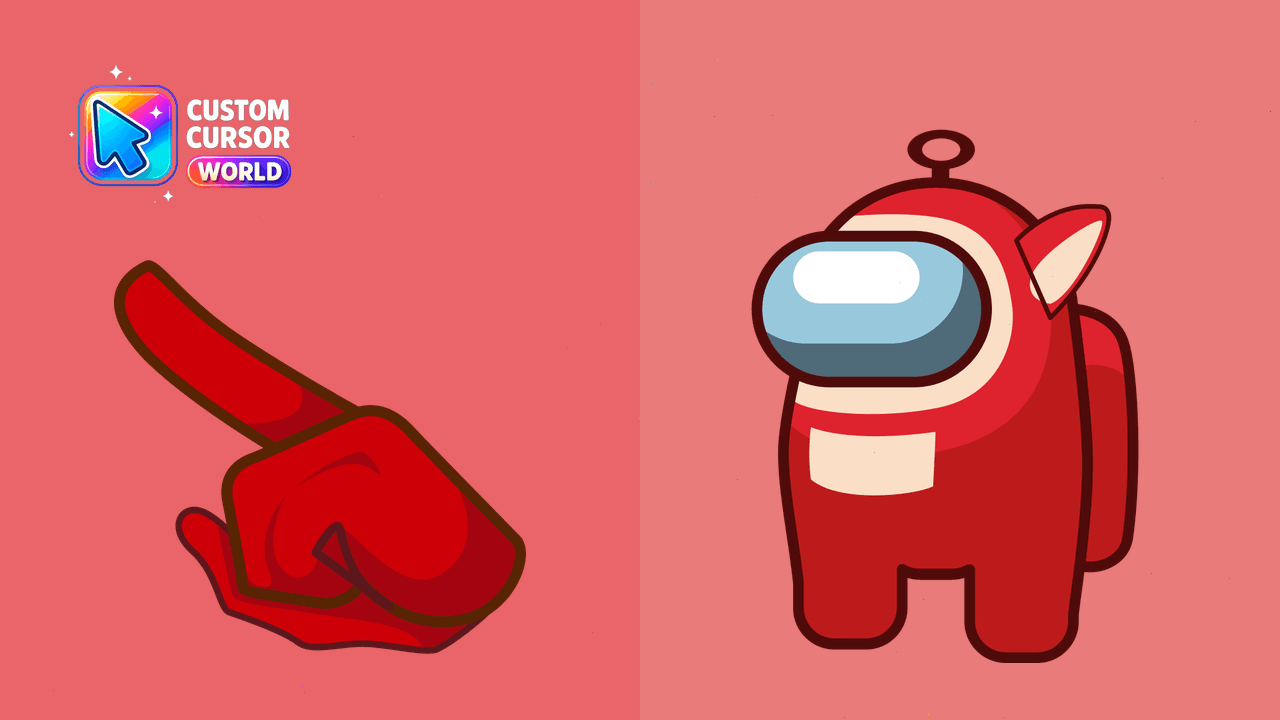
Personalize your mouse pointer with the cute Among Us Teletubbies Custom Cursor Pack!
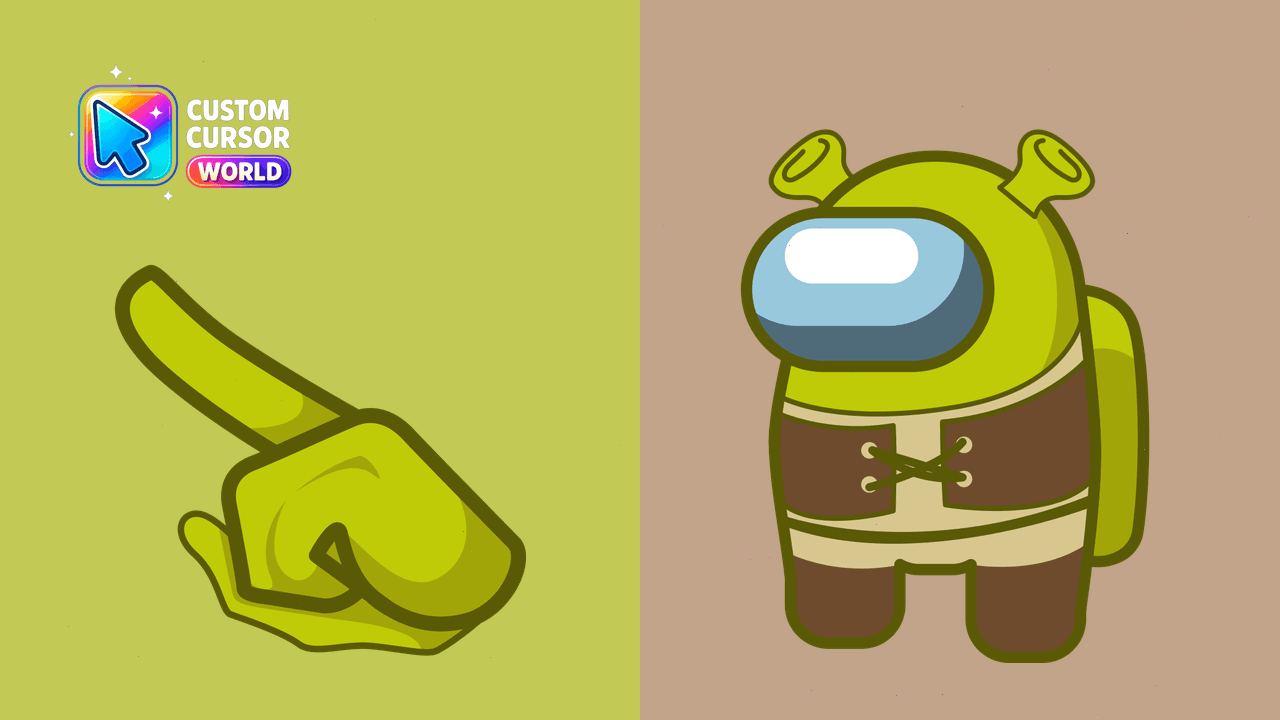
Fun and quirky custom cursor pack featuring the beloved character from 'Shrek'. Perfect for Chrome or Edge browsing experience. Personalize your deskt
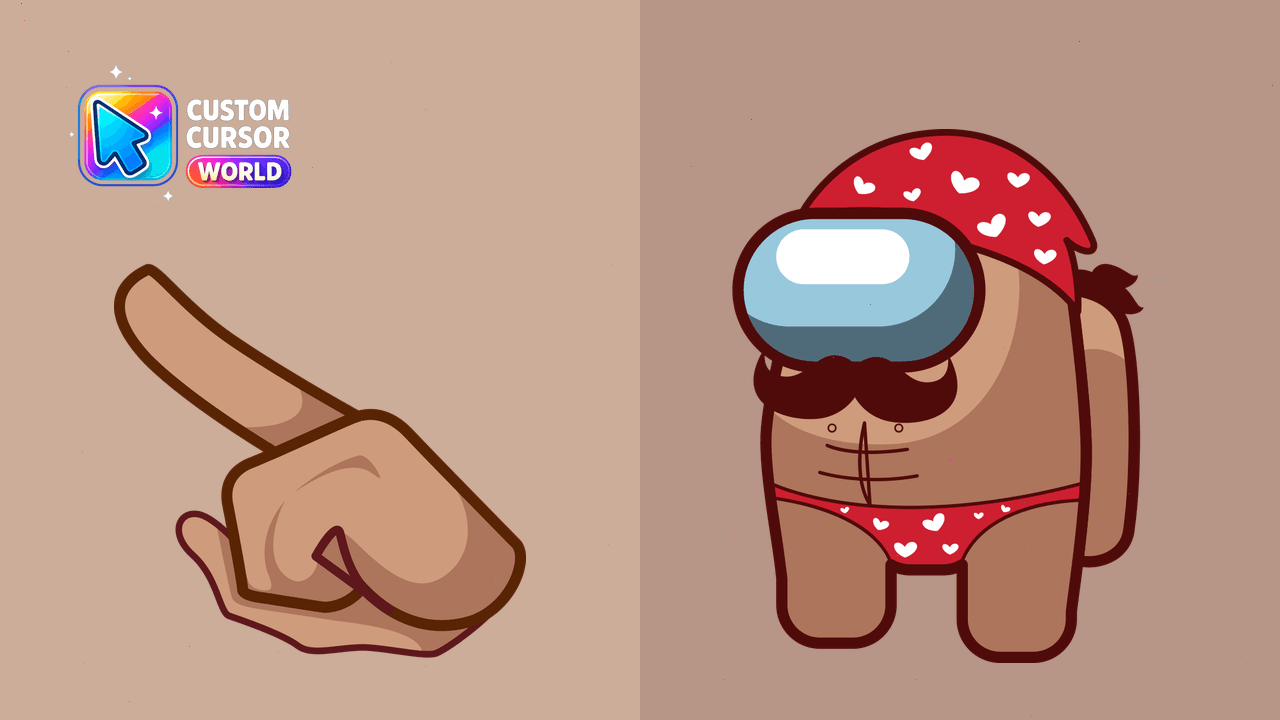
Among Us Macho Cursor Pack - Bold and Courageous Custom Cursors for a Unique Experience
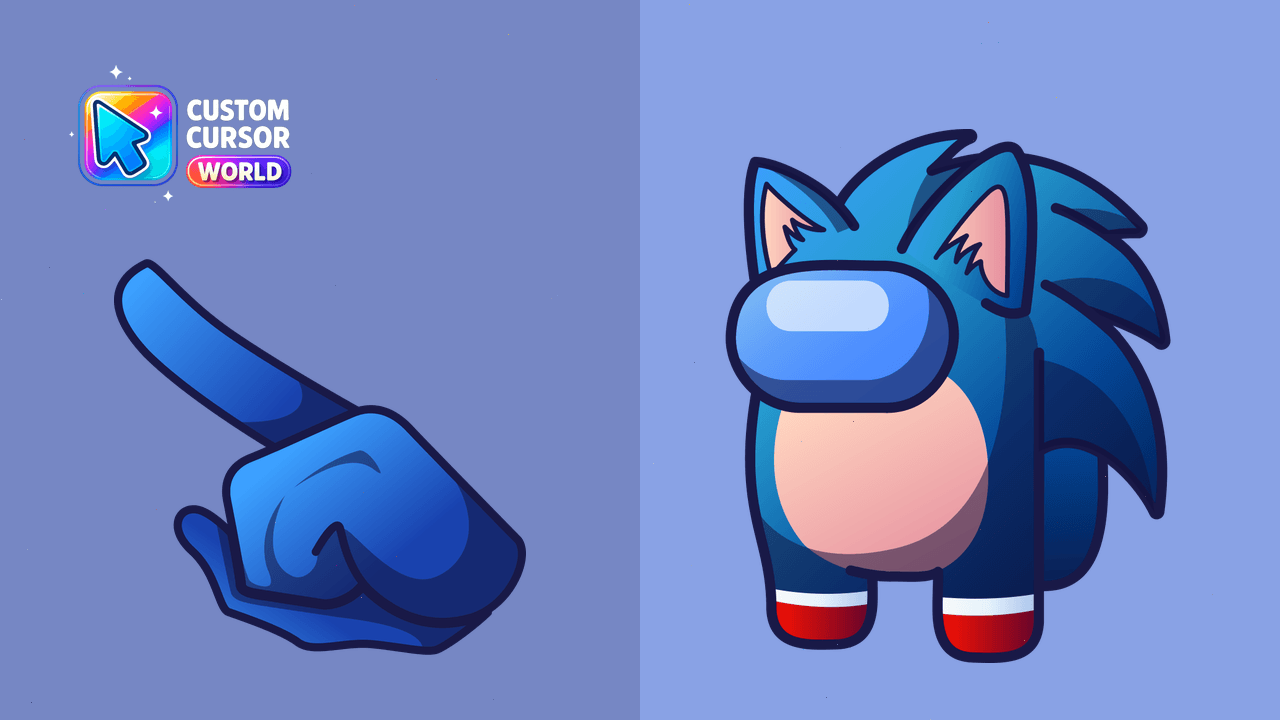
Enhance browser navigation with a delightful Sonic Among Us Custom Cursor Pack designed for Google Chrome and Microsoft Edge, bringing endless fun to
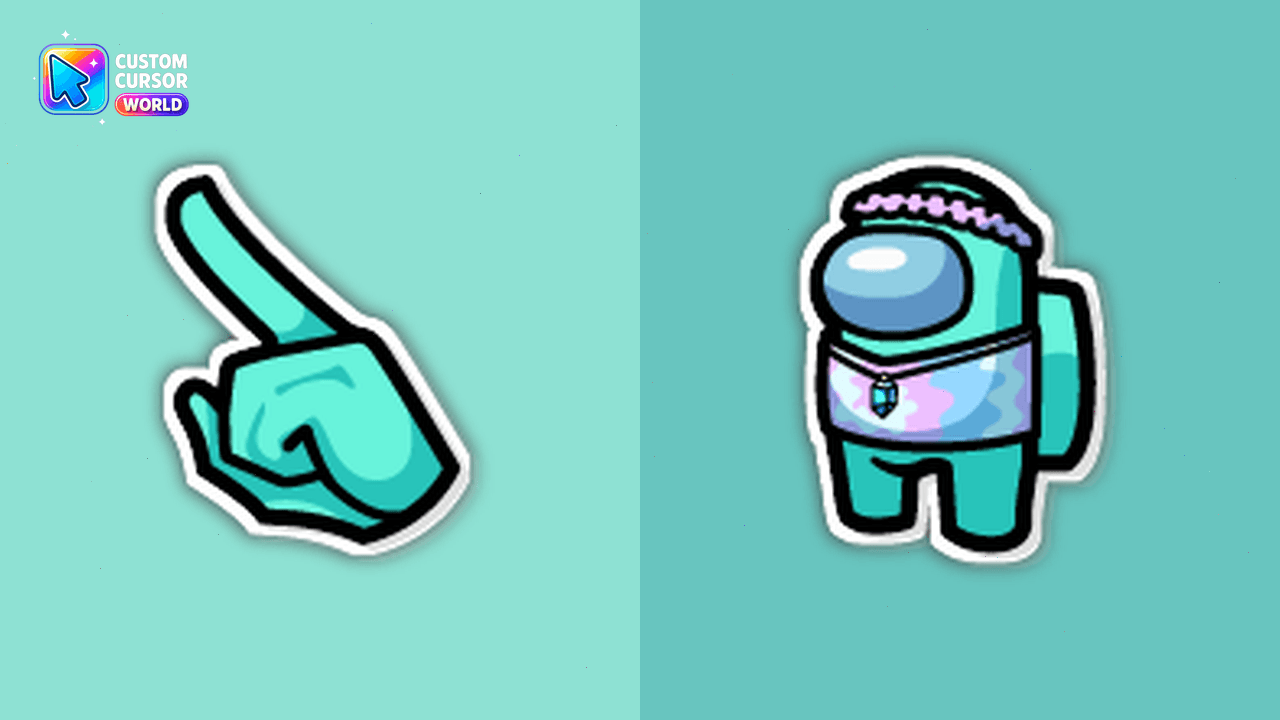
Cyan, also known as Gemologist, is a chill, cheerful member of the Skeld who likes talking about gems, crystals, tarot cards, and good vibes. This fanart Among Us Show Cyan aka Gemologist cursor is ready to bring a bit of magic and fun to your clicks!
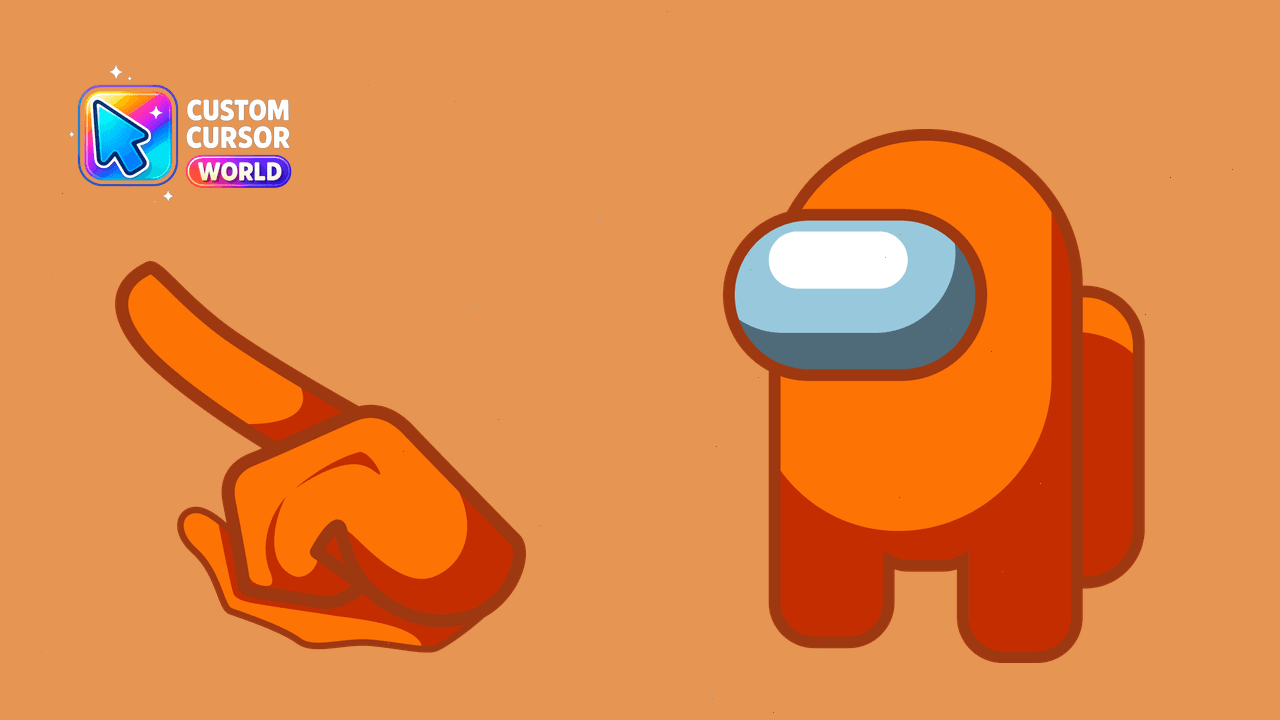
Among Us Cursor Pack: Vibrant Orange Customization, Chrome/Edge Compatible
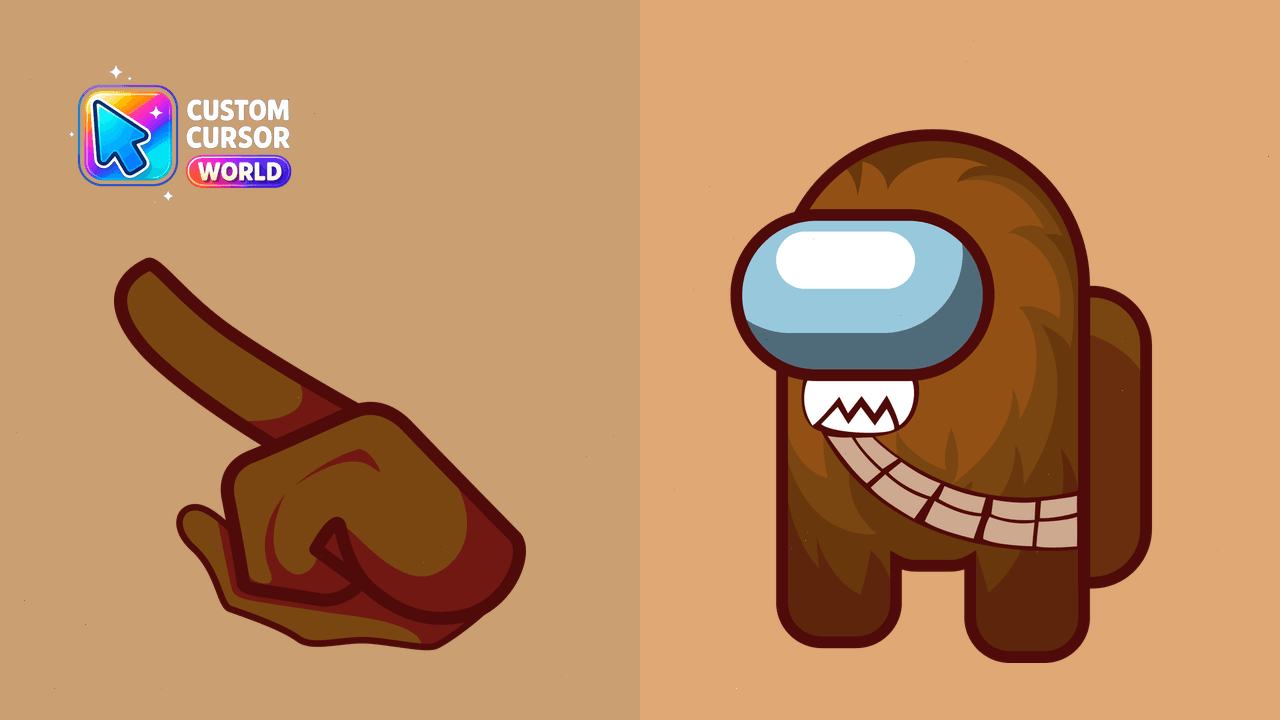
Chewbacca Custom Cursor Pack - Add Star Wars flair to your desktop with this unique cursor pack
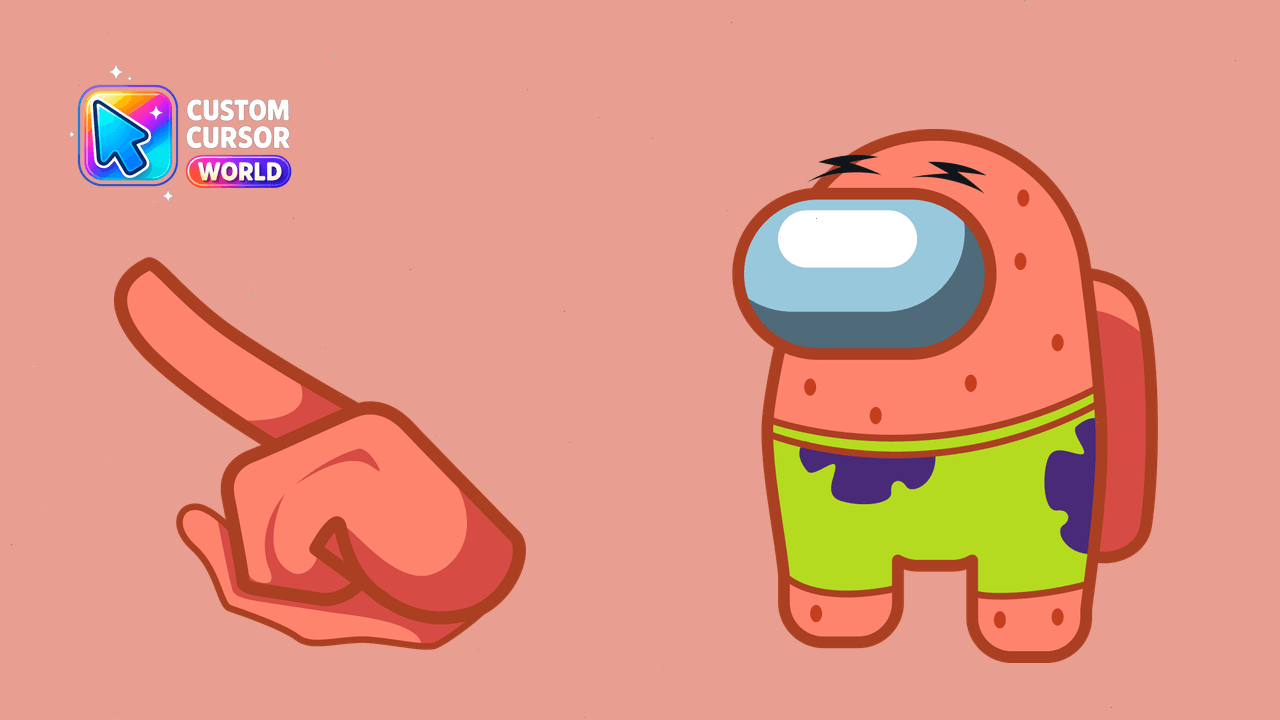
Modern Custom Cursor Pack featuring Patrick Star
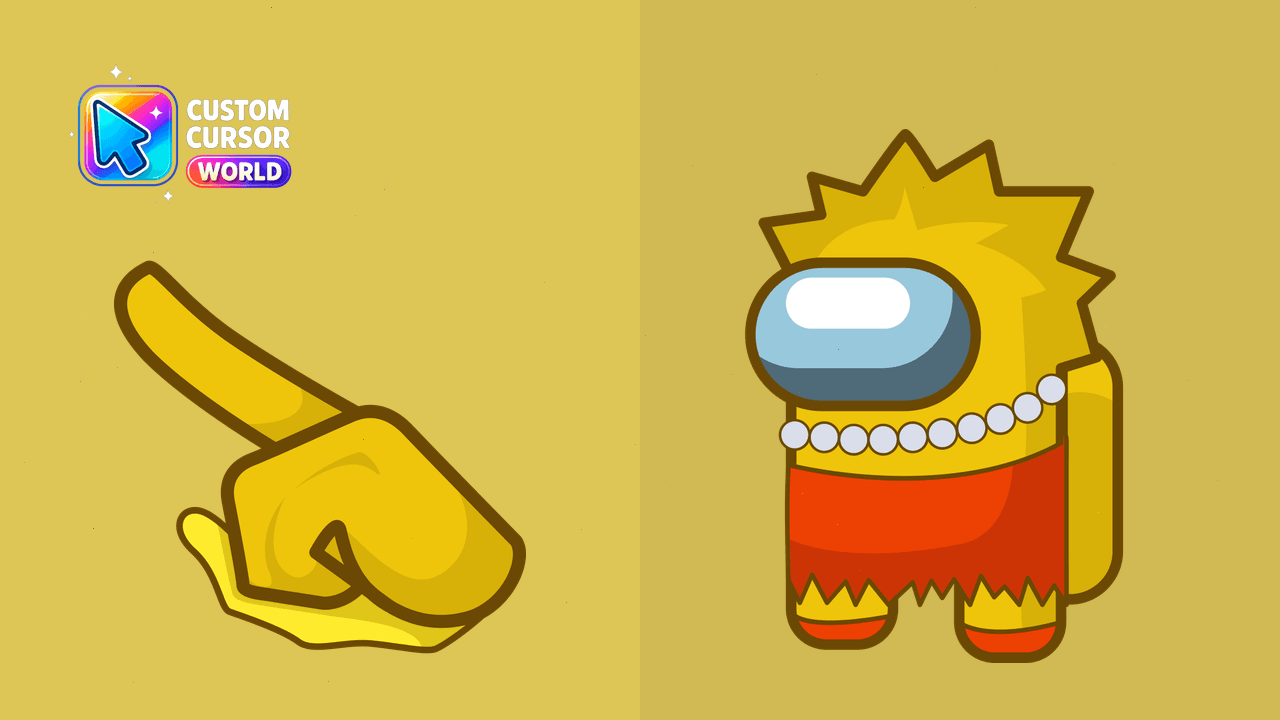
Bring colorful fun to your desktop with Lisa Simpson Custom Cursor Pack for Chrome & Edge
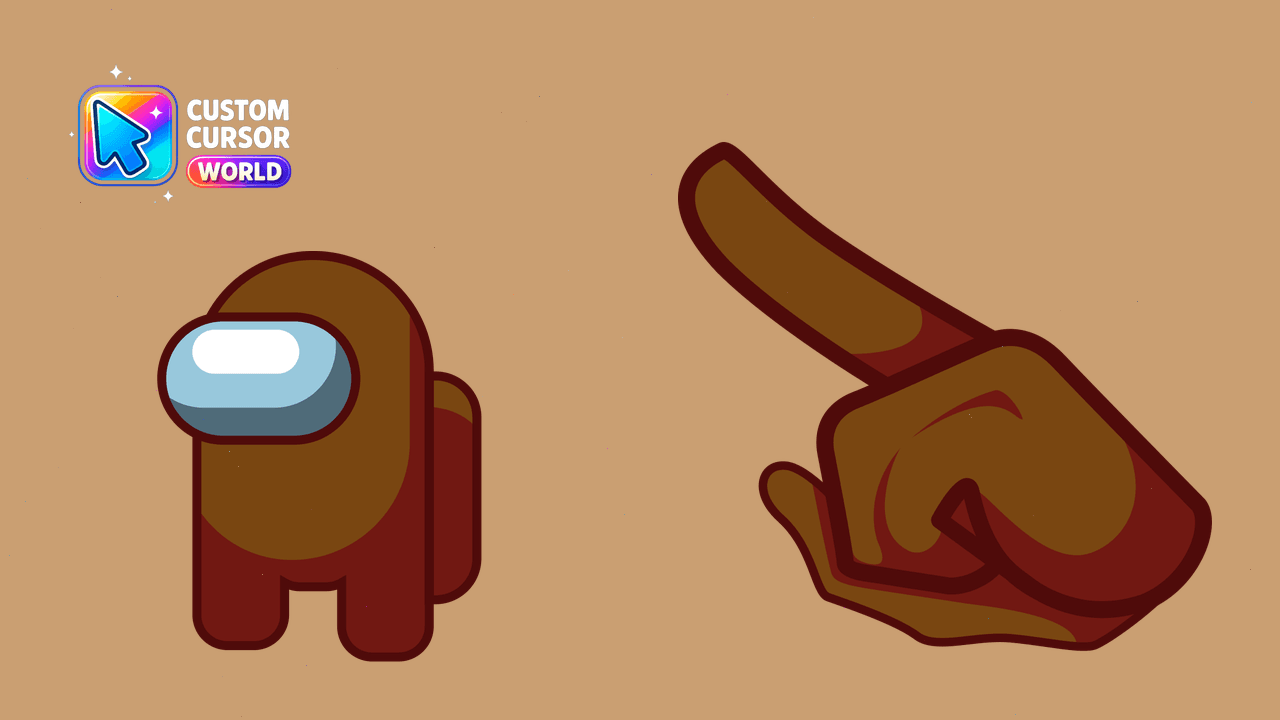
Enhance Your Among Us Experience with Our Custom Cursor Pack
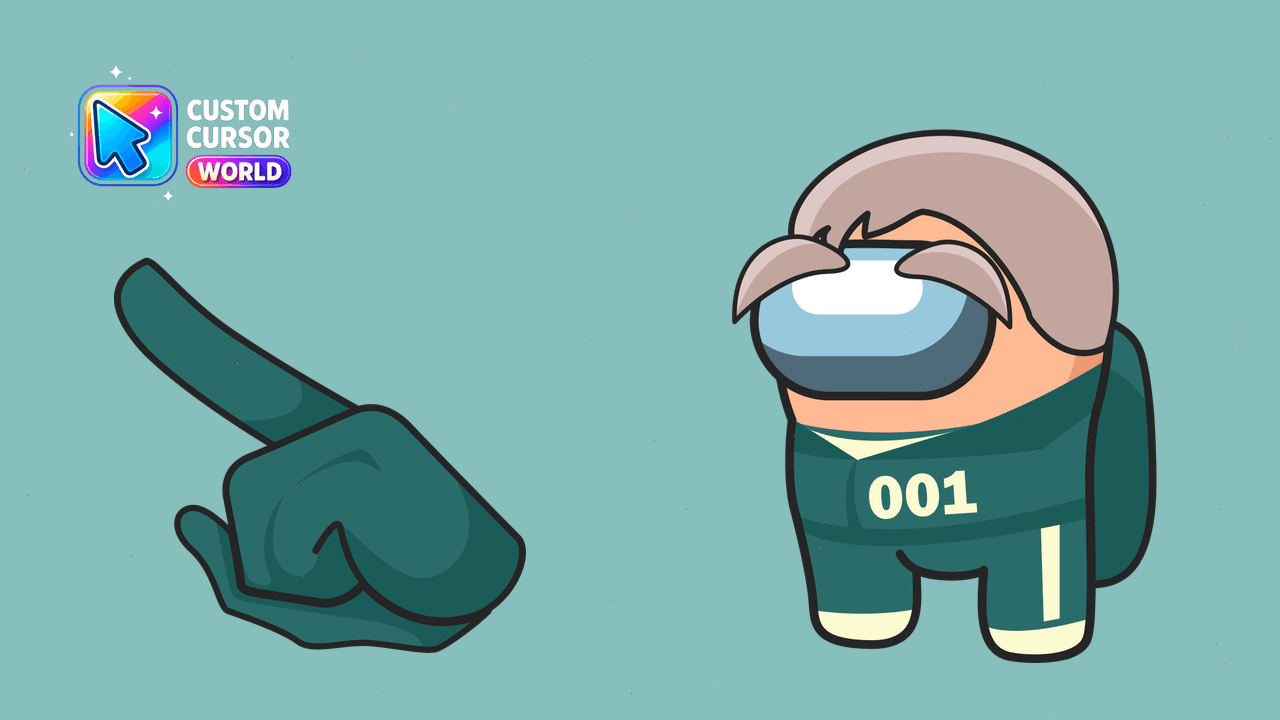
Enhance your browsing experience with customized cursor packs for Chrome or Edge, featuring beloved game characters from Among Us and Squid Game
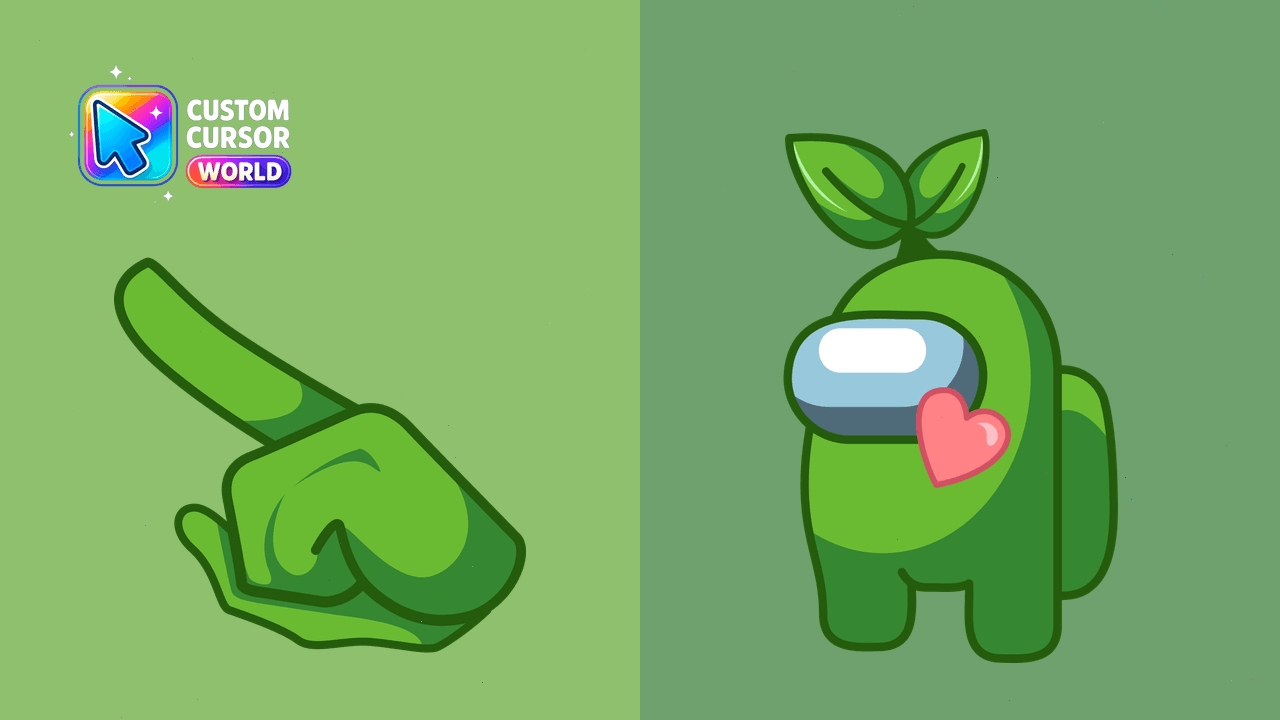
Enhance your cursor game! Get the Among Us Green Leaf Skin Cursor Pack for Chrome & Edge now!
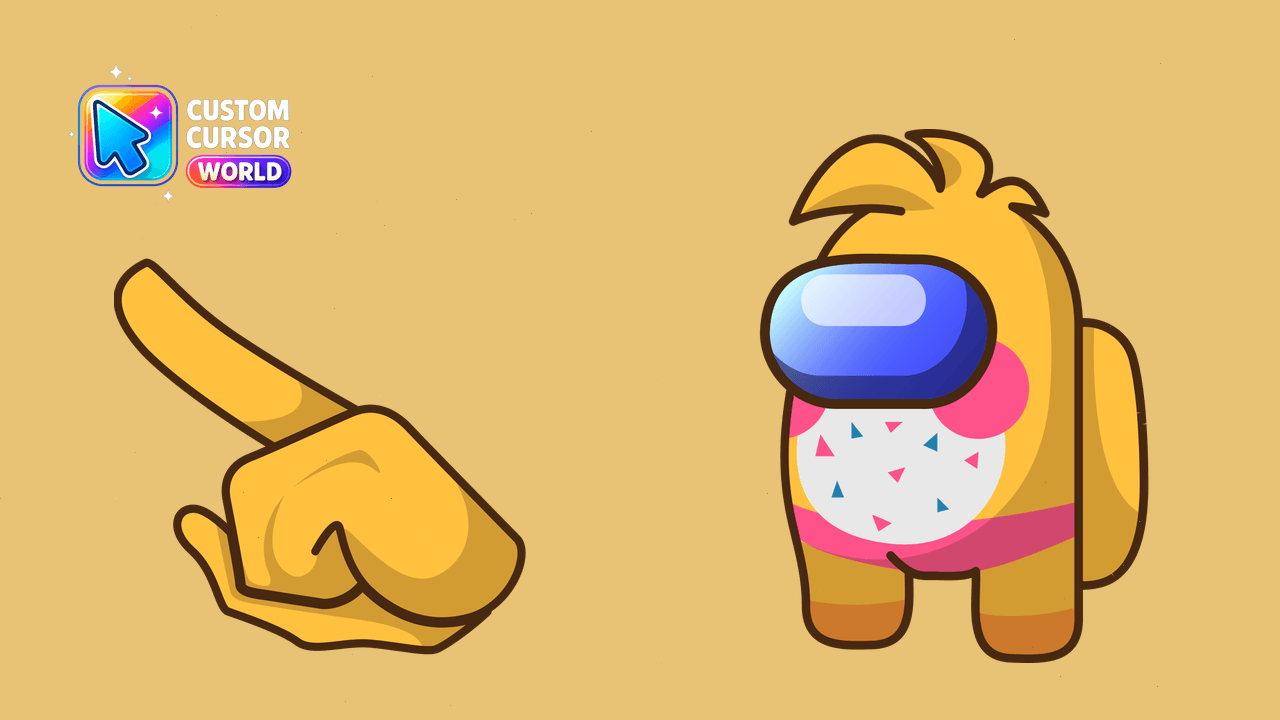
Custom Chica Cursor Pack - Among Us character, compatible with Chrome & Edge, supports Windows cursor pack export
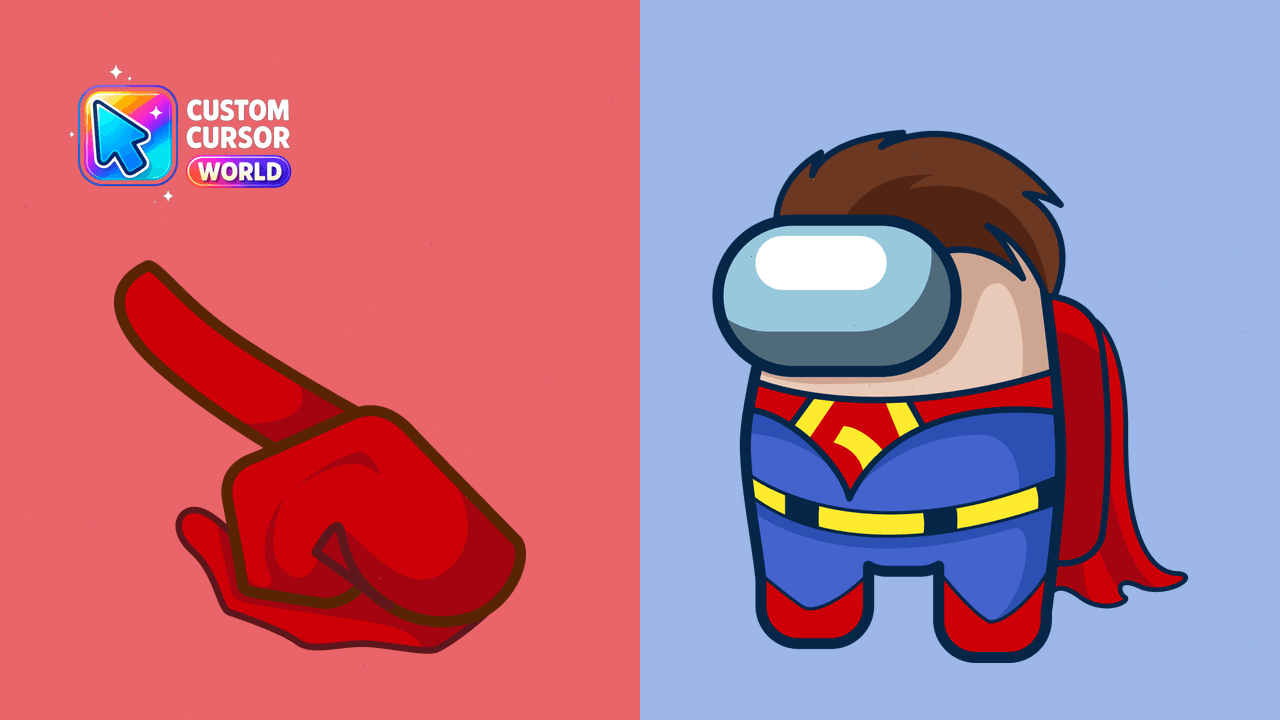
Superman Custom Cursor Pack - Add Superman charm to your desktop!
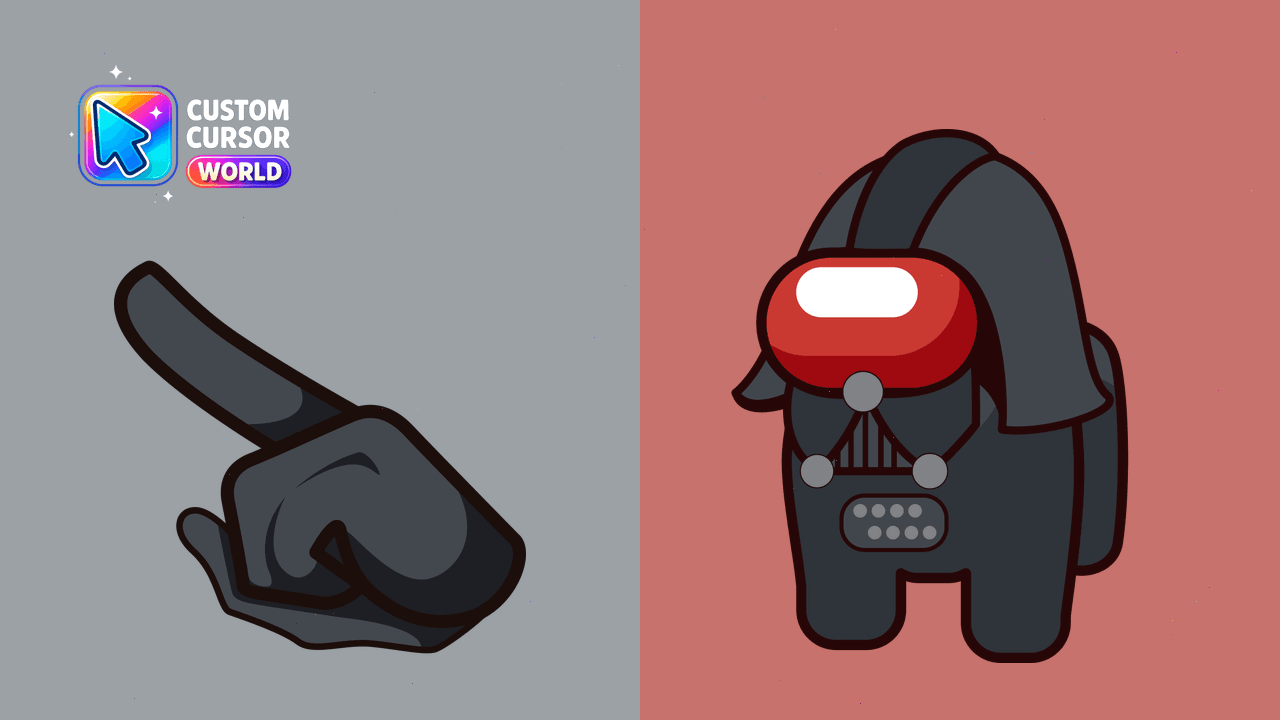
Exclusive Darth Vader custom cursor pack for Windows users.
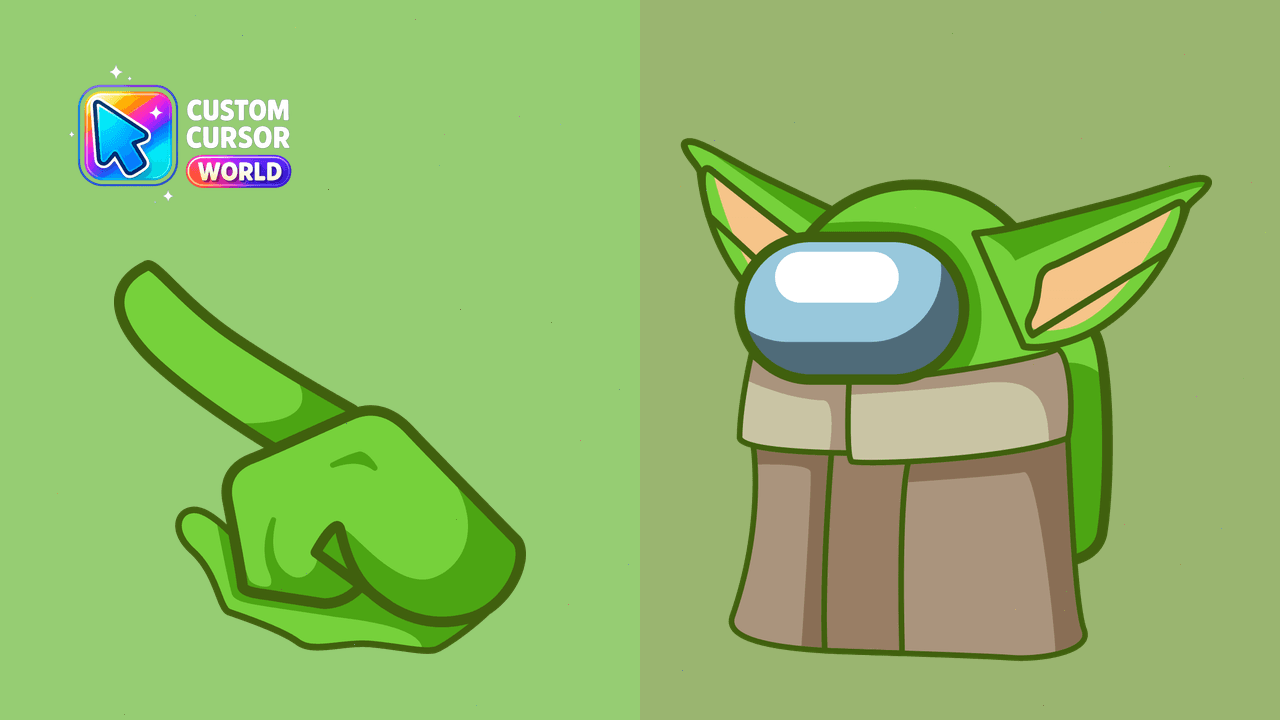
Unique Baby Yoda Custom Cursor Pack for Windows, Chrome & Edge
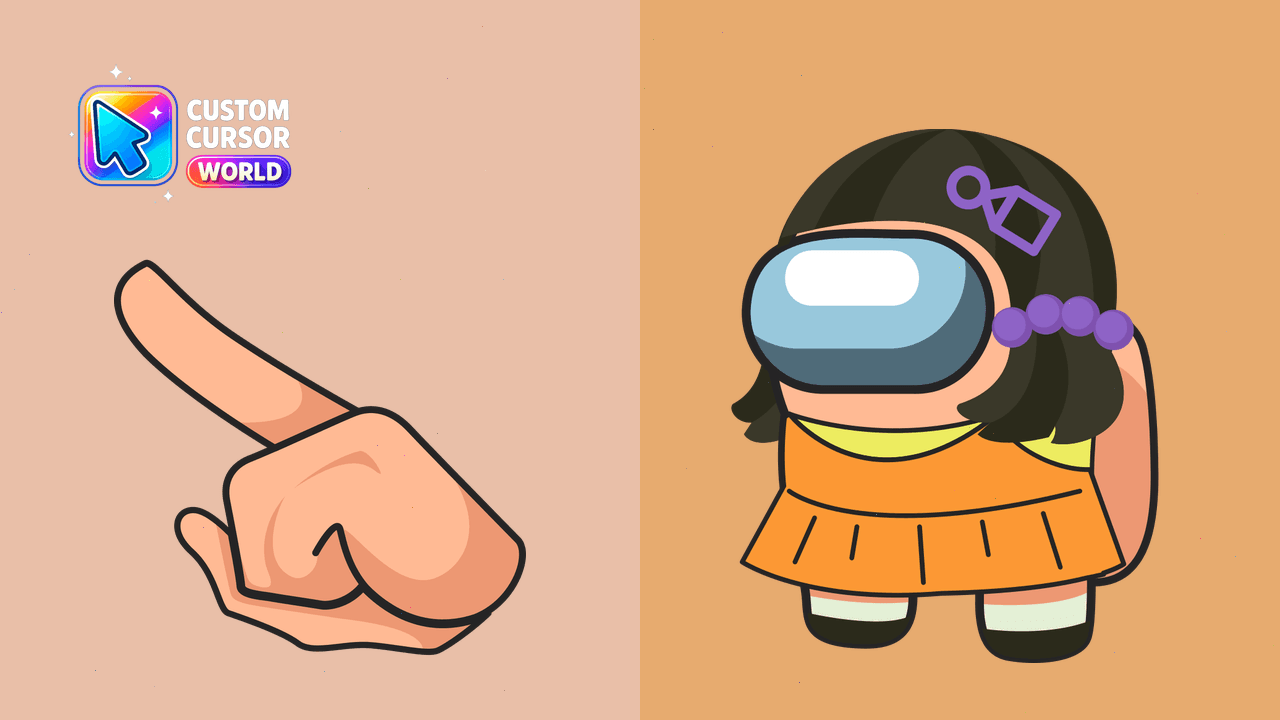
Unique Squid Game Killer Cursor Pack for Chrome and Edge
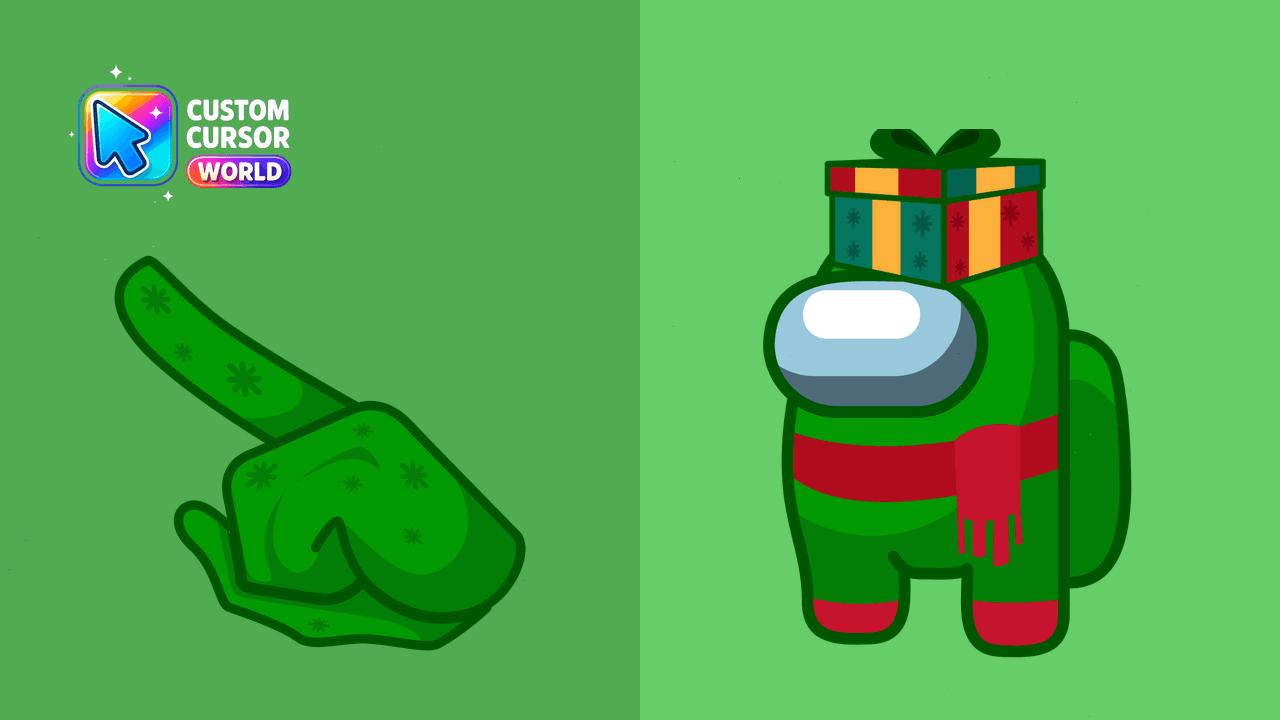
Decorate your browser with our unique and fun Among Us cursors collection
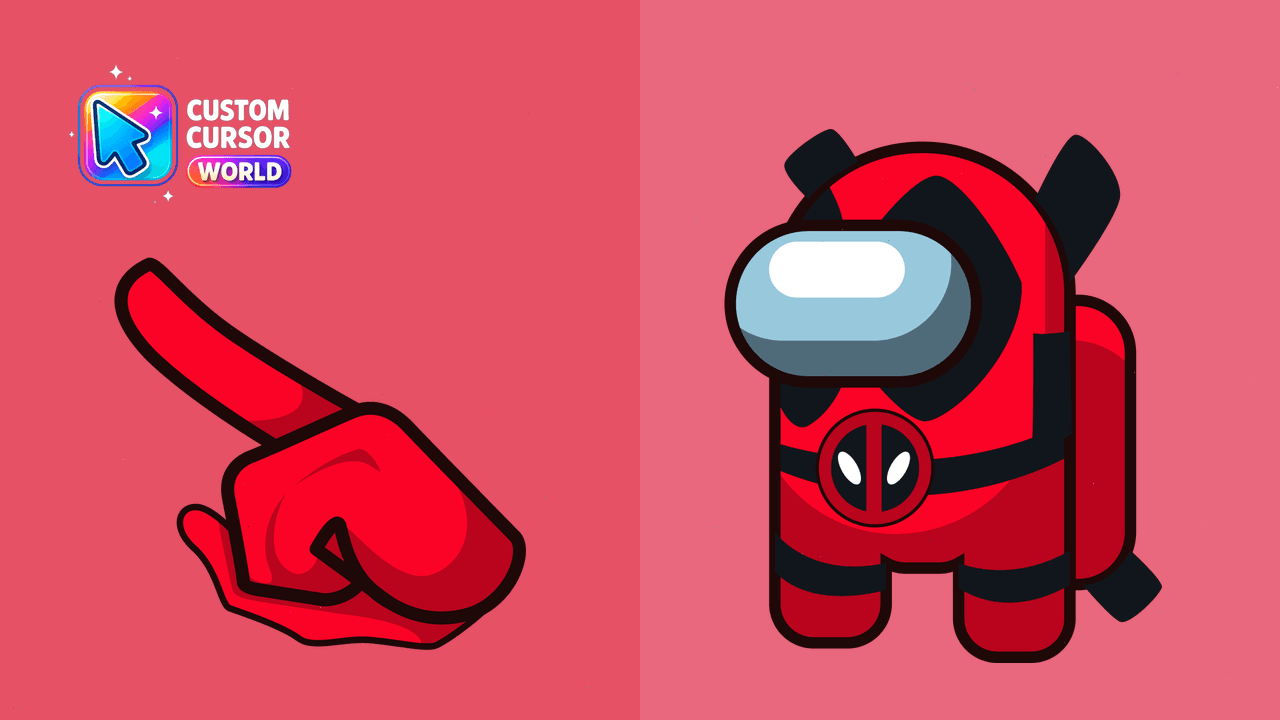
Enhance your online experience with the Deadpool Among Us Cursor Pack - featuring customized cursors for an improved user interface in Chrome, Edge, a
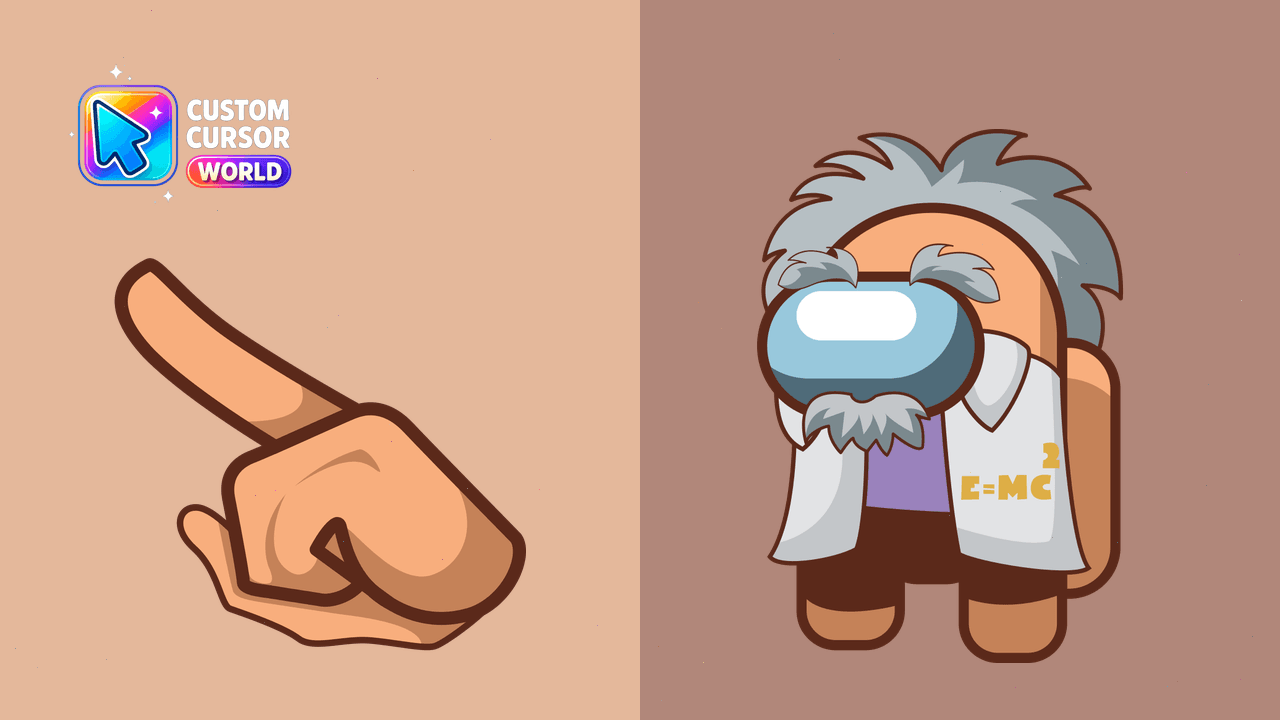
Unleash Einstein's genius on your desktop - enjoy customizable Among Us cursors for Chrome & Edge!
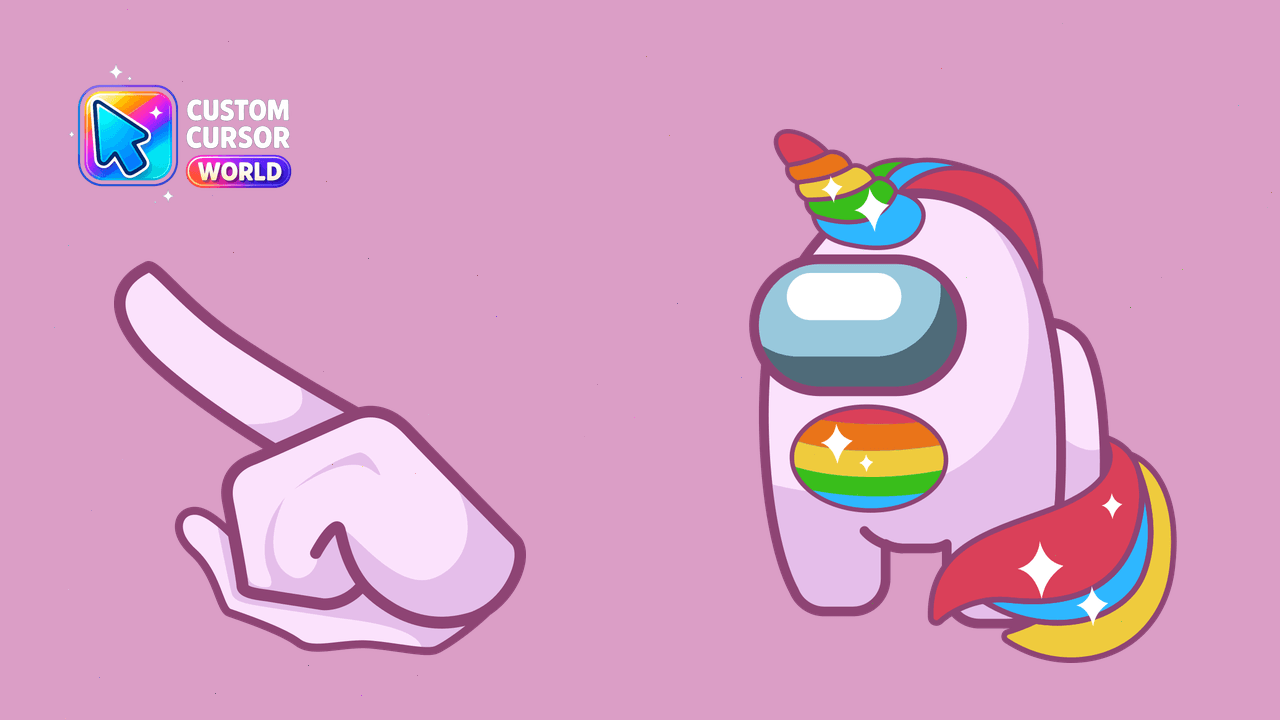
Cute Unicorn Cursor Pack for Windows & Chrome
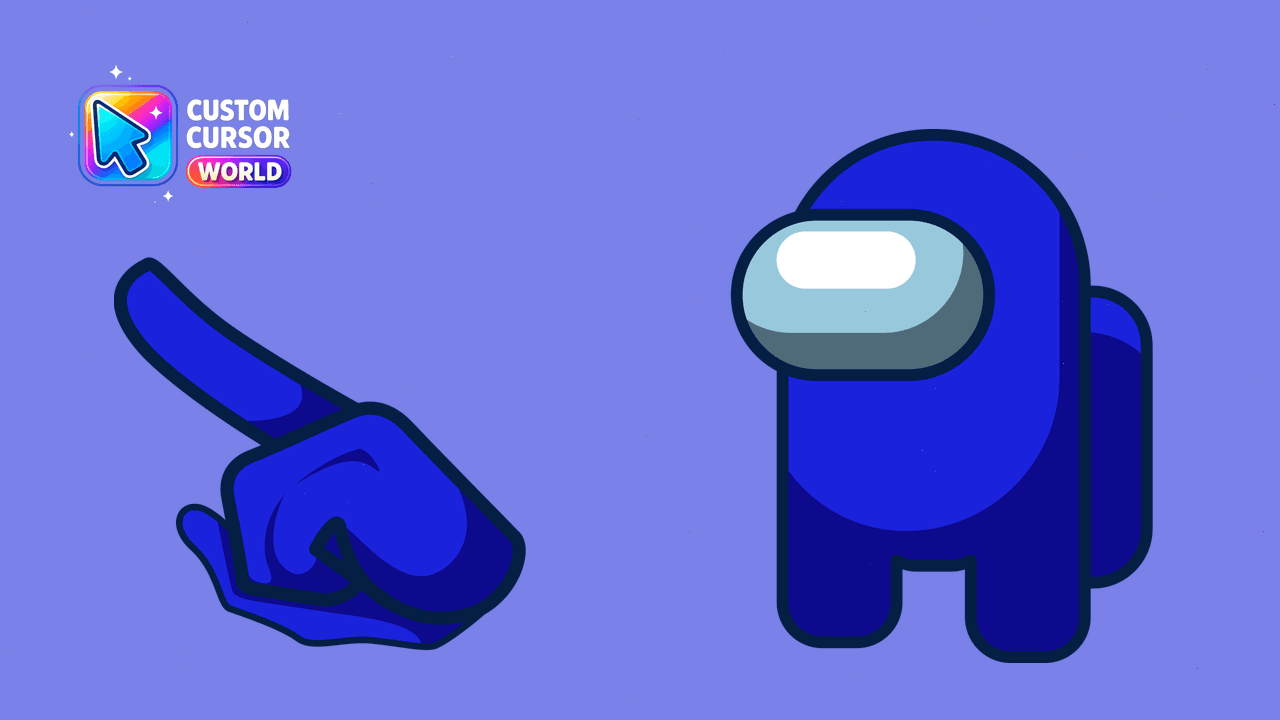
Customize your Among Us gaming experience with our vibrant cursor pack compatible with Chrome and Edge browsers. Browse through 18 unique color option
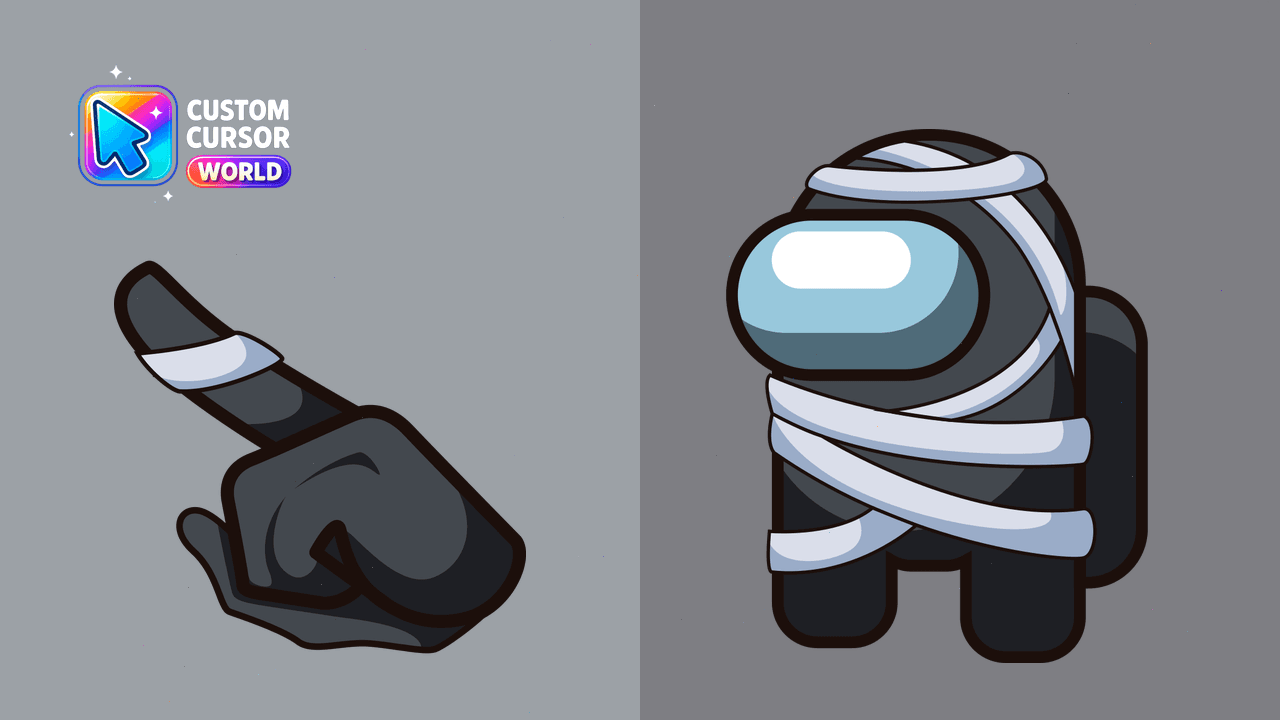
Vibrant Among Us Mummy cursor for Chrome & Edge
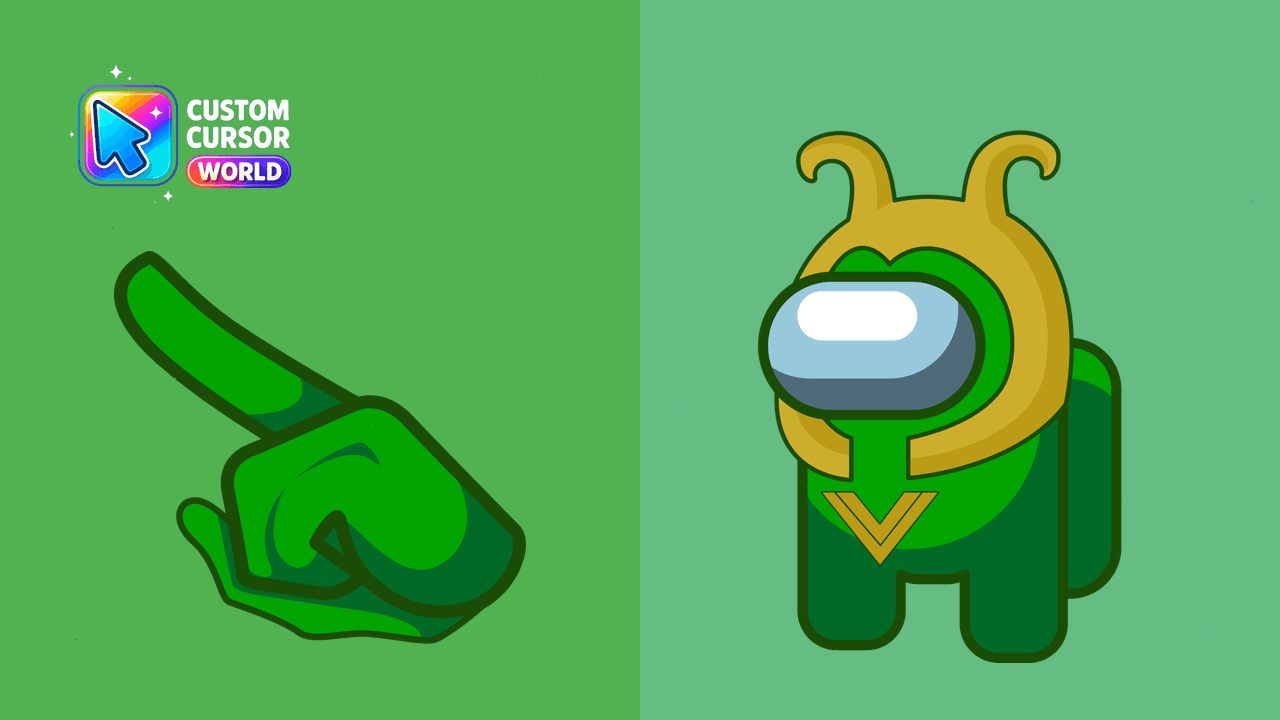
Enhance your browsing with Loki's Custom Cursor Pack - Among Us collection, compatible with Chrome, Edge and Windows
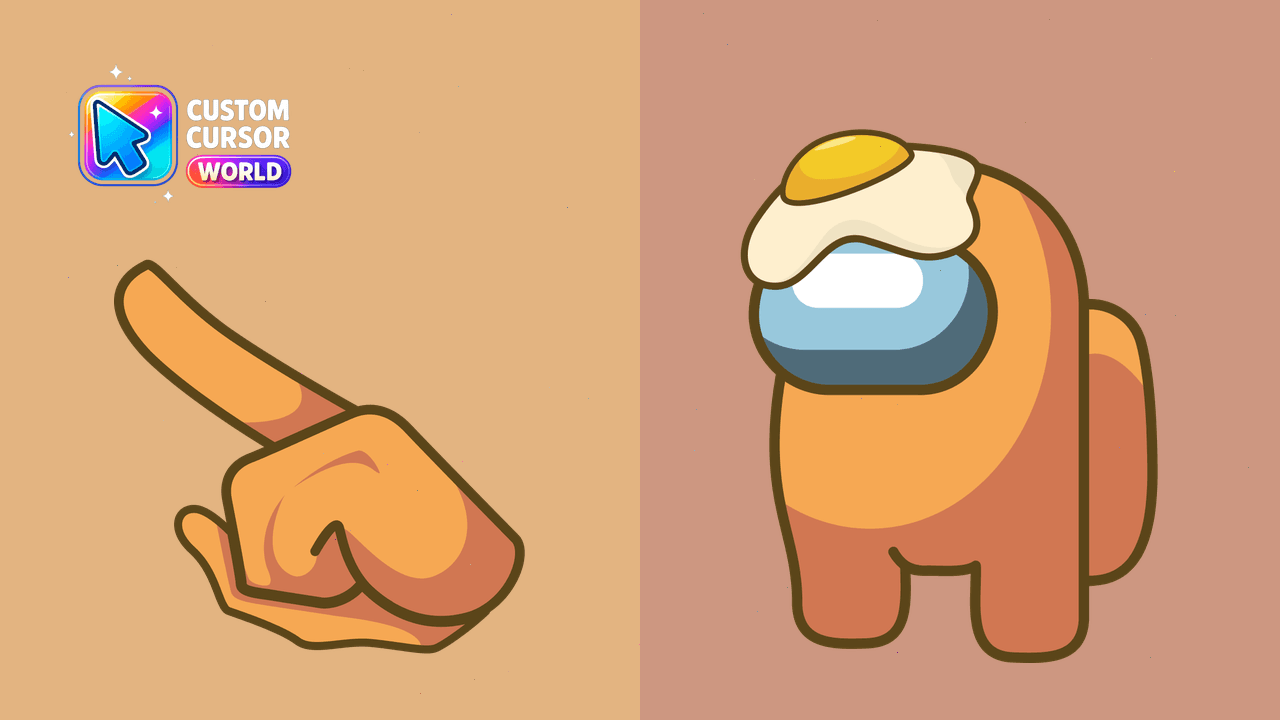
Add a personal touch with the orange character from Among Us as part of our customizable cursor pack for Chrome and Edge browsers
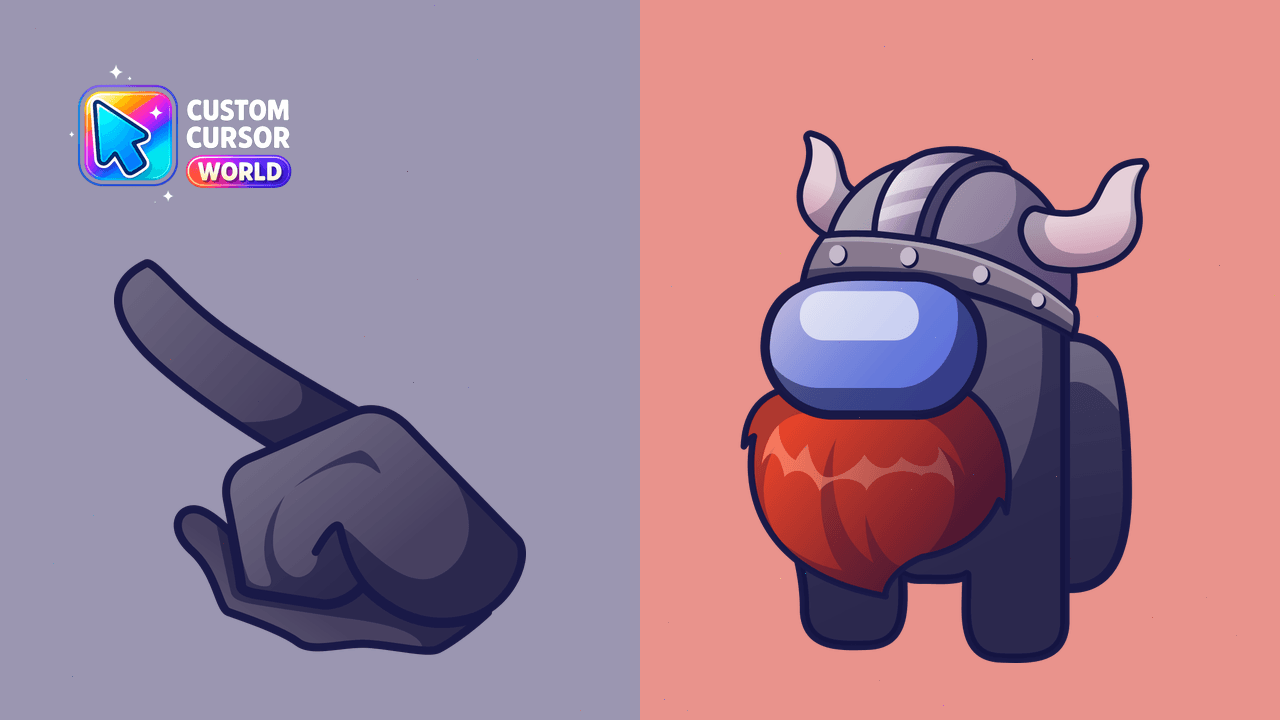
Customized Viking Cursor Pack - Amidst Among Us Collection
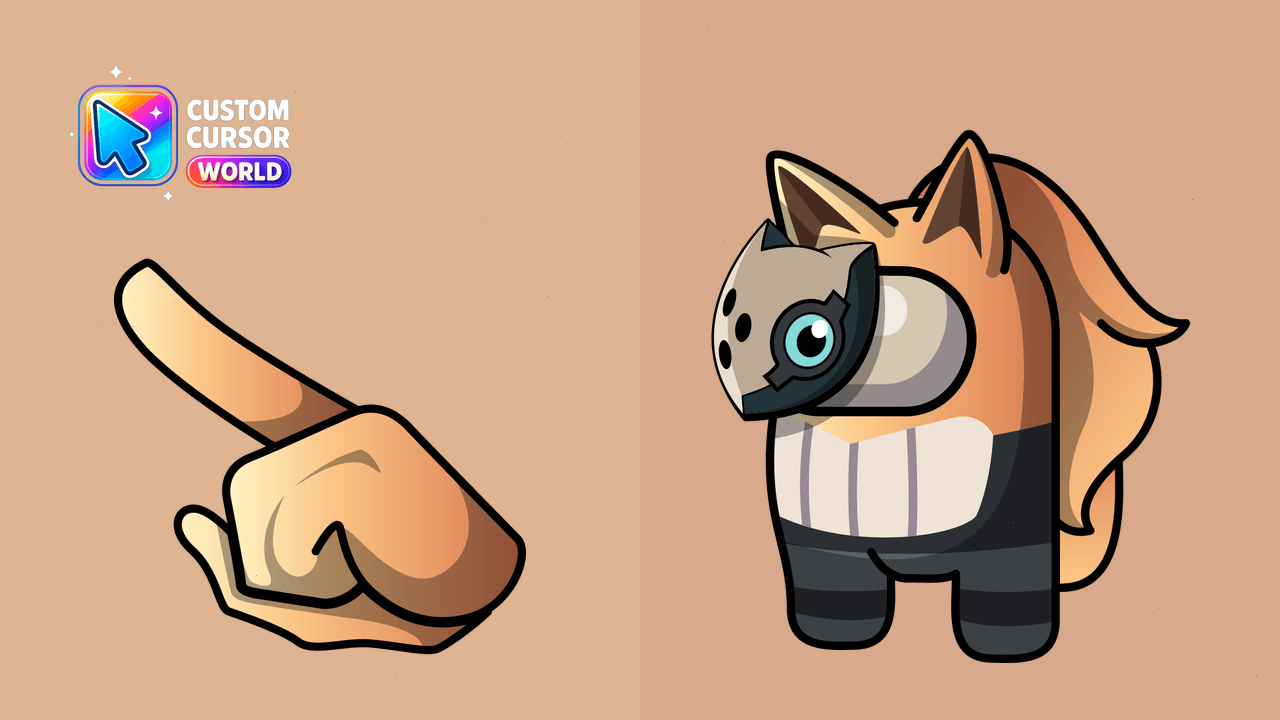
Unique Whisper the Wolf Custom Cursor Pack available in Chrome & Edge
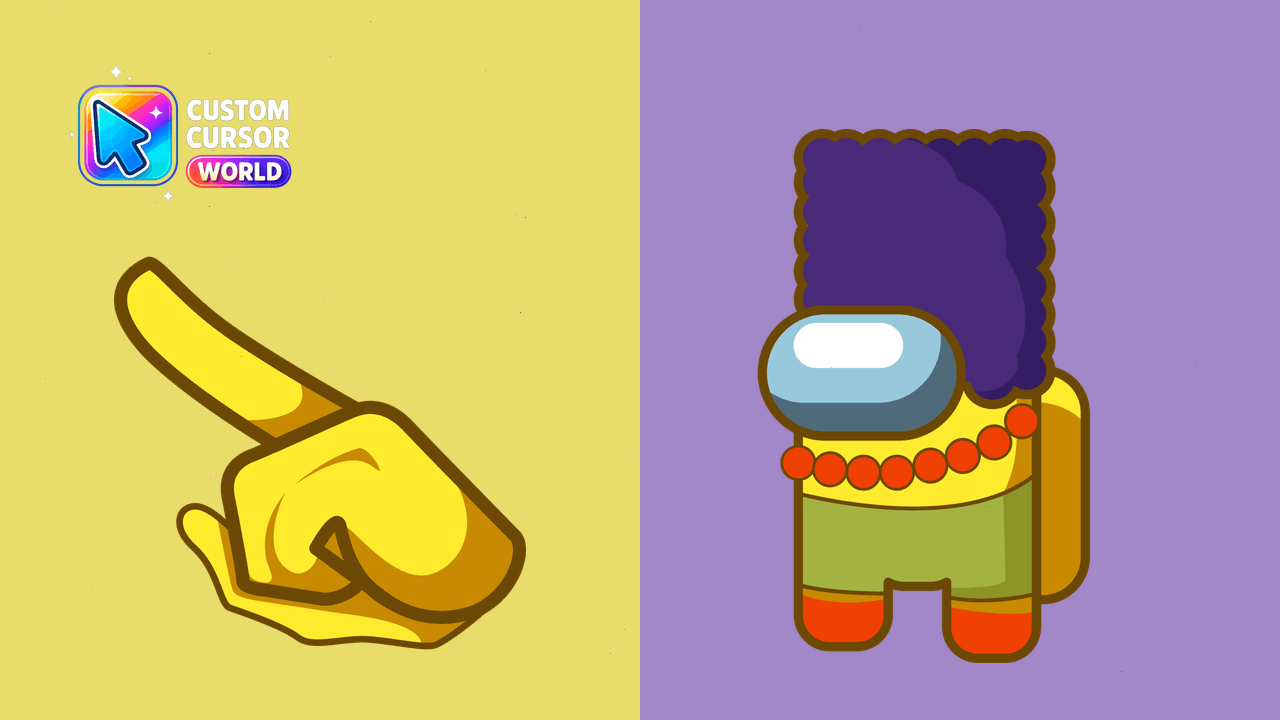
Add fun with Marge Simpson's iconic look in your browser as a custom cursor pack!
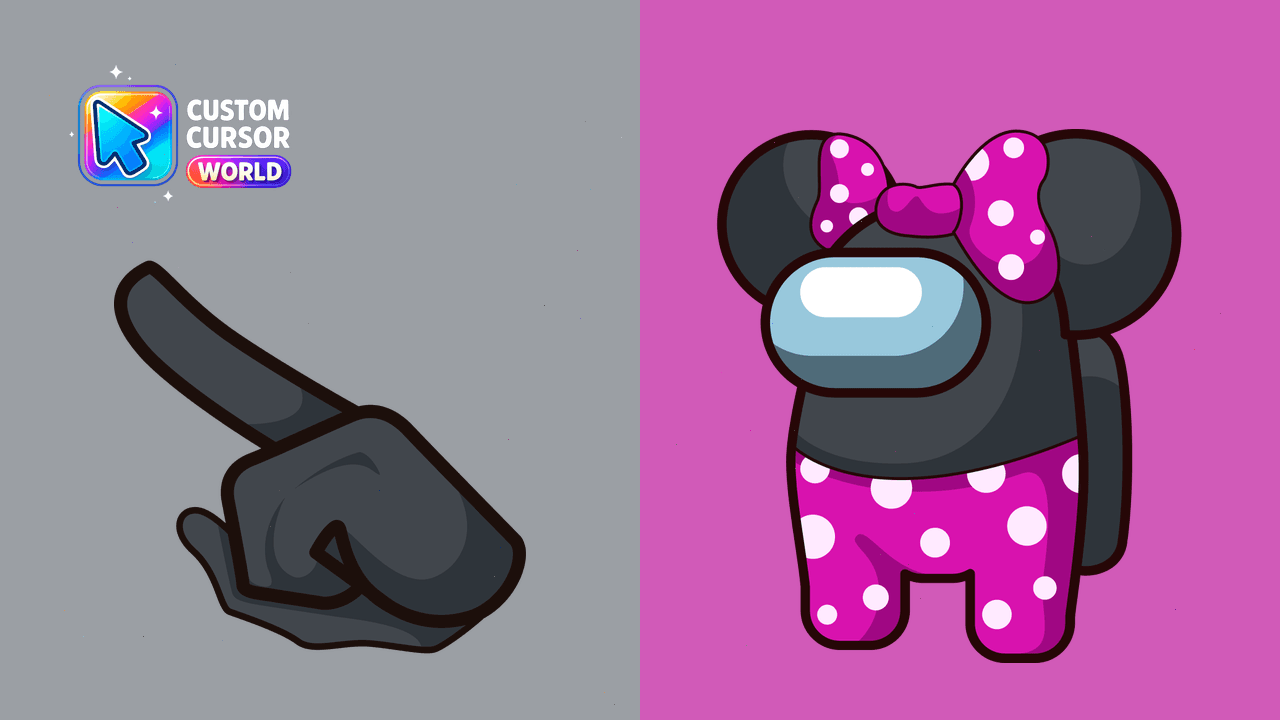
Customize your digital world with the delightful Among Us Minnie Mouse Cursor Pack, featuring fun-filled designs perfect for Windows, Chrome, and Edge
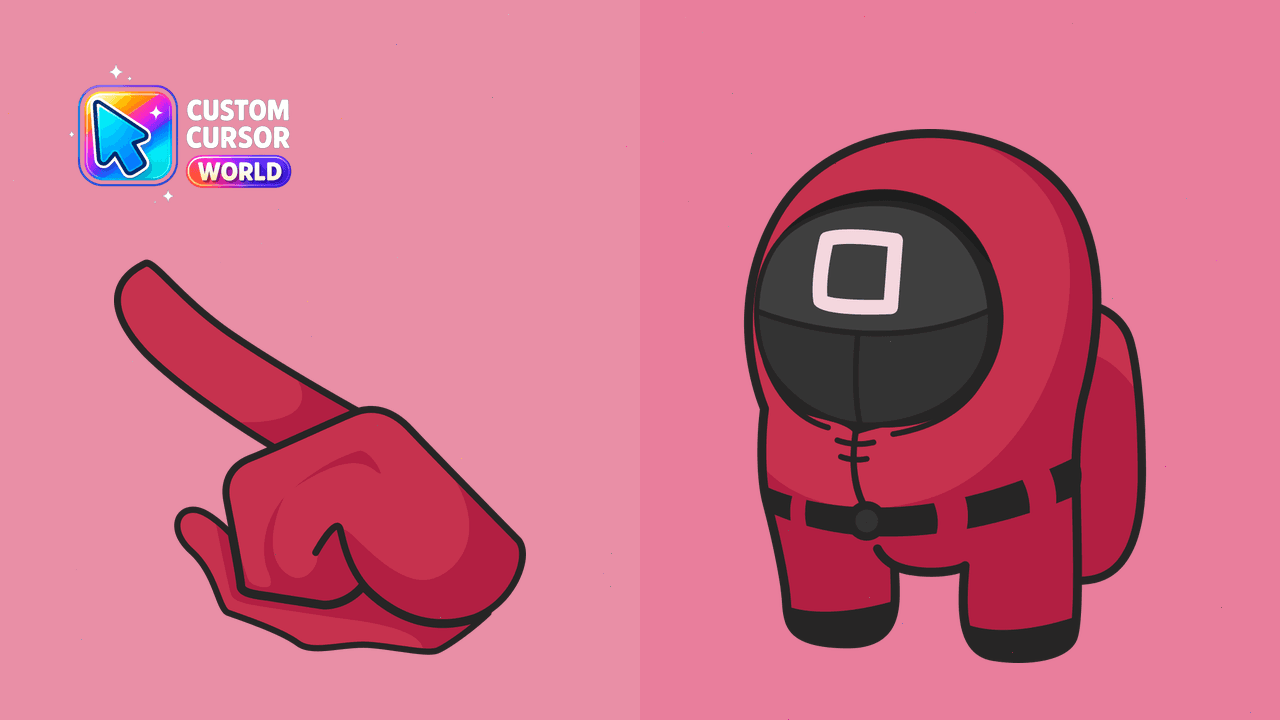
Get the Among Us Officer Cursor Pack for Chrome or Edge now!
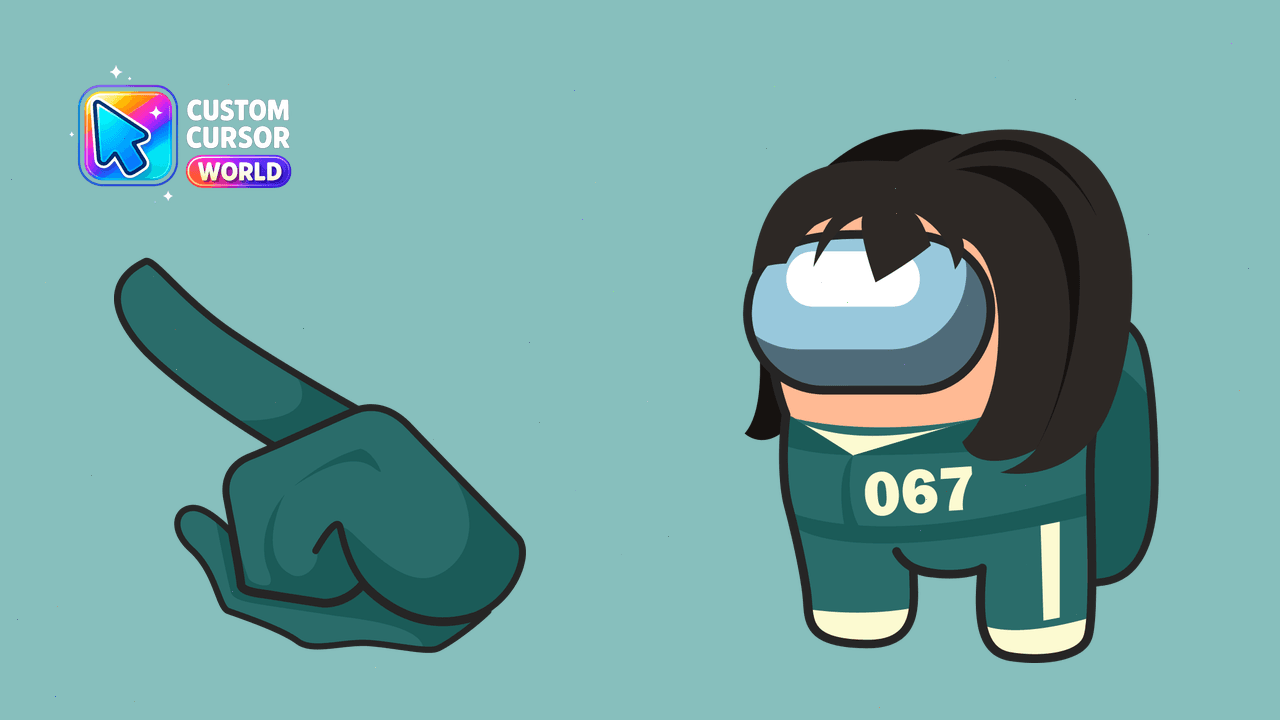
Customizable Among Us Squid Game cursors for Windows & Chrome
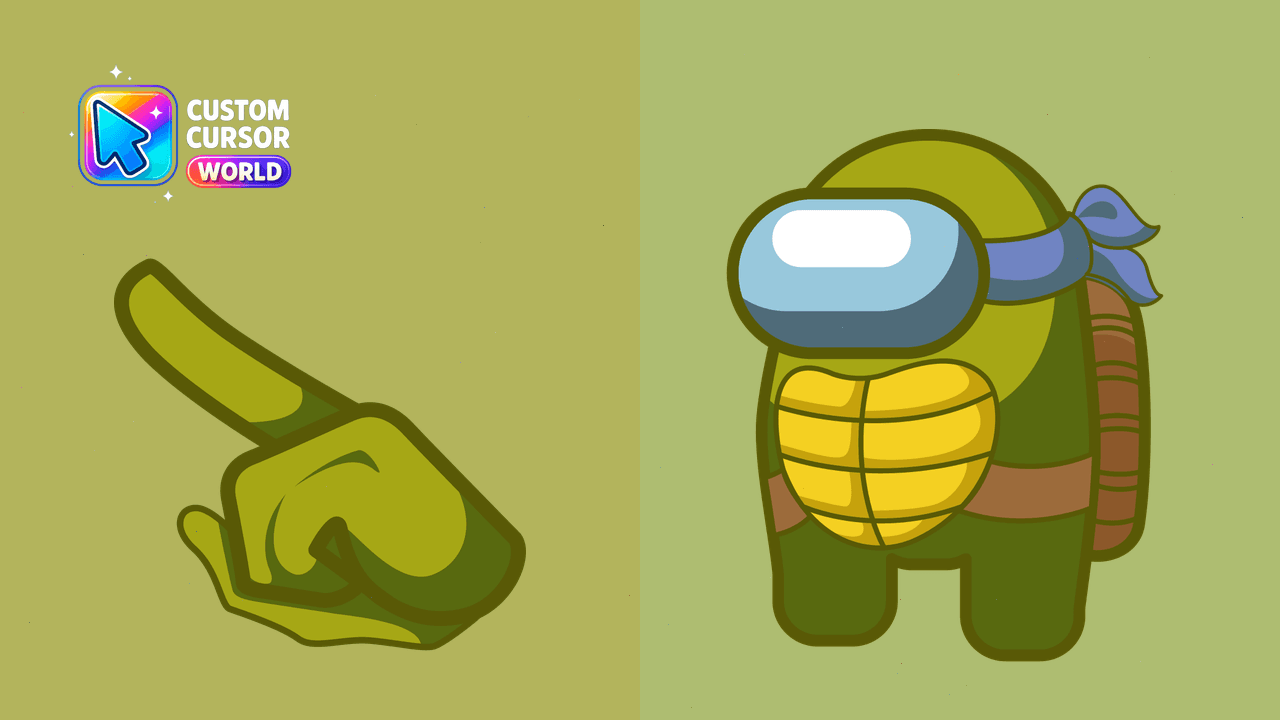
Among Us Ninja Turtle Custom Cursor Pack - Add a touch of gaming fun to your web browsing!
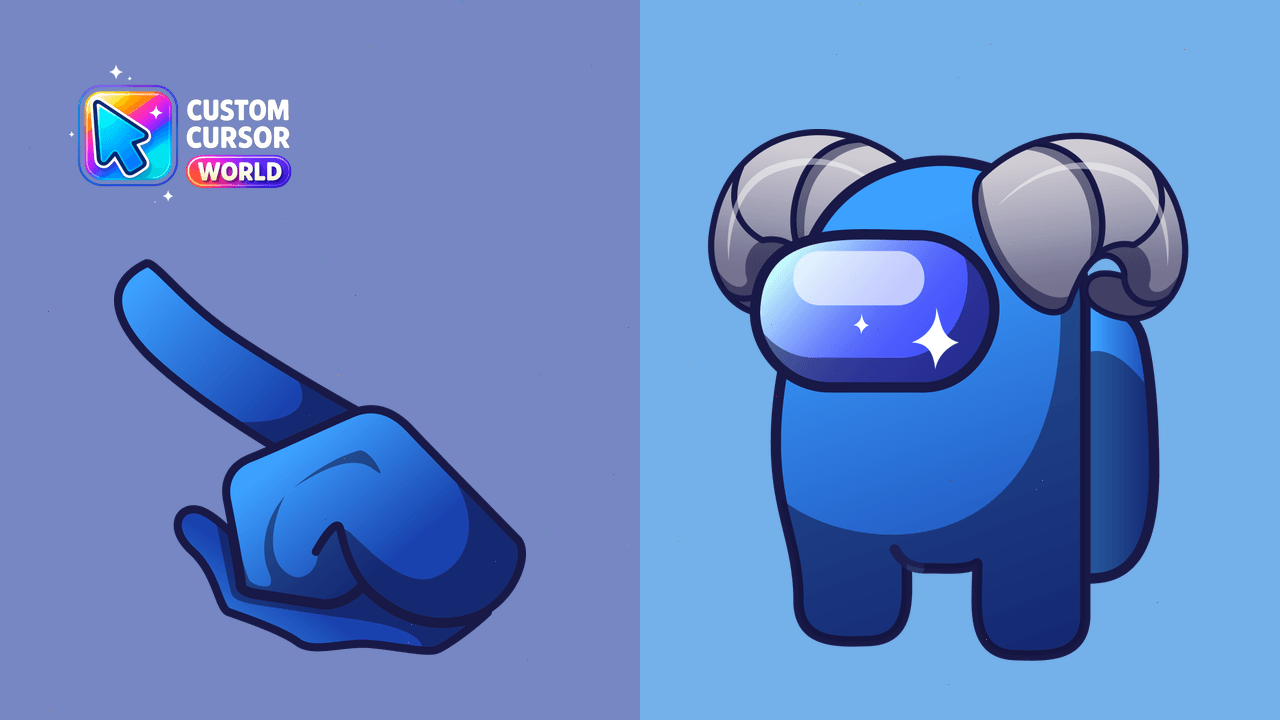
Unique Lamb Cursor Pack for Among Us fans - Customizable and compatible with Windows, Chrome & Edge
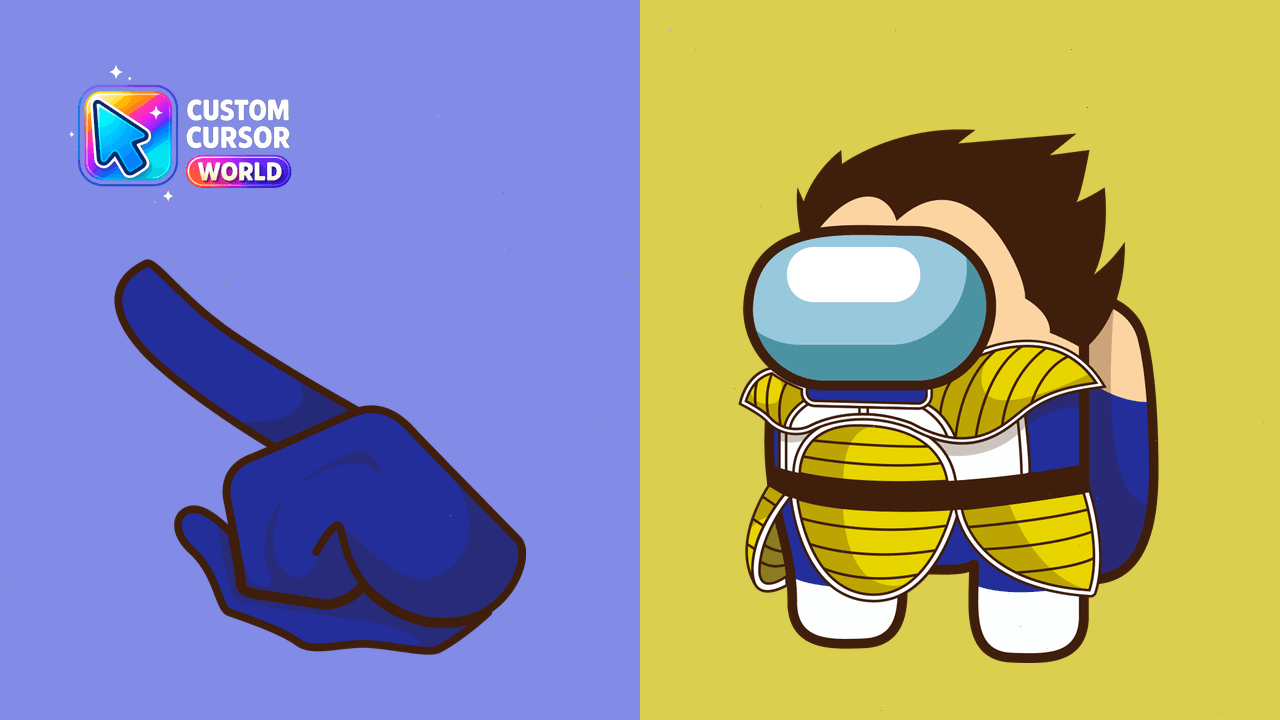
Vegeta Cursor Pack - Unique Among Us Custom Cursors for Chrome
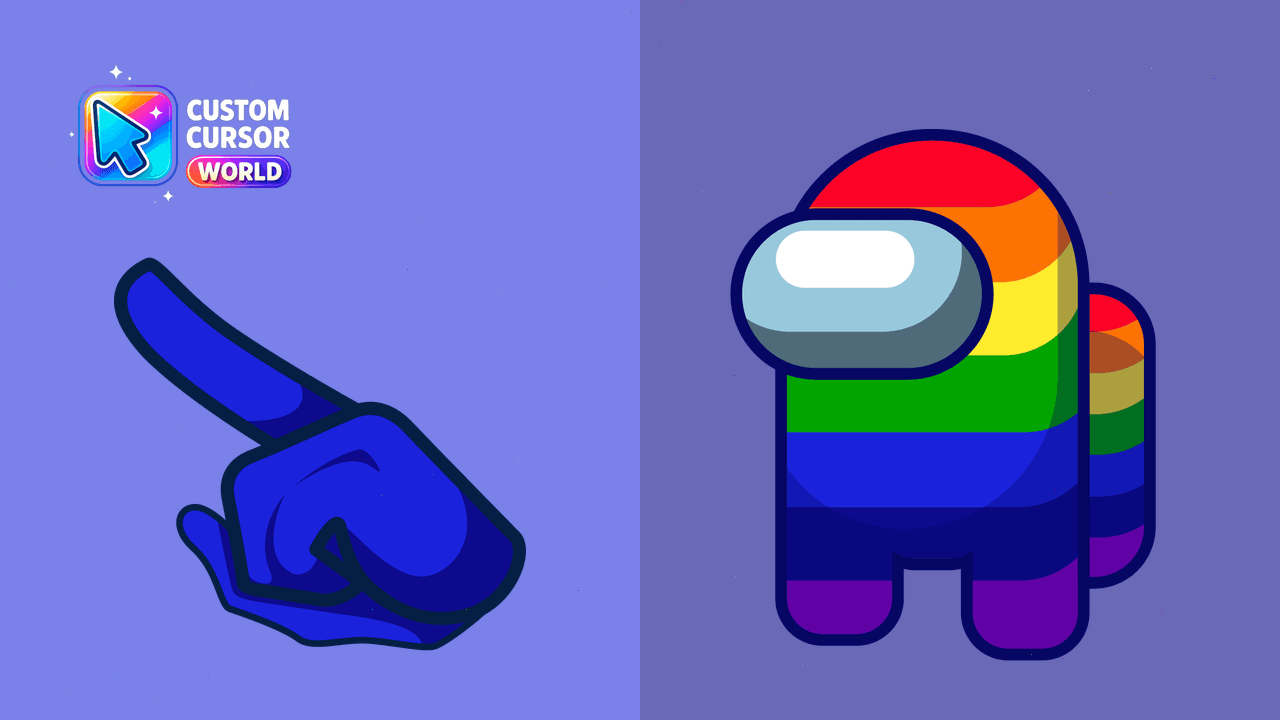
Enhance your gaming experience with our immersive, high-performance, and easily accessible Among Us Custom Cursor Pack for Chrome and Edge.
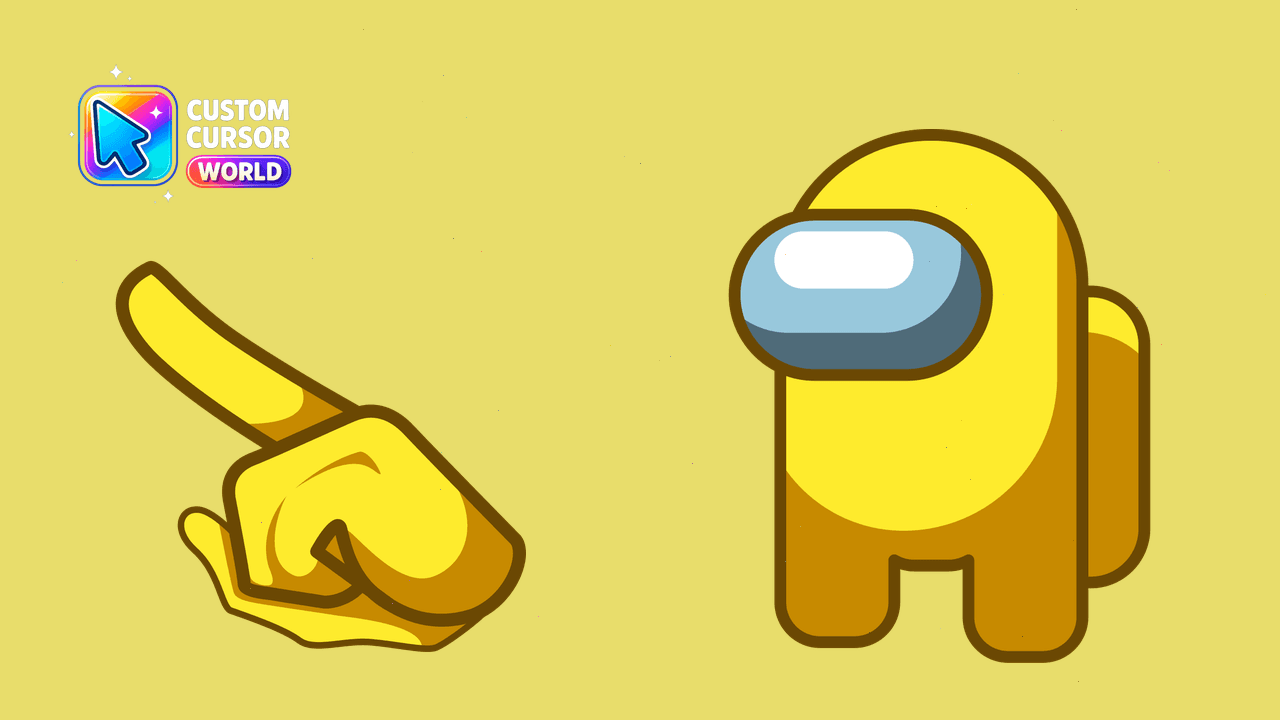
Customize your Among Us gameplay with our Yellow Custom Cursor Pack, offering 18 color options for Chrome users.
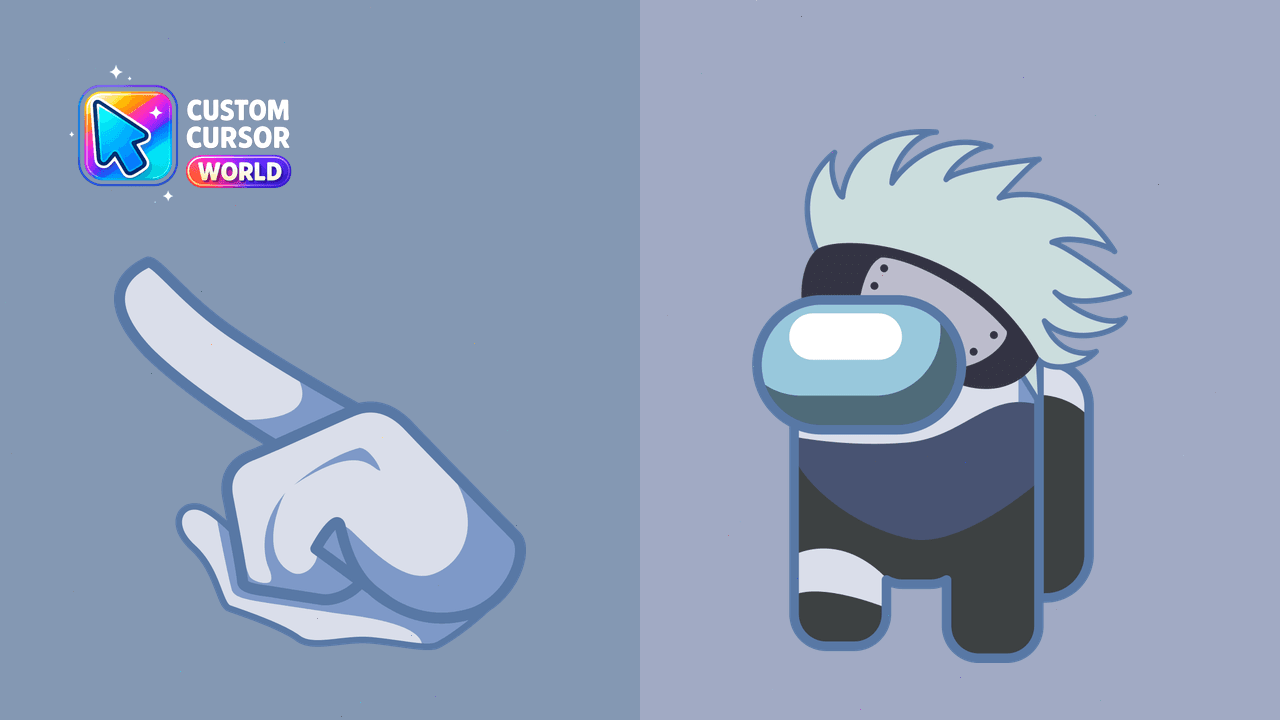
Experience Naruto's Kakashi Hatake as a custom cursor in Chrome
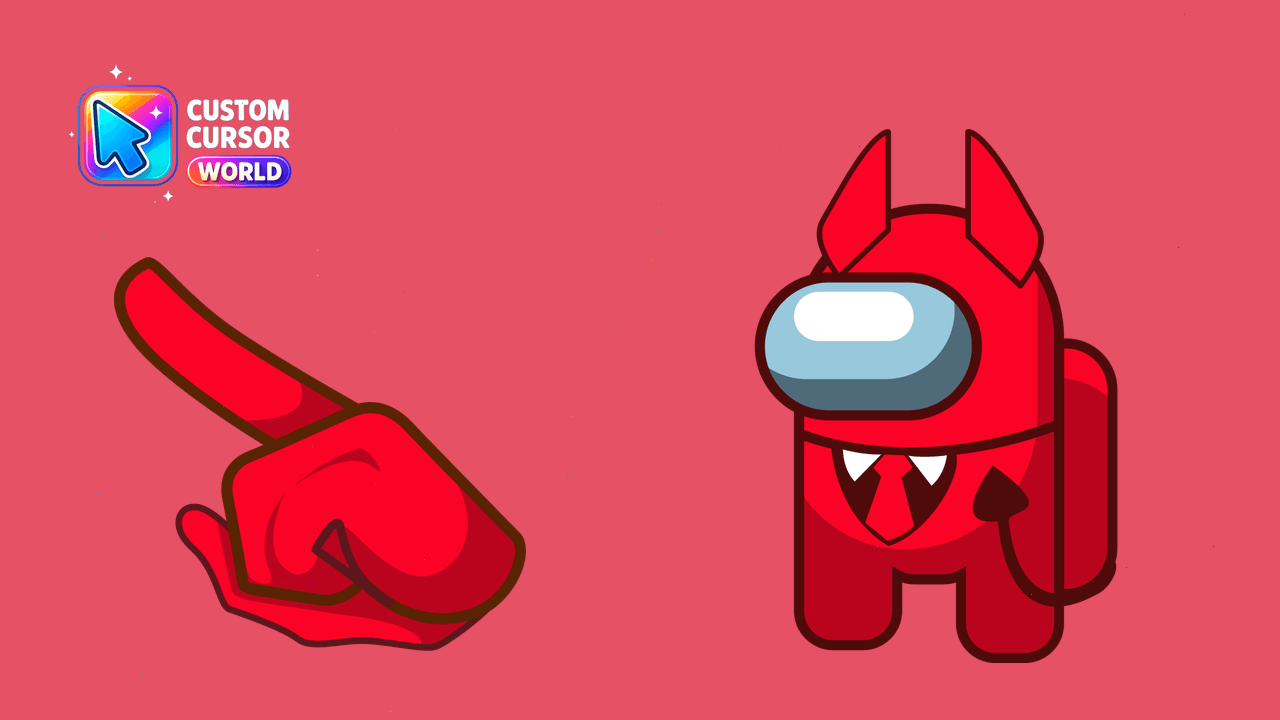
Elevate your cursor theme with our Devil among us collection for Windows and Chromium browsers!
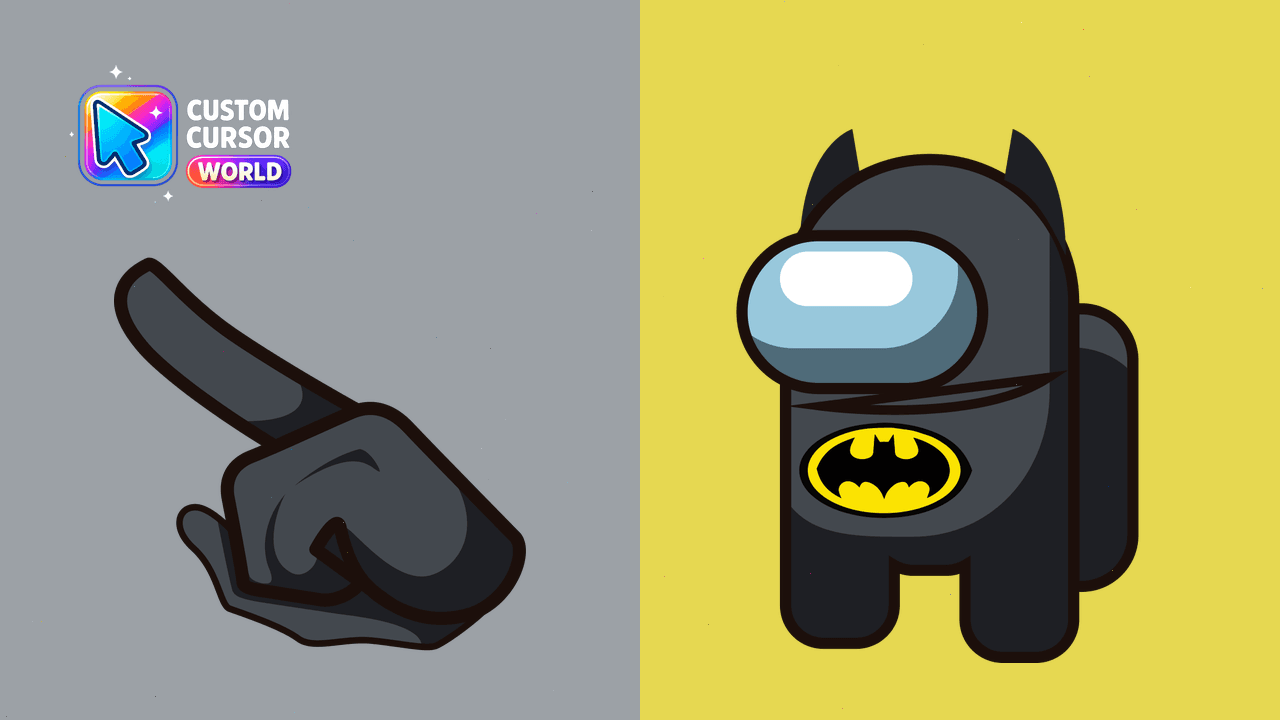
Batman-themed cursor pack for Chrome
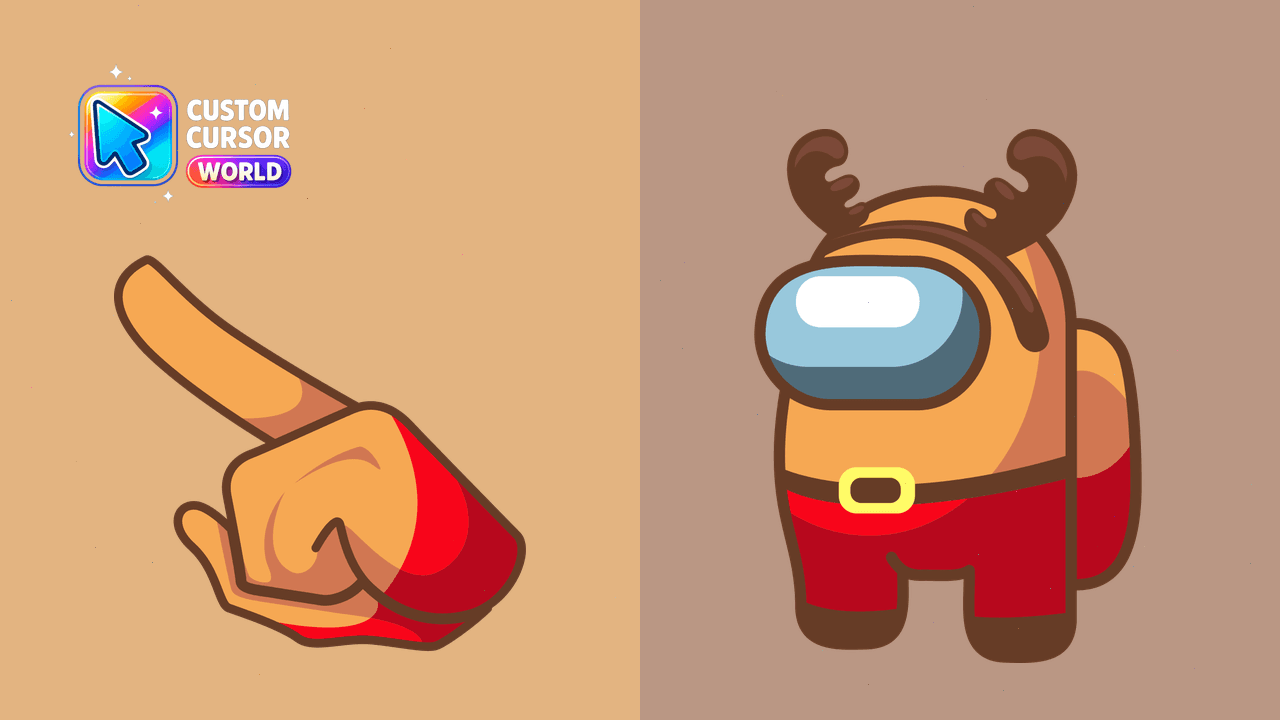
Unique custom cursor pack featuring the Among Us Deer character for Chrome and Edge browsers
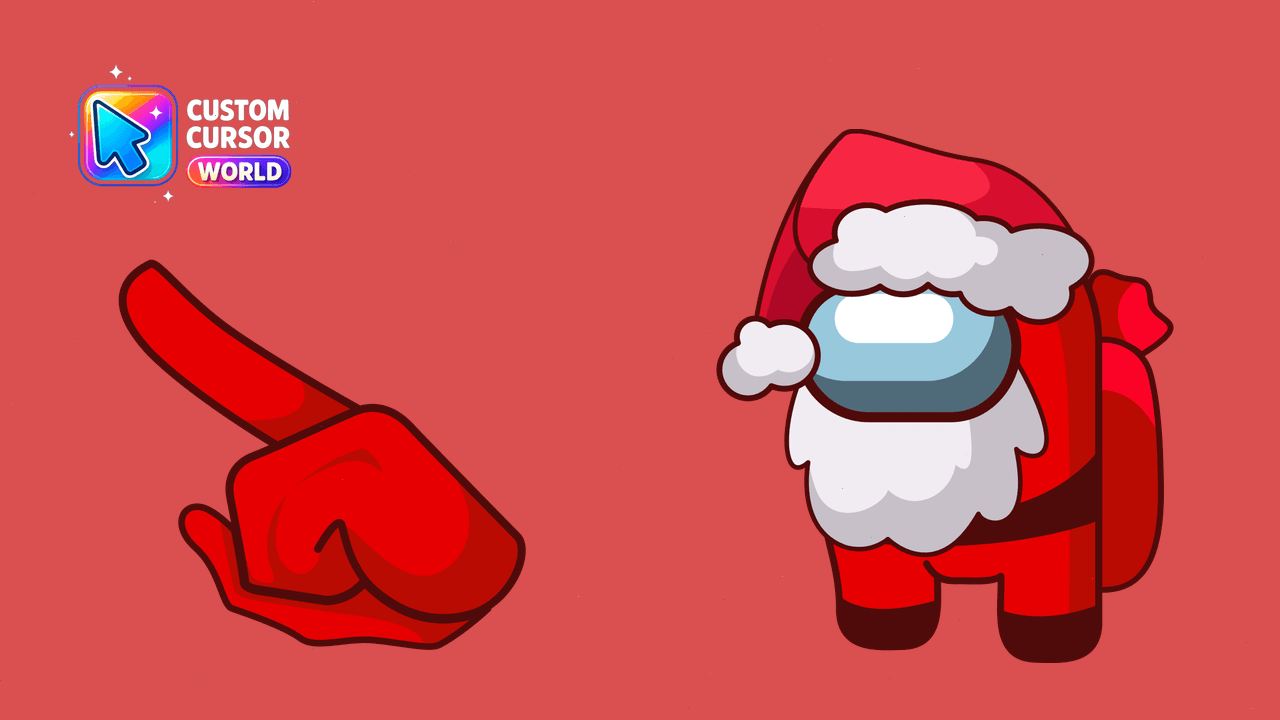
Santa Among Us Cursor Pack - Custom Santa Cursor for Chrome and Edge
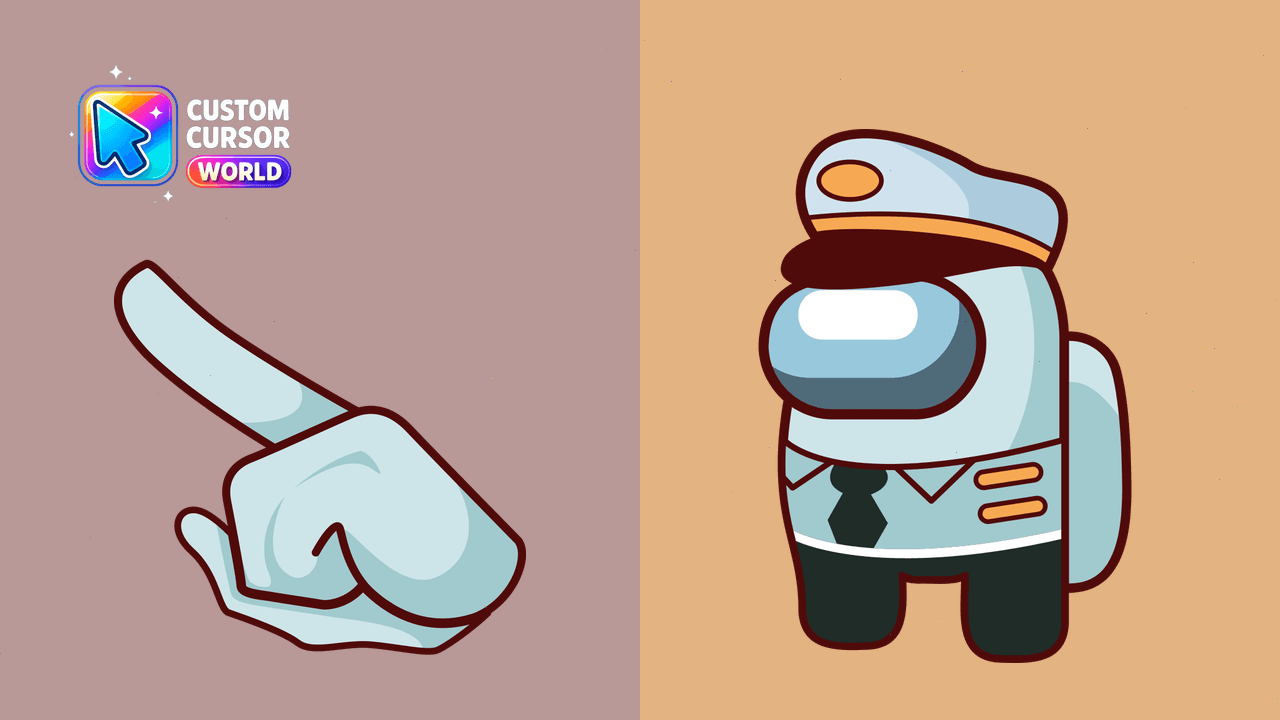
Personalize with a well-designed collection of unique Among Us Custom Cursors for Windows, Chrome, and Edge.
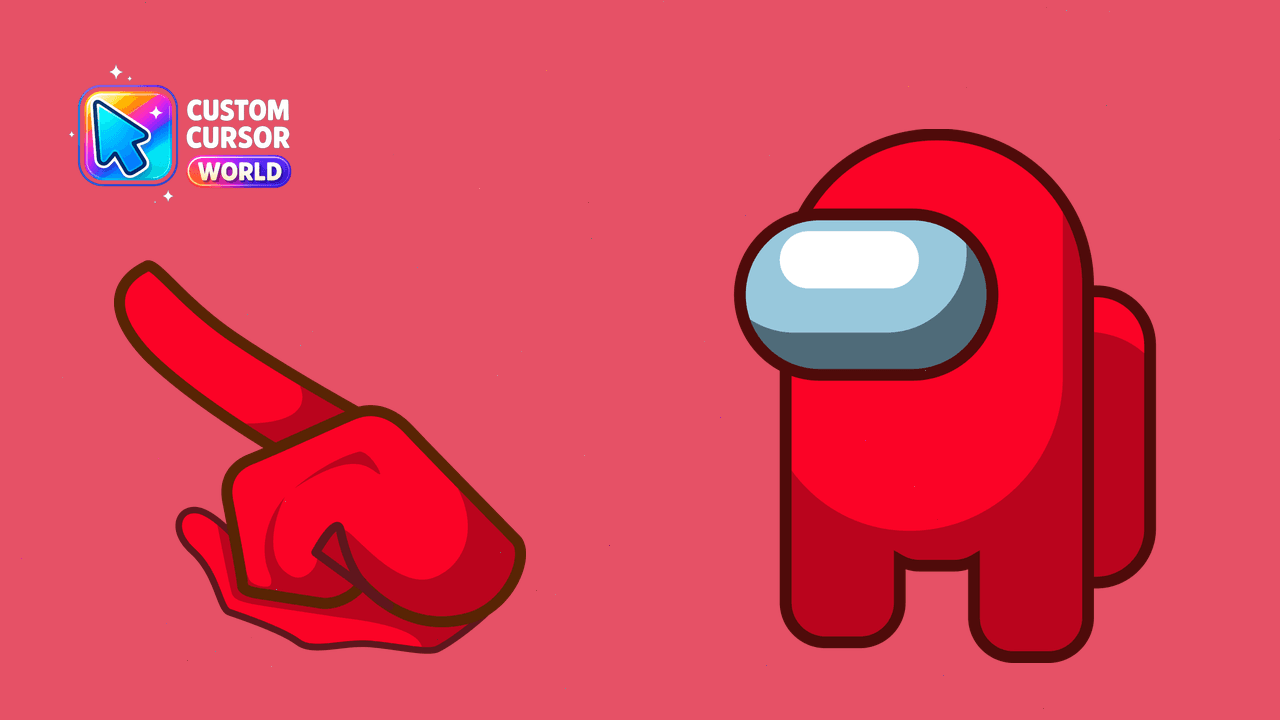
Customize your in-game Among Us character with our vibrant 18-color custom cursors, perfect for Chrome users seeking a fun twist to their browsing exp
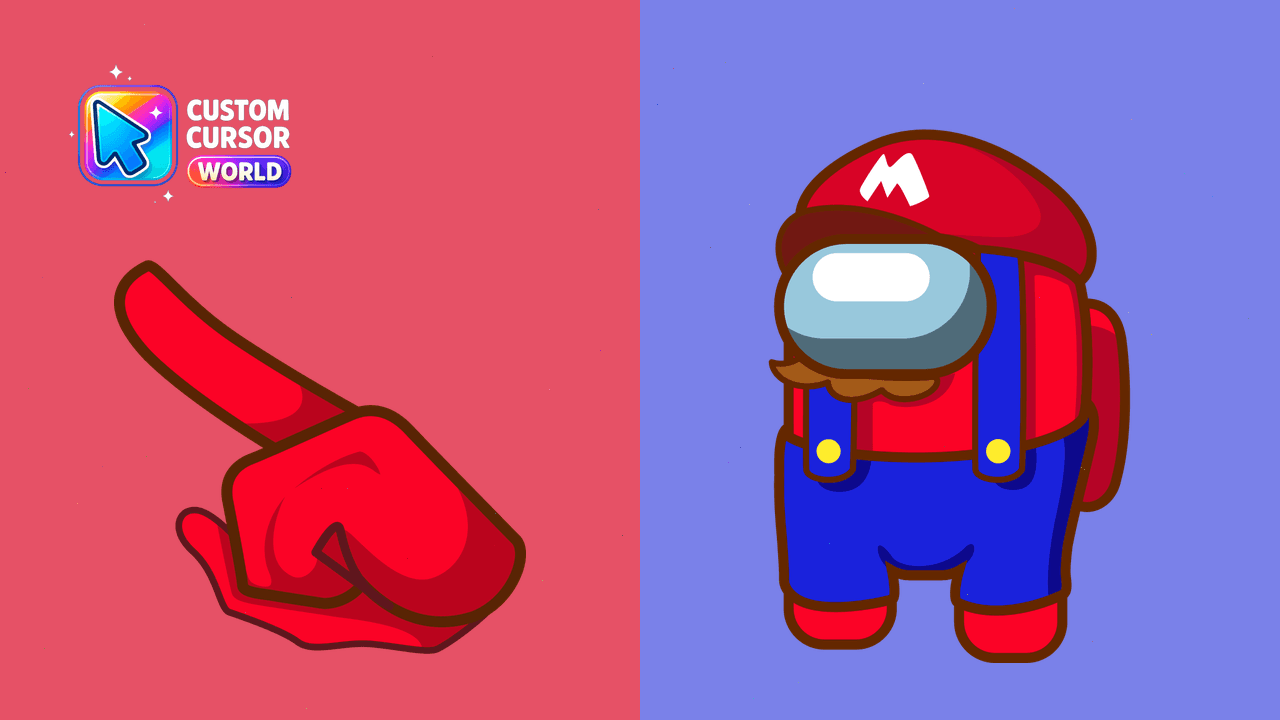
Super Mario Cursor Pack - Interactive Gaming Inspired Cursors
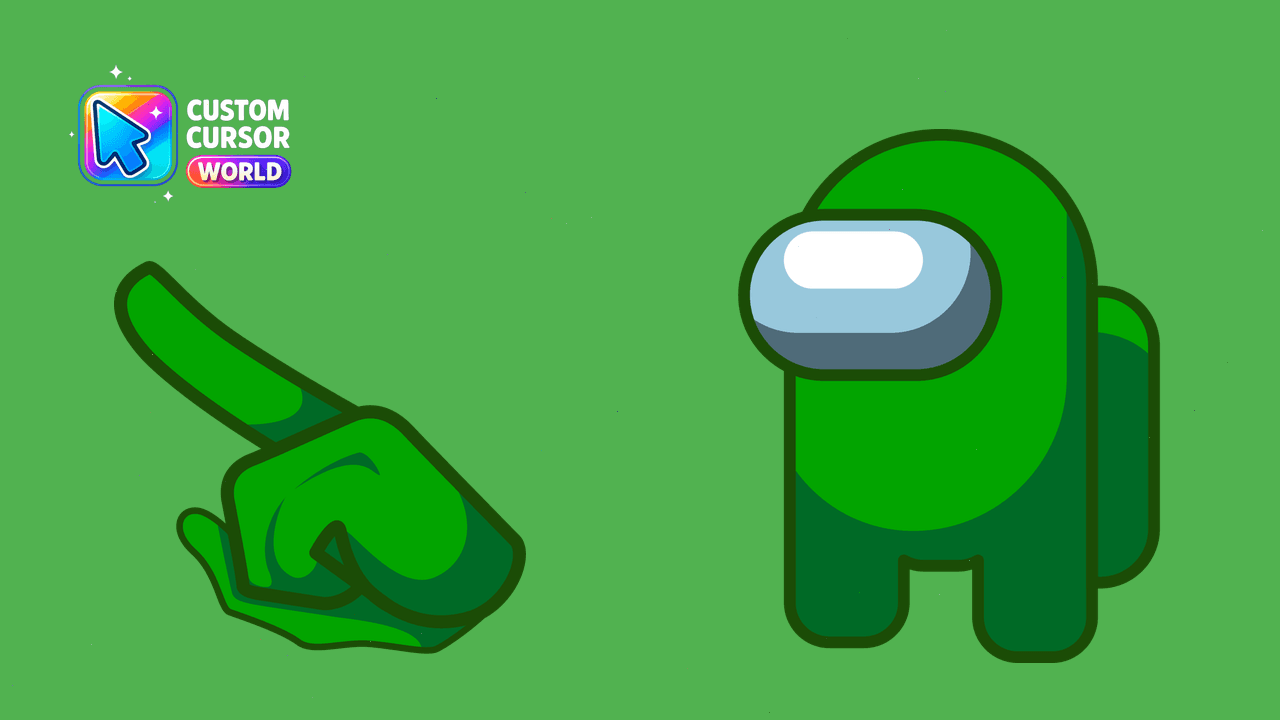
Enhance gaming experience with this green custom cursor for Google Chrome.
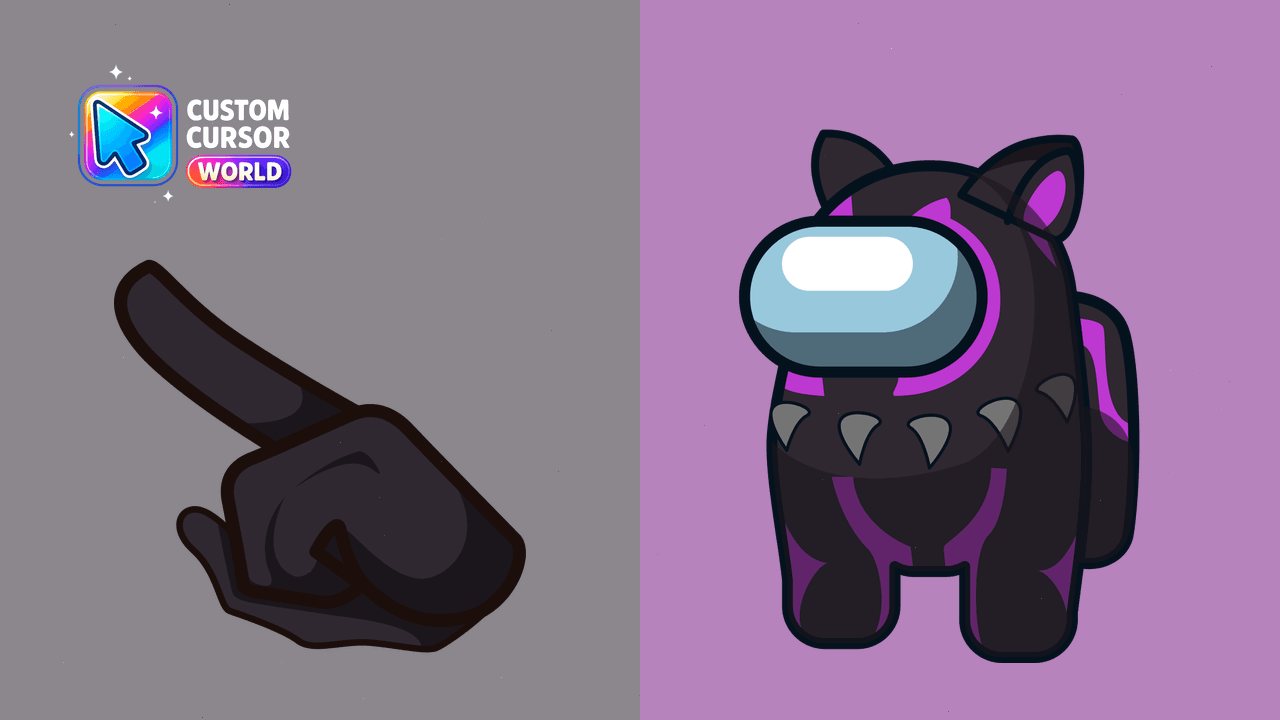
Enhance Chrome with Black Panther Custom Cursor Pack
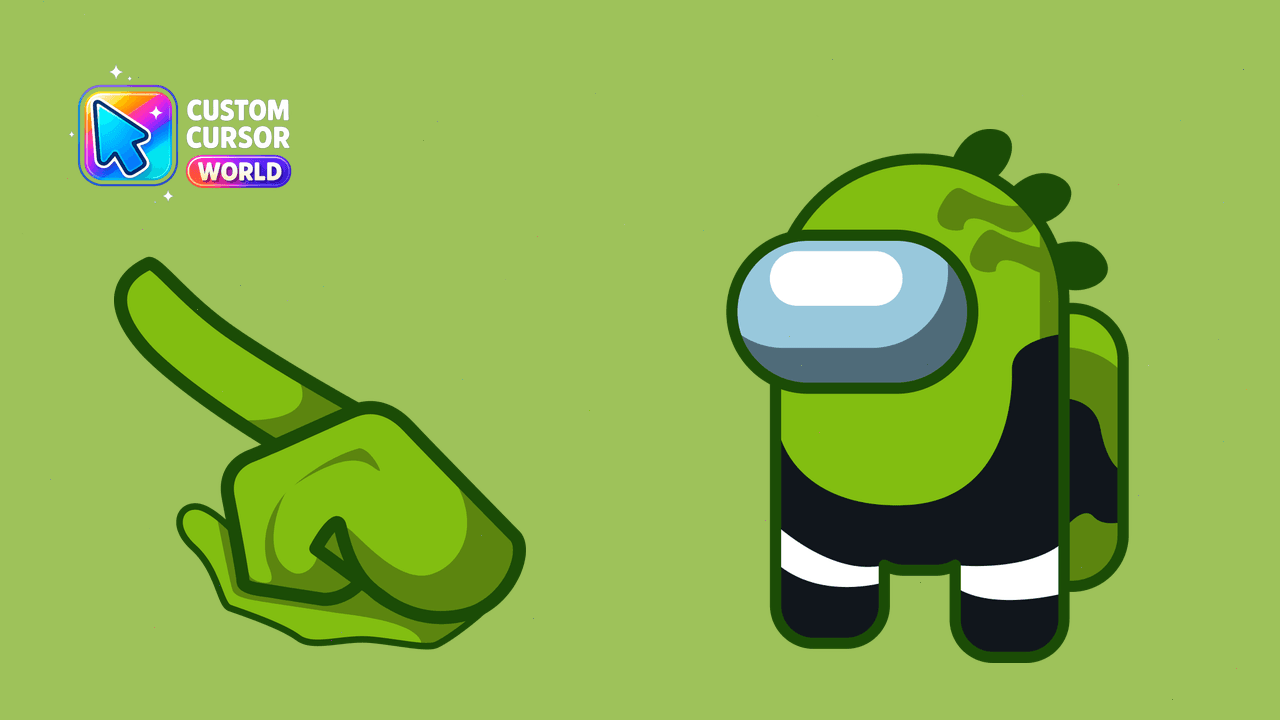
Customizable Reptile Cursor Pack - Perfect for Chrome and Edge. Accessible with reduced motion, optimized for smooth performance.
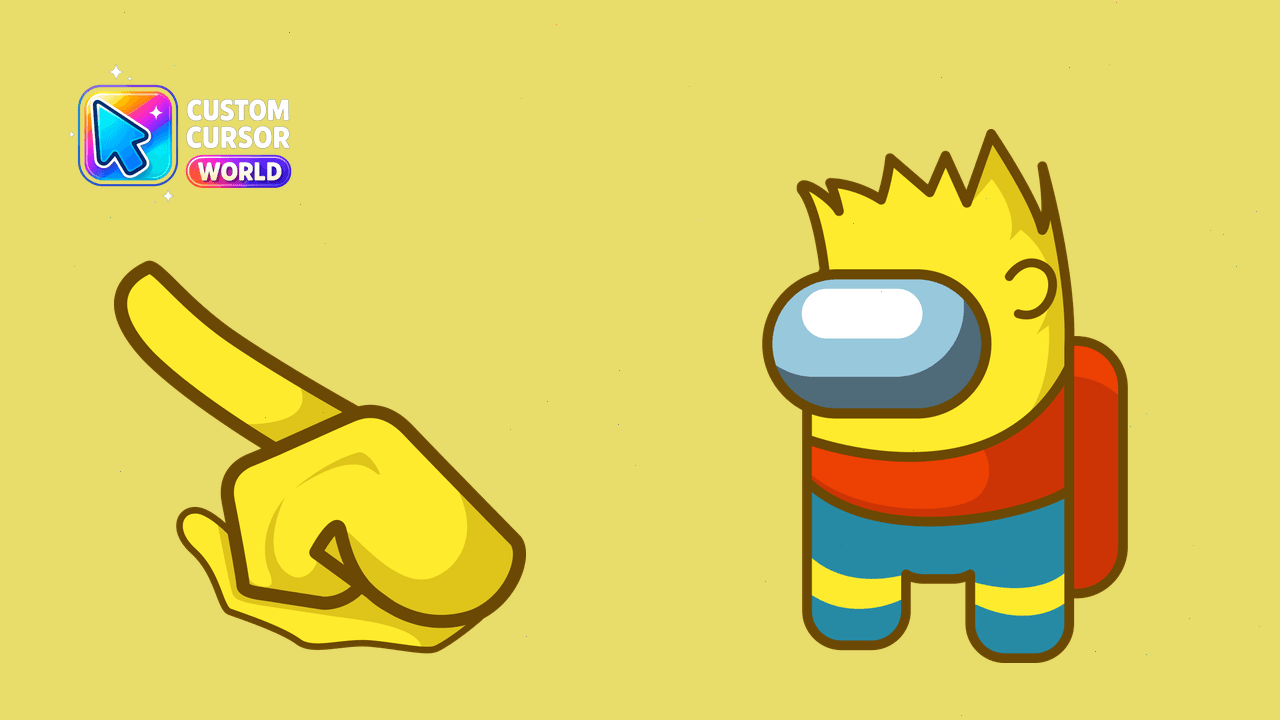
Colorful Bart Simpson Custom Cursor Pack for Web Browsers
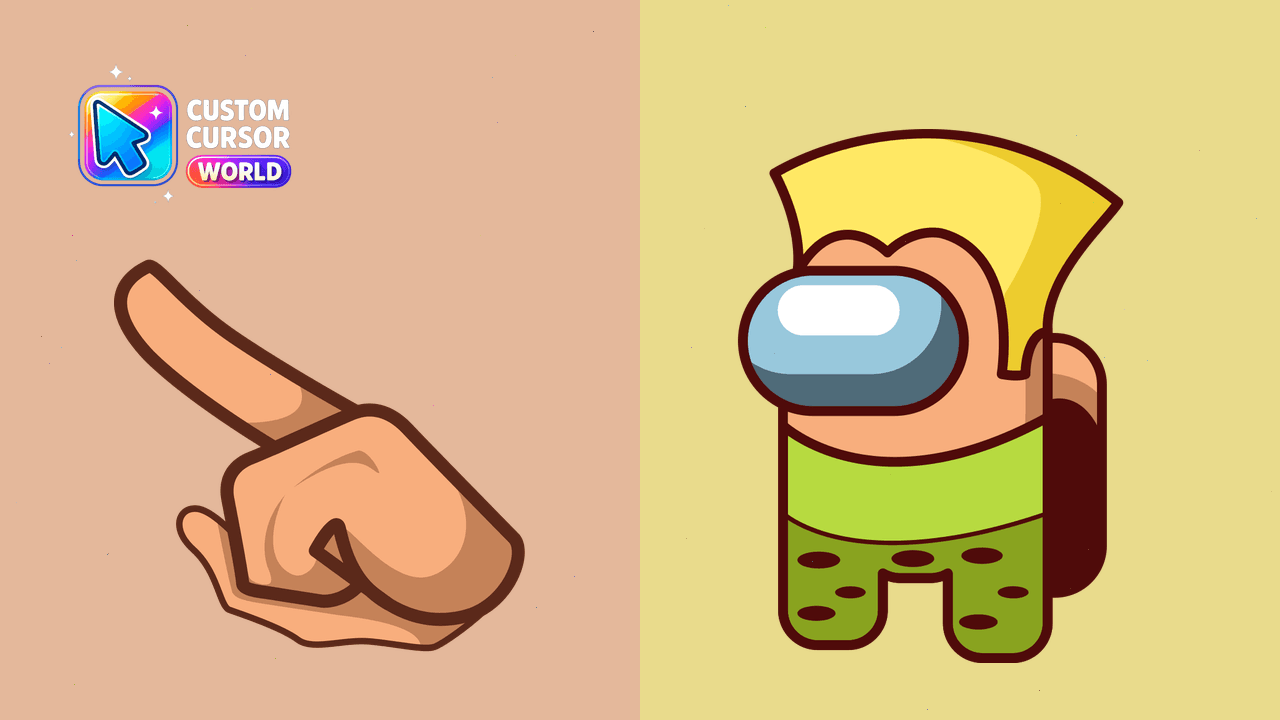
Enhance your web browsing experience with the Guile Cursor Pack designed specifically for Chrome and Edge browsers.
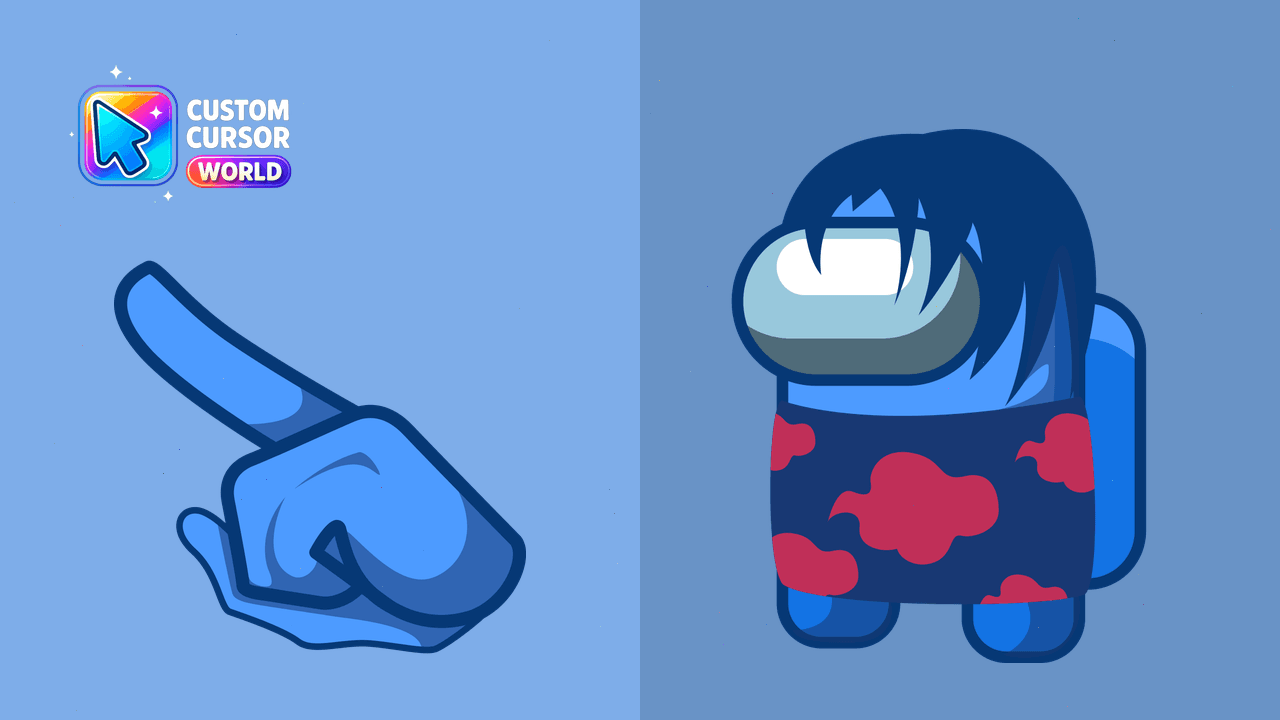
Bring Itachi Uchiha's ninja skills into your daily browser routine with this custom cursor pack for Chrome and Edge.
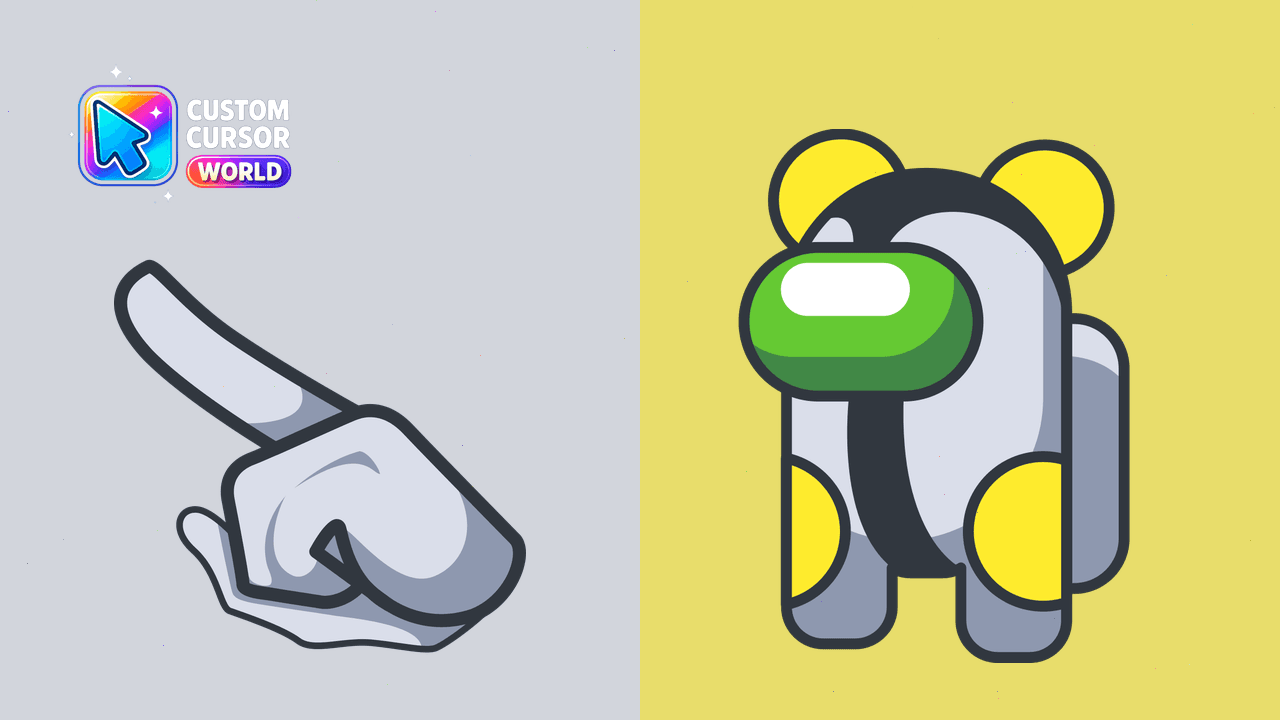
Experience Cannonbolt's unique style with high-quality custom cursors inspired by Among Us, perfect for Chrome users.
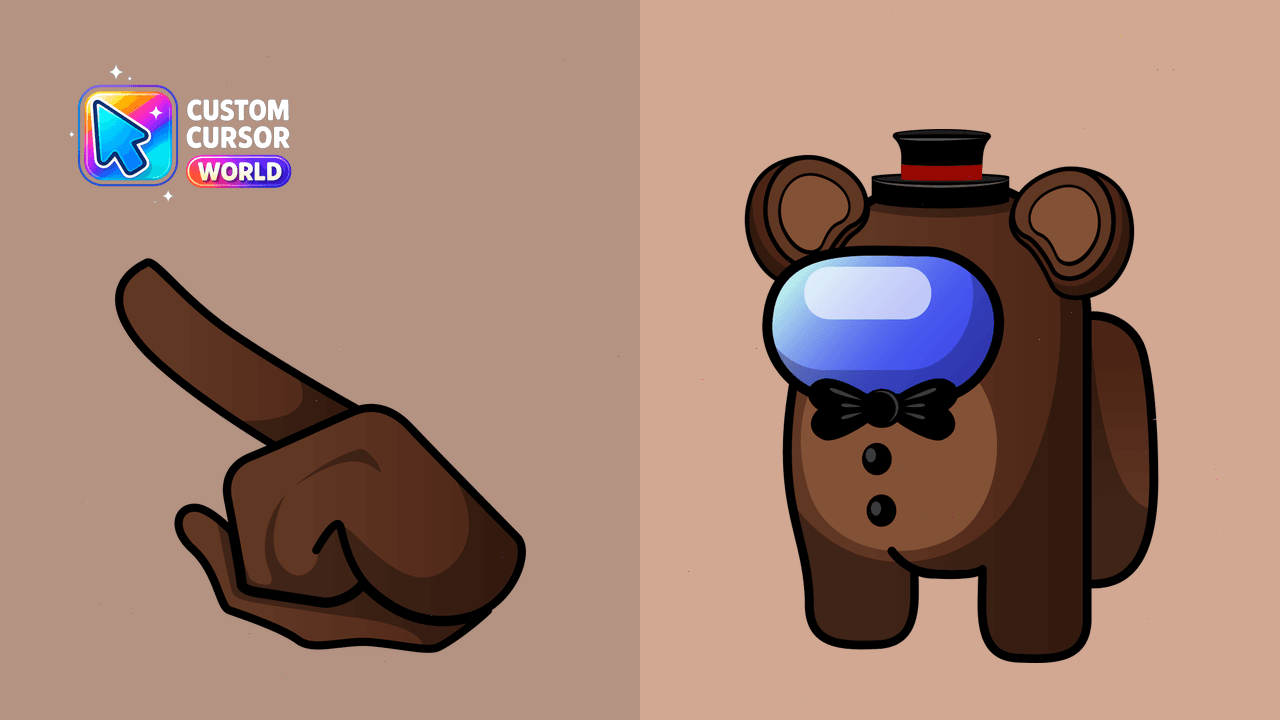
Add some fun to browsing with our exciting Freddy's Antagonist Cursor Pack inspired by Five Nights at Freddy's!
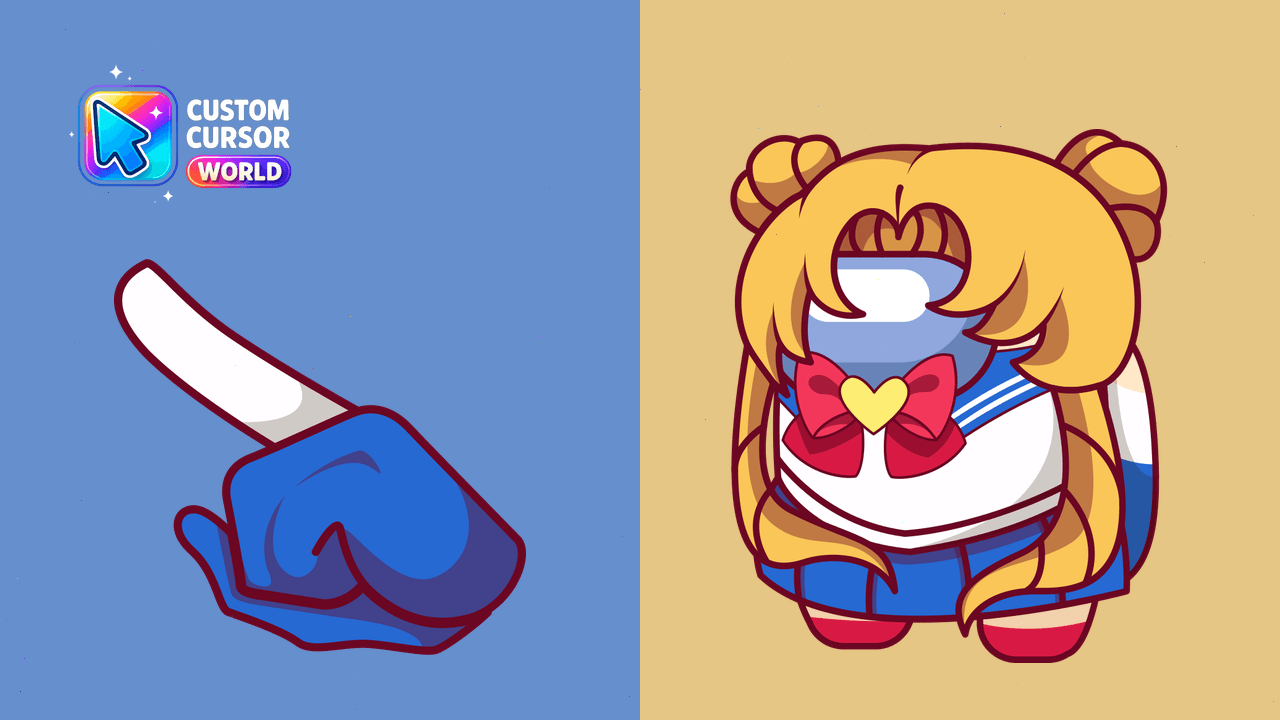
Bring Sailor Moon to life with a custom cursor pack for Chrome and Edge browsers on Windows systems.
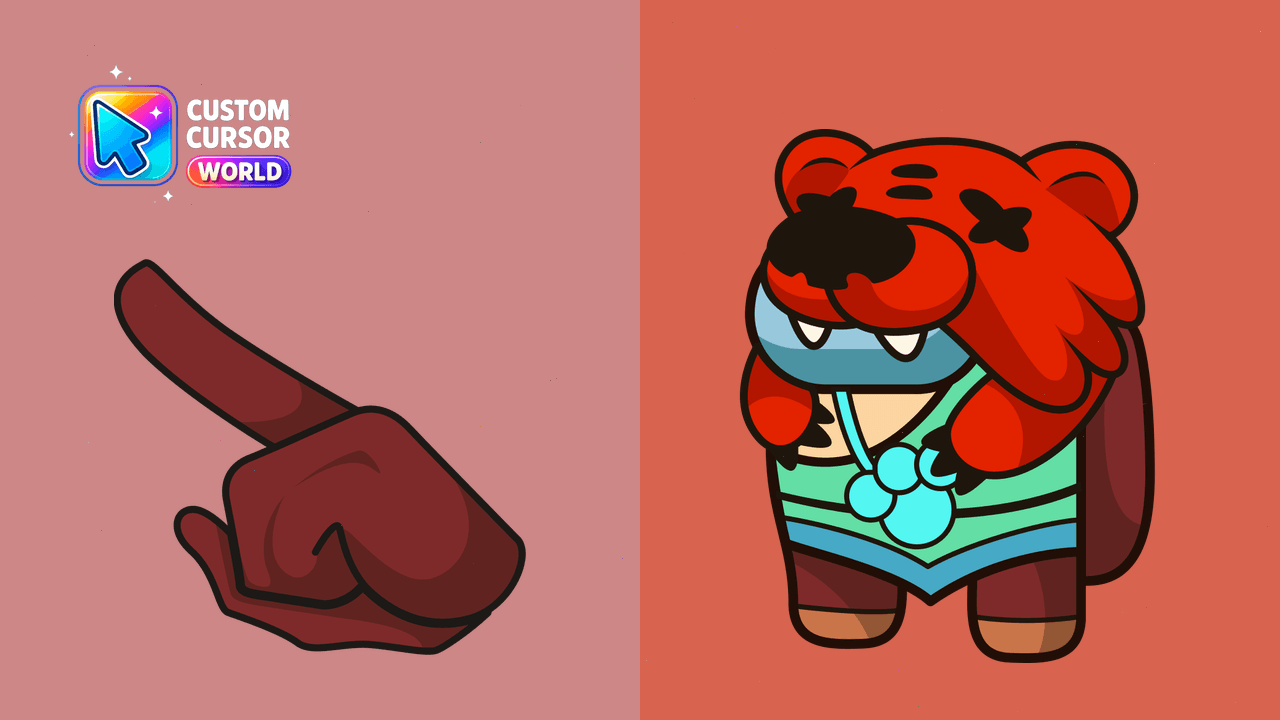
Add flair to Chrome and Edge with the Among Us Nita Cursor Pack
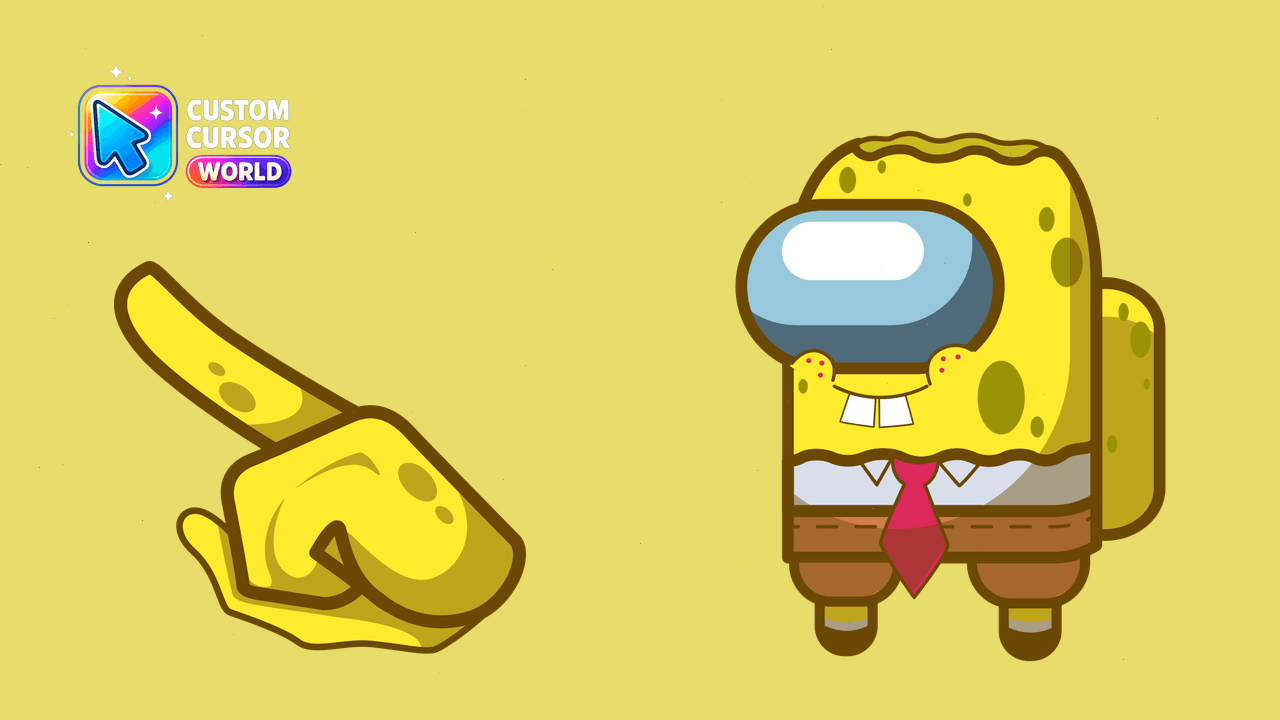
Among Us Cursor Pack with Spongebob Customization
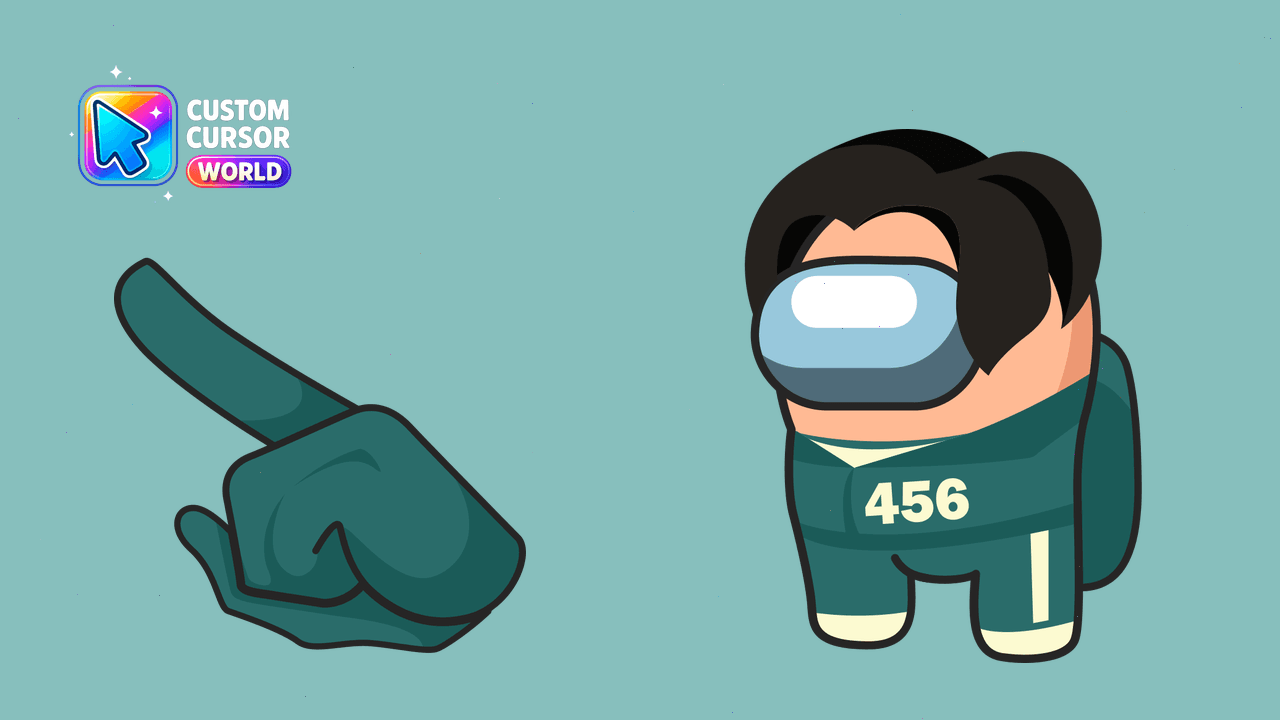
Transform your cursor with the Among Us Gi-Hun character from Squid Game!
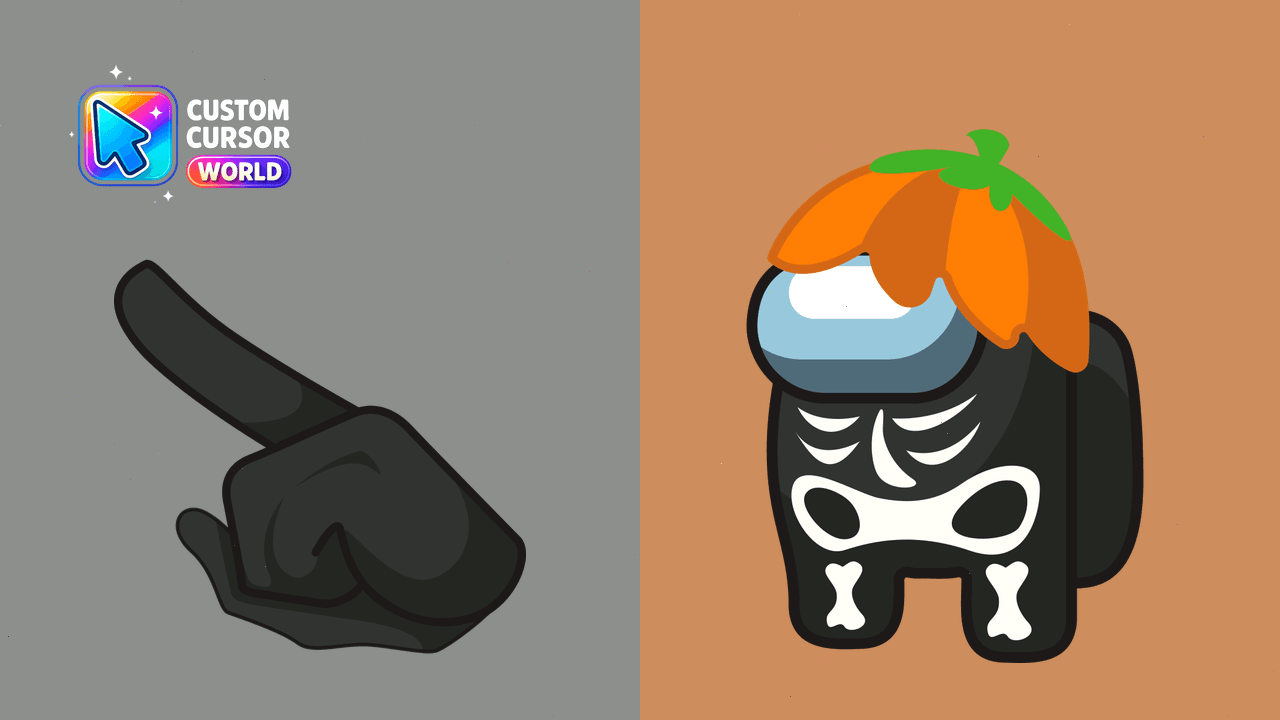
Halloween-themed custom cursor pack with an Among Us skeleton character
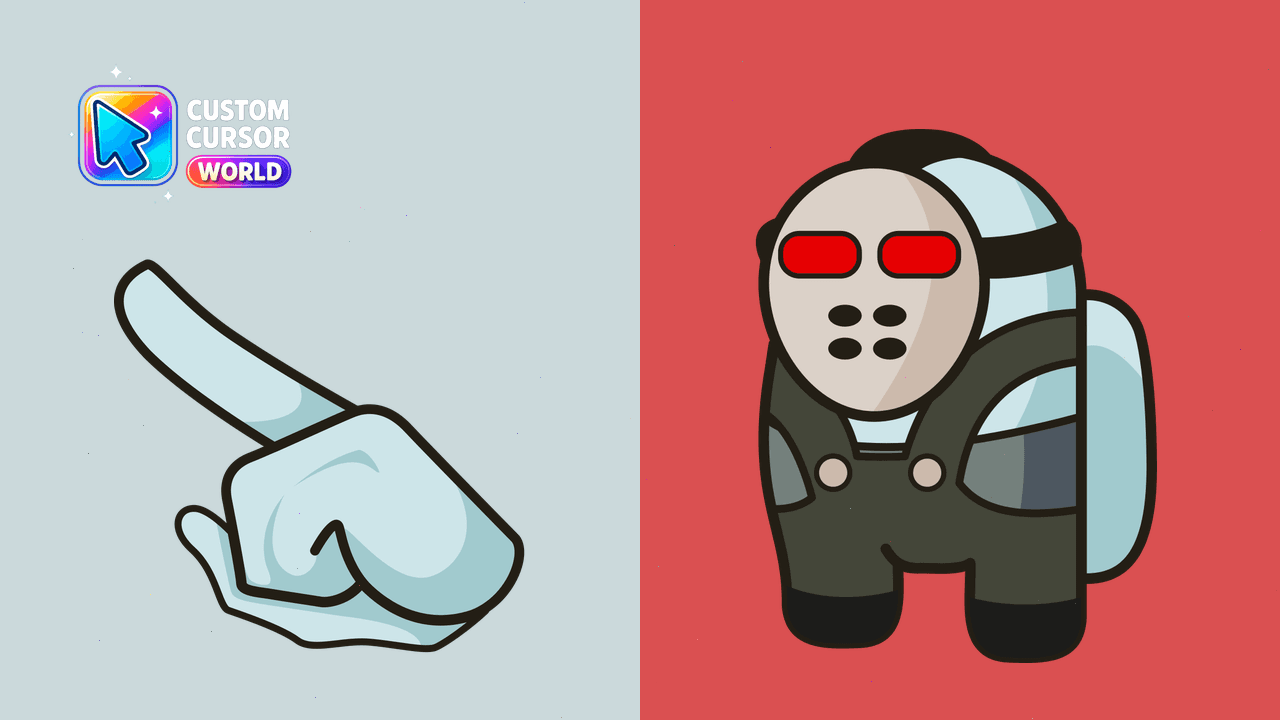
Embrace the thrill with our Jason Voorhees Cursor Pack. Customize your cursor in Chrome and Edge today!
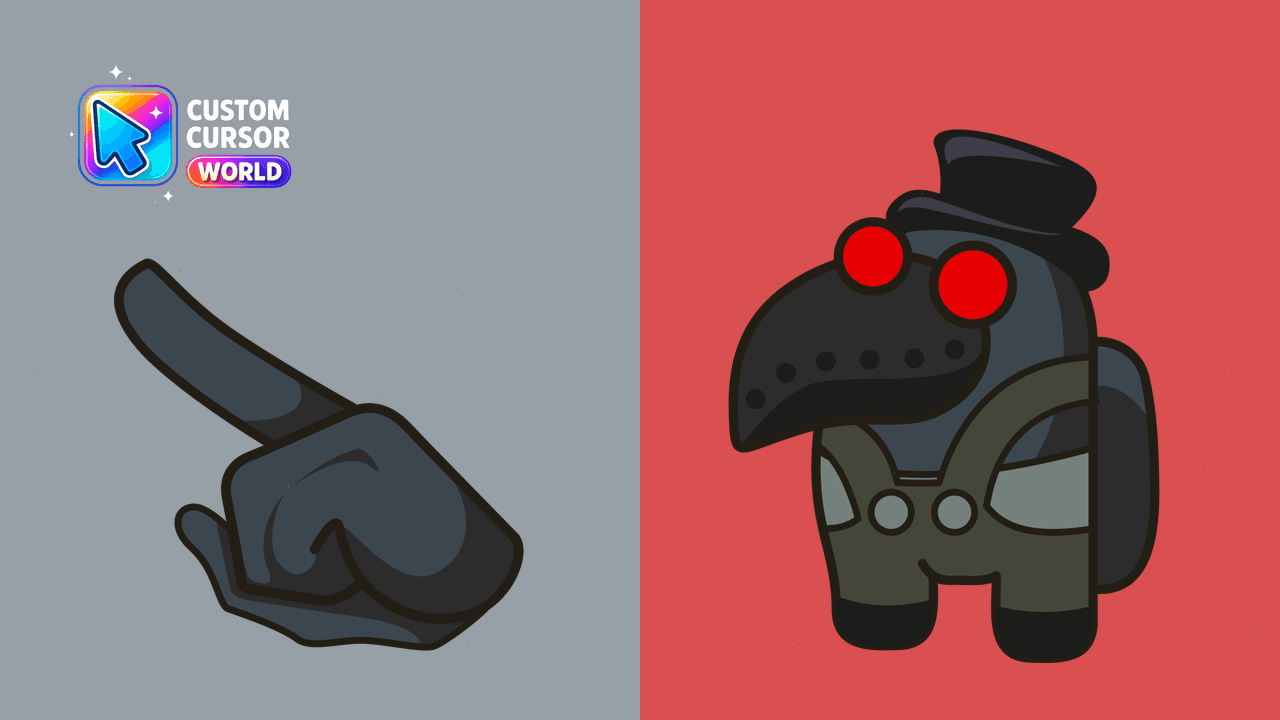
Discover the Plague Doctor among us with our unique custom cursor pack for Chrome & Windows.
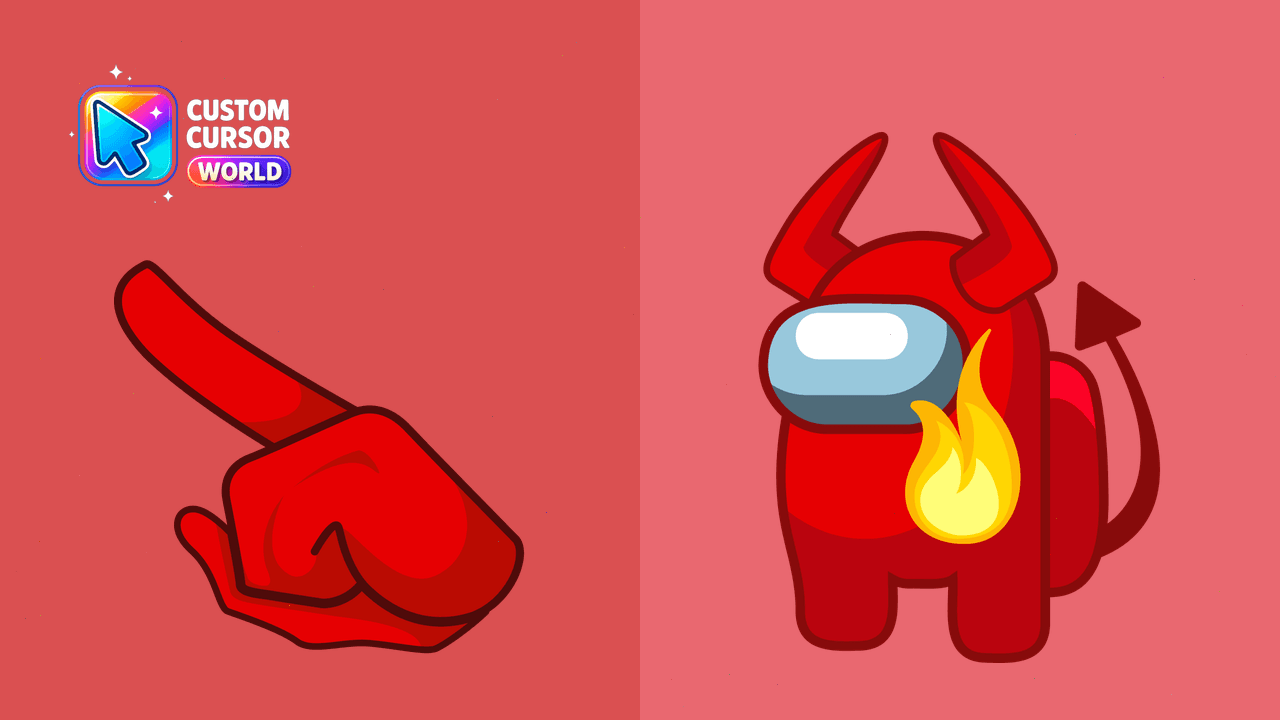
Enhance your cursor with Lucifer horns from Among Us, stylishly integrated with custom cursors.
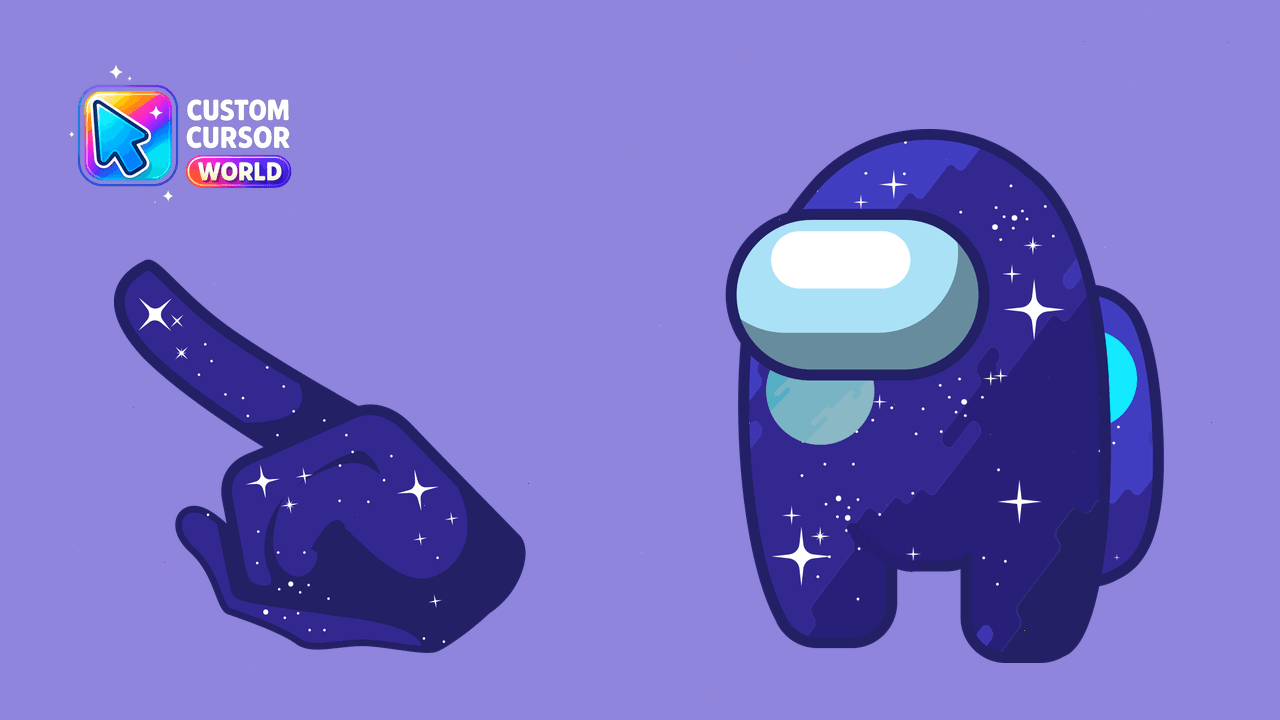
Enhance your browser experience with our Stylish Among Us Space Character Cursor Pack!
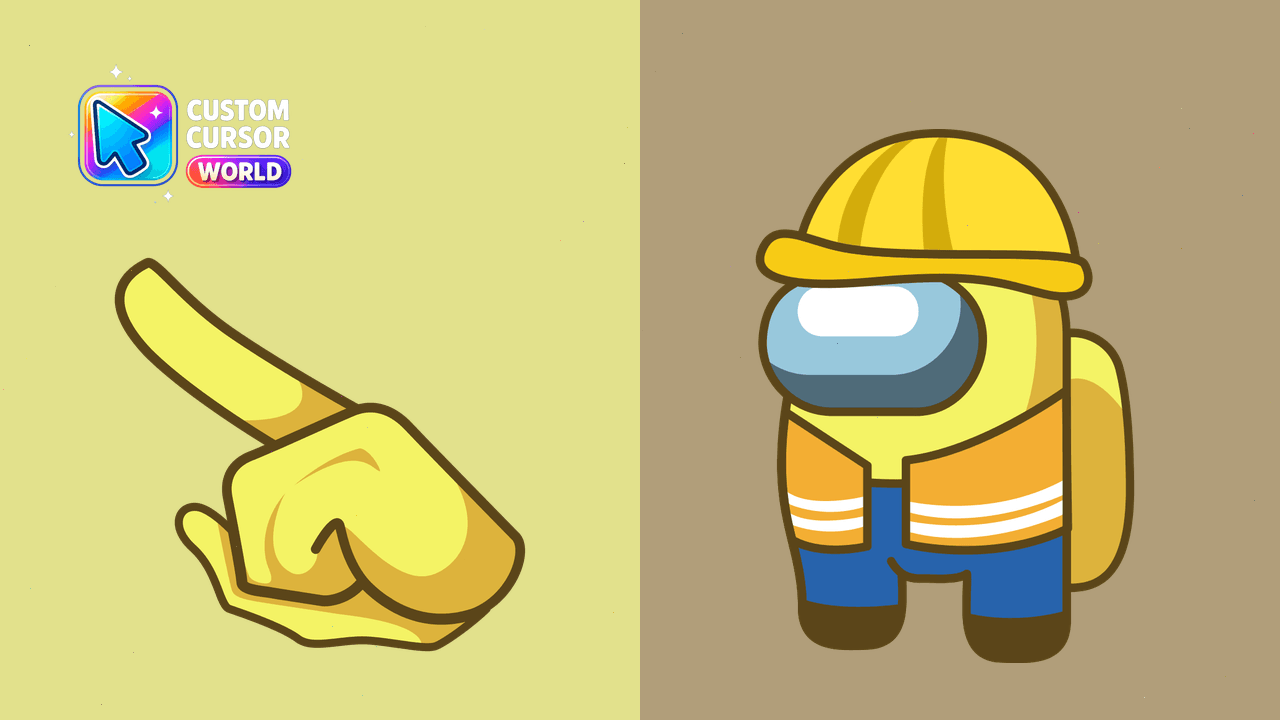
Custom Builder Cursor Pack for Among Us - Stand out in the game!
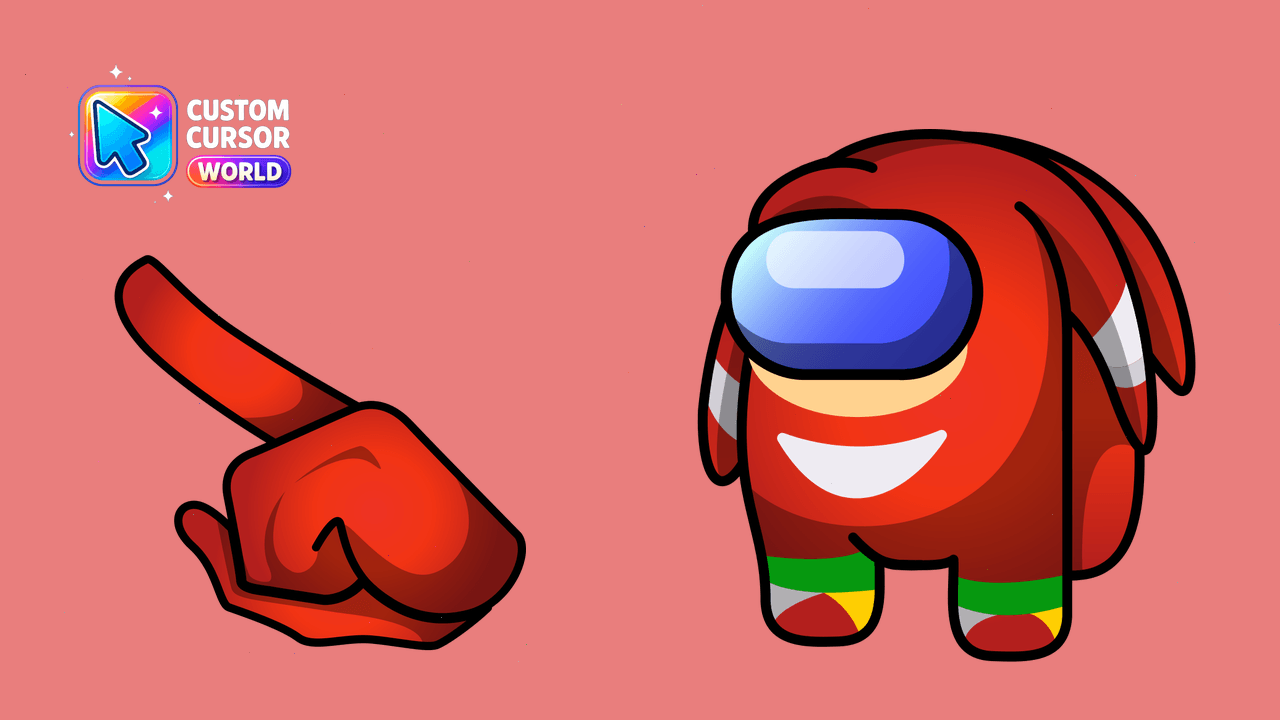
Among Us Knuckles - playful custom cursor for Microsoft web browsers
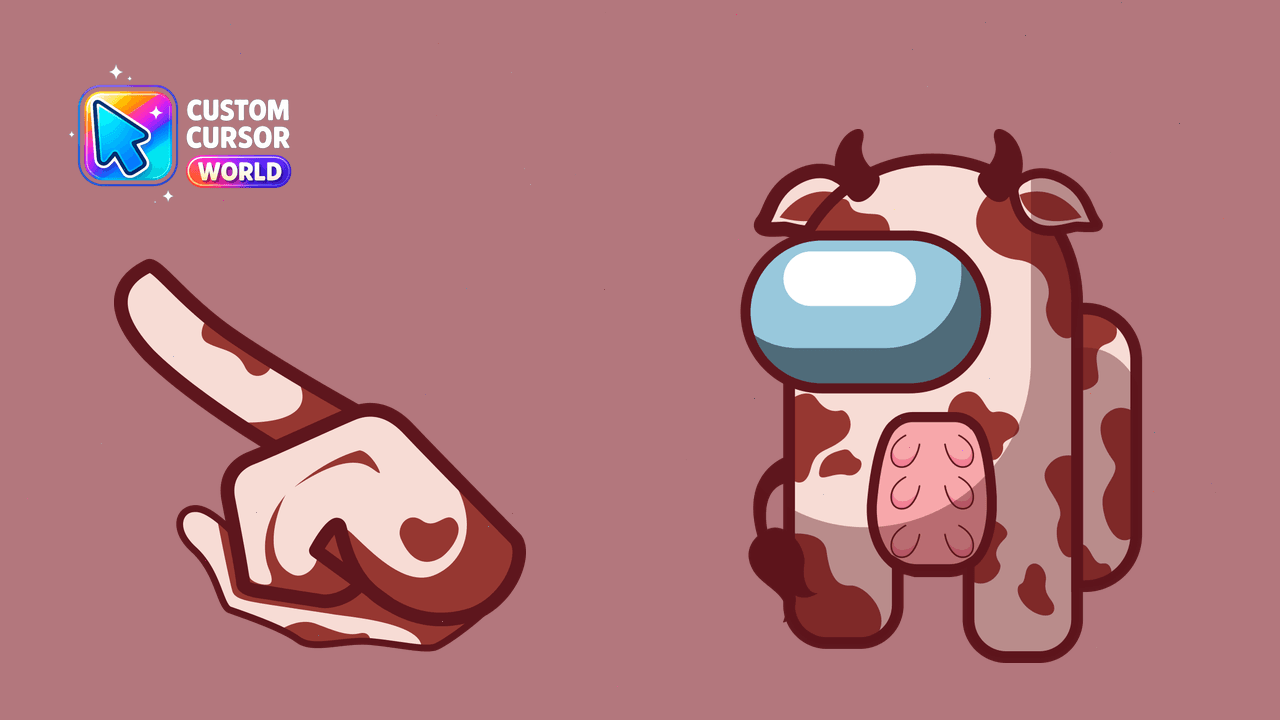
Among Us Custom Cursor Pack - Funny Cow Character
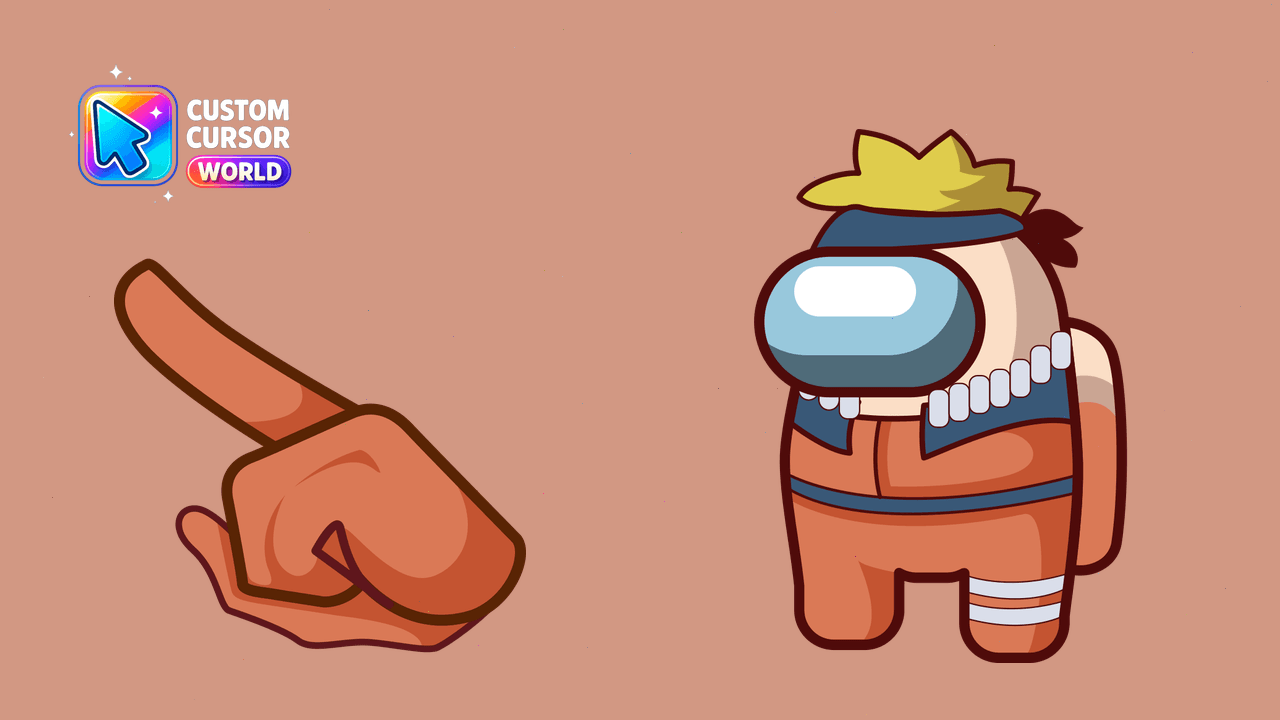
Custom Naruto Ninja Cursor Pack - Fun, Accessible & Easy to Export
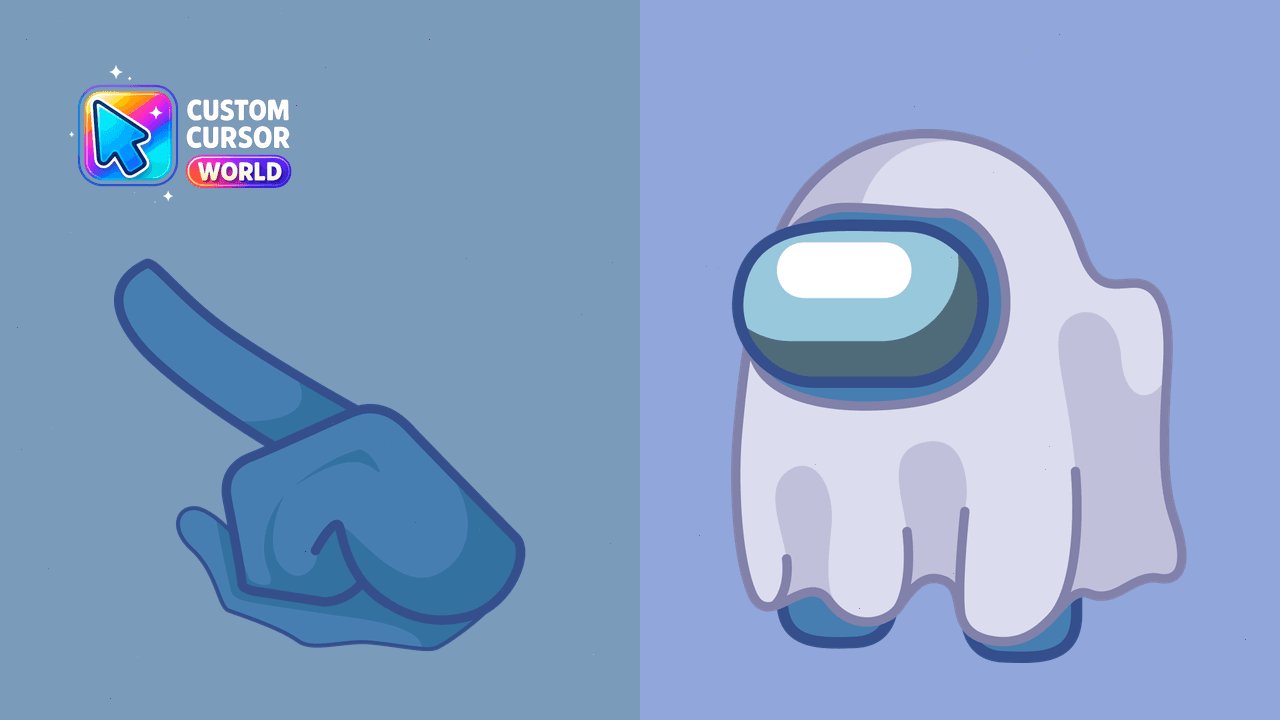
Halloween-inspired custom cursor pack with the iconic Among Us Ghost Character for Chrome
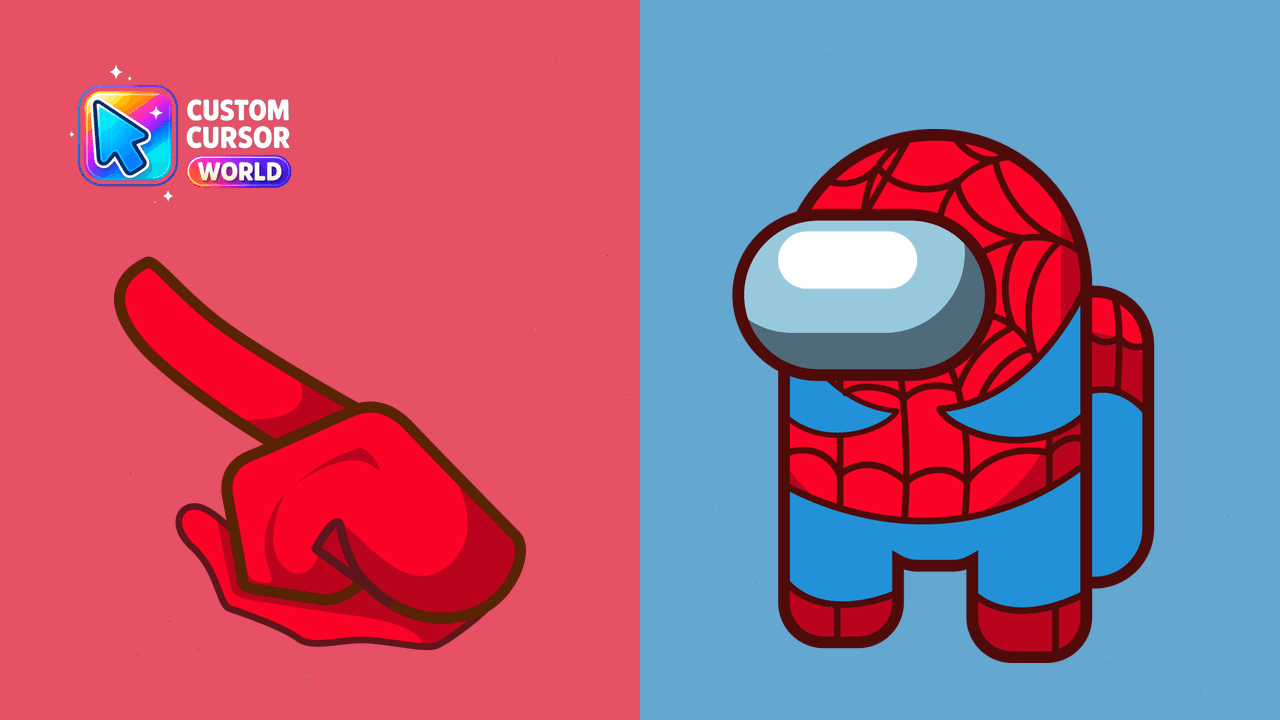
Enhance your browser with the Spider-Man Custom Cursor Pack for Chrome and Edge
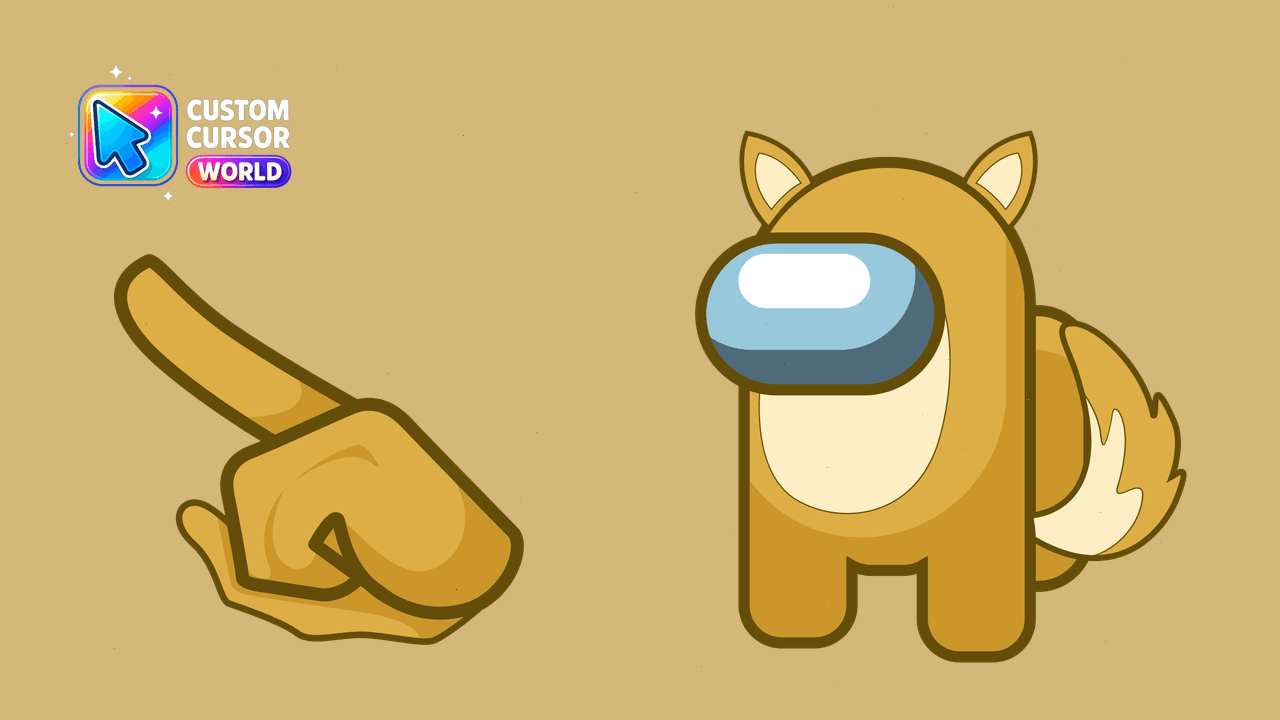
Awaken your PC's charm with the Custom Fox Cursor Pack designed for easy installation on Chrome & Edge. Perfect for personalizing your digital space!
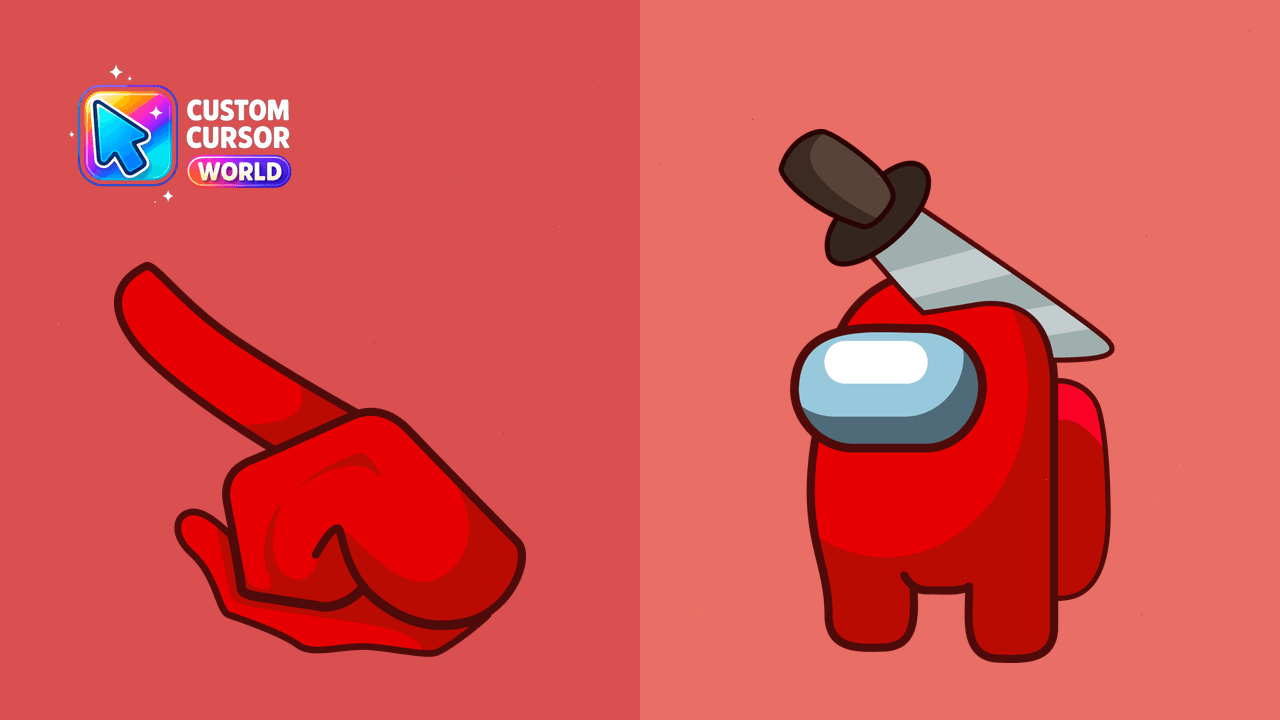
Bring some spooky fun to your cursor!
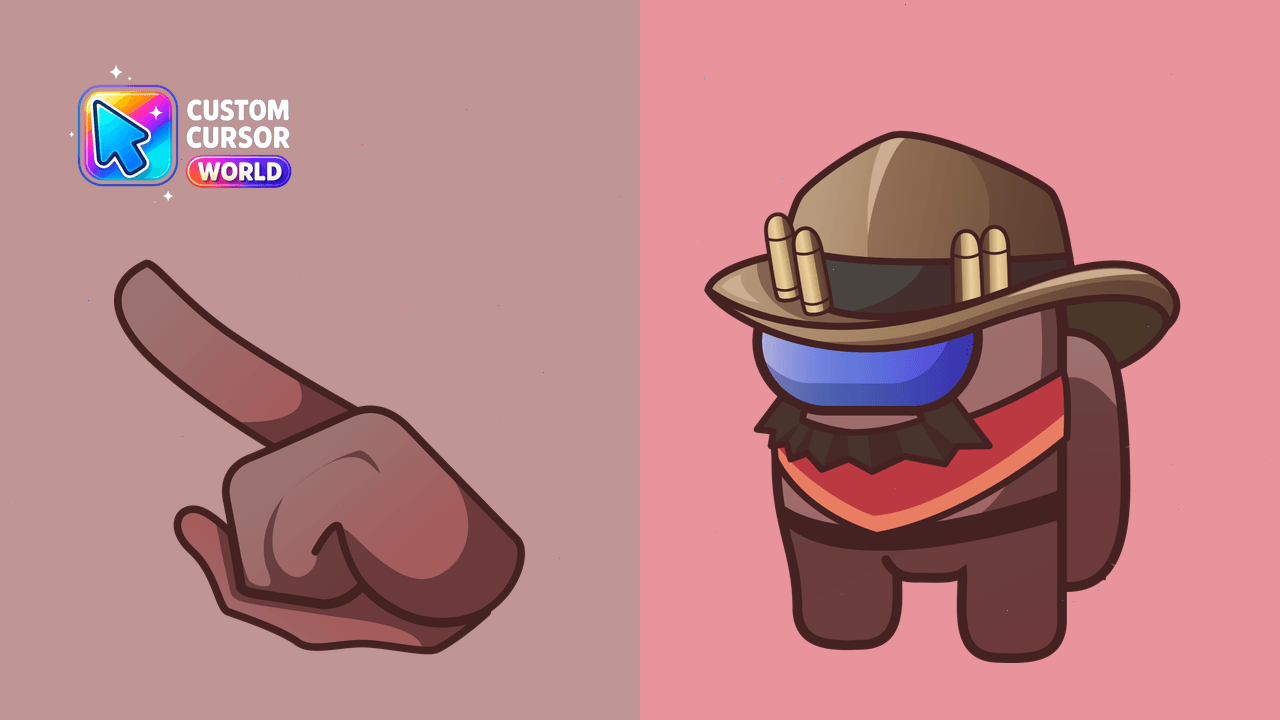
Among Us Custom Cursor Pack for Browsers - Interactive cursors for Chrome and Edge
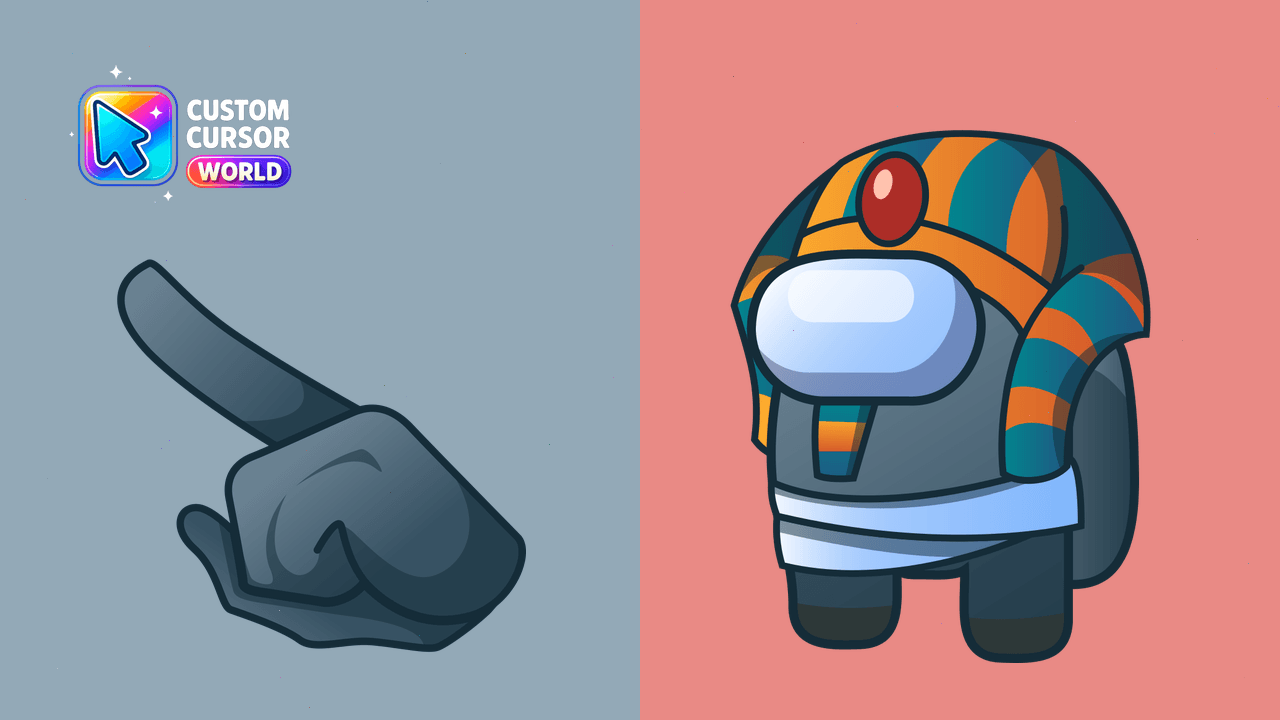
Bright and humorous Among Us cursors pack featuring the Pharaoh character
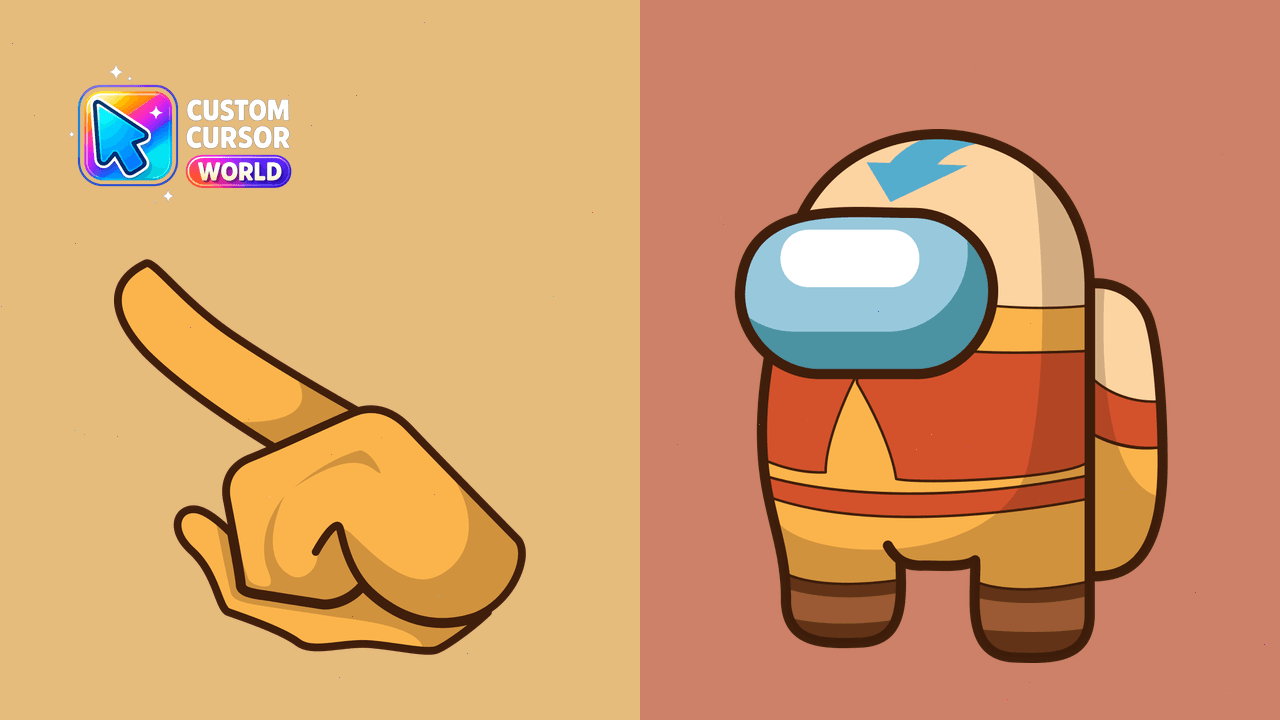
Aang Among Us Avatar Cursor Pack - Fun & Colorful Custom Cursors
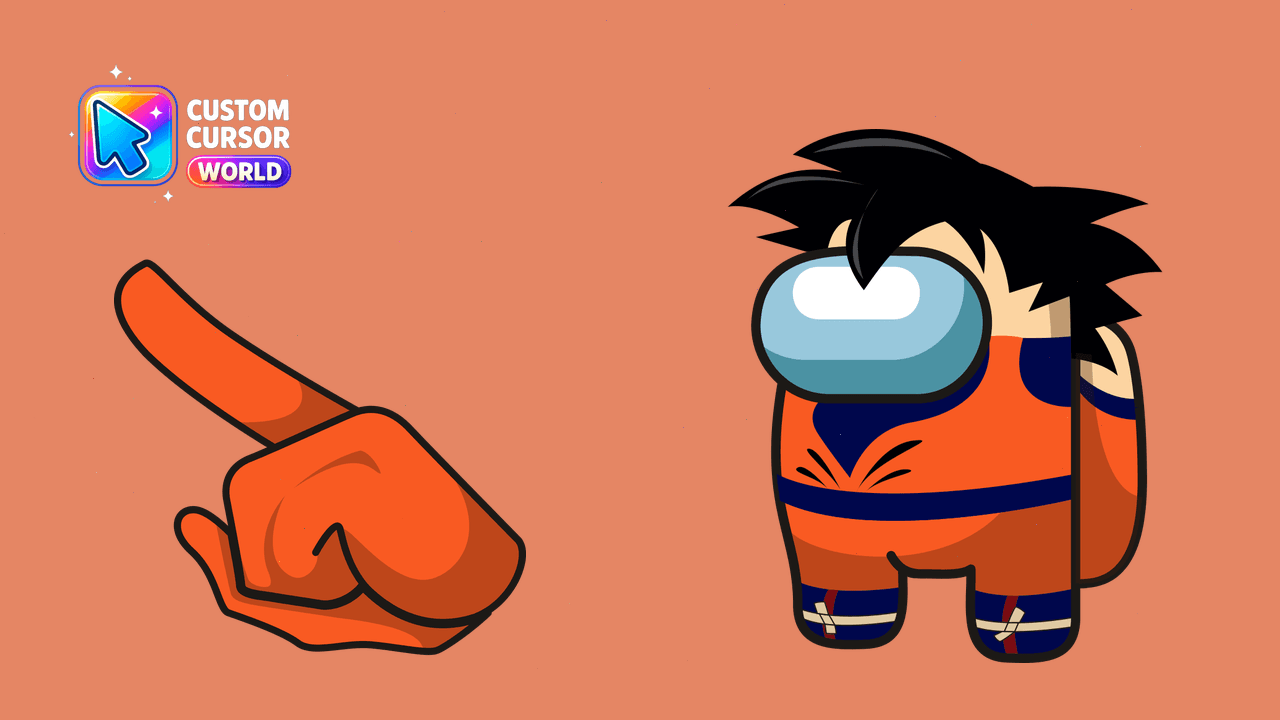
Experience a touch of Goku's character in your gameplay. Custom Cursor Pack - Son Goku Among Us Designs
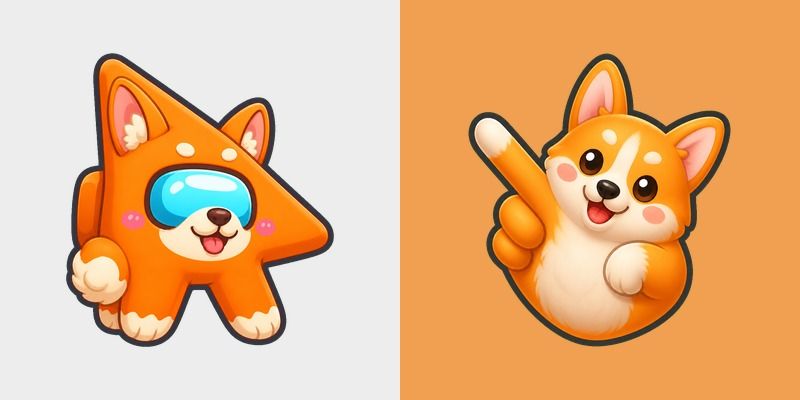
Free Among Us Orange Corgi Character custom cursor - cute bright Among Us character tip and matching hand.

Among Us Mexico Flag Colors cursor - bright green, white, and red Among Us crewmate arrow with a matching pointing hand.
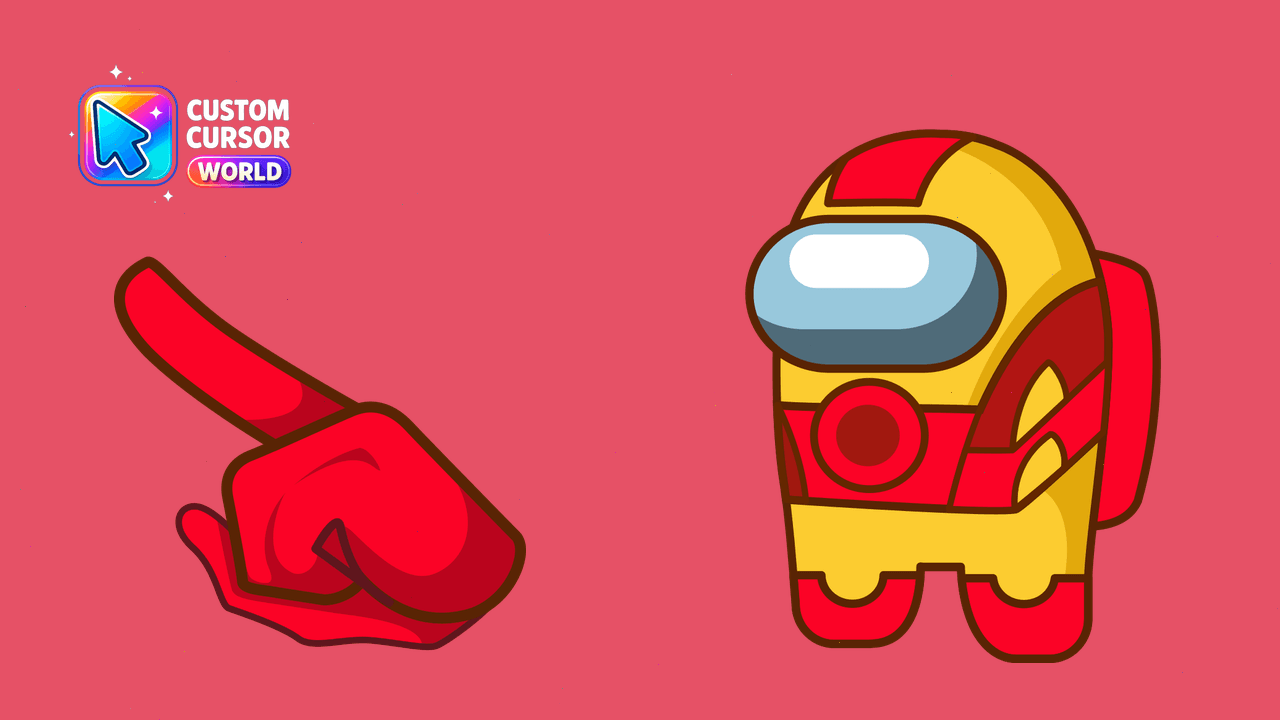
Enjoy Among Us with an Iron Man cursor pack for Windows, compatible with Chrome and Edge.
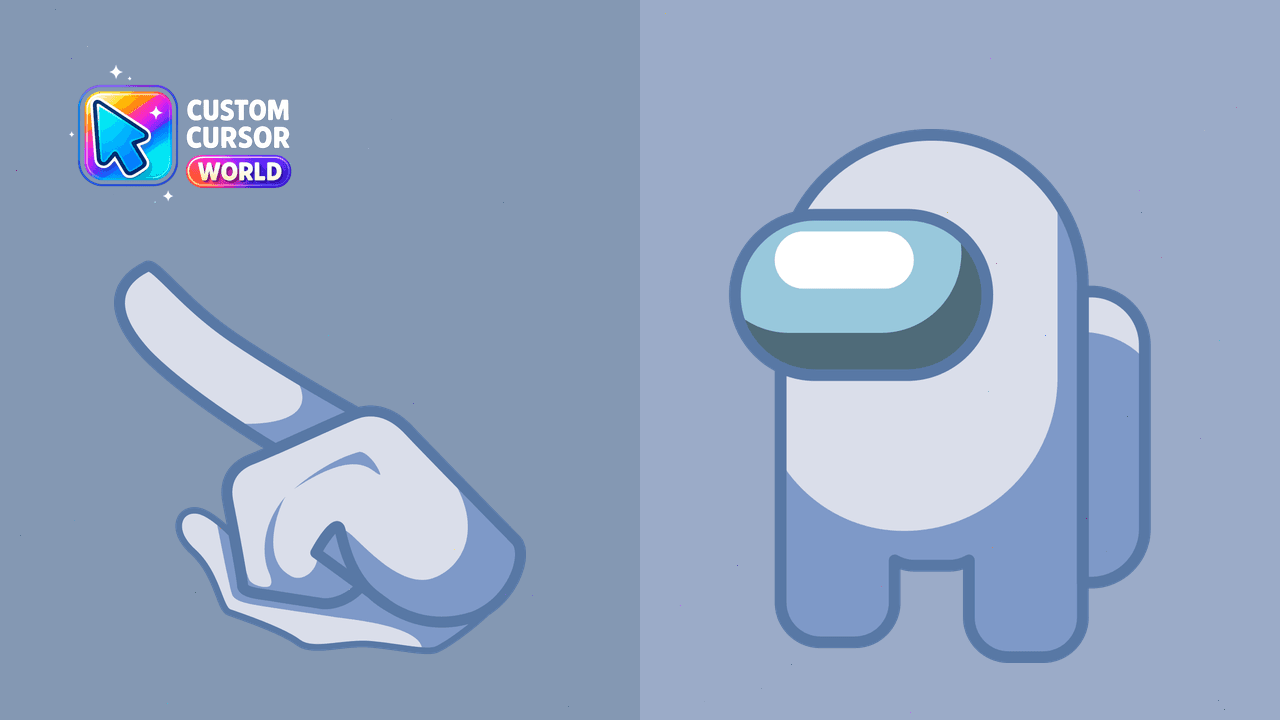
Customize your Among Us character with our versatile cursor pack featuring 18 colors available on Chrome browsers
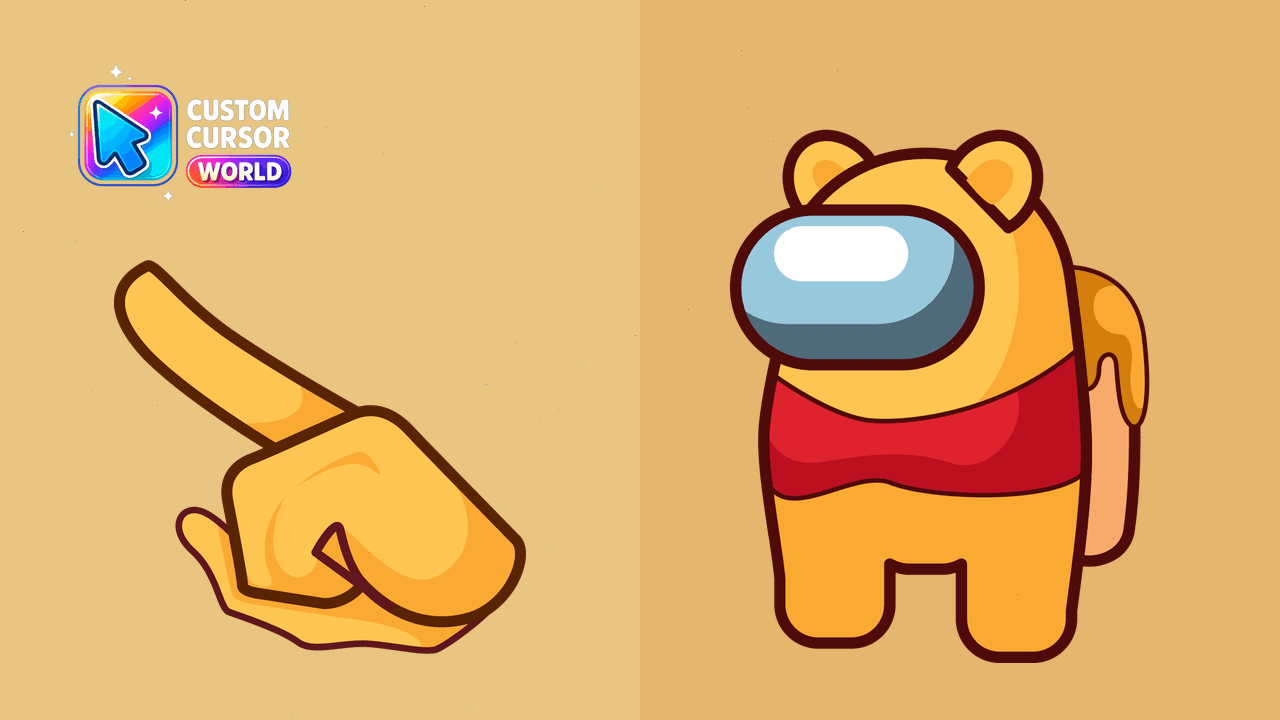
Transform your browser with our Winnie-the-Pooh custom cursor pack designed specifically for Chrome and Edge users. Elevate your daily browsing experi
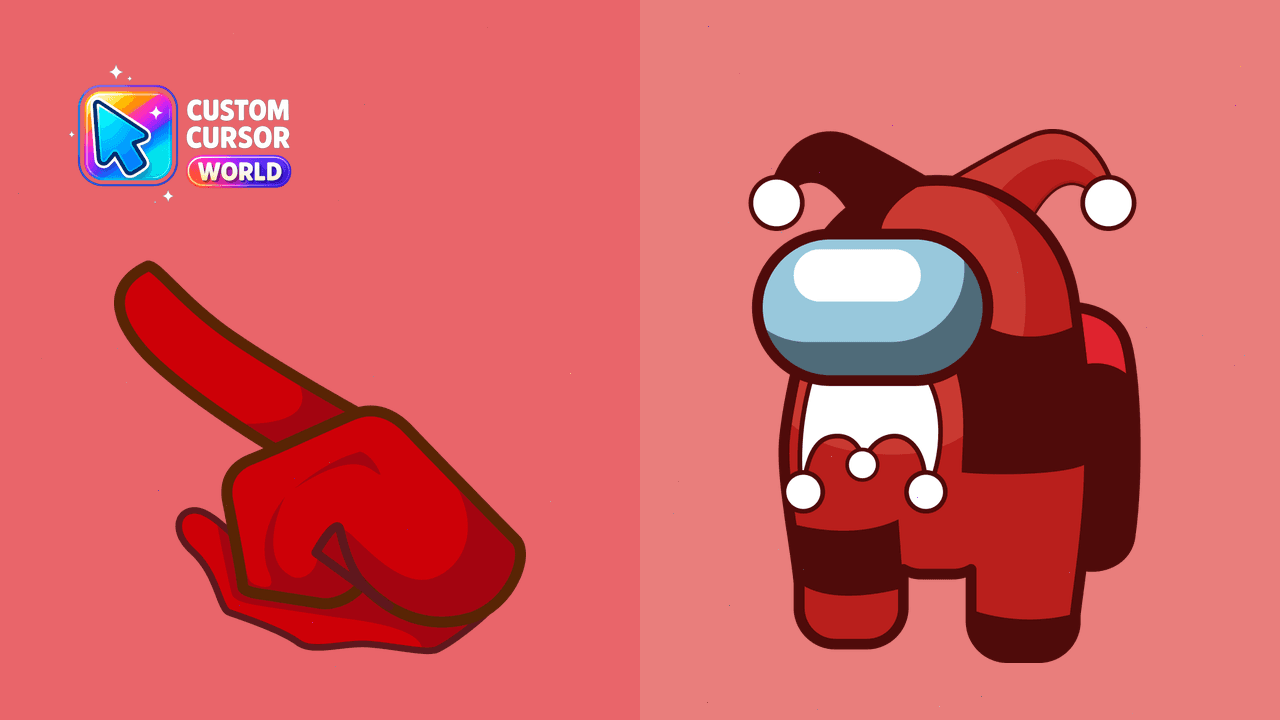
Among Us Jester Custom Cursor Pack for Chrome
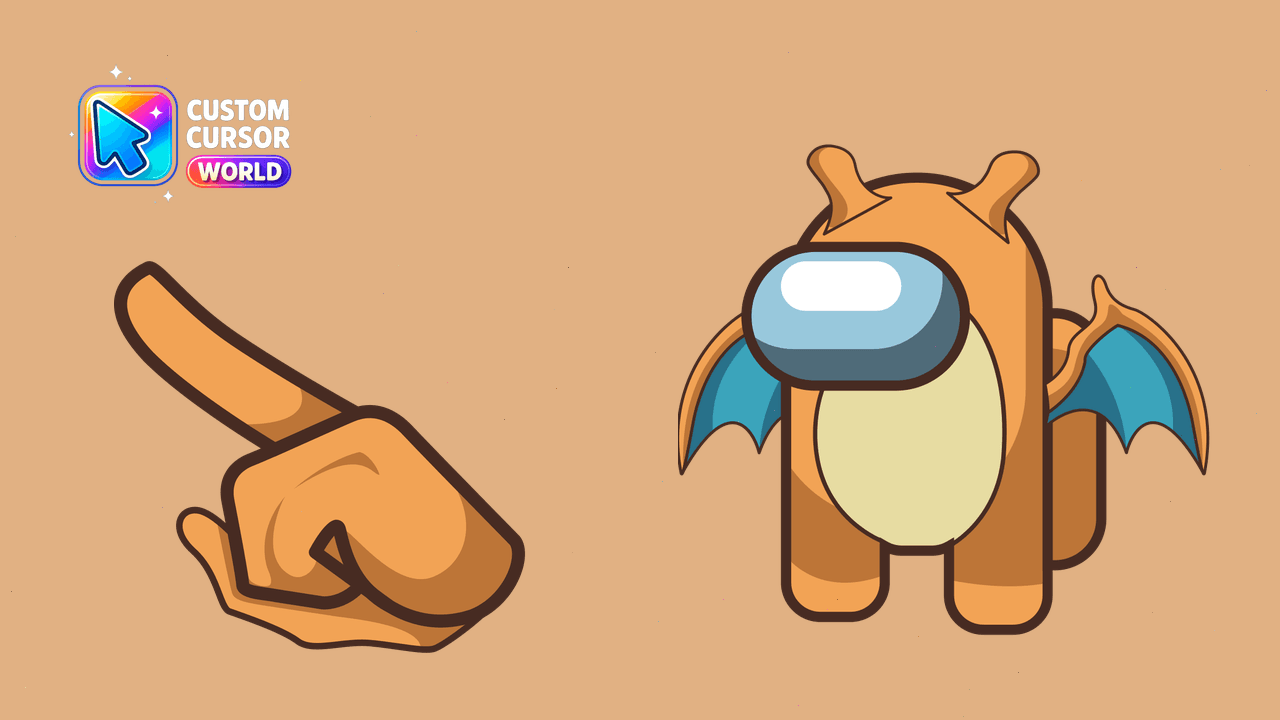
Add personality to your browsing with Among Us Dragonite's custom cursor pack for Chrome and Edge!

Free Among Us Green Coconut Drink Character custom cursor - cute bright Among Us character tip and matching hand.

Free Among Us Show Red aka The Captain custom cursor - cute bright Among Us character tip and matching hand.
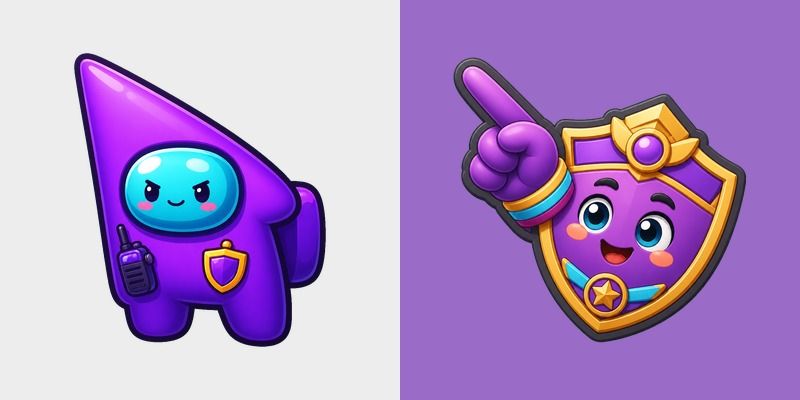
Free Among Us Show Purple aka Chief of Security custom cursor - cute bright Among Us character tip and matching hand.

Free Among Us Show Blue aka Doctor custom cursor - cute bright Among Us character tip and matching hand.

Free Among Us Show Cyan aka Gemologist custom cursor - cute bright Among Us character tip and matching hand.

Free Among Us Show White aka Contest Winner custom cursor - cute bright Among Us character tip and matching hand.

Among Us Romania Flag Colors cursor - bright blue, yellow, and red Among Us crewmate arrow with a matching pointing hand.

Among Us South Africa Flag Colors cursor - bright green, gold, red, blue, black, and white Among Us crewmate arrow with a matching pointing hand.

Among Us Morocco Flag Colors cursor - bright vivid red with green accents Among Us crewmate arrow with a matching pointing hand.
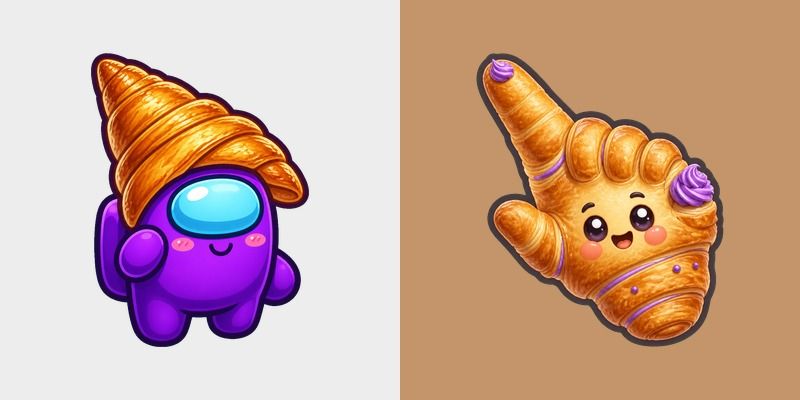
Free Among Us Purple Character in a Croissant Hat custom cursor - cute bright Among Us character tip and matching hand.
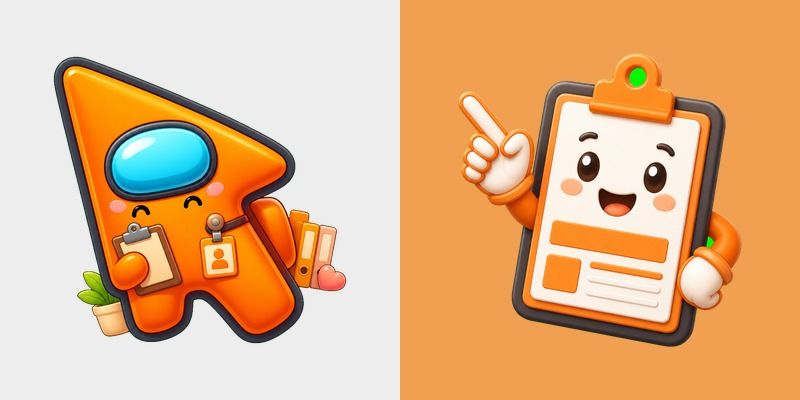
Free Among Us Show Orange aka Head of HR custom cursor - cute bright Among Us character tip and matching hand.
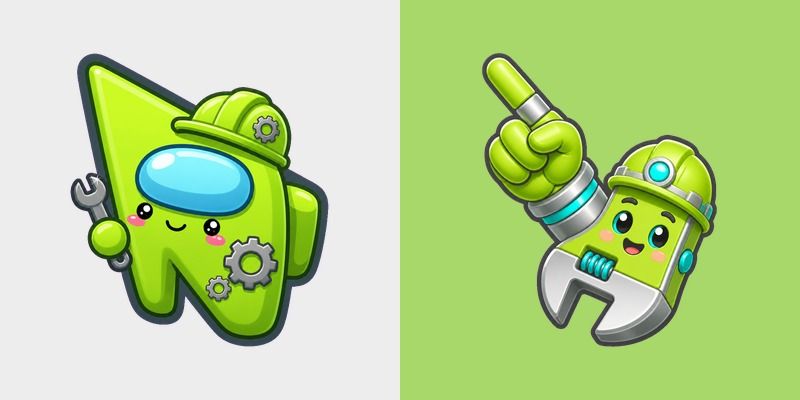
Free Among Us Show Lime aka Engineer custom cursor - cute bright Among Us character tip and matching hand.

Free Among Us Show Brown aka Ship Cook 2 custom cursor - cute bright Among Us character tip and matching hand.

Free Among Us Show Yellow aka Ship Cook 1 custom cursor - cute bright Among Us character tip and matching hand.

Among Us Argentina Flag Colors cursor - bright sky blue and white Among Us crewmate arrow with a matching pointing hand.

Among Us Bulgaria Flag Colors cursor - bright white, green, and red Among Us crewmate arrow with a matching pointing hand.

Among Us Peru Flag Colors cursor - bright red and white Among Us crewmate arrow with a matching pointing hand.

Among Us Colombia Flag Colors cursor - bright golden yellow, blue, and red Among Us crewmate arrow with a matching pointing hand.

Among Us Egypt Flag Colors cursor - bright red, white, black, and gold Among Us crewmate arrow with a matching pointing hand.

Among Us Vietnam Flag Colors cursor - bright bright red with golden yellow accents Among Us crewmate arrow with a matching pointing hand.

Among Us Show Orange True Form cursor - sneaky orange impostor arrow and matching pointing hand with darkened rim.

Among Us Turkey Flag Colors cursor - bright bright red with white accents Among Us crewmate arrow with a matching pointing hand.

Among Us Bangladesh Flag Colors cursor - bright deep green with a red accent Among Us crewmate arrow with a matching pointing hand.

Among Us Kenya Flag Colors cursor - bright black, red, green, and white Among Us crewmate arrow with a matching pointing hand.

Among Us Thailand Flag Colors cursor - bright red, white, and blue bands Among Us crewmate arrow with a matching pointing hand.

Among Us Philippines Flag Colors cursor - bright blue, red, and golden yellow Among Us crewmate arrow with a matching pointing hand.

Among Us Spider-Man Character cursor - minimal flat buddy with a themed Crew Web Cuff pointer.

Among Us Show Cyan aka Gemologist cursor - minimal flat buddy with a themed Cyan Gem Pick pointer.

Among Us Show Yellow aka Ship Cook 1 cursor - minimal flat buddy with a themed Yellow Spatula pointer.

Among Us Purple Red Onion Character cursor - purple onion crewmate with matching hand.

Among Us Orange Shrimp Tempura Character cursor - crispy golden shrimp crewmate pack.

Among Us Gray Baby Penguin Character cursor - fluffy gray chick crewmate pointer.

Among Us Red LEGO Brick Character cursor - bright red brick crewmate custom cursor.

Among Us White Opal Character cursor - milky iridescent gem crewmate pack.

Among Us Green Pokemon Chikorita Character cursor - lime leaf crewmate with pointer.

Among Us Blue Blackberry Character cursor - bumpy berry crewmate pointer pack.

Among Us Cyan Zircon Character cursor - icy cyan gem crewmate with matching hand.

Among Us Orange Goldfish Character cursor - bright orange fish crewmate custom cursor.

Among Us Purple Seahorse Character cursor - ocean purple seahorse crewmate with pointer.

Among Us Brown Oxidized Copper Character cursor - copper-patina crewmate pointer pack.

Among Us Red Ketchup Bottle Character cursor - tomato-red condiment crewmate pack.

Among Us White Hachiware Character cursor - soft white cat crewmate with a matching pointer.

Among Us Squid Game Square Guard Skin cursor with a Square Guard Mask pointer - Among Us Squid Game crossover.

Among Us Squid Game Square Guard Skin cursor with a Square Guard Mask pointer - Among Us Squid Game crossover.

Among Us Squid Game Square Guard Skin cursor - pink square-mask crewmate with matching hover hand.

Free Among Us Halloween Logo and Controller cursor with a vivid chibi crewmate look and themed hand.

Free Among Us Halloween Vehicle and Trail cursor with a vivid chibi crewmate look and themed hand.

Cute Among Us Halloween Character and Ability cursor for fans - dark outline crewmate style with hover hand.

Among Us Halloween Badge and Trophy custom cursor: candy-bright character art plus matching pointer.

Cute Among Us Halloween Map and Compass cursor for fans - dark outline crewmate style with hover hand.

Among Us Halloween Portal and Key cursor - bright cute crewmate custom cursor with matching pointer.

Among Us Halloween Mascot and Token custom cursor: candy-bright character art plus matching pointer.

Free Among Us Halloween Boss and Arena cursor with a vivid chibi crewmate look and themed hand.

Among Us Halloween Rival and Weapon cursor - bright cute crewmate custom cursor with matching pointer.

Free Among Us Halloween Hero and Power-Up cursor with a vivid chibi crewmate look and themed hand.

Among Us Winter Logo and Controller cursor - bright cute crewmate custom cursor with matching pointer.

Among Us Winter Vehicle and Trail custom cursor: candy-bright character art plus matching pointer.

Among Us Winter Character and Ability cursor - bright cute crewmate custom cursor with matching pointer.

Cute Among Us Winter Badge and Trophy cursor for fans - dark outline crewmate style with hover hand.

Cute Among Us Winter Map and Compass cursor for fans - dark outline crewmate style with hover hand.

Cute Among Us Winter Portal and Key cursor for fans - dark outline crewmate style with hover hand.

Among Us Winter Mascot and Token custom cursor: candy-bright character art plus matching pointer.

Among Us Winter Boss and Arena cursor - bright cute crewmate custom cursor with matching pointer.

Free Among Us Winter Rival and Weapon cursor with a vivid chibi crewmate look and themed hand.

Free Among Us Winter Hero and Power-Up cursor with a vivid chibi crewmate look and themed hand.

Free Among Us Cosmic Logo and Controller cursor with a vivid chibi crewmate look and themed hand.

Among Us Cosmic Vehicle and Trail custom cursor: candy-bright character art plus matching pointer.

Free Among Us Cosmic Character and Ability cursor with a vivid chibi crewmate look and themed hand.

Among Us Cosmic Badge and Trophy custom cursor: candy-bright character art plus matching pointer.

Free Among Us Cosmic Map and Compass cursor with a vivid chibi crewmate look and themed hand.

Cute Among Us Cosmic Portal and Key cursor for fans - dark outline crewmate style with hover hand.

Free Among Us Cosmic Mascot and Token cursor with a vivid chibi crewmate look and themed hand.

Free Among Us Cosmic Boss and Arena cursor with a vivid chibi crewmate look and themed hand.

Among Us Cosmic Rival and Weapon custom cursor: candy-bright character art plus matching pointer.

Cute Among Us Cosmic Hero and Power-Up cursor for fans - dark outline crewmate style with hover hand.

Cute Among Us Glitched Logo and Controller cursor for fans - dark outline crewmate style with hover hand.

Free Among Us Glitched Vehicle and Trail cursor with a vivid chibi crewmate look and themed hand.

Among Us Glitched Character and Ability custom cursor: candy-bright character art plus matching pointer.

Among Us Glitched Badge and Trophy custom cursor: candy-bright character art plus matching pointer.

Free Among Us Glitched Map and Compass cursor with a vivid chibi crewmate look and themed hand.

Among Us Glitched Portal and Key custom cursor: candy-bright character art plus matching pointer.

Among Us Glitched Mascot and Token custom cursor: candy-bright character art plus matching pointer.

Cute Among Us Glitched Boss and Arena cursor for fans - dark outline crewmate style with hover hand.

Among Us Glitched Rival and Weapon custom cursor: candy-bright character art plus matching pointer.

Among Us Glitched Hero and Power-Up cursor - bright cute crewmate custom cursor with matching pointer.

Among Us Retro Logo and Controller cursor - bright cute crewmate custom cursor with matching pointer.

Cute Among Us Retro Vehicle and Trail cursor for fans - dark outline crewmate style with hover hand.

Free Among Us Retro Character and Ability cursor with a vivid chibi crewmate look and themed hand.

Free Among Us Retro Badge and Trophy cursor with a vivid chibi crewmate look and themed hand.

Among Us Retro Map and Compass cursor - bright cute crewmate custom cursor with matching pointer.

Free Among Us Retro Portal and Key cursor with a vivid chibi crewmate look and themed hand.

Among Us Retro Mascot and Token custom cursor: candy-bright character art plus matching pointer.

Free Among Us Retro Boss and Arena cursor with a vivid chibi crewmate look and themed hand.

Among Us Retro Rival and Weapon cursor - bright cute crewmate custom cursor with matching pointer.

Cute Among Us Retro Hero and Power-Up cursor for fans - dark outline crewmate style with hover hand.

Among Us Pixel Logo and Controller cursor - bright cute crewmate custom cursor with matching pointer.

Cute Among Us Pixel Vehicle and Trail cursor for fans - dark outline crewmate style with hover hand.

Among Us Pixel Character and Ability cursor - bright cute crewmate custom cursor with matching pointer.

Among Us Pixel Badge and Trophy custom cursor: candy-bright character art plus matching pointer.

Free Among Us Pixel Map and Compass cursor with a vivid chibi crewmate look and themed hand.

Among Us Pixel Portal and Key cursor - bright cute crewmate custom cursor with matching pointer.

Cute Among Us Pixel Mascot and Token cursor for fans - dark outline crewmate style with hover hand.

Among Us Pixel Boss and Arena cursor - bright cute crewmate custom cursor with matching pointer.

Free Among Us Pixel Rival and Weapon cursor with a vivid chibi crewmate look and themed hand.

Among Us Pixel Hero and Power-Up custom cursor: candy-bright character art plus matching pointer.

Cute Among Us Golden Logo and Controller cursor for fans - dark outline crewmate style with hover hand.

Among Us Golden Vehicle and Trail custom cursor: candy-bright character art plus matching pointer.

Among Us Golden Character and Ability cursor - bright cute crewmate custom cursor with matching pointer.

Among Us Golden Badge and Trophy cursor - bright cute crewmate custom cursor with matching pointer.

Among Us Golden Map and Compass cursor - bright cute crewmate custom cursor with matching pointer.

Free Among Us Golden Portal and Key cursor with a vivid chibi crewmate look and themed hand.

Among Us Golden Mascot and Token cursor - bright cute crewmate custom cursor with matching pointer.

Among Us Golden Boss and Arena custom cursor: candy-bright character art plus matching pointer.

Free Among Us Golden Rival and Weapon cursor with a vivid chibi crewmate look and themed hand.

Free Among Us Golden Hero and Power-Up cursor with a vivid chibi crewmate look and themed hand.

Among Us Shadow Logo and Controller custom cursor: candy-bright character art plus matching pointer.

Among Us Shadow Vehicle and Trail cursor - bright cute crewmate custom cursor with matching pointer.

Among Us Shadow Character and Ability cursor - bright cute crewmate custom cursor with matching pointer.

Among Us Shadow Badge and Trophy custom cursor: candy-bright character art plus matching pointer.

Cute Among Us Shadow Map and Compass cursor for fans - dark outline crewmate style with hover hand.

Free Among Us Shadow Portal and Key cursor with a vivid chibi crewmate look and themed hand.

Among Us Shadow Mascot and Token custom cursor: candy-bright character art plus matching pointer.

Among Us Shadow Boss and Arena cursor - bright cute crewmate custom cursor with matching pointer.

Among Us Shadow Rival and Weapon custom cursor: candy-bright character art plus matching pointer.

Among Us Shadow Hero and Power-Up cursor - bright cute crewmate custom cursor with matching pointer.

Free Among Us Neon Logo and Controller cursor with a vivid chibi crewmate look and themed hand.

Among Us Neon Vehicle and Trail custom cursor: candy-bright character art plus matching pointer.

Free Among Us Neon Character and Ability cursor with a vivid chibi crewmate look and themed hand.

Among Us Neon Badge and Trophy custom cursor: candy-bright character art plus matching pointer.

Among Us Neon Map and Compass cursor - bright cute crewmate custom cursor with matching pointer.

Among Us Neon Portal and Key custom cursor: candy-bright character art plus matching pointer.

Among Us Neon Mascot and Token custom cursor: candy-bright character art plus matching pointer.

Cute Among Us Neon Boss and Arena cursor for fans - dark outline crewmate style with hover hand.

Among Us Neon Rival and Weapon cursor - bright cute crewmate custom cursor with matching pointer.

Among Us Neon Hero and Power-Up cursor - bright cute crewmate custom cursor with matching pointer.

Free Among Us Classic Logo and Controller cursor with a vivid chibi crewmate look and themed hand.

Free Among Us Classic Vehicle and Trail cursor with a vivid chibi crewmate look and themed hand.

Among Us Classic Character and Ability cursor - bright cute character custom cursor with matching pointer.

Among Us Classic Badge and Trophy cursor - bright cute character custom cursor with matching pointer.

Among Us Classic Map and Compass cursor - bright cute character custom cursor with matching pointer.

Among Us Classic Portal and Key cursor - bright cute character custom cursor with matching pointer.

Among Us Classic Mascot and Token cursor - bright cute character custom cursor with matching pointer.

Among Us Classic Boss and Arena cursor - bright cute character custom cursor with matching pointer.

Among Us Classic Rival and Weapon cursor - bright cute character custom cursor with matching pointer.

Among Us Classic Hero and Power-Up cursor - bright cute character custom cursor with matching pointer.

Free Among Us Red Character custom cursor with a cute crew visor buddy pointer and dark outline.

Free Origami Among Us Purple Character custom cursor with a cute origami crewmate buddy pointer and dark outline.

Among Us Pepsi Character cursor - blue crewmate with a red-white-blue swirl costume and pointer.


Among Us Show Brown aka Ship Cook 2 cursor with a Brown Spatula pointer - free dark outline character custom cursor.

Among Us Show Lime aka Engineer cursor with a Engineer Wrench pointer - free dark outline character custom cursor.

Among Us Show White aka Contest Winner cursor with a Winner Trophy pointer - free dark outline character custom cursor.


Free Among Us Show Green True Form cursor - green crewmate with a toothy impostor mouth.

Free Among Us Show Orange True Form cursor - orange crewmate reveals its toothy impostor mouth.

Among Us Nigeria Flag Colors cursor - bright green and white Among Us crewmate arrow with a matching pointing hand.

Among Us Pakistan Flag Colors cursor - bright deep green and white Among Us crewmate arrow with a matching pointing hand.

Among Us Indonesia Flag Colors cursor - bright bright red and white Among Us crewmate arrow with a matching pointing hand.

Among Us Brazil Flag Colors cursor - bright vivid green, gold yellow, and blue Among Us crewmate arrow with a matching pointing hand.

Among Us India Flag Colors cursor - bright saffron orange, white, and green Among Us crewmate arrow with a matching pointing hand.

Among Us Ukraine Flag Colors cursor - bright blue and golden yellow crewmate arrow with a matching pointing hand.