4.3
Holiday Cursor Collection for Chrome & Edge
Enhance your digital experience with the Holiday Cursor Collection-authentic custom cursors for Christmas & New Year celebrations on Chrome & Edge.
6,836
Customize your Chrome and Edge experience with the delightful and diverse Textures cursor collection!
Browse 48 carefully curated cursor packs in this collection. All packs are free to download and work with Chrome, Edge, and Windows browsers.
From Custom Cursor World, Custom Cursors, and Cute Cursors catalogs
Discover more curated cursor collections that match your interests. Explore similar themed collections with free cursor packs for Chrome, Edge, and Windows.
Enhance your digital experience with the Holiday Cursor Collection-authentic custom cursors for Christmas & New Year celebrations on Chrome & Edge.
Elevate your browsing experience with our custom cursor collection inspired by 'Friday Night Funkin'. Set popular game characters instead of default b
Unleash adventure on your computer screen with our exclusive Crashlands cursor collection. Customize, personalize, and play-now available for Chrome &
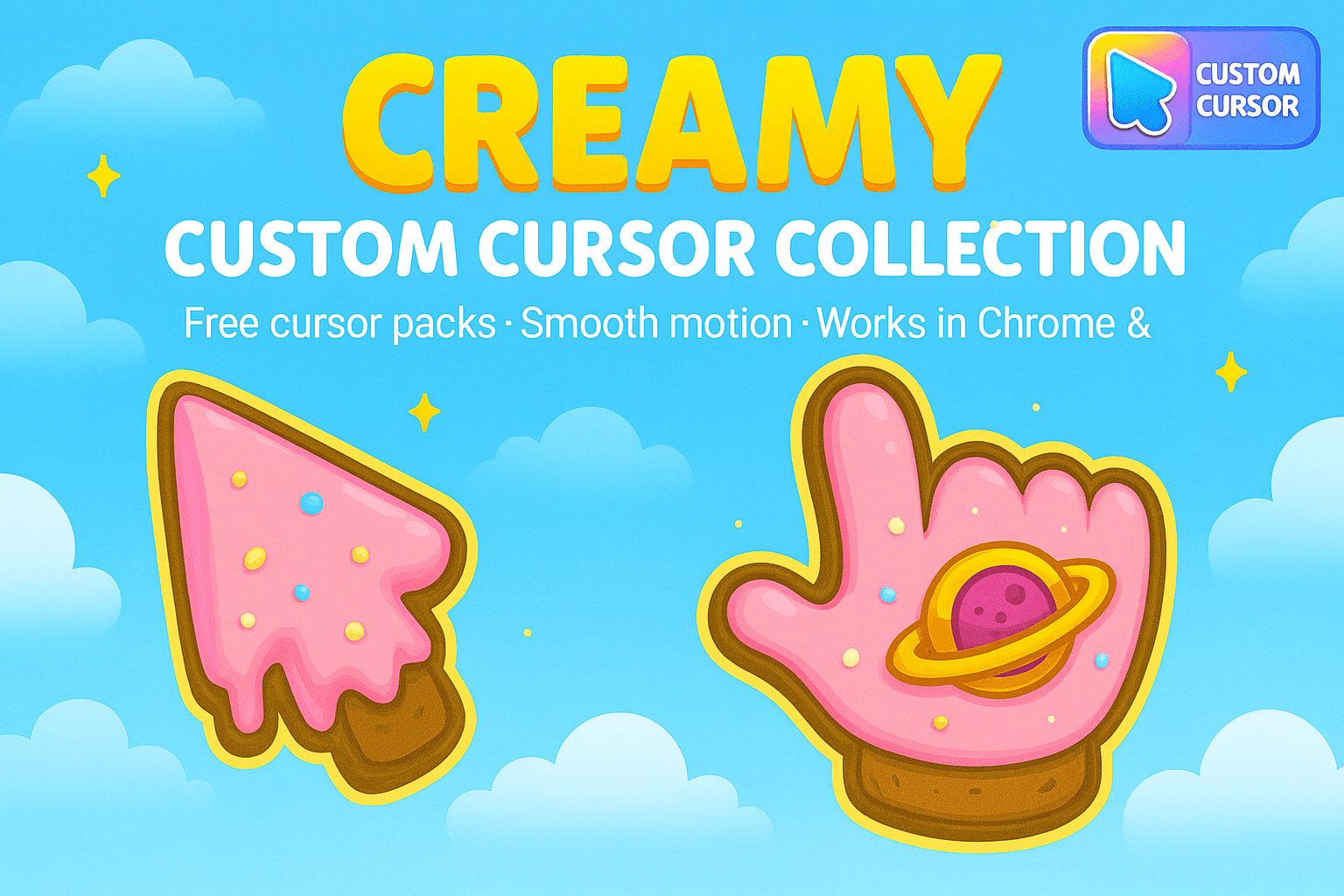
Enhance browsing with Creamy Cursor Collection - Fun ice cream-themed cursors for Chrome, Edge or Windows
Follow these simple steps to start using custom cursors from the Textures Cursor Collection for Chrome & Edge collection. All cursor packs are free and easy to install.
Install the Custom Cursor World extension for Chrome or Edge browser. The extension is free and takes less than a minute to set up.
Explore 48 cursor packs in the Textures Cursor Collection for Chrome & Edge collection and find your favorite designs. Each pack is carefully curated for quality.
Click on any cursor pack and download it directly to your browser. No additional software or configuration needed.
Your new cursor is now active! Customize your browsing experience with unique cursor designs from the Textures Cursor Collection for Chrome & Edge collection.
Common questions about the Textures Cursor Collection for Chrome & Edge cursor collection
The Textures Cursor Collection for Chrome & Edge collection is a curated set of custom cursor packs designed to enhance your browsing experience. Each pack in this collection has been carefully selected to provide unique and visually appealing cursor designs.
Yes! All cursor packs in this collection are completely free to download and use. There are no hidden fees or subscriptions required.
These cursor packs work with Chrome and Edge browsers through the Custom Cursor World extension. The extension is free and easy to install.
Simply click on any cursor pack in this collection, then click the "Add" or "Download" button. The extension will automatically install the cursor pack for you.
Yes! You can switch between different cursor packs at any time. Just browse our collections and select a new pack whenever you want to change your cursor style.
No restart is needed! Once you install a cursor pack, it becomes active immediately. You can start using your new cursor right away.
Install our free browser extension to instantly apply any cursor from our vast collection with one click. Works seamlessly with Chrome, Edge, and Windows.
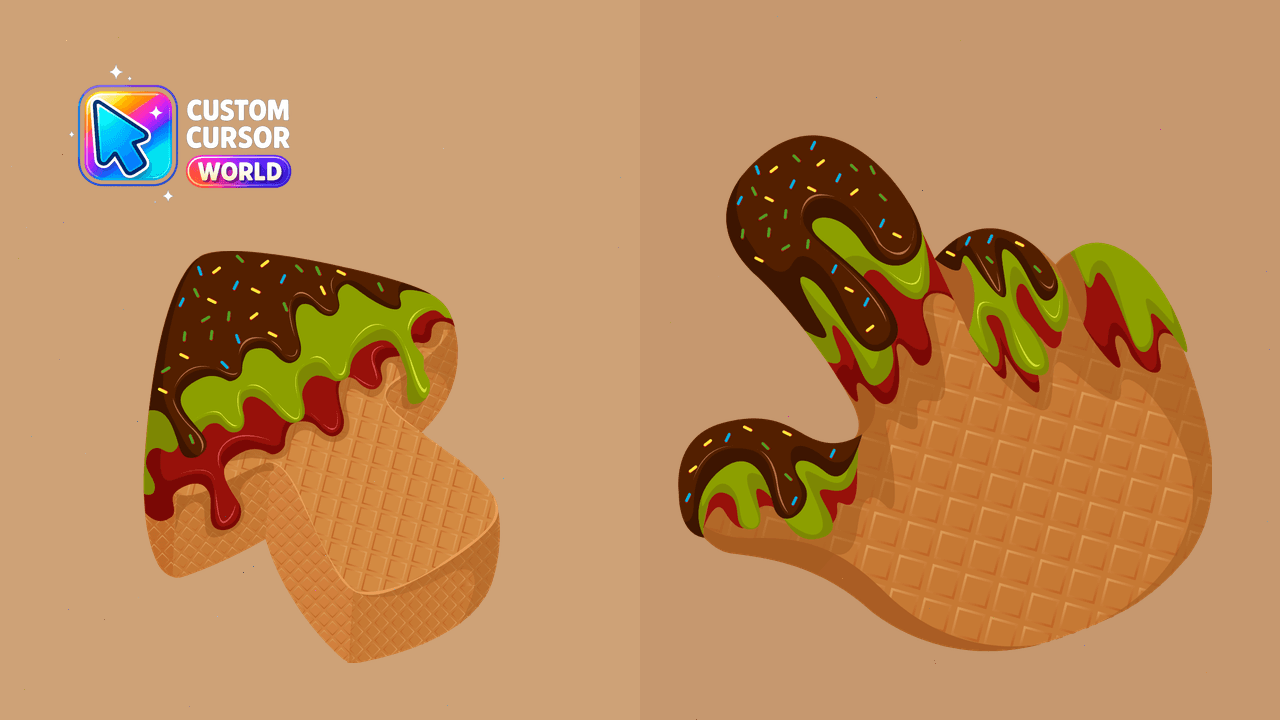
Experience the taste of ice cream with our Sweet Cursor Pack! Customizable, visually appealing cursors perfect for Chrome and Edge browsers.
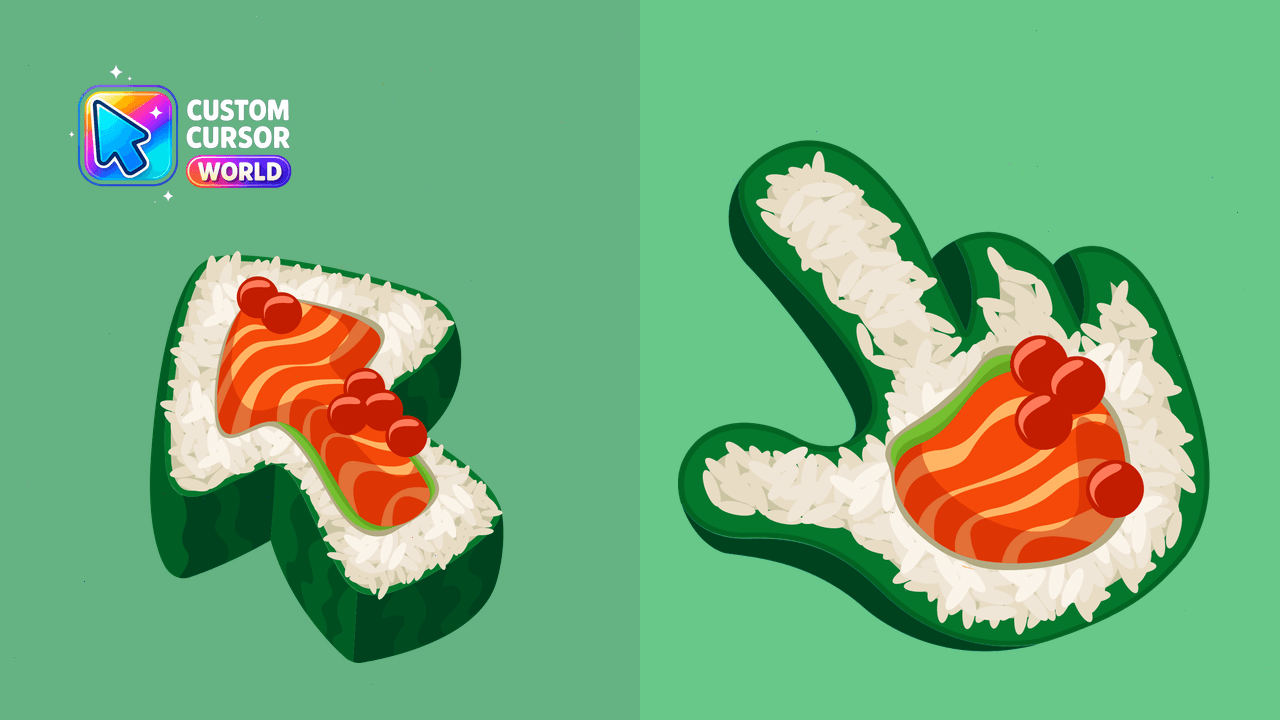
Sushi Texture - Elevate Your Cursor Experience
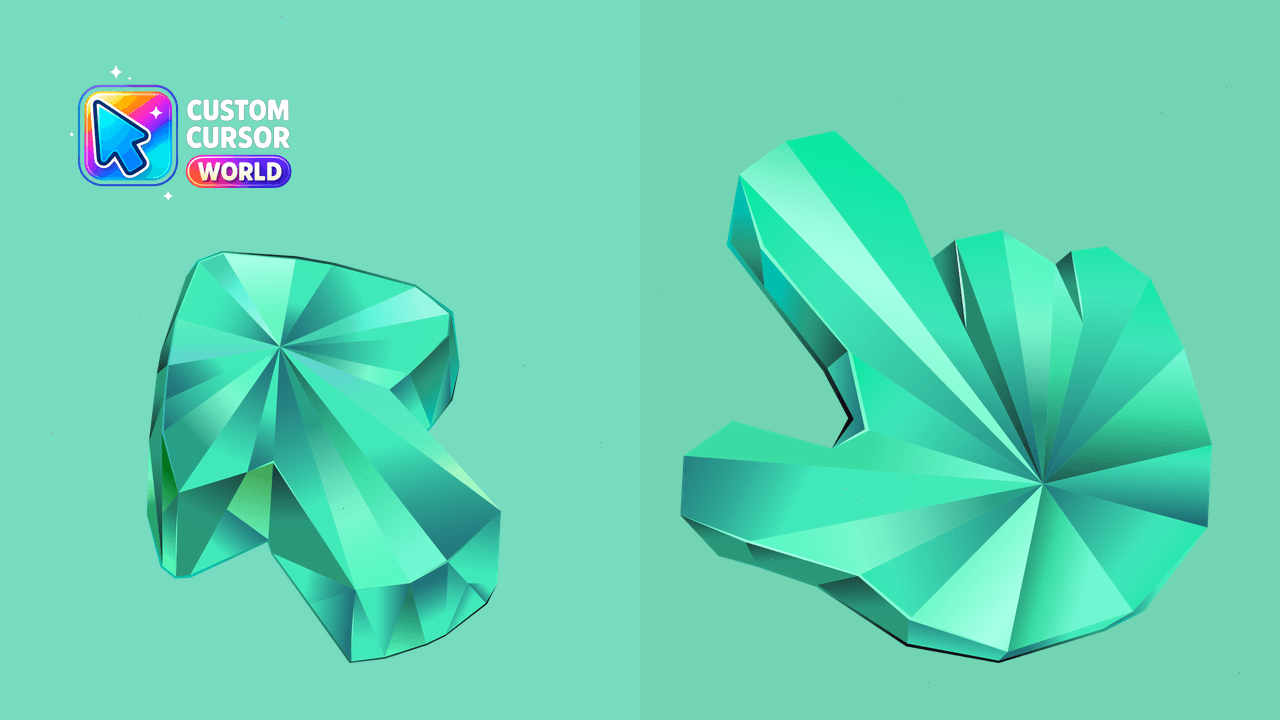
Experience oceanic calm with Aquamarine Texture Cursor Pack
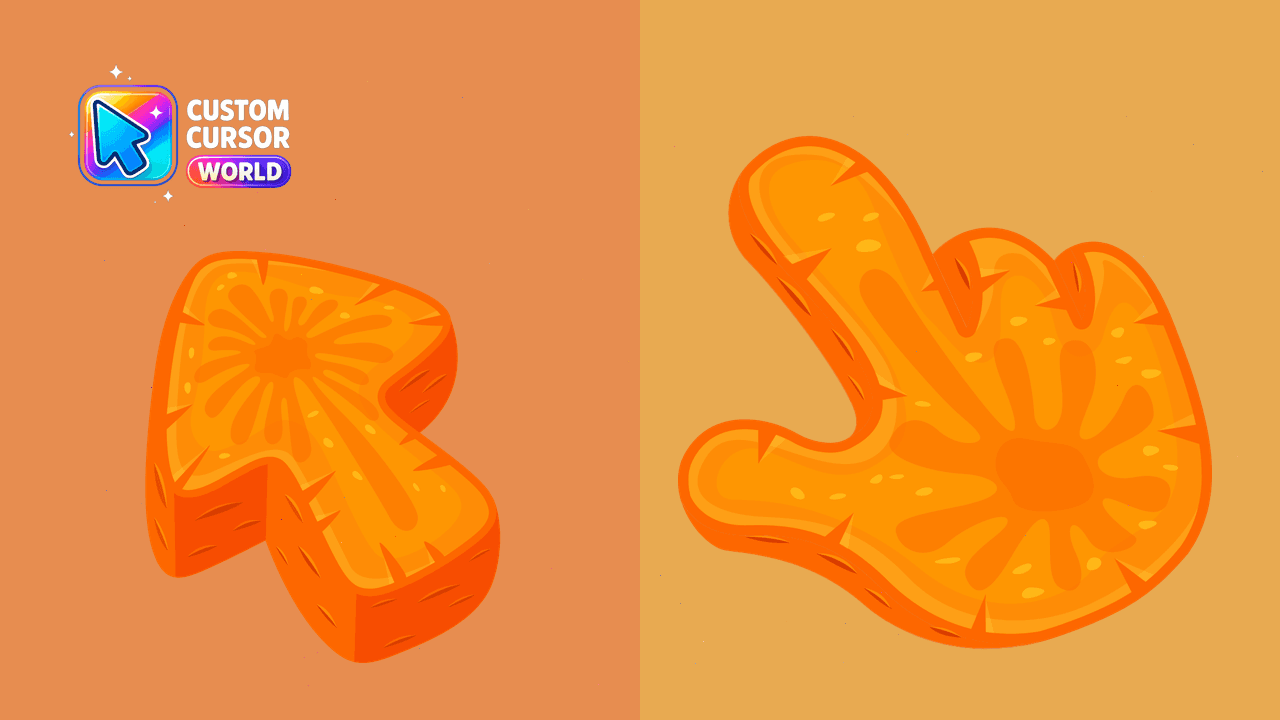
Enhance your desktop with the vibrant and memorable Carrot Texture custom cursor on Chrome, Edge or Windows
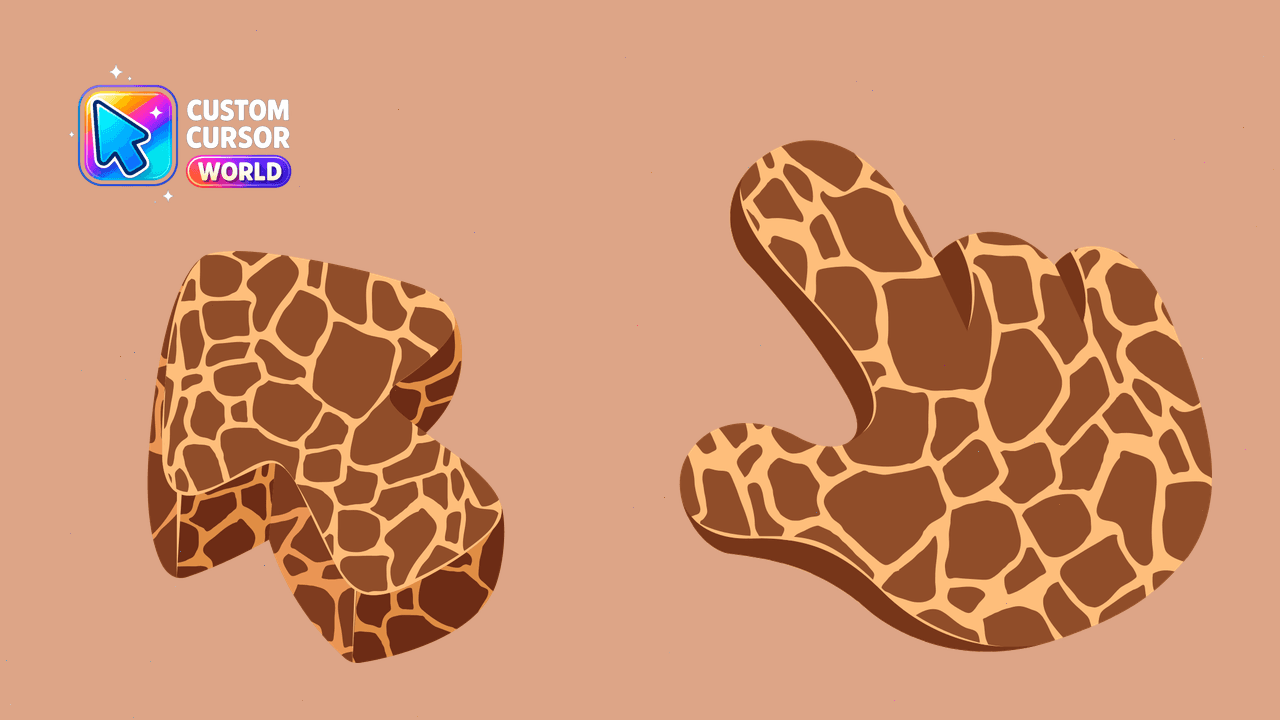
Giraffe Cursor Pack: Unique and Customizable Giraffe Texture for Windows Cursors
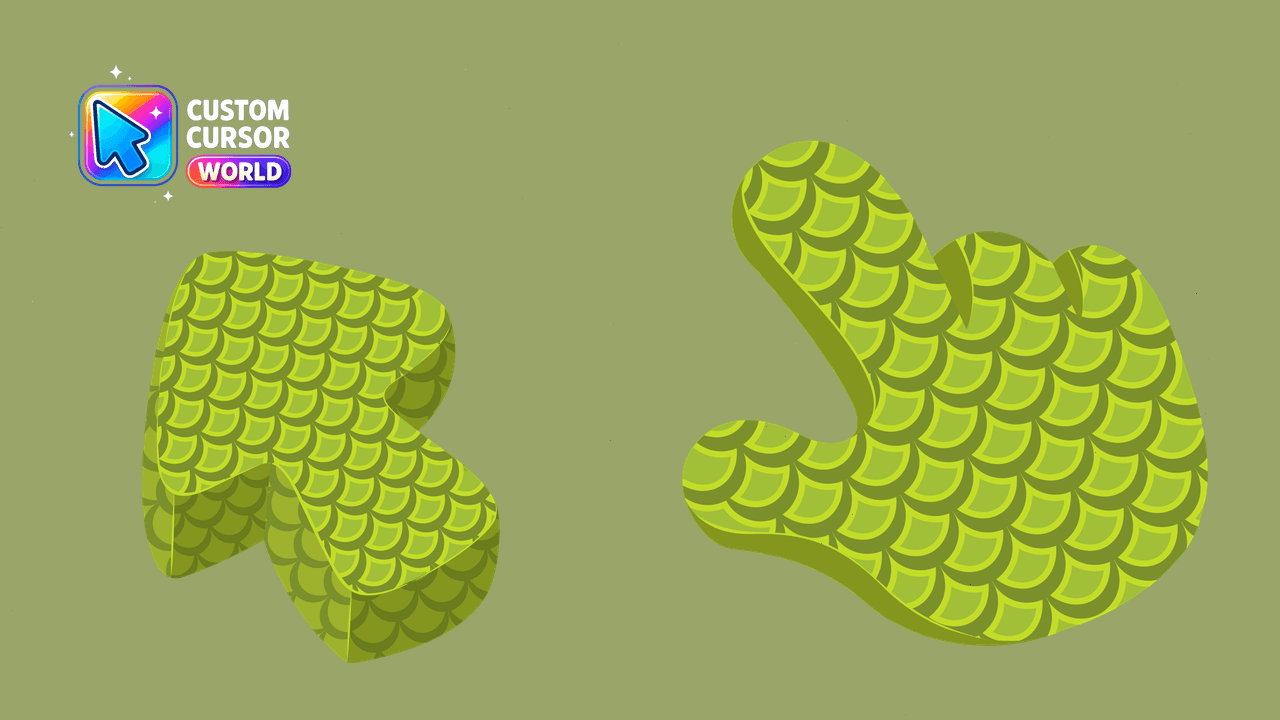
Experience unique reptile scale custom cursors in Chrome & Edge
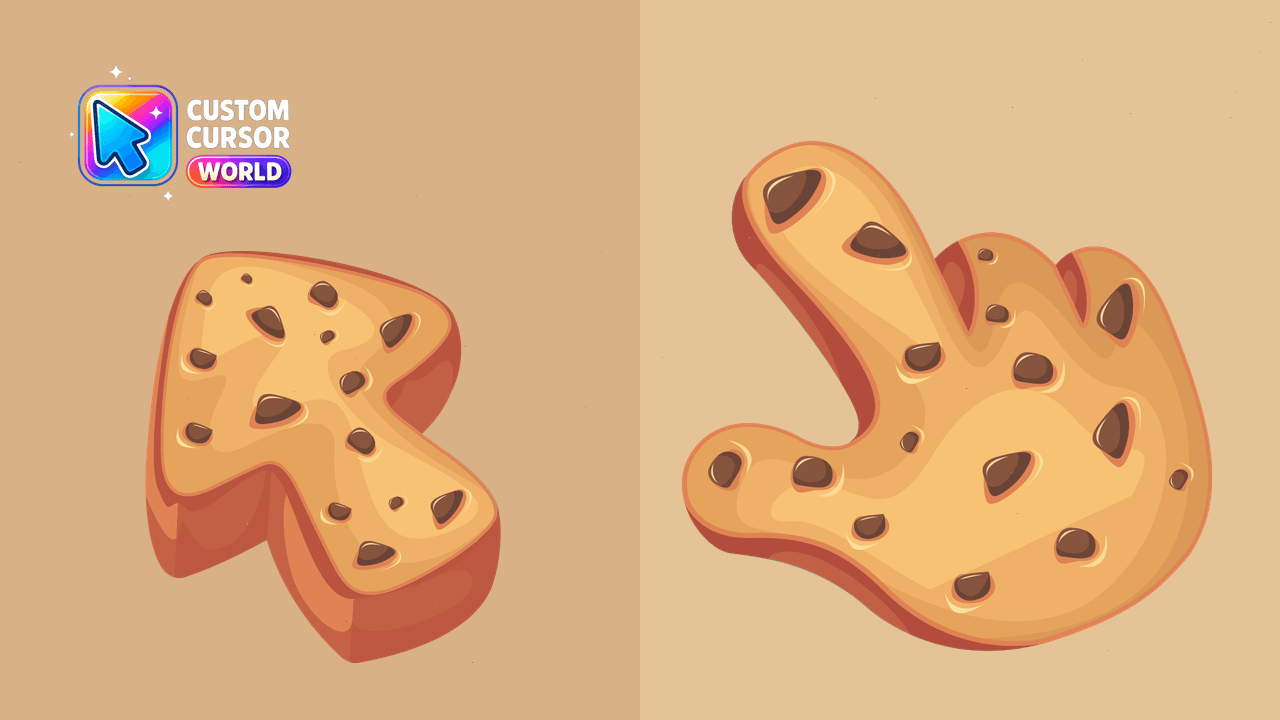
Cookie Texture Cursor - Custom cursors for your browser
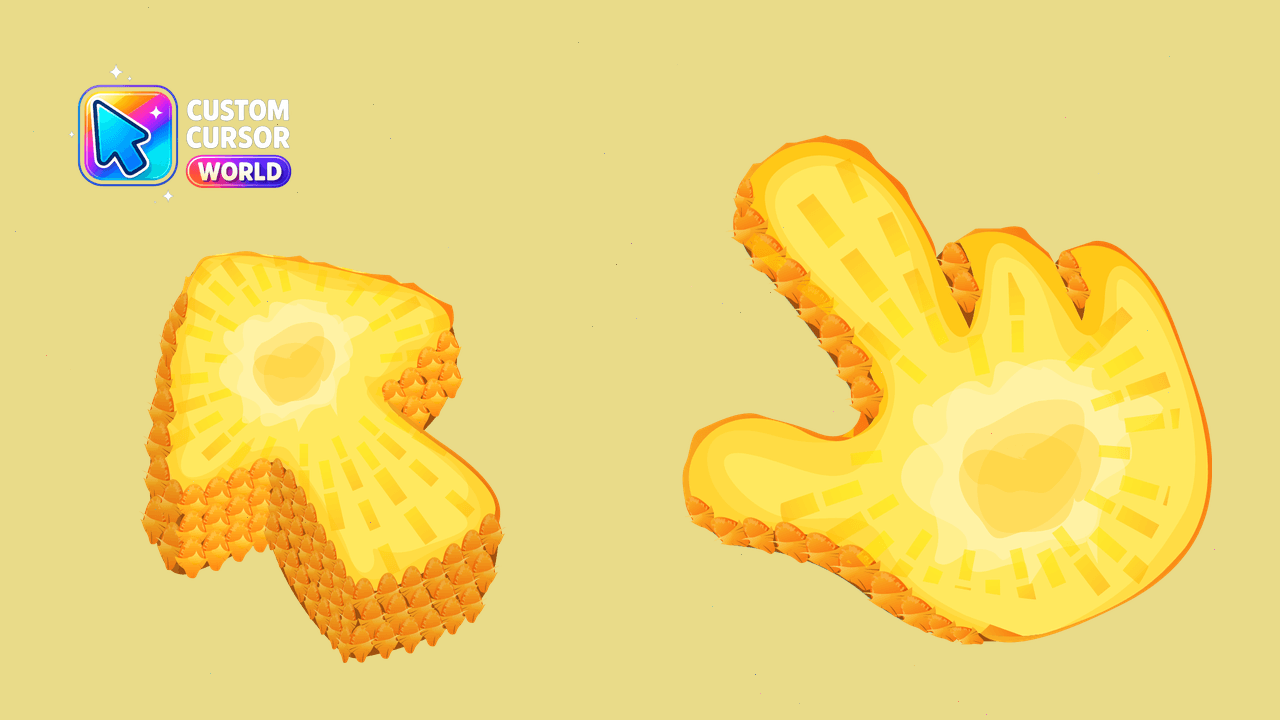
Enjoy the tropical taste in pixels with Pineapple Cursor Pack - a delightful addition to your Chrome browser!
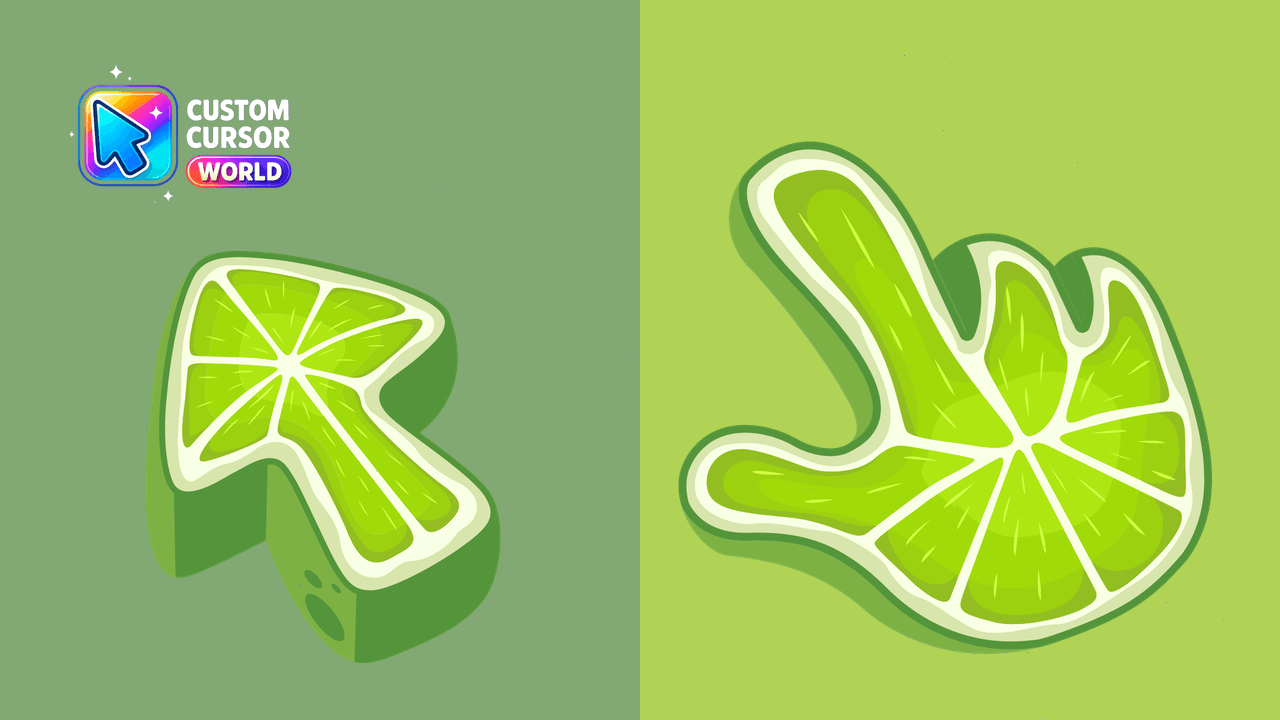
Enhance your Chrome experience with the Lime Texture Custom Cursor Pack - modern, vibrant, and user-friendly
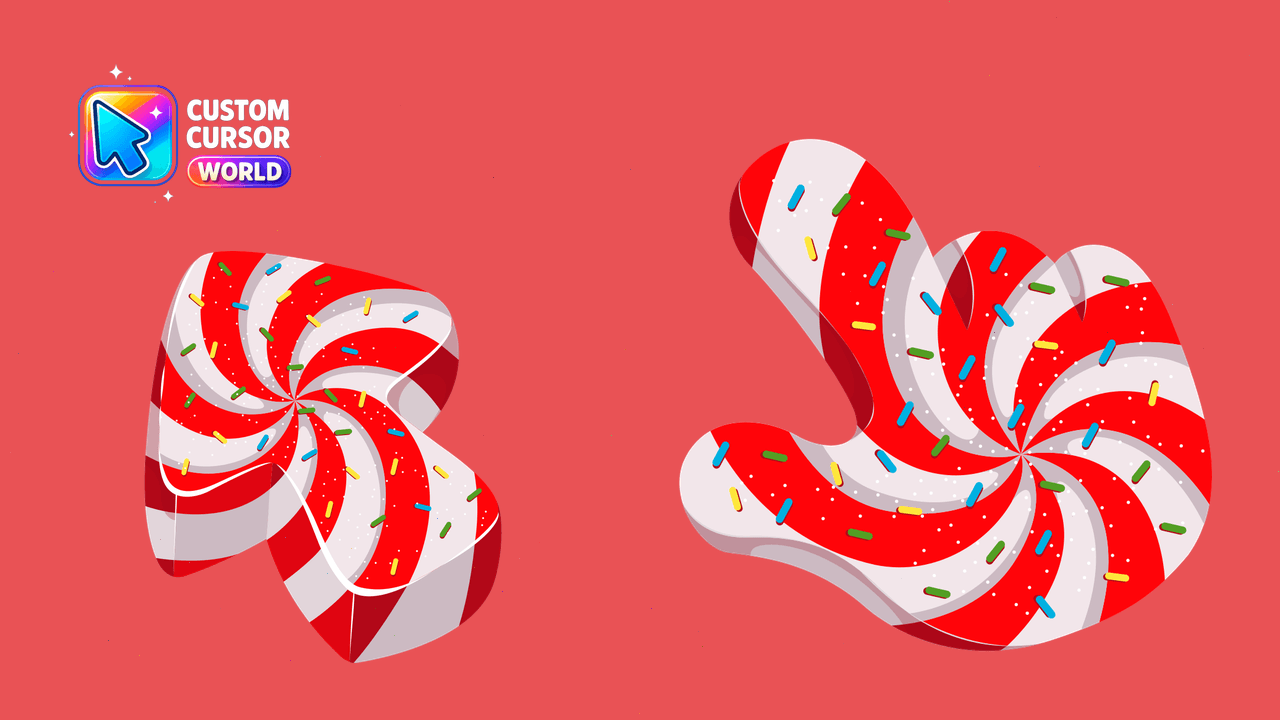
Brighten up your browser with the Candy Cursor Pack's colorful selection of custom cursors.
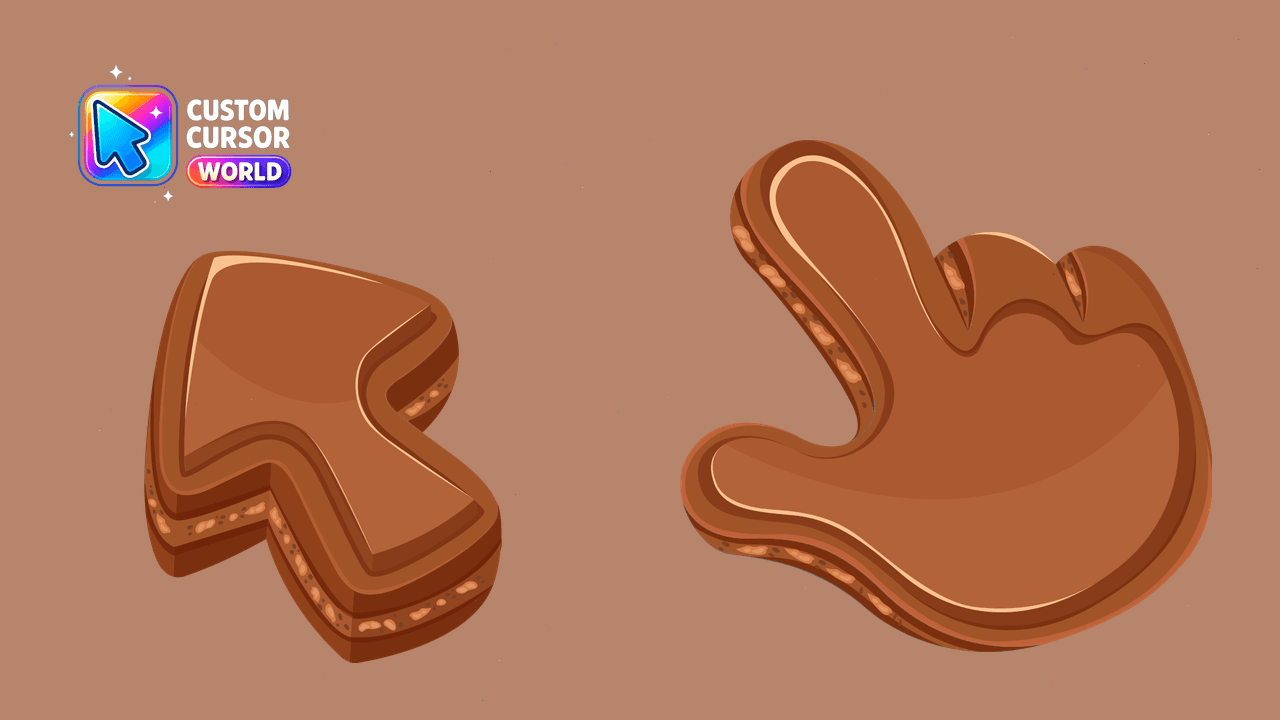
Indulge in the Chocolate Cursor Pack for Chrome and Edge
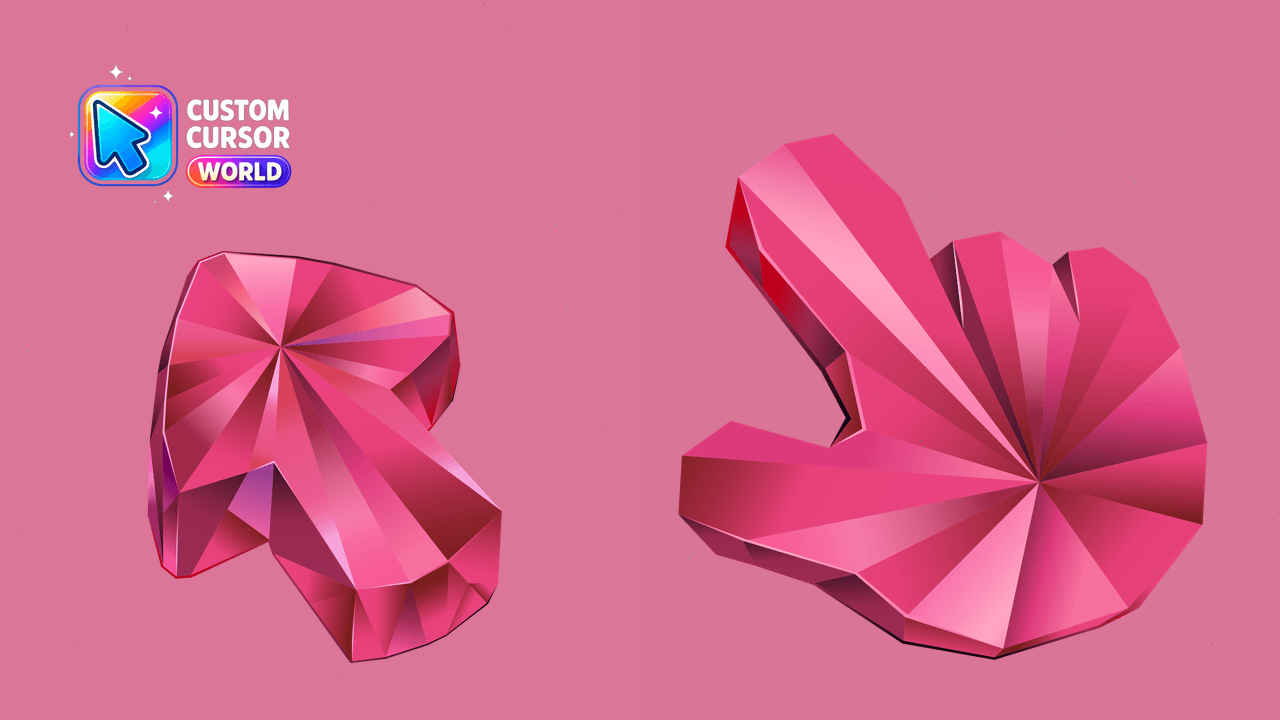
Enhance your cursor game with Tourmaline Texture Cursor Pack - vibrant colors & top-notch performance on Chrome and Edge!
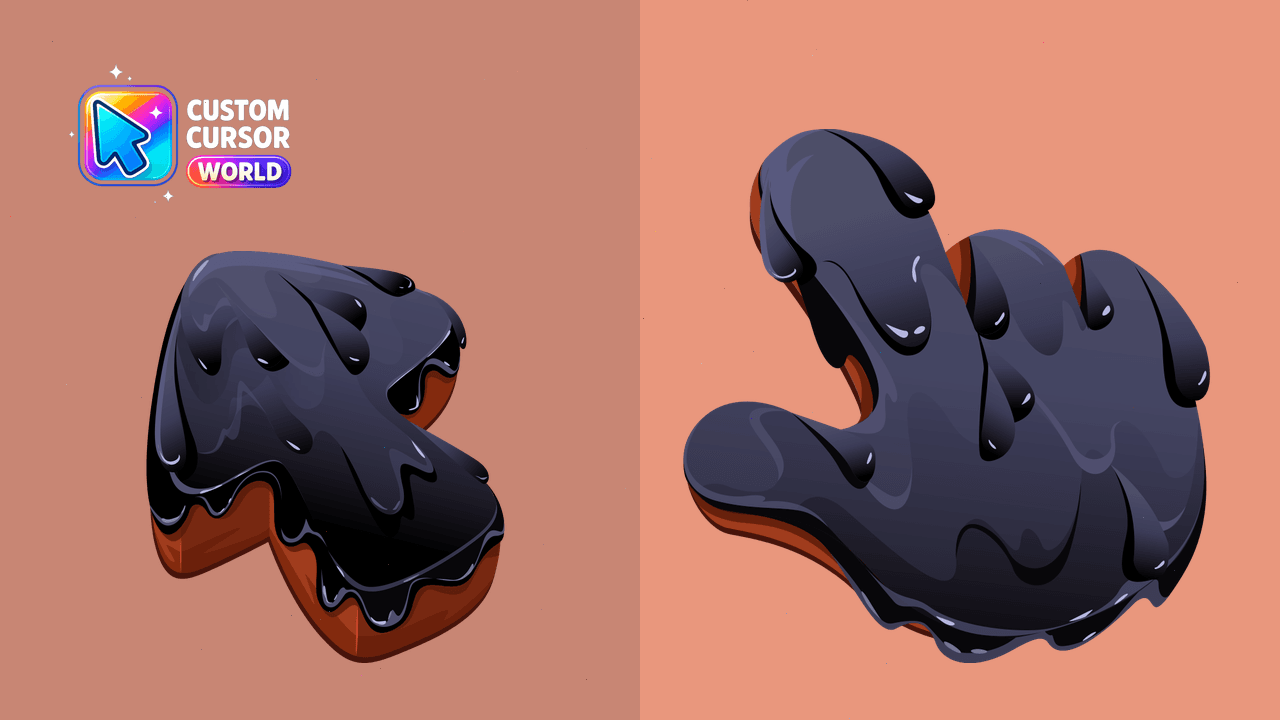
Transform your desktop experience with the unique Black Resin Texture cursors suitable for Windows and Chrome.
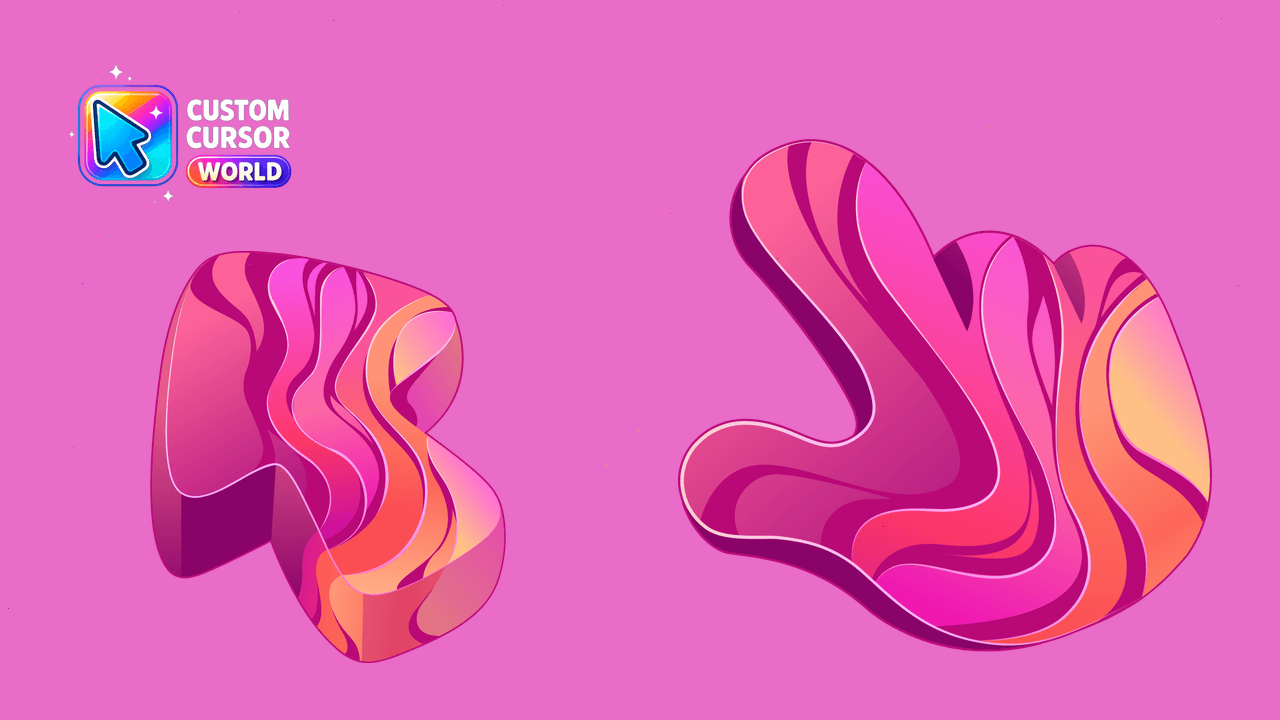
Add unique, vibrant gradients as your new Chrome & Edge cursors
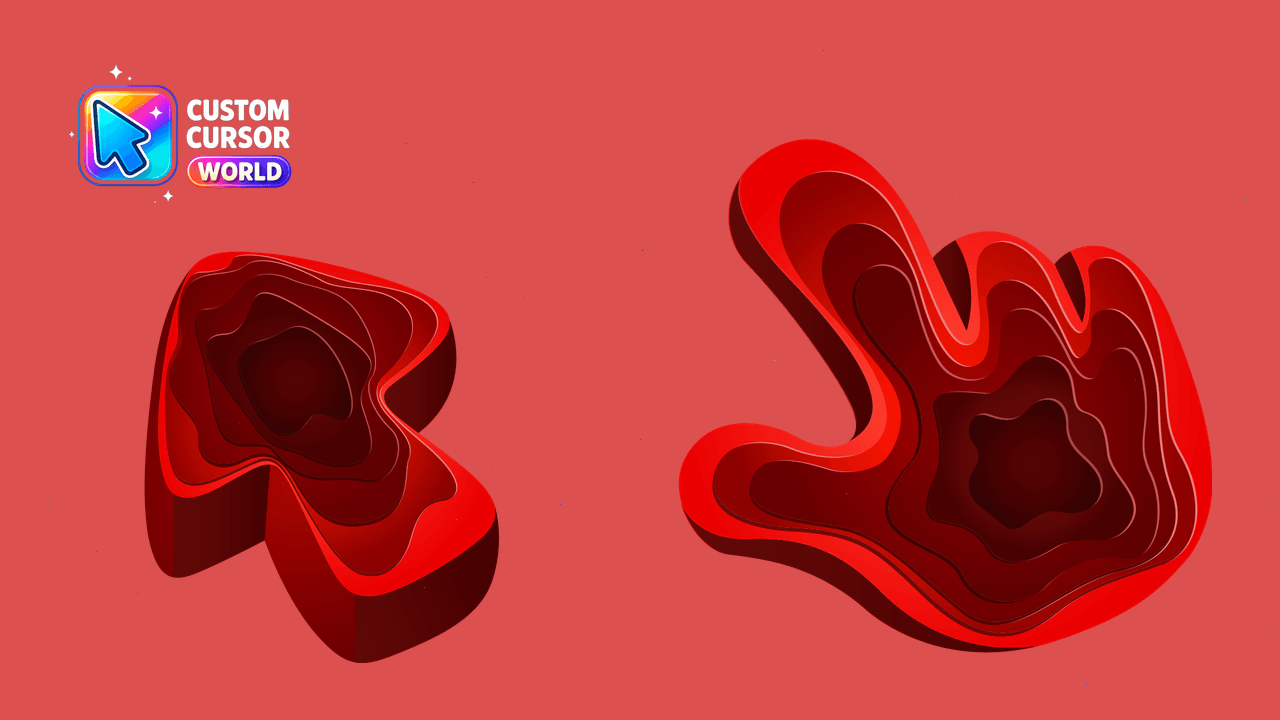
Upgrade your cursor style with the Quarry Texture pack
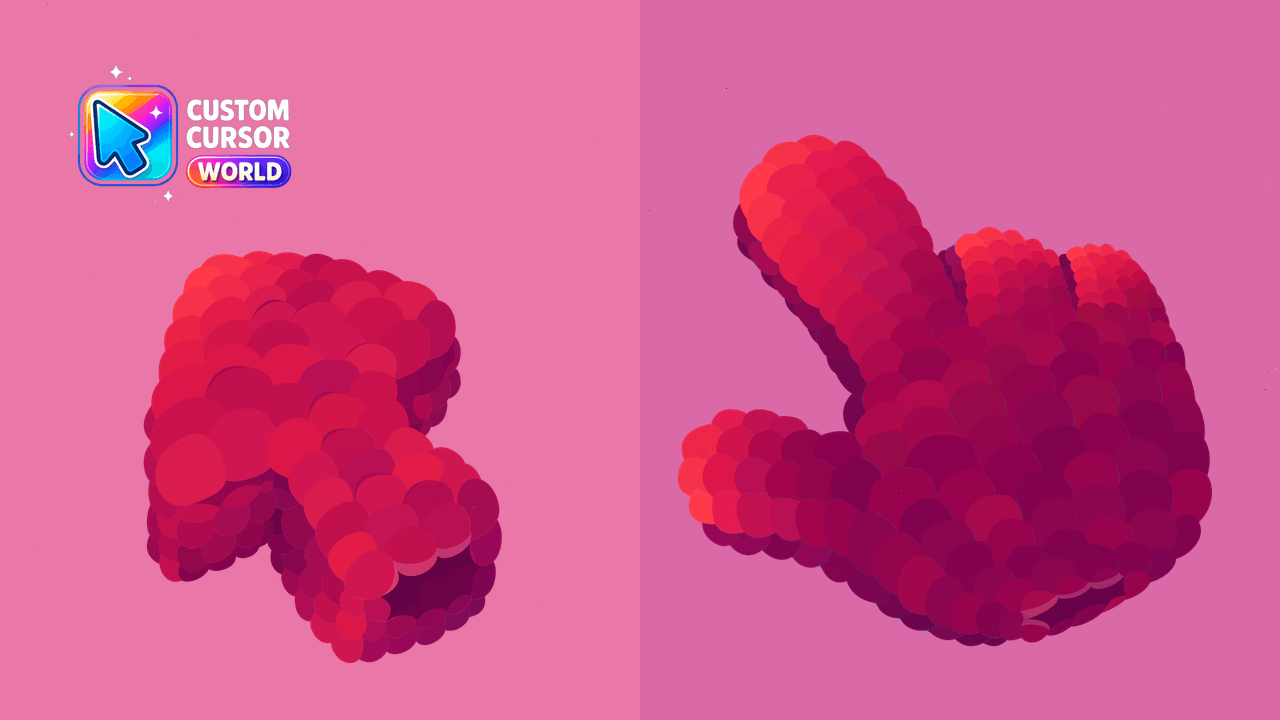
Add Raspberry Texture to your cursor pack for a delightful navigation experience across multiple devices.
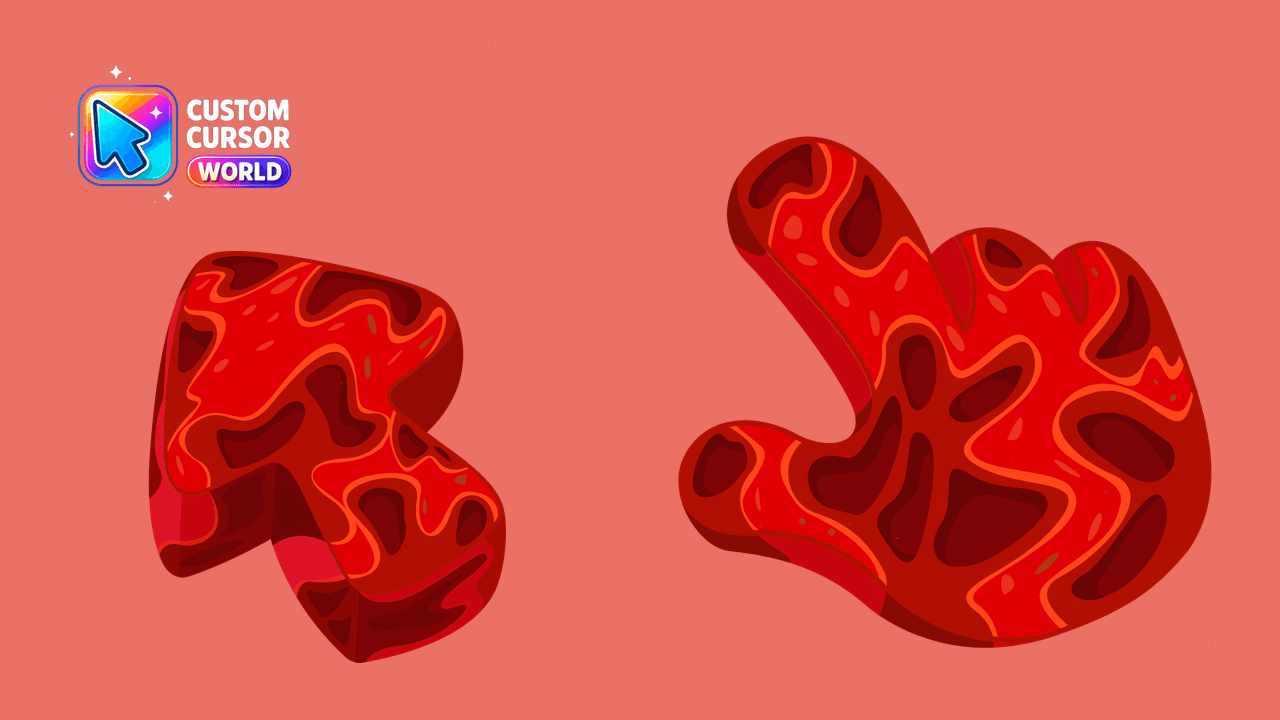
Customize your cursor with celestial flair from our 'Mars Cursor Pack'
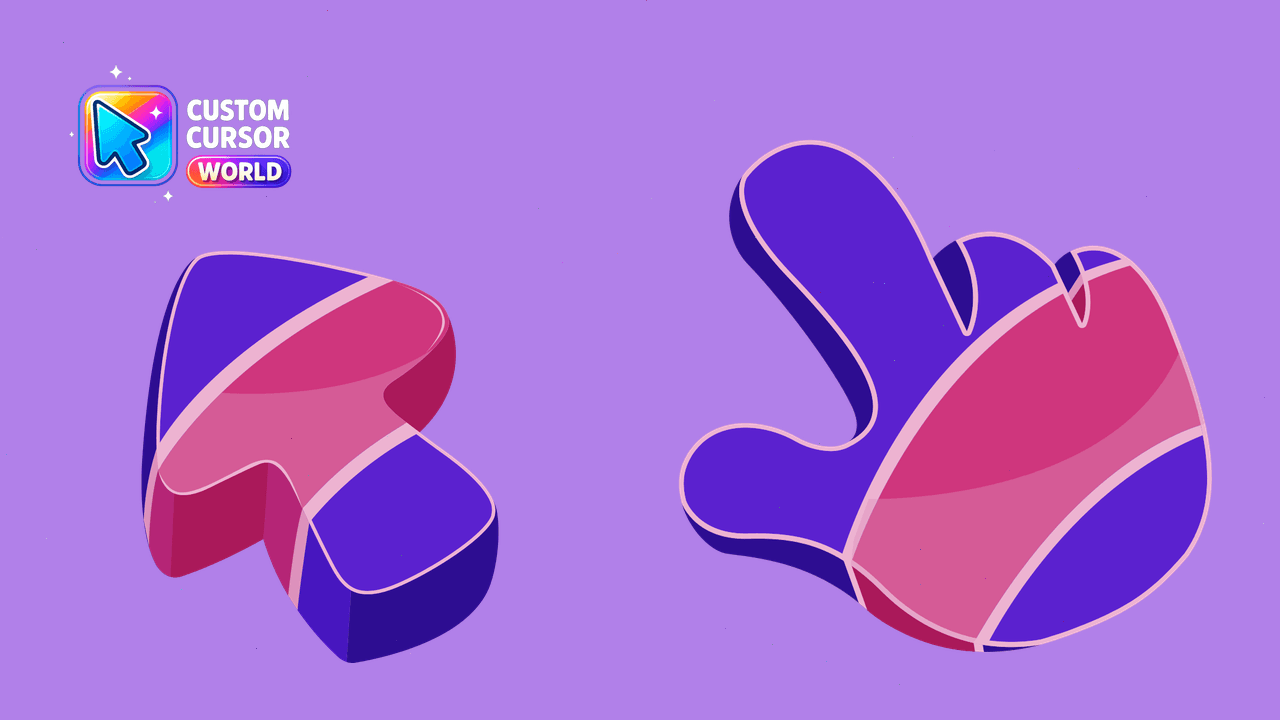
Unique Abstract Purple Cursor Pack for Chrome & Edge, with Accessibility Features.
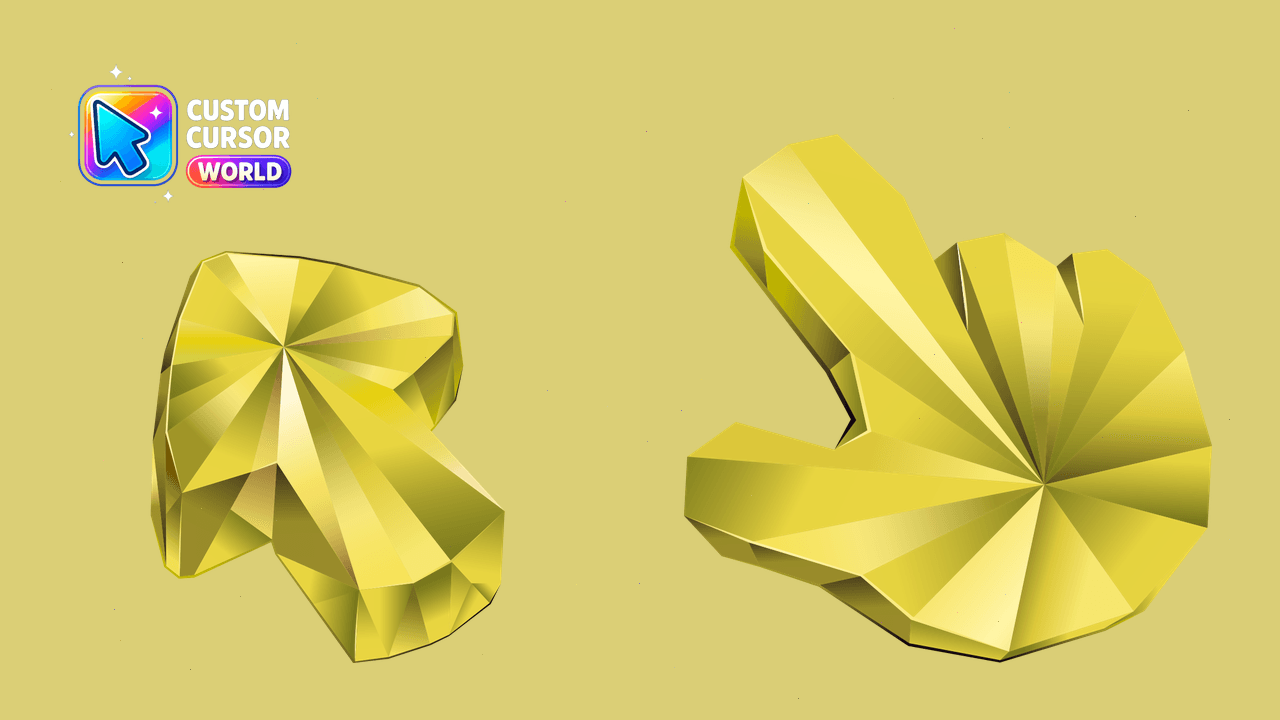
Yellow Sapphire texture for custom cursors, suitable for Chrome, Edge, and Windows
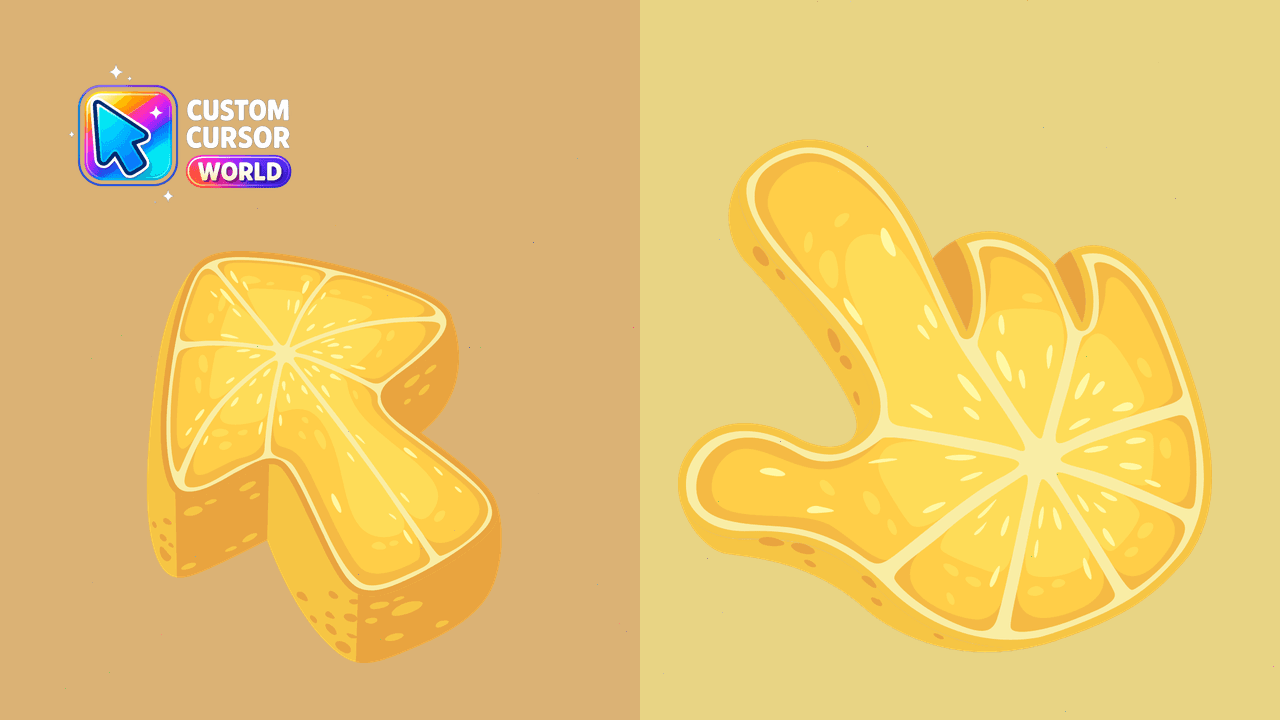
Unique 'Lemon Texture' custom mouse cursor for Chrome & Edge browsers with a refreshing citrusy touch
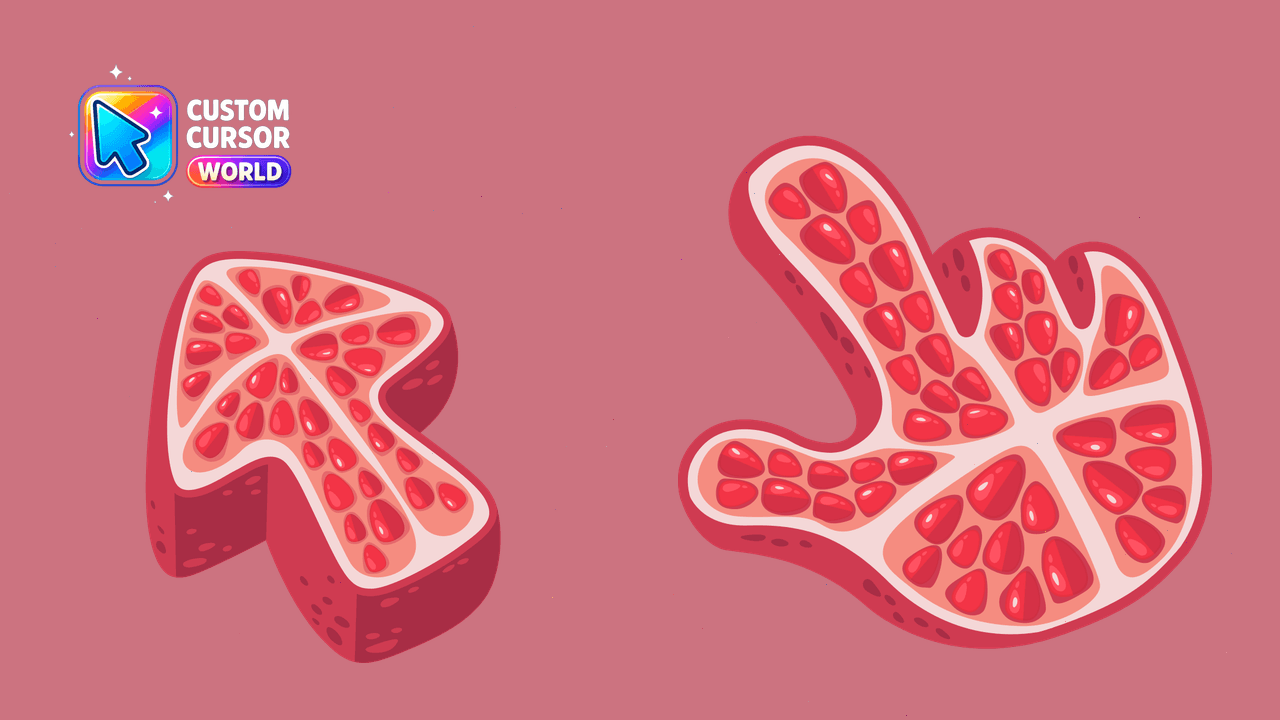
Transform your mouse experience with our Custom Pomegranate Cursor Pack - rich red textured cursors compatible with Windows, Chrome & Edge. Enhance ac
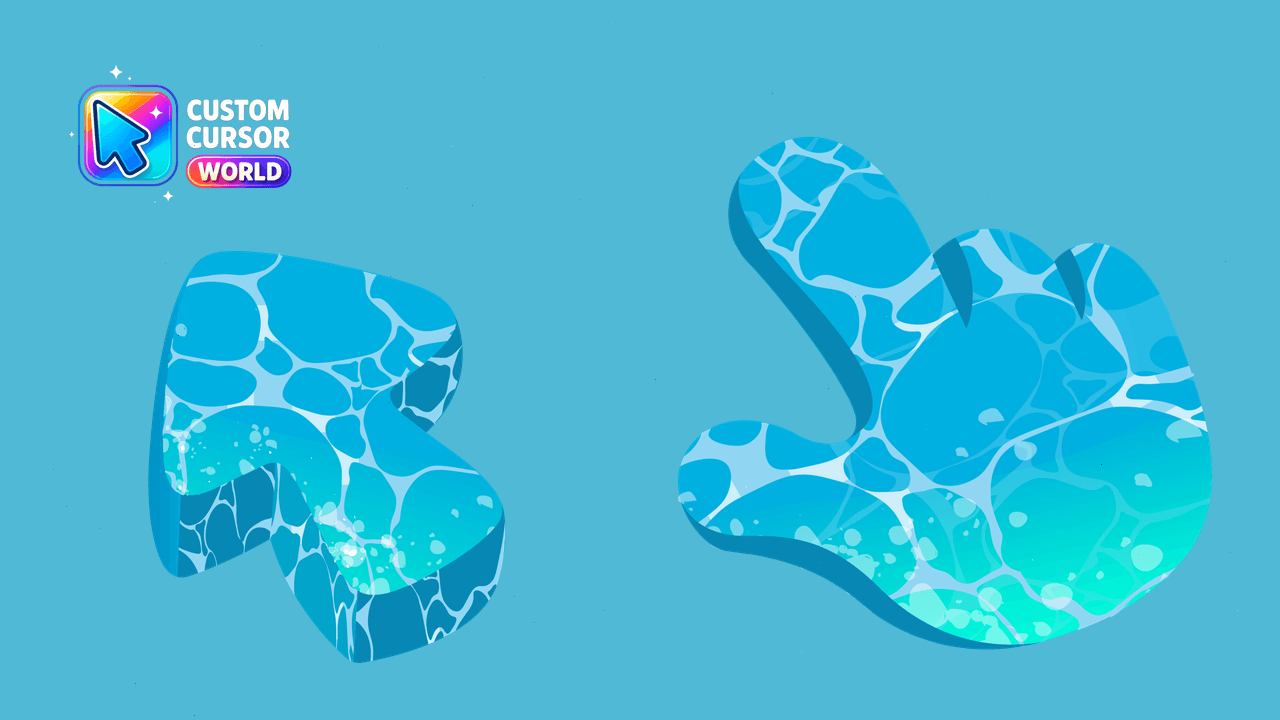
Stunning custom cursors inspired by water's three forms
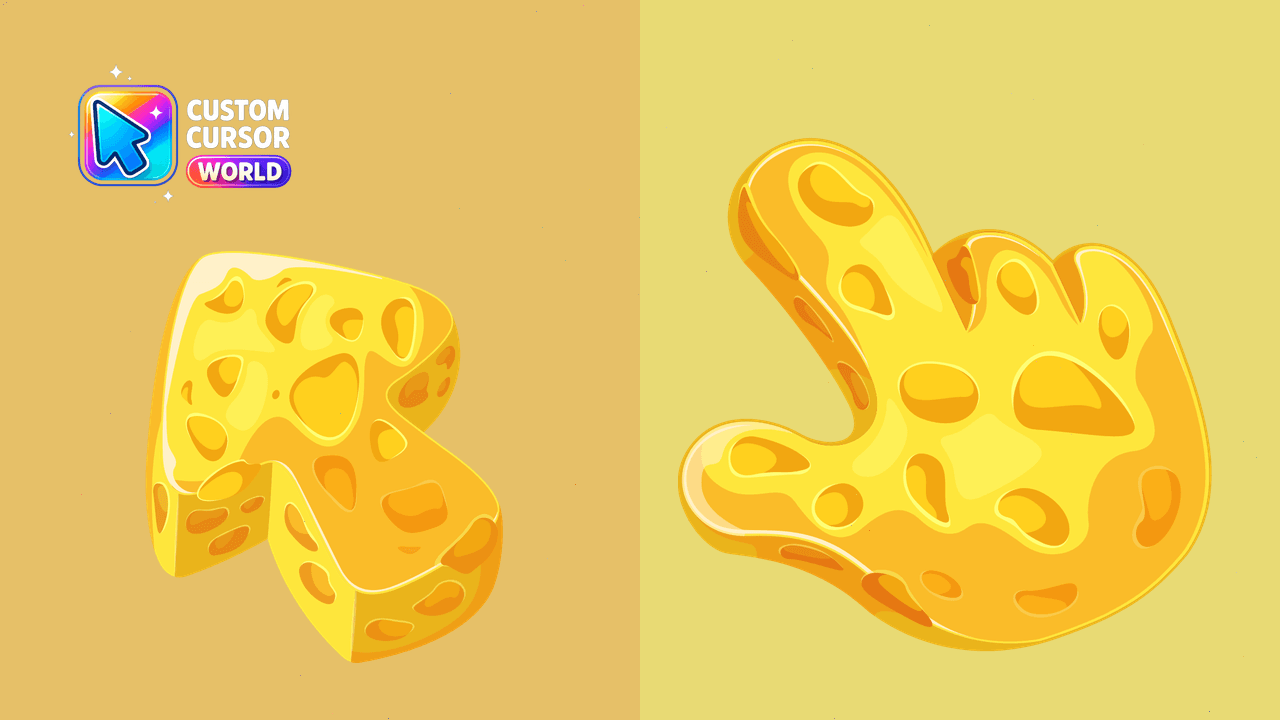
Indulge in our unique Cheese Cursor Pack - a tasty twist on your browser's interface with Chrome & Edge compatibility, accessibility features, and opt
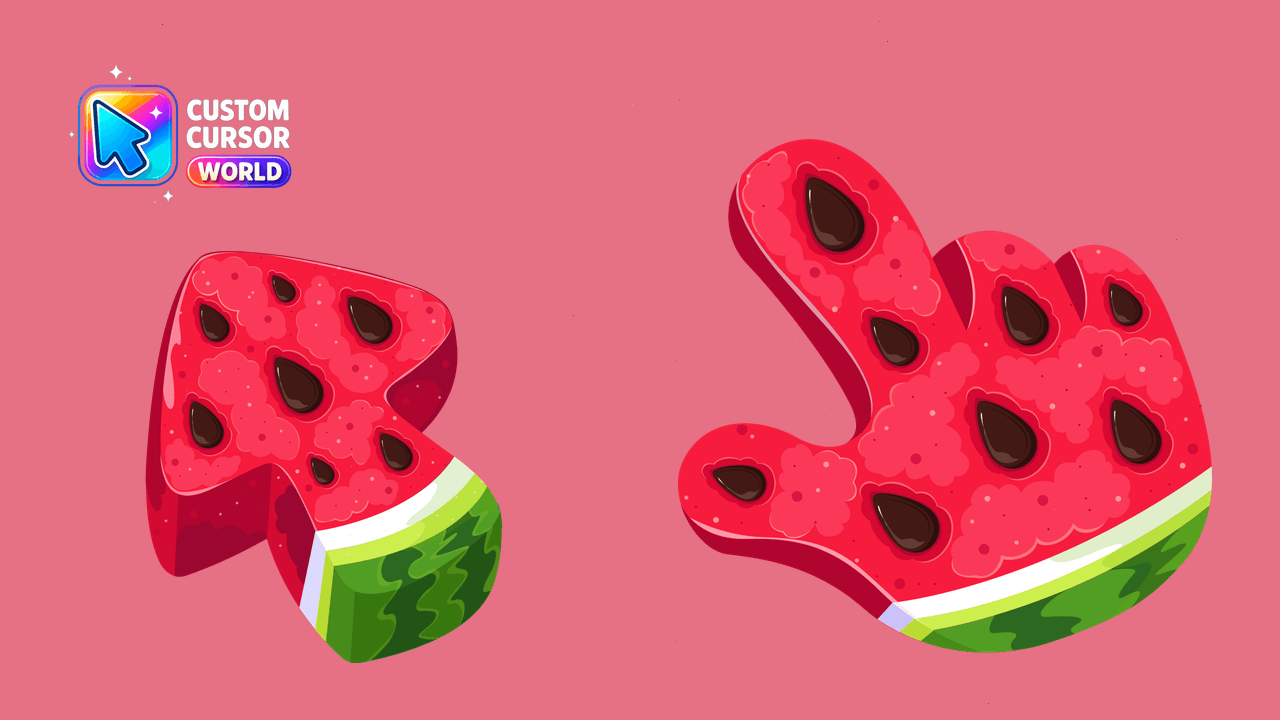
Unique Watermelon Cursor Pack for Windows, Chrome, Edge
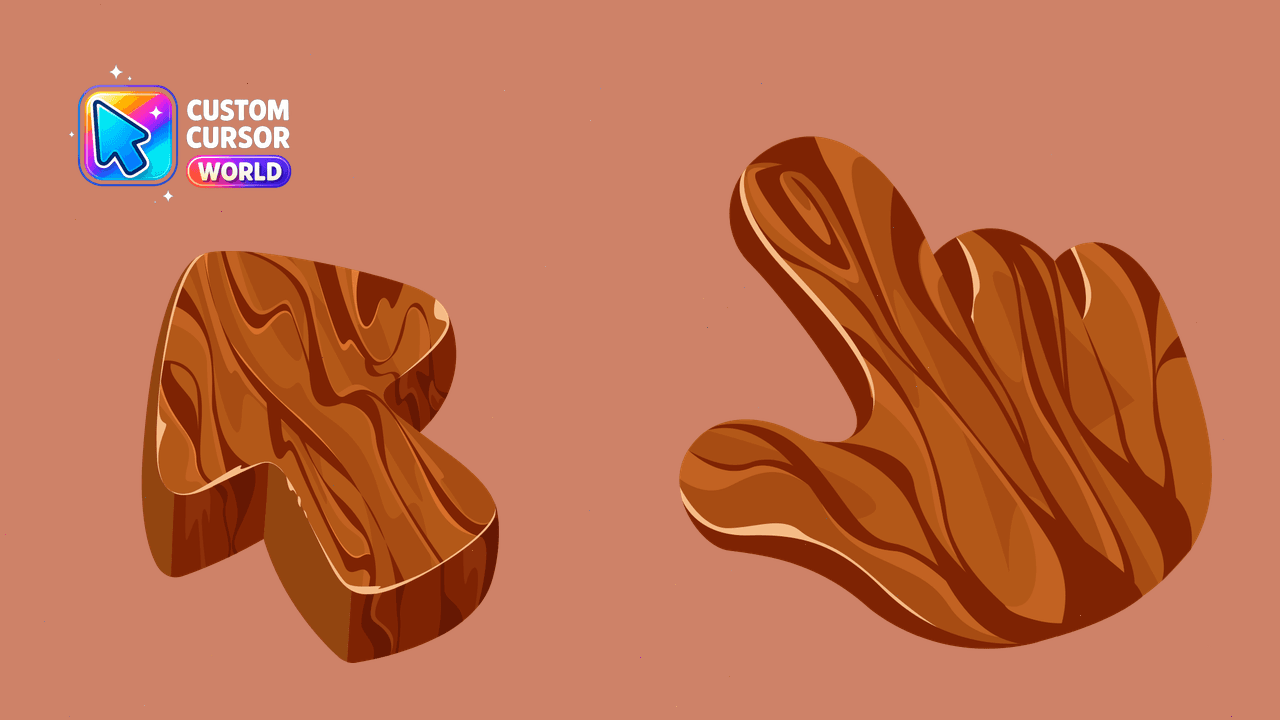
Discover an array of Tree Cursors for Chrome and Edge
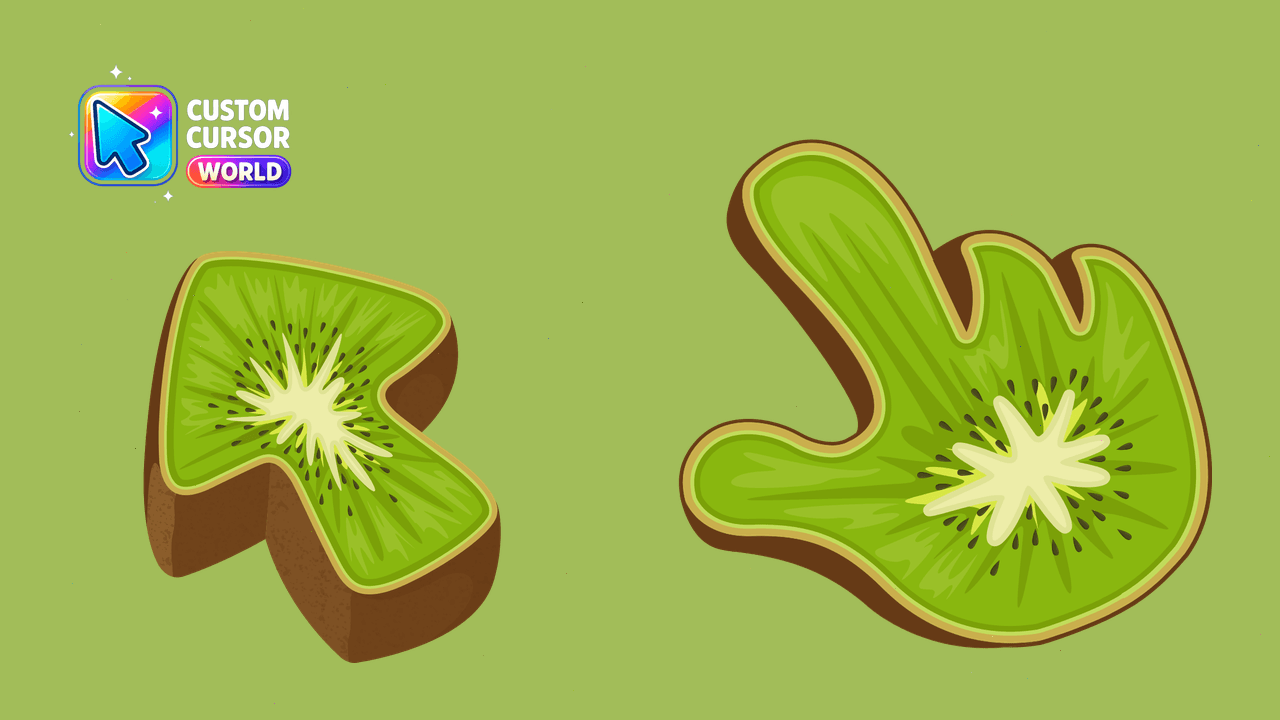
Unique Kiwi Texture Custom Cursors Collection
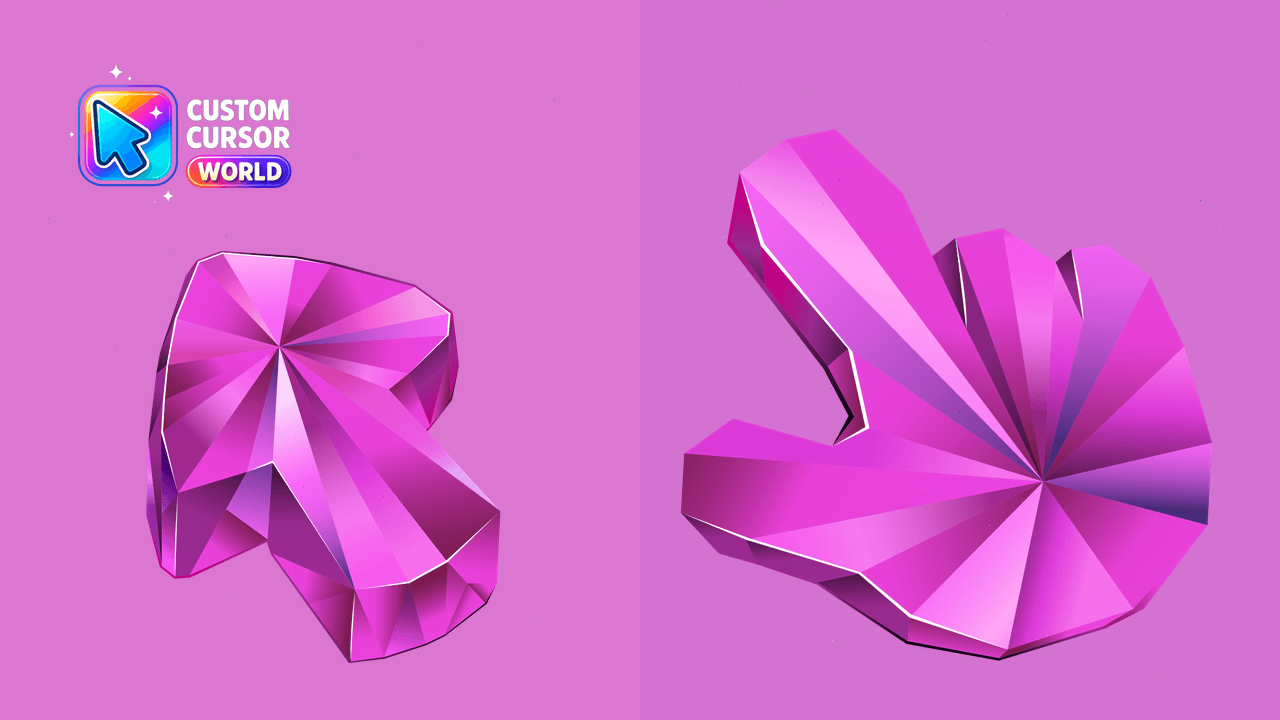
Elegant Pink Sapphire Texture for Chrome & Edge
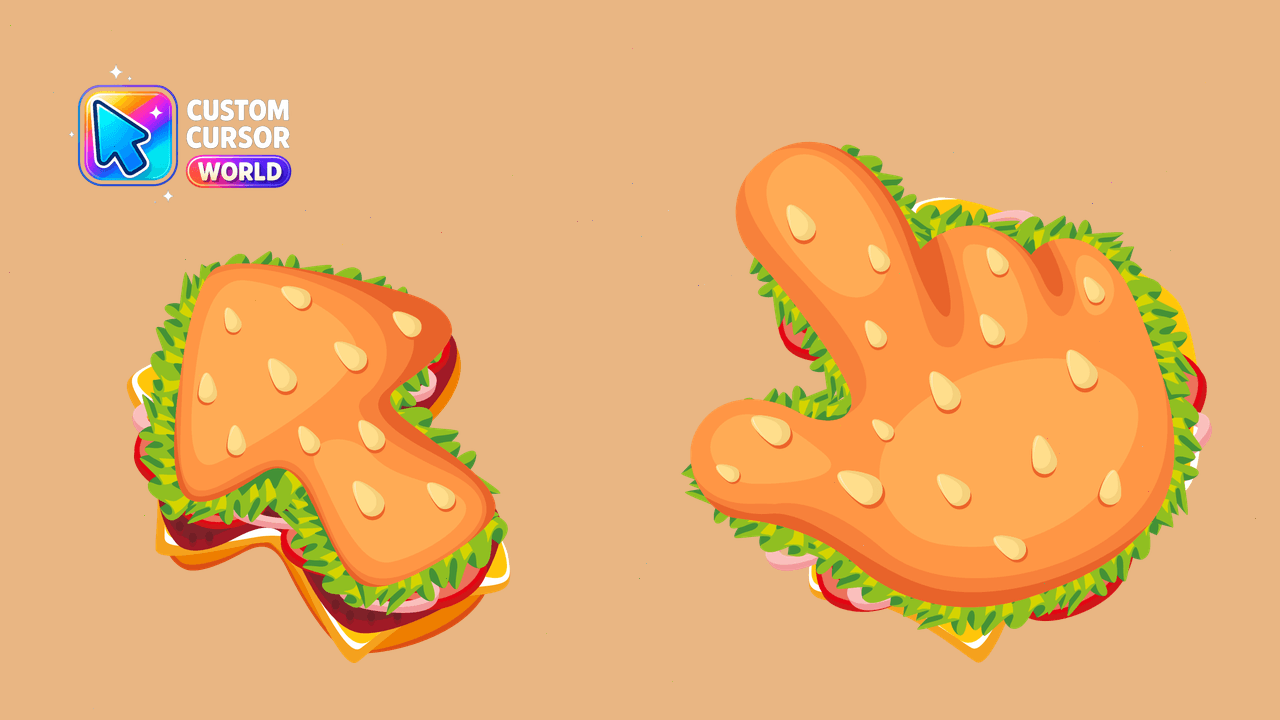
Burger Texture: A Burger-inspired cursor pack perfect for a lively desktop!
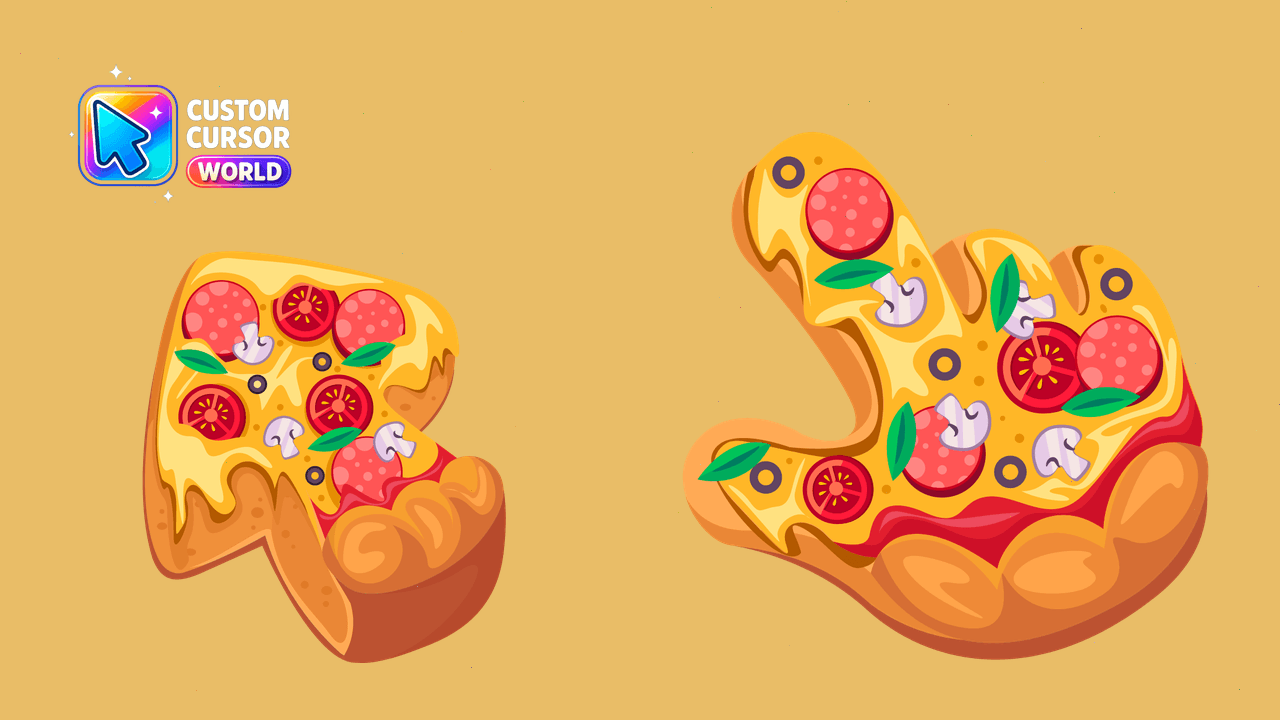
Enhance your screen with our Custom Pizza Cursor Pack!
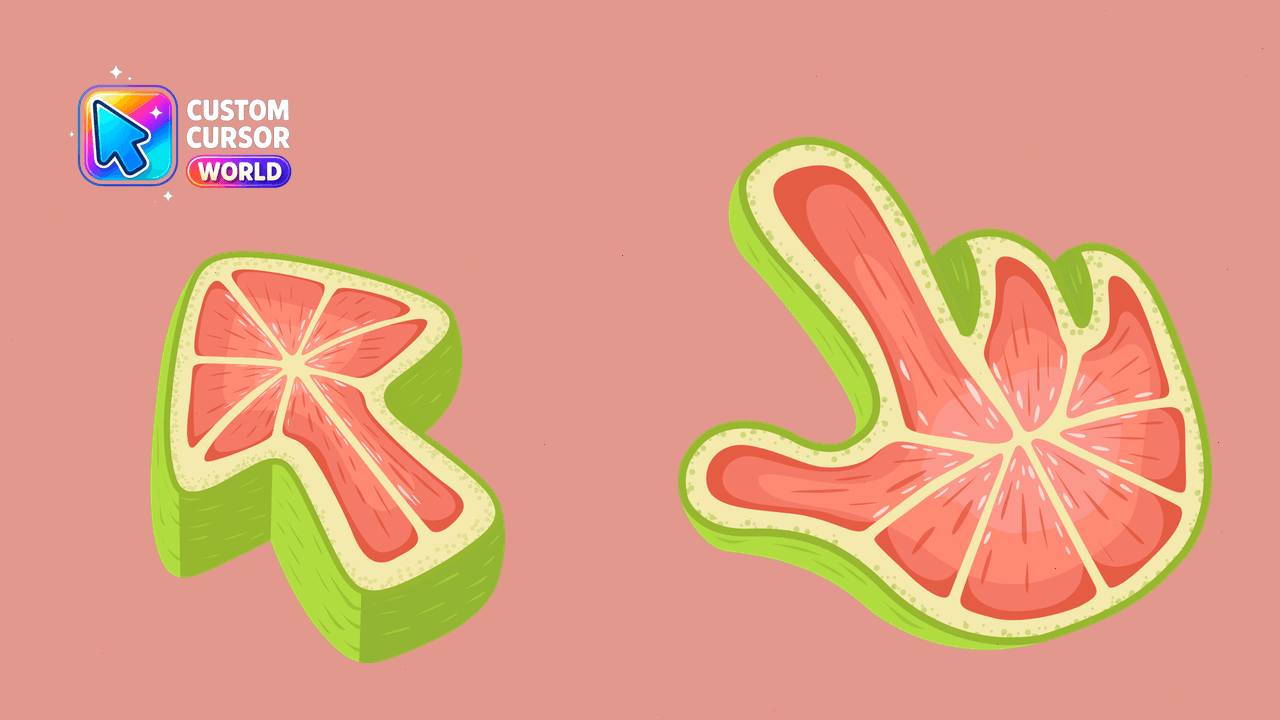
Unique and refreshing Grapefruit Texture Custom Cursor for Chrome or Edge
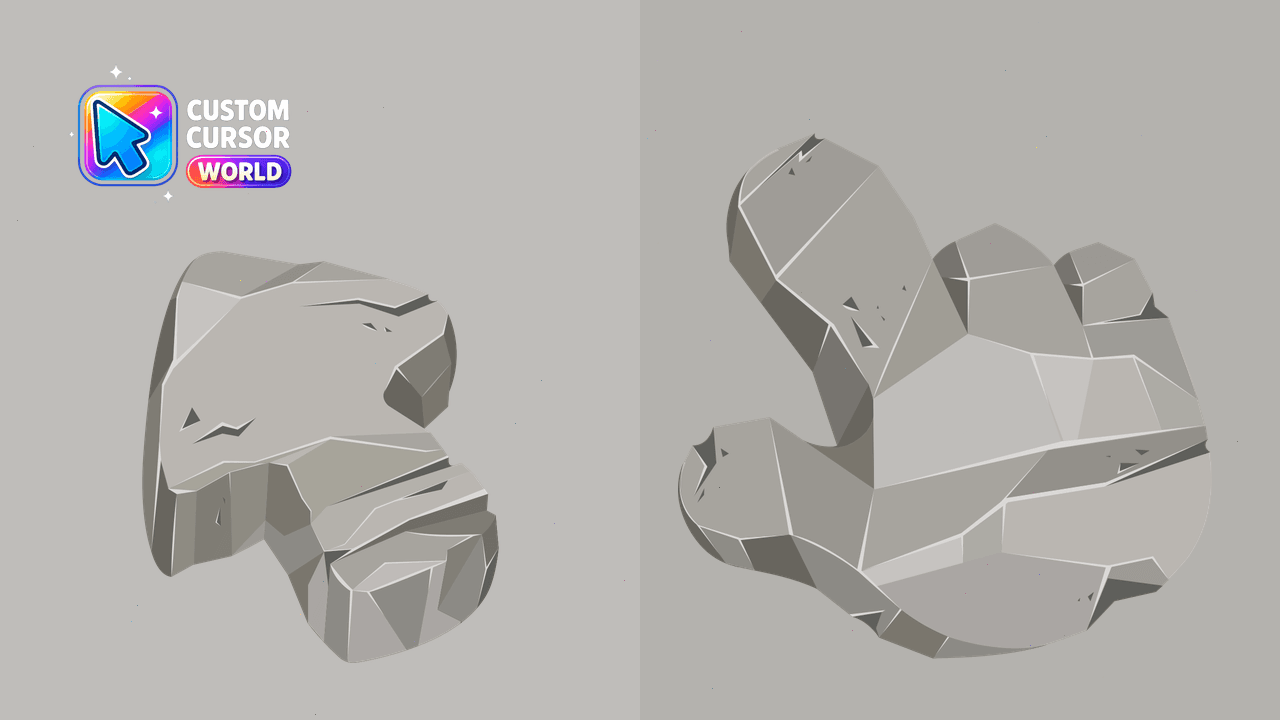
Enhance your browsing experience with the Custom Cursor Pack - Stone Texture for Chrome
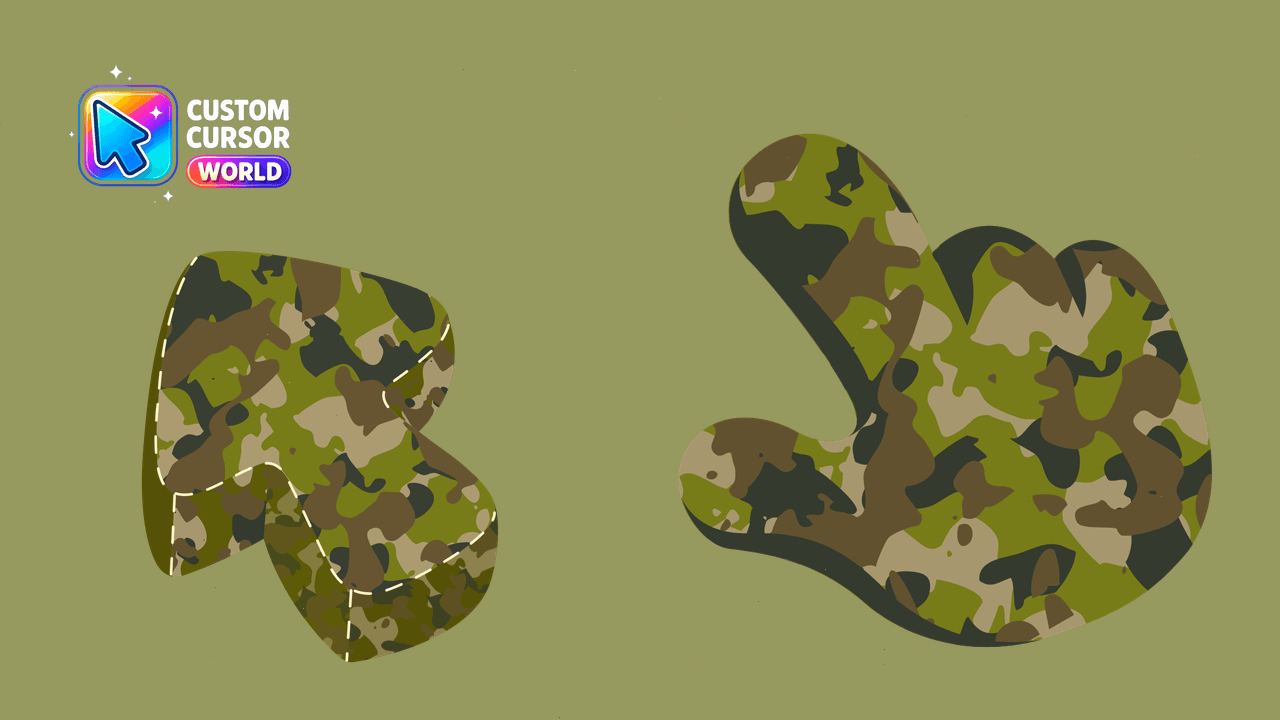
Enhance your cursor with a professional military texture for mouse and pointers.
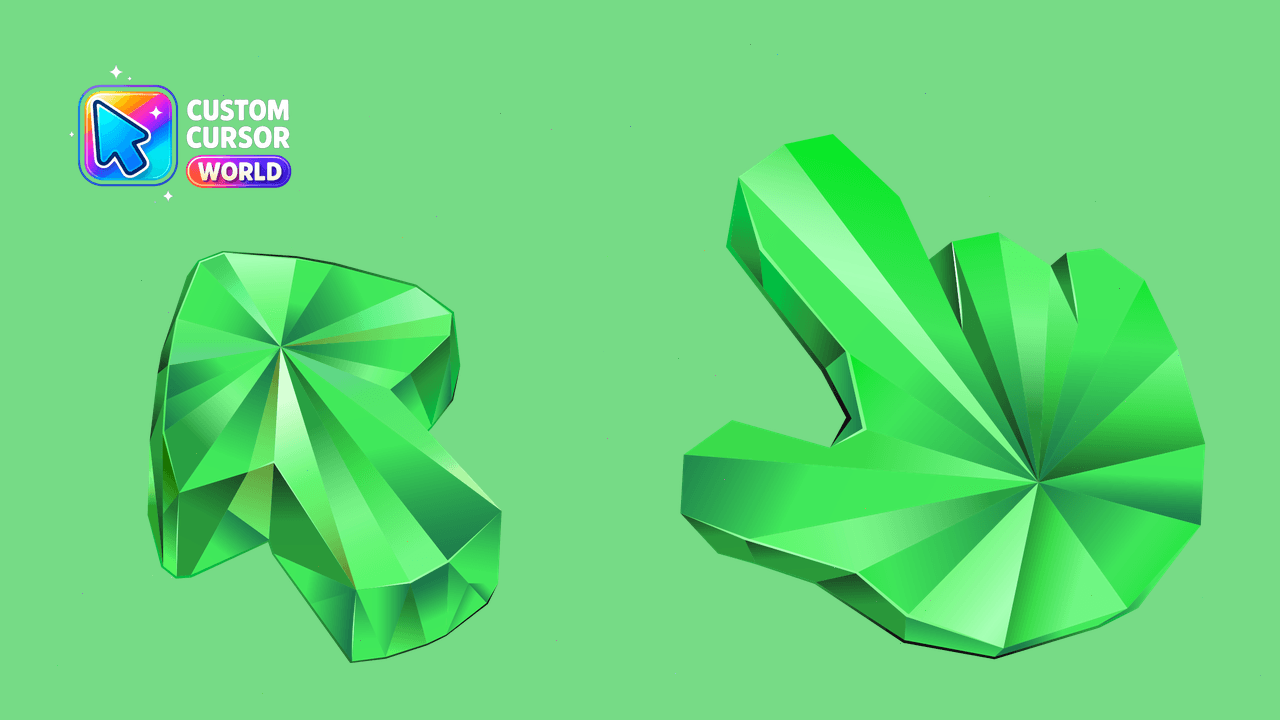
Rare emerald texture cursor for Chrome
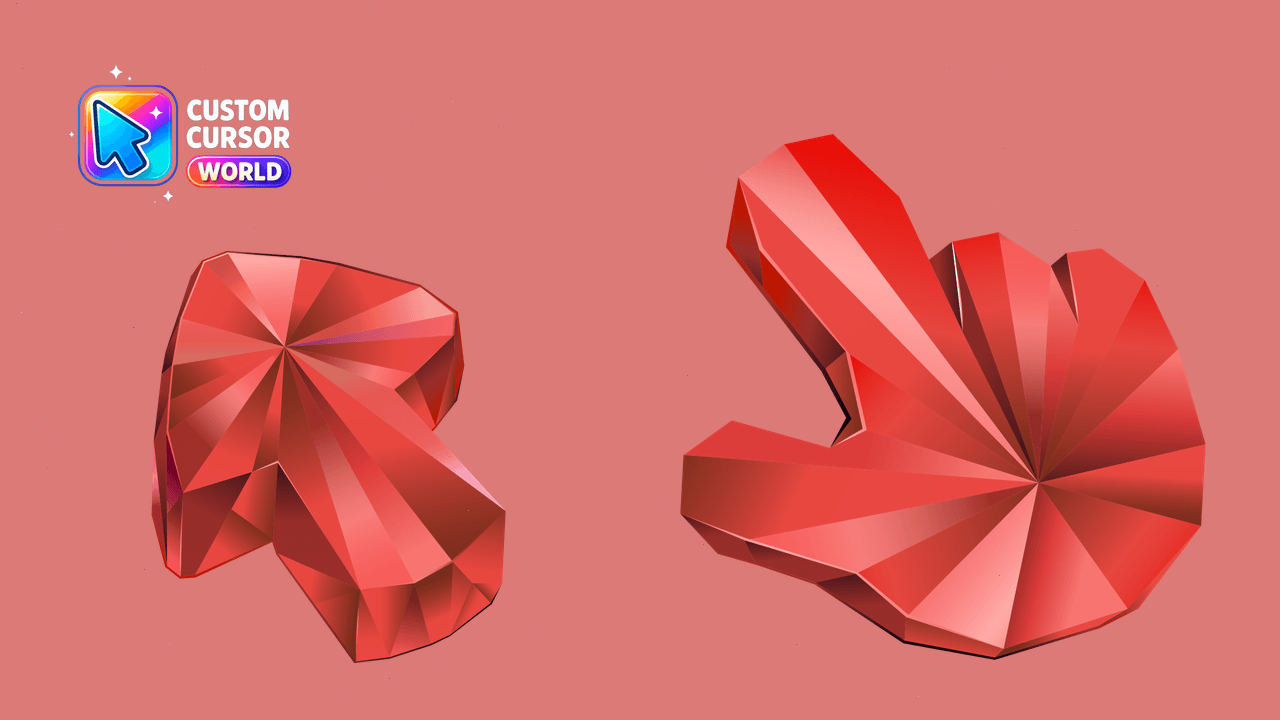
Elegant ruby-themed custom cursor pack for Windows and Chrome.
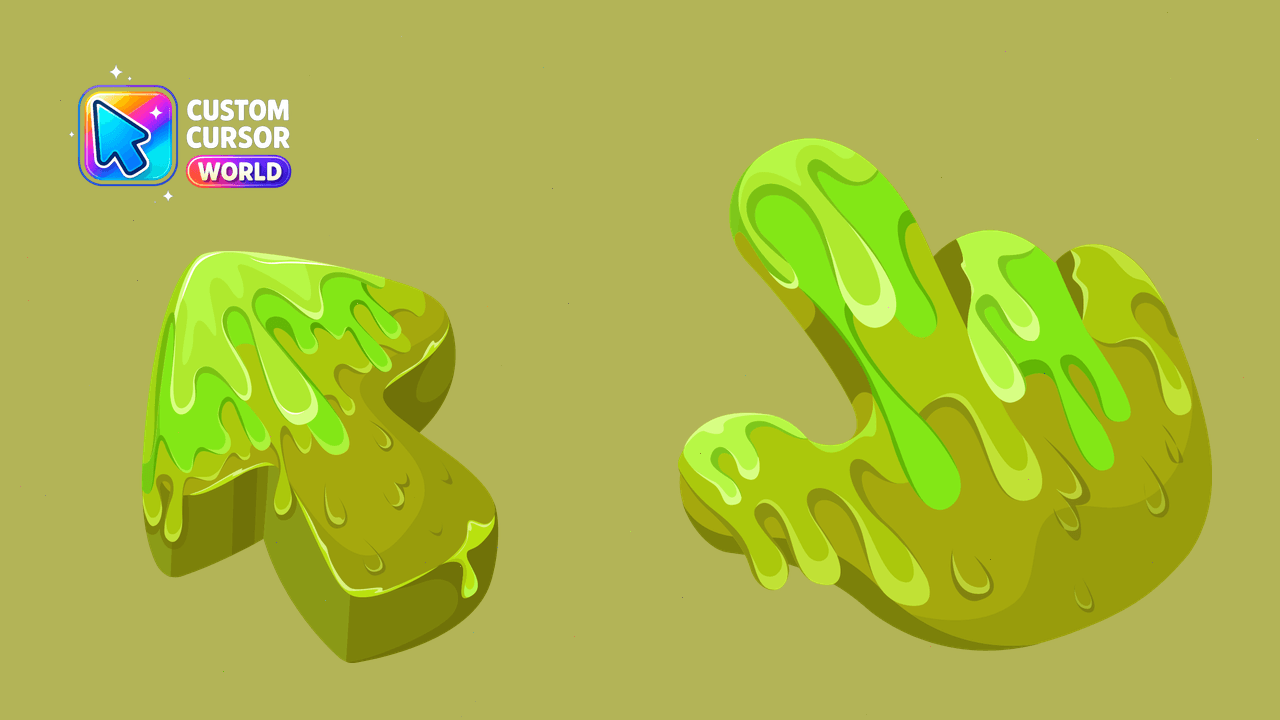
Upgrade your cursor experience with the playful Slime Cursor Pack!
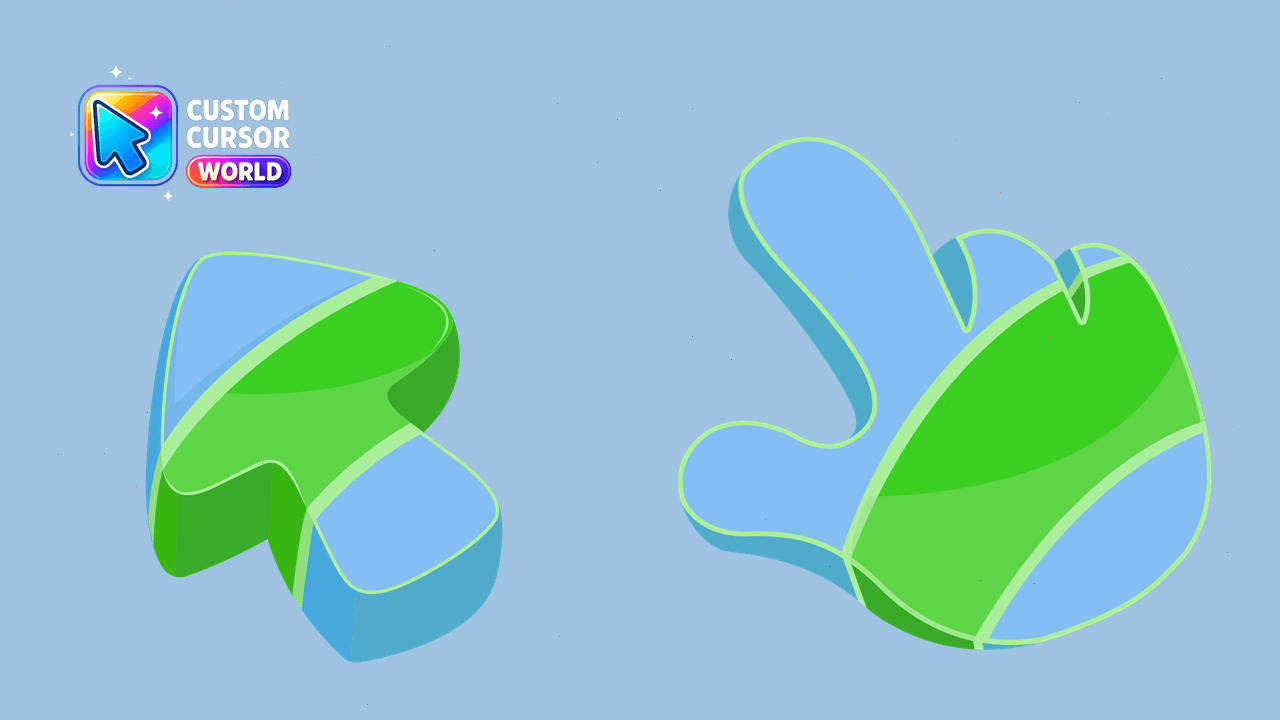
Elevate your browsing experience with our Abstract Blue Cursor Pack for Chrome & Edge, designed with accessibility and performance in mind.
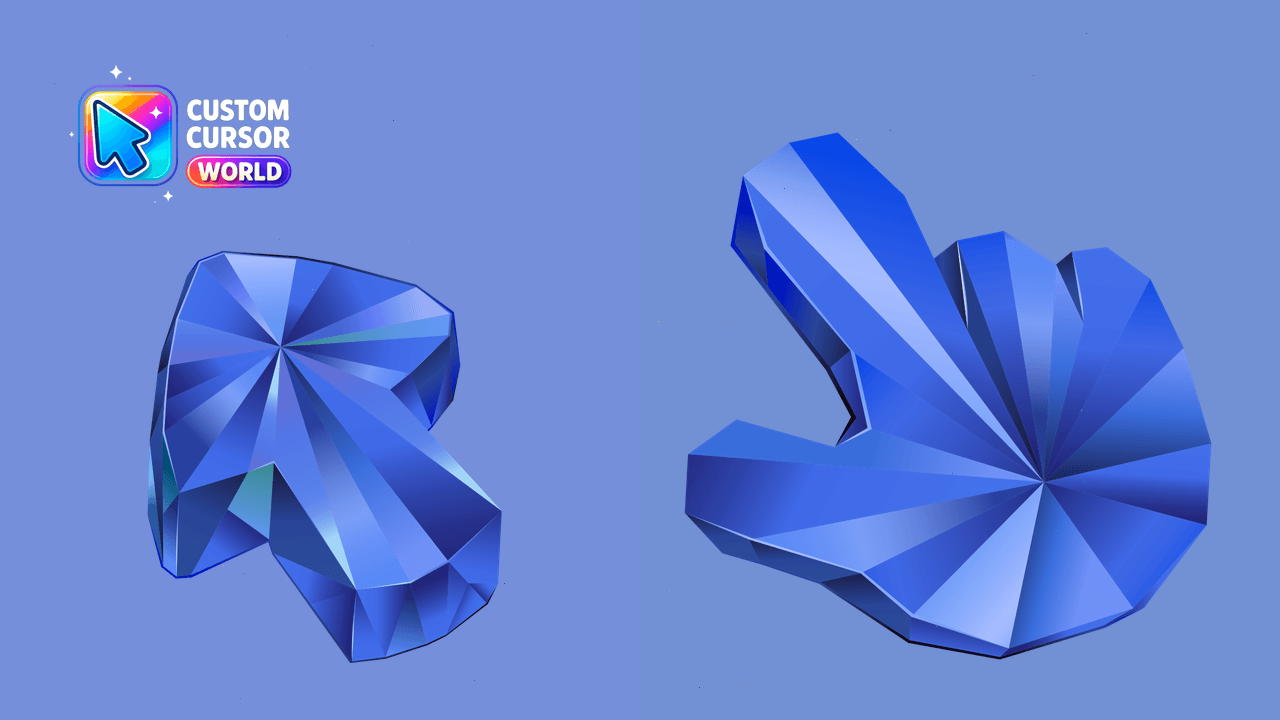
Blue Sapphire Custom Cursor Pack: Unique Chrome cursor collection with enhanced accessibility features
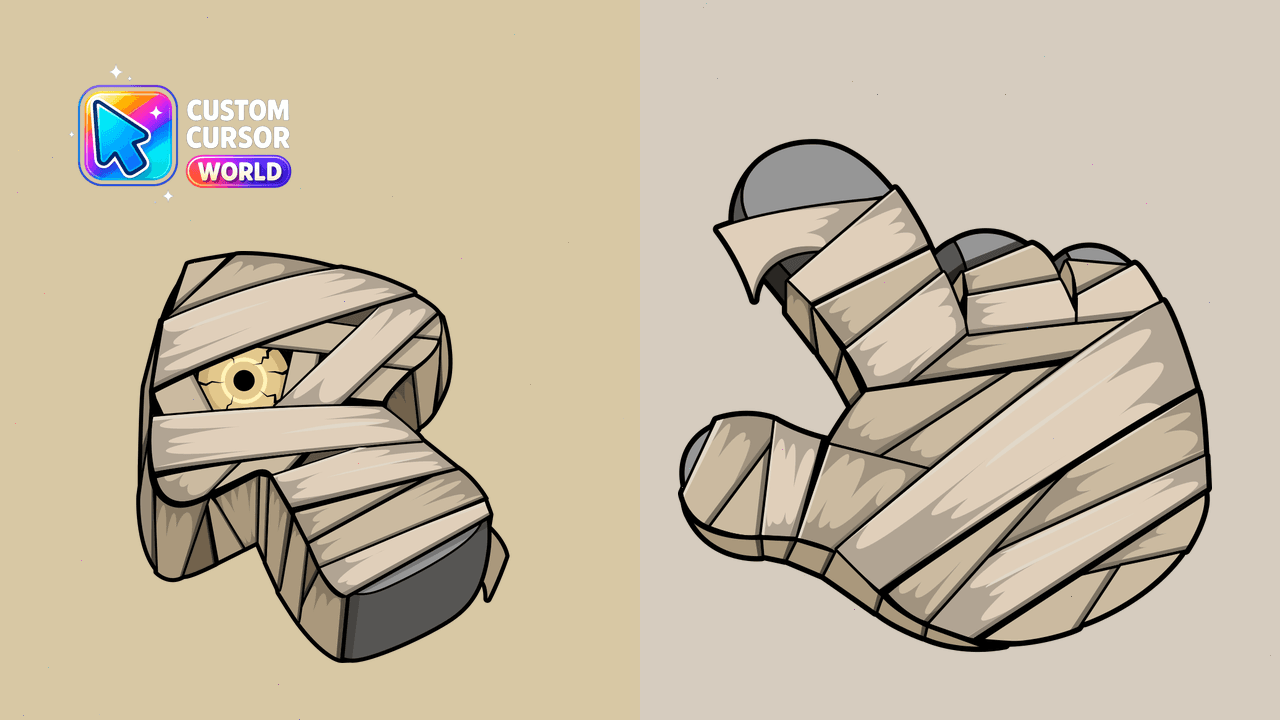
Elevate your cursor experience this Halloween with our Mummy Texture Cursor Pack!
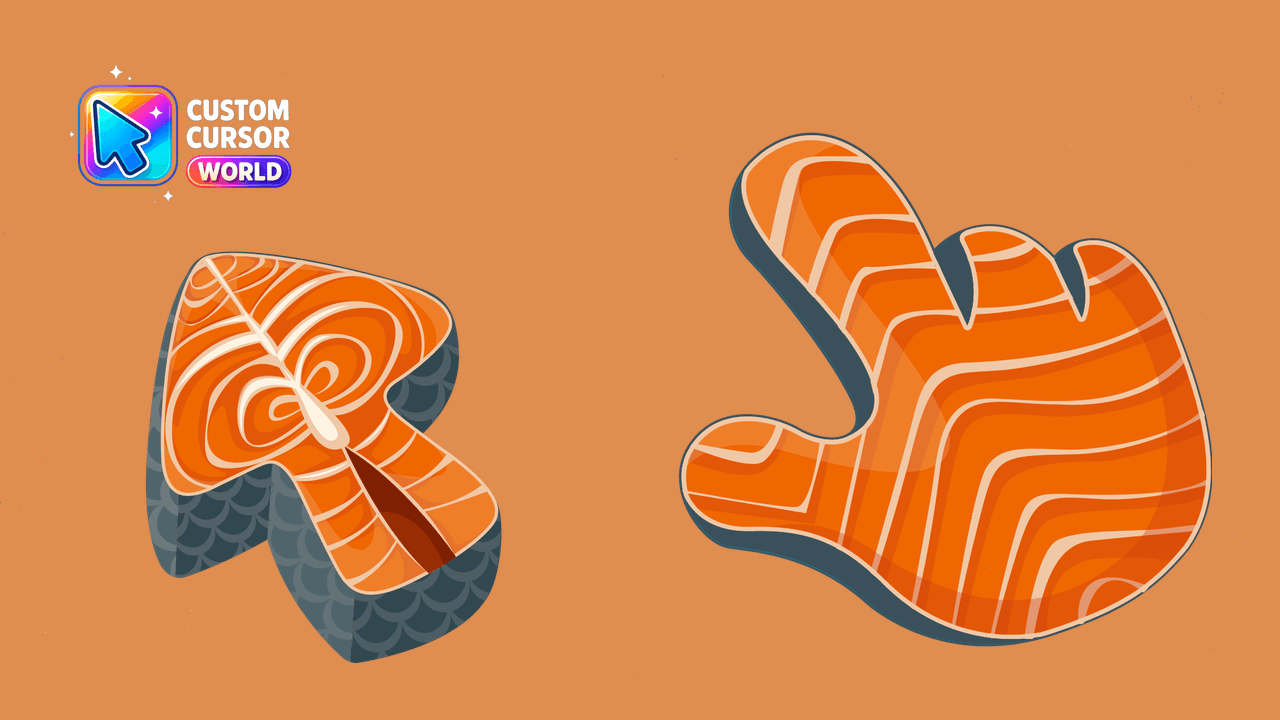
Custom Salmon Cursor Pack: A delightful mix of style and functionality
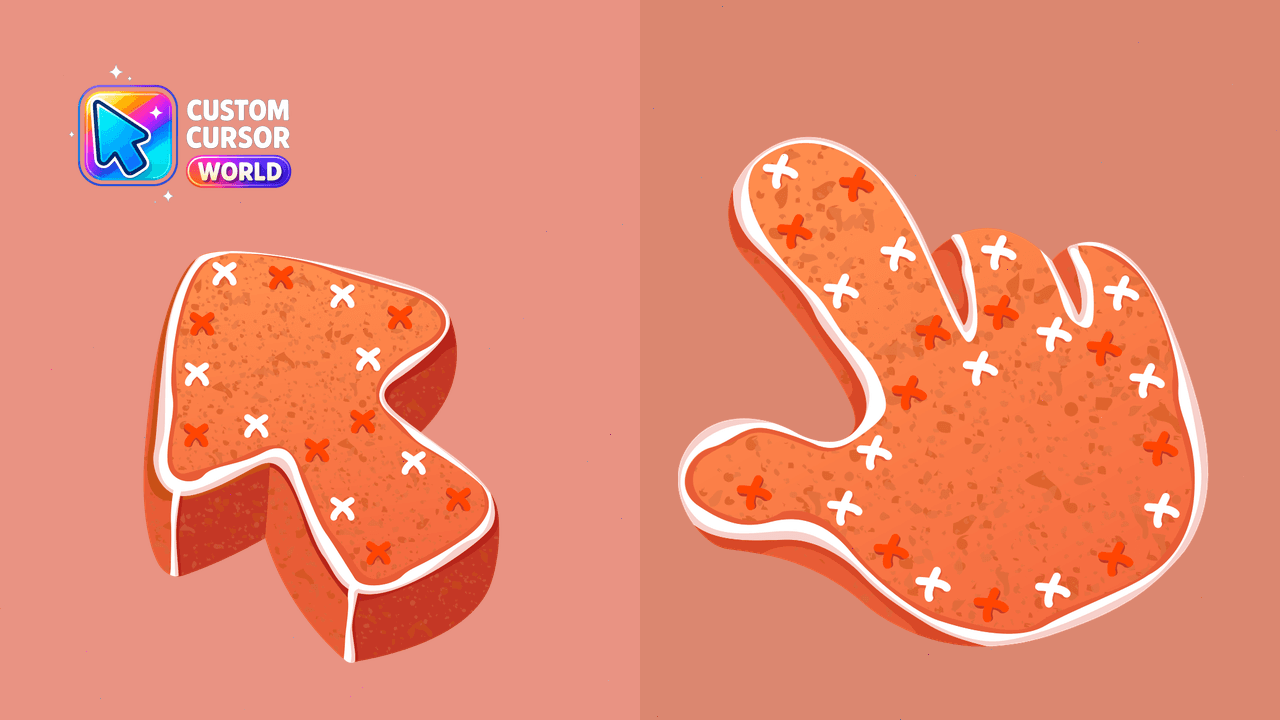
Transform your cursor experience with our adorable Gingerbread Cursor Pack - cute, accessible, and compatible!
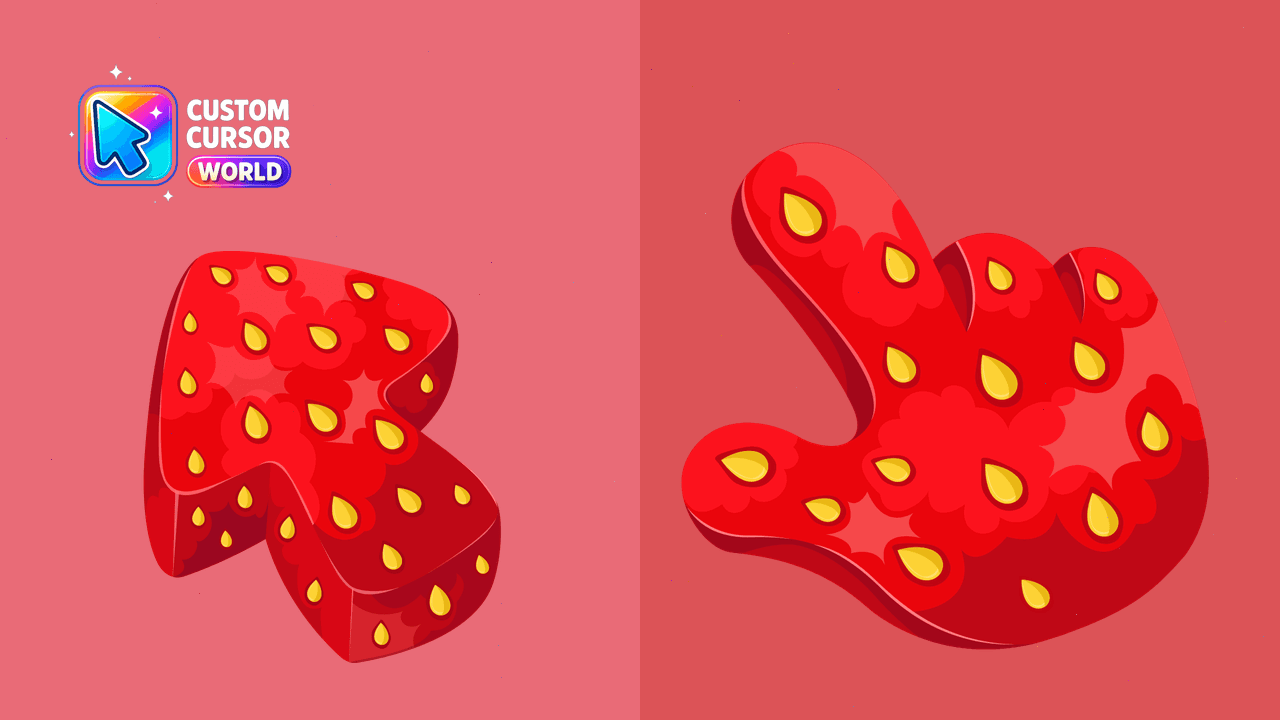
Experience the taste of strawberry season on your screen! Quick installation guide included. Accessibility settings respected with reduced motion feat
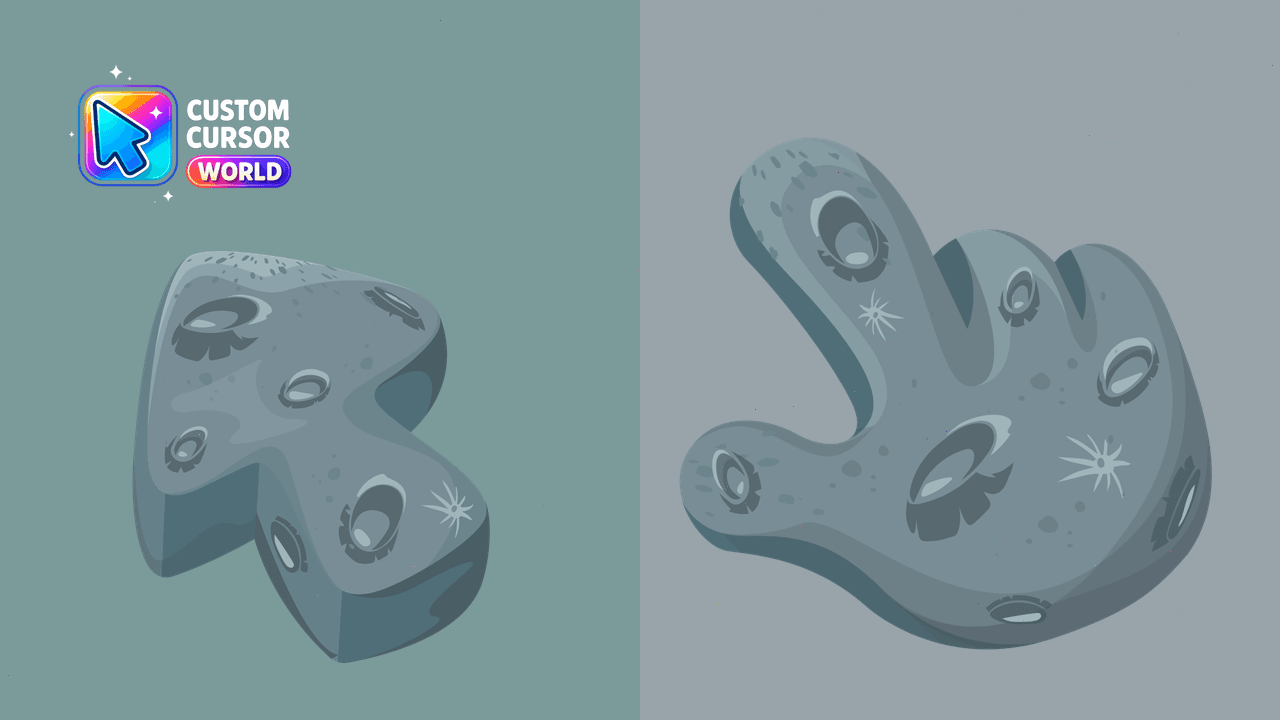
Experience space like never before! Custom Lunar Cursors for Chrome, Edge & Windows
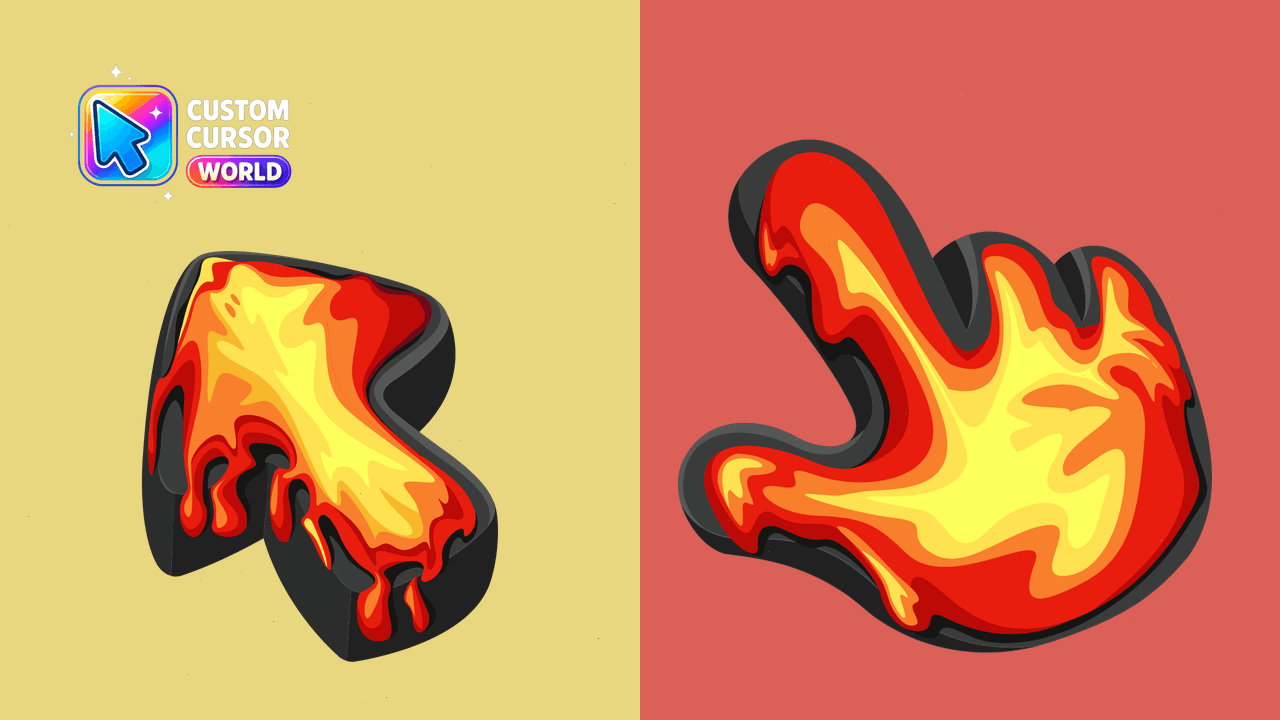
'Volcano Cursor Pack' - Add 'Lava Texture' custom cursor to your browser
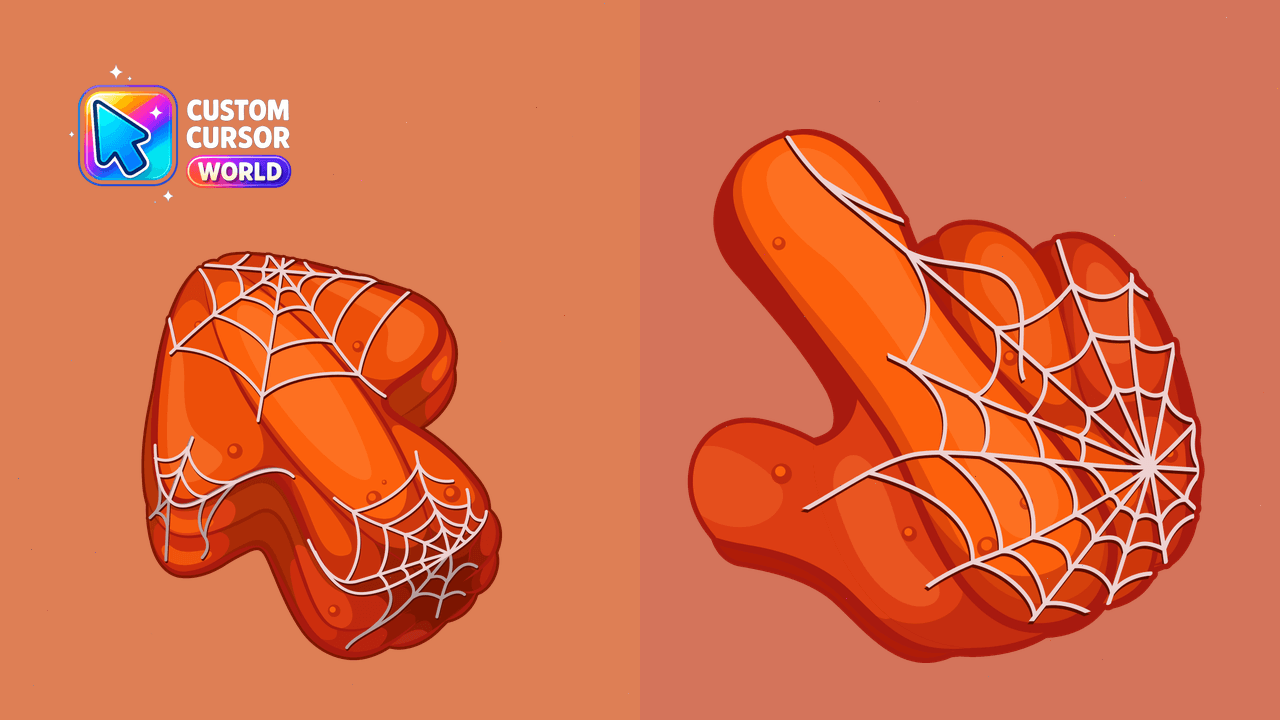
Enhance your Halloween spirit with our Spooky Pumpkin Cursor Pack, featuring customizable cobweb cursors and pointers for a spooky interface experienc
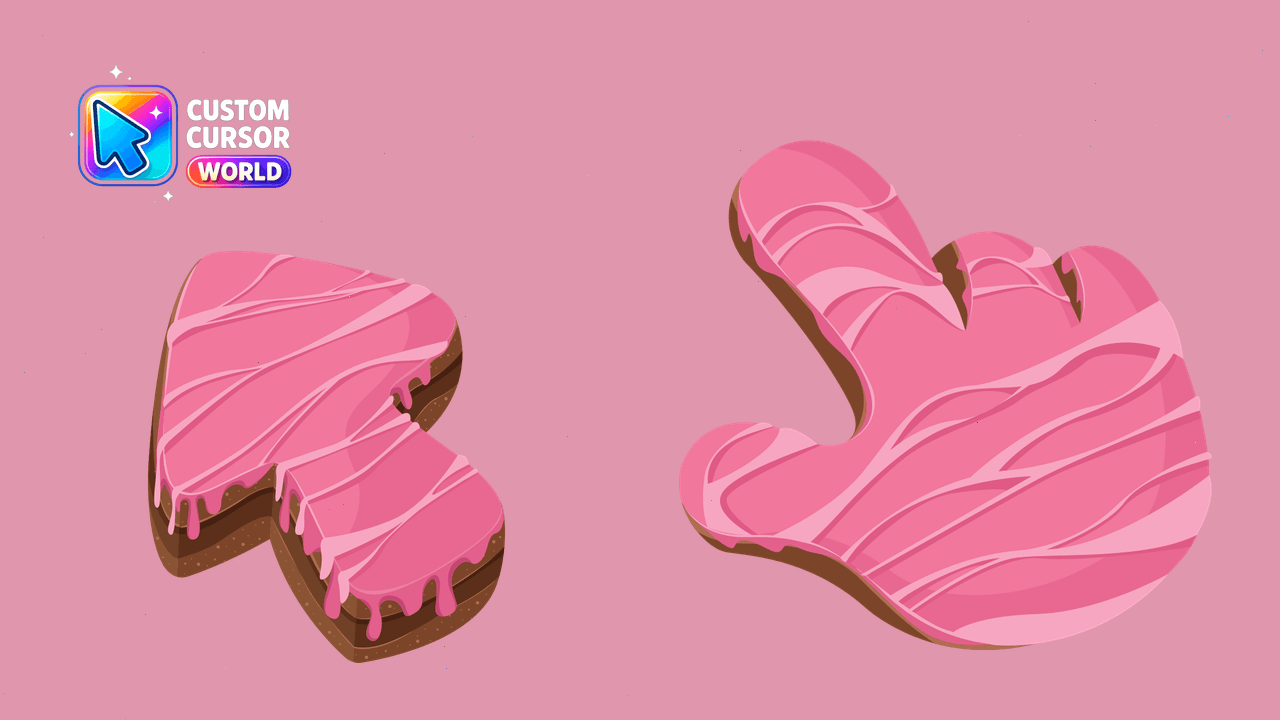
Enhance your daily computer experience with a delightful cake texture cursor pack compatible with Windows, Chrome, and Edge.
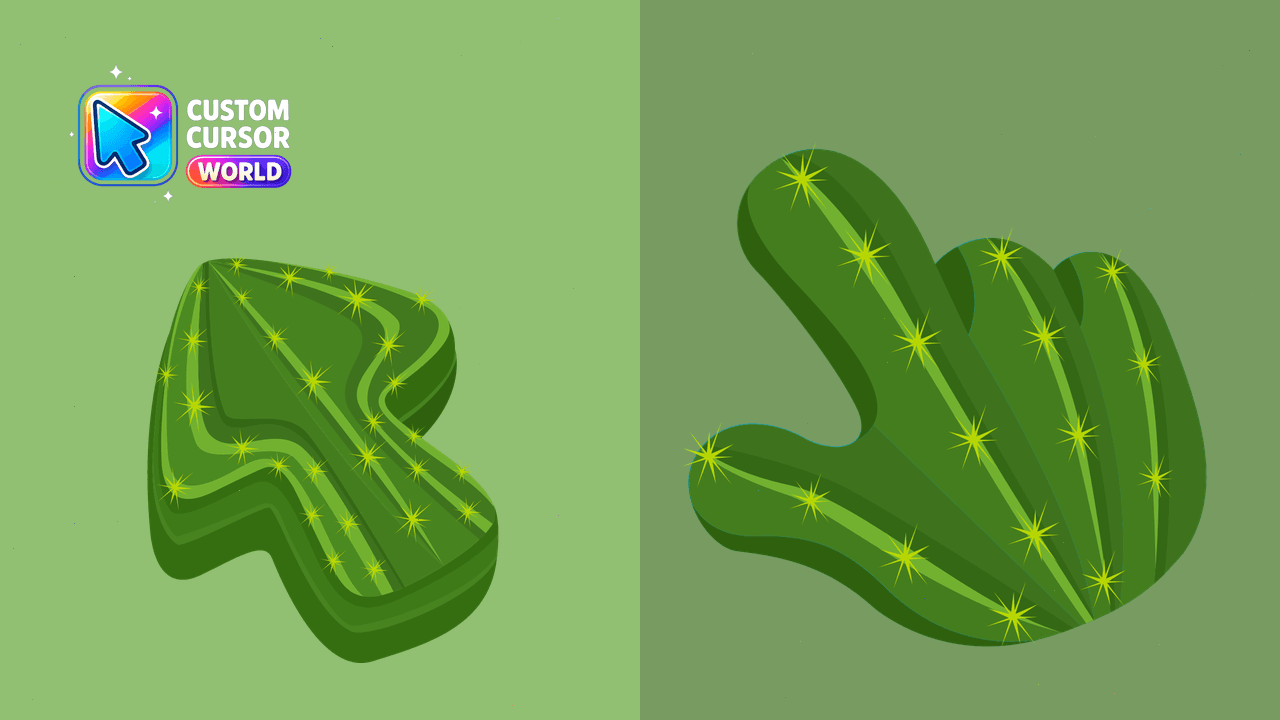
Experience the charm of cacti with our customizable cursor pack for Chrome and Edge!
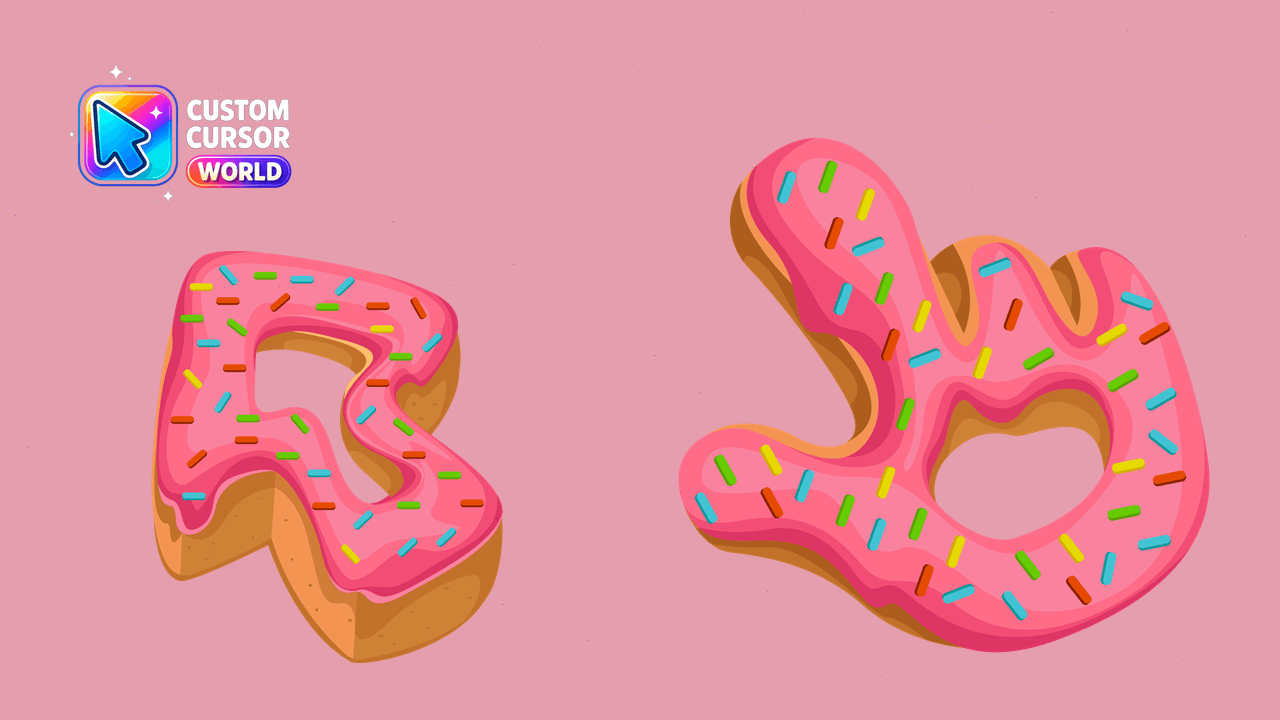
Enhance your digital experience with our Custom Glazed Donut Cursor Pack inspired by classic American cinema!
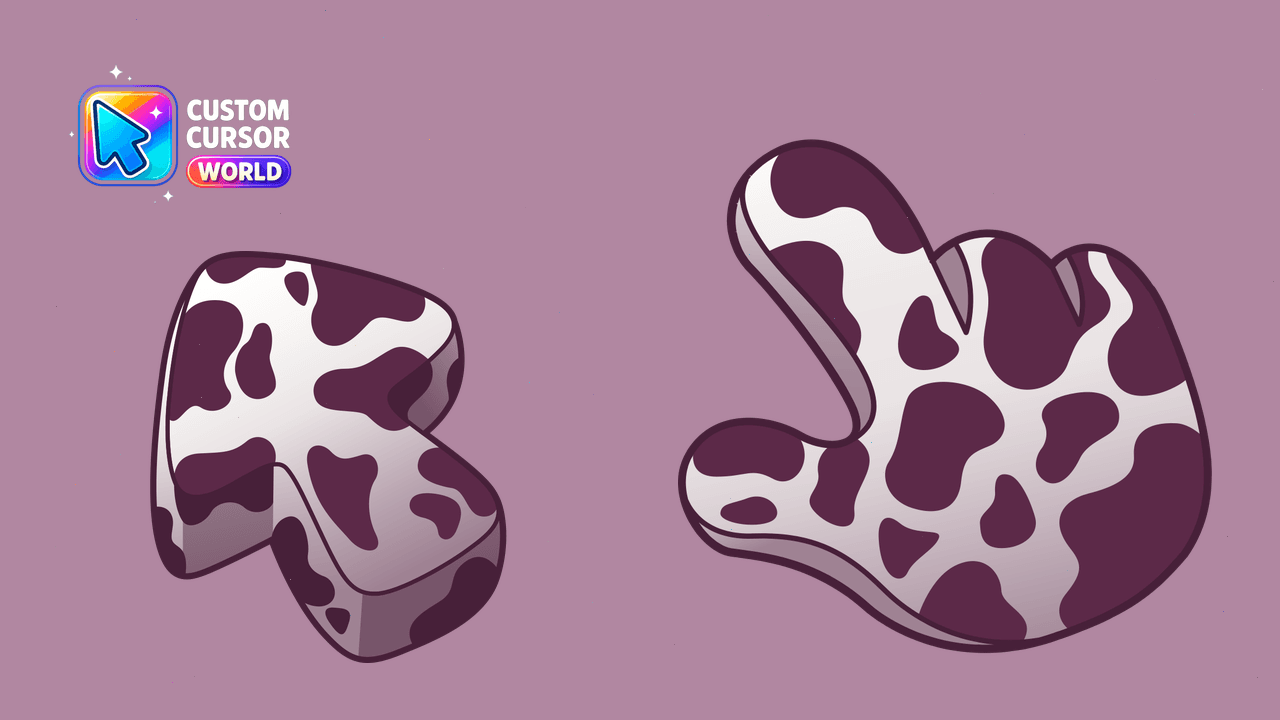
Brighten up your browser with an adorable cow-themed cursor pack for a lovely and unique web browsing experience