
Cute Cursors
DeviantArt
Free DeviantArt-themed custom cursors - cute creative pointer art for artists.

Digimon arrived at the same moment as a certain other monster franchise and spent years being unfairly treated as the imitation. Watch Digimon Adventure now and the difference is obvious: this is a show about seven kids stranded in a collapsing world, and it is willing to be genuinely bleak about it.
The digivolution mechanic is the hook. Partners don't level up by grinding - they transform when their human is having a breakthrough. Each child carries a crest tied to a trait they don't yet believe they have, and the monster can't reach its next form until they do. Courage, Friendship, Hope: the power system is character development wearing armour.
That's also why the partners land so hard emotionally. Agumon isn't a pet or a tool. He's the reason Tai has to become someone braver, and he changes shape when Tai manages it.
This collection covers the recognisable pieces - Digivices, crest symbols, and partner Digimon like Patamon in their rookie shapes.
If the 8-bit theme song is now playing in your head, you know what to do. Grab a cursor and take a partner with you.
Browse 75 carefully curated cursor packs in this collection. All packs are free to download and work with Chrome, Edge, and Windows browsers.
From Custom Cursor World, Custom Cursors, and Cute Cursors catalogs
Discover more curated cursor collections that match your interests. Explore similar themed collections with free cursor packs for Chrome, Edge, and Windows.
Free DeviantArt-themed custom cursors - cute creative pointer art for artists.

Free Alley Cats cursors - Ricky Gervais Netflix scruffy cat crew with dark outline fan art.

Free Strawberry Buddy custom cursors - cute strawberry character packs with matching pointers.

Free Blueberry Buddy custom cursors - cute blueberry character packs with matching pointers.
Follow these simple steps to start using custom cursors from the Digimon collection. All cursor packs are free and easy to install.
Install the Custom Cursor World extension for Chrome or Edge browser. The extension is free and takes less than a minute to set up.
Explore 75 cursor packs in the Digimon collection and find your favorite designs. Each pack is carefully curated for quality.
Click on any cursor pack and download it directly to your browser. No additional software or configuration needed.
Your new cursor is now active! Customize your browsing experience with unique cursor designs from the Digimon collection.
Common questions about the Digimon cursor collection
The Digimon collection is a curated set of custom cursor packs designed to enhance your browsing experience. Each pack in this collection has been carefully selected to provide unique and visually appealing cursor designs.
Yes! All cursor packs in this collection are completely free to download and use. There are no hidden fees or subscriptions required.
These cursor packs work with Chrome and Edge browsers through the Custom Cursor World extension. The extension is free and easy to install.
Simply click on any cursor pack in this collection, then click the "Add" or "Download" button. The extension will automatically install the cursor pack for you.
Yes! You can switch between different cursor packs at any time. Just browse our collections and select a new pack whenever you want to change your cursor style.
No restart is needed! Once you install a cursor pack, it becomes active immediately. You can start using your new cursor right away.

Install our free browser extension to instantly apply any cursor from our vast collection with one click. Works seamlessly with Chrome, Edge, and Windows.

Download the Patamon and Crest of Hope cute cursor - a custom cursor with a cute Digimon look.

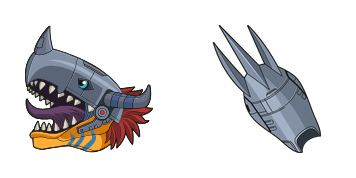
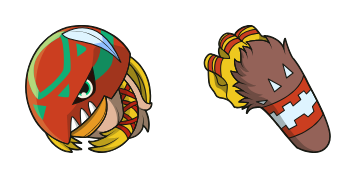
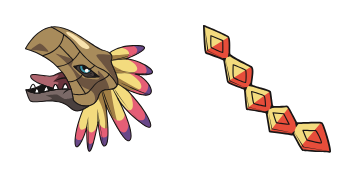
Grab the Phoenixmon cute cursor - a free custom cursor with a sharp monster silhouette.

Yuramon and Motimon cute cursor - a free custom cursor with Digital World adventure energy.
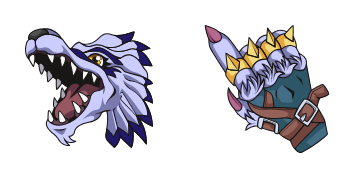
Download the WereGarurumon cute cursor - a custom cursor with a cute Digimon look.
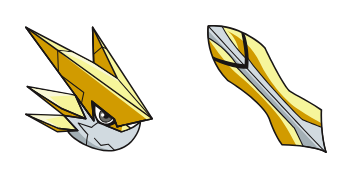
Grab the Omega Shoutmon cute cursor - a free custom cursor with a sharp monster silhouette.
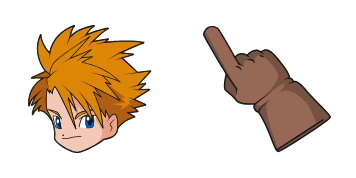
Download the Matt Ishida cute cursor - a custom cursor with a cute Digimon look.
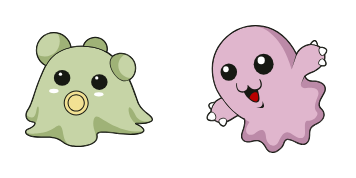
Pabumon and Motimon cute cursor - a free custom cursor with Digital World adventure energy.

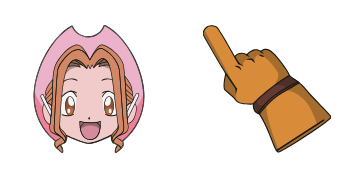
Sora Takeuchi cute cursor pack - free custom cursor featuring brave digidestined charm.
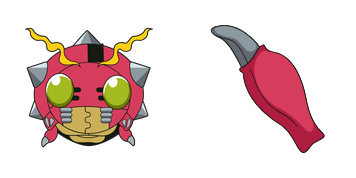
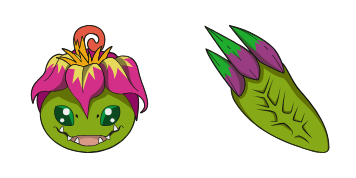

Grab the Punimon and Tunomon cute cursor - a free custom cursor with a sharp monster silhouette.
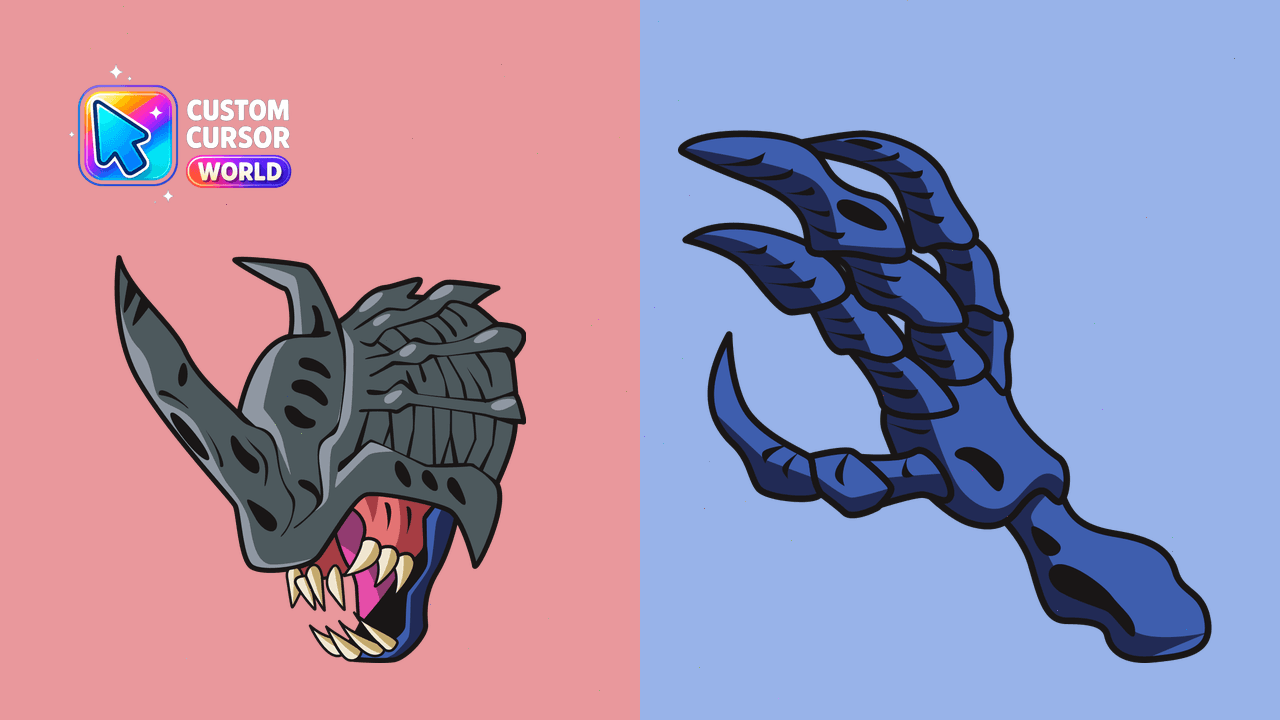
Enhance Chrome browsing with the exhilarating Kabuterimon custom cursor pack.
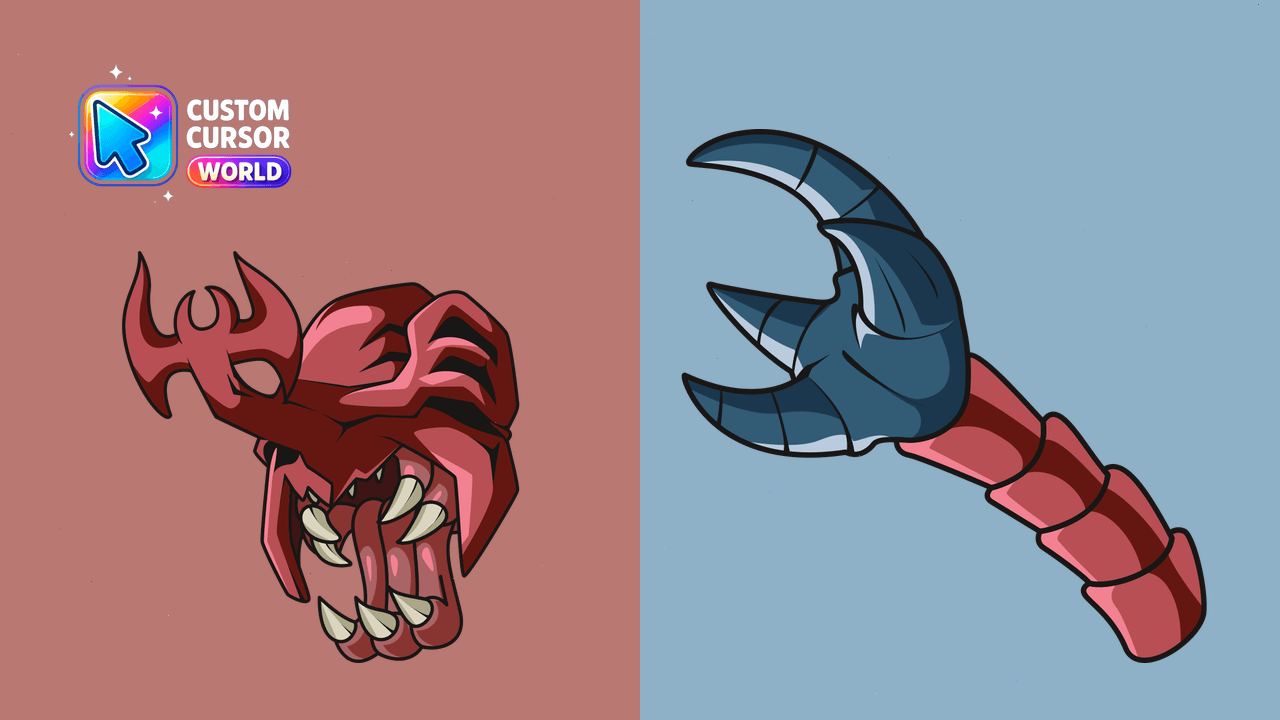
Vibrant MegaKabuterimon Cursor Pack for Chrome: Captivating Colors and Smooth Navigation
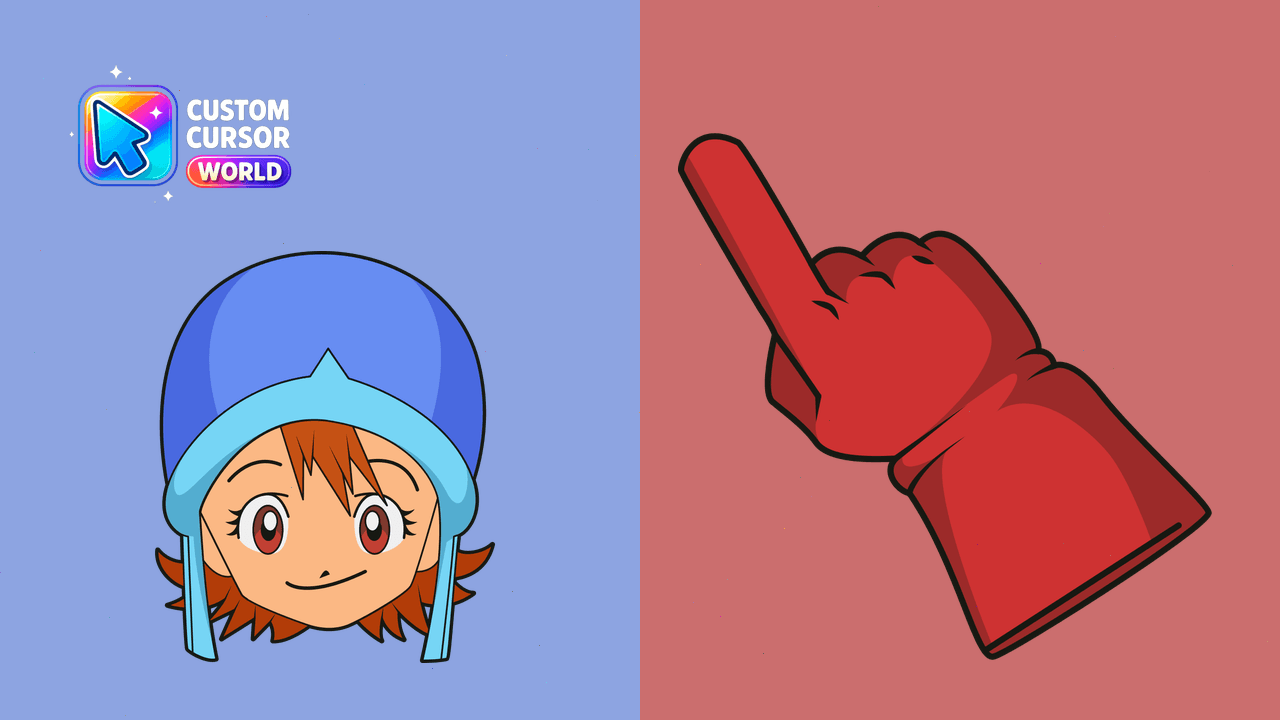
Enhance Chrome & Edge with Sora's custom cursors
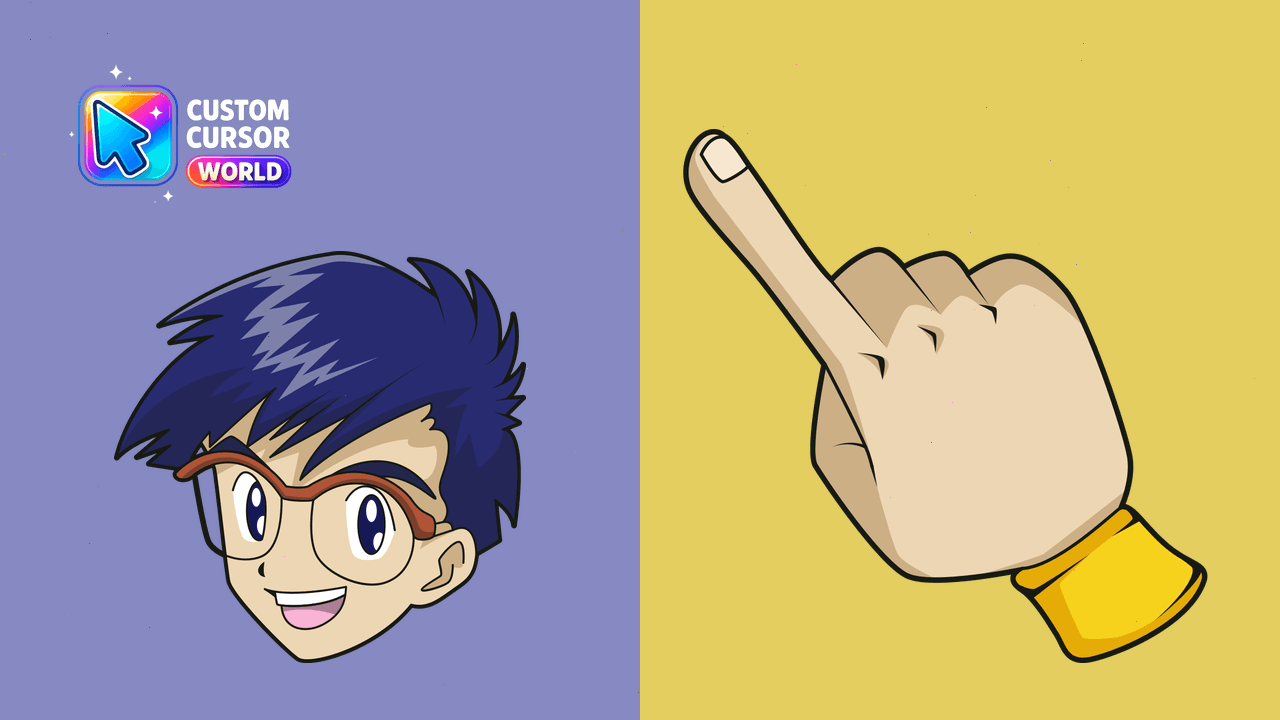
Transform your cursor into Digimon's loyal DigiDestined, Joe Kido for an engaging web experience
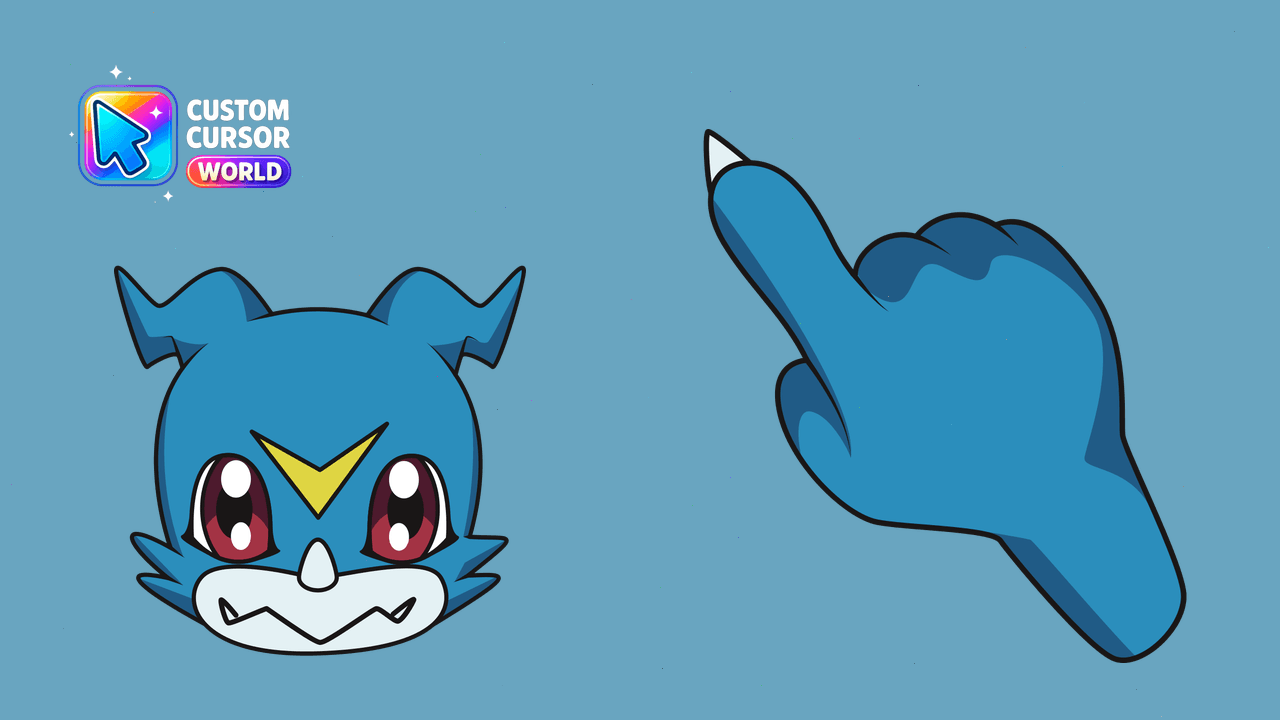
Add a digital touch to Chrome with the Veemon Custom Cursor Pack! Energize your clicks and explore nostalgia with this bold, easy-to-install cursor fr
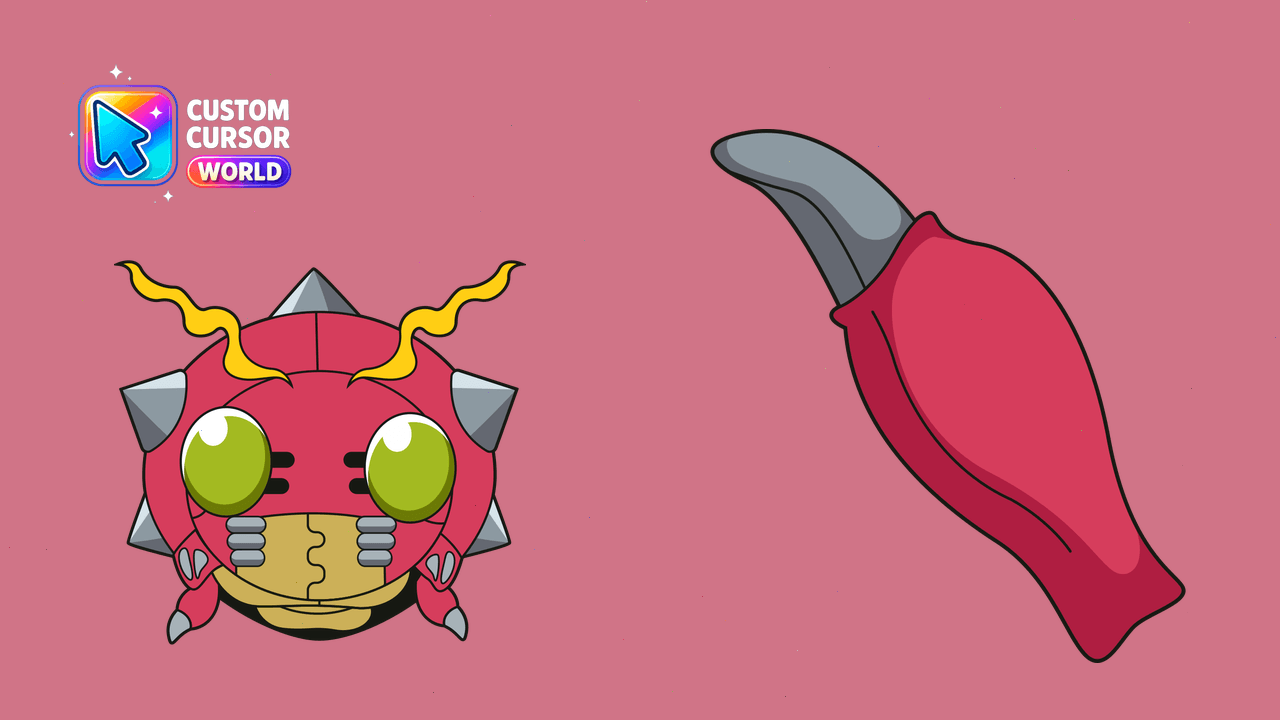
Customize your Chrome & Edge browsers with Tentomon, a fun Digimon-inspired cursor from the Cursor Pack collection. Add adventure to your browsing exp
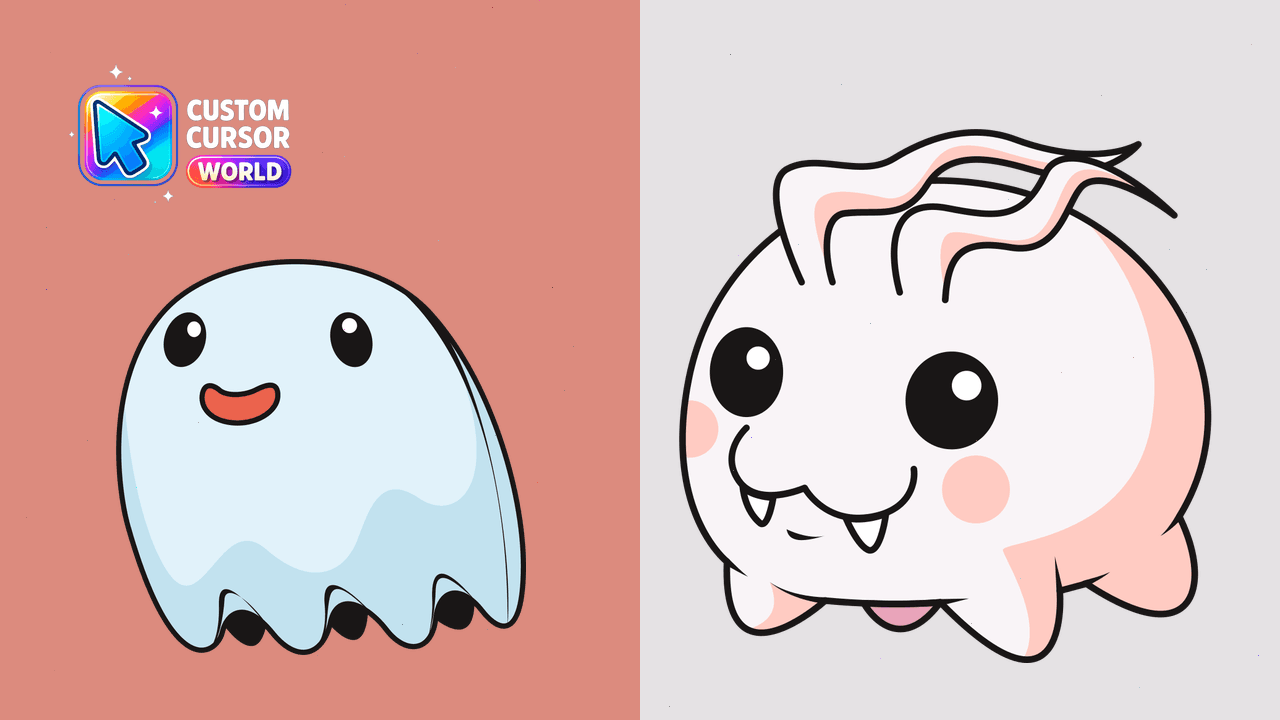
Bring the Digital World to your cursor pack!
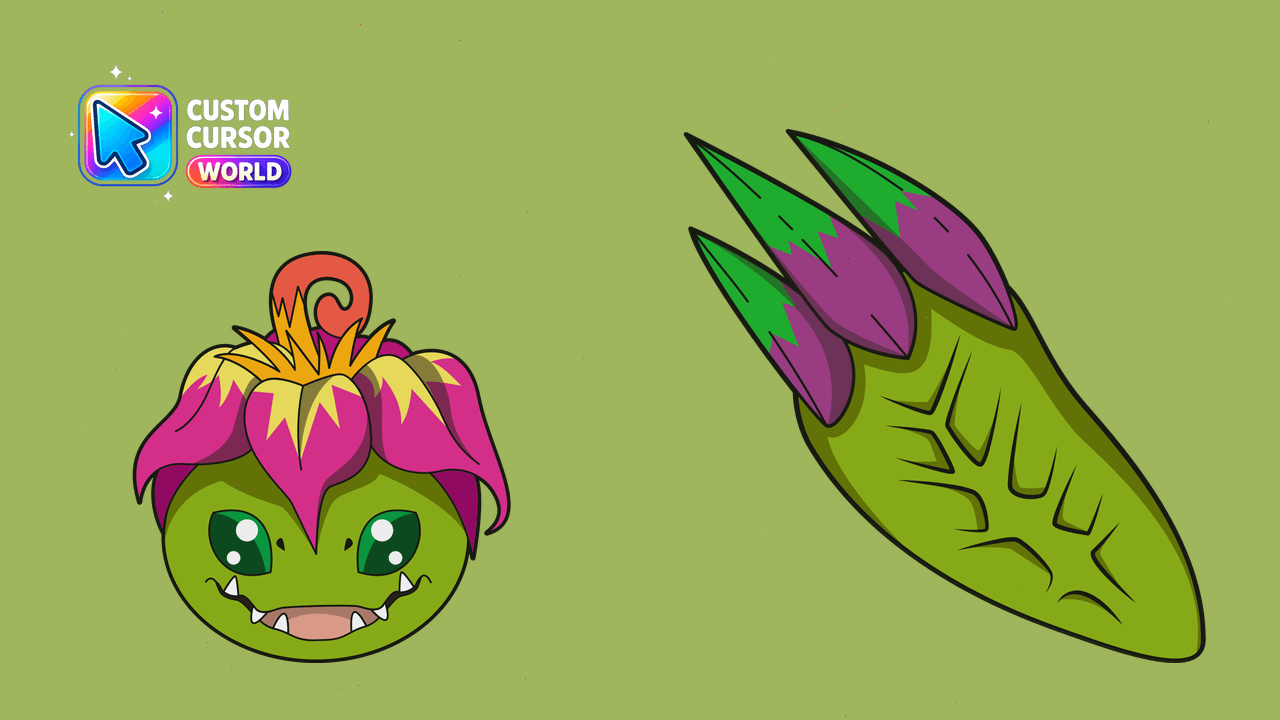
Customize your cursor with Palmon, the friendly Digimon, for Chrome and Edge.
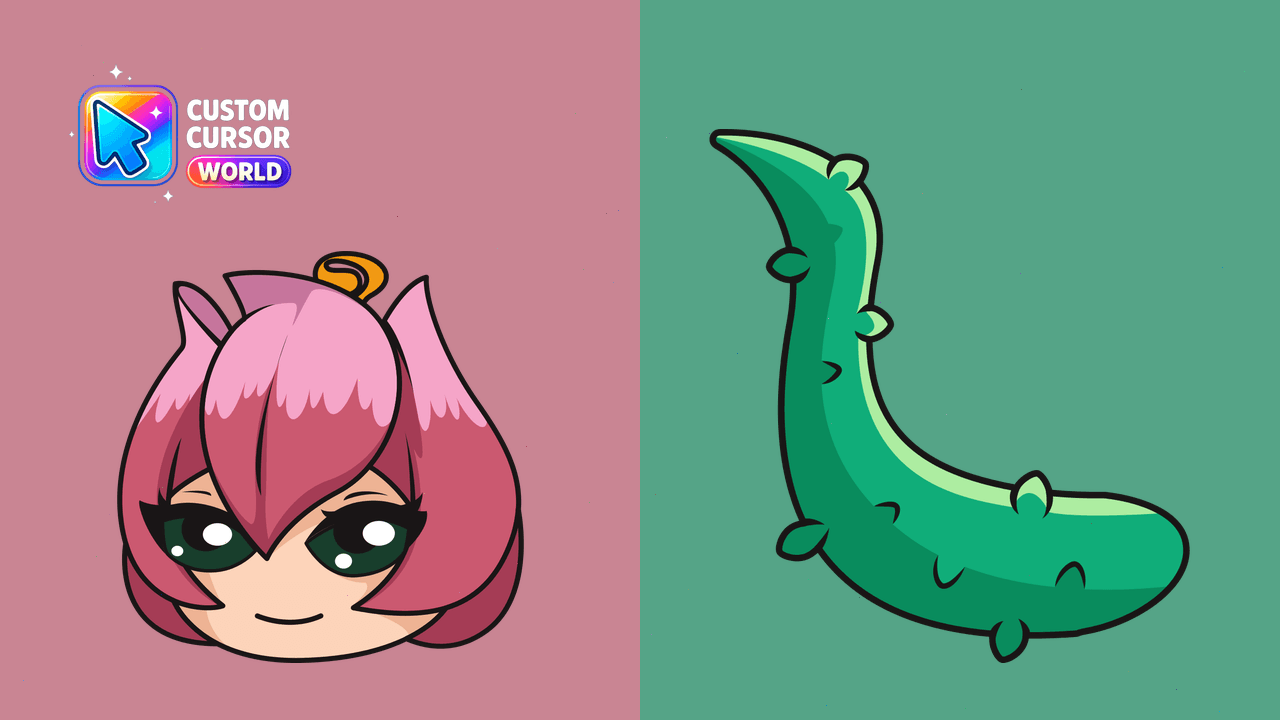
Transform your browser's cursor into the enchanting Lillymon from Digimon. Embrace digital magic with a touch of nostalgia.
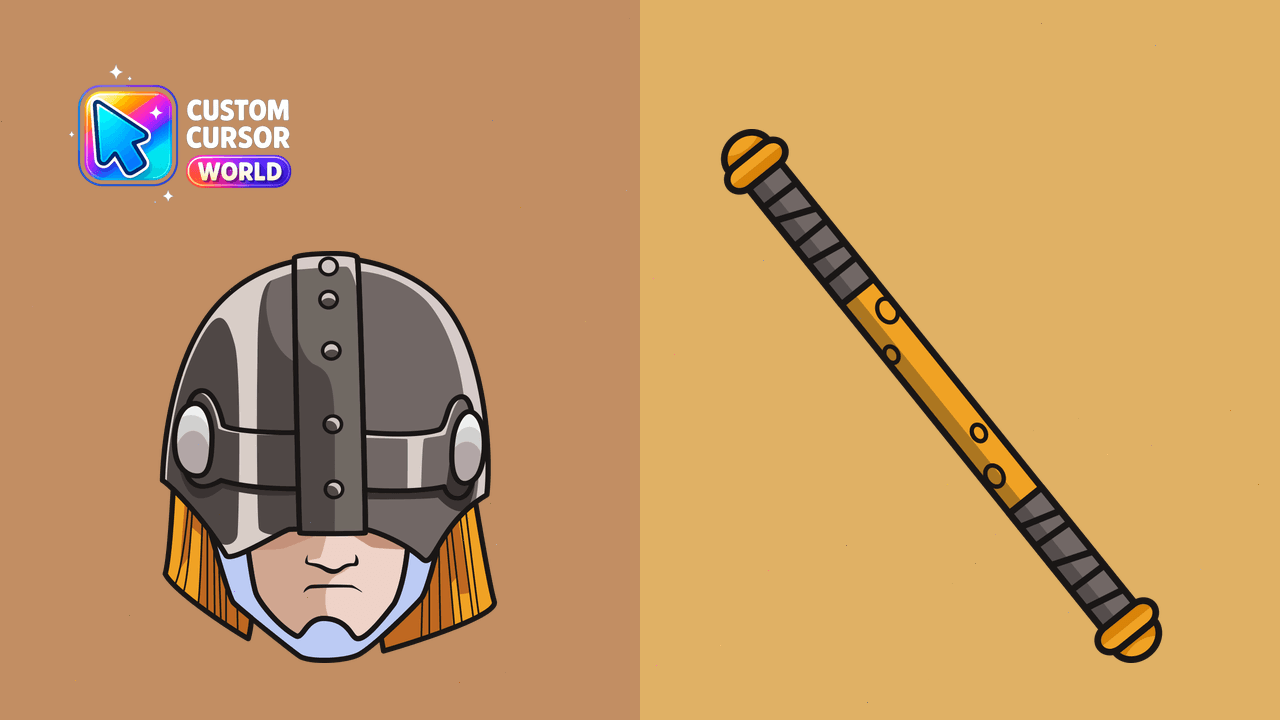
Enhance your browsing experience with a celestial touch using our customizable Angemon cursor pack!
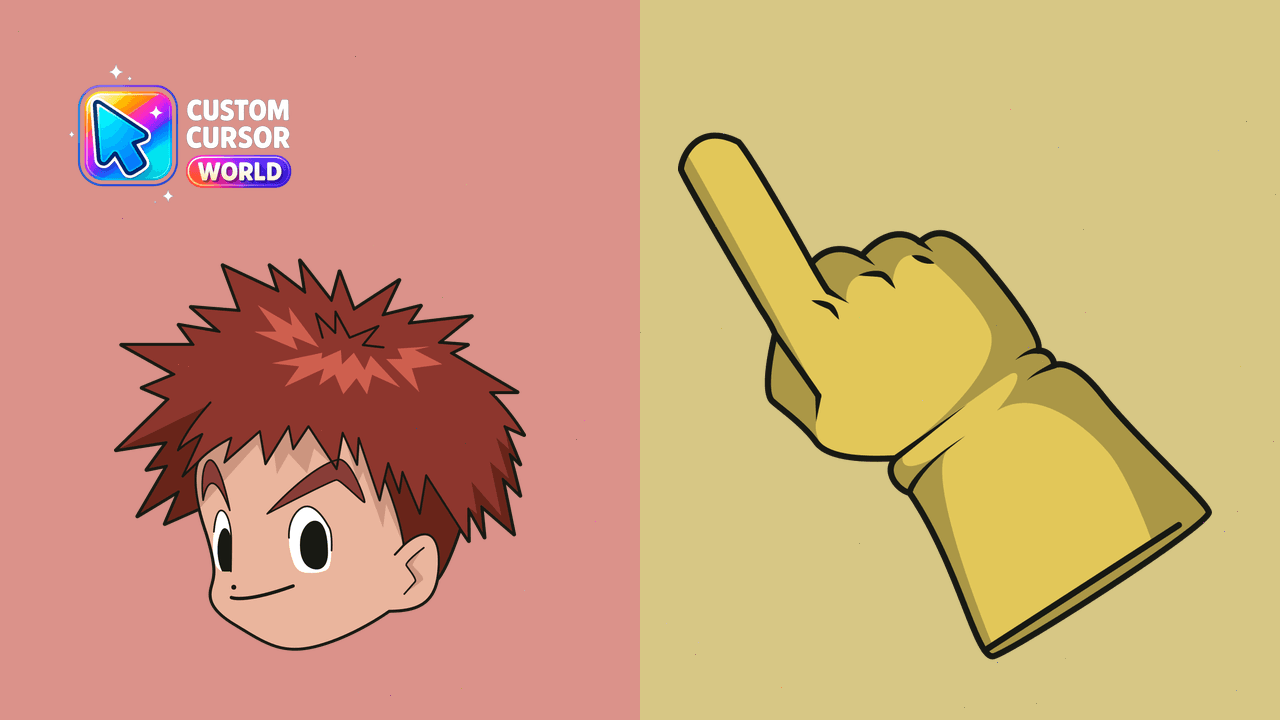
Authentic custom cursors with Izumi Koshiro from Digimon for Chrome and Edge browsers
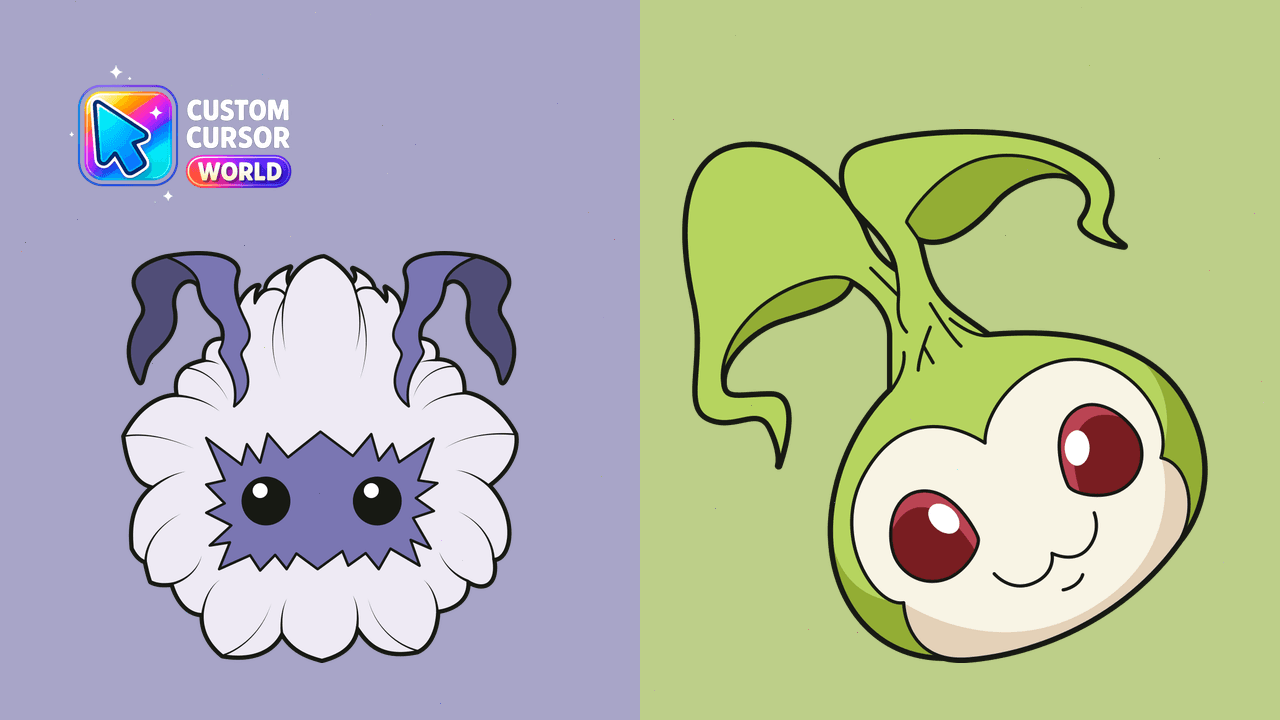
Enhance your browsing with the charming Yuramon and Motimon cursor duo!
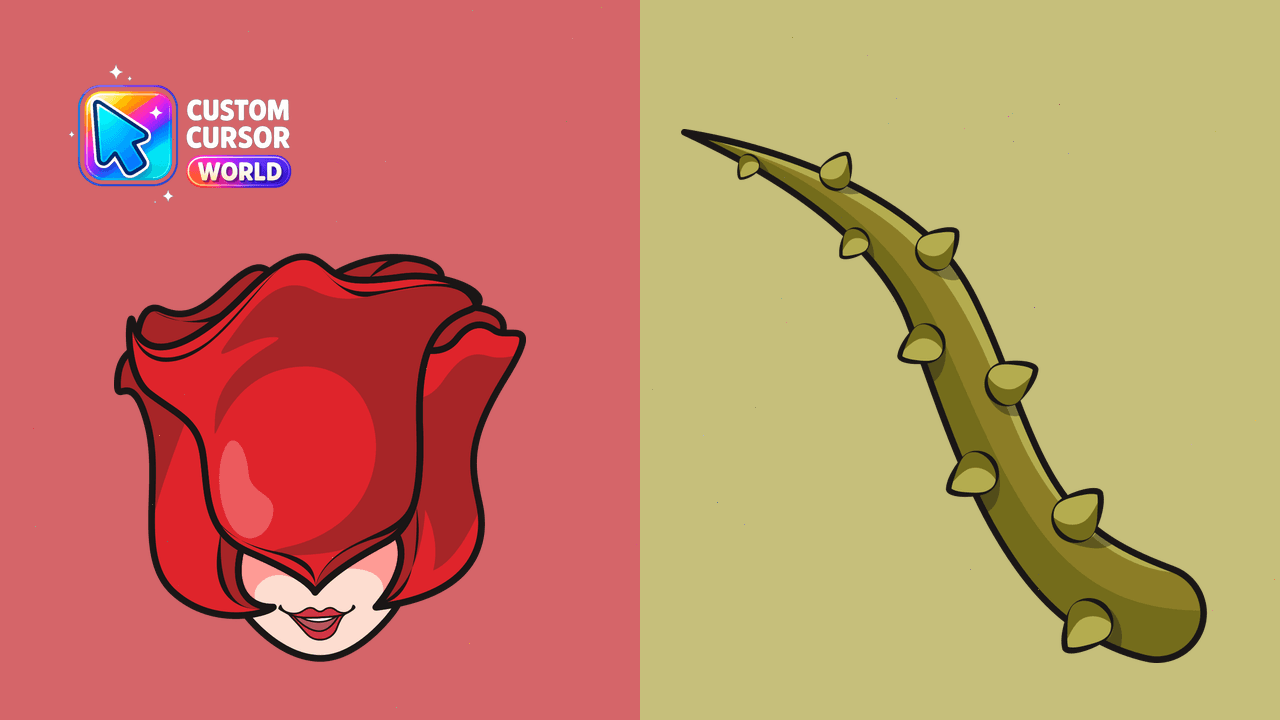
Discover digital enchantment with Rosemon Custom Cursor Pack for Chrome & Edge
Transform browsing with the power of Digimon! Custom Cursor - Chrome & Edge
Experience Gomamon's adventurous spirit with Chrome. A playful and unique digital companion for all ages.
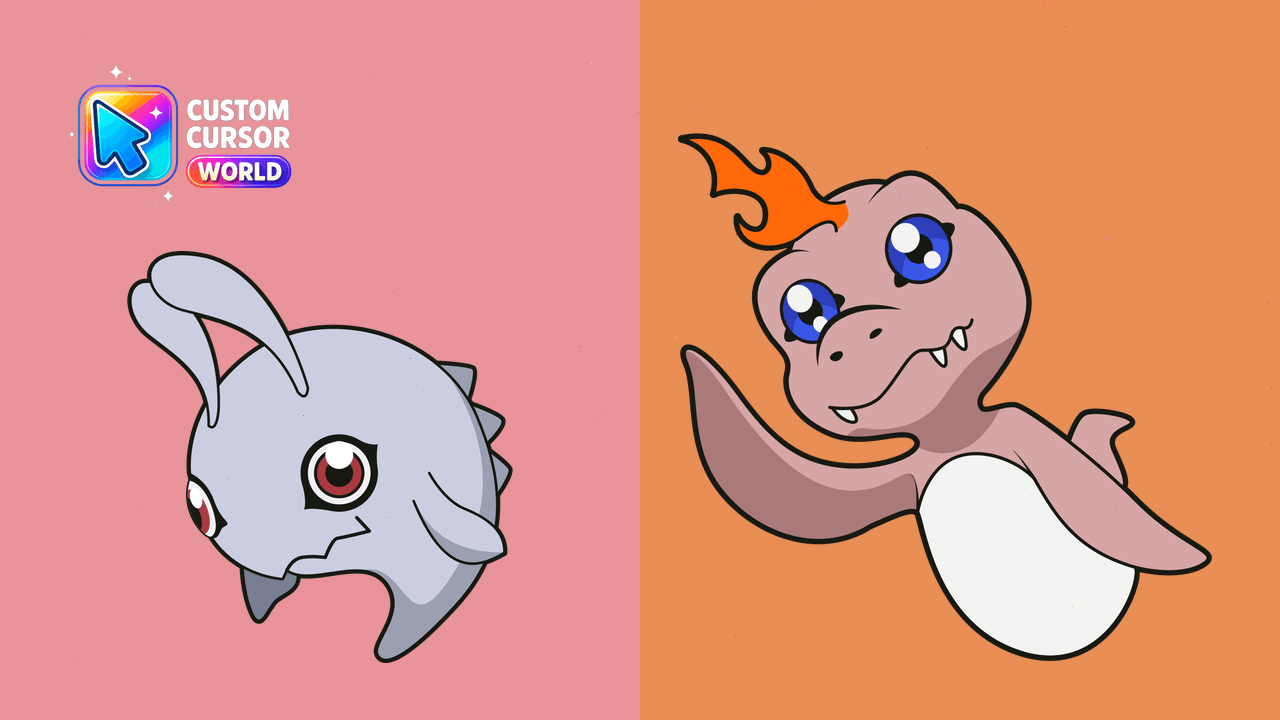
Transform your browsing with cute Digimon designs in this Custom Cursor Pack for Chrome & Edge.
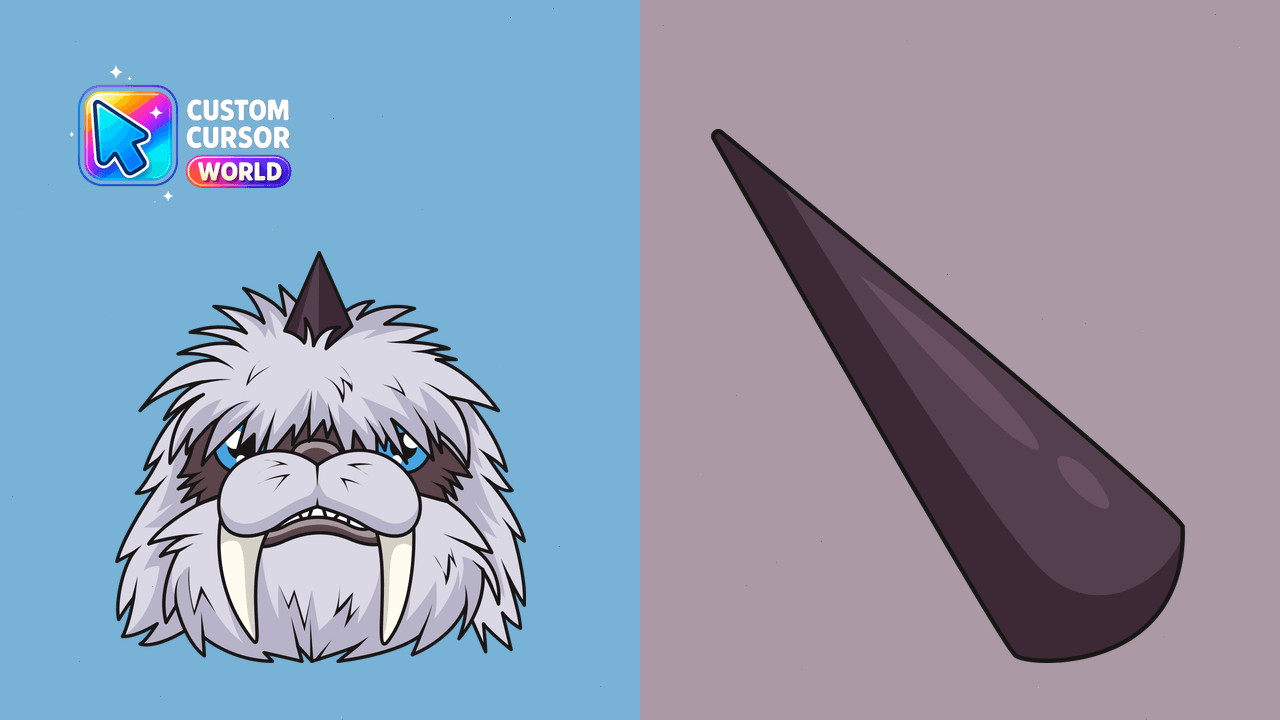
Bring the excitement of Ikkakumon from Digimon to your screen!
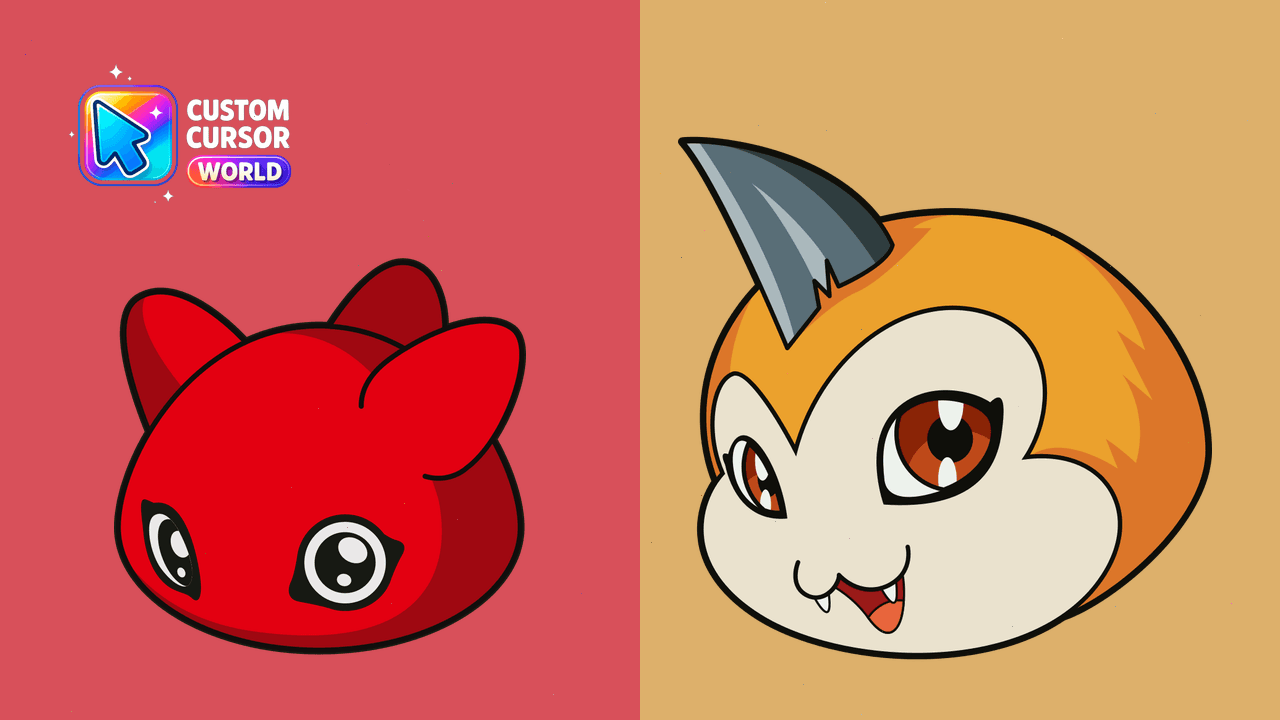
Cute Digimon-themed cursor pack for Chrome & Edge browsers
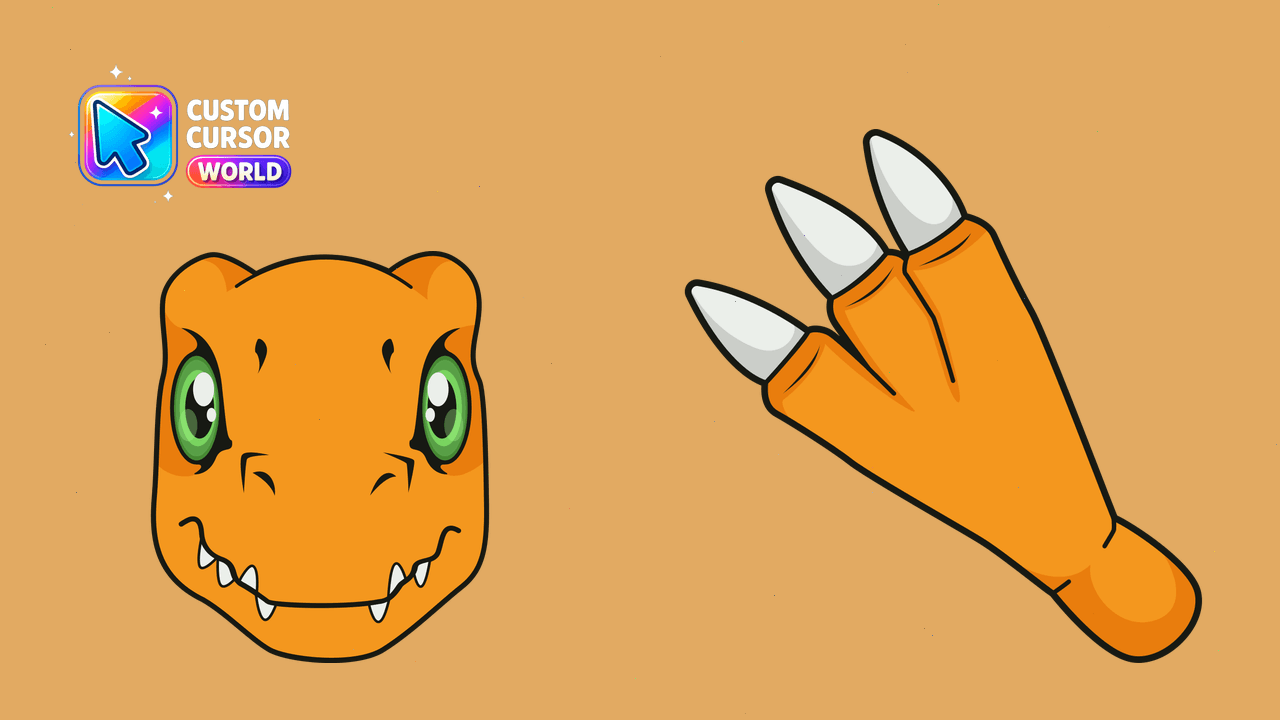
Unleash Agumon's fiery spirit on your cursor with our performance-friendly pack for Windows, Chrome, Edge
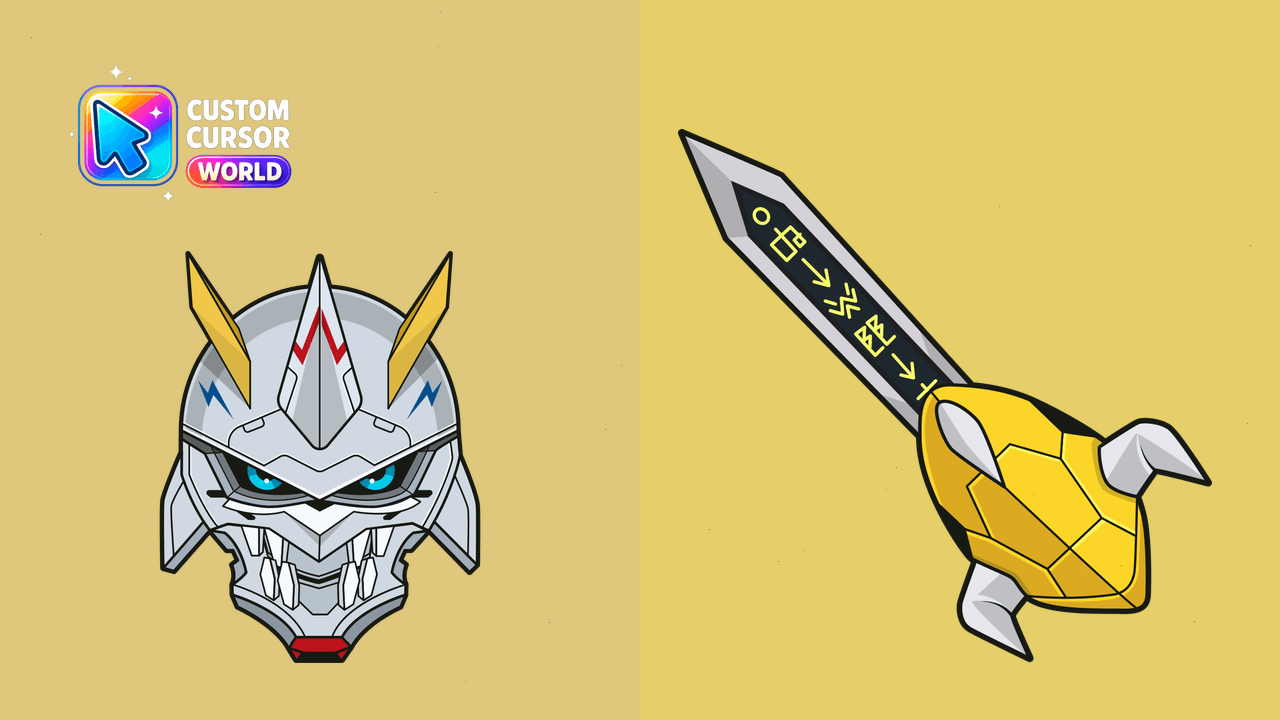
Omegamon Cursor Pack - Customize Your Digital Battles with Powerful Themes for Windows and Chrome Browsers
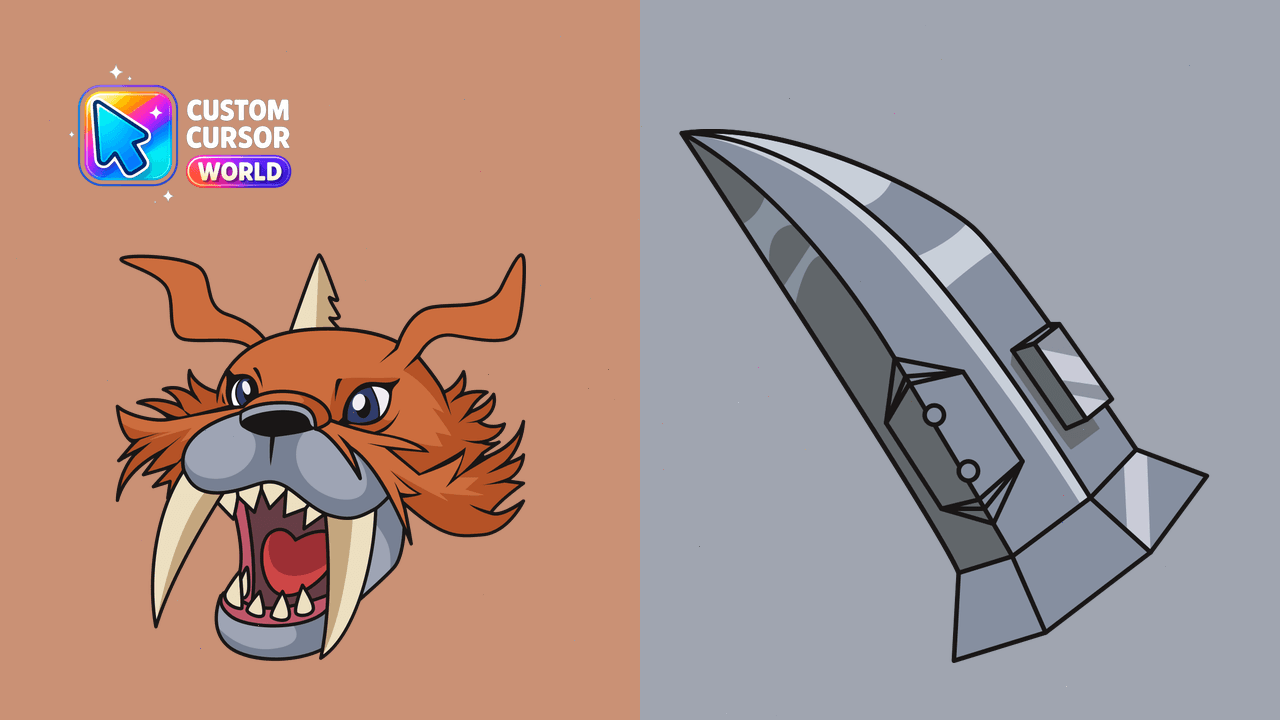
Enhance Chrome/Edge with Zudomon Custom Cursor Pack.
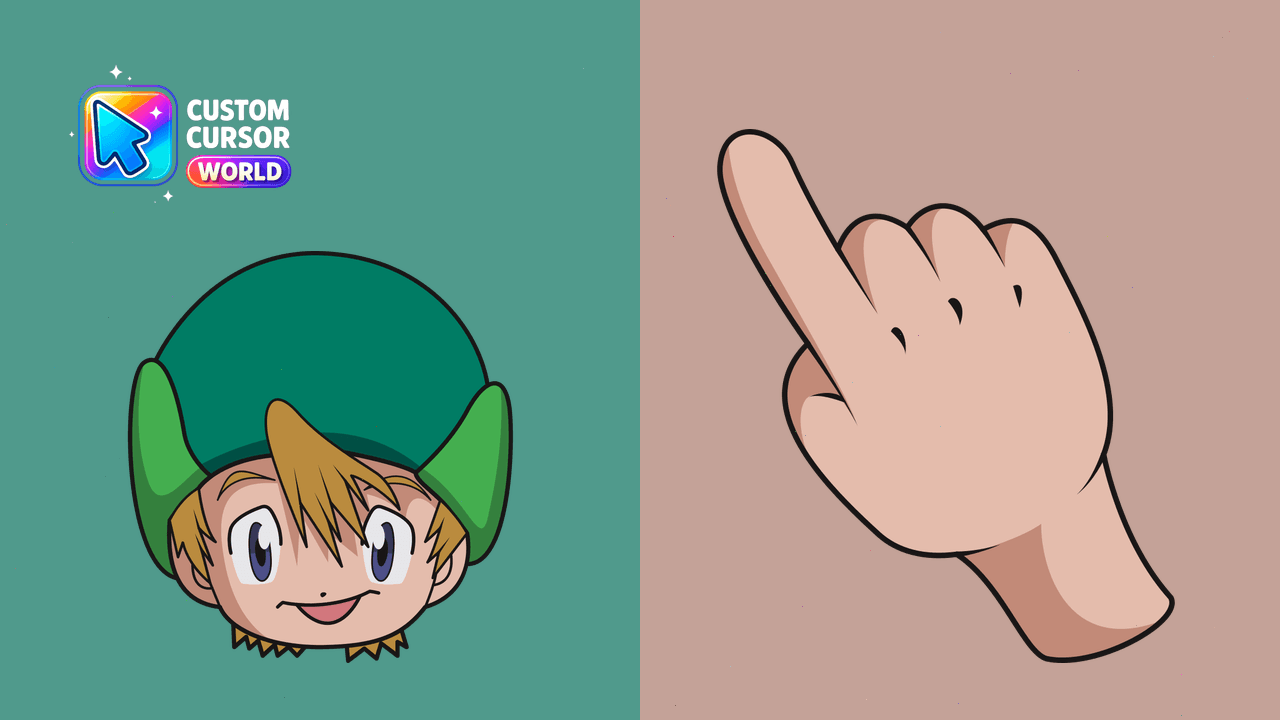
Boost your browsing experience with our Digimon-inspired custom cursor pack featuring Takeru Takaishi from Chrome and Edge
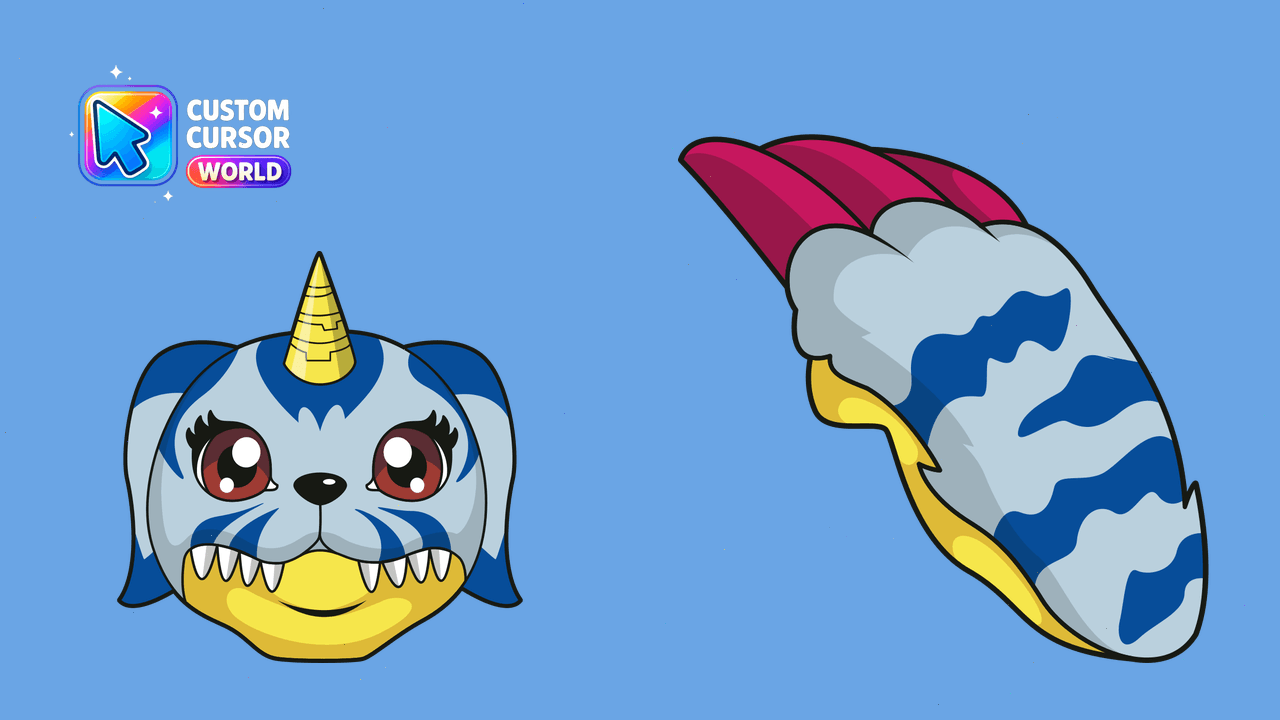
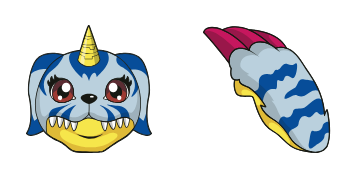
Bring Digital World's Gabumon character as your browser cursor. Personalize Chrome or Edge with this custom cursor pack!
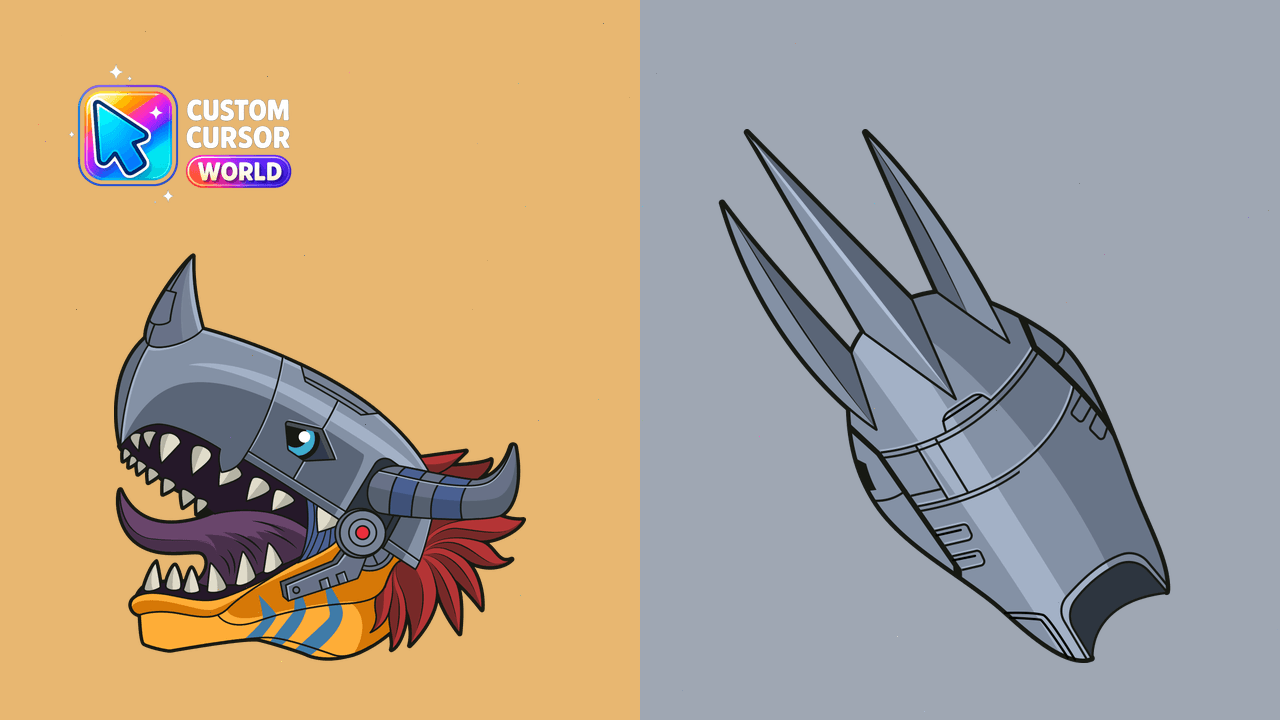
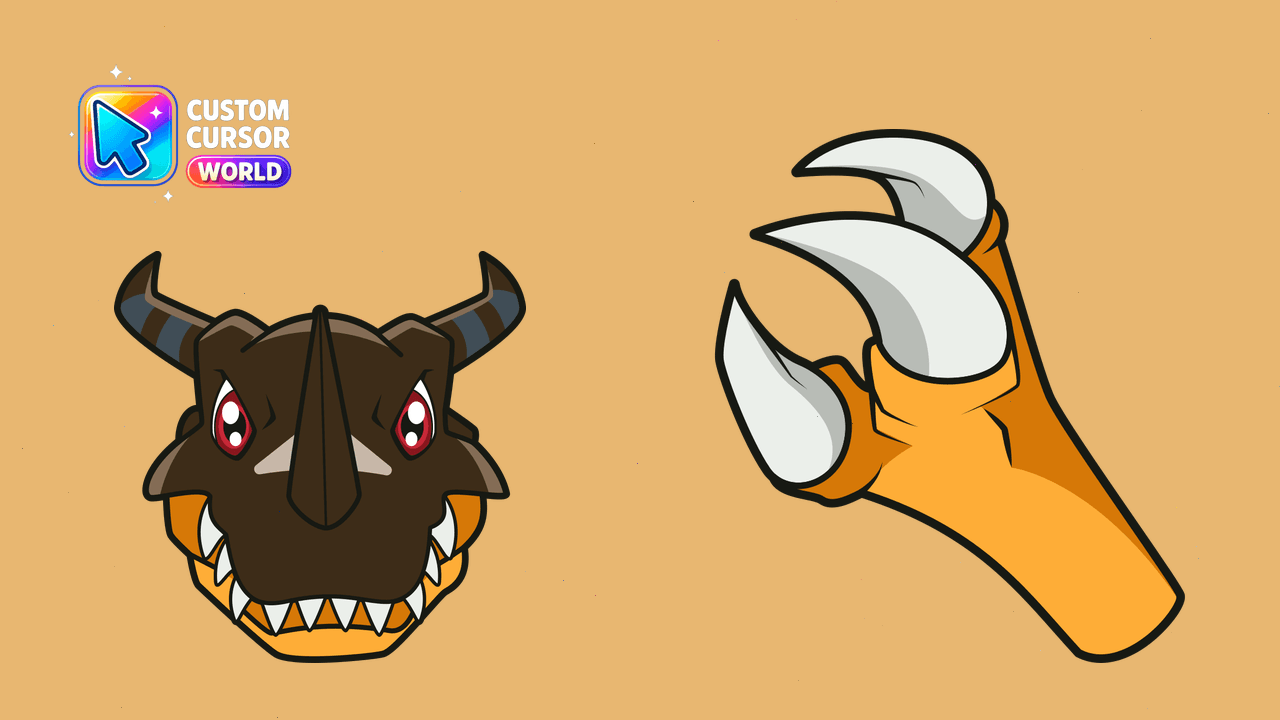
Transform your browser cursor into the powerful Metal Greymon Digimon for Chrome and Edge
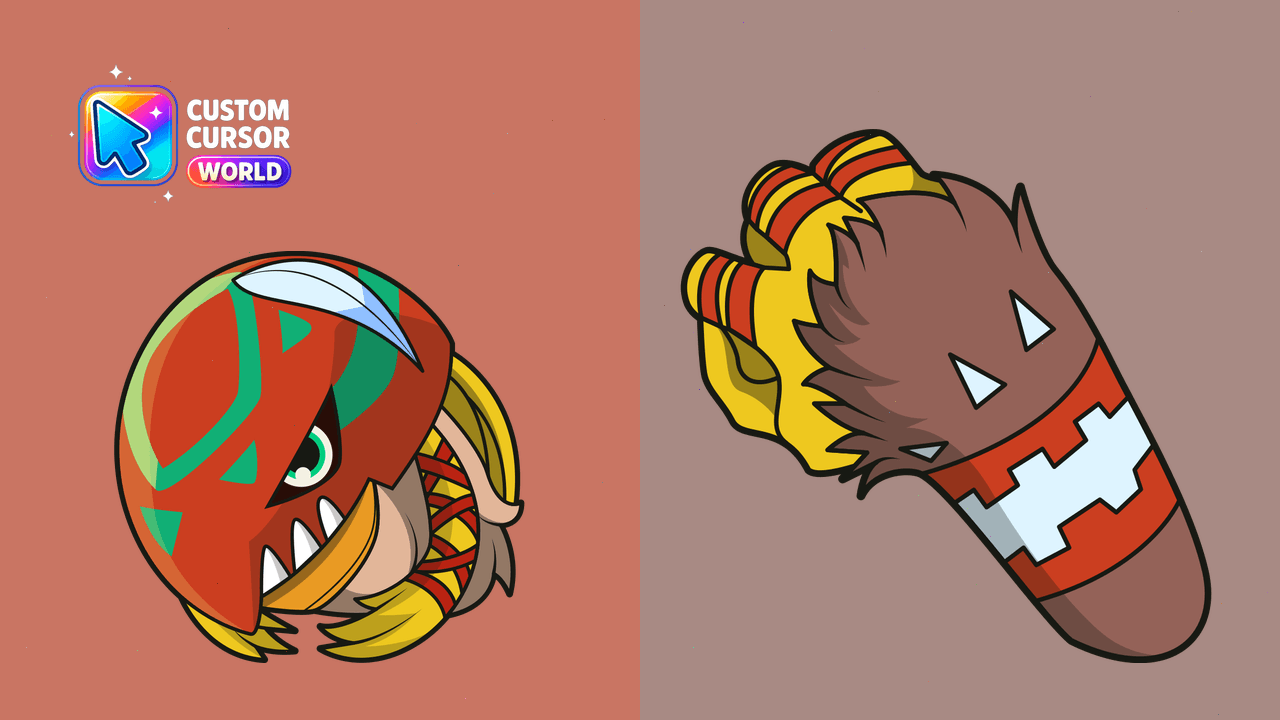
Discover the Garudamon Custom Cursor Pack - an enchanting collection of bird-inspired cursors. Perfect for Chrome enthusiasts looking to add a touch o
Digimon-themed cursor pack; Accessible, compatible with Chrome & Edge
Enhance your Chrome browsing with the charming Digimon Cursor Pack - Nyokimon & Yokomon. Perfect for fans of customized, performance-friendly browsers
Mimi Tachikawa Custom Cursor Pack for Chrome and Edge
Transform your web experience with WereGarurumon Cursor Pack - epic Chrome or Edge theme for a thrilling browsing journey
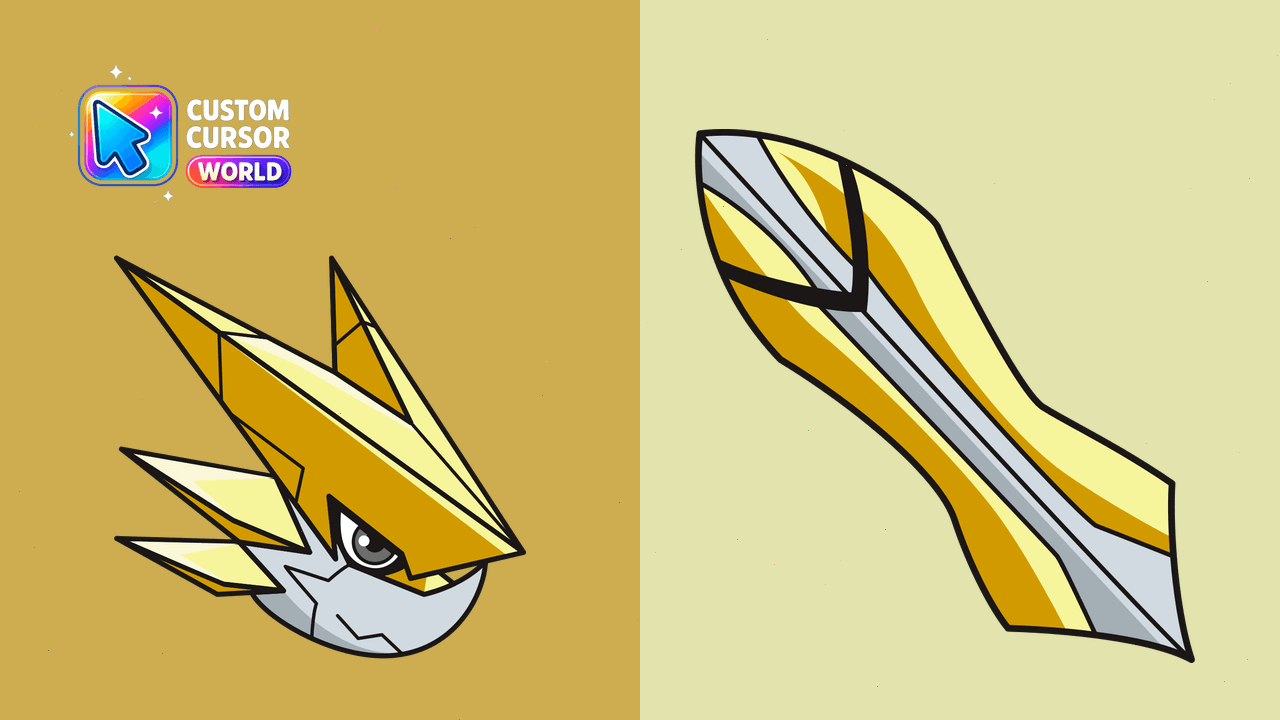
Browse like a digital warrior with the Omega Shoutmon Cursor Pack - perfect for Chrome, Edge & Windows browsers.
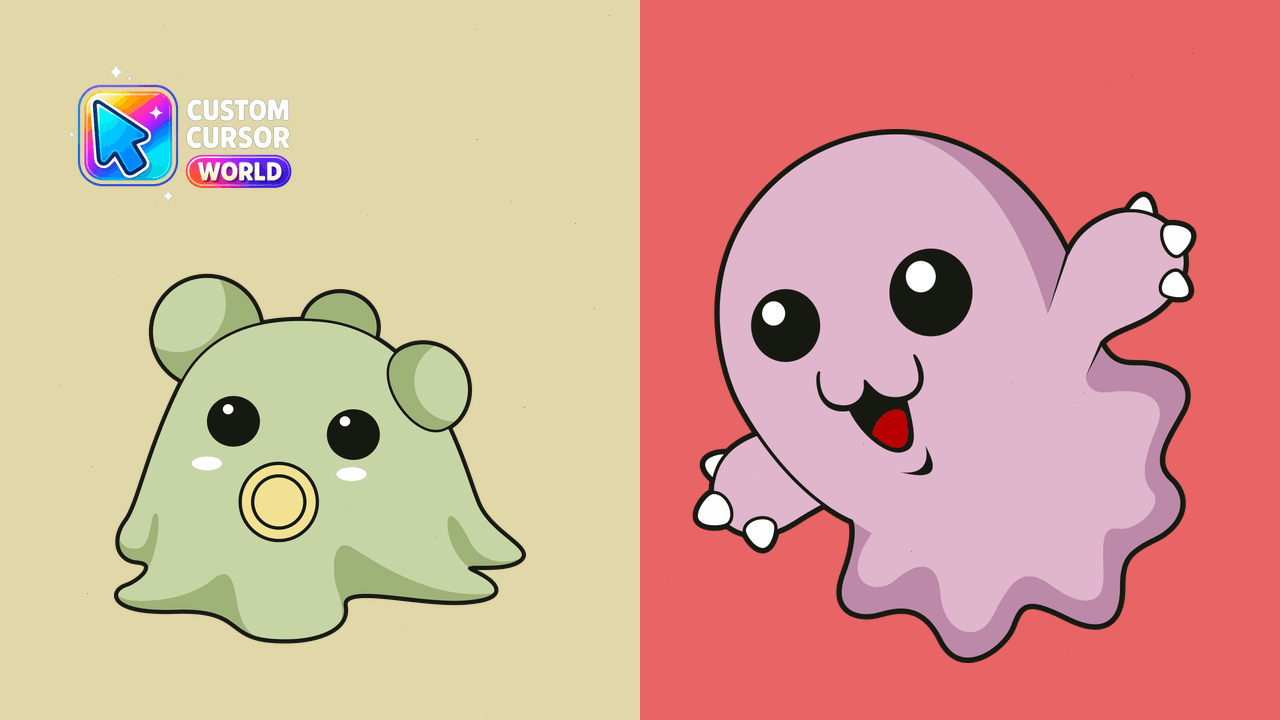
Customize your browser with Pabumon, Motimon, and more!
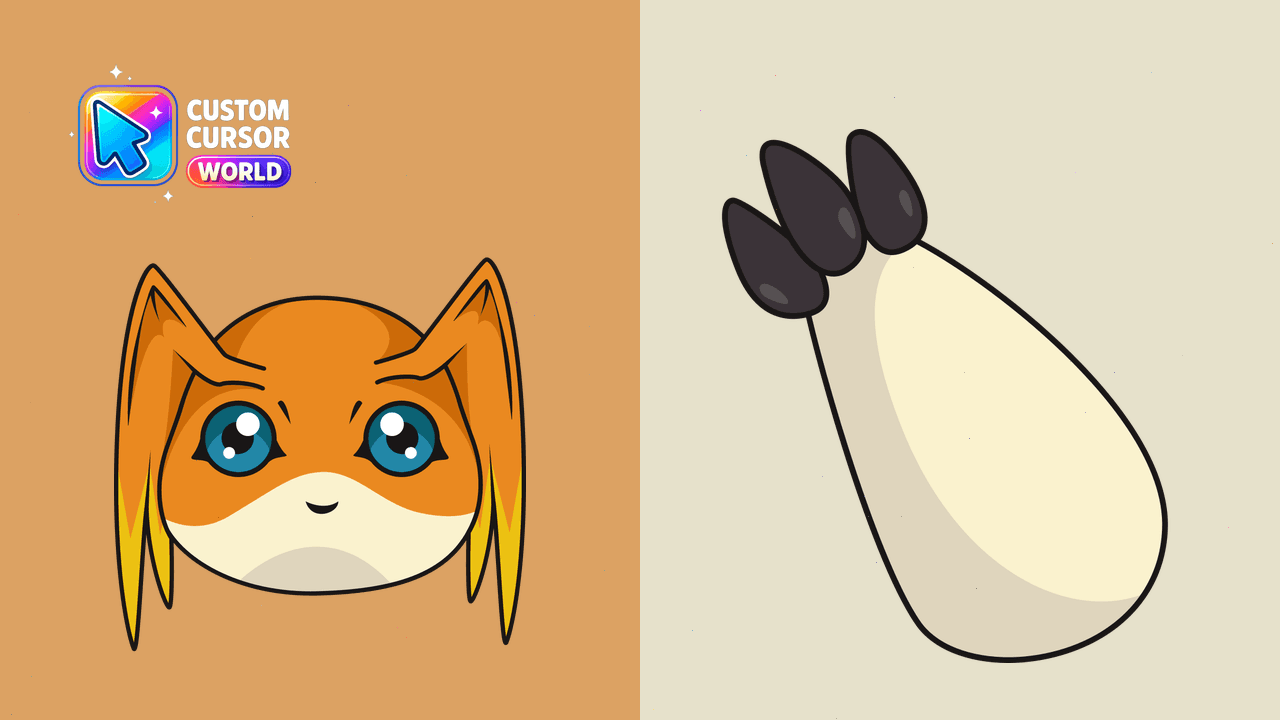
Transform your browsing experience with Patamon Cursor Pack for Chrome & Edge!
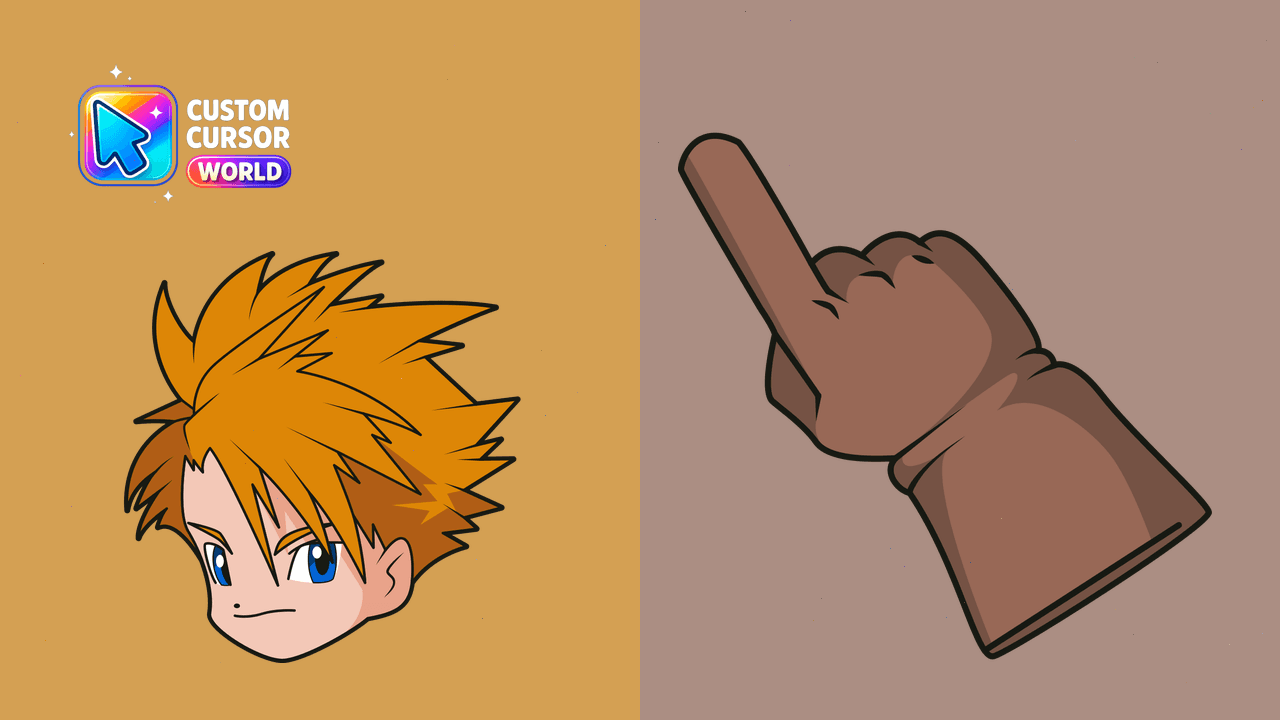
Add a rock and roll flair with the Matt Ishida Custom Cursor Pack for Chrome and Edge!
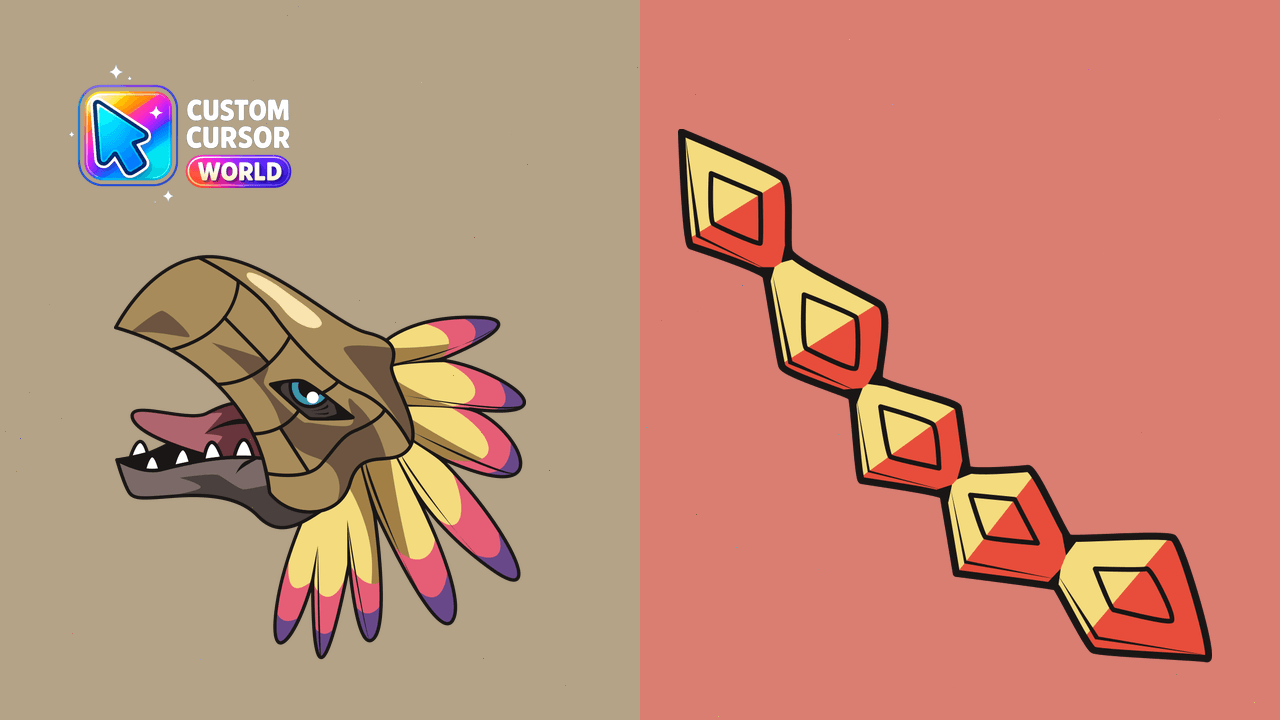
Phoenixmon custom cursors that represent fire, rebirth and immortality - perfect for Chrome or Edge.
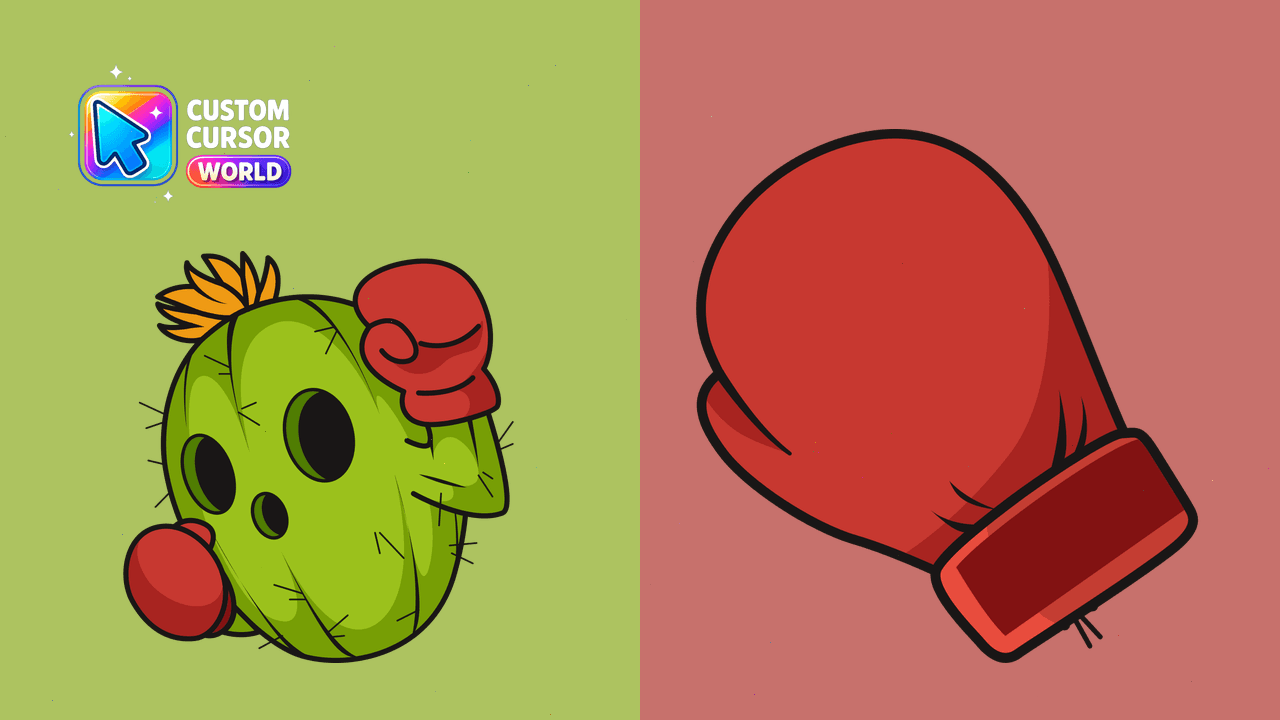
Transform your cursor experience with the spirited and colorful Togemon from Digimon!
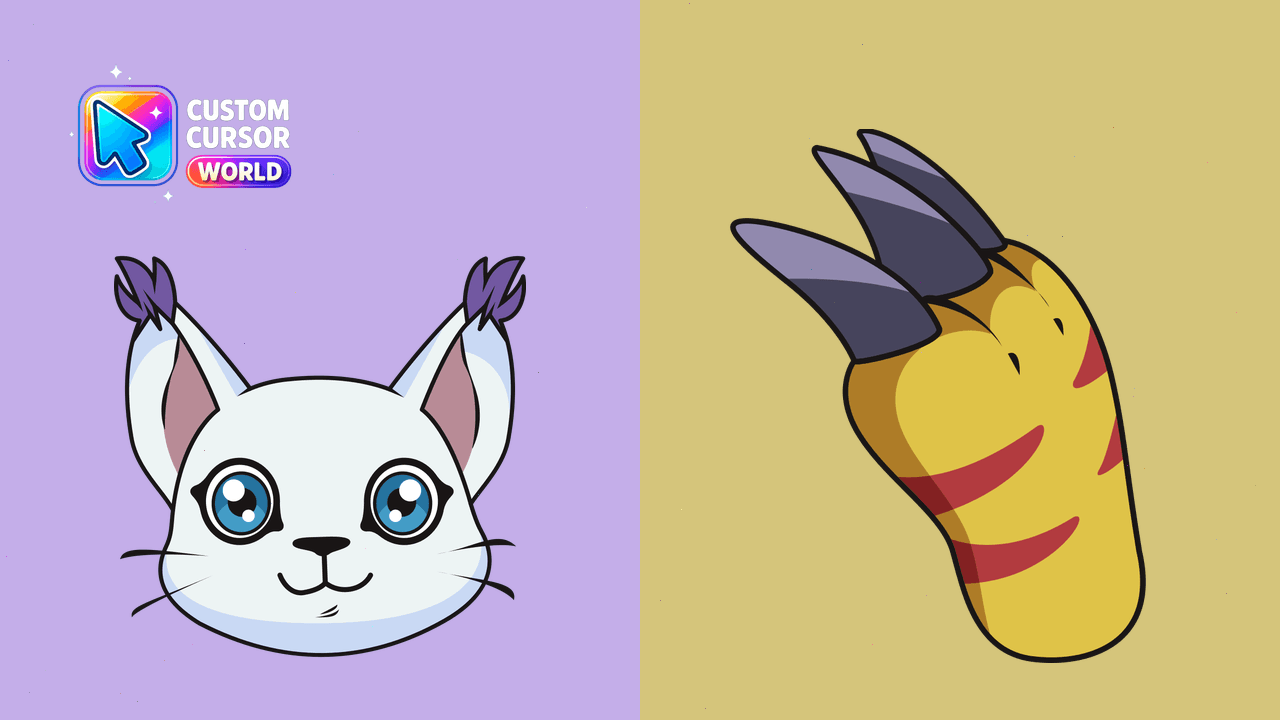
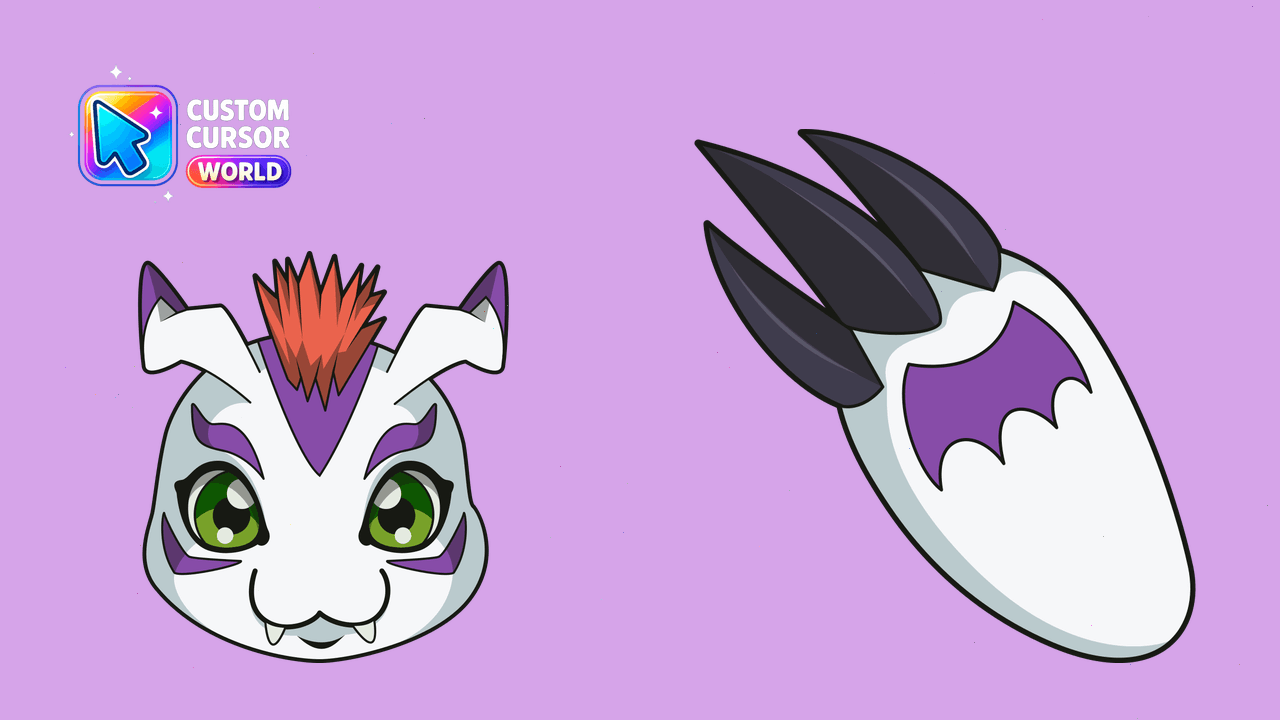
Unleash Gatomon's charm with this exclusive cursor collection for Windows and compatible browsers like Chrome and Edge.

Palmon Scuba cursor - snorkel plant Digimon tip with a bubbly leafy hand.

Palmon Detective cursor - deerstalker plant Digimon tip with a magnifying hand.

Palmon Candy cursor - lollipop plant Digimon tip with a sweet leafy hand.

Palmon Crystal cursor - gem-shard plant Digimon tip with a crystal leafy hand.

Palmon Neon cursor - night-glow plant Digimon tip with cyan-pink accents.

Palmon Pirate cursor - eye-patch plant Digimon tip with a pirate leafy hand.

Palmon Wizard cursor - star-hat plant Digimon tip with a magic wand hand.


Palmon Ninja cursor - stealth plant Digimon tip with a masked leafy hand.

Palmon Astronaut cursor - space-helmet plant Digimon tip with a leafy hand.

Palmon Tropical cursor - plant Digimon tip with hibiscus and island vibes.

Palmon Wink cursor - playful winking plant Digimon tip and matching hand.


Palmon Hearts cursor - blushing plant Digimon tip with floating pink hearts.


Palmon Snowy cursor - scarf-wrapped plant Digimon tip with snowflake accents.

Palmon Sunny cursor - bright plant Digimon tip with a cheerful sun accent.

Palmon Rainy cursor - plant Digimon tip with umbrella vibes and raindrops.

Palmon Flower Bloom cursor - open pink blossom tip with a matching leafy hand.

Palmon Sleepy cursor - dozing plant Digimon tip with a leafy Zzz pointing hand.

Digimon Flower Plant cute cursor packs a green leafy Digimon arrow and a matching plant hand pointer.

Digimon Blue Wolf cute cursor brings a fluffy blue partner arrow and a matching blue paw pointer.

Digimon Orange Dragon cute cursor packs a tiny orange dragon arrow and a matching orange hand pointer.