1. Install Extension
Install the Custom Cursor World extension for Chrome or Edge browser. The extension is free and takes less than a minute to set up.
Immerse yourself in the thrilling world of Mortal Kombat with our unique cursors collection for Windows, Chrome, and Edge browsers! Elevate your digital experience by transforming your cursor into iconic characters like Sub-zero, Scorpion, Lio Kang, Raiden, and Mileena. This vibrant collection honors the game's legacy since 90-xx with upgraded visuals, ensuring a seamless blend of nostalgia and modernity for all fans.
Browse 12 carefully curated cursor packs in this collection. All packs are free to download and work with Chrome, Edge, and Windows browsers.
Discover more curated cursor collections that match your interests. Explore similar themed collections with free cursor packs for Chrome, Edge, and Windows.
Experience the magic of Circus with our Custom Cursor Collection for Chrome & Edge!
Browse with Brawlhalla characters! Quick, easy installation for Chrome & Edge.

Experience Star Wars like never before with our custom cursor collection for Chrome and Edge!

Experience the best of rap in Chrome with Rappers Cursors Collection!
Follow these simple steps to start using custom cursors from the Mortal Kombat Cursors Collection collection. All cursor packs are free and easy to install.
Install the Custom Cursor World extension for Chrome or Edge browser. The extension is free and takes less than a minute to set up.
Explore 12 cursor packs in the Mortal Kombat Cursors Collection collection and find your favorite designs. Each pack is carefully curated for quality.
Click on any cursor pack and download it directly to your browser. No additional software or configuration needed.
Your new cursor is now active! Customize your browsing experience with unique cursor designs from the Mortal Kombat Cursors Collection collection.
Common questions about the Mortal Kombat Cursors Collection cursor collection
The Mortal Kombat Cursors Collection collection is a curated set of custom cursor packs designed to enhance your browsing experience. Each pack in this collection has been carefully selected to provide unique and visually appealing cursor designs.
Yes! All cursor packs in this collection are completely free to download and use. There are no hidden fees or subscriptions required.
These cursor packs work with Chrome and Edge browsers through the Custom Cursor World extension. The extension is free and easy to install.
Simply click on any cursor pack in this collection, then click the "Add" or "Download" button. The extension will automatically install the cursor pack for you.
Yes! You can switch between different cursor packs at any time. Just browse our collections and select a new pack whenever you want to change your cursor style.
No restart is needed! Once you install a cursor pack, it becomes active immediately. You can start using your new cursor right away.

Install our free browser extension to instantly apply any cursor from our vast collection with one click. Works seamlessly with Chrome, Edge, and Windows.
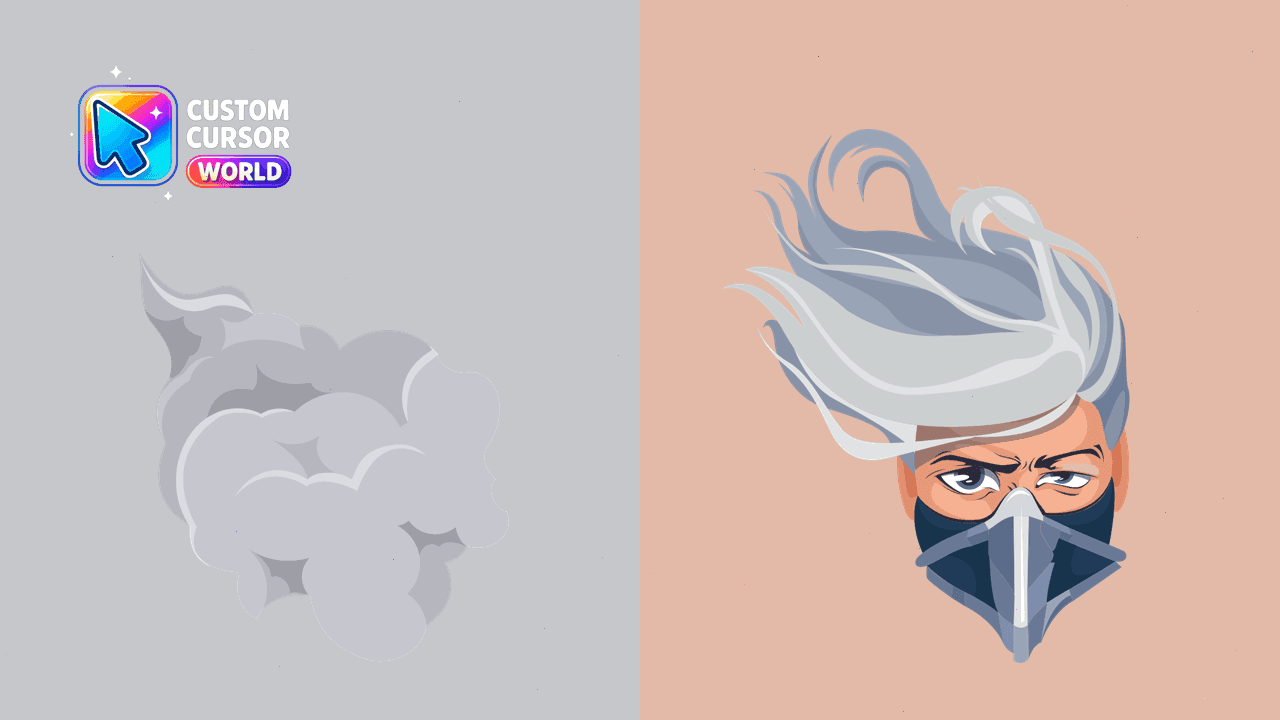
Enhance your digital world with the Smoke Cursor Pack from Mortal Kombat collection.
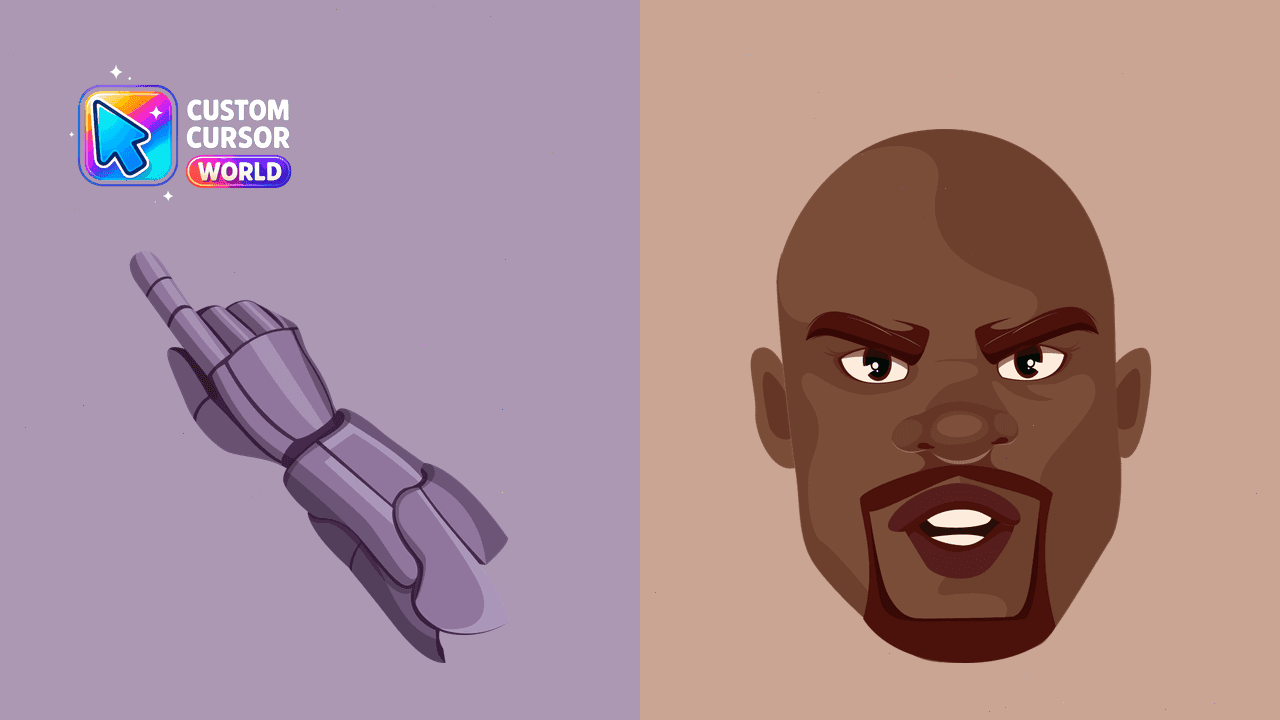
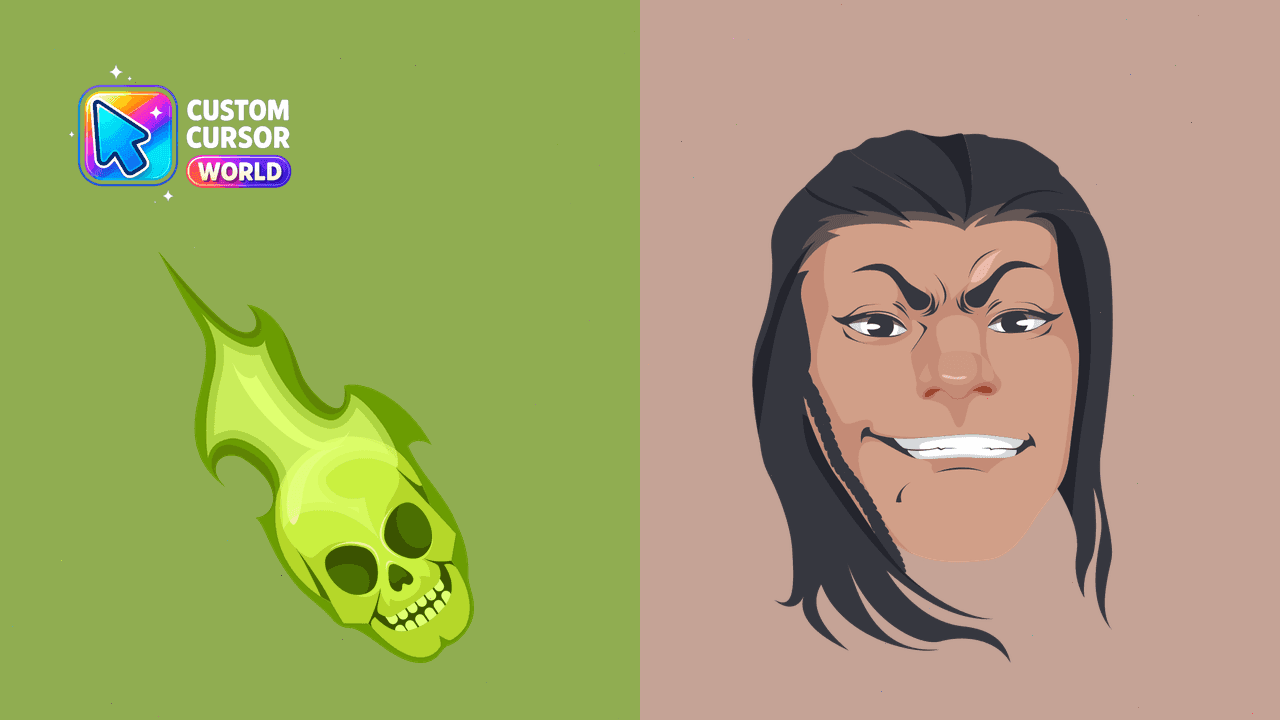
Enhance your browsing with our Wizard Fighter Cursor Pack, featuring Shang Tsung from Mortal Kombat for a unique and high-quality cursor experience
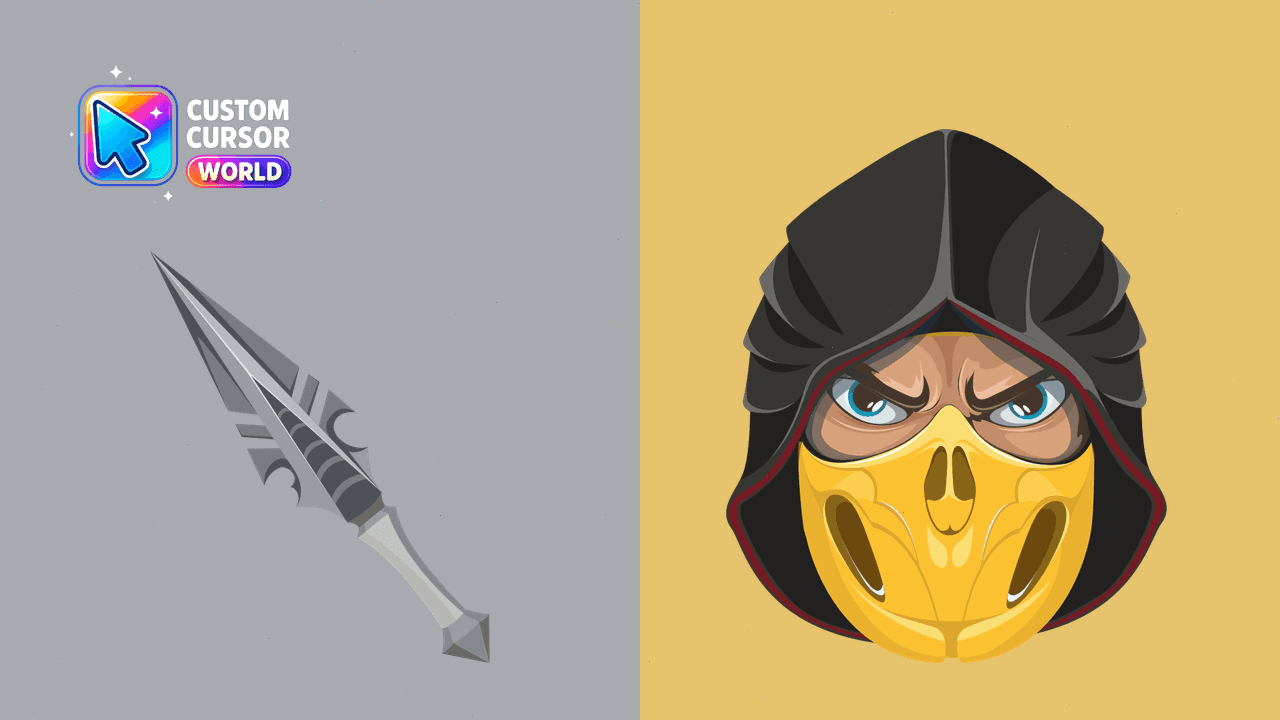
Unleash the power of Mortal Kombat in your browser with our Scorpion Cursor Pack!
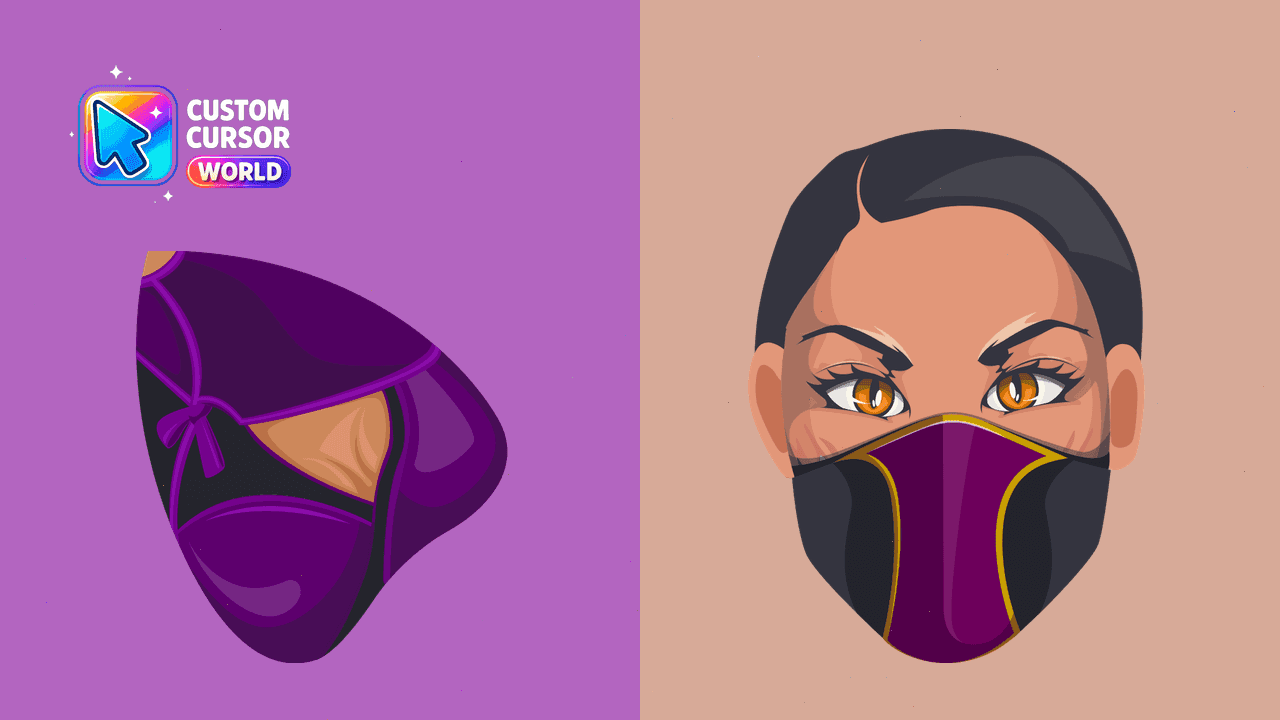
Custom cursors including Mileena for Chrome/Edge
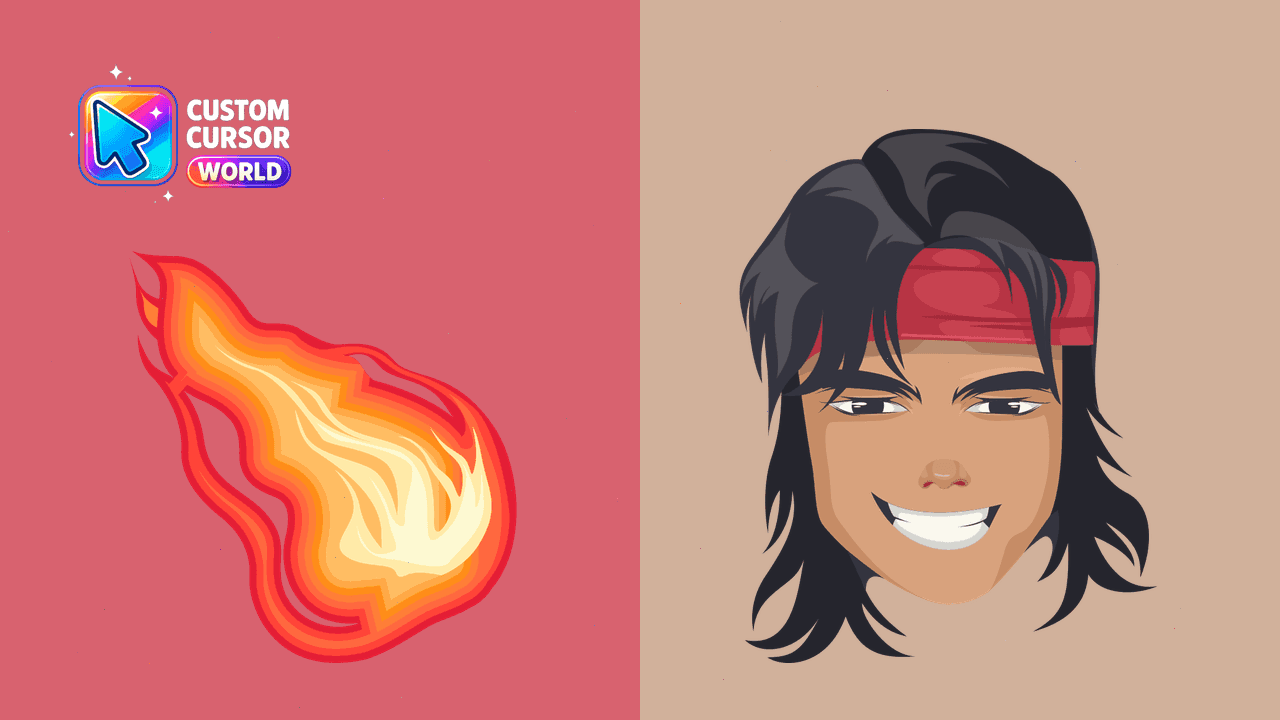
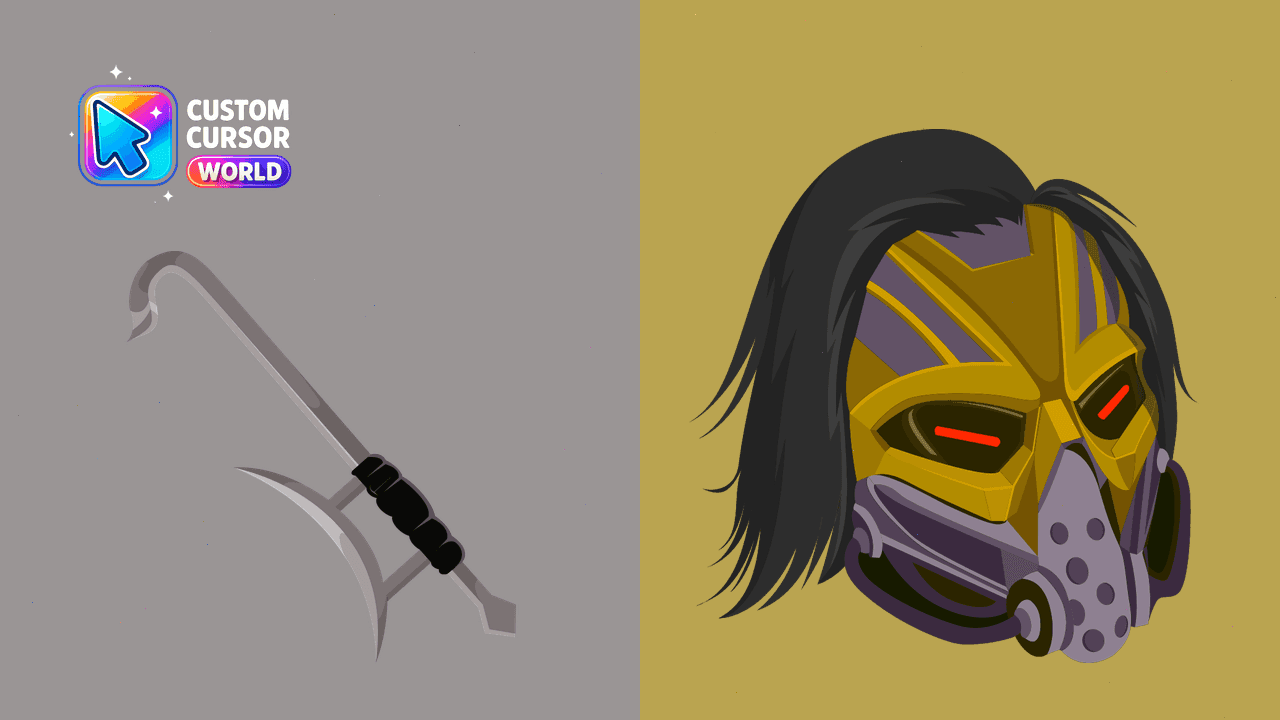
Experience Mortal Kombat like never before with our Kabal Custom Cursor Pack! Unleash the spirit of berserk combat on your screen.
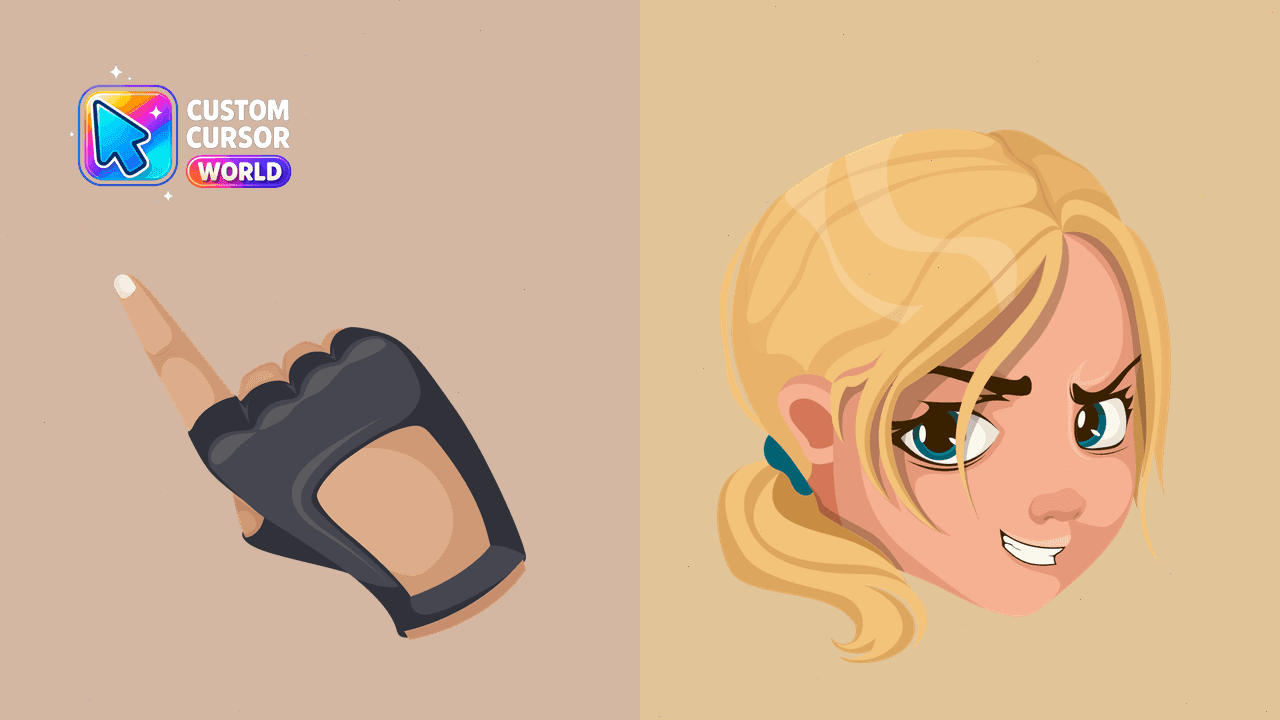
Immerse yourself in the world of Mortal Kombat with our exquisite custom cursor pack featuring Sonya Blade. Ideal for Chrome and Windows
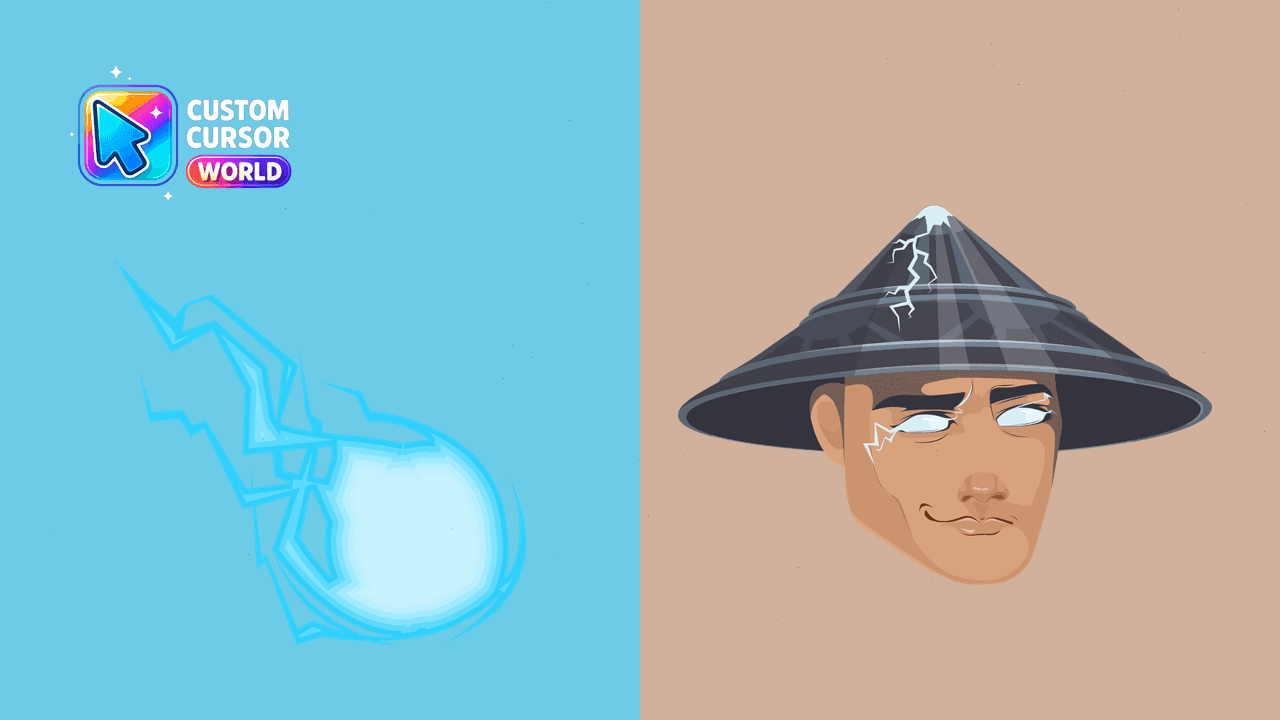
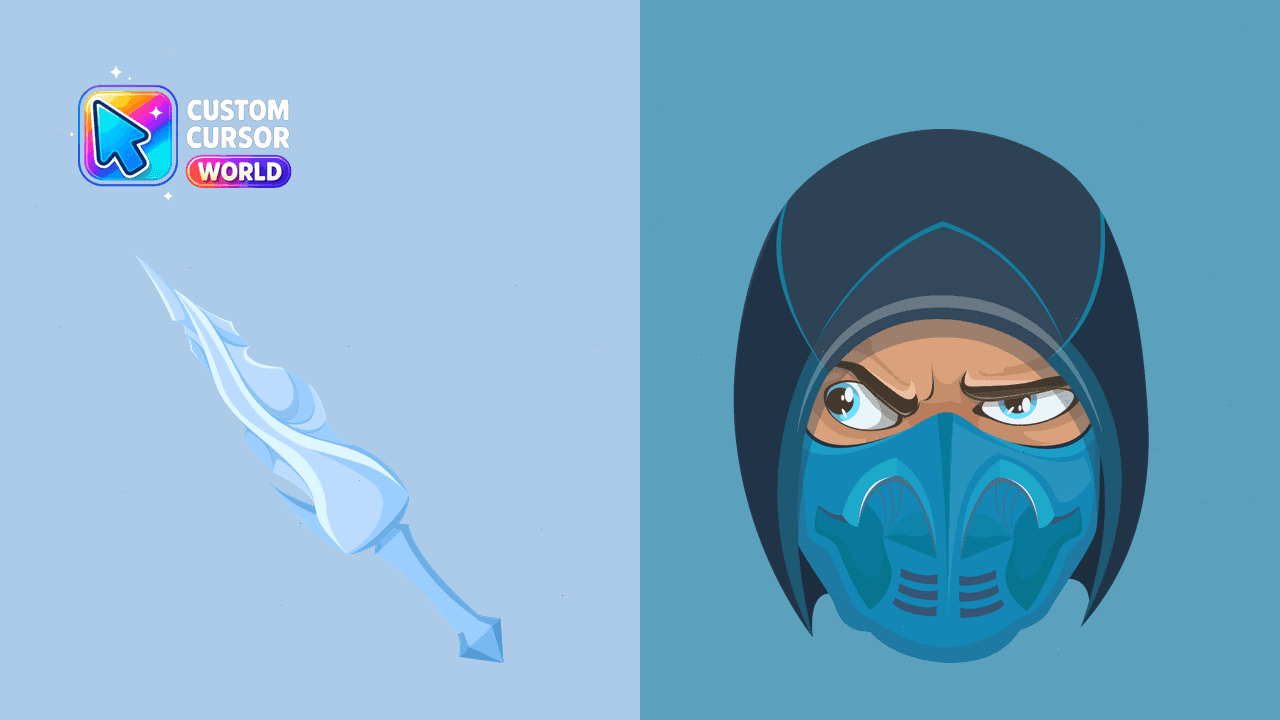
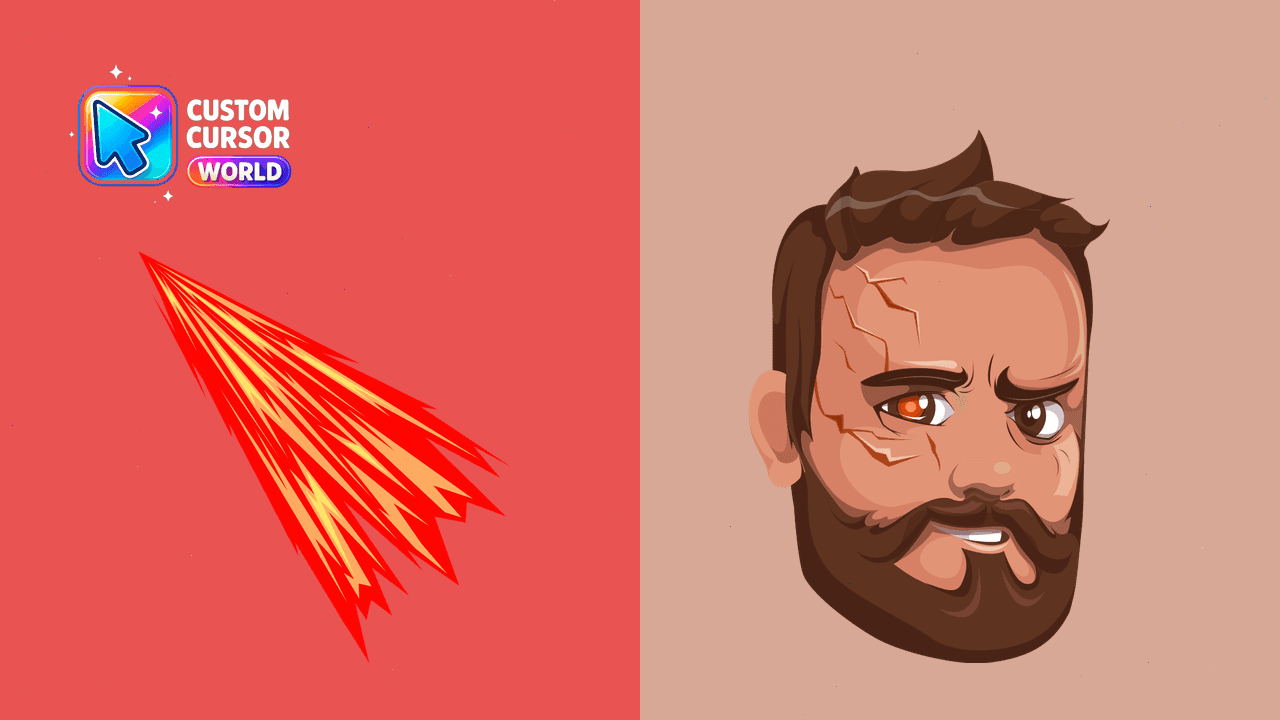
Enhance your gaming experience with the <Kano> Custom Cursor Pack, featuring Mortal Kombat's iconic berserk fighter as a cursor designed for Windows c