4.6
Friday Night Funkin Custom Cursor Collection for Chrome & Ed
Elevate your browsing experience with our custom cursor collection inspired by 'Friday Night Funkin'. Set popular game characters instead of default b
7,834
Custom cursors for Chrome inspired by Undertale & Deltarune characters
Browse 40 carefully curated cursor packs in this collection. All packs are free to download and work with Chrome, Edge, and Windows browsers.
From Custom Cursor World, Custom Cursors, and Cute Cursors catalogs
Discover more curated cursor collections that match your interests. Explore similar themed collections with free cursor packs for Chrome, Edge, and Windows.
Elevate your browsing experience with our custom cursor collection inspired by 'Friday Night Funkin'. Set popular game characters instead of default b
Enhance your digital experience with the Holiday Cursor Collection-authentic custom cursors for Christmas & New Year celebrations on Chrome & Edge.
My Hero Academia cursor collection for Chrome and Edge.
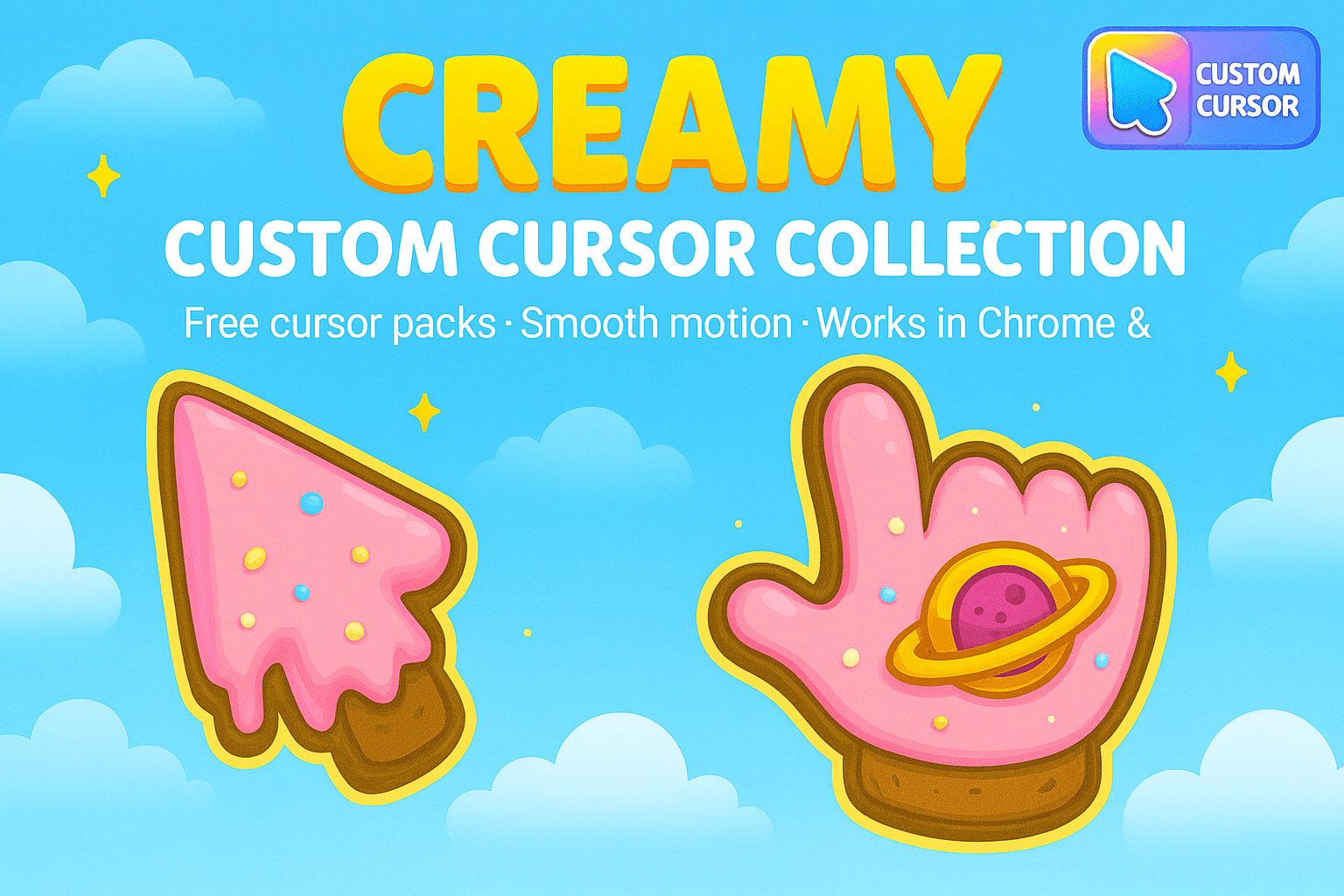
Enhance browsing with Creamy Cursor Collection - Fun ice cream-themed cursors for Chrome, Edge or Windows
Follow these simple steps to start using custom cursors from the Undertale & Deltarune Custom Cursor Pack for Chrome collection. All cursor packs are free and easy to install.
Install the Custom Cursor World extension for Chrome or Edge browser. The extension is free and takes less than a minute to set up.
Explore 40 cursor packs in the Undertale & Deltarune Custom Cursor Pack for Chrome collection and find your favorite designs. Each pack is carefully curated for quality.
Click on any cursor pack and download it directly to your browser. No additional software or configuration needed.
Your new cursor is now active! Customize your browsing experience with unique cursor designs from the Undertale & Deltarune Custom Cursor Pack for Chrome collection.
Common questions about the Undertale & Deltarune Custom Cursor Pack for Chrome cursor collection
The Undertale & Deltarune Custom Cursor Pack for Chrome collection is a curated set of custom cursor packs designed to enhance your browsing experience. Each pack in this collection has been carefully selected to provide unique and visually appealing cursor designs.
Yes! All cursor packs in this collection are completely free to download and use. There are no hidden fees or subscriptions required.
These cursor packs work with Chrome and Edge browsers through the Custom Cursor World extension. The extension is free and easy to install.
Simply click on any cursor pack in this collection, then click the "Add" or "Download" button. The extension will automatically install the cursor pack for you.
Yes! You can switch between different cursor packs at any time. Just browse our collections and select a new pack whenever you want to change your cursor style.
No restart is needed! Once you install a cursor pack, it becomes active immediately. You can start using your new cursor right away.
Install our free browser extension to instantly apply any cursor from our vast collection with one click. Works seamlessly with Chrome, Edge, and Windows.

Sans Sans sans pixel RPG fan art colors your custom cursor pointer and click pair daily.

Papyrus flowey pixel RPG fan art with Flowey flows across your pointer pair with Deltarune custom cursor charm.
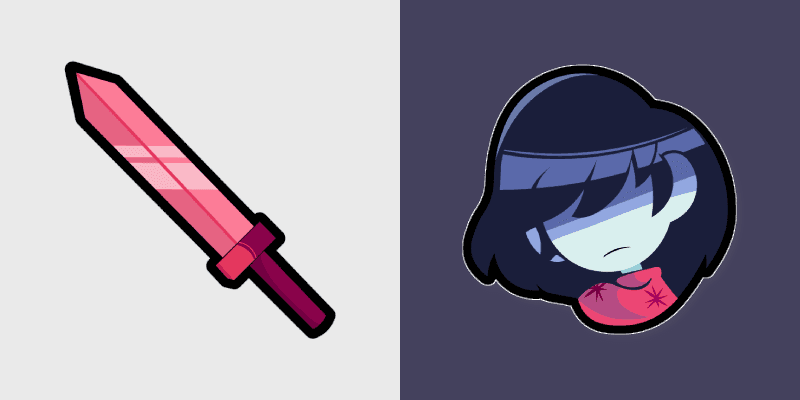
Undyne kris pixel RPG fan art with Kris ignites custom cursor clicks with battle pointer meme flair.

Papyrus Toriel toriel pixel RPG fan art glows on your custom cursor pointer with Kris dark world fan flair.

Toriel asriel dreemurr with Asriel Dreemurr ignites custom cursor clicks with battle pointer meme flair.

Toriel Temmie temmie pixel RPG fan art glows on your custom cursor pointer with Kris dark world fan flair.

Undyne Asgore Dreemurr pixel asgore dreemurr dashes across pointer tabs with Toby Fox custom cursor action style.

Deltarune Flowery cursor with a golden petal-spike arrow, yellow triangle accent, and a green-red vest pointing hand.
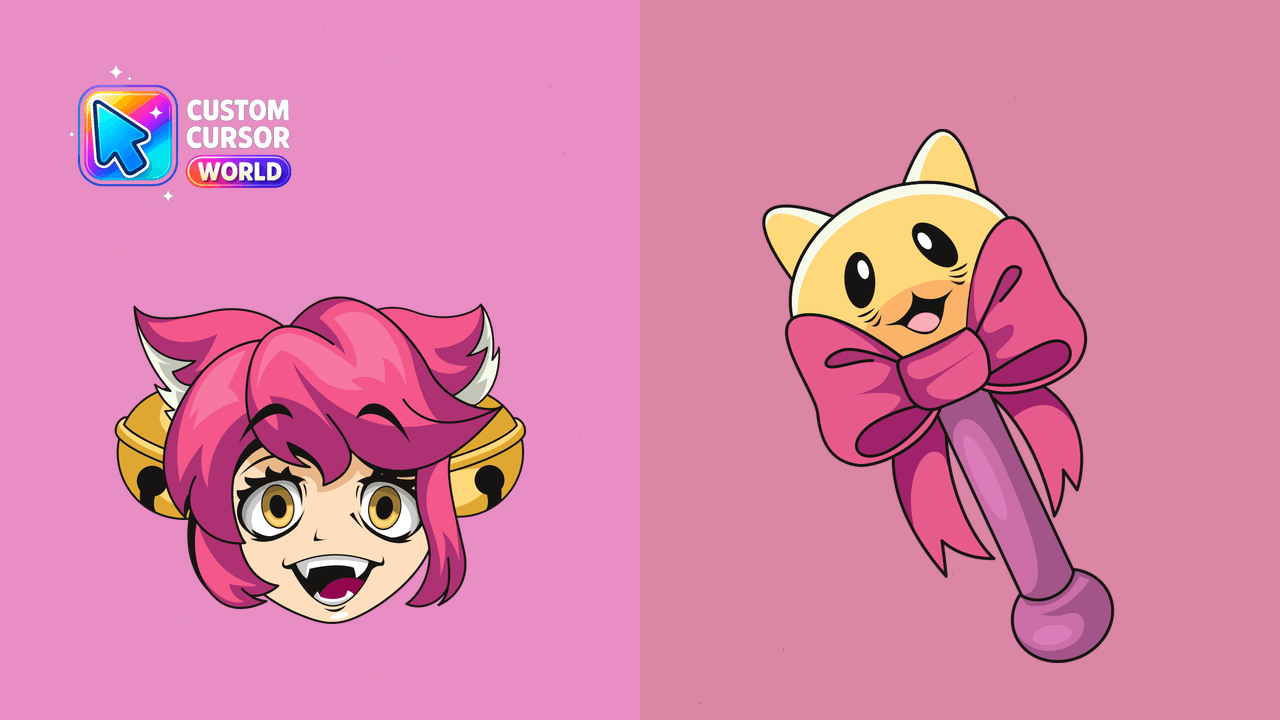
Experience a world of fun with Mad Mew Mew - the perfect cursor pack for Chrome & Edge users.
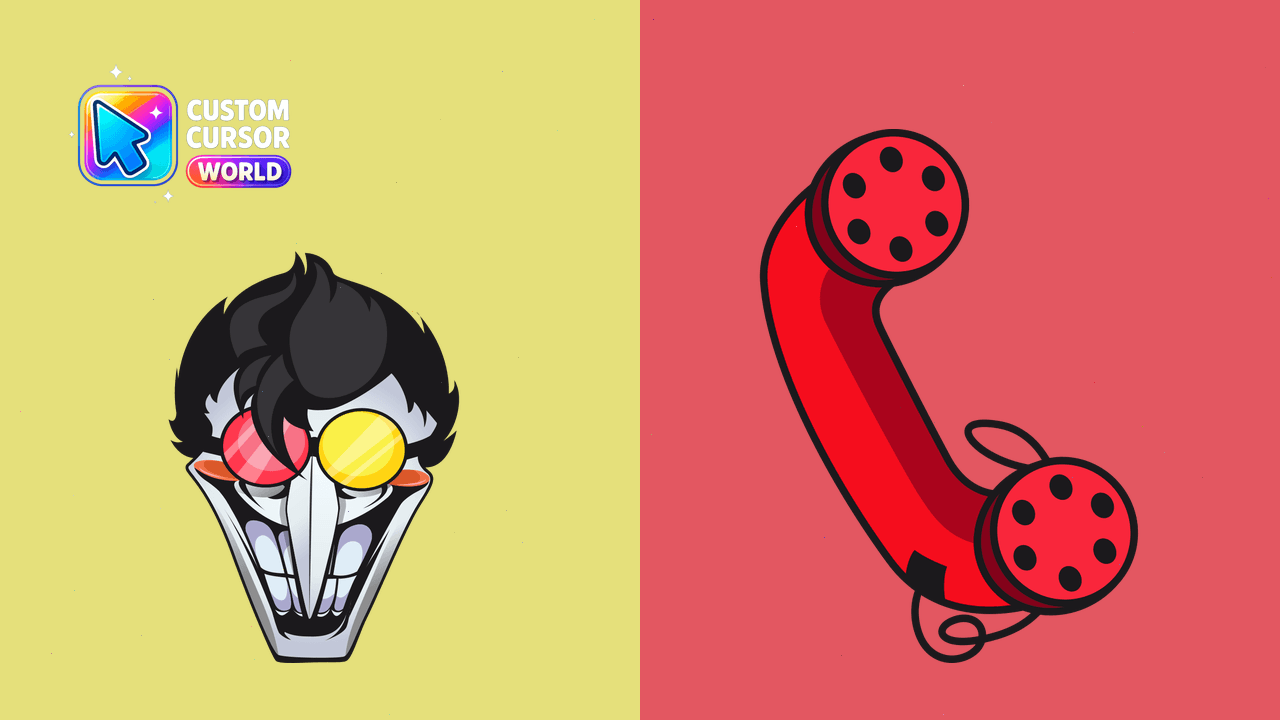
Deltarune Spamton Custom Cursor Pack enhances Chrome & Edge with animated cursors
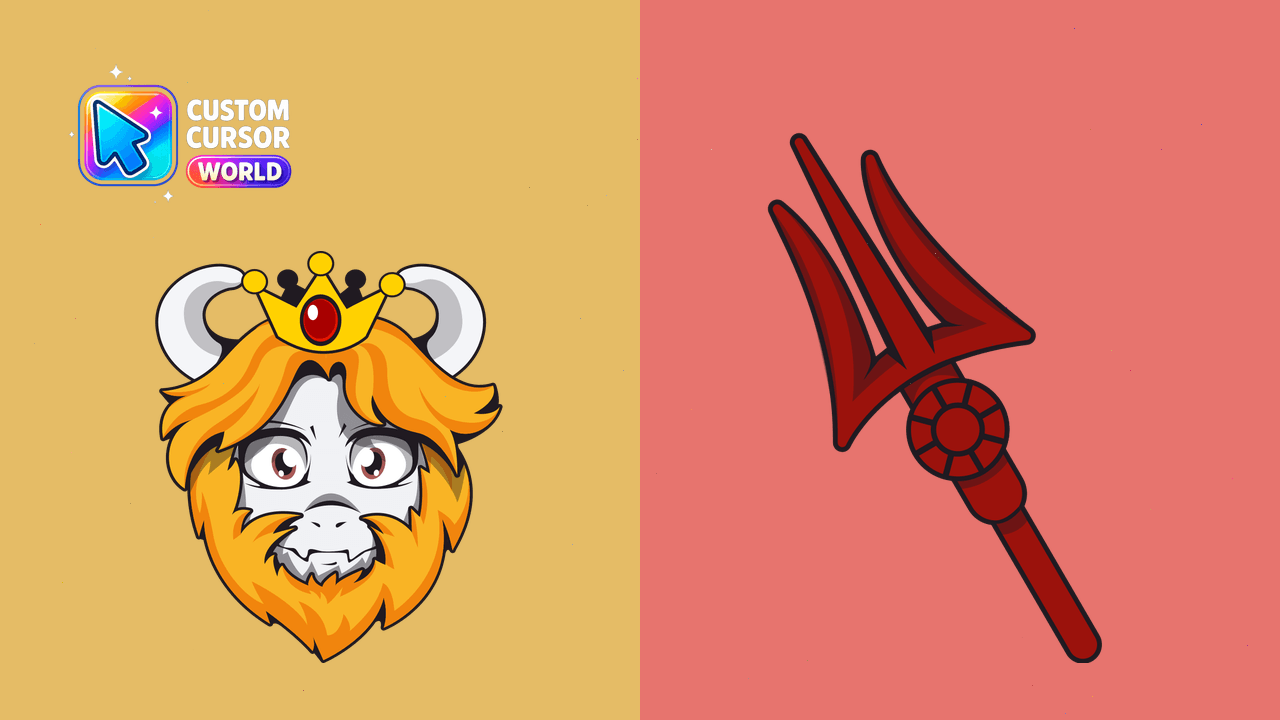
Custom Asgore Dreemurr Cursor Pack for Windows, Chrome, Edge
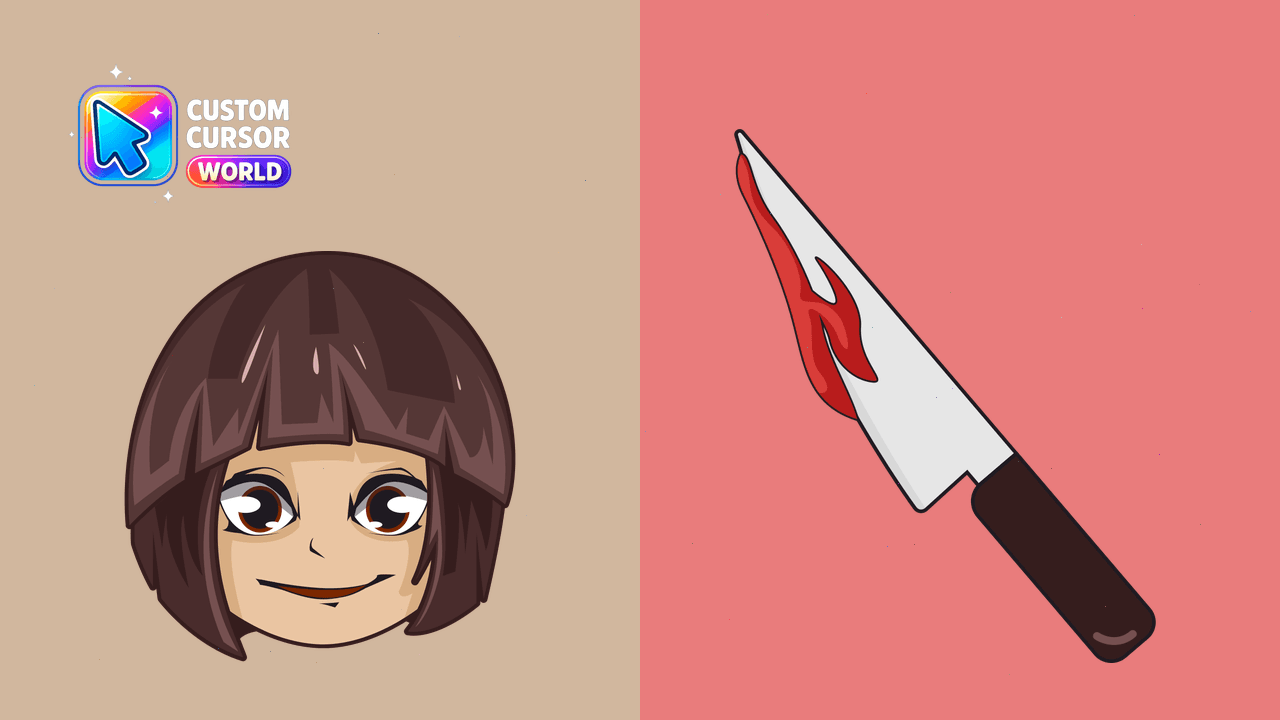
Charm your gameplay with our Undertale's Chara custom cursor pack. Ideal for all gamers and optimized for accessibility and reduced motion settings.
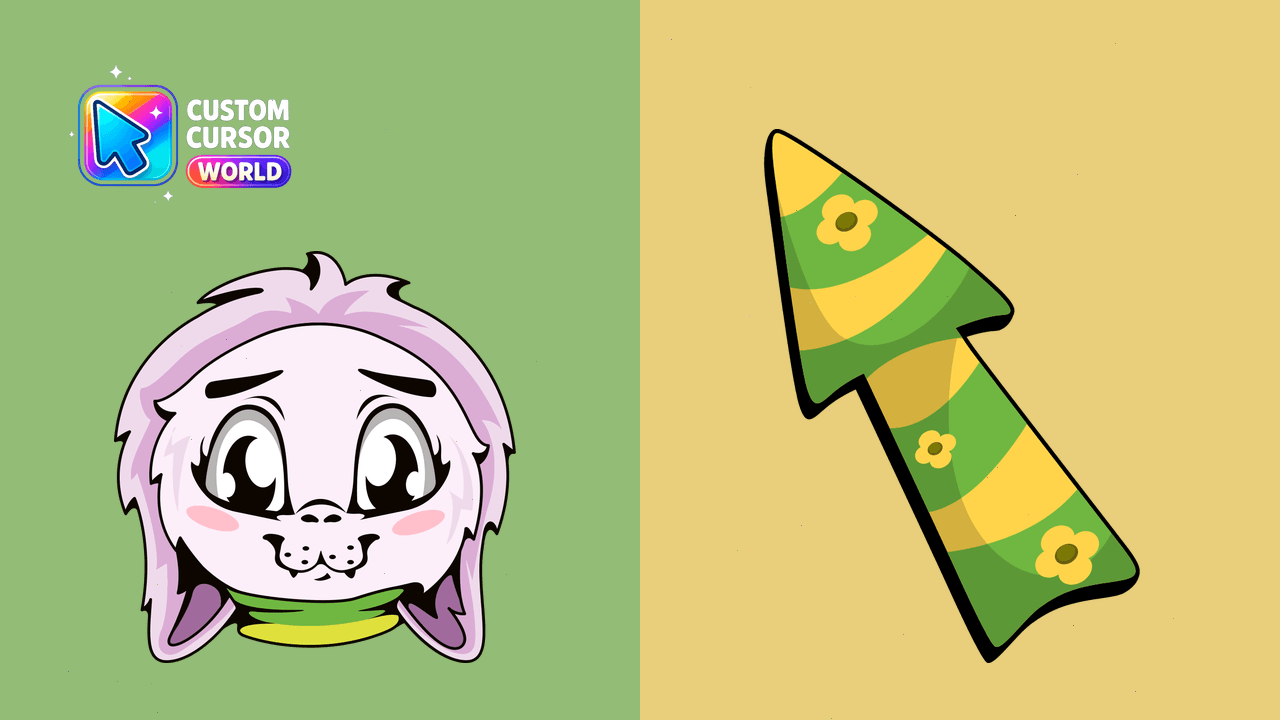
Enhance your cursor experience with our Undertale Dreemurr Custom Cursor Pack!
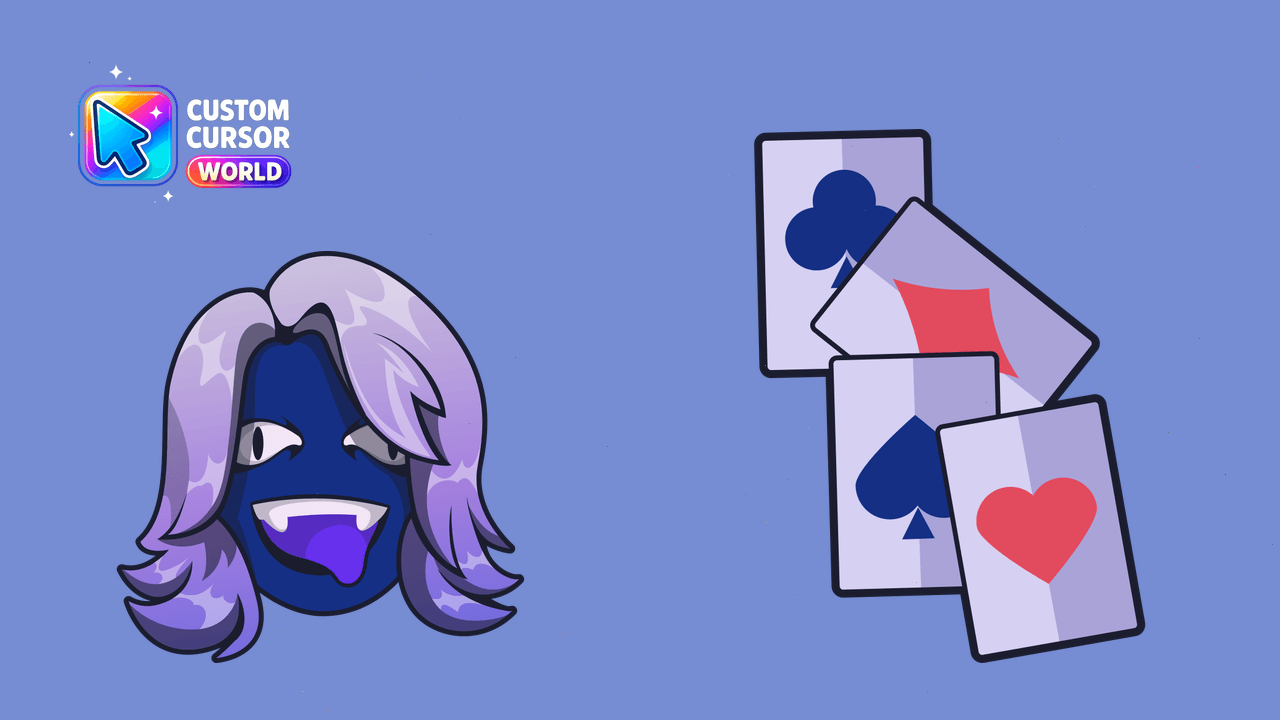
Personalize your desktop with the iconic Deltarune Rouxls Kaard custom cursor pack.
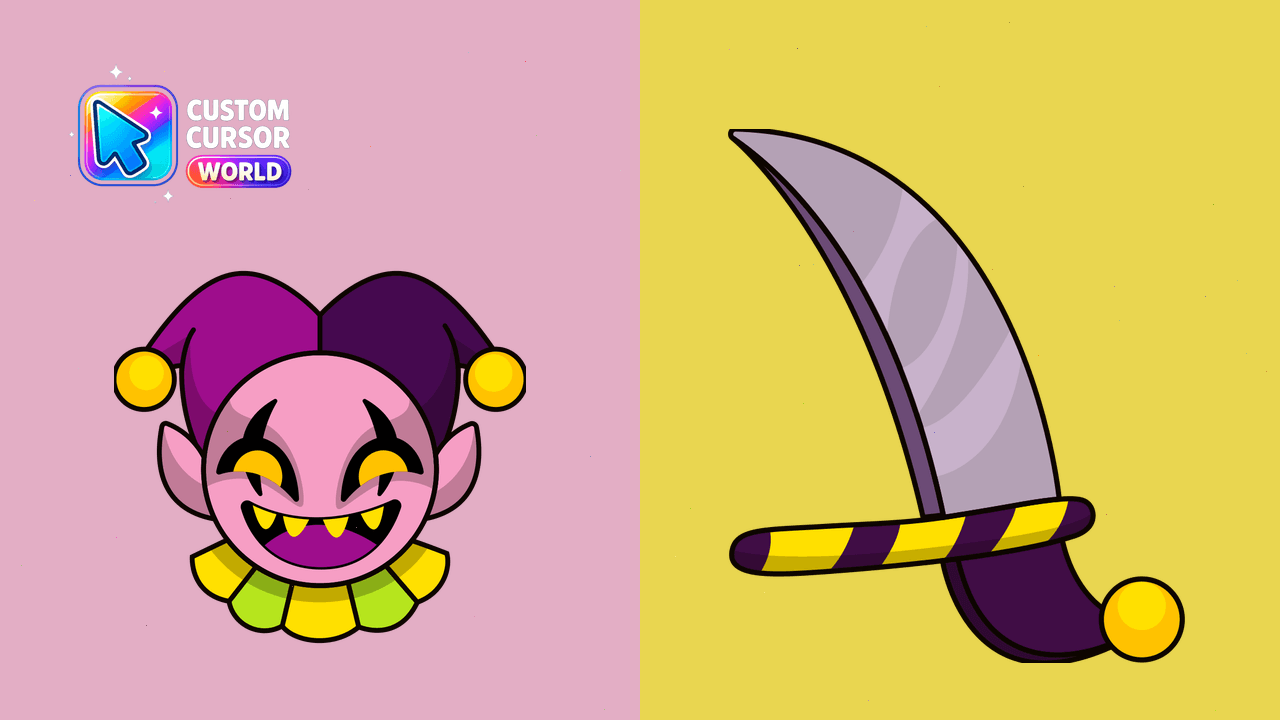
Add an element of fun with the Deltarune Jevil Cursor Pack for your desktop experience!
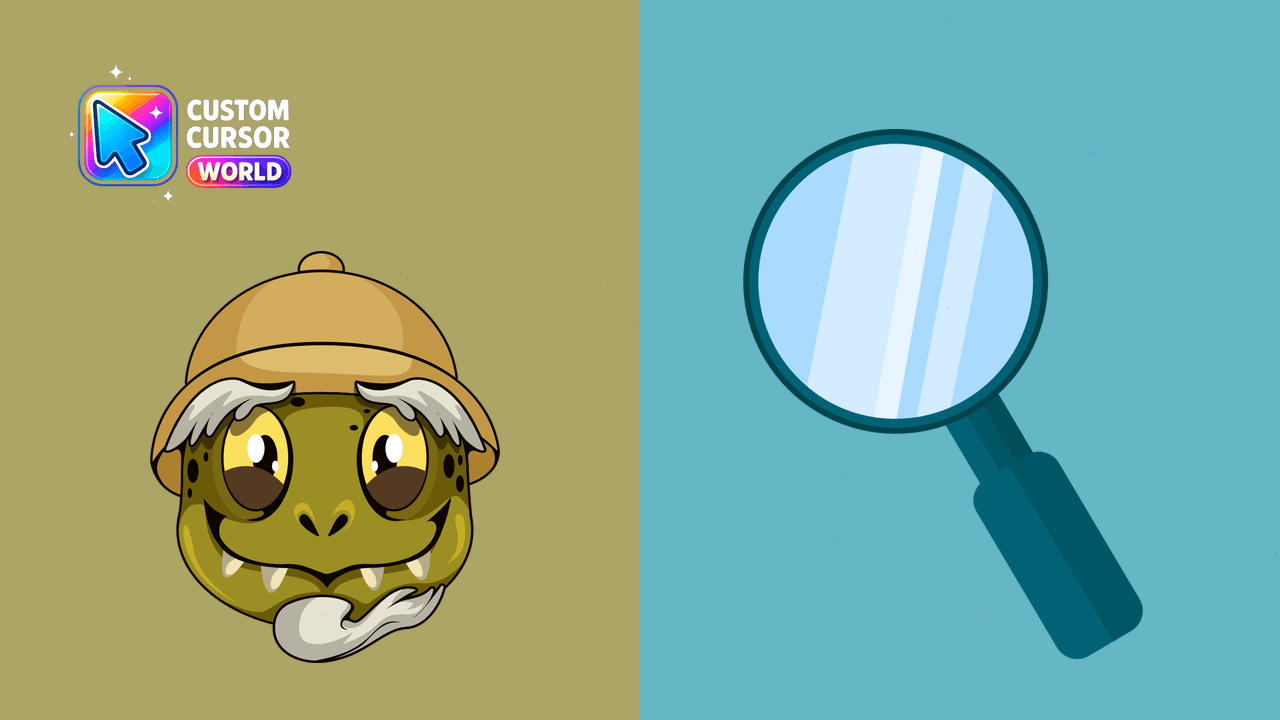
Enjoy browsing in style with our Undertale Gerson Custom Cursor Pack
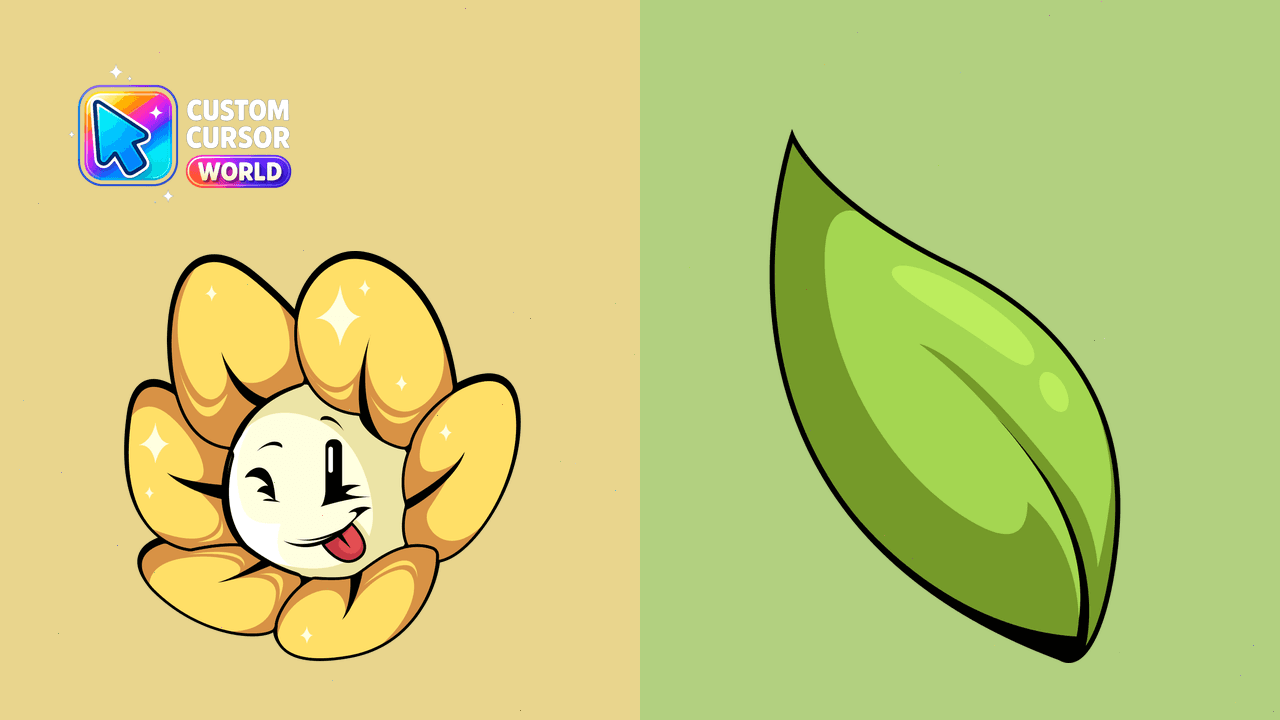
Add flair to your desktop with our Flowey Custom Cursor Pack, designed for Undertale fans!
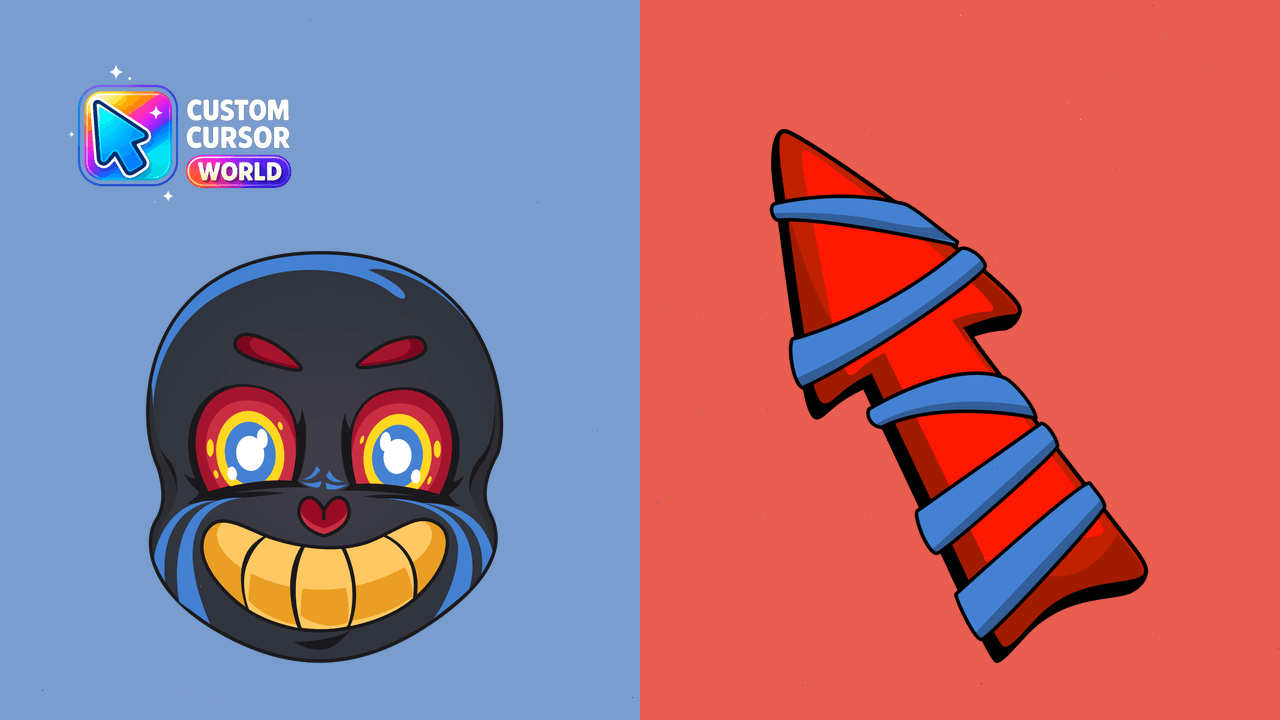
Navigate with Undertale's Error Sans Cursor
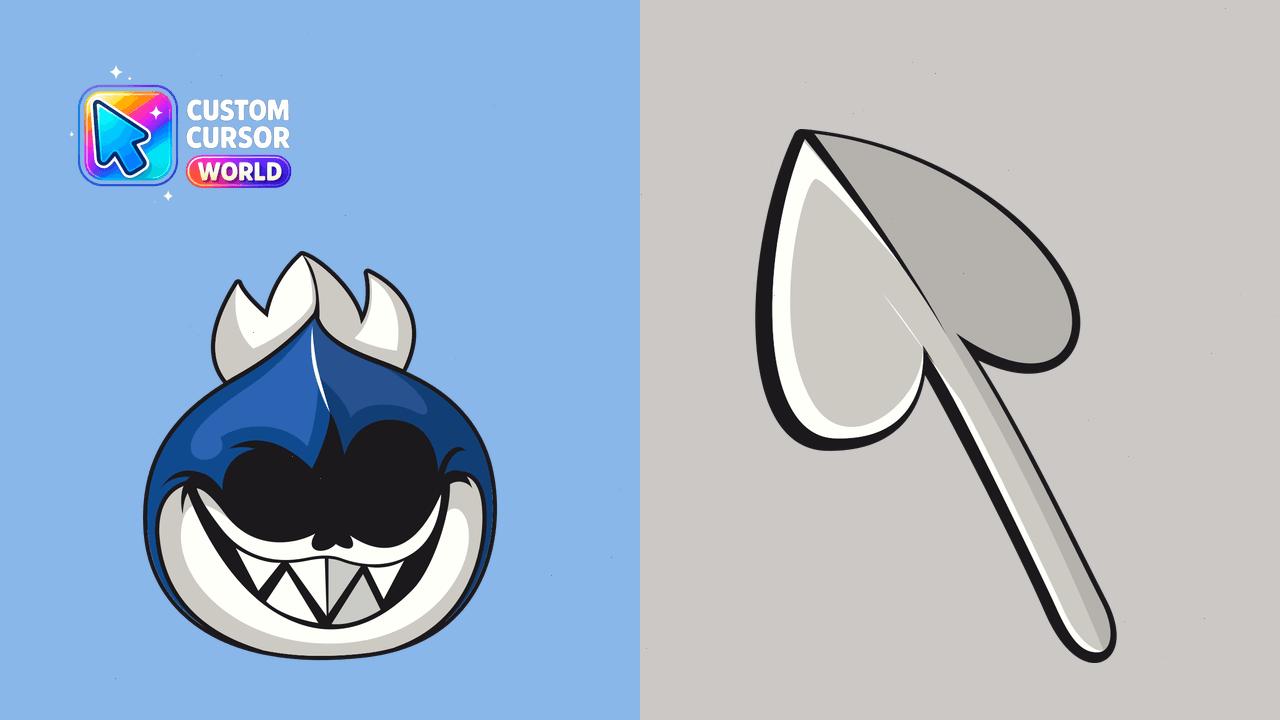
Experience the dark side with our Deltarune Dark World Lancer Cursor Pack!
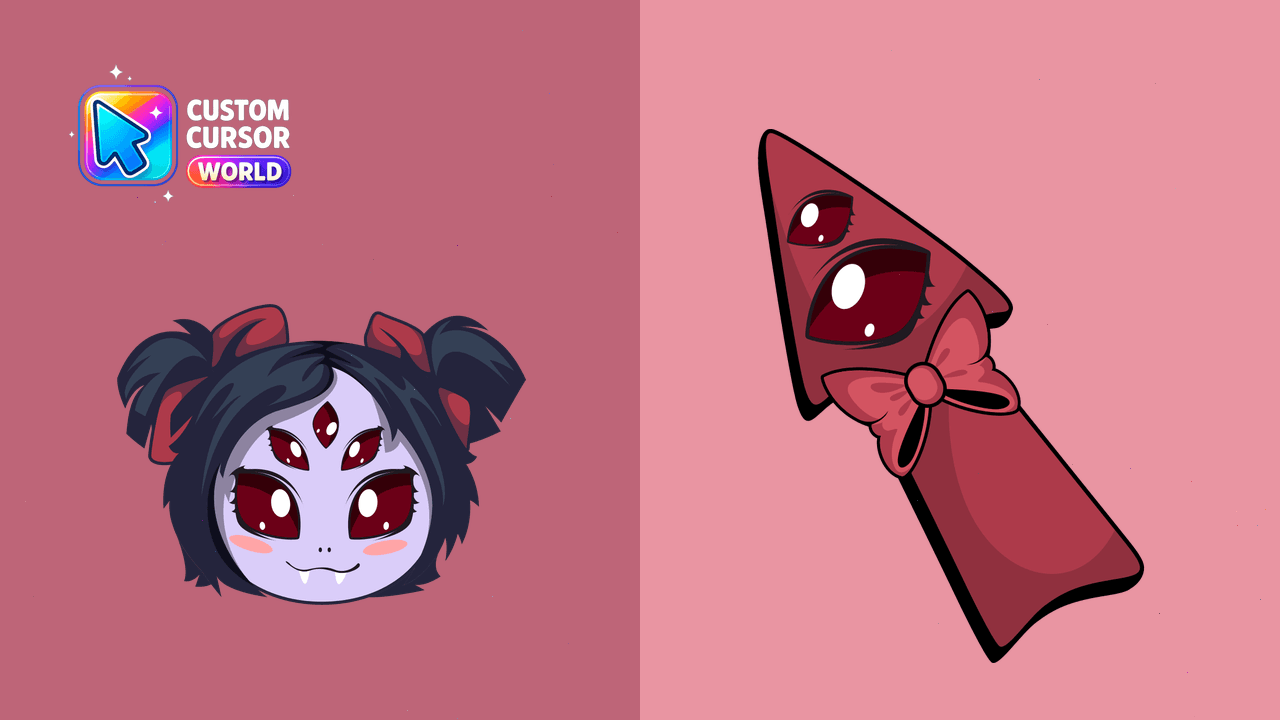
Add a touch of Undertale magic with the Muffet Custom Cursor Pack for Chrome and Edge browsers!
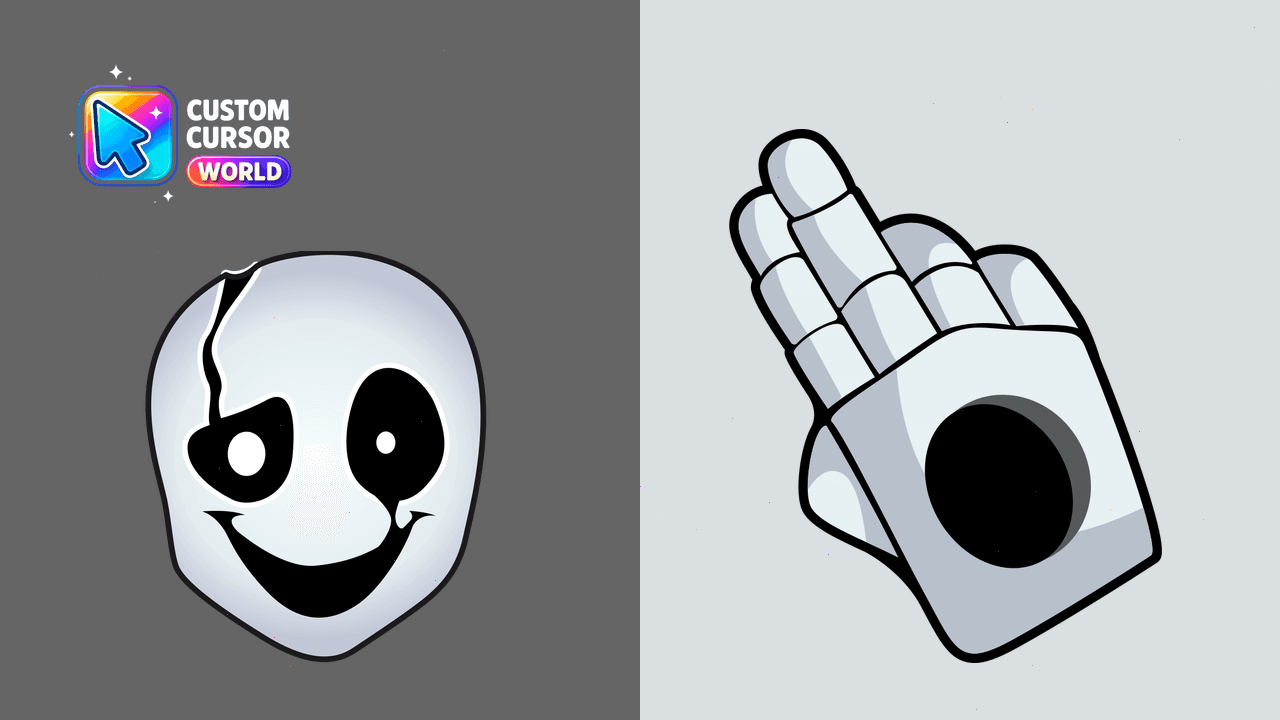
Add personality to your browser with the Undertale Custom Cursor Pack - W.D. Gaster!
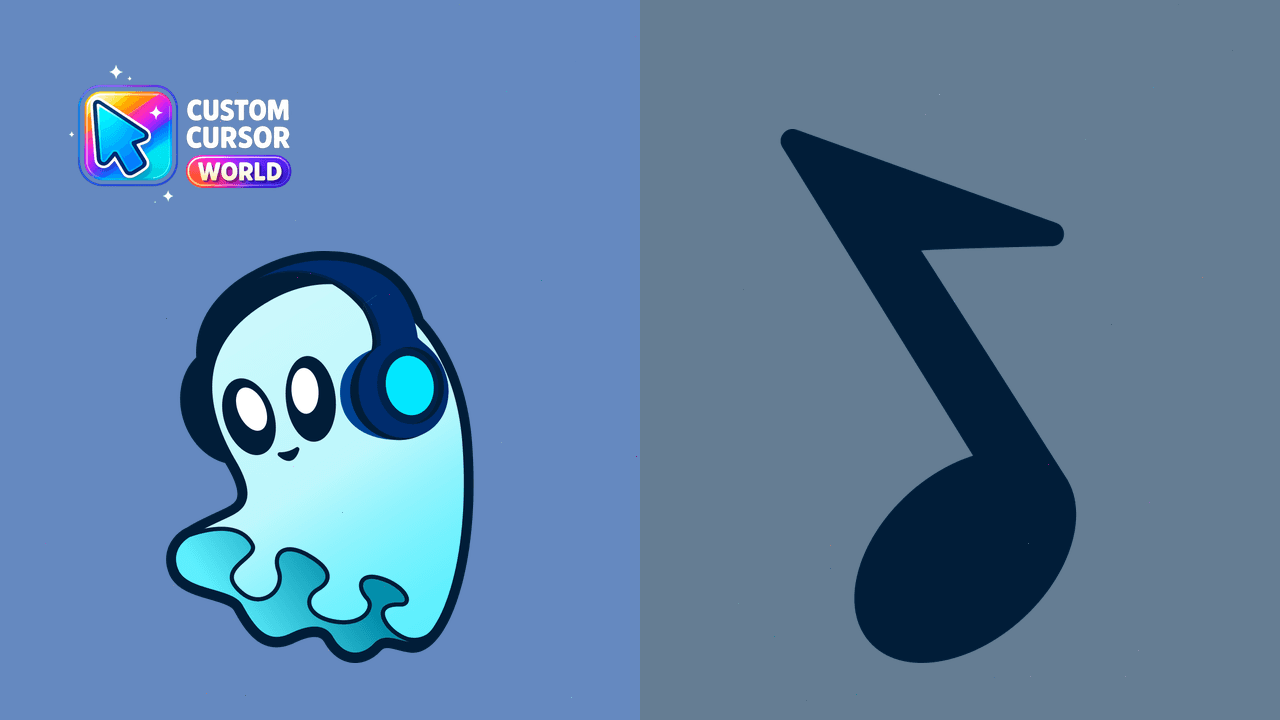
Melancholic Undertale Cursor Pack
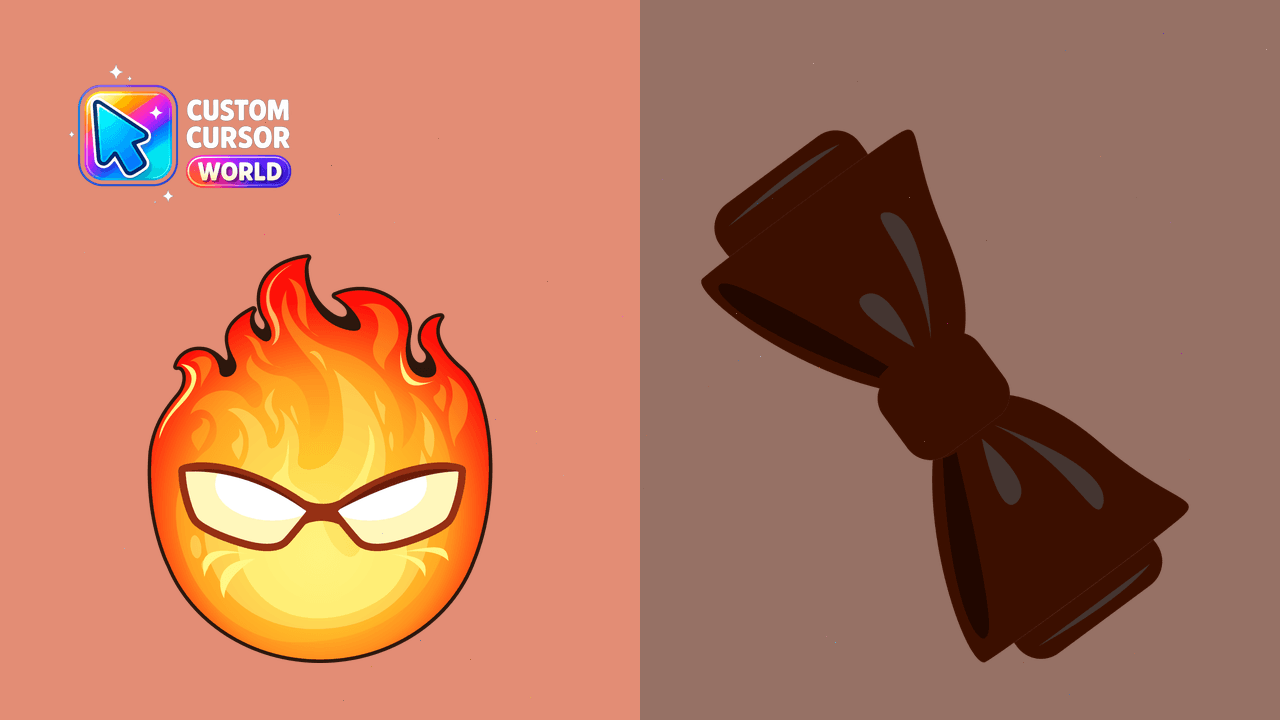
Experience customized browsing with the Grillby Cursor Pack!
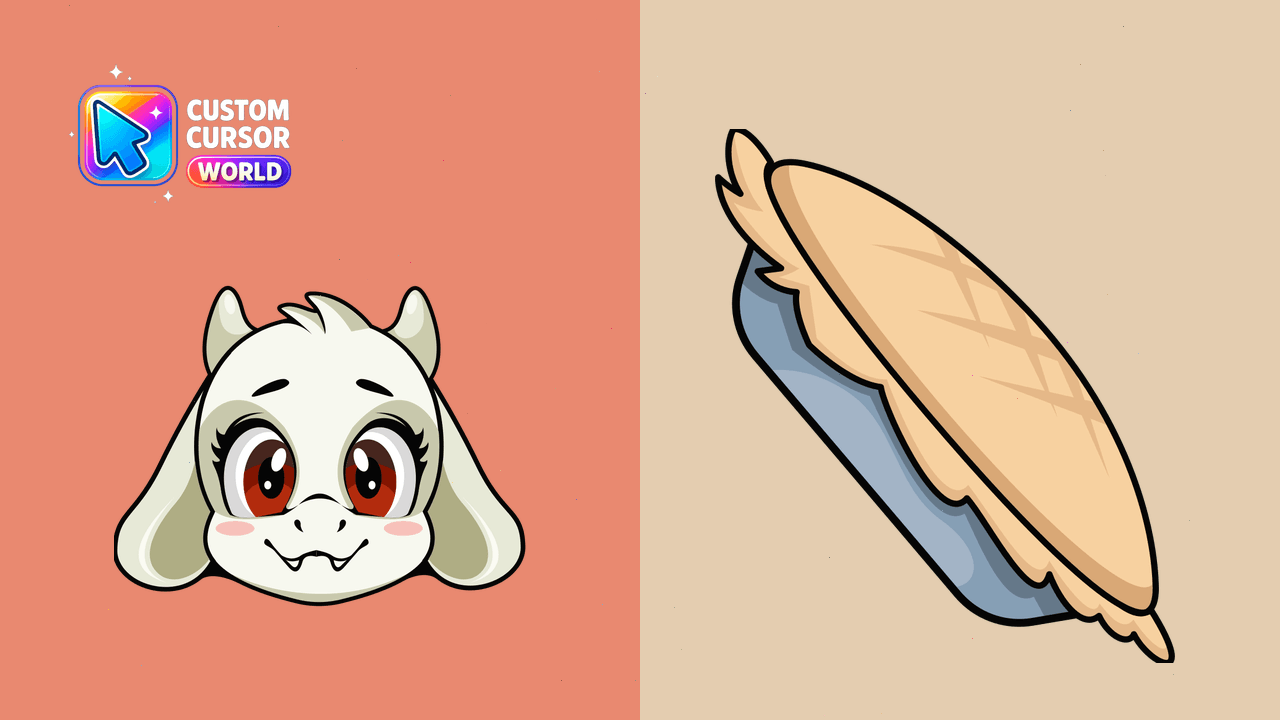
Customizable Toriel cursor pack - bring Undertale character to your desktop
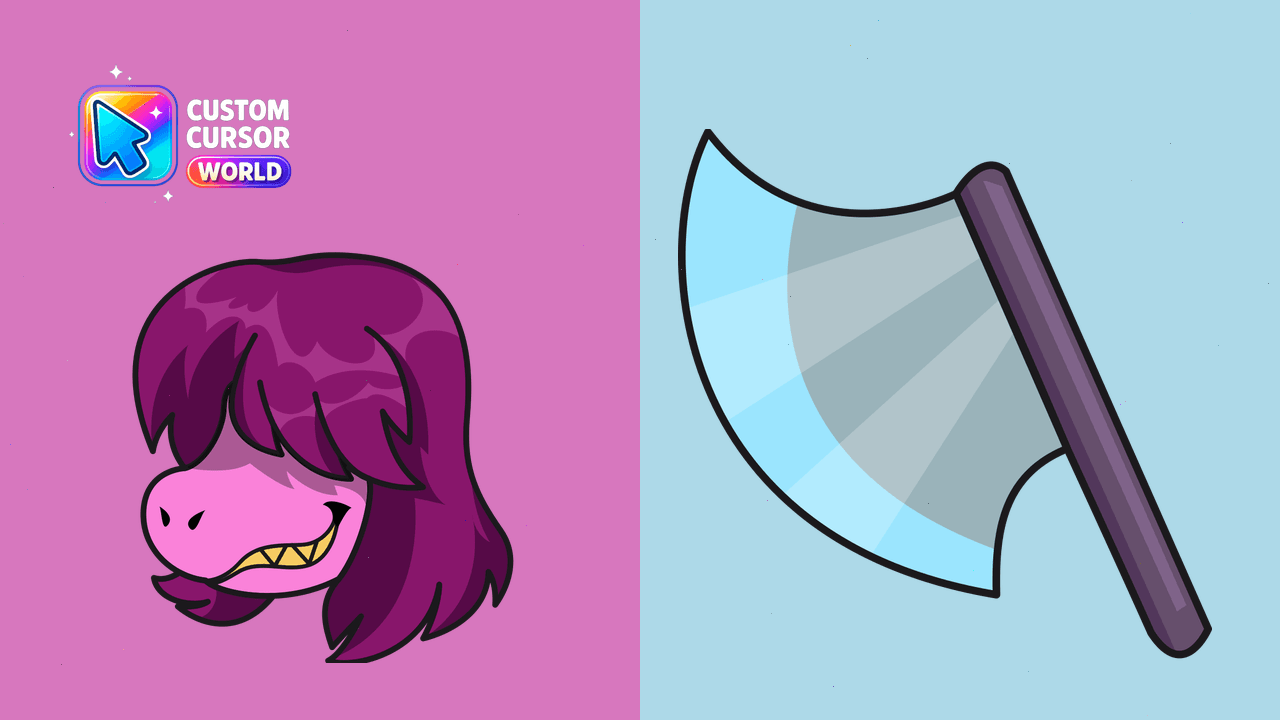
Customize your mouse pointer with our Susie Cursor Pack!
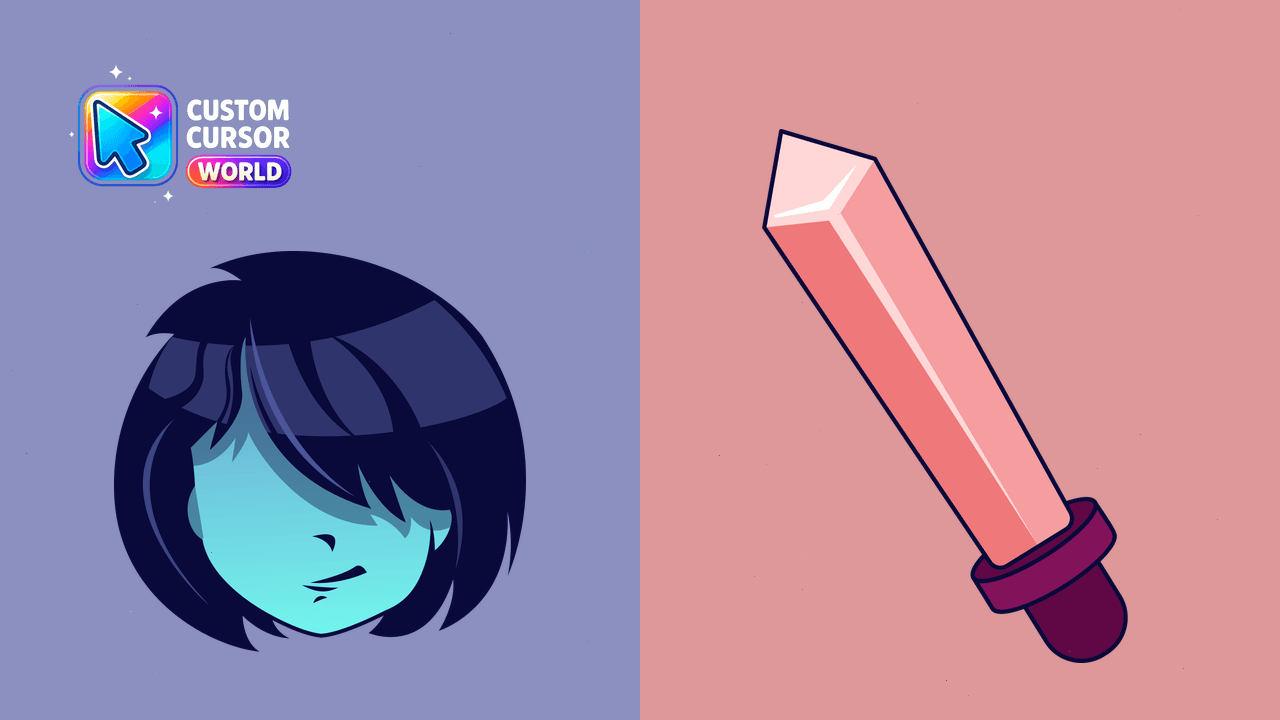
Experience the world of Deltarune in every click with this custom cursor pack inspired by Kris, featuring his Dark World appearance. Perfect for gamer
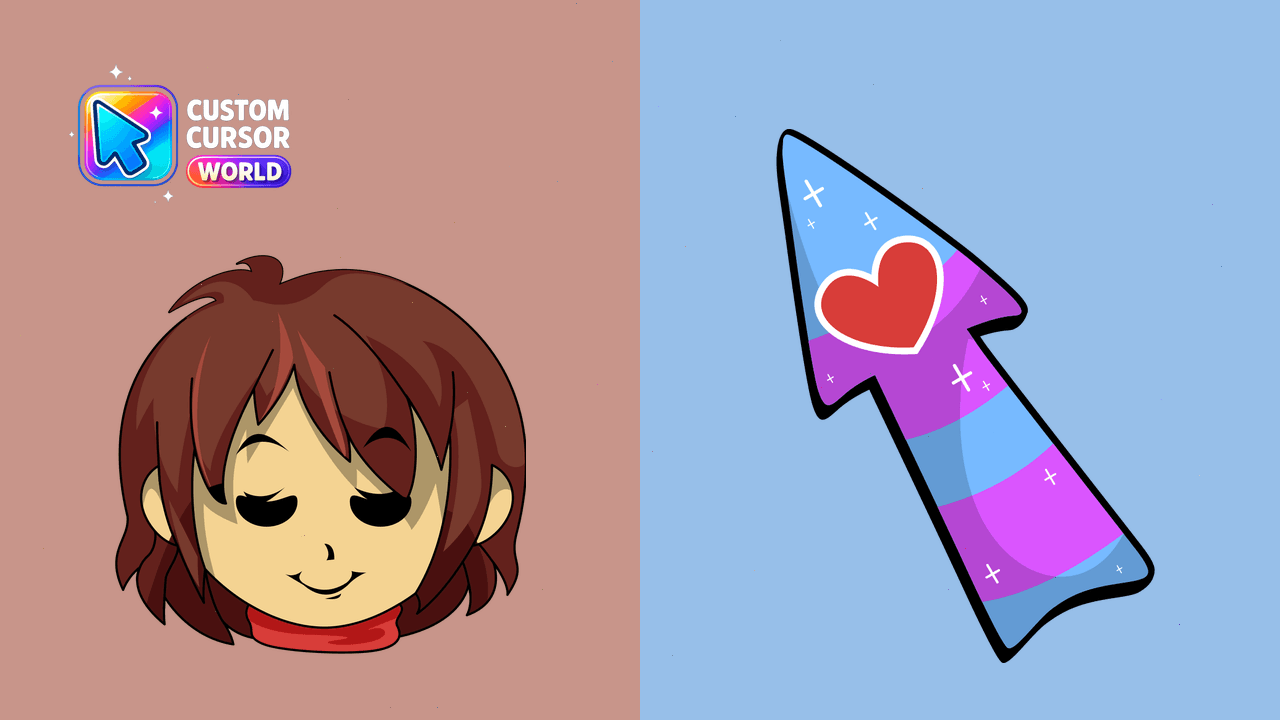
Get Frisk's cursors for Undertale and Deltarune with reduced motion options!
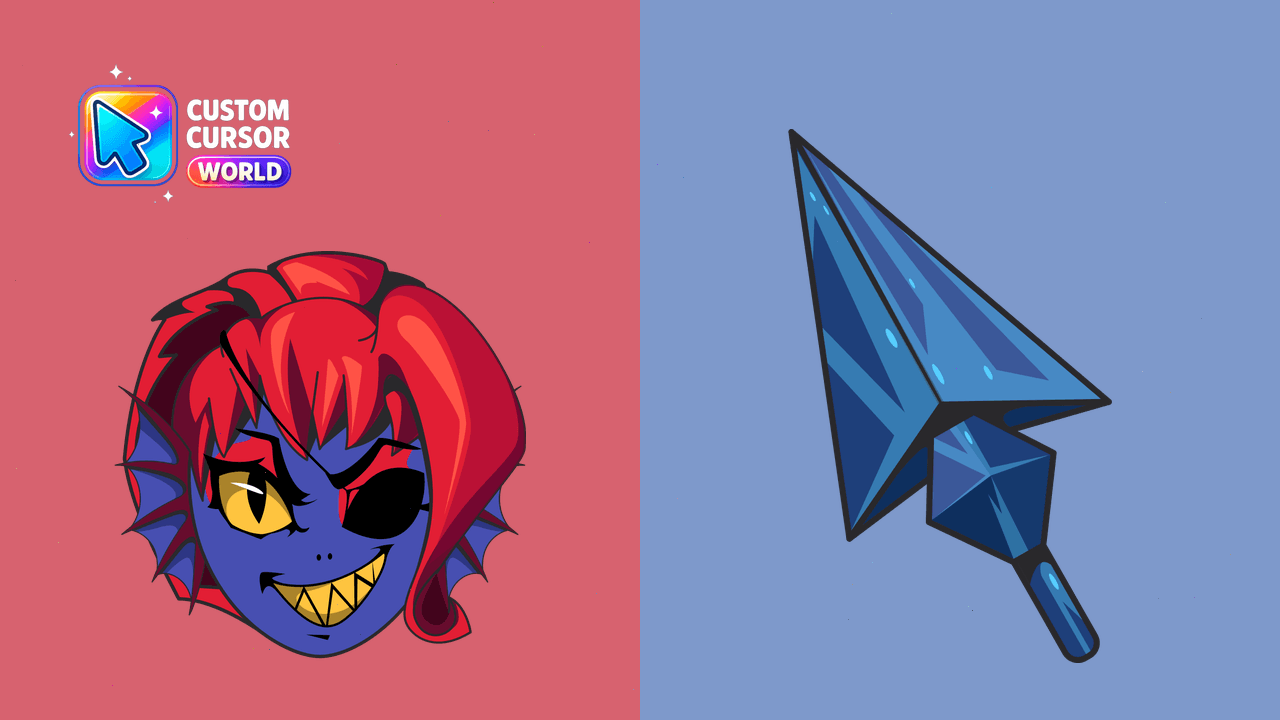
Unique Undertale Undyne Cursor Pack for Windows/Chrome
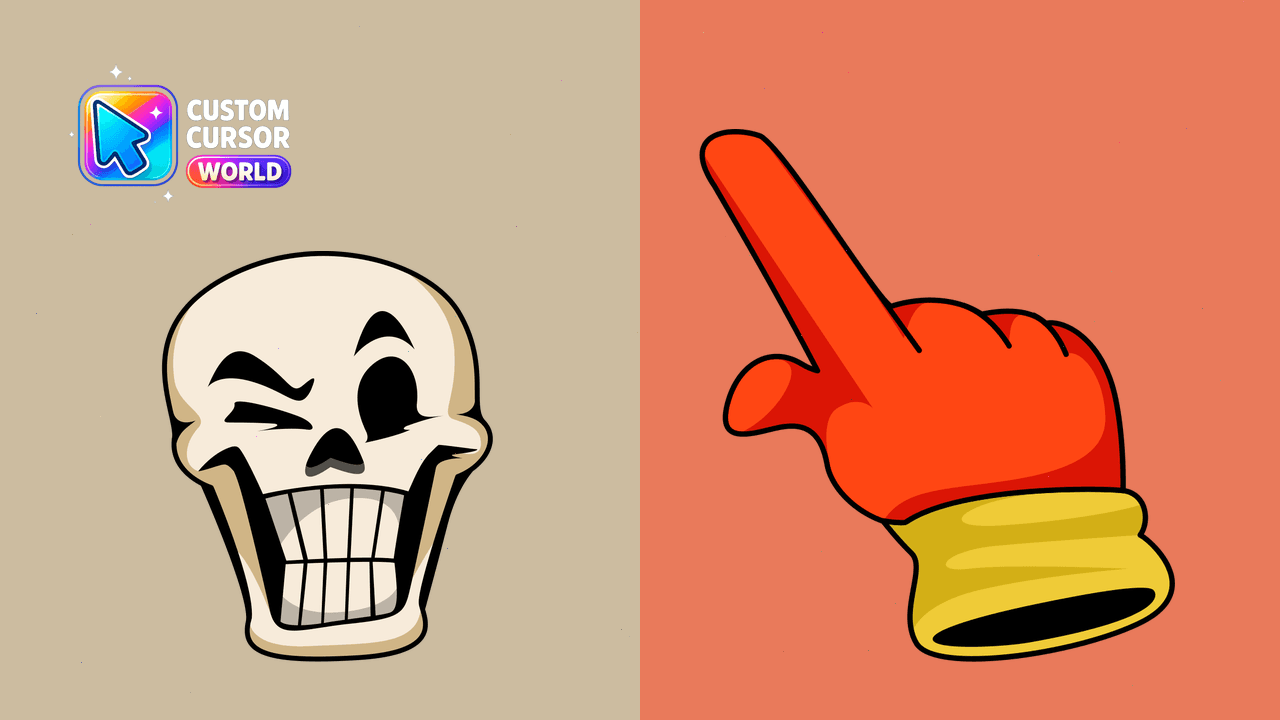
Add a touch of Undertale's Papyrus to your cursor collection with this stylish set that works on Chrome & Edge browsers
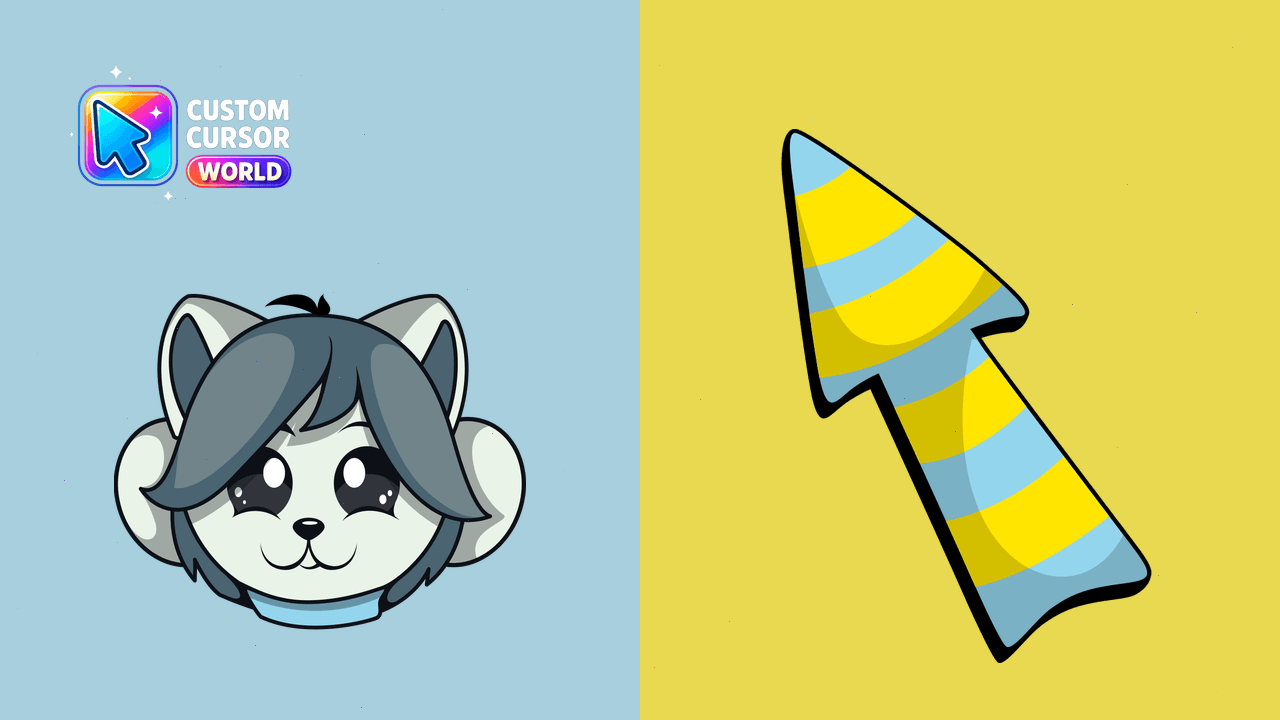
Discover Temmie's monster charm in our custom cursor pack. Ideal for Chrome and Edge users on Windows
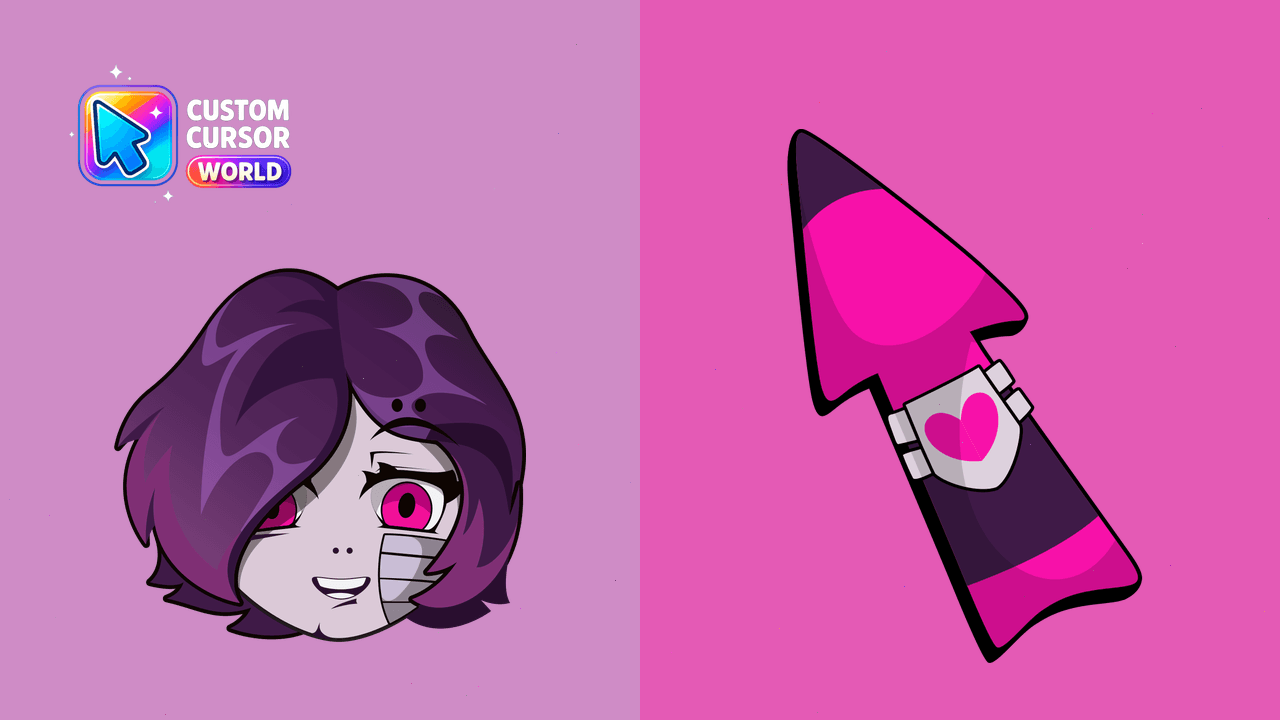
Bring the Undertale theme to your screen with our Mettaton EX Cursor Pack featuring custom cursors optimized for both Windows and Chrome browsers. Acc
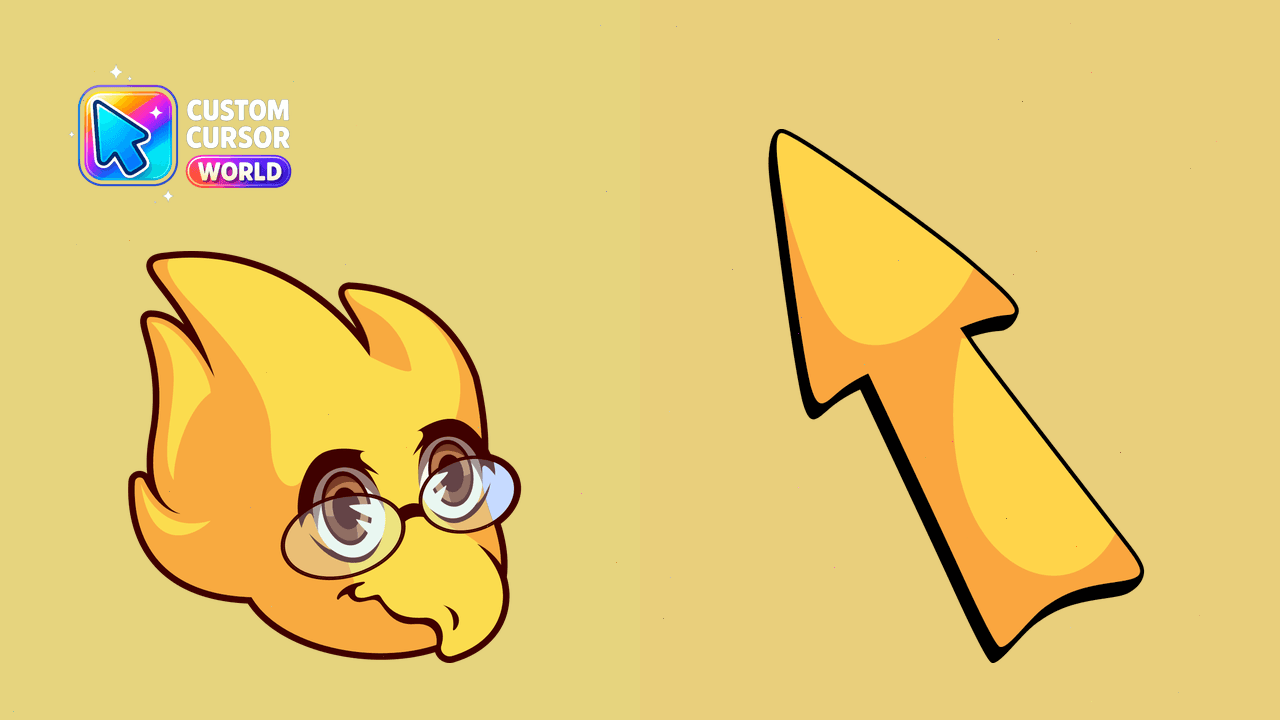
Undertale Dr. Alphys Custom Cursor Pack - change your cursor to the Undertale character with easy export functionality
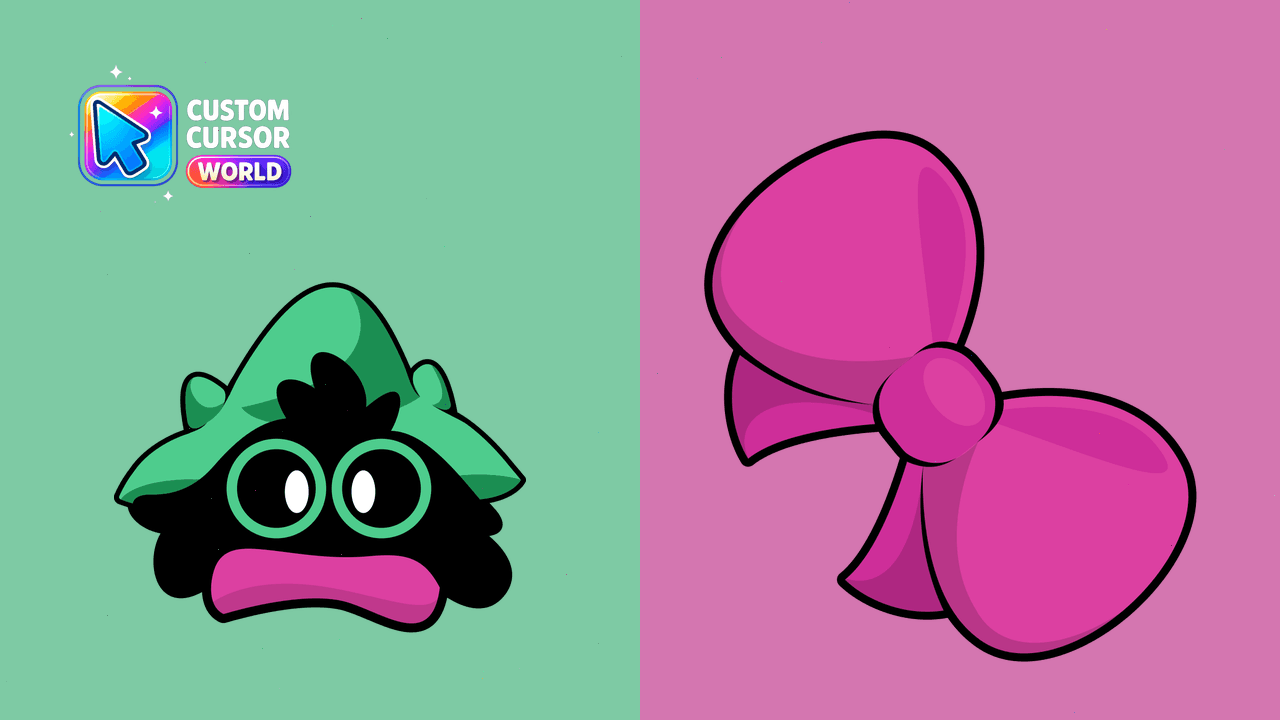
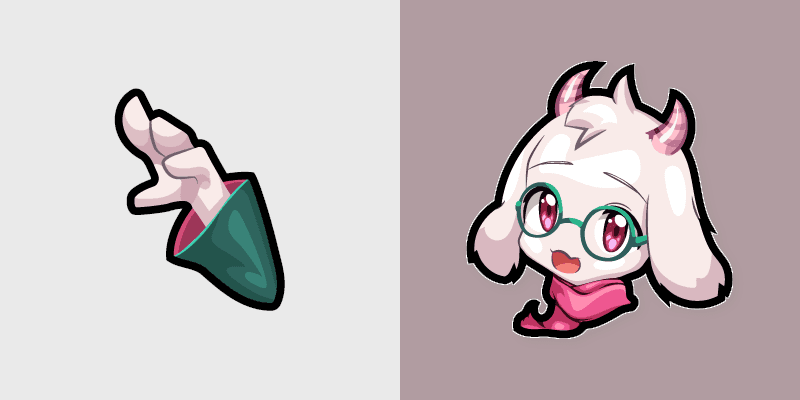
Enhance your Chrome experience with the Custom Ralsei Cursor Pack, combining functionality with character-inspired design.
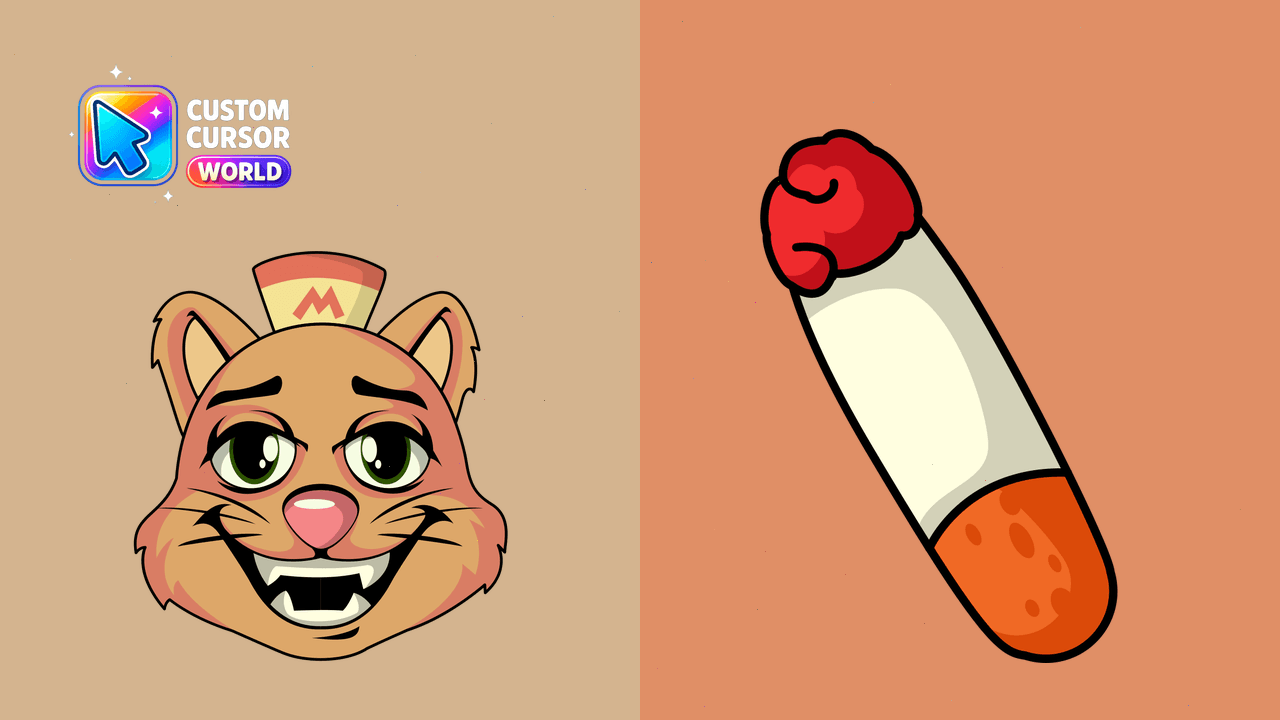
Unique Undertale Burgerpants custom cursor pack suitable for Chrome and Edge browsers. Easy installation included!
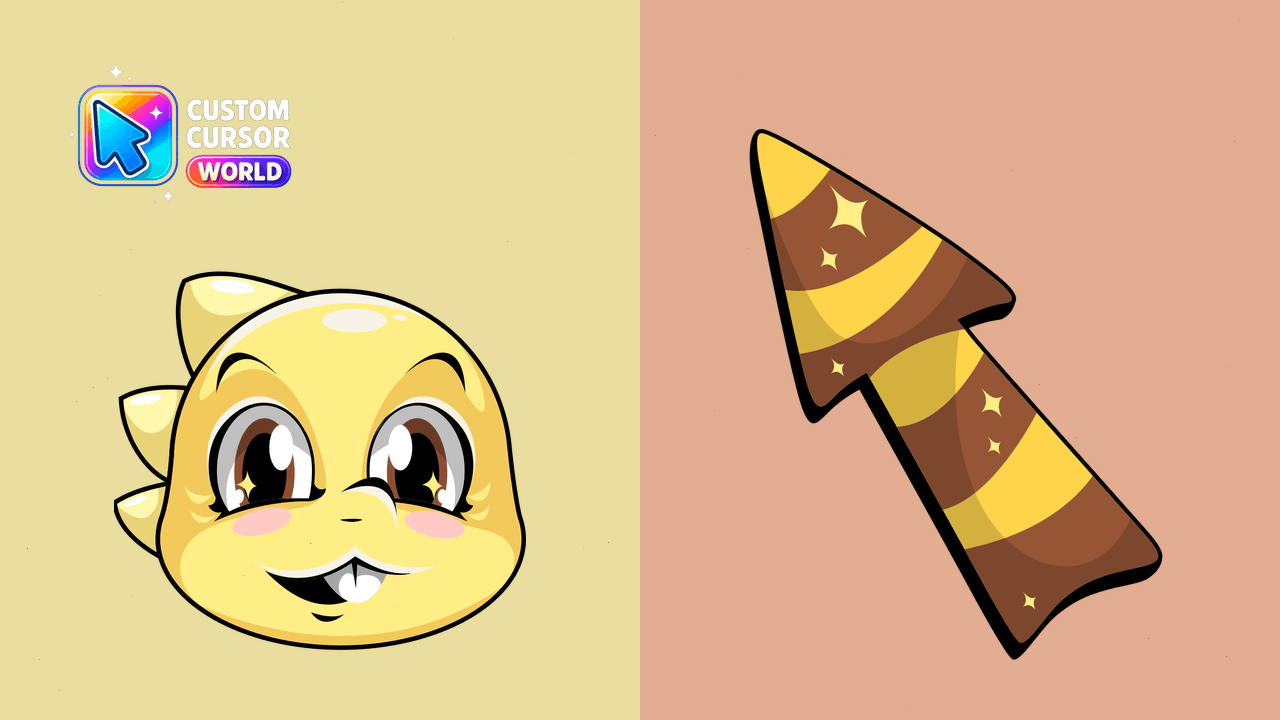
Monster Kid Yellow Cursor Pack - Fun Reptilian Themed Custom Cursors
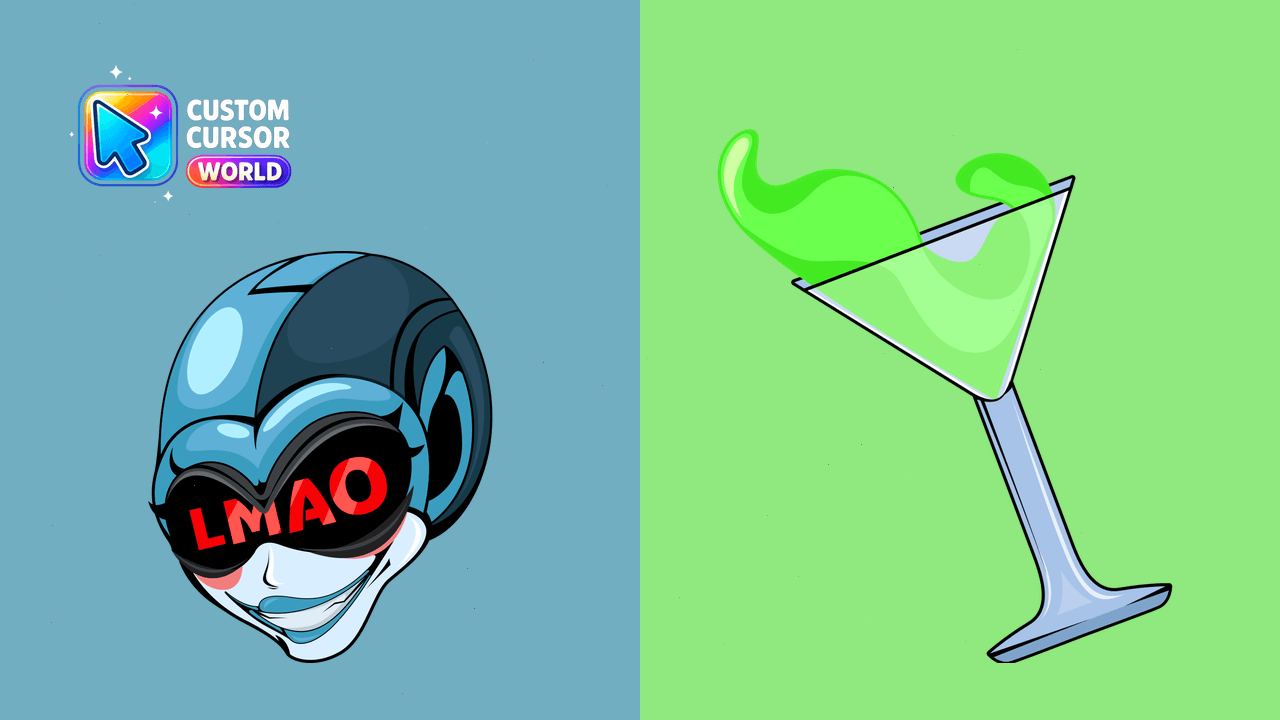
Queen Cursor Pack: Customize with Queen from Deltarune as your new cursor in Chrome and Edge
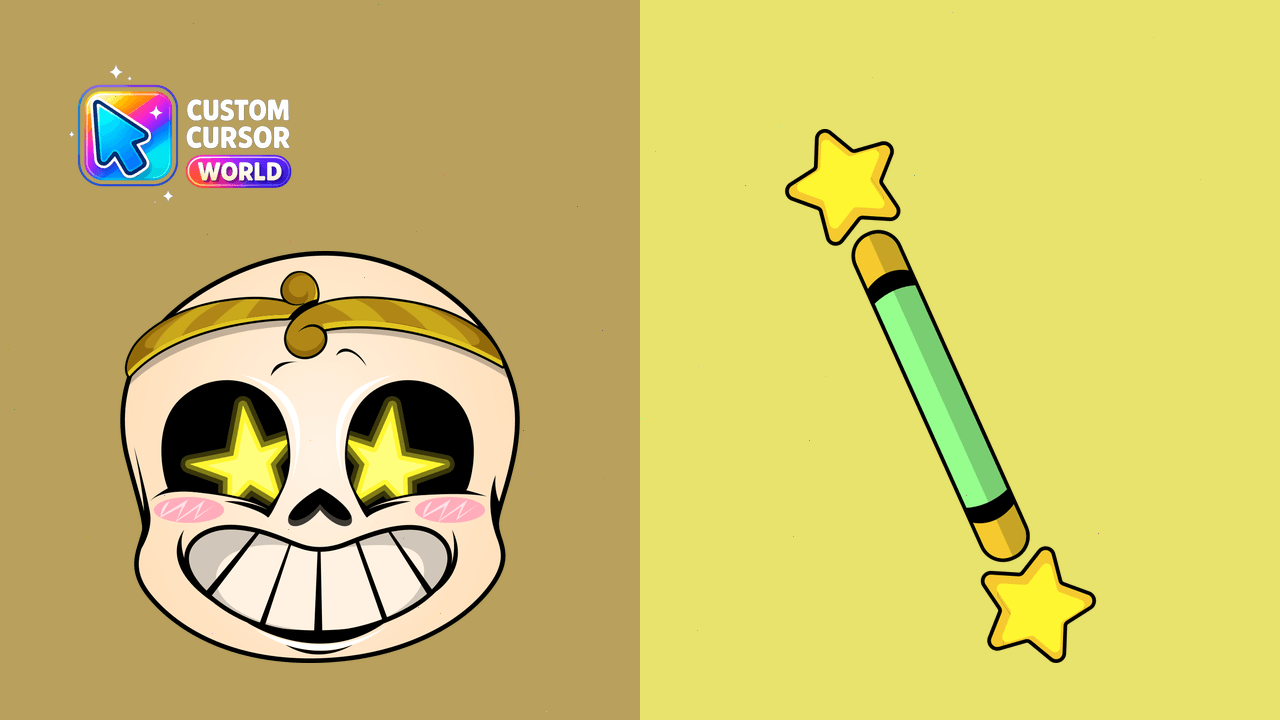
Custom Dream Sans Cursor Pack for Chrome & Edge
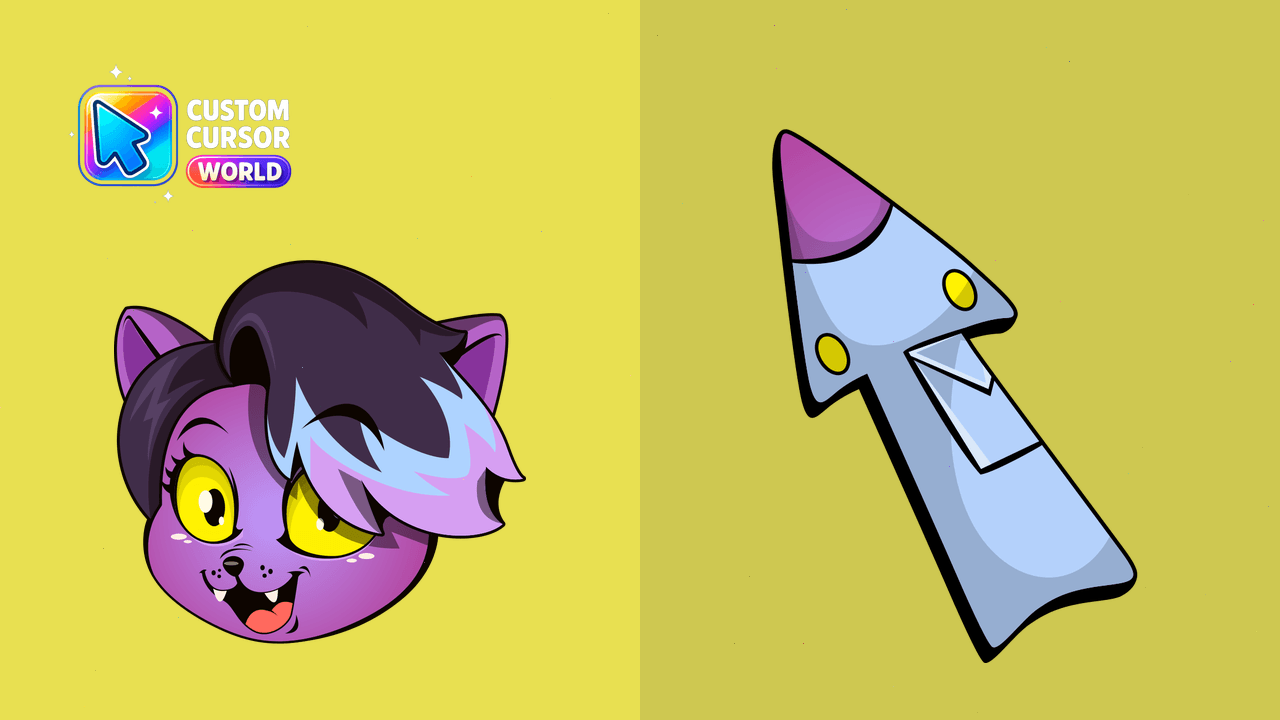
Enhance your browsing with the Undertale Catty Cursor Pack - add a touch of gaming flair!
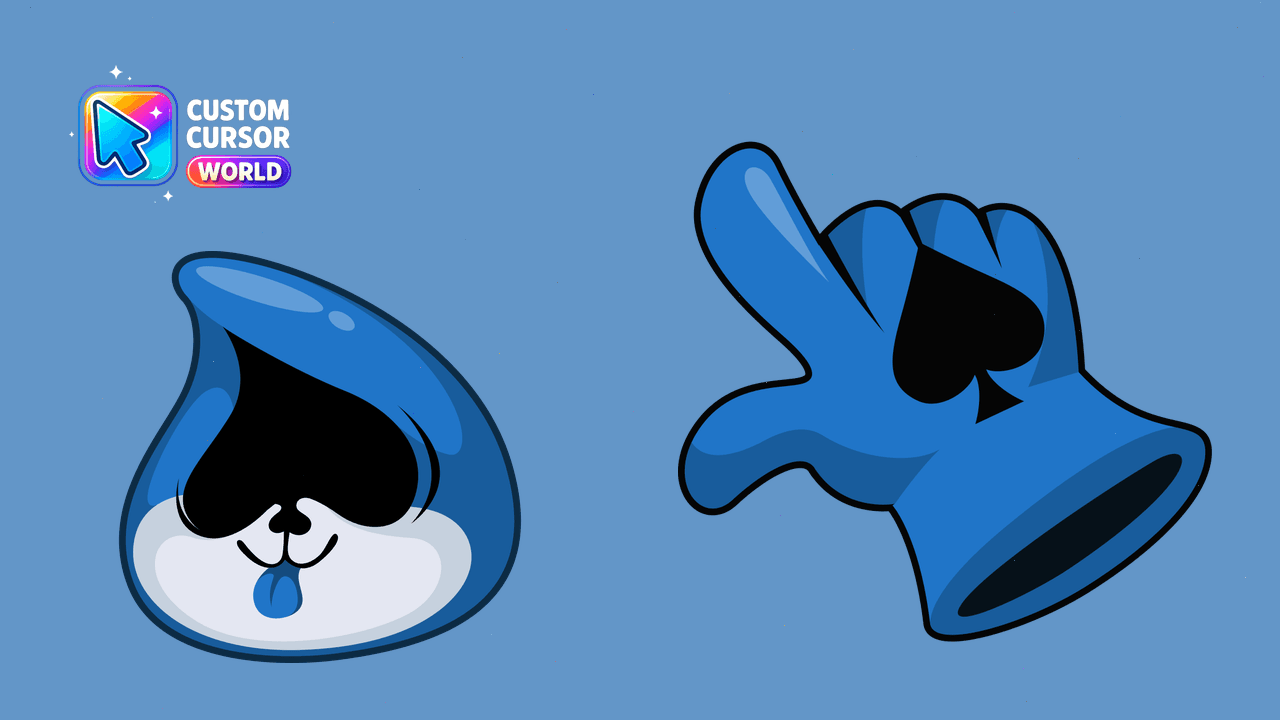
Custom Cursor Pack: Lancer from Deltarune