4.7
Terraria Cursors Collection
Discover a wide range of stunning cursor designs in the Terraria Cursors Collection.
9,022
Enhance your cursor game with this delightful collection of Disney cartoon-themed cursors
Browse 25 carefully curated cursor packs in this collection. All packs are free to download and work with Chrome, Edge, and Windows browsers.
From Custom Cursor World, Custom Cursors, and Cute Cursors catalogs
Discover more curated cursor collections that match your interests. Explore similar themed collections with free cursor packs for Chrome, Edge, and Windows.
Discover a wide range of stunning cursor designs in the Terraria Cursors Collection.
Discover exquisite cursors for Chrome, Edge & Windows
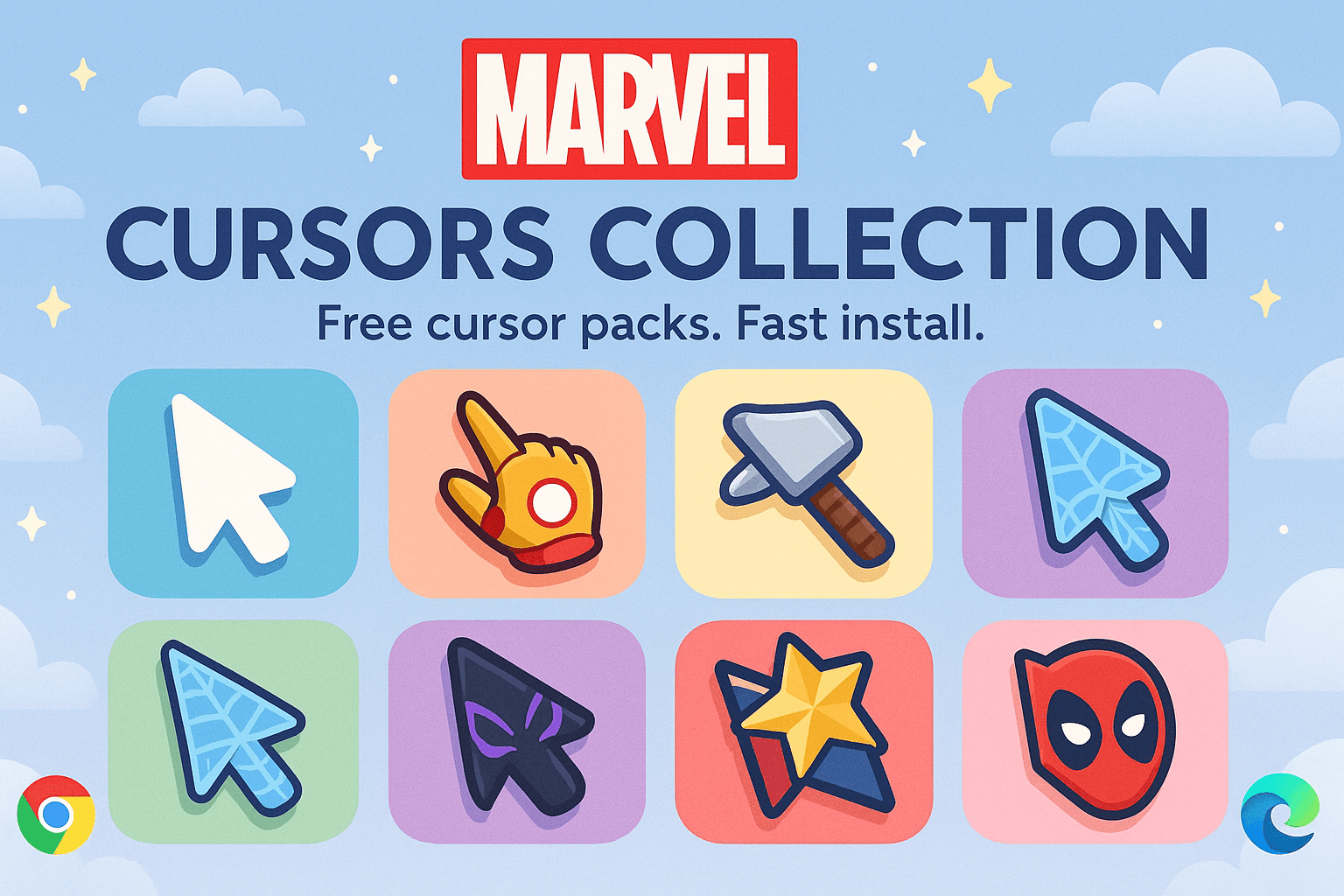
Marvel Cursors Collection - Superhero cursors for Chrome and Edge
Personalize your digital space with Regretevator - a collection of unique cursors for Chrome, Edge & Windows
Follow these simple steps to start using custom cursors from the Disney Cursors Collection collection. All cursor packs are free and easy to install.
Install the Custom Cursor World extension for Chrome or Edge browser. The extension is free and takes less than a minute to set up.
Explore 25 cursor packs in the Disney Cursors Collection collection and find your favorite designs. Each pack is carefully curated for quality.
Click on any cursor pack and download it directly to your browser. No additional software or configuration needed.
Your new cursor is now active! Customize your browsing experience with unique cursor designs from the Disney Cursors Collection collection.
Common questions about the Disney Cursors Collection cursor collection
The Disney Cursors Collection collection is a curated set of custom cursor packs designed to enhance your browsing experience. Each pack in this collection has been carefully selected to provide unique and visually appealing cursor designs.
Yes! All cursor packs in this collection are completely free to download and use. There are no hidden fees or subscriptions required.
These cursor packs work with Chrome and Edge browsers through the Custom Cursor World extension. The extension is free and easy to install.
Simply click on any cursor pack in this collection, then click the "Add" or "Download" button. The extension will automatically install the cursor pack for you.
Yes! You can switch between different cursor packs at any time. Just browse our collections and select a new pack whenever you want to change your cursor style.
No restart is needed! Once you install a cursor pack, it becomes active immediately. You can start using your new cursor right away.

Install our free browser extension to instantly apply any cursor from our vast collection with one click. Works seamlessly with Chrome, Edge, and Windows.
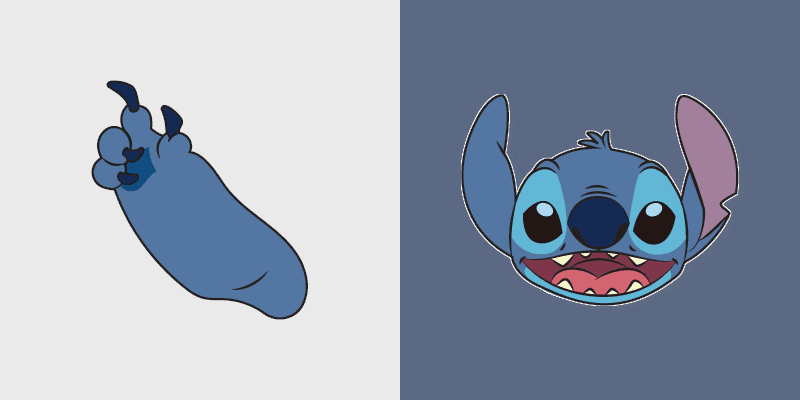
Adventure lilo & stitch quest Lilo and Stitch Experiment on matched clicks with animated hero custom cursor flair.
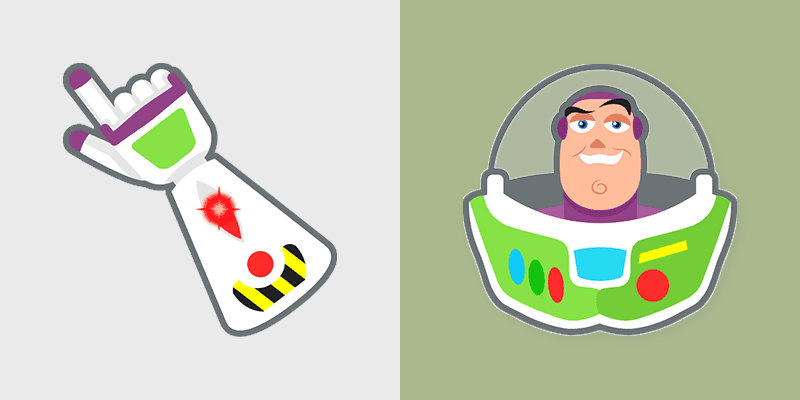
Fairytale buzz lightyear glow Toy Story Buzz Lightyear across custom cursor tabs with Disney pointer style.

Storybook elsa & anna magic Frozen Elsa ice magic on matched custom cursor clicks with Disney flair.

Animated rapunzel & pan joy Tangled Rapunzel frying pan on your pointer with magic kingdom custom cursor flair.

Pixar moana & oar warmth Moana ocean voyager paddle on your custom cursor pair with cartoon hero energy.
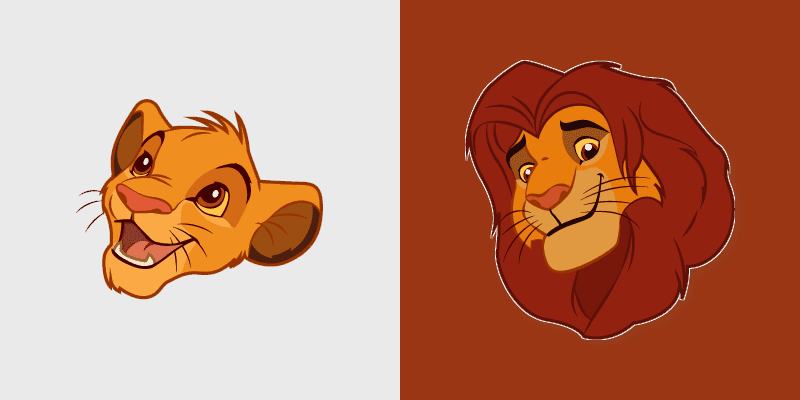
Blu ray simba lion king menu Lion King Simba cub through tabs with Disney custom cursor collection pointer flair.
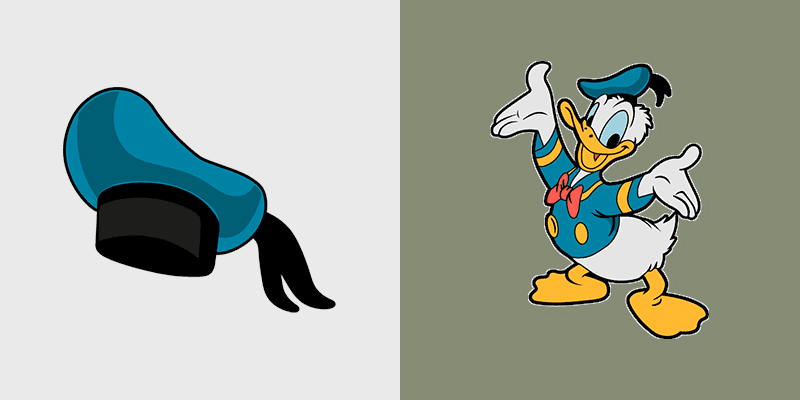
Toon donald duck bounce Donald Duck sailor suit on matched pointer clicks with Disney custom cursor magic.
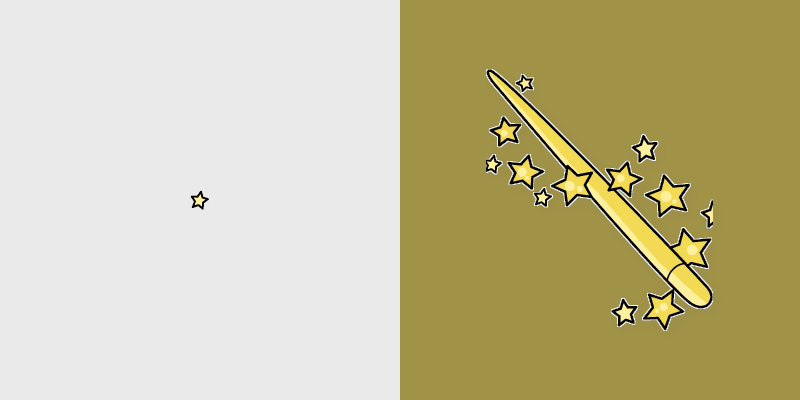
Donald sorcerer mickey quack Fantasia Sorcerer Mickey wizard through tabs with classic custom cursor Disney temper charm.
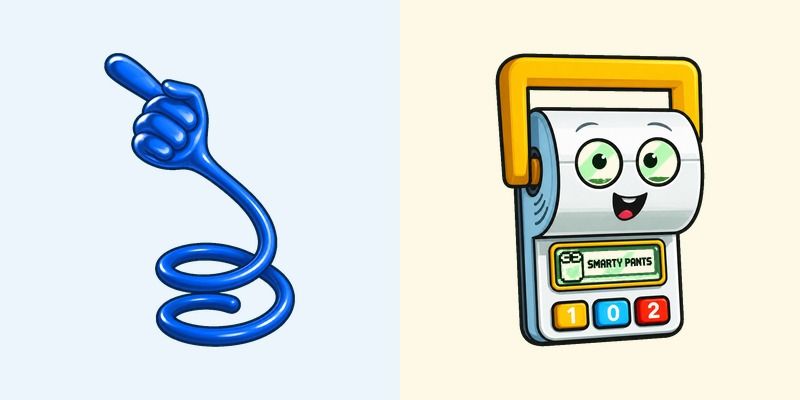
Relive Andy's toy chest nostalgia with this Toy Story Smarty Pants cursor pack featuring a stretchy blue sticky hand and Smarty Pants calculator.
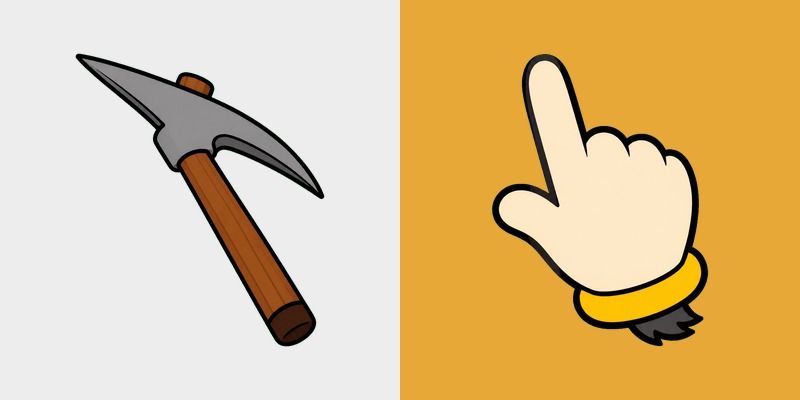
DuckTales George Mallardy Pickaxe cursor with a grey iron pick pointer and a beige duck-glove hand with a yellow cuff.
Explore the animated world of 'Raya And The Last Dragon.' Personalize your cursor pack with custom animations featuring Pan!
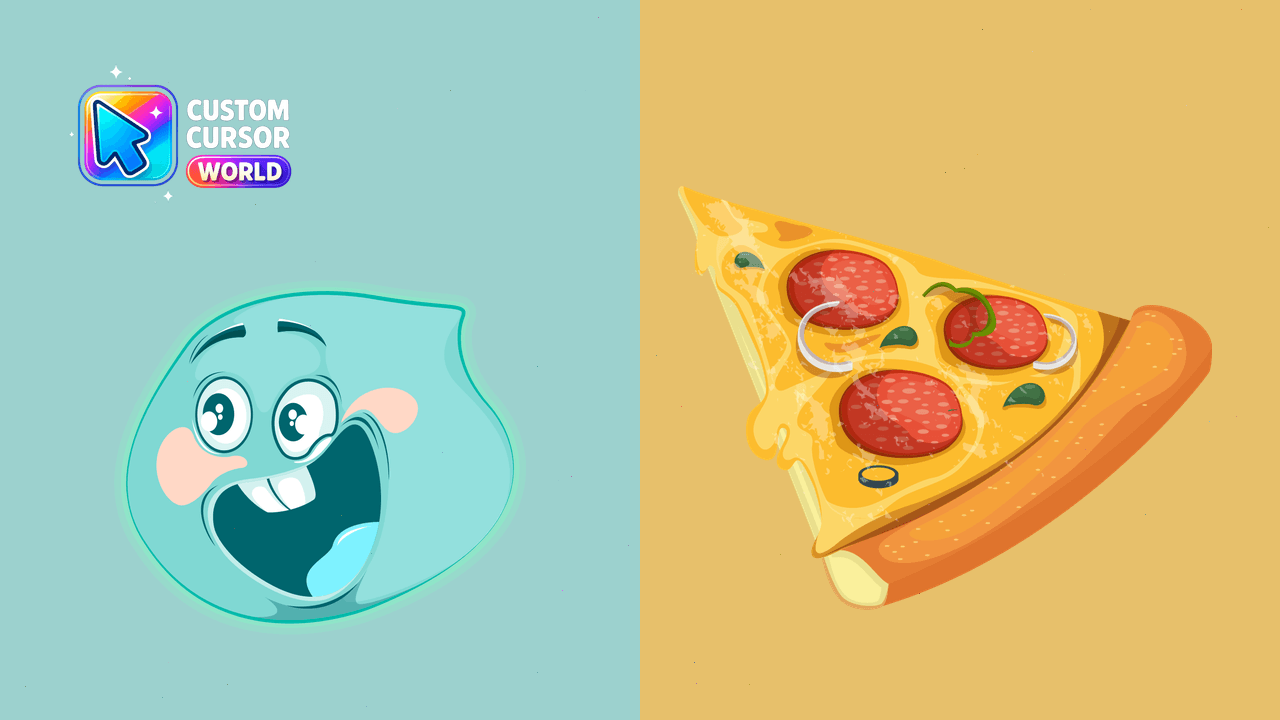
Add vibrant animation movie cursors to your desktop
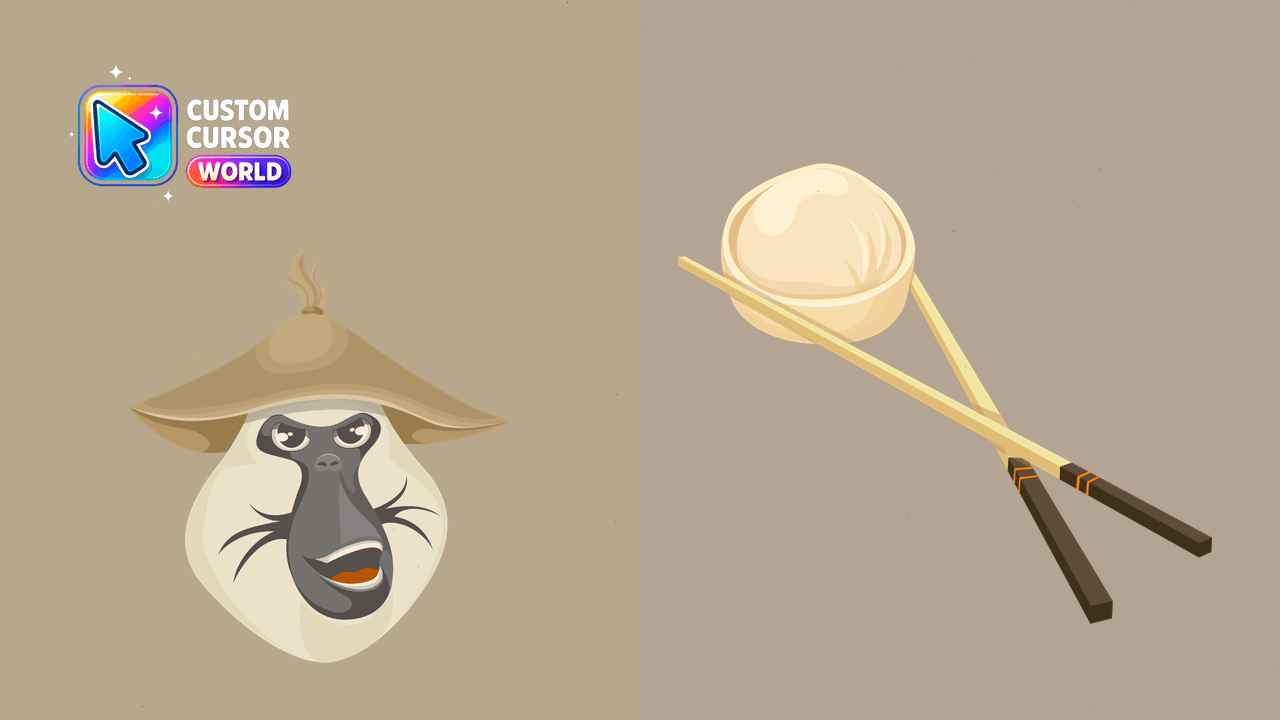
Unique Dyan Custom Cursor Pack - from Raya & the Last Dragon
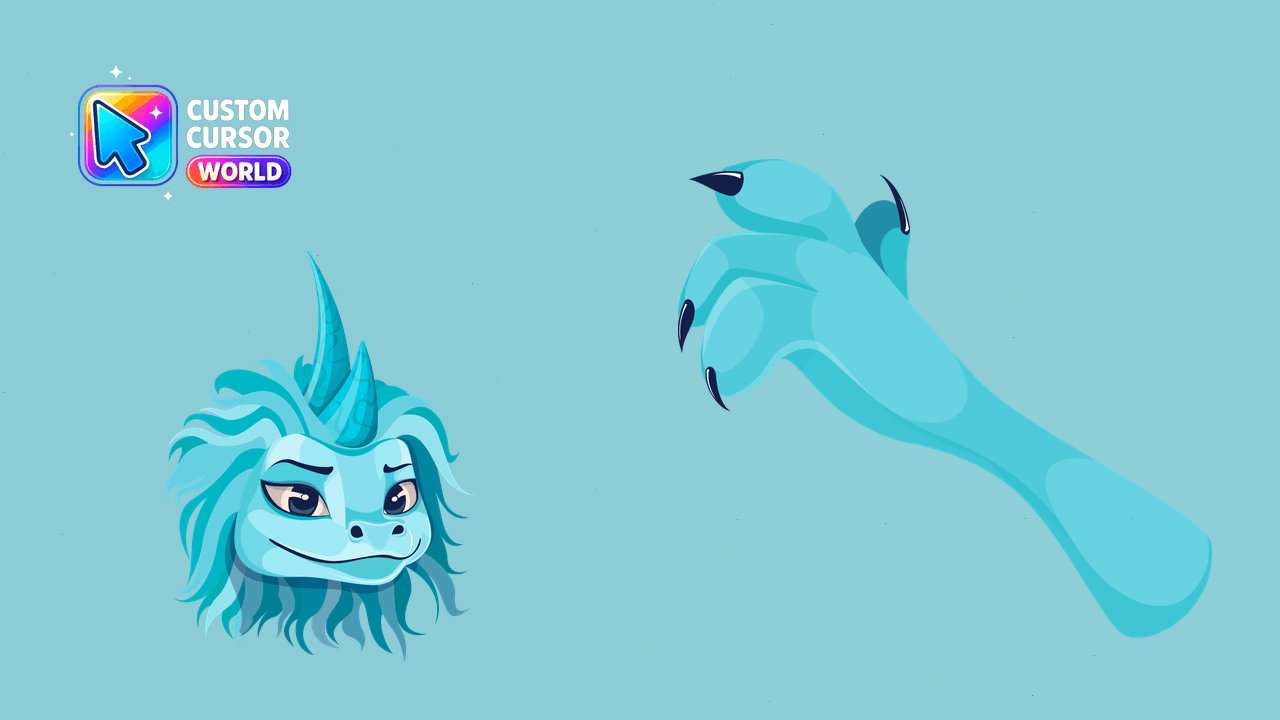
Sisu Custom Cursor Pack - Fun Animation Movie Theme
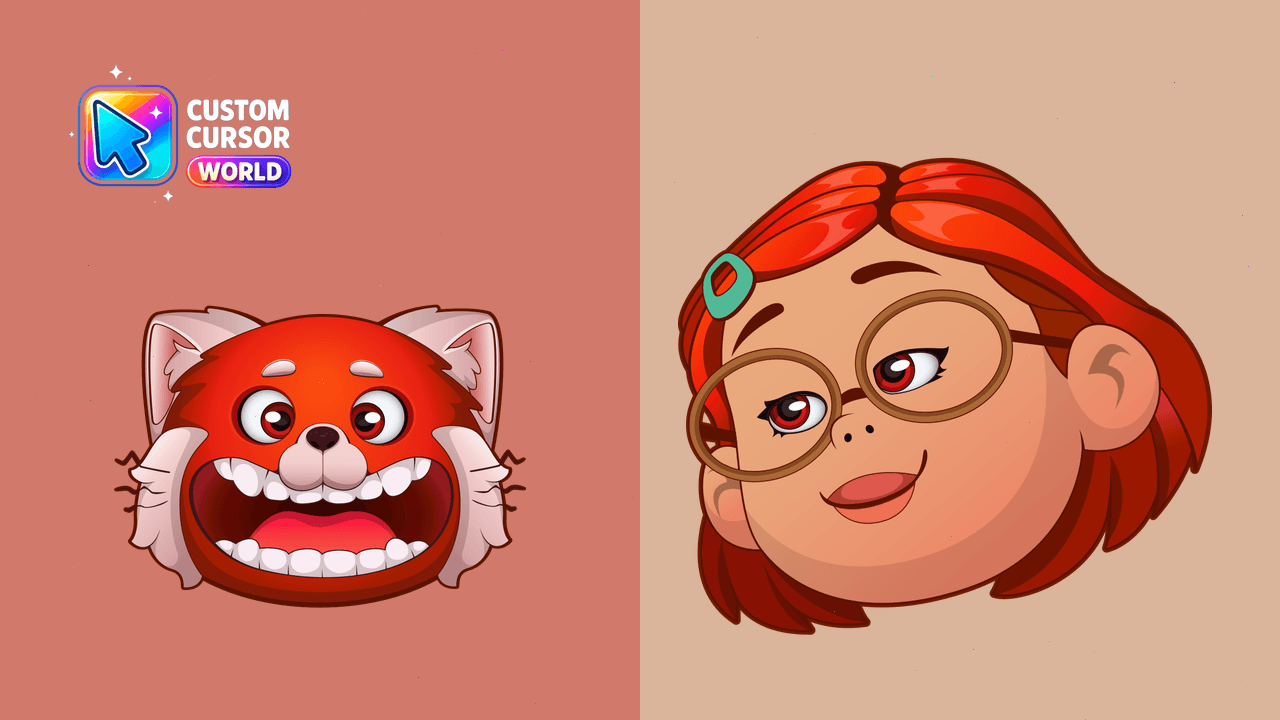
Add personality with Mei's Red Panda Cursor Pack
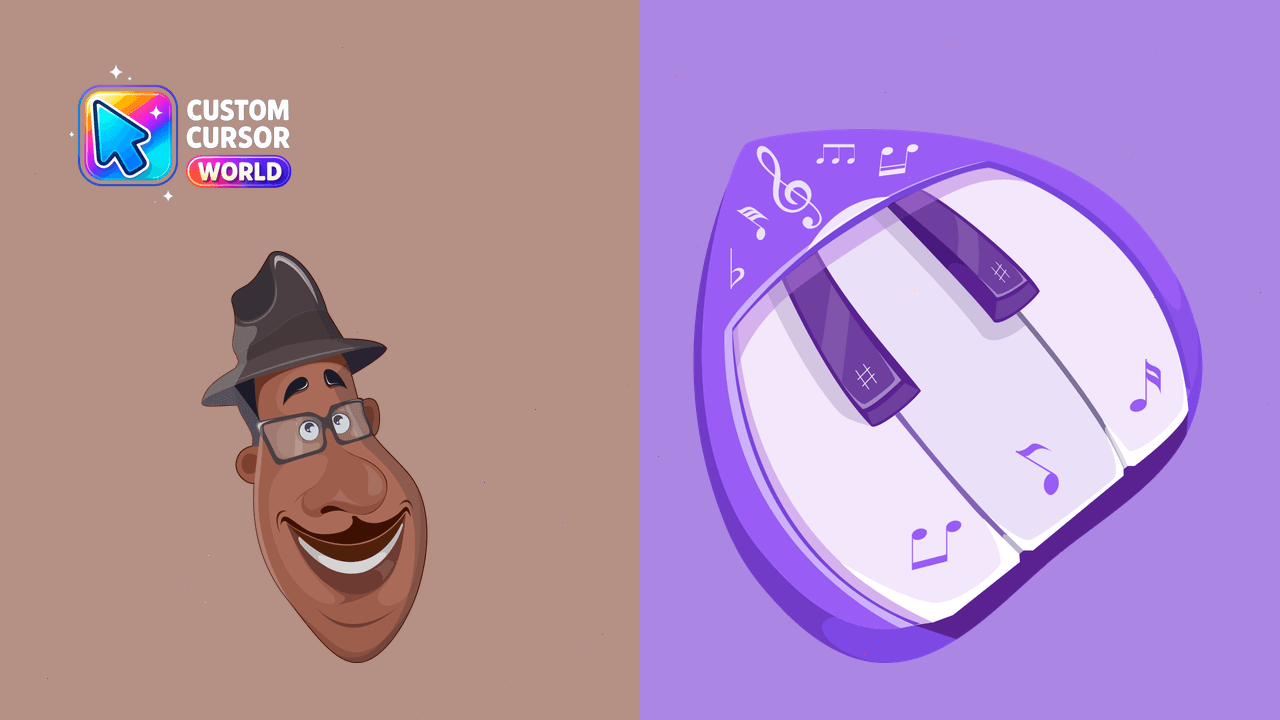
Joe Gardner Animated Cursor Pack: Enhance your cursor with a touch of animation!
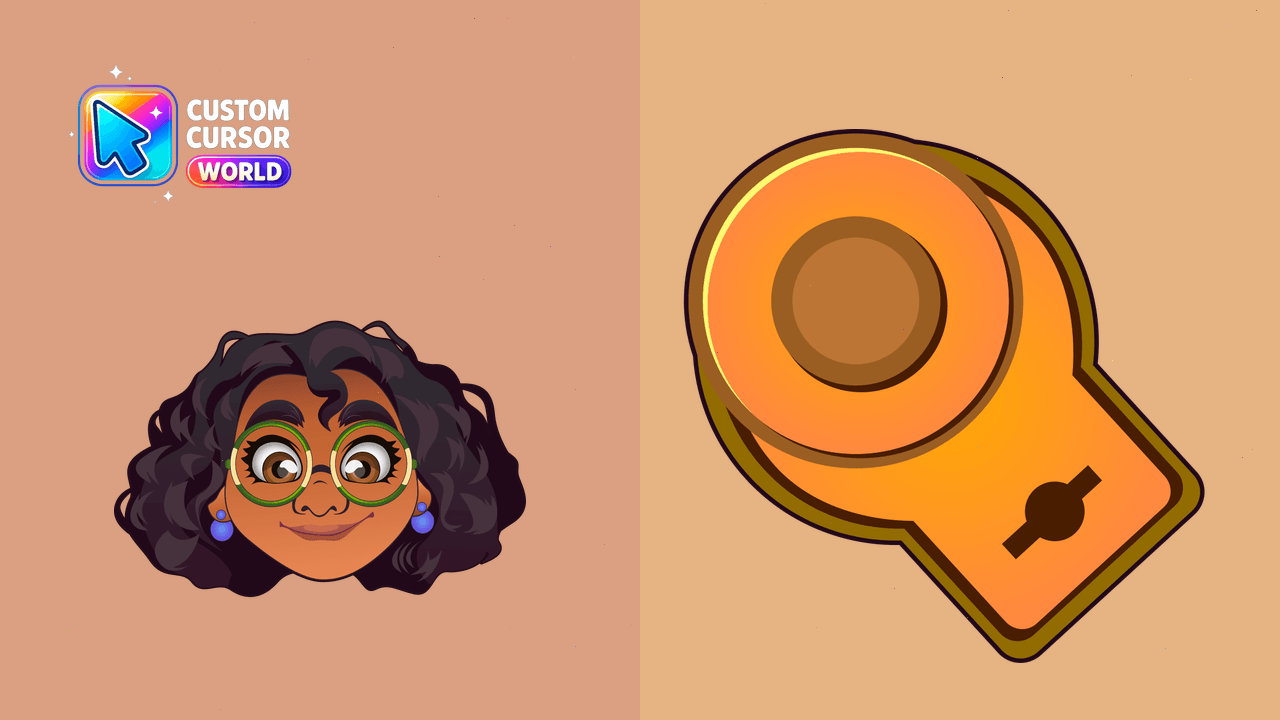
Mirabel Madrigal Custom Cursor Pack: Animation Movies Collection
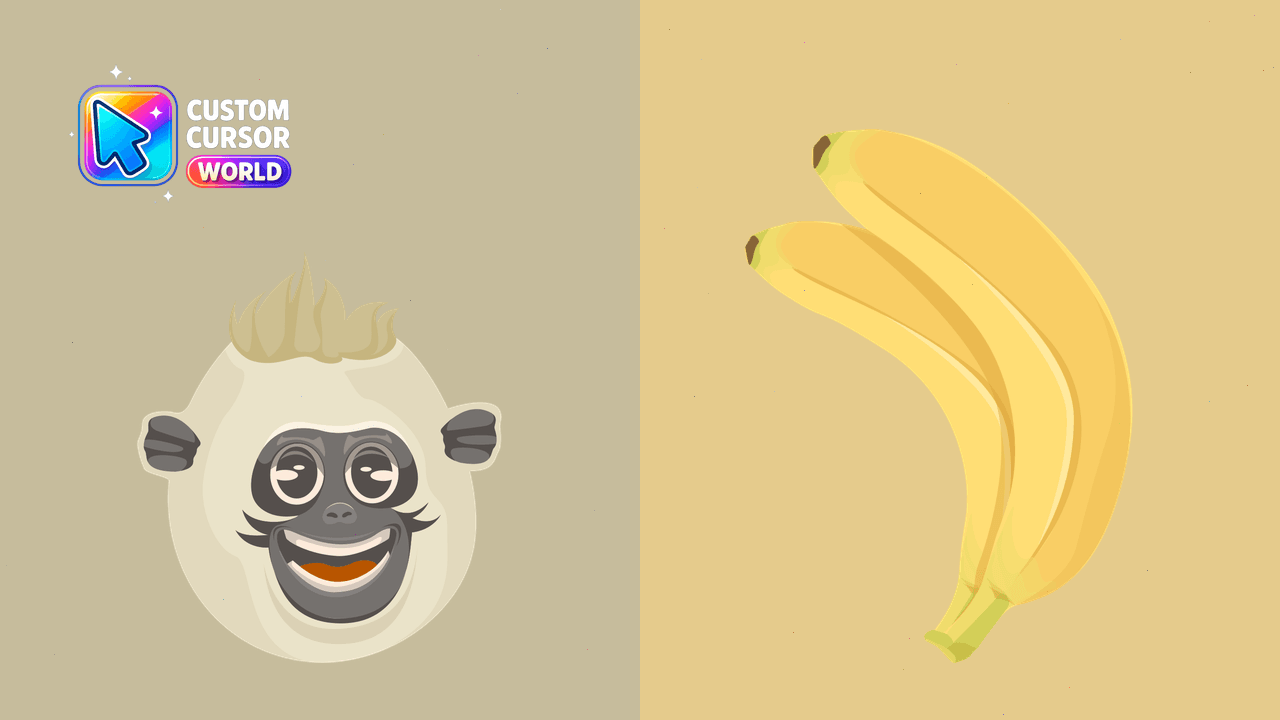
Customize your cursor with the adorable Uka from Raya and the Last Dragon
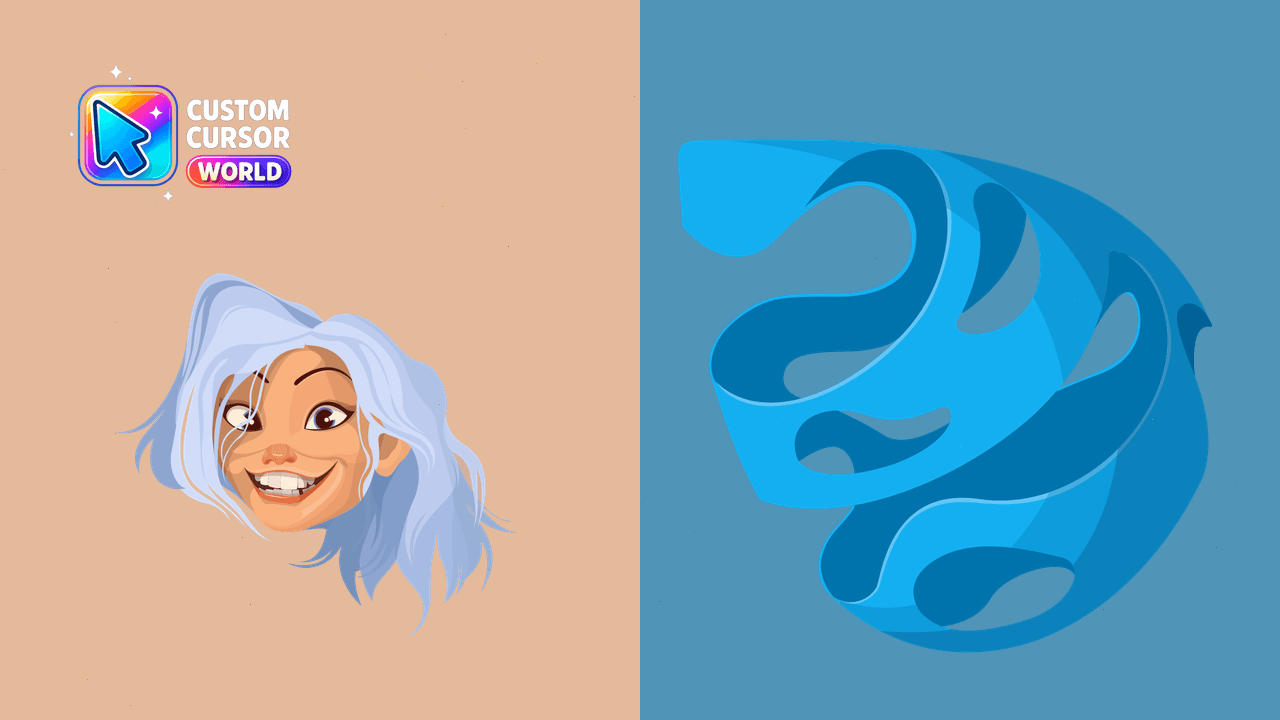
Sisi Human Form: A customizable, accessible and performant cursor pack for Chrome/Edge
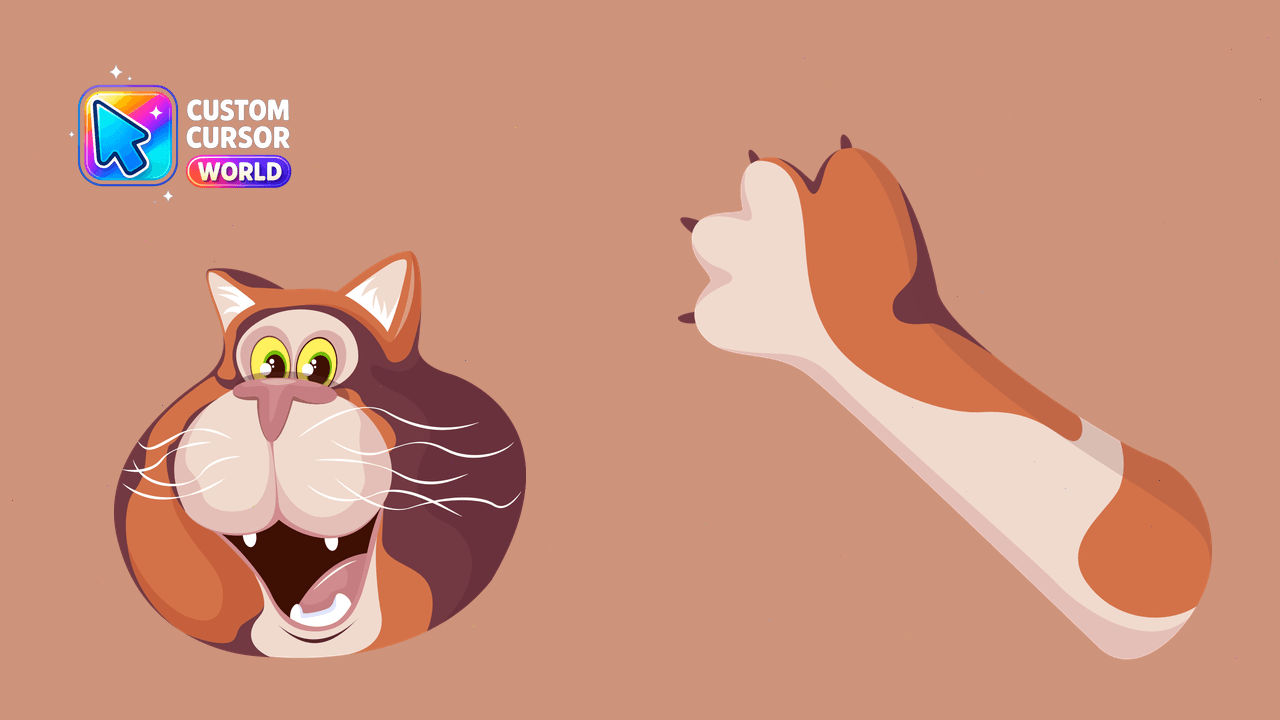
Bring the charm of Soul's Mr. Mittens to your screen with our customizable cursor pack for Chrome and Edge!
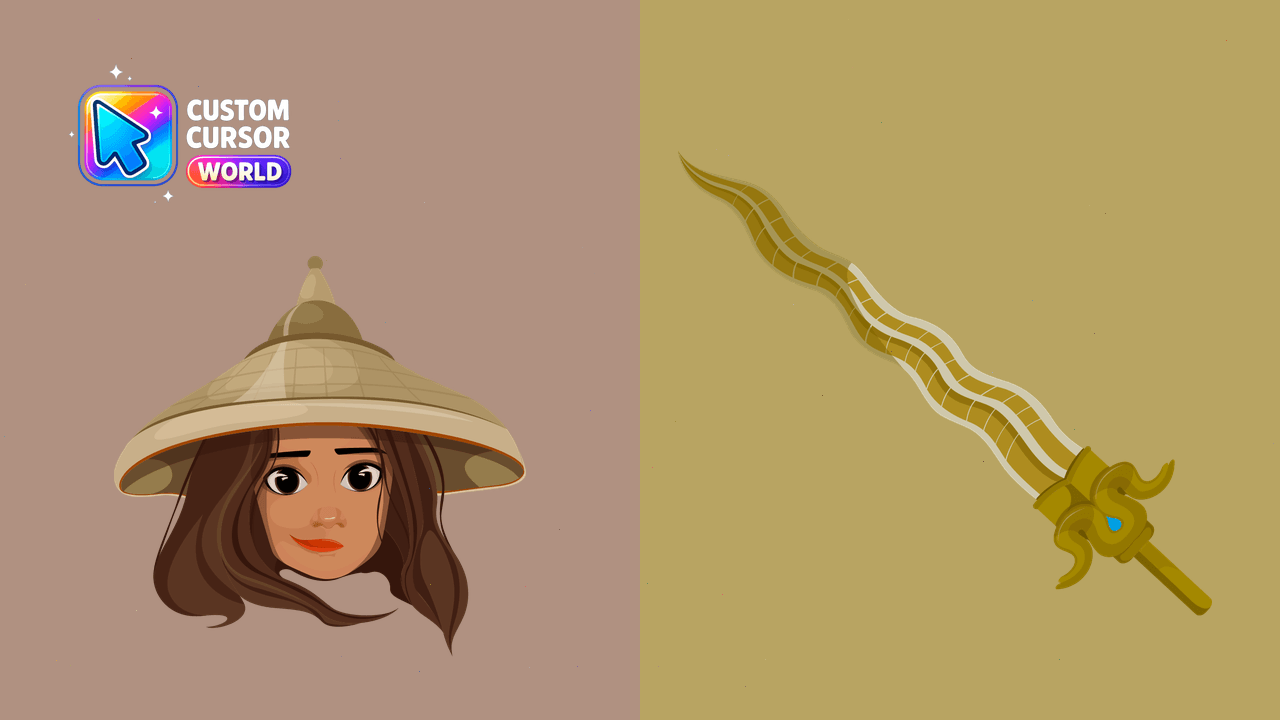
Customize your cursor with <Raya>, an animated character inspired by Raya and the Last Dragon.
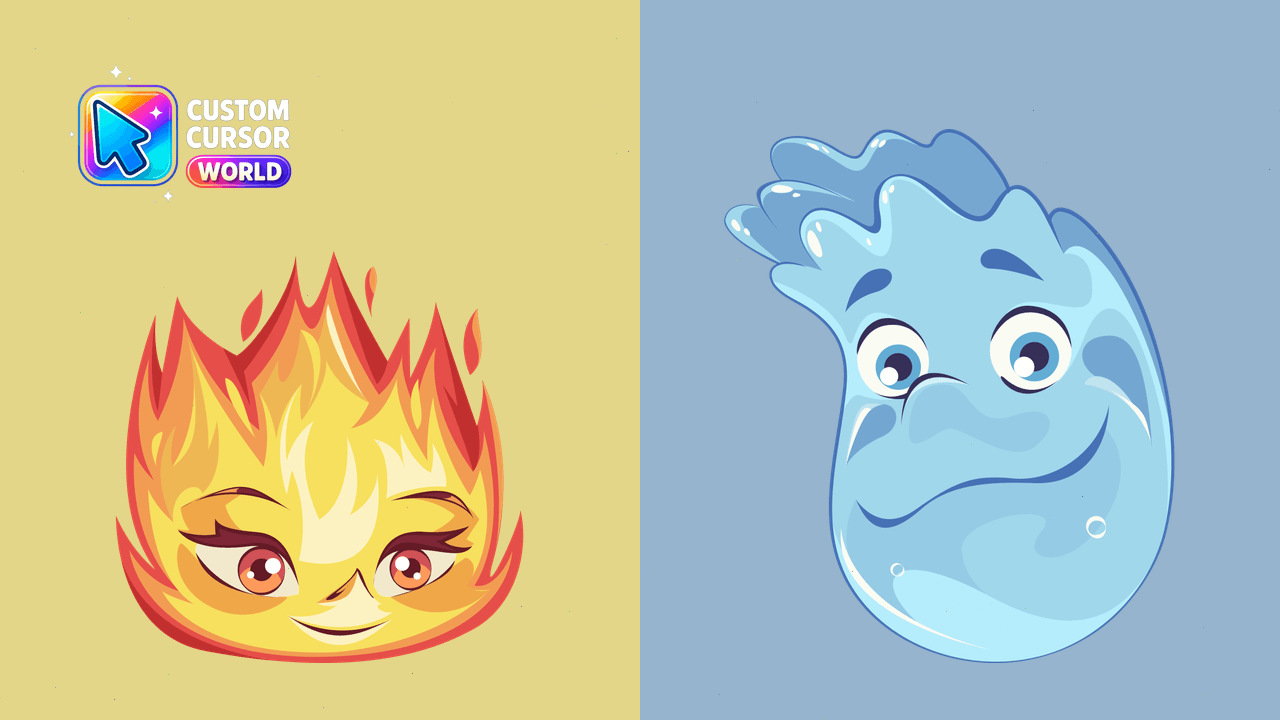
Custom Cursors: Ember & Wade - Switch Effortlessly
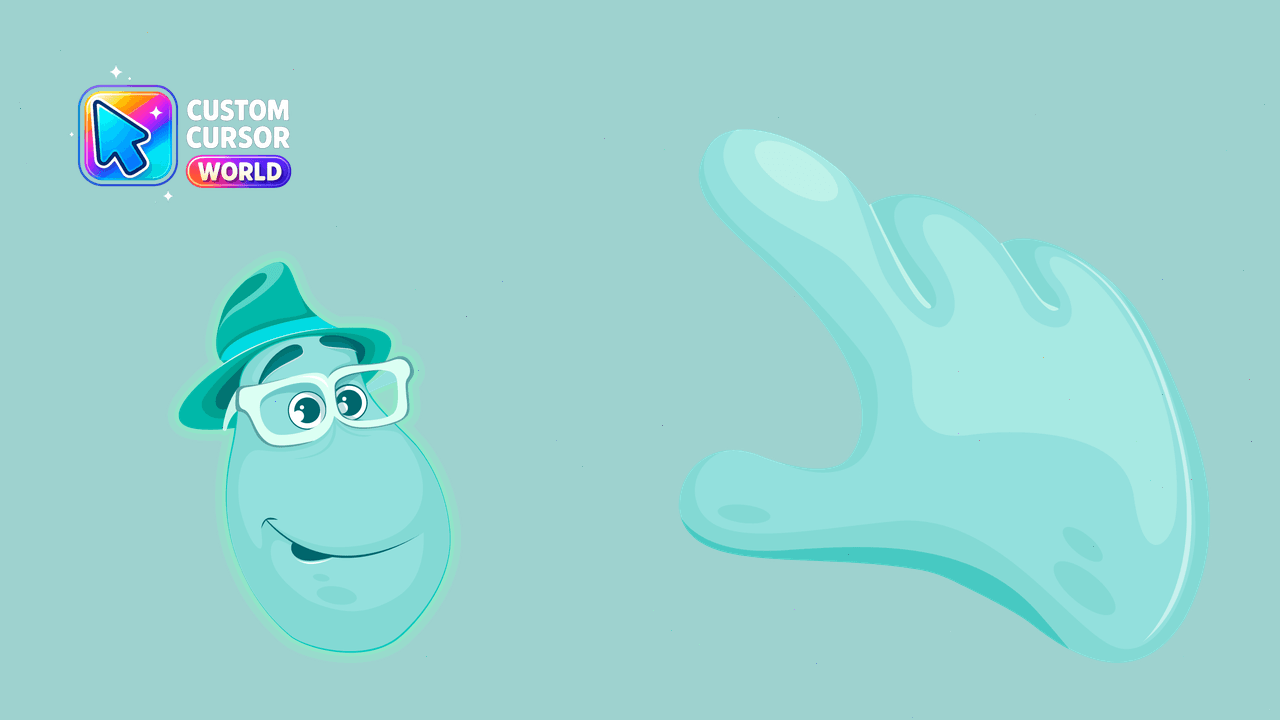
Custom Joe Gardner's Soul cursors for Chrome and Edge

Bruni Smile cursor - big-mouthed Frozen 2 salamander meme with purple tongue energy and upright green paw pointer.

Bruni Wave cursor from Frozen 2 - cute mint Fire Spirit salamander meme waving with matching upright paw pointer.