4.6
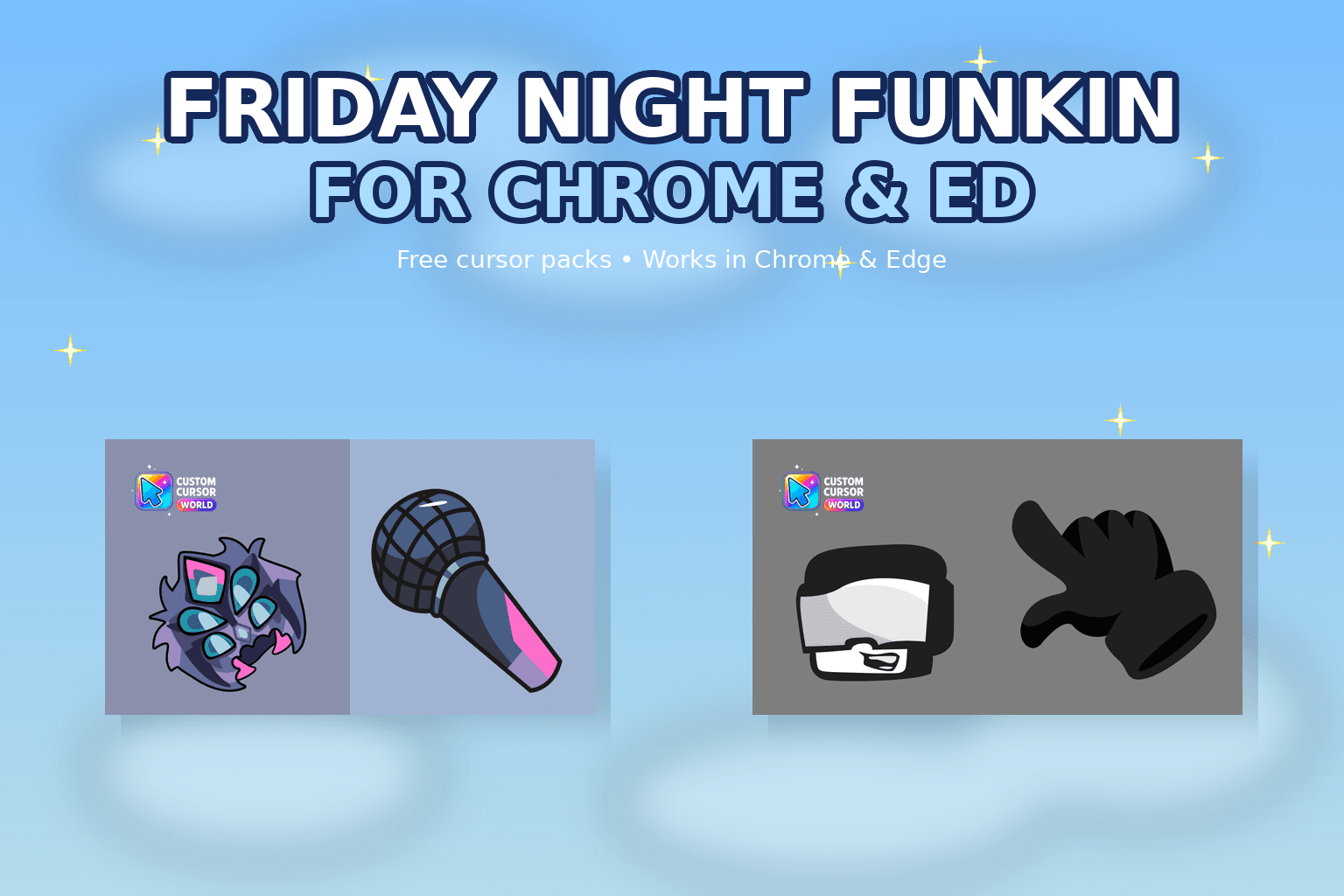
Friday Night Funkin Custom Cursor Collection for Chrome & Ed
Elevate your browsing experience with our custom cursor collection inspired by 'Friday Night Funkin'. Set popular game characters instead of default b
7,834
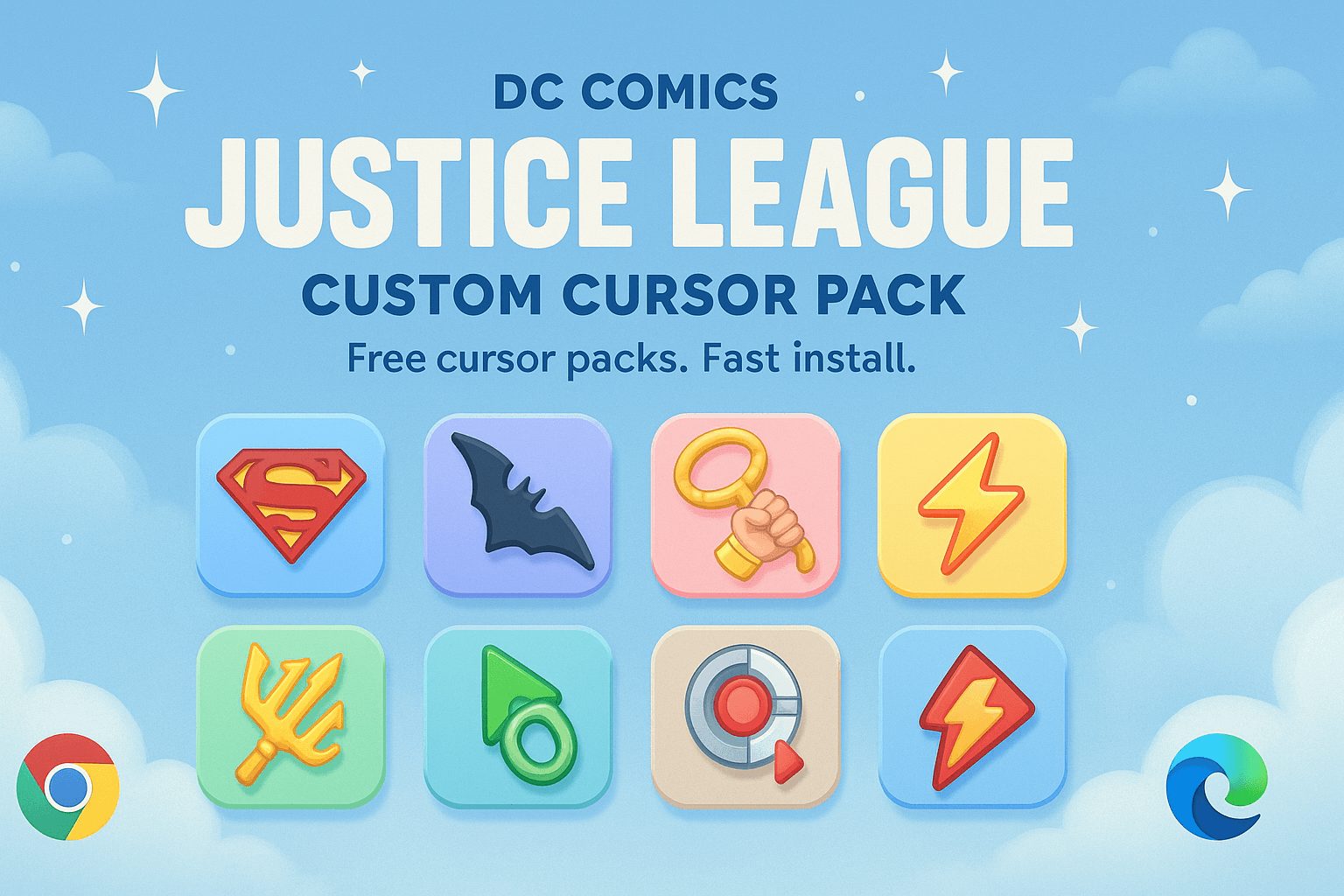
Unleash the power of Justice League in your browser with this customized DC Comics cursor collection!
Browse 74 carefully curated cursor packs in this collection. All packs are free to download and work with Chrome, Edge, and Windows browsers.
From Custom Cursor World, Custom Cursors, and Cute Cursors catalogs
Discover more curated cursor collections that match your interests. Explore similar themed collections with free cursor packs for Chrome, Edge, and Windows.
Elevate your browsing experience with our custom cursor collection inspired by 'Friday Night Funkin'. Set popular game characters instead of default b
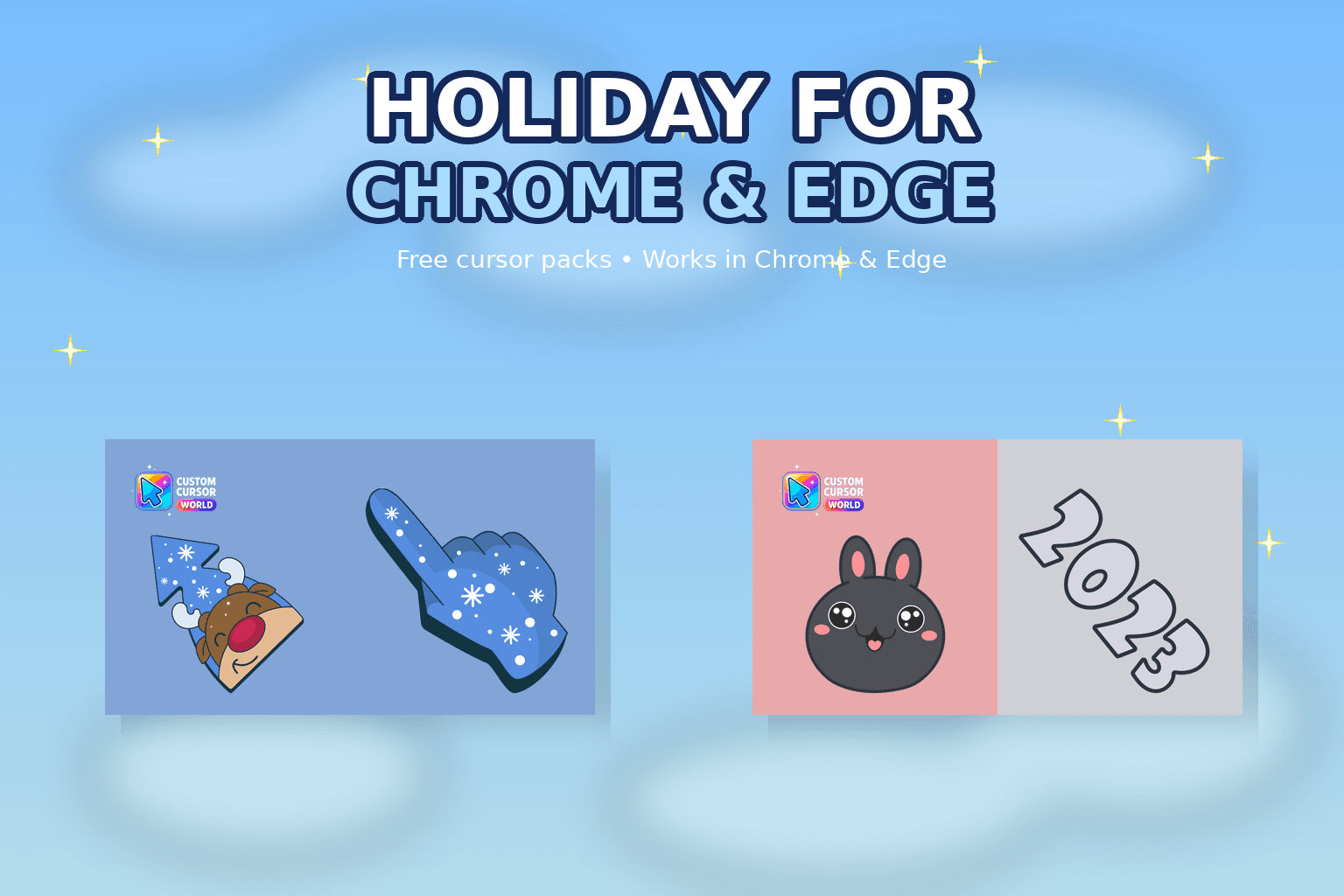
Enhance your digital experience with the Holiday Cursor Collection-authentic custom cursors for Christmas & New Year celebrations on Chrome & Edge.
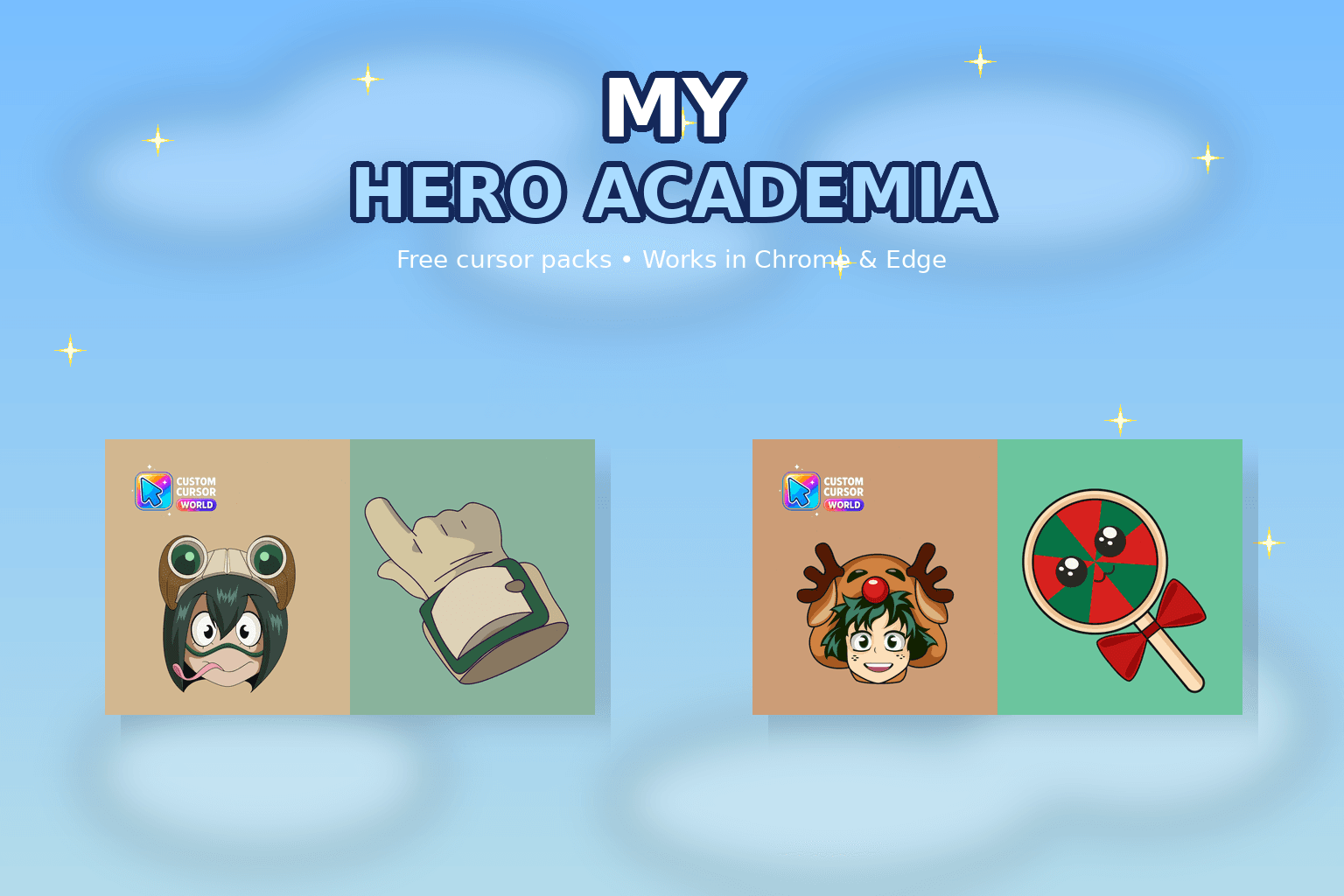
My Hero Academia cursor collection for Chrome and Edge.
Enhance browsing with Creamy Cursor Collection - Fun ice cream-themed cursors for Chrome, Edge or Windows
Follow these simple steps to start using custom cursors from the DC Comics Justice League Custom Cursor Pack for Chrome & Edg collection. All cursor packs are free and easy to install.
Install the Custom Cursor World extension for Chrome or Edge browser. The extension is free and takes less than a minute to set up.
Explore 74 cursor packs in the DC Comics Justice League Custom Cursor Pack for Chrome & Edg collection and find your favorite designs. Each pack is carefully curated for quality.
Click on any cursor pack and download it directly to your browser. No additional software or configuration needed.
Your new cursor is now active! Customize your browsing experience with unique cursor designs from the DC Comics Justice League Custom Cursor Pack for Chrome & Edg collection.
Common questions about the DC Comics Justice League Custom Cursor Pack for Chrome & Edg cursor collection
The DC Comics Justice League Custom Cursor Pack for Chrome & Edg collection is a curated set of custom cursor packs designed to enhance your browsing experience. Each pack in this collection has been carefully selected to provide unique and visually appealing cursor designs.
Yes! All cursor packs in this collection are completely free to download and use. There are no hidden fees or subscriptions required.
These cursor packs work with Chrome and Edge browsers through the Custom Cursor World extension. The extension is free and easy to install.
Simply click on any cursor pack in this collection, then click the "Add" or "Download" button. The extension will automatically install the cursor pack for you.
Yes! You can switch between different cursor packs at any time. Just browse our collections and select a new pack whenever you want to change your cursor style.
No restart is needed! Once you install a cursor pack, it becomes active immediately. You can start using your new cursor right away.

Install our free browser extension to instantly apply any cursor from our vast collection with one click. Works seamlessly with Chrome, Edge, and Windows.
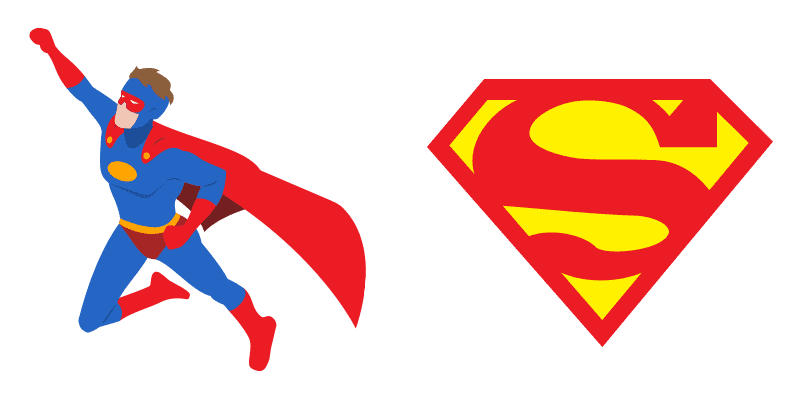
Meet the Superman Classic cute cursor - a free custom cursor showing a bright league-inspired look.

Install the Wonder Woman Soft cute cursor - custom cursor charm and bold cape-ready pointer style.
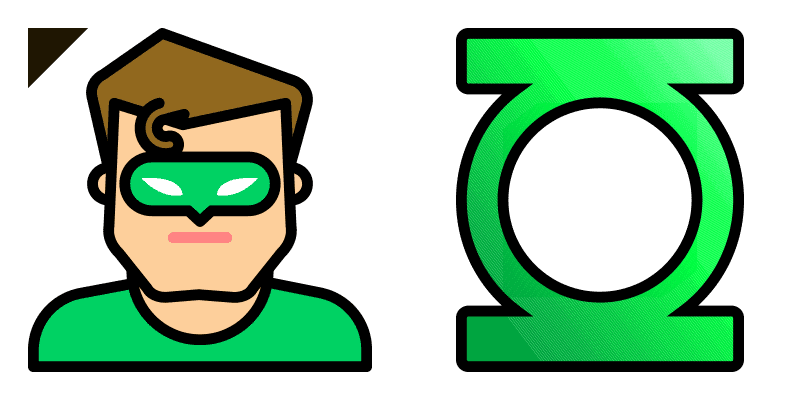
The Green Lantern cute cursor pack: free custom cursor with playful hero-panel vibes.

Grab the Superman Soft cute cursor - free custom cursor packed with sharp justice-league charm.

Grab the Aquaman Soft cute cursor - free custom cursor packed with sharp justice-league charm.
Try the The Flash cute cursor - free custom cursor style with bold cape-ready pointer style.

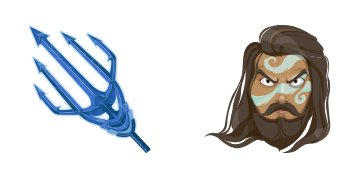
Angry Aquaman custom cursor - a cute cursor pack with sharp justice-league charm.

Try the Superhero Superman cute cursor - free custom cursor style with bold cape-ready pointer style.
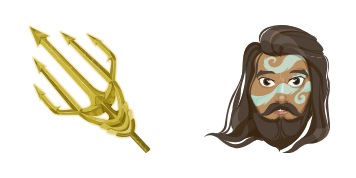

Happy Superman cute cursor pack: free custom cursor with clean superhero click flair.

Install the Angry Superman cute cursor - custom cursor charm and playful hero-panel vibes.


Try the Among Us Superman Animated cute cursor - free custom cursor style with clean superhero click flair.

Katana and Soultaker Sword cute cursor - a free custom cursor with a bright league-inspired look.

Among Us The Flash Character custom cursor - a cute cursor pack with hero color and comic energy.

Try the Blue Beetle Animated cute cursor - free custom cursor style with clean superhero click flair.

Flash and Logo custom cursor - a cute cursor pack with sharp justice-league charm.

Download the Among Us Superman Character cute cursor - a custom cursor full of bold cape-ready pointer style.

Mera and Trident cute cursor - a free custom cursor with hero color and comic energy.

Superman custom cursor - a cute cursor pack with hero color and comic energy.

Meet the DC Raven cute cursor - a free custom cursor showing sharp justice-league charm.

Download the Starfire cute cursor - a custom cursor full of clean superhero click flair.

Meet the Green Lantern cute cursor - a free custom cursor showing sharp justice-league charm.

Superman and Logo custom cursor - a cute cursor pack with a bright league-inspired look.

Wonder Woman and Logo cute cursor pack: free custom cursor with playful hero-panel vibes.

Try the Aquaman and Trident cute cursor - free custom cursor style with bold cape-ready pointer style.

Try the Beast Boy Pig cute cursor - free custom cursor style with playful hero-panel vibes.

Grab the Shazam Flying Animated cute cursor - free custom cursor packed with sharp justice-league charm.

Install the Wonder Woman and God Killer Sword cute cursor - custom cursor charm and playful hero-panel vibes.

DC League of Super-Pets Krypto and Badge cute cursor pack: free custom cursor with playful hero-panel vibes.

Space Ghost Tad Ghostal Animated cute cursor - a free custom cursor with hero color and comic energy.

Download the Zatanna and Hat cute cursor - a custom cursor full of clean superhero click flair.

Young Justice Superboy and Kryptonite cute cursor - a free custom cursor with hero color and comic energy.
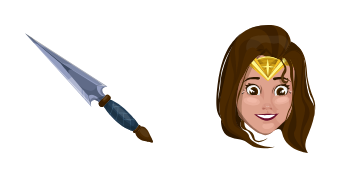
Download the Wonder Woman cute cursor - a custom cursor full of playful hero-panel vibes.
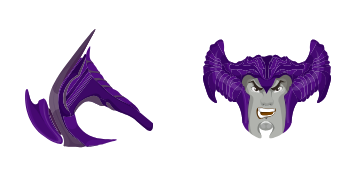
Steppenwolf cute cursor pack: free custom cursor with playful hero-panel vibes.

Parademon cute cursor - a free custom cursor with a bright league-inspired look.

Darkseid cute cursor - a free custom cursor with a bright league-inspired look.
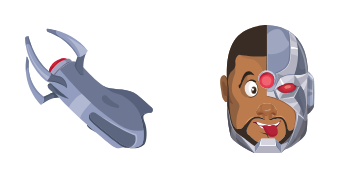
Meet the Cyborg cute cursor - a free custom cursor showing hero color and comic energy.
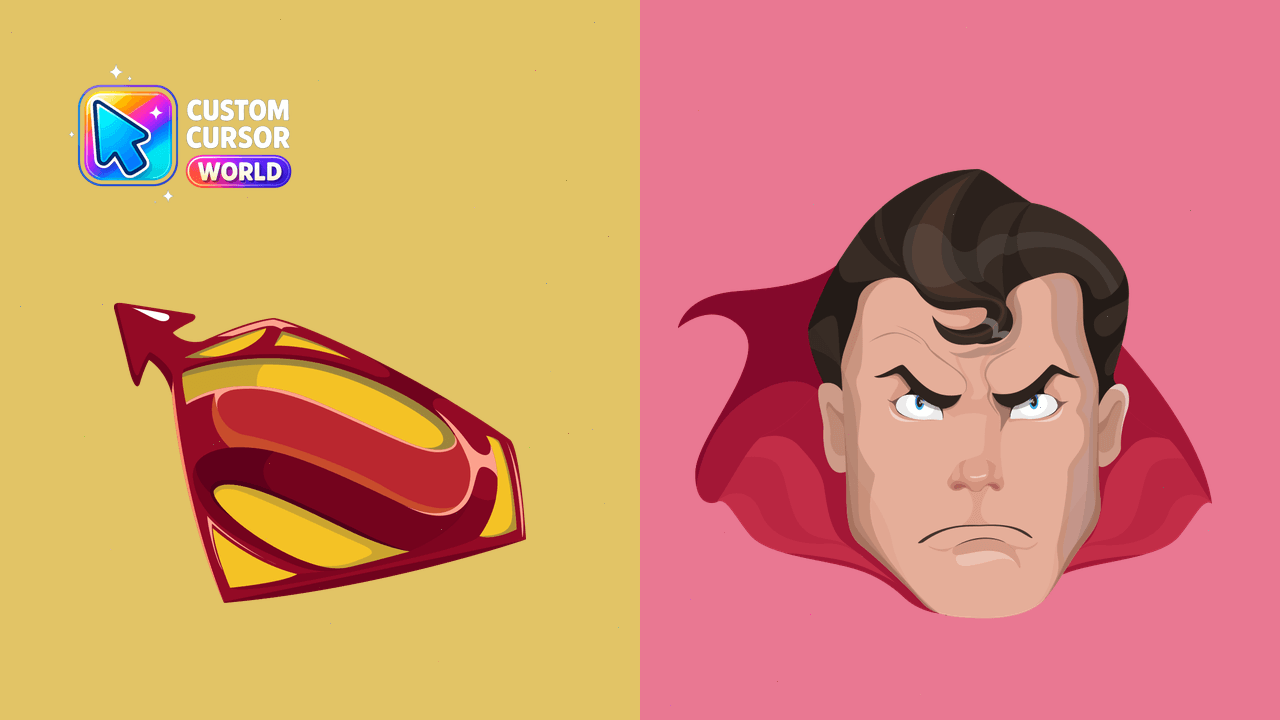
Channel your inner Superman with our Rageful Superman Cursor Pack - perfect for any mood or task!
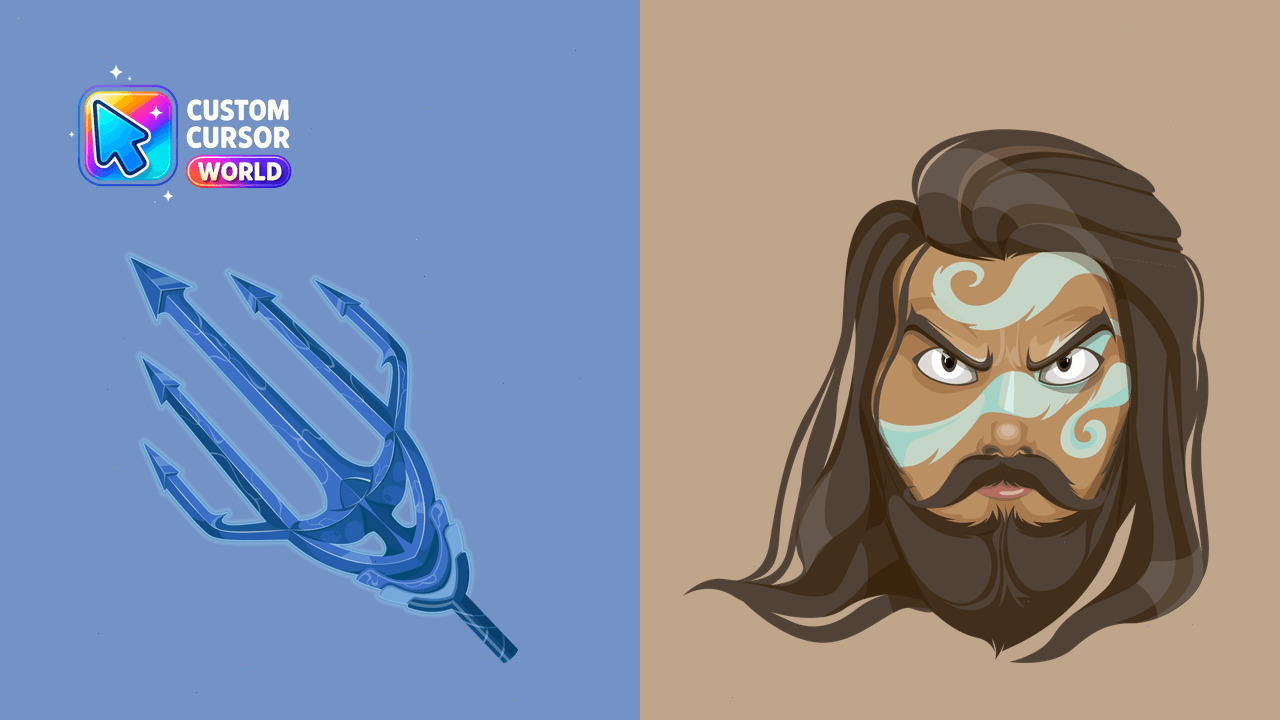
Customize Chrome and Edge cursors with our Aquaman Anger Cursor Pack
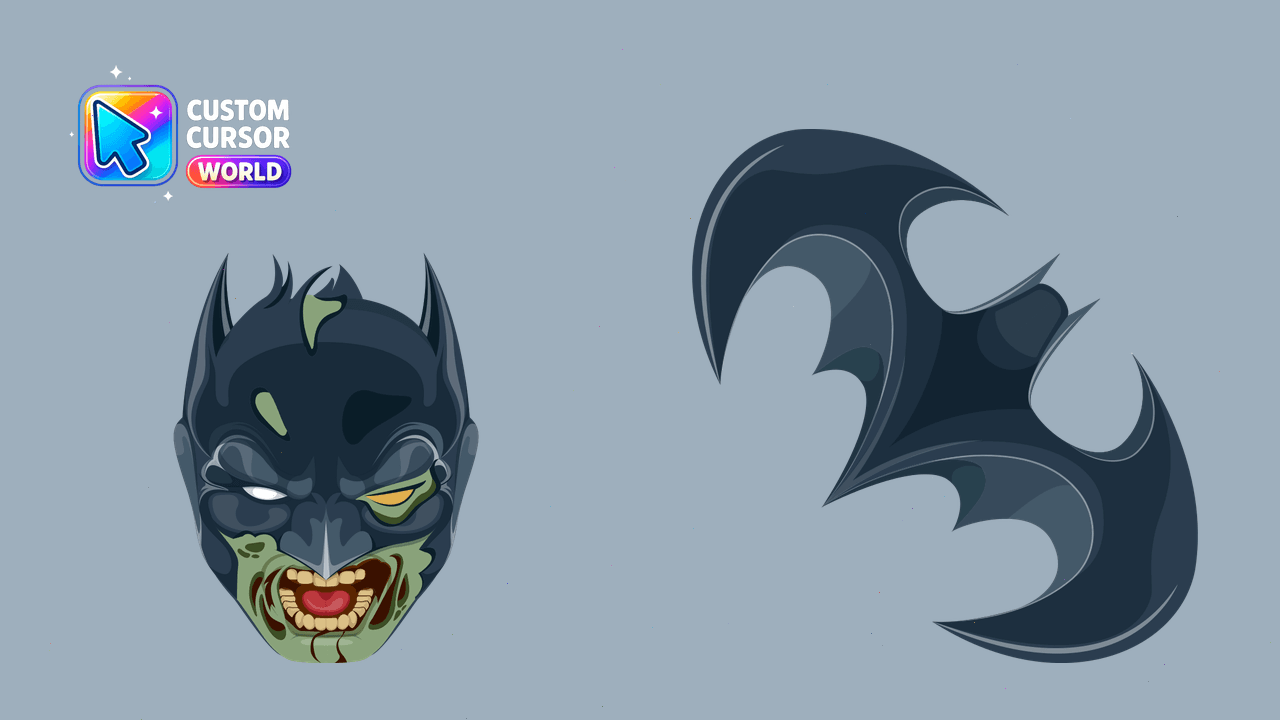
Halloween-themed Zombie Batman Cursor Pack for Chrome
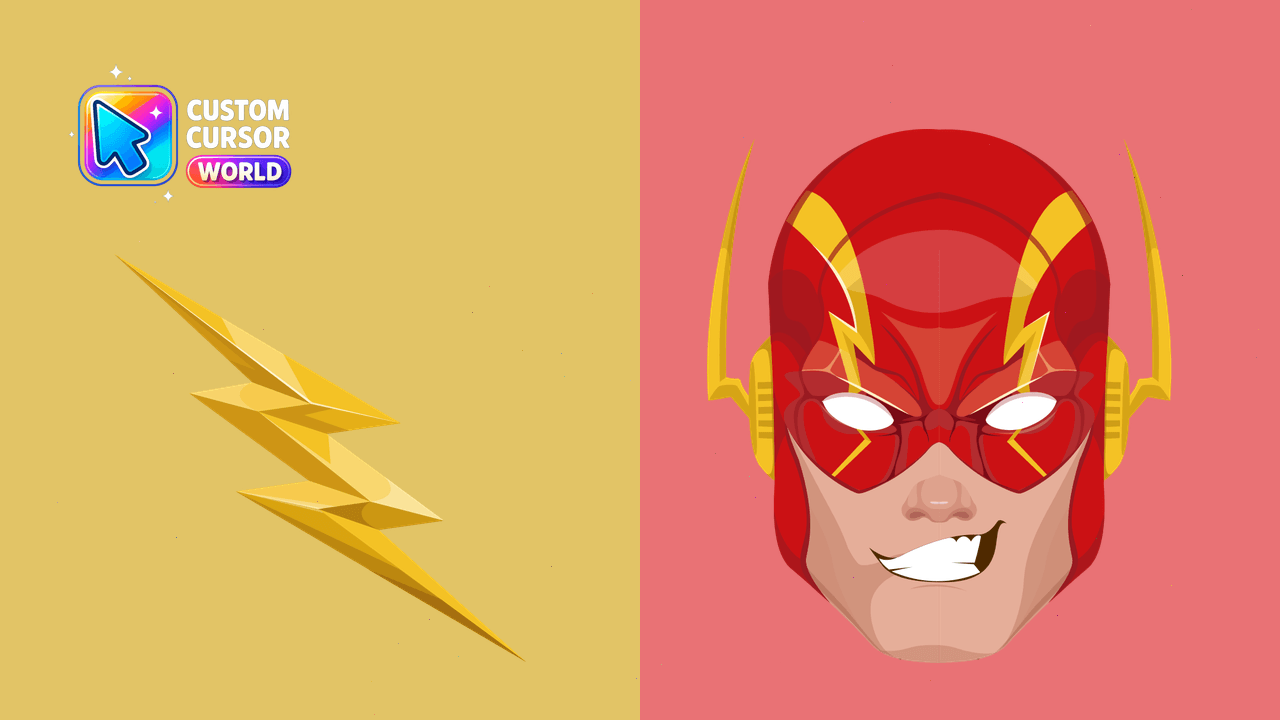
Supercharge your cursor experience with the Flash Cursor Pack, featuring speed-inspired customizations and Rage/Calm hover modes for Chrome and Edge!
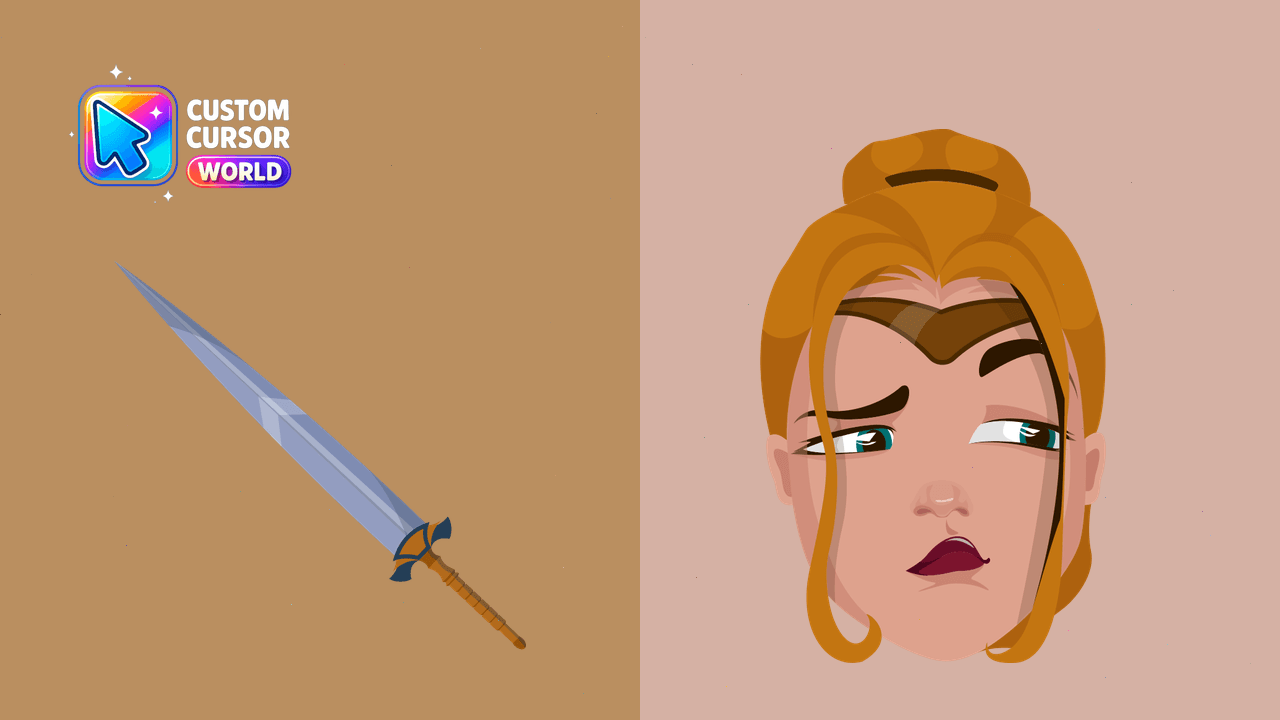
Custom cursors collection inspired by DC Comics' Amazon Warrior
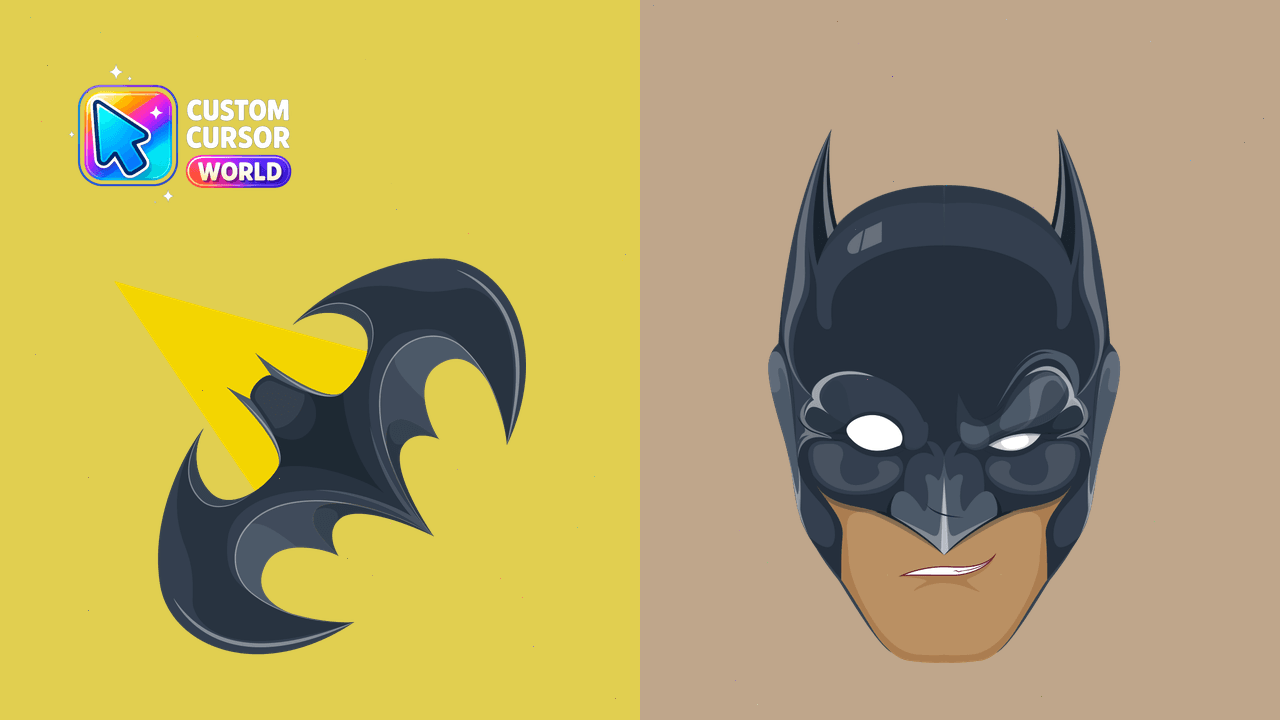
Enhance your Chrome browser with our captivating Batman Custom Cursor Pack
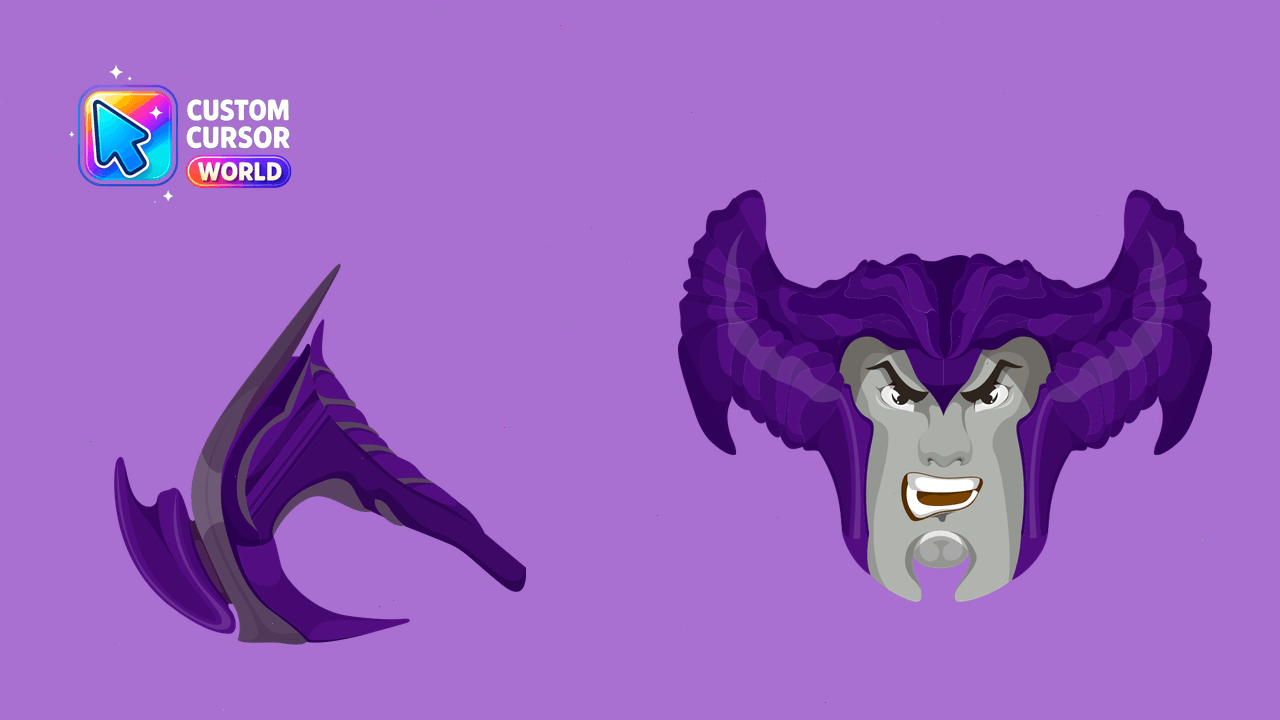
Dynamic Steppenwolf Cursor Pack - Bring life to your PC with DC comics-inspired custom cursors!
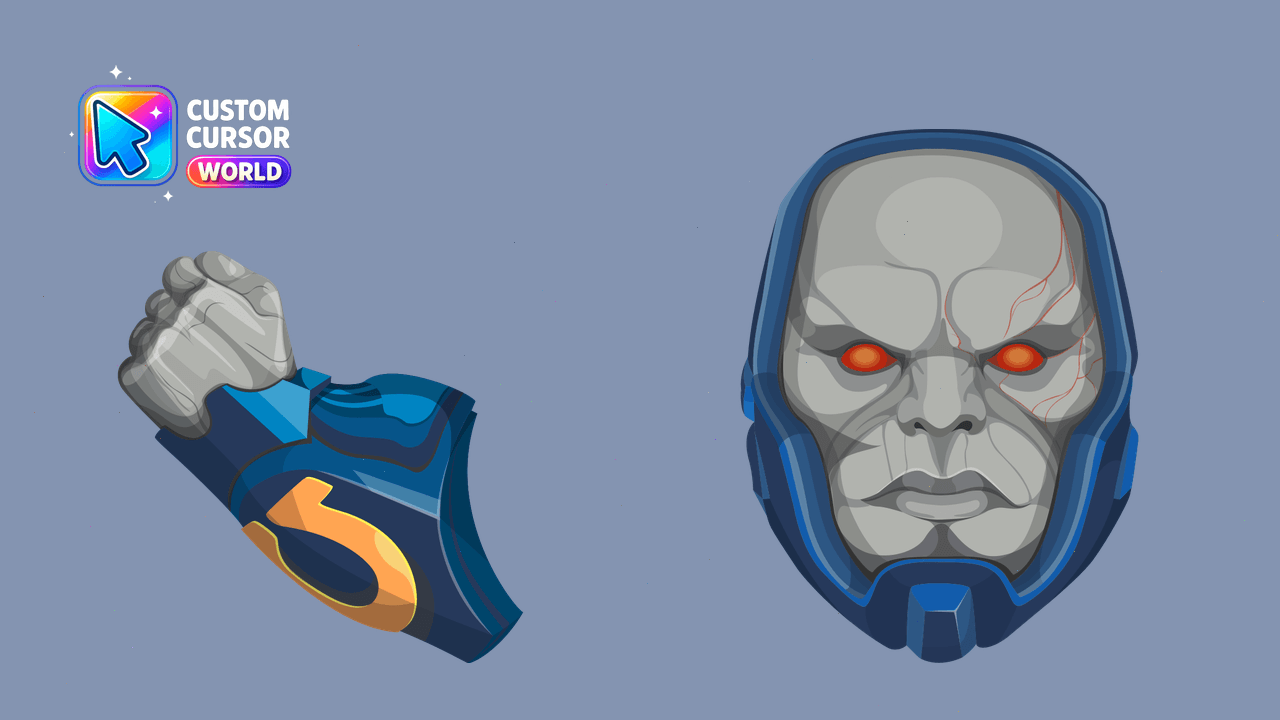
Darkseid Custom Cursor Pack - DC Collection
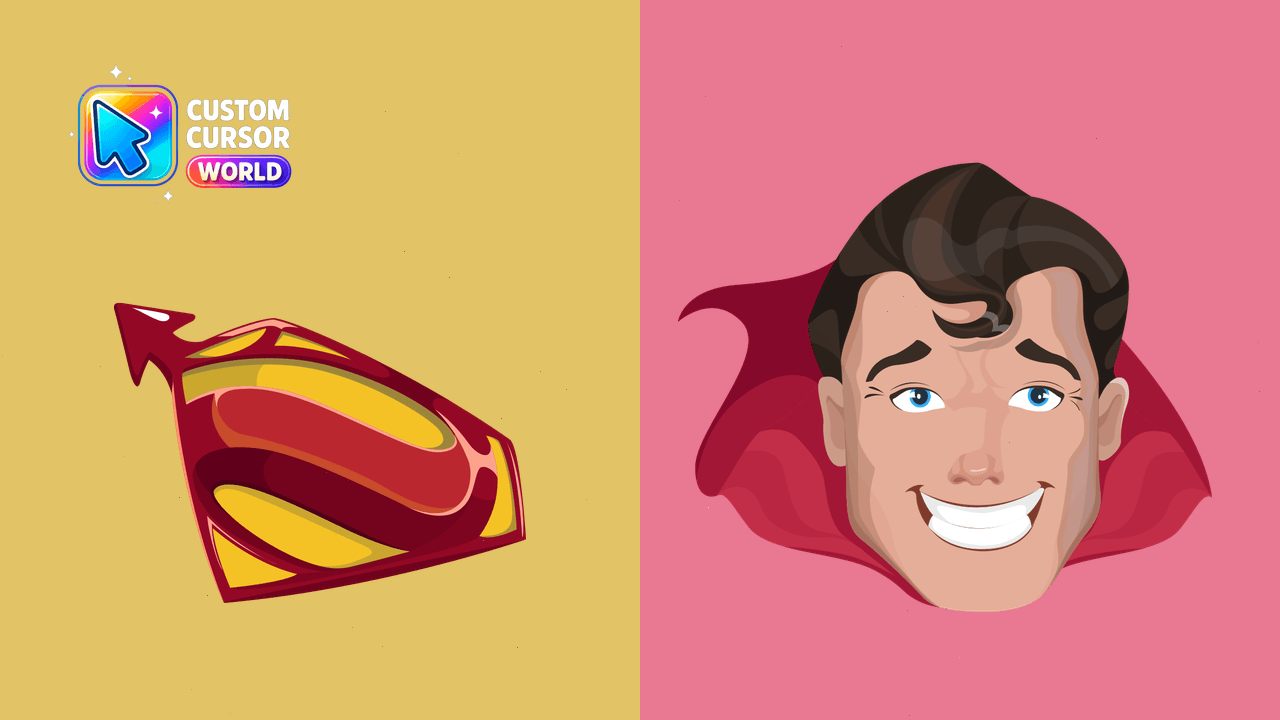
Custom Superman cursors - cheery hover or flying action variant
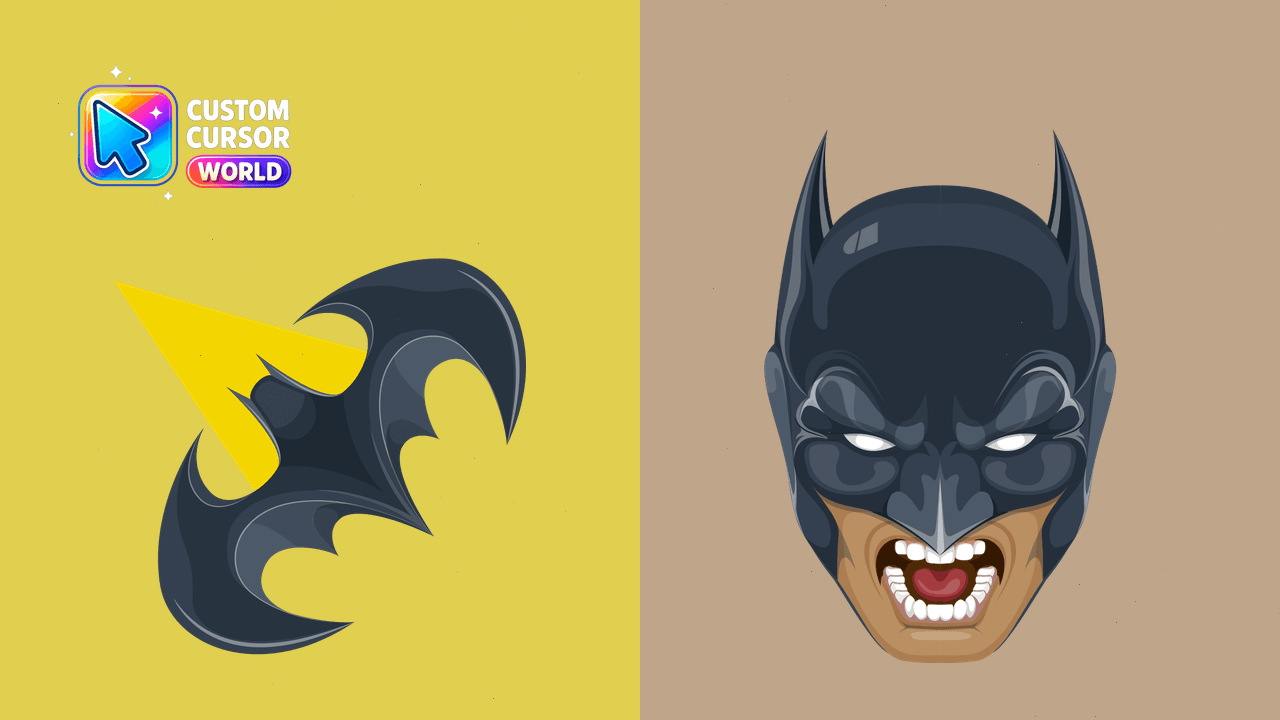
Experience the Dark Knight in your browser!
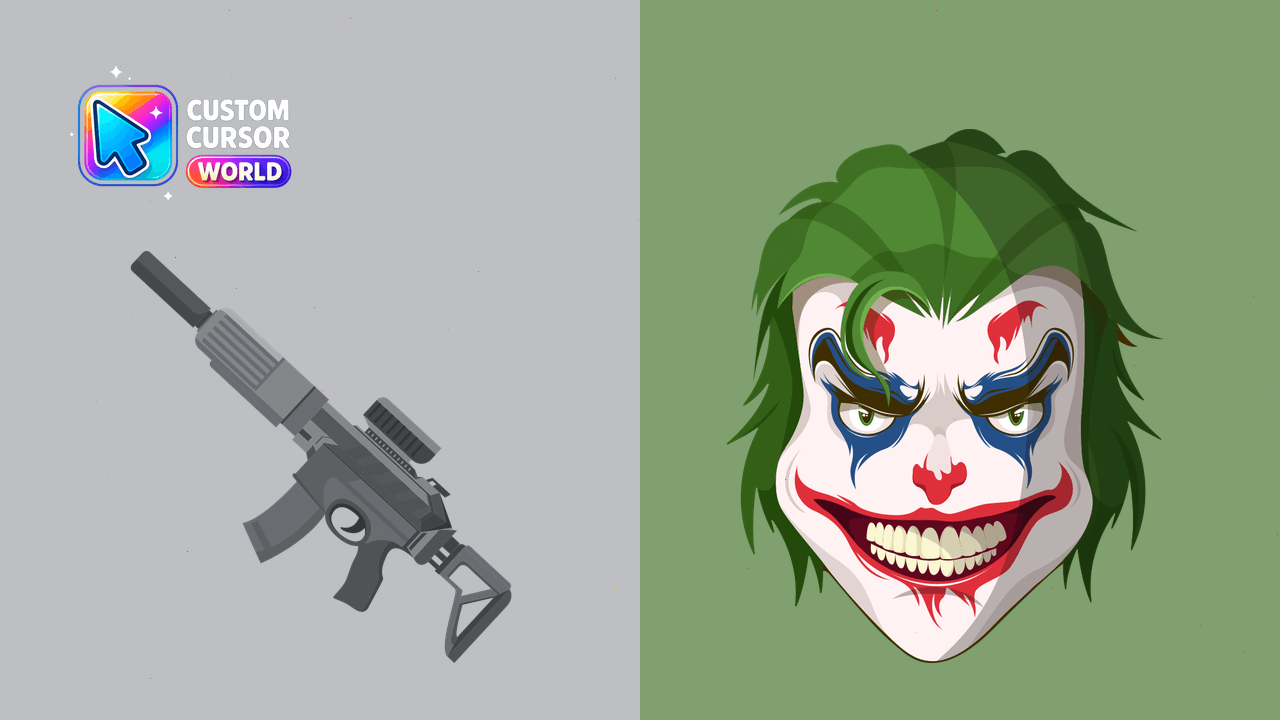
Transform your desktop with Joker Laughing Cursor Pack: Insane, Chaotic, Custom Cursors
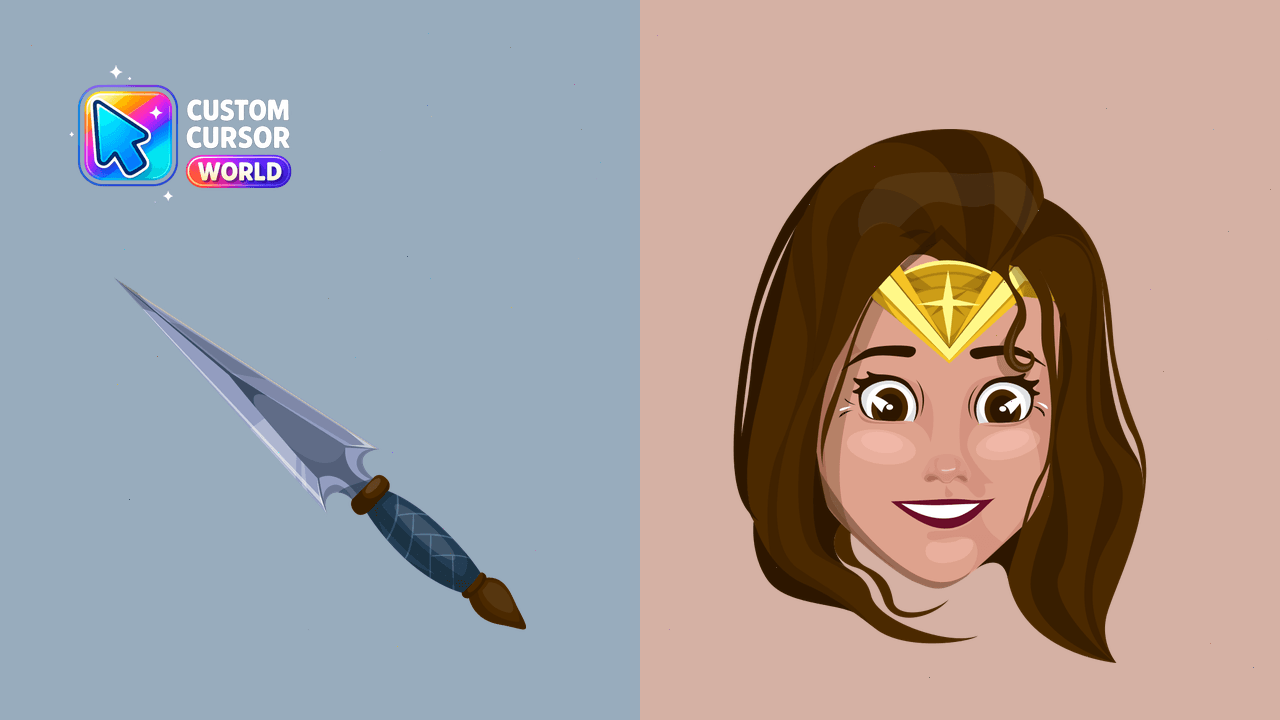
Experience Wonder Woman in your browser with this customizable cursor pack!
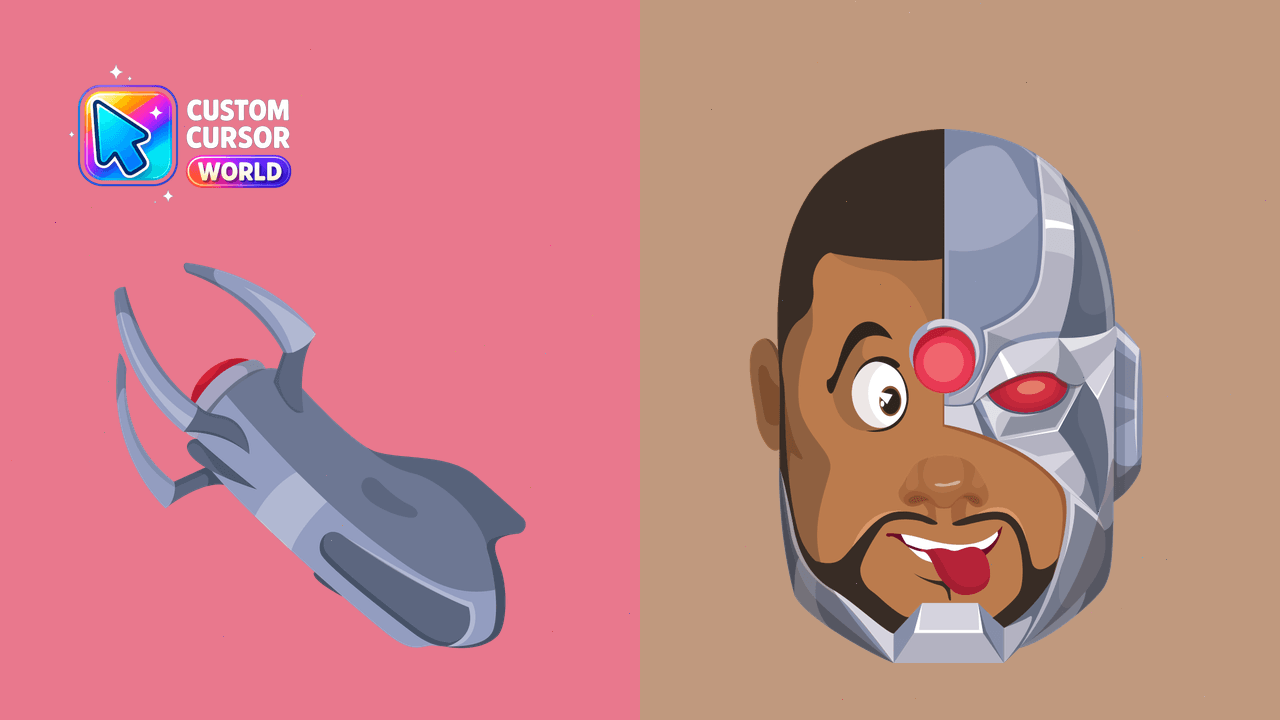
Cyborg Cursor Pack - Angry/Happy Version for Chrome & Edge
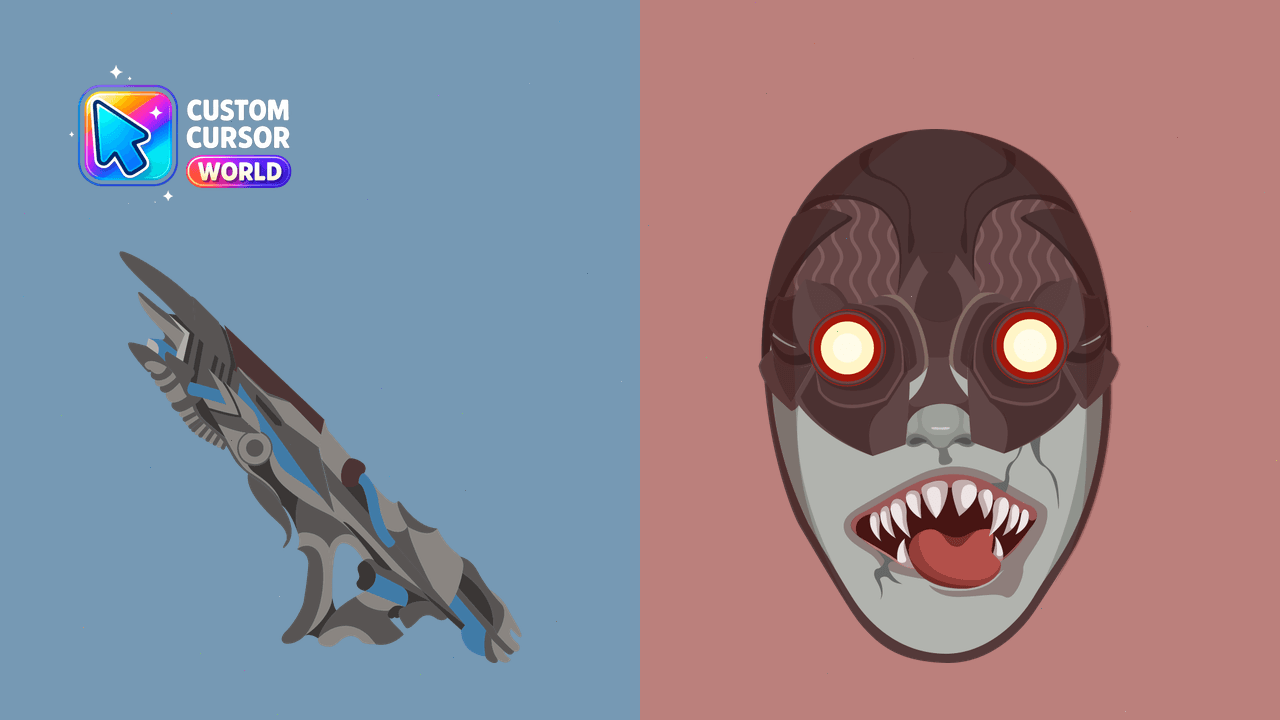
Collect Parademon, Apocolips monster, in this custom cursor pack for Chrome/Edge browsers
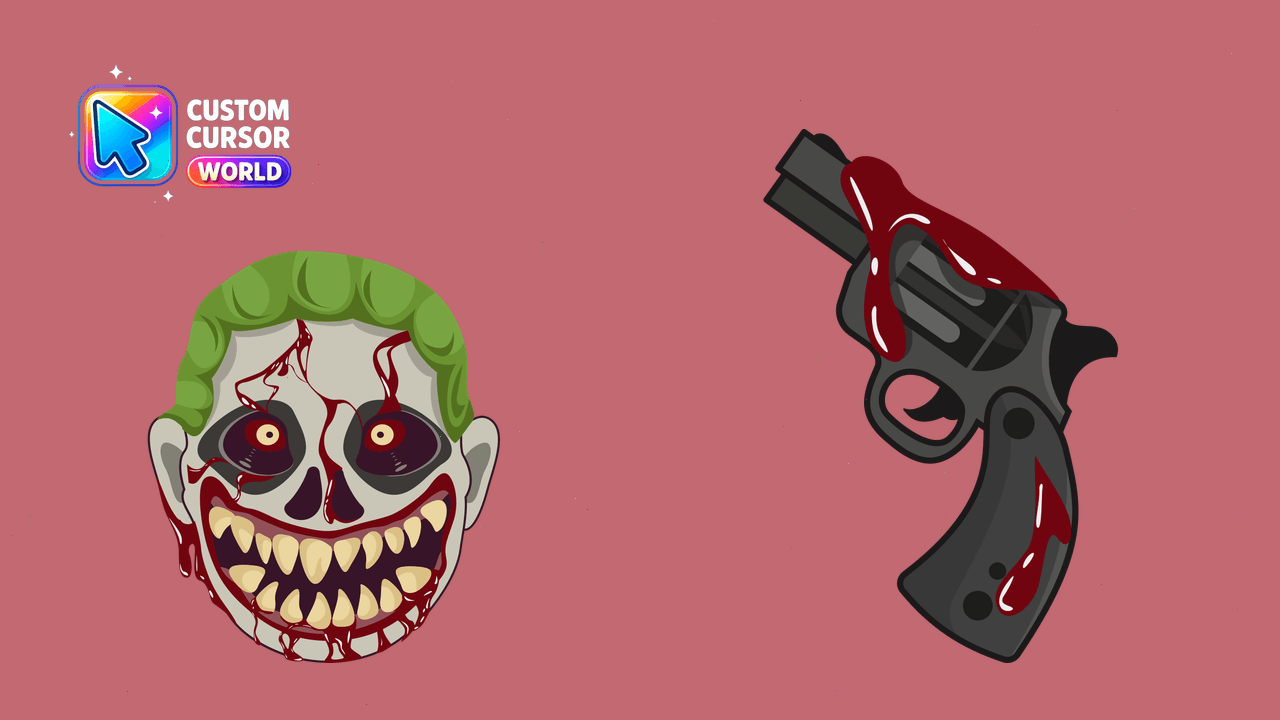
Halloween themed Zombie Joker Cursor Pack - customizable for Chrome and Edge browsers
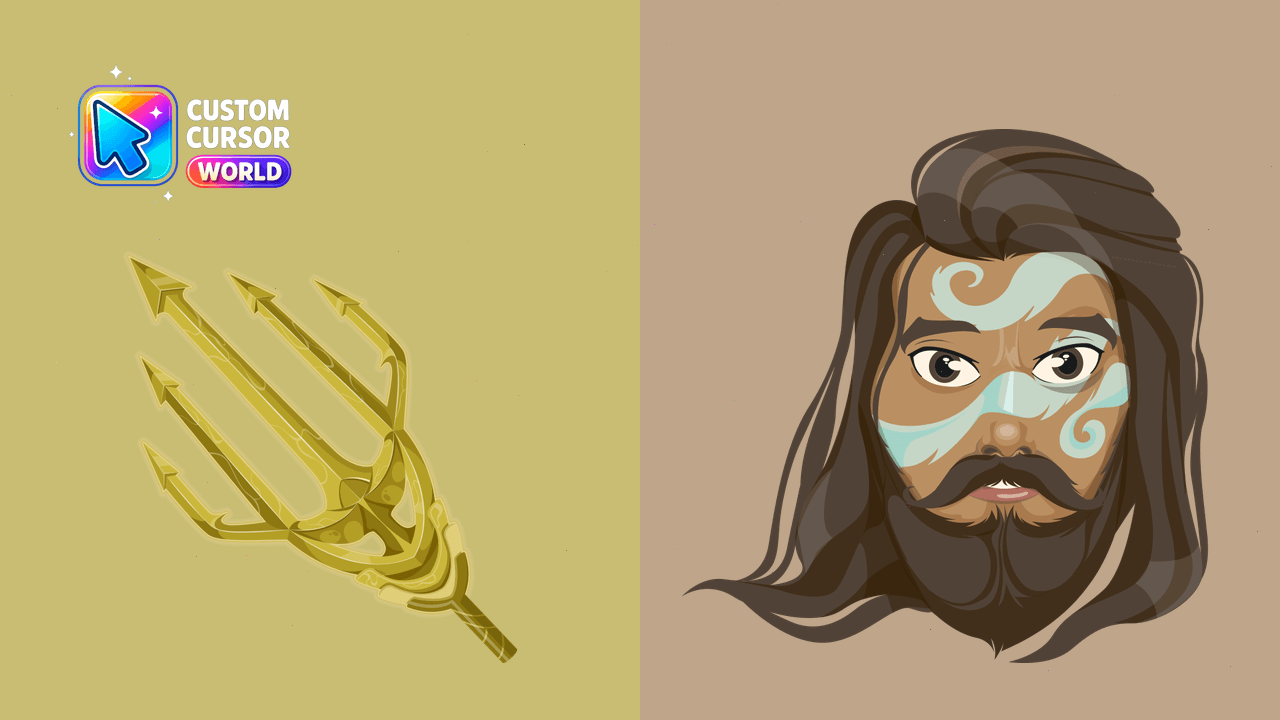
Custom Aquaman Cursor Pack - Interactive Chrome Mouse Cursors

Justice League golden trident cute cursor packs the golden trident tip arrow and a matching gold blue pointing-hand pointer.

Justice League lightning bolt cute cursor brings the golden yellow lightning arrow and a matching yellow pointing-hand pointer.

Justice League energy arrow cute cursor packs the teal green split arrowhead arrow and a matching teal green pointing-hand pointer.

Justice League golden shield cute cursor brings the golden star shield arrow and a matching gold pointing-hand pointer.

Justice League red cape cute cursor packs the flowing red gold cape arrow and a matching red pointing-hand pointer.

DC Beast Boy cursor with a Green Paw pointer - energetic cartoon for every click.

DC Raven cursor with a Dark Magic Orb pointer - mystical shadow for every click.

DC Green Arrow cursor with a Trick Arrow pointer - urban archer for every click.

DC Shazam cursor with a Magic Lightning pointer - bright superhero for every click.

DC Black Adam cursor with a Black Lightning pointer - ancient powerful for every click.

DC Deathstroke cursor with a Tactical Sword pointer - armored mercenary for every click.

DC Cyborg cursor with a Energy Cannon pointer - futuristic cyber for every click.

DC Green Lantern cursor with a Power Ring pointer - glowing cosmic for every click.

DC Aquaman cursor with a Trident of Atlan pointer - underwater royal for every click.

DC The Flash cursor with a Lightning Bolt pointer - electric speed for every click.

DC Wonder Woman cursor with a Golden Lasso pointer - mythic warrior for every click.

DC Superman cursor with a Kryptonite Crystal pointer - heroic classic comic for every click.

Among Us Superman Character cursor - blue cape crewmate with yellow emblem and pointer.

Among Us Wonder Woman Character cursor - red-and-blue starry hero bean with gold tiara and matching hand.