
Cute Cursors
DeviantArt
Free DeviantArt-themed custom cursors - cute creative pointer art for artists.

Ice cream is one of the few foods that looks better as an icon than on a plate - cones, bars, rocket shapes, melting drips.
This collection is all frozen desserts: classic cones, popsicles, soft serve and a few neon novelty scoops.
Best deployed in summer, or in winter when you need the reminder.
Browse 155 carefully curated cursor packs in this collection. All packs are free to download and work with Chrome, Edge, and Windows browsers.
From Custom Cursor World, Custom Cursors, and Cute Cursors catalogs
Discover more curated cursor collections that match your interests. Explore similar themed collections with free cursor packs for Chrome, Edge, and Windows.
Free DeviantArt-themed custom cursors - cute creative pointer art for artists.

Free Alley Cats cursors - Ricky Gervais Netflix scruffy cat crew with dark outline fan art.

Free Strawberry Buddy custom cursors - cute strawberry character packs with matching pointers.

Free Blueberry Buddy custom cursors - cute blueberry character packs with matching pointers.
Follow these simple steps to start using custom cursors from the Ice Cream collection. All cursor packs are free and easy to install.
Install the Custom Cursor World extension for Chrome or Edge browser. The extension is free and takes less than a minute to set up.
Explore 155 cursor packs in the Ice Cream collection and find your favorite designs. Each pack is carefully curated for quality.
Click on any cursor pack and download it directly to your browser. No additional software or configuration needed.
Your new cursor is now active! Customize your browsing experience with unique cursor designs from the Ice Cream collection.
Common questions about the Ice Cream cursor collection
The Ice Cream collection is a curated set of custom cursor packs designed to enhance your browsing experience. Each pack in this collection has been carefully selected to provide unique and visually appealing cursor designs.
Yes! All cursor packs in this collection are completely free to download and use. There are no hidden fees or subscriptions required.
These cursor packs work with Chrome and Edge browsers through the Custom Cursor World extension. The extension is free and easy to install.
Simply click on any cursor pack in this collection, then click the "Add" or "Download" button. The extension will automatically install the cursor pack for you.
Yes! You can switch between different cursor packs at any time. Just browse our collections and select a new pack whenever you want to change your cursor style.
No restart is needed! Once you install a cursor pack, it becomes active immediately. You can start using your new cursor right away.

Install our free browser extension to instantly apply any cursor from our vast collection with one click. Works seamlessly with Chrome, Edge, and Windows.

Ice Cream and Popcorn Classic cute cursor - a free custom cursor with movie-night pairing.
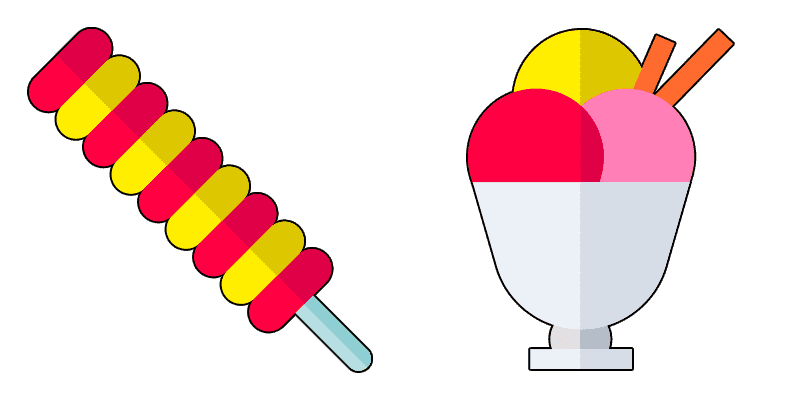

Ice Cream and Muffin Classic custom cursor - a cute cursor pack with bakery scoop combo.

Ice Cream and Cake Classic cute cursor - a free custom cursor with party dessert pairing.

Try the Ice Cream and Popcorn Soft cute cursor - a free custom cursor full of soft snack-night vibes.

Blue Ice Pop Milk Cocktail custom cursor - a cute cursor pack with frosty blue sip motion.



Download the Ice Cream and Muffin Soft cute cursor - custom cursor style with soft bakery chill.

Try the Ice Cream and Cake Soft cute cursor - a free custom cursor full of soft celebration sweets.
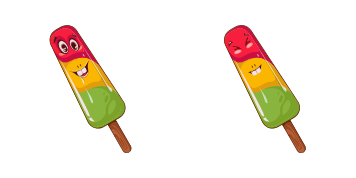

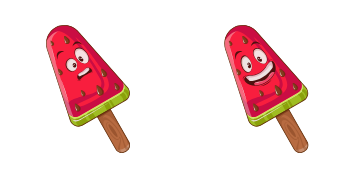

Try the Funny Ice Cream Spinning cute cursor - a free custom cursor full of dizzy scoop comedy.
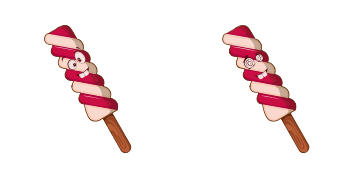
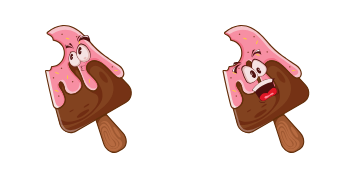

Try the Pink Ice Pop cute cursor - a free custom cursor full of rosy freeze bounce.

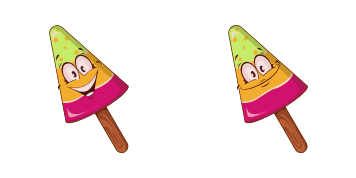
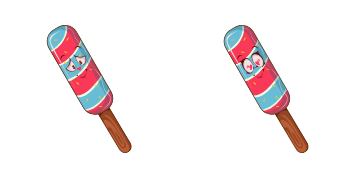

Ice Cream Chill Blue Neon cute cursor - a free custom cursor with neon freezer glow.



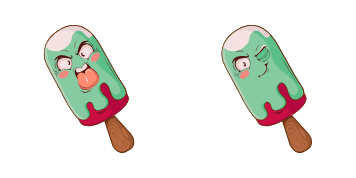


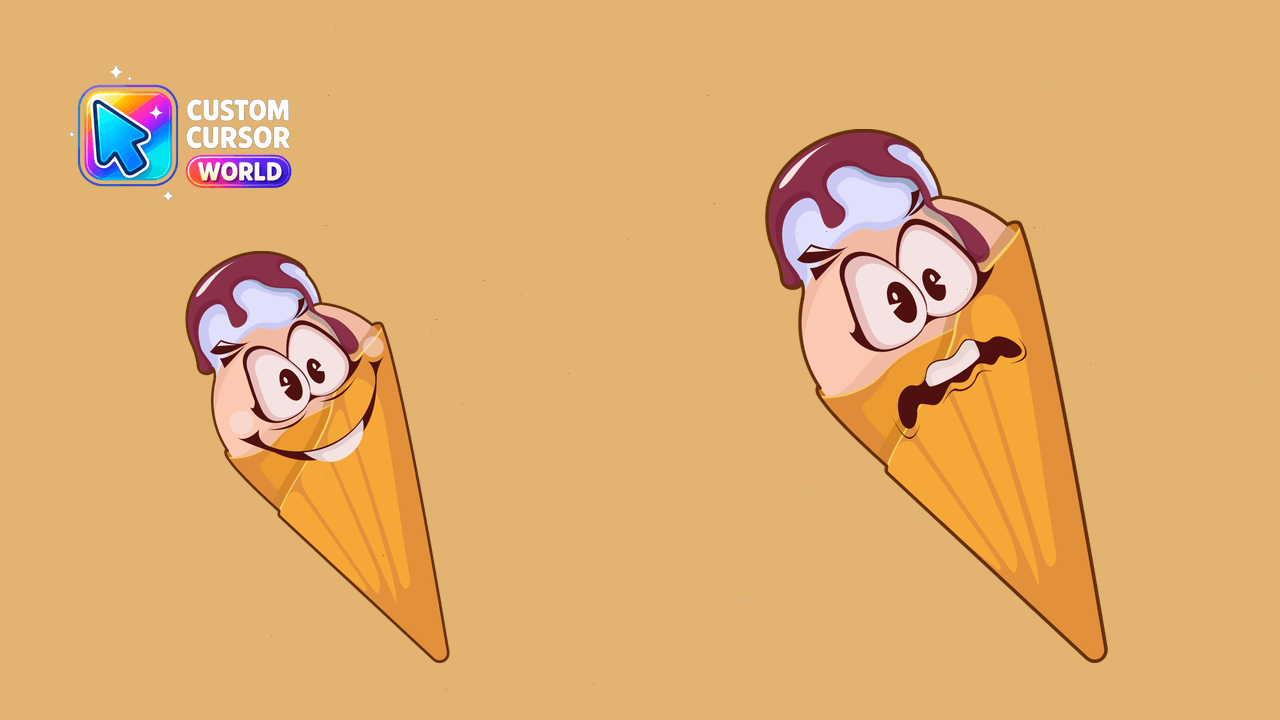
Brighten up your browser with our playful ice cream dessert cursors, compatible with Chrome and Edge.
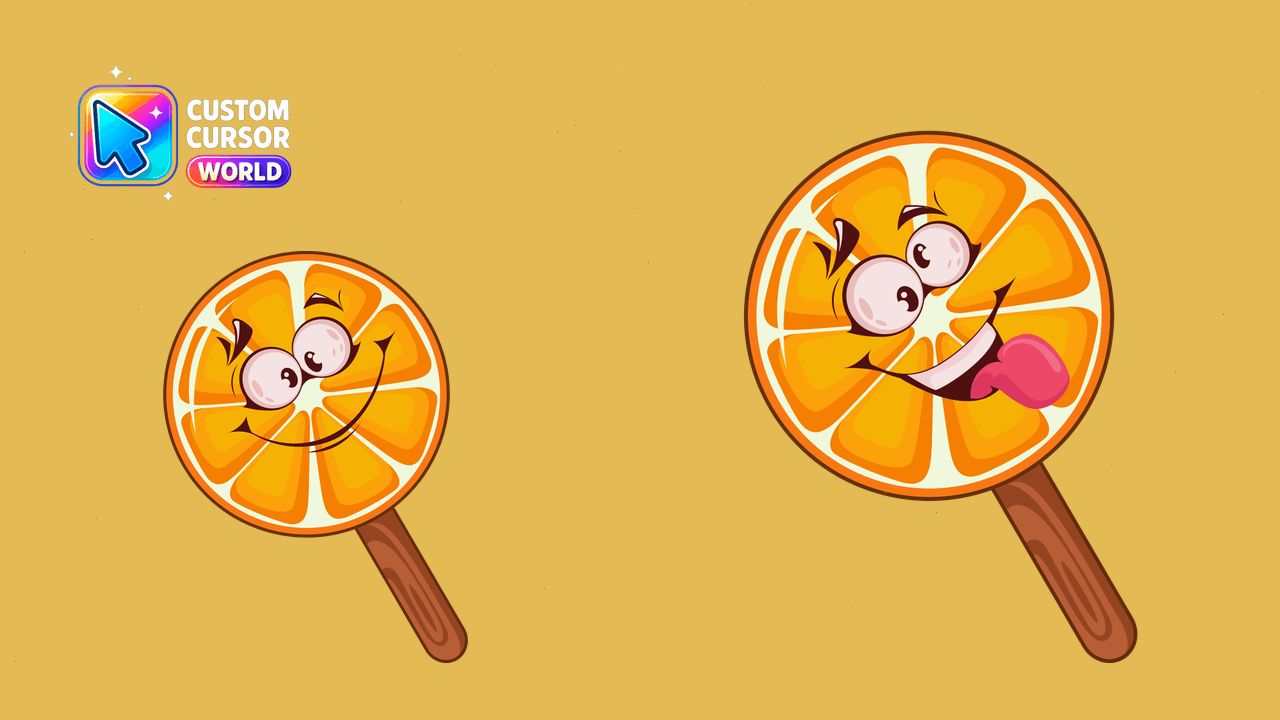
Ice Cream Custom Cursors for Chrome & Edge
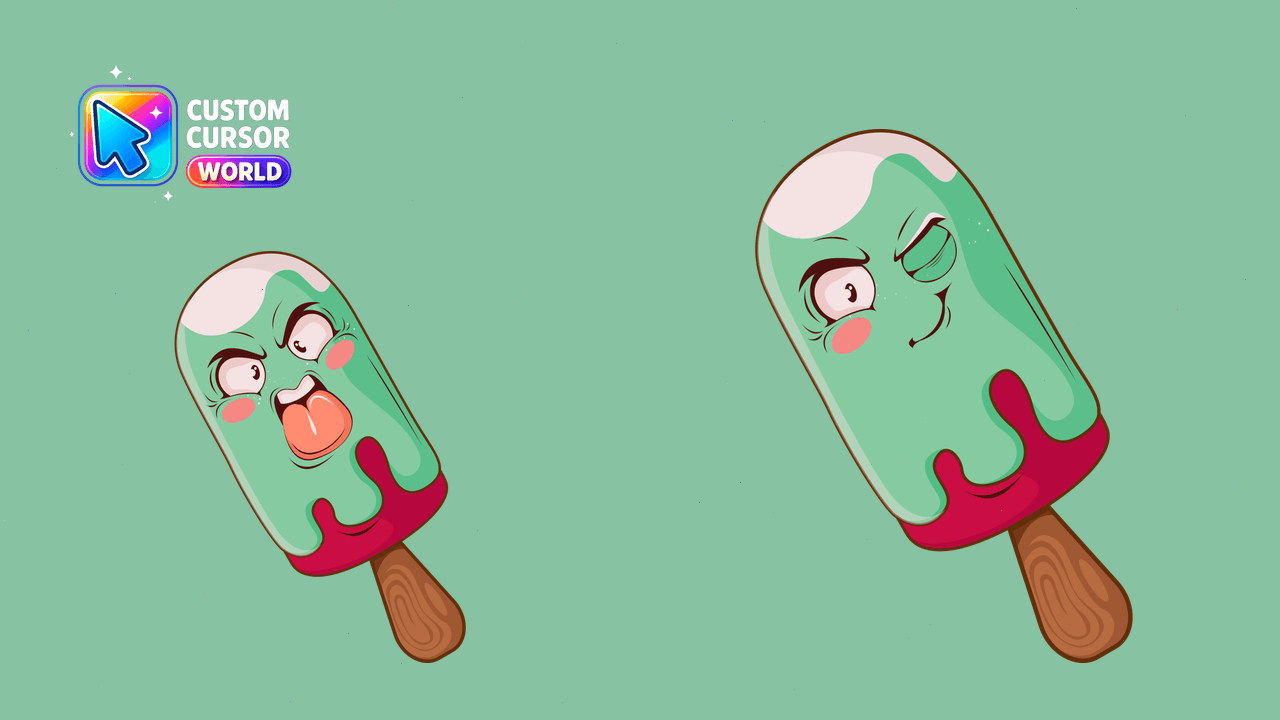
Experience Angry Ice Cream with this fun cursor pack optimized for Chrome and Edge. Download now!
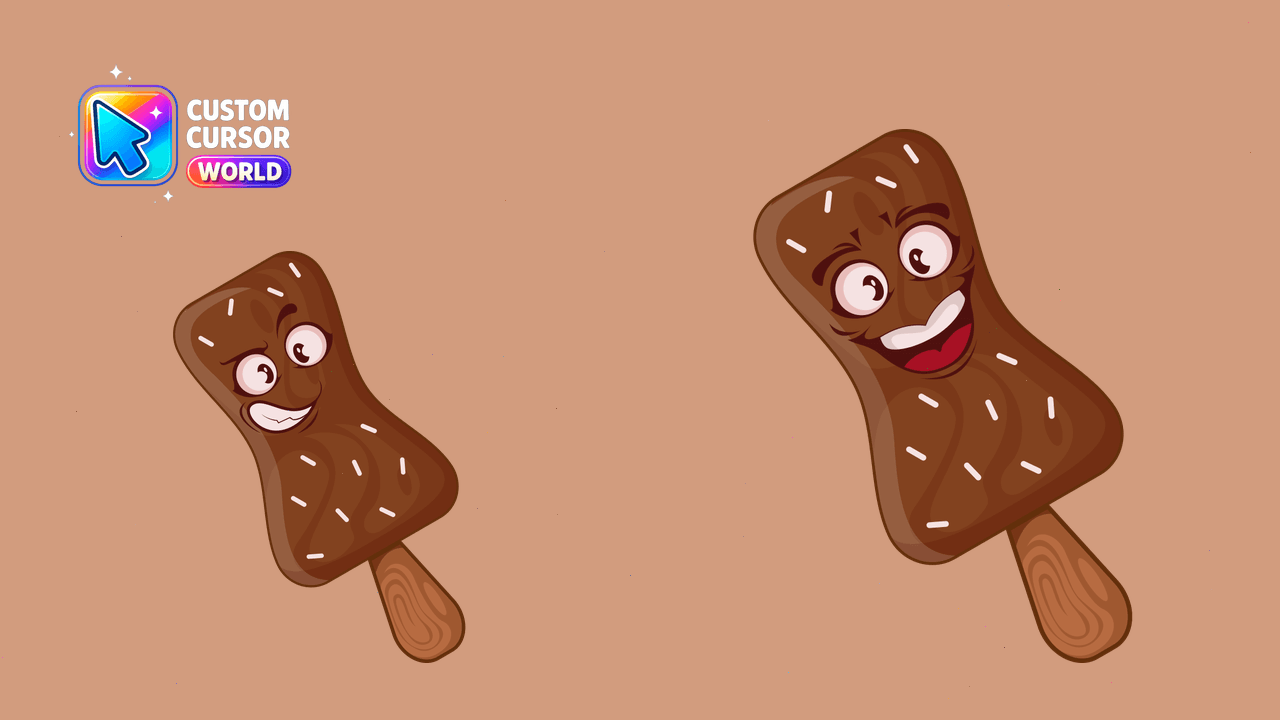
Fun, colorful ice cream themed custom cursors with accessibility options
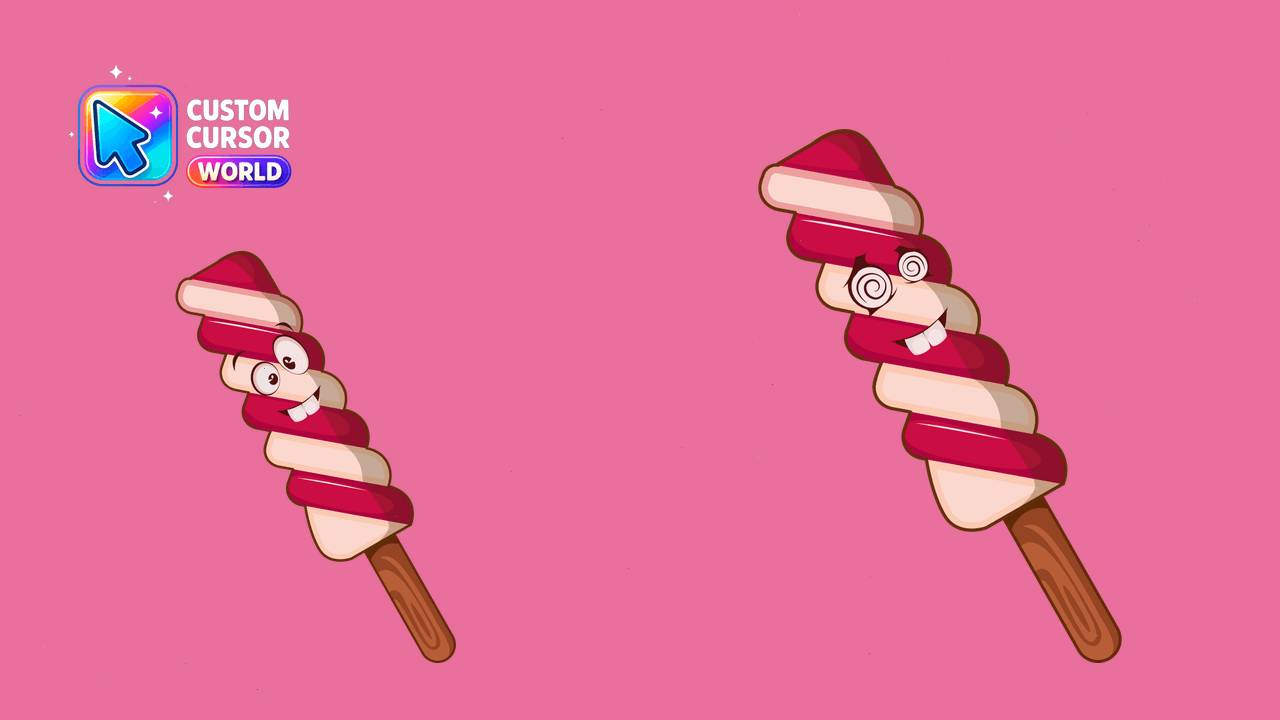
Personalize your cursor experience with our Ice Cream Delight Custom Cursor Pack featuring bright, whimsical ice cream designs for Chrome and Edge use
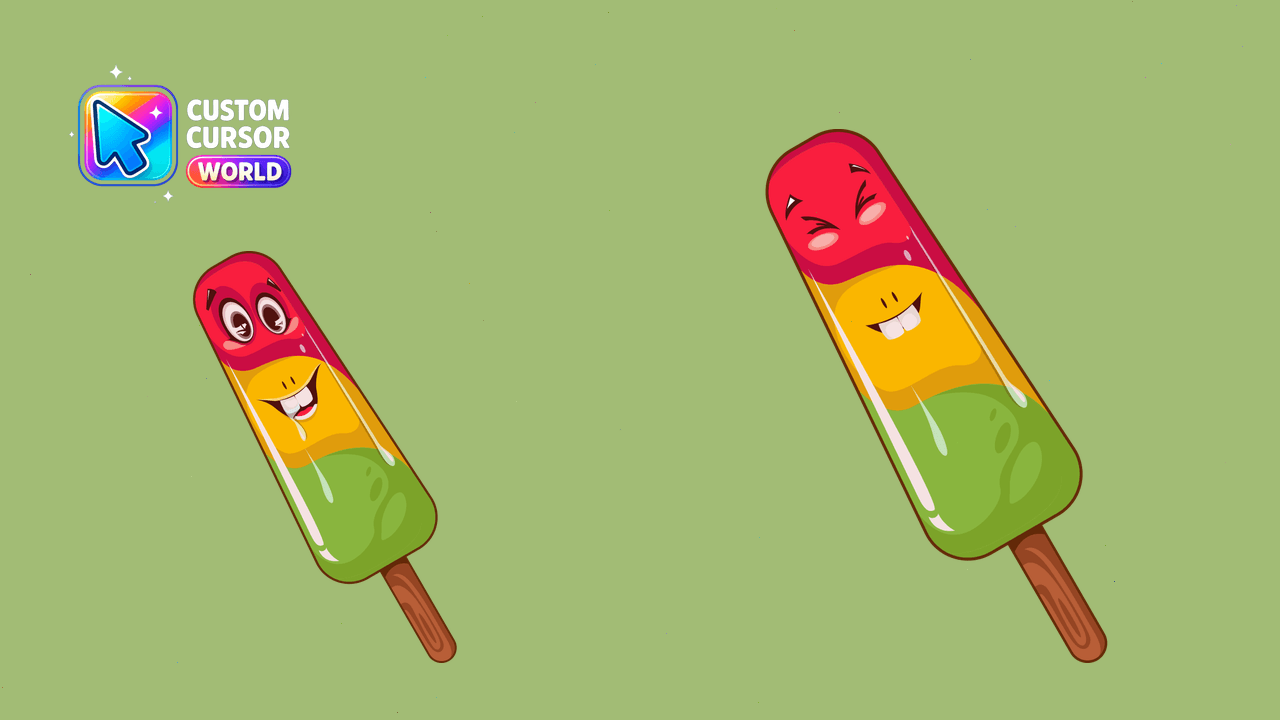
Discover the Charming Cursor Pack - an enchanting ice cream-themed custom cursor collection for Chrome and Edge browsers, ready for export from Window
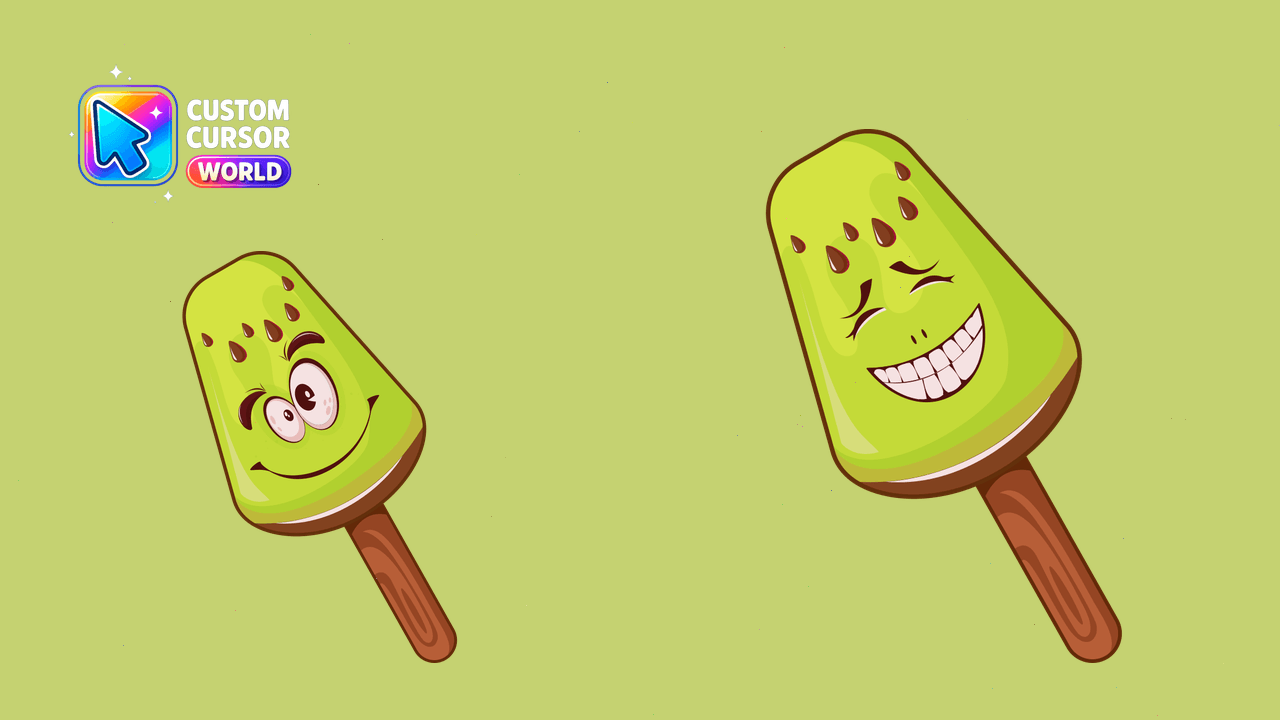
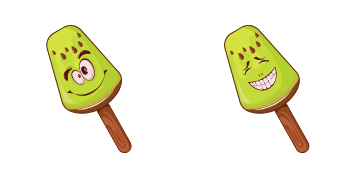
Kiwi Ice Cream - Merry Mood Kiwi Custom Cursor
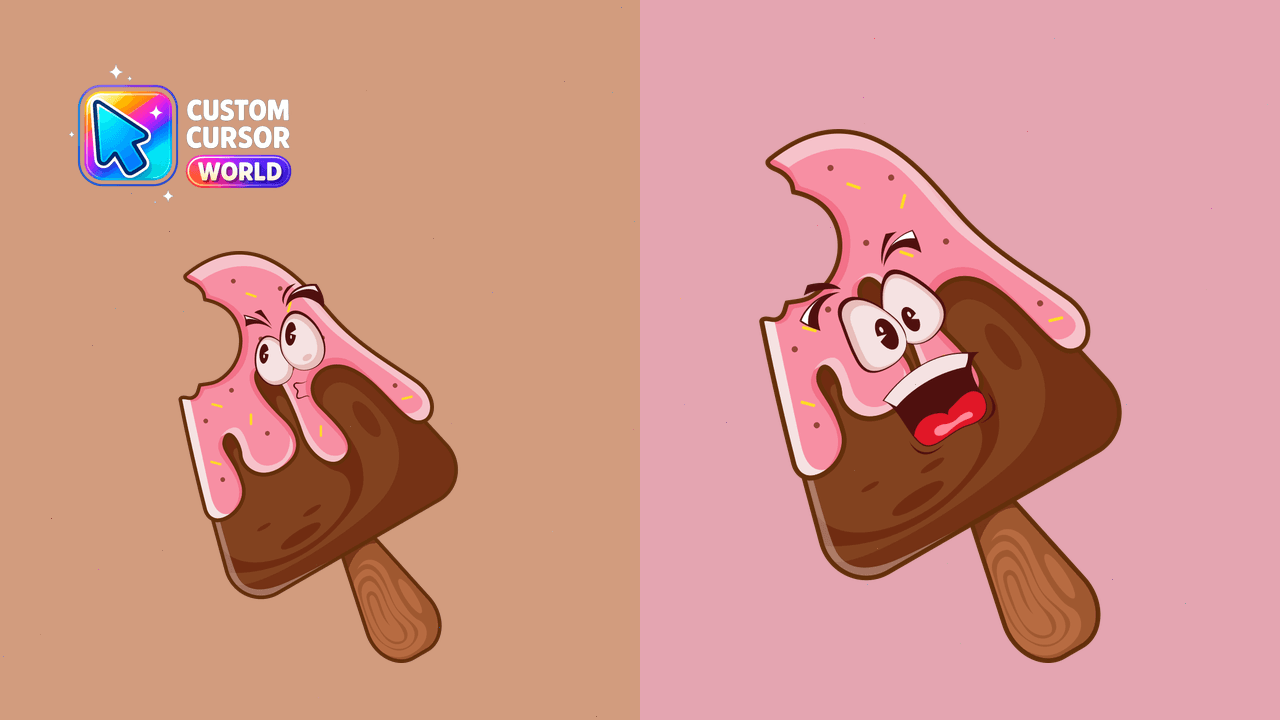
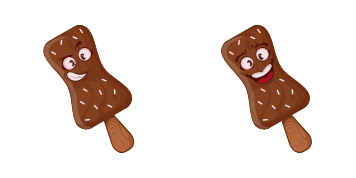
Custom Chocolate Ice Cream Cursor for a Sweet Browsing Experience
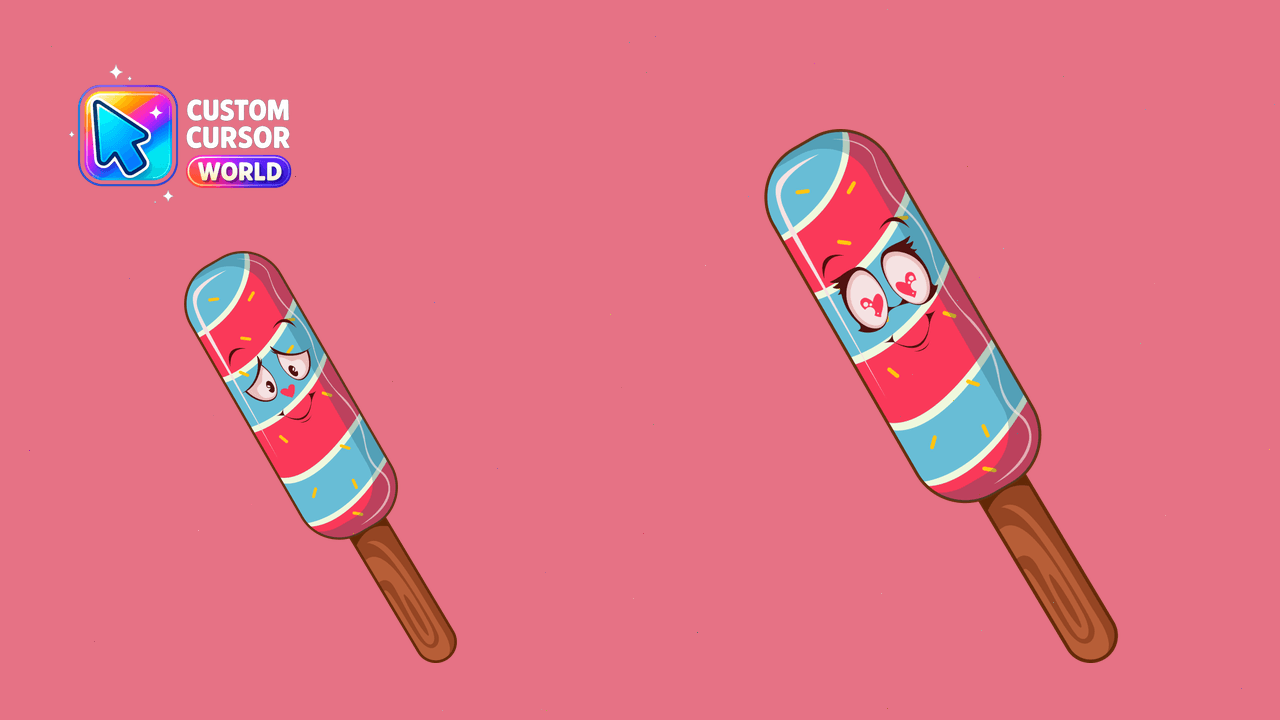
Transform your browser experience with the Blue Moon Custom Cursor Pack's unique, performance-friendly cursors for Chrome, Edge, and Windows.
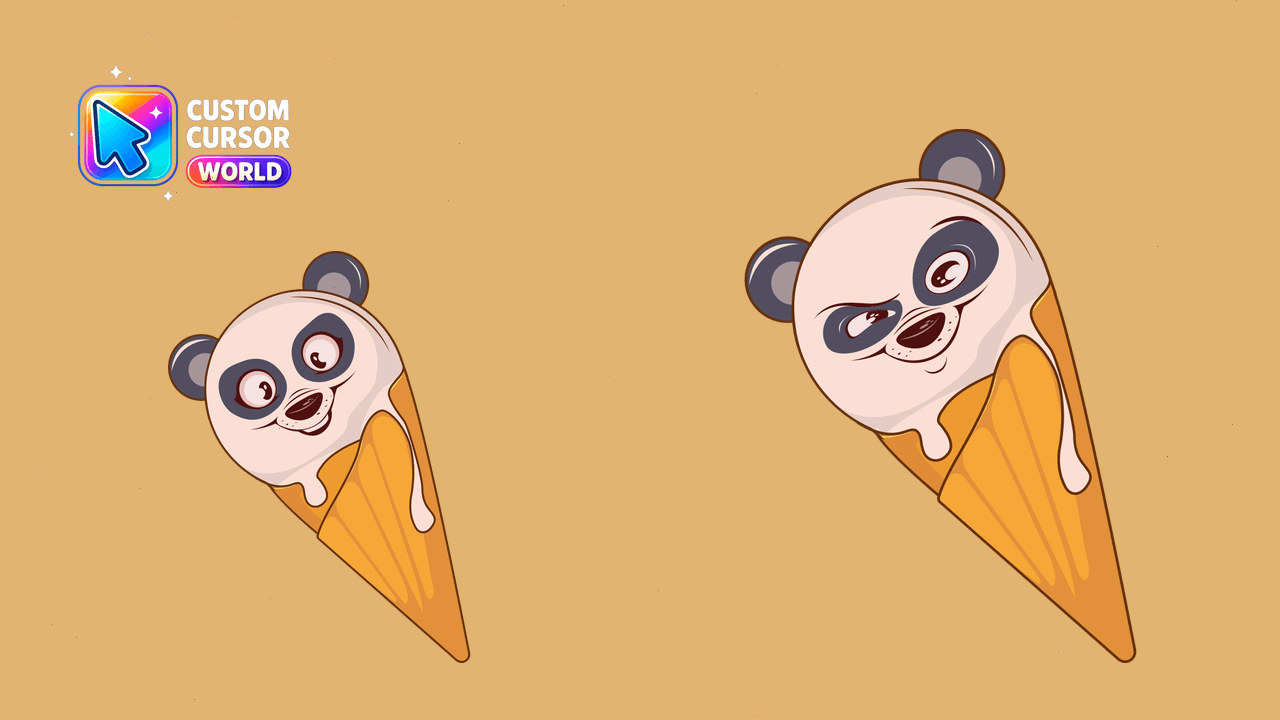
Upgrade your cursor collection with this ice cream dessert custom cursor pack for Chrome and Edge.
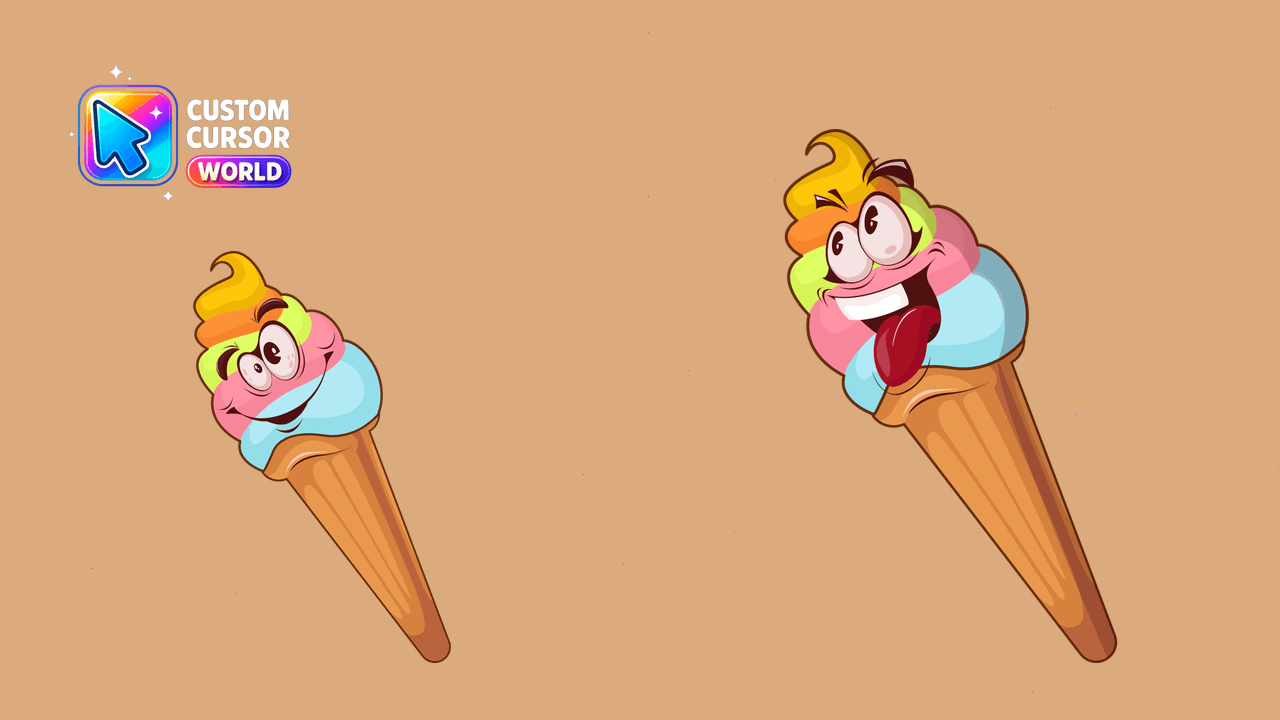
Ice Cream Delight Custom Cursor Pack: Fun & Bright Ice Cream Themed Cursors for Chrome/Edge
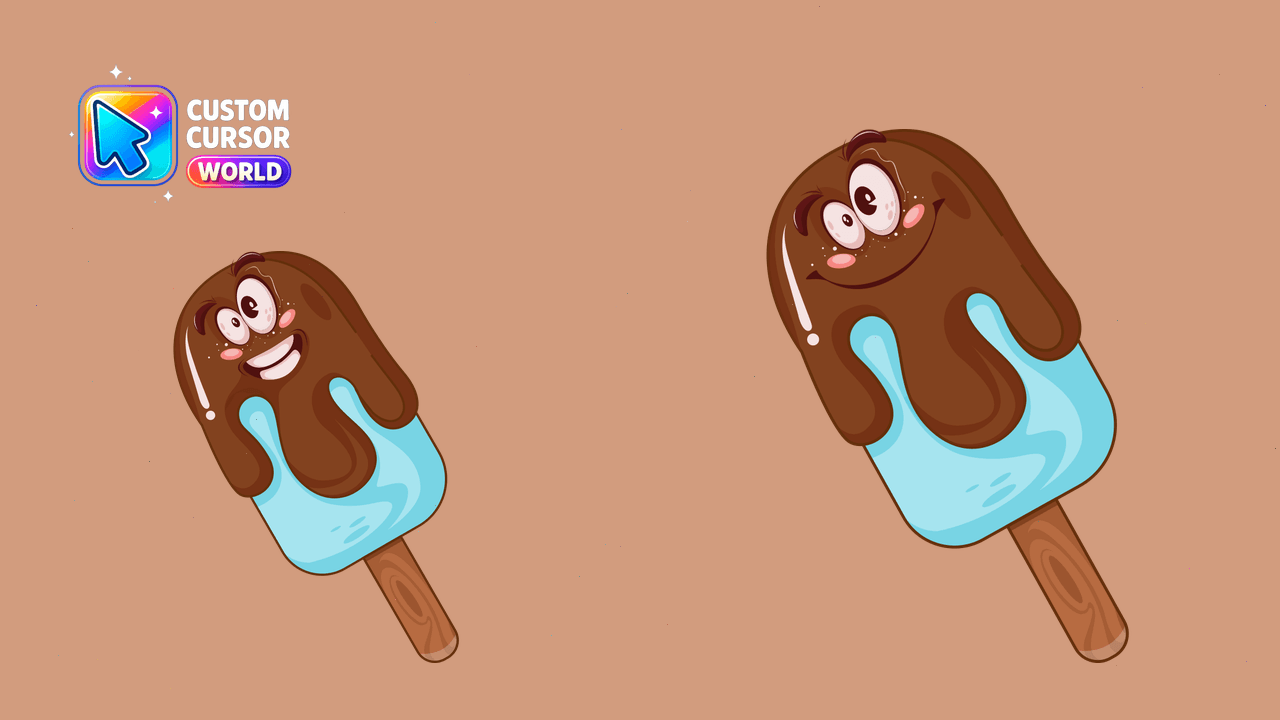
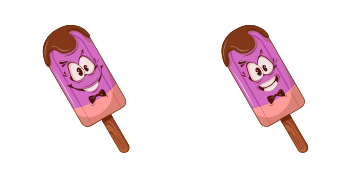
Sweet and stylish <Popsicle Ice Cream> cursor for Chrome, Edge and more. Add a treat to your cursor pack!
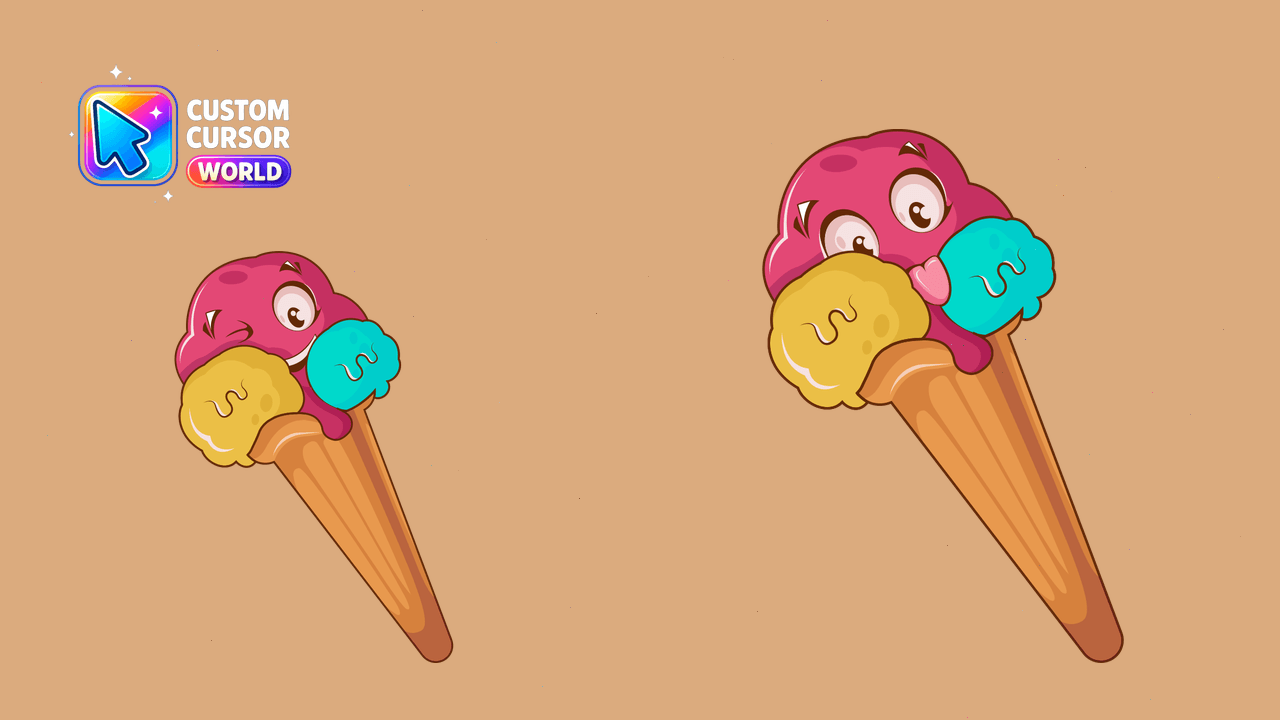
Brighten up your pointer with Corn Ice Cream Custom Cursor Pack!
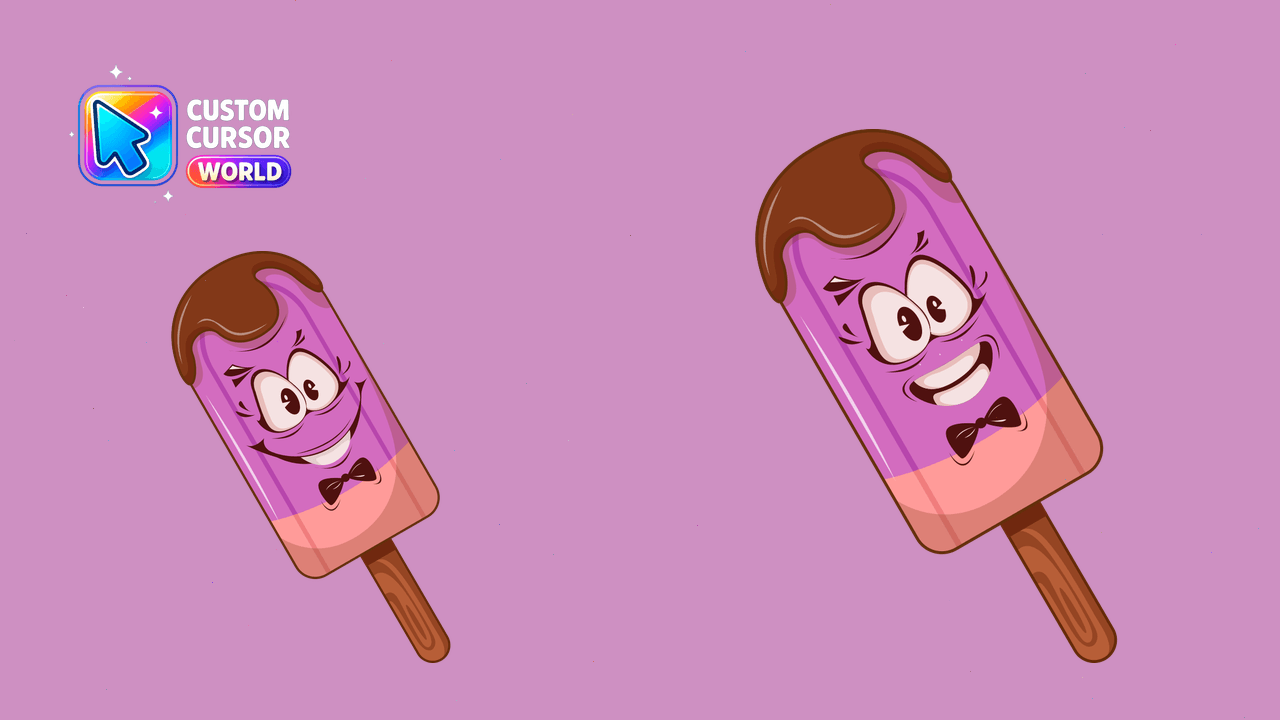
Transform your cursor into delicious ice cream treats!
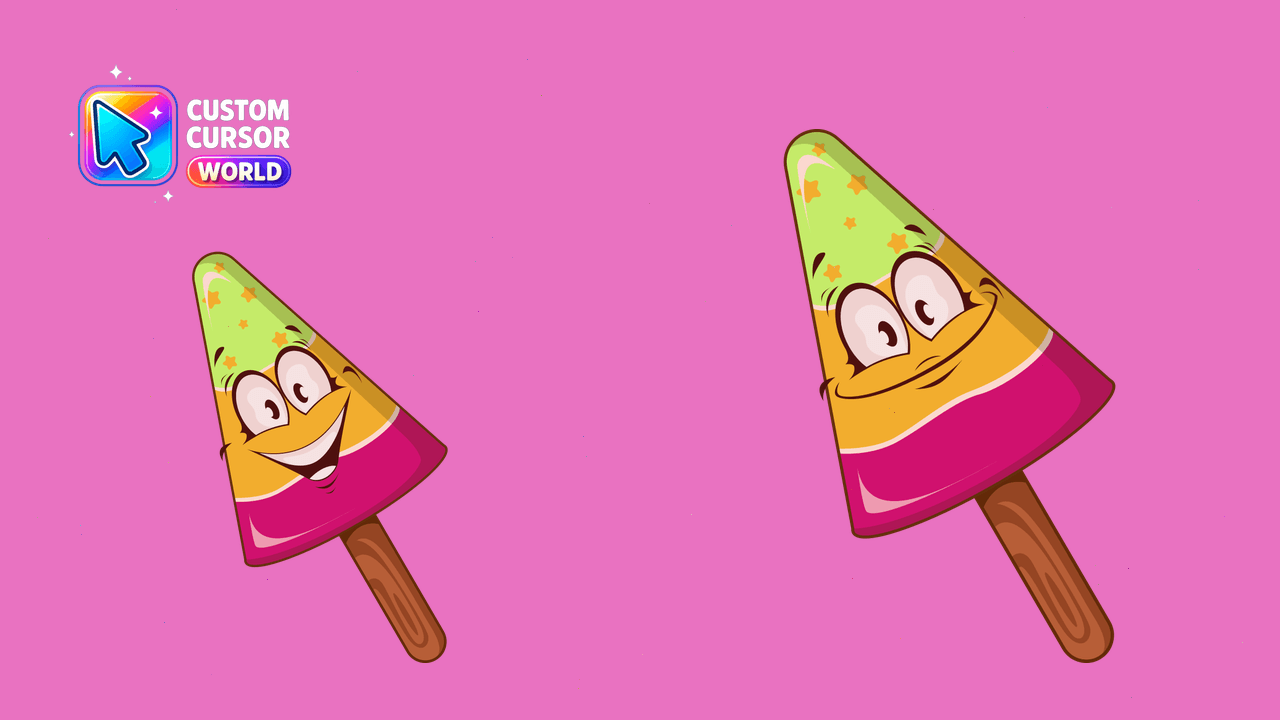
Elevate your cursor game with Sweet Cursor Pack - Ice Cream Delight
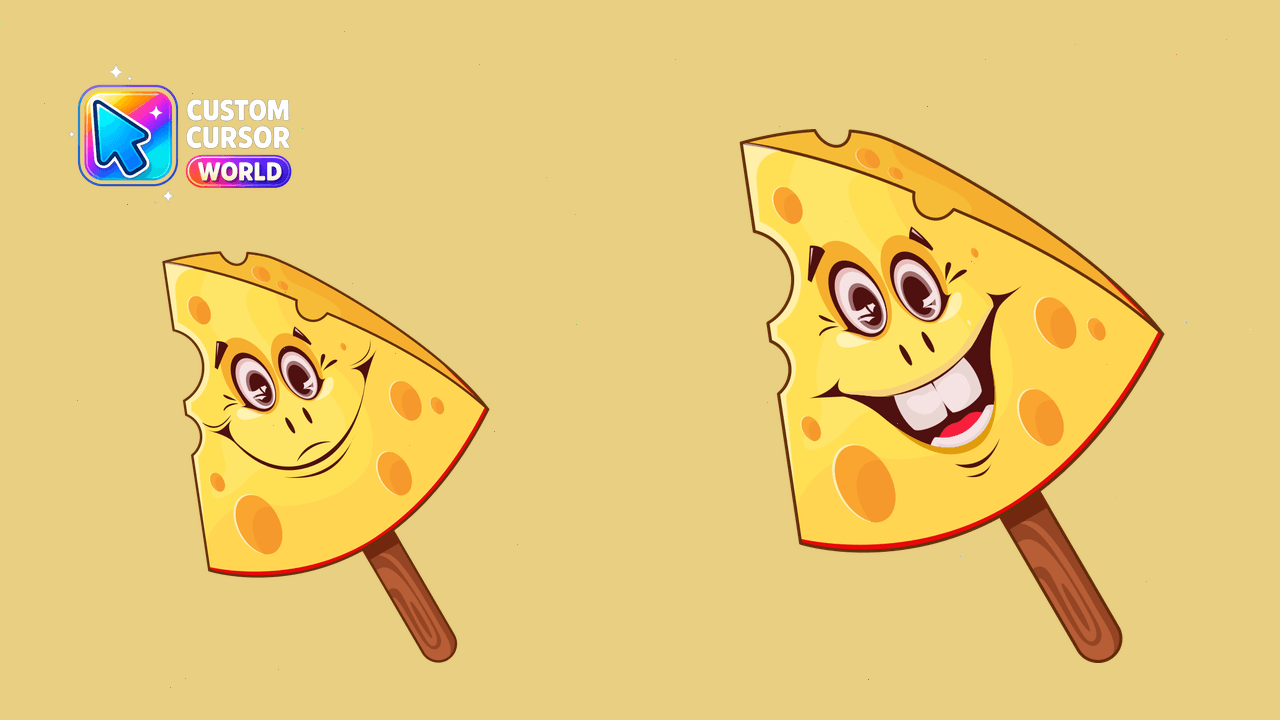
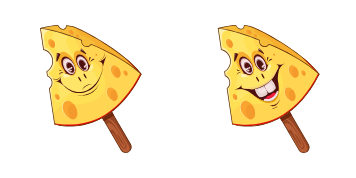
Brighten up your web surfing with our Cheese Cursor Pack for Chrome & Edge

Custom Heart Cursors - Fun & Functional Ice Cream for Chrome & Edge
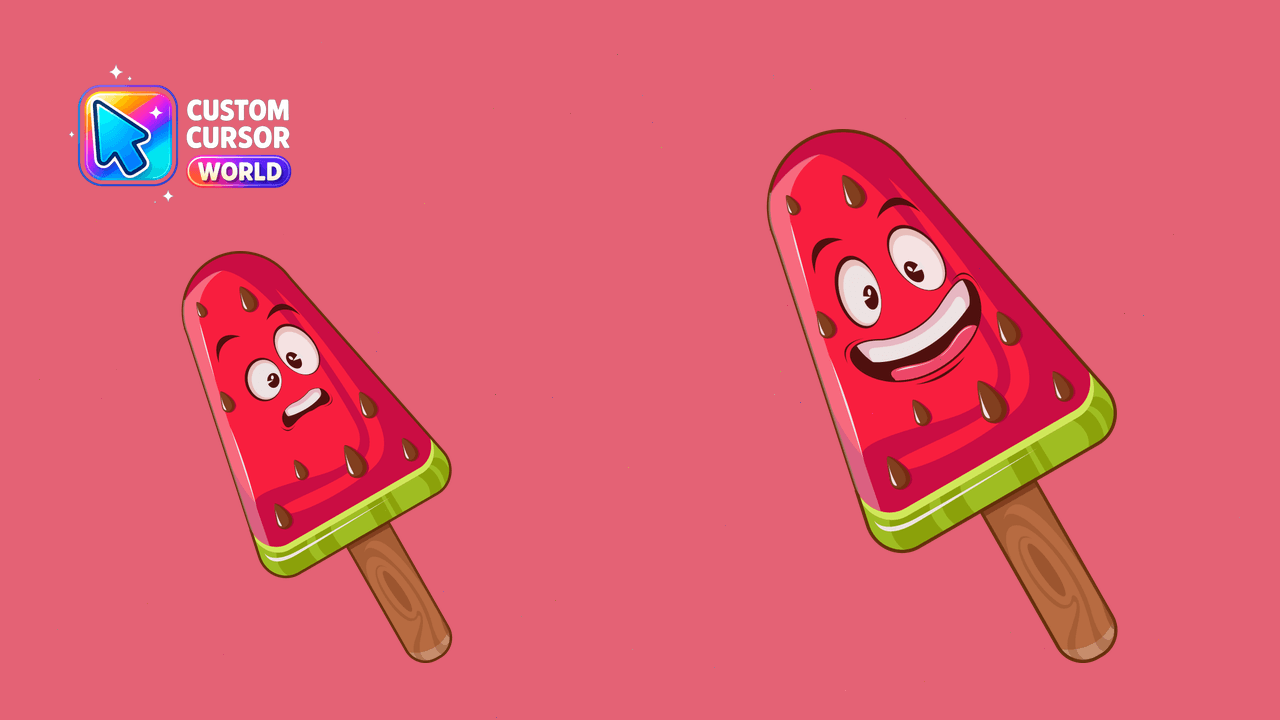
Add a sweet twist to your browsing experience with our delightful watermelon ice cream custom cursors designed for Chrome and Edge browsers. Easy inst
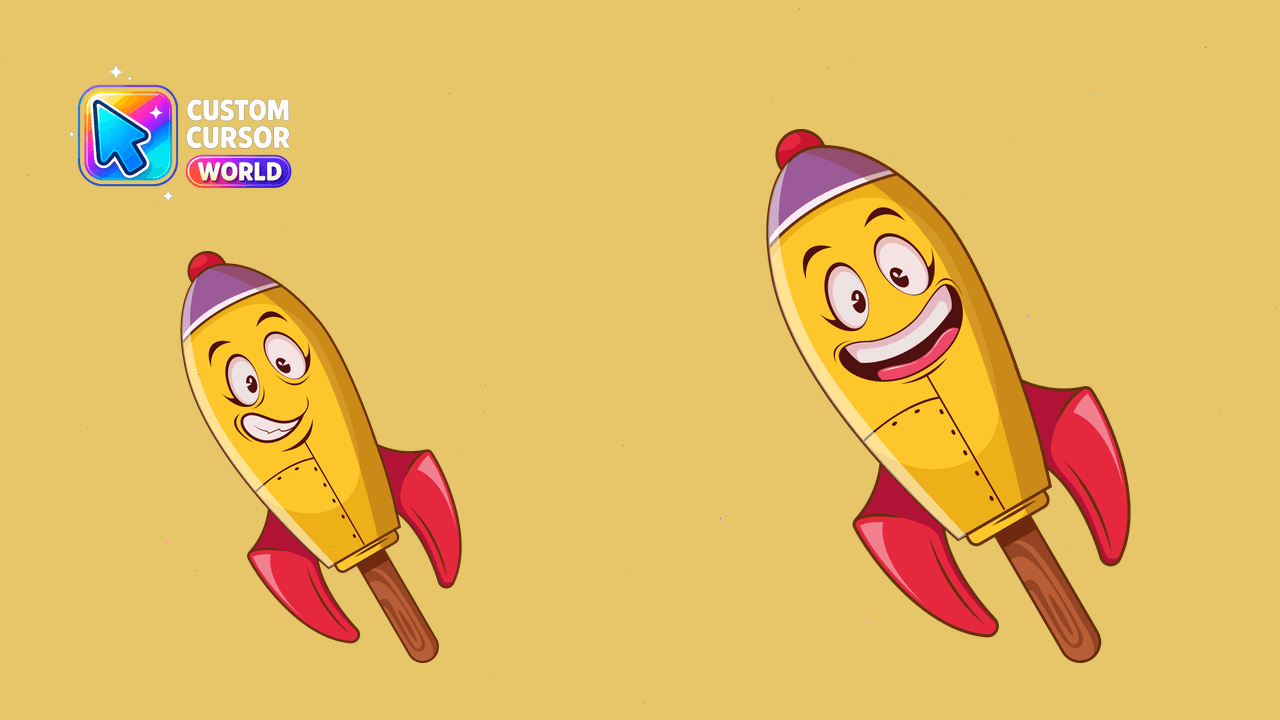
Ice cream cursors with funny rocket elements, optimized for Chrome & Edge. Enhance your desktop experience!

Cherry Bomb Ice Cream Bar cursor - bright cherry-red popsicle with spark burst accents.

Sour Apple Ice Cream Bar cursor - neon lime candy popsicle with sugar crystal shine.

Dragon Fruit Ice Cream Bar cursor - hot magenta pitaya popsicle packed with black seeds.

Birthday Cake Ice Cream Bar cursor - frosting popsicle with confetti sprinkles and candle spark.

Watermelon Slice Ice Cream Bar cursor - juicy red popsicle with seeds and a green rind band.

Galaxy Swirl Ice Cream Bar cursor - cosmic purple popsicle with neon nebula swirls and stars.

Electric Lemon Ice Cream Bar cursor - neon yellow citrus popsicle with zest and spark accents.

Bubblegum Pop Ice Cream Bar cursor - neon pink popsicle studded with bright gumballs.

Unicorn Glitter Ice Cream Bar cursor - pastel glitter popsicle with sparkle stars and a tiny horn.

Rainbow Sprinkle Ice Cream Bar cursor - rainbow-striped popsicle packed with bright sprinkles.

Kiwi Robot Bar cursor - panel-lined kiwi popsicle tip with an antenna.

Kiwi Dragon Cone cursor - dragon-head kiwi scoop on a waffle cone tip.

Kiwi Ninja Pop cursor - stealthy kiwi popsicle tip with a black headband.

Kiwi Taco Scoop cursor - crispy shell packed with kiwi ice cream scoops.

Kiwi Unicorn Swirl cursor - kiwi soft serve with a spiral horn tip.


Kiwi Cat Cone cursor - soft-serve kiwi cat ears on a waffle cone tip.


Kiwi Rocket Pop cursor - lime kiwi popsicle tip blasting like a dessert rocket.

Kiwi Milkshake cursor - frothy kiwi shake cup with a striped straw tip.


Kiwi Double Scoop cursor - twin kiwi scoops on a waffle cone tip.

Kiwi Sprinkle Pop cursor - lime popsicle tip covered in bright sprinkles.

Kiwi Choc Dip cursor - lime kiwi bar half-dipped in glossy chocolate.

Kiwi Cherry Sundae cursor - kiwi scoops, whipped cream, and a cherry tip.

Kiwi Cookie Sandwich cursor - chocolate cookies hugging kiwi cream.

Kiwi Soft Serve cursor - swirled kiwi soft serve on a waffle cone tip.

Kiwi Melting Drip cursor - lime popsicle tip with glossy melt drips.

Kiwi Classic Popsicle cursor - goofy lime green ice cream tip with seed freckles.

Neapolitan Ice Cream Bar cursor - pink-white-chocolate striped popsicle with a matching striped hand.

Cotton Candy Ice Cream Bar cursor - pastel pink-blue swirl popsicle with a fluffy matching hand.

Caramel Swirl Ice Cream Bar cursor - golden caramel popsicle with swirl ribbons and a matching hand.

Blueberry Ice Cream Bar cursor - deep purple berry popsicle tip with a matching hand.

Matcha Ice Cream Bar cursor - jade green tea popsicle with white drizzle and a matching hand.

Rocky Road Ice Cream Bar cursor - chocolate popsicle with marshmallows, almonds, and a matching hand.

Mango Sorbet Ice Cream Bar cursor - bright tropical mango popsicle tip with a sunny hand.

Cookies and Cream Ice Cream Bar cursor - white cookie-crumb popsicle with a matching hand.

Mint Chip Ice Cream Bar cursor - mint popsicle with chocolate chips and a matching hand.

Strawberry Ice Cream Bar cursor - pink berry popsicle tip with a matching seed-speckled hand.

Ice Cream cookie sandwich cute cursor packs the chocolate cookie vanilla cream arrow and a matching chocolate cream pointing-hand pointer.

Ice Cream soft serve cute cursor brings the vanilla soft serve waffle cone arrow and a matching vanilla pointing-hand pointer.

Ice Cream cherry sundae cute cursor packs the whipped cream sundae glass arrow and a matching cream chocolate pointing-hand pointer.

Ice Cream sprinkle popsicle cute cursor brings the pink chocolate dipped popsicle arrow and a matching pink chocolate pointing-hand pointer.

Ice Cream double scoop cute cursor packs the mint strawberry waffle cone arrow and a matching mint pink pointing-hand pointer.

Among Us Green Mint Ice Cream Character cursor - mint scoop crewmate with a matching pointer.

Among Us Purple Sorbet Character cursor - swirled purple frozen dessert crewmate pointer pack.

Dairy Queen Caramel Apple Blizzard cursor - free bright character custom cursor with darkened rim.

DQ Caramel Apple Cheesecake Blizzard cursor - free bright character custom cursor with darkened rim.

Ice Buddy Sandwich cute cursor packs a chocolate cookie ice cream sandwich with a cookie-textured pointer.

Ice Buddy Soft Serve cute cursor swirls a vanilla soft-serve cone buddy with a creamy swirl pointer.

Ice Buddy Sundae cute cursor serves a cherry-topped sundae glass buddy with a whipped-cream pointer.

Ice Buddy Popsicle cute cursor brings a sprinkle-topped pink-and-blue popsicle with a matching frozen pointer.

Ice Buddy Double Scoop cute cursor stacks pink and mint scoops with a matching chip-speckled ice cream pointer.

Among Us Blue Orange in Ice Character cursor - frosty iced-orange crewmate pointer pack.

Free Tayberry Popsicle custom cursor - cute berry character arrow with matching pointer.

Salmonberry Ice Pop custom cursor for Chrome and Edge - bright berry buddy pack.

Loganberry Popsicle cursor - free berry character custom cursor with darkened rim art.

Boysenberry Ice Pop cursor - free berry character custom cursor with darkened rim art.

Huckleberry Popsicle cursor - free berry character custom cursor with darkened rim art.

Free Lingonberry Ice Pop custom cursor - cute berry character arrow with matching pointer.

Free Cloudberry Popsicle custom cursor - cute berry character arrow with matching pointer.

Elderberry Ice Pop custom cursor for Chrome and Edge - bright berry buddy pack.

Mulberry Popsicle custom cursor for Chrome and Edge - bright berry buddy pack.

Free Gooseberry Ice Pop custom cursor - cute berry character arrow with matching pointer.

Currant Popsicle custom cursor for Chrome and Edge - bright berry buddy pack.

Free Cranberry Ice Pop custom cursor - cute berry character arrow with matching pointer.

Blackberry Popsicle custom cursor for Chrome and Edge - bright berry buddy pack.

Raspberry Popsicle cursor - free berry character custom cursor with darkened rim art.

Free Blueberry Popsicle custom cursor - cute berry character arrow with matching pointer.

Strawberry Popsicle custom cursor for Chrome and Edge - bright berry buddy pack.

Mixed Berry Ice Cream custom cursor for Chrome and Edge - bright berry buddy pack.

Sea Buckthorn Gelato cursor - free berry character custom cursor with darkened rim art.

Goji Berry Sorbet cursor - free berry character custom cursor with darkened rim art.

Acai Frozen Bowl custom cursor for Chrome and Edge - bright berry buddy pack.

Free Tayberry Gelato custom cursor - cute berry character arrow with matching pointer.

Salmonberry Ice Cream cursor - free berry character custom cursor with darkened rim art.

Loganberry Sorbet custom cursor for Chrome and Edge - bright berry buddy pack.

Boysenberry Gelato custom cursor for Chrome and Edge - bright berry buddy pack.

Huckleberry Ice Cream cursor - free berry character custom cursor with darkened rim art.

Lingonberry Gelato cursor - free berry character custom cursor with darkened rim art.

Cloudberry Ice Cream custom cursor for Chrome and Edge - bright berry buddy pack.

Elderberry Sorbet cursor - free berry character custom cursor with darkened rim art.

Mulberry Ice Cream cursor - free berry character custom cursor with darkened rim art.

Gooseberry Sorbet cursor - free berry character custom cursor with darkened rim art.

Currant Gelato cursor - free berry character custom cursor with darkened rim art.

Free Cranberry Sorbet custom cursor - cute berry character arrow with matching pointer.

Blackberry Ice Cream custom cursor for Chrome and Edge - bright berry buddy pack.

Raspberry Ice Cream custom cursor for Chrome and Edge - bright berry buddy pack.

Blueberry Ice Cream cursor - free berry character custom cursor with darkened rim art.

Free Strawberry Ice Cream custom cursor - cute berry character arrow with matching pointer.

Sea Buckthorn Ice Pop cursor - free berry character custom cursor with darkened rim art.

Rainbow Berry Popsicle custom cursor for Chrome and Edge - bright berry buddy pack.

Goji Lemon Popsicle cursor - free berry character custom cursor with darkened rim art.

Free Acai Coconut Popsicle custom cursor - cute berry character arrow with matching pointer.


Free Lime Ice Cream custom cursor with a cute lime scoop buddy pointer and dark outline.

Free Glazed Ice Cream custom cursor with a cute glaze scoop buddy pointer and dark outline.

Free Strawberry Parfait custom cursor with a cute parfait layer buddy pointer and dark outline.


Free Ice Cream Dessert custom cursor with a cute sundae buddy pointer and dark outline.

Free Baskin-Robbins Ice Cream custom cursor with a cute triple scoop buddy pointer and dark outline.

Free Strawberry Ice Cream custom cursor with a cute berry scoop buddy pointer and dark outline.

Free Chocolate Ice Cream custom cursor with a cute choco scoop buddy pointer and dark outline.

Among Us Ice Cream Character cursor - scoop-stack dessert bean with ice-cream hand.