4.9
Dream Island Cursors Collection
Dream Island Cursors Collection - Add zest to your screens with our vibrant, whimsical cursor pack inspired by Battle for Dream Island. Perfect for Ch
1,637
Personalize your gaming experience on Windows, Chrome and Edge with unique Dream SMP cursors.
Browse 53 carefully curated cursor packs in this collection. All packs are free to download and work with Chrome, Edge, and Windows browsers.
From Custom Cursor World, Custom Cursors, and Cute Cursors catalogs
Discover more curated cursor collections that match your interests. Explore similar themed collections with free cursor packs for Chrome, Edge, and Windows.
Dream Island Cursors Collection - Add zest to your screens with our vibrant, whimsical cursor pack inspired by Battle for Dream Island. Perfect for Ch
Elevate your gaming experience with our Castle Crashers cursors collection!
Captain Underpants Cursors: Fun Desktop Collection for Chrome, Edge & Windows.
Discover a wide range of stunning cursor designs in the Terraria Cursors Collection.
Follow these simple steps to start using custom cursors from the Dream SMP collection. All cursor packs are free and easy to install.
Install the Custom Cursor World extension for Chrome or Edge browser. The extension is free and takes less than a minute to set up.
Explore 53 cursor packs in the Dream SMP collection and find your favorite designs. Each pack is carefully curated for quality.
Click on any cursor pack and download it directly to your browser. No additional software or configuration needed.
Your new cursor is now active! Customize your browsing experience with unique cursor designs from the Dream SMP collection.
Common questions about the Dream SMP cursor collection
The Dream SMP collection is a curated set of custom cursor packs designed to enhance your browsing experience. Each pack in this collection has been carefully selected to provide unique and visually appealing cursor designs.
Yes! All cursor packs in this collection are completely free to download and use. There are no hidden fees or subscriptions required.
These cursor packs work with Chrome and Edge browsers through the Custom Cursor World extension. The extension is free and easy to install.
Simply click on any cursor pack in this collection, then click the "Add" or "Download" button. The extension will automatically install the cursor pack for you.
Yes! You can switch between different cursor packs at any time. Just browse our collections and select a new pack whenever you want to change your cursor style.
No restart is needed! Once you install a cursor pack, it becomes active immediately. You can start using your new cursor right away.
Install our free browser extension to instantly apply any cursor from our vast collection with one click. Works seamlessly with Chrome, Edge, and Windows.

Try Technoblade and Enchanted Crossbow cute cursor - free custom cursor with clean SMP energy.

Tubbo and Bee clean cute cursor - free custom cursor for Dream SMP fans.

Install the Quackity and Duck cute cursor - free custom cursor packed with vibe.

Awesamdude and Enchanted Trident cute cursor - free custom cursor with Dream SMP vibes.

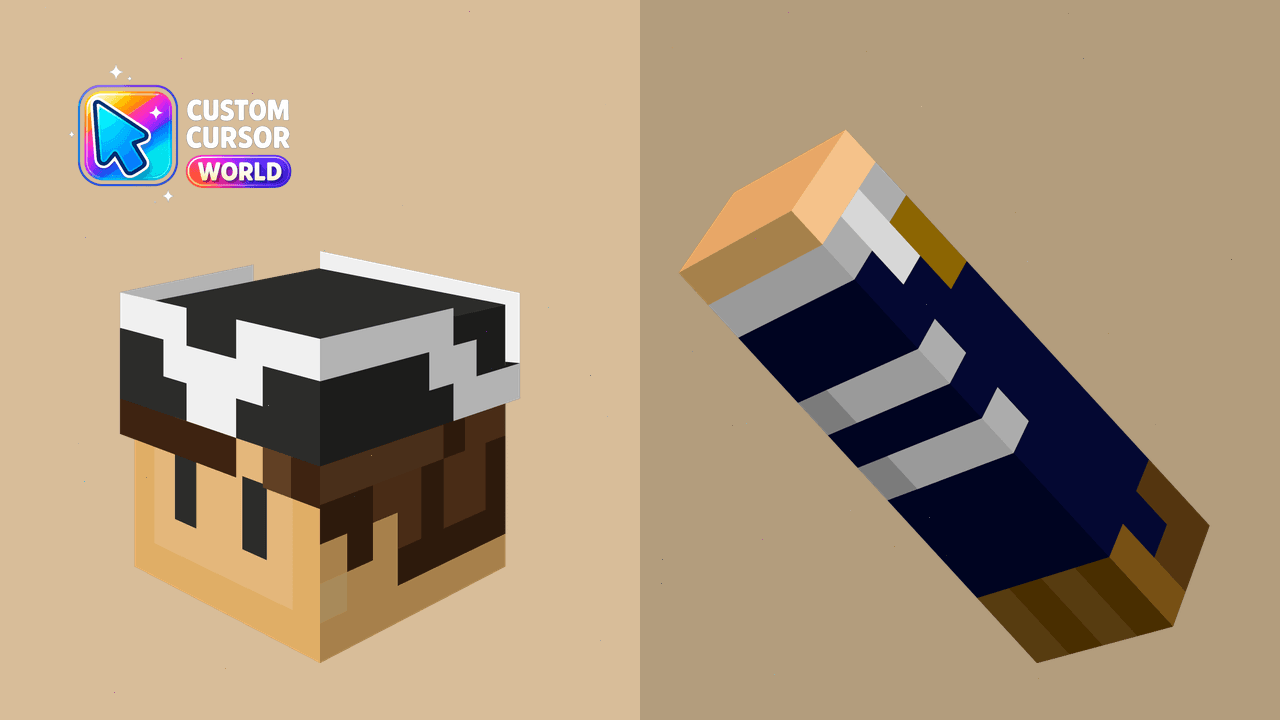
bright Wilbur and TNT cute cursor - free custom cursor with SMP style.

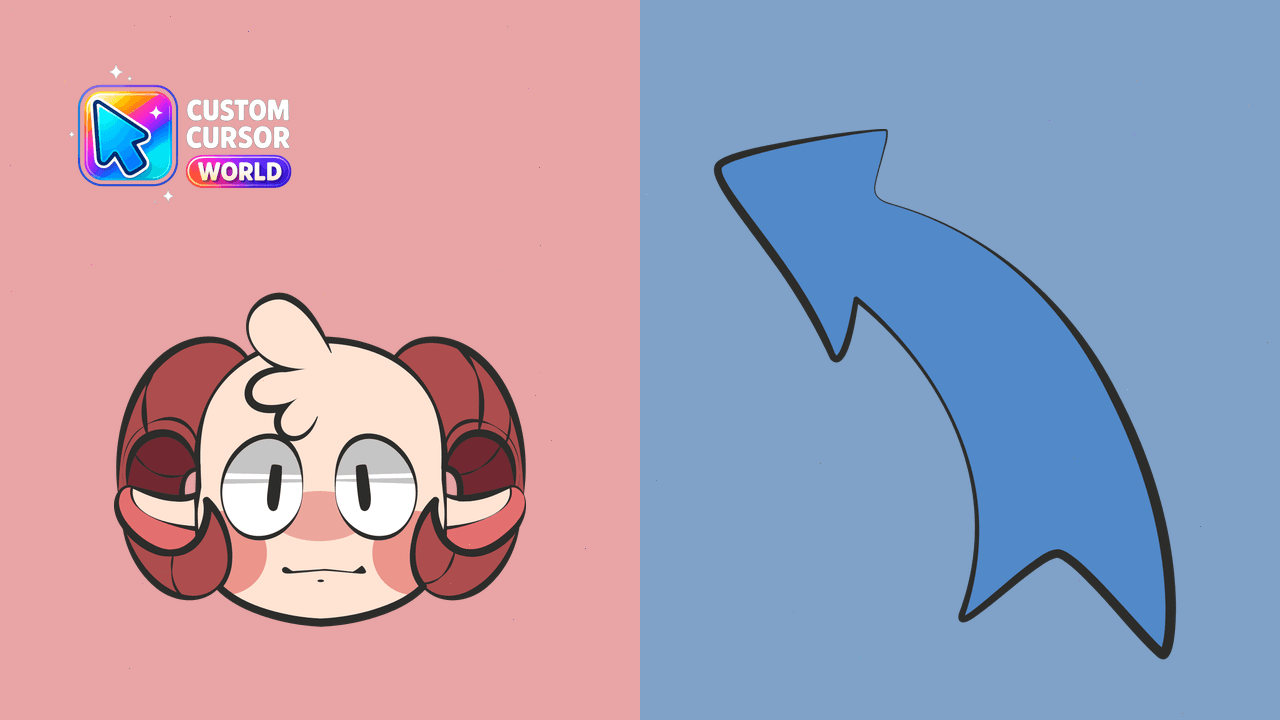
Ghostbur and Friend Sheep free custom cursor - cute cursor flair for Dream SMP fans.

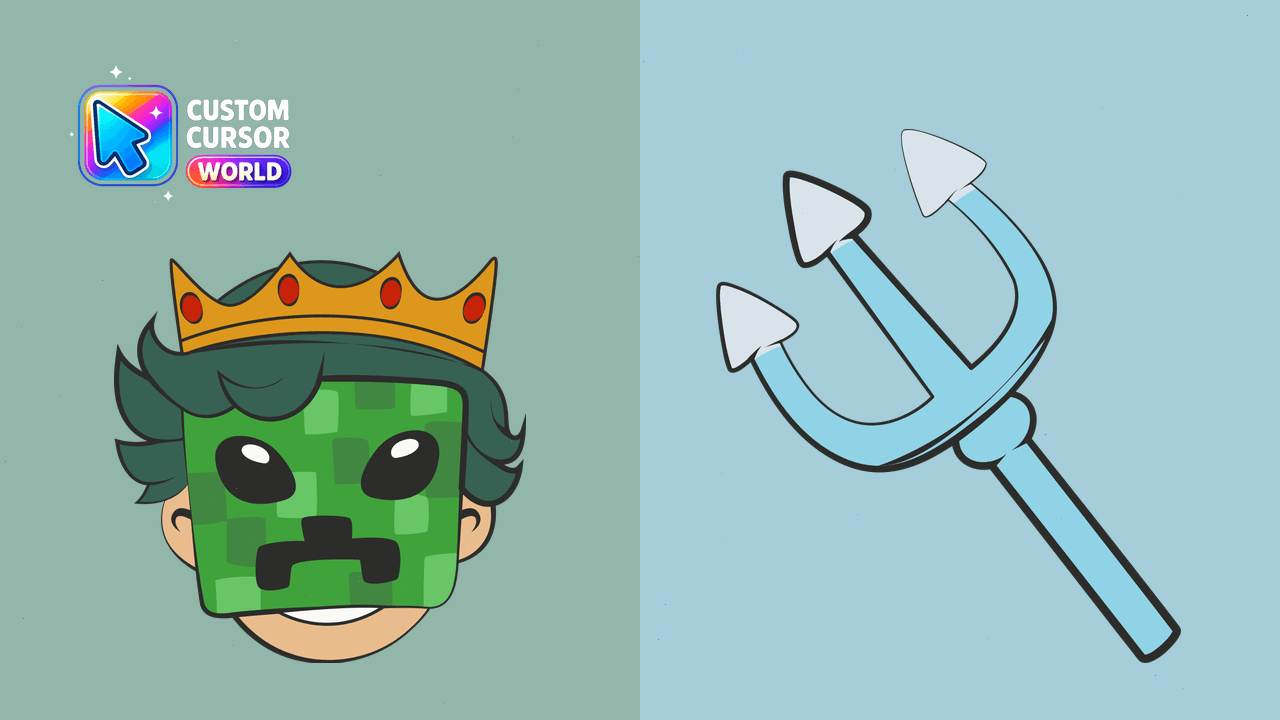
Ranboo and Crown: cute cursor pack and free custom cursor for Dream SMP fans.

Grab the Dream Beach Skin cute cursor - a free custom cursor pack for fans.

Drop the Last Live and RIP cute cursor - a free custom cursor for your desktop.

Pick Tommy and Cat and Mellohi Discs cute cursor - a free custom cursor with lore charm.

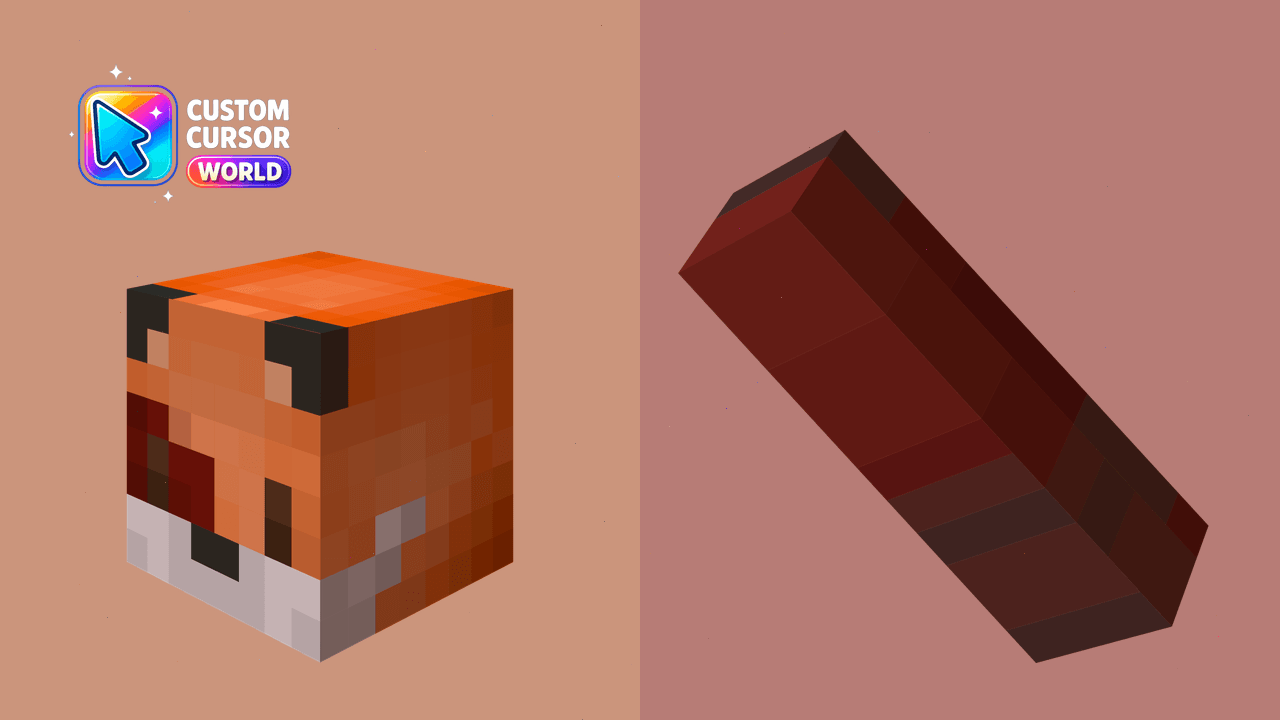
Niki and Fungi Fox cute cursor for fans - free custom cursor with server charm.

Drista and Operation Fork cute cursor pack: free custom cursors with SMP style.

Meet the GeorgeNotFound and Glasses cute cursor - free custom cursor ready for every click.

Three Lives and Two Lives cute cursor download - free custom cursor for everyday clicks.
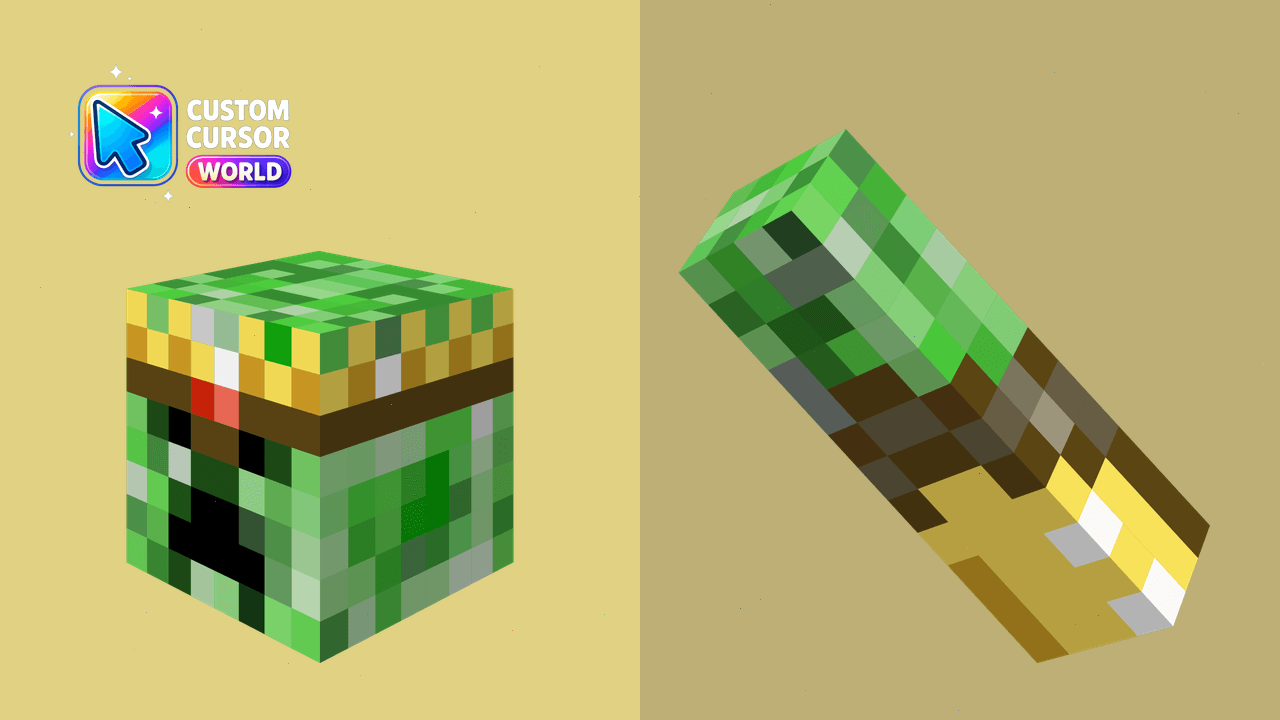
Transform your cursor experience with a Minecraft theme compatible with Chrome & Edge
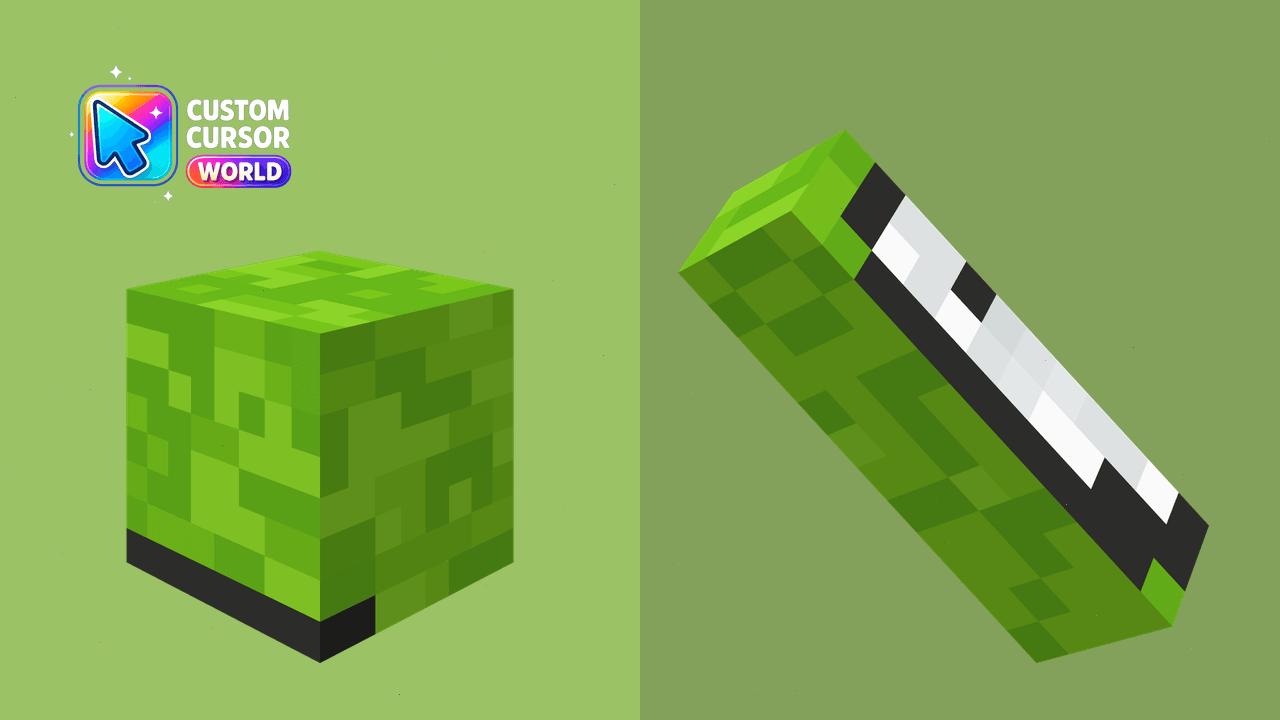
Experience blocky adventures in your browser with the Dream SMP Cursor Pack - Minecraft-inspired custom cursors for Chrome and Edge
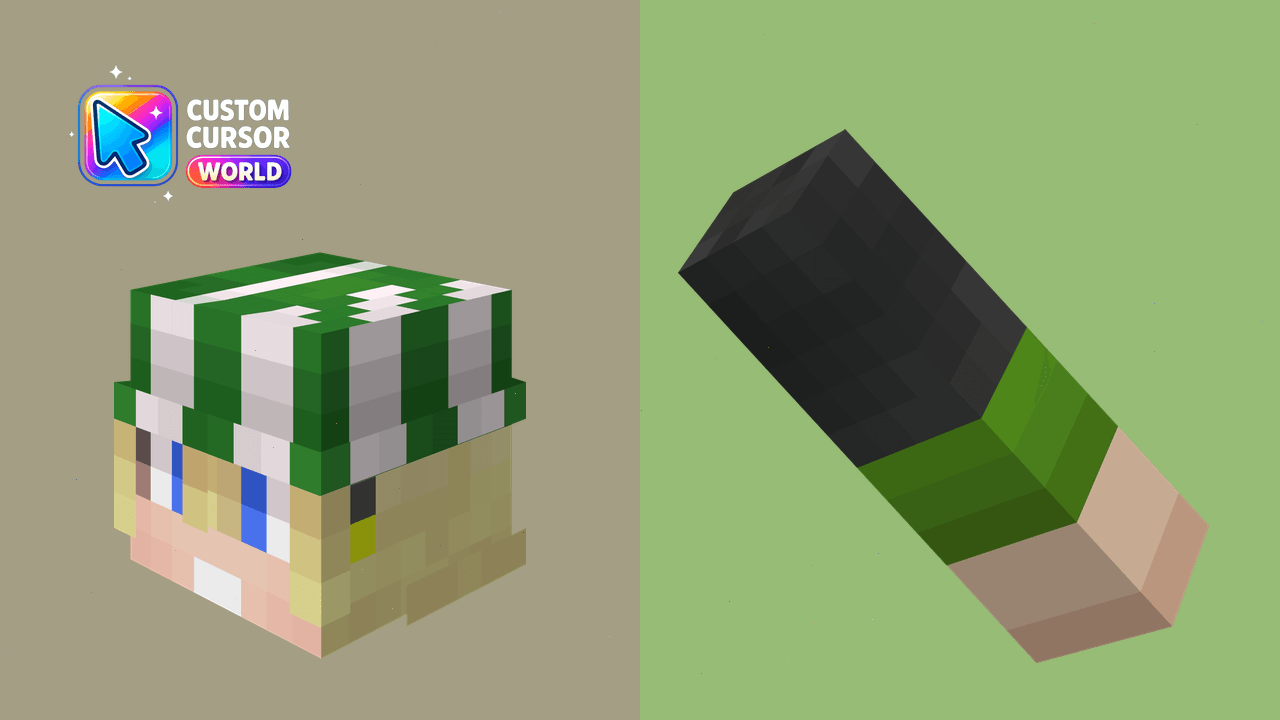
Customize Your Browser Experience
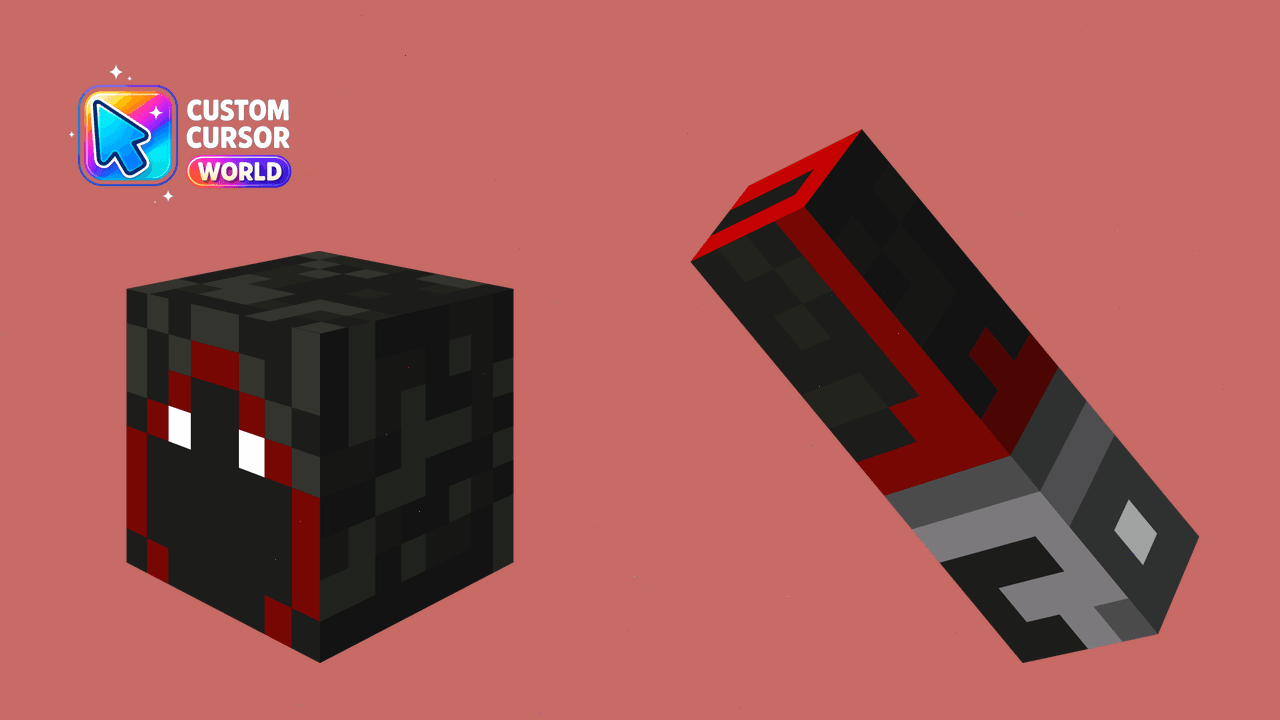
Elevate your browsing experience with a unique Minecraft-style cursor.
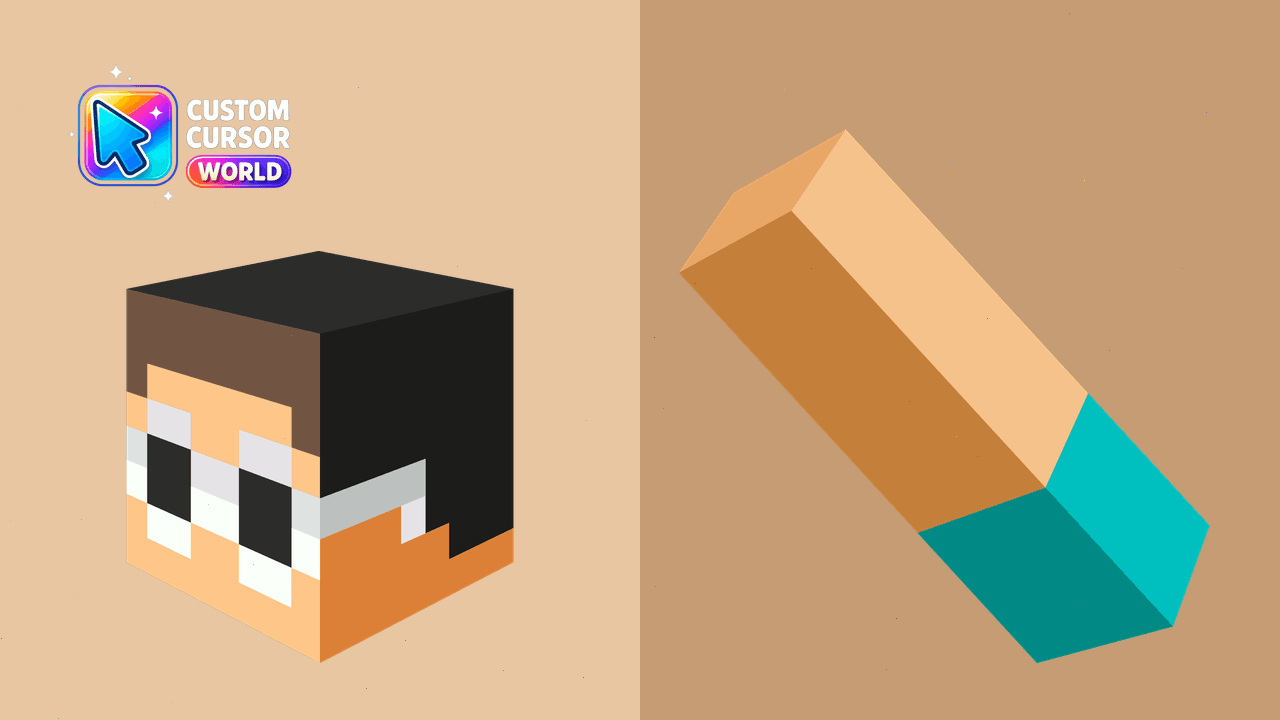
Elevate your cursor experience with GeorgeNotFound's exclusive Chrome custom cursors, perfect for Dream SMP fans!

Custom Chrome Cursor featuring Minecraft's enigmatic leader 'Dream'. Immerse yourself into Dream SMP community
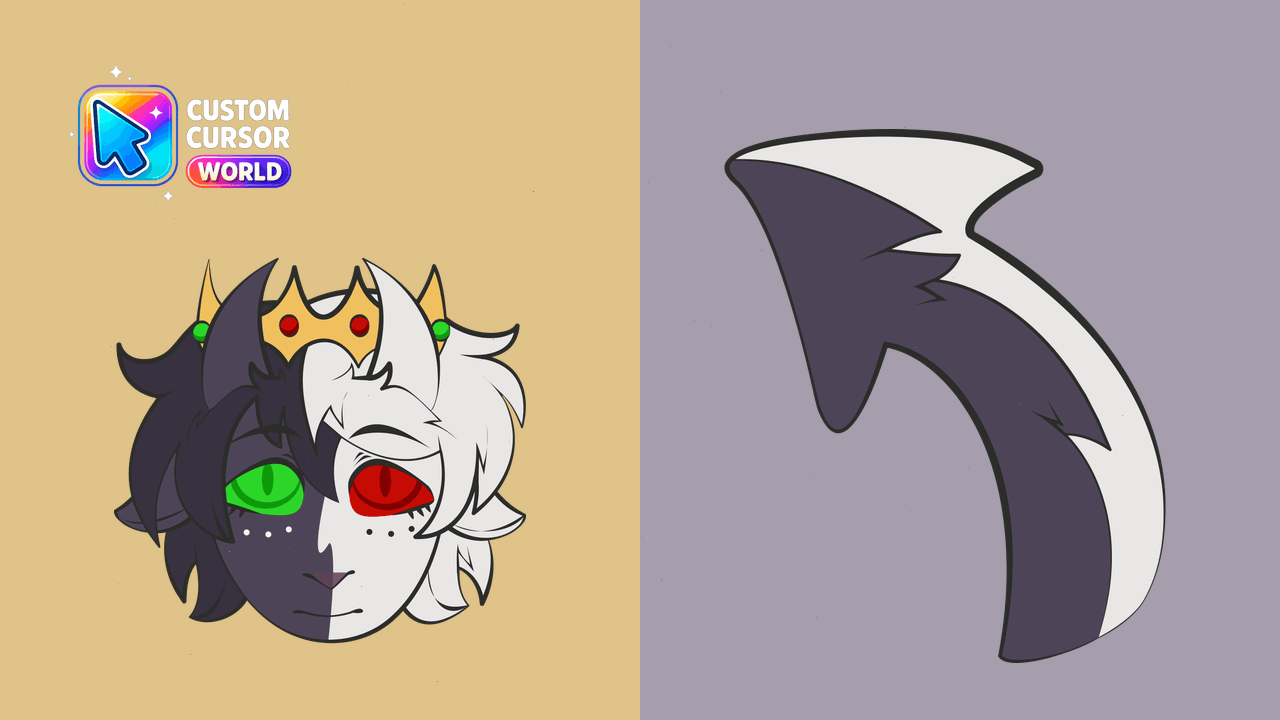
Transform your web navigation with our Ranboo Cursor Pack, featuring accessibility options and seamless performance on Windows, Chrome, Edge.
Customize your Chrome & Edge browsers with Seapeekay's iconic Minecraft avatar as part of our custom cursor pack, offering creative energy and love fo
Discover the vibrant artistry of Jschlatt in a unique cursor pack suitable for both Chrome & Edge browsers, featuring creative design and accessibilit
Transform your browser experience with the Wilbur Soot Minecraft-style Cursor Pack for Chrome and Edge
Enhance your browsing with Awesamdude's infectious energy as a custom cursor for Chrome & Edge!
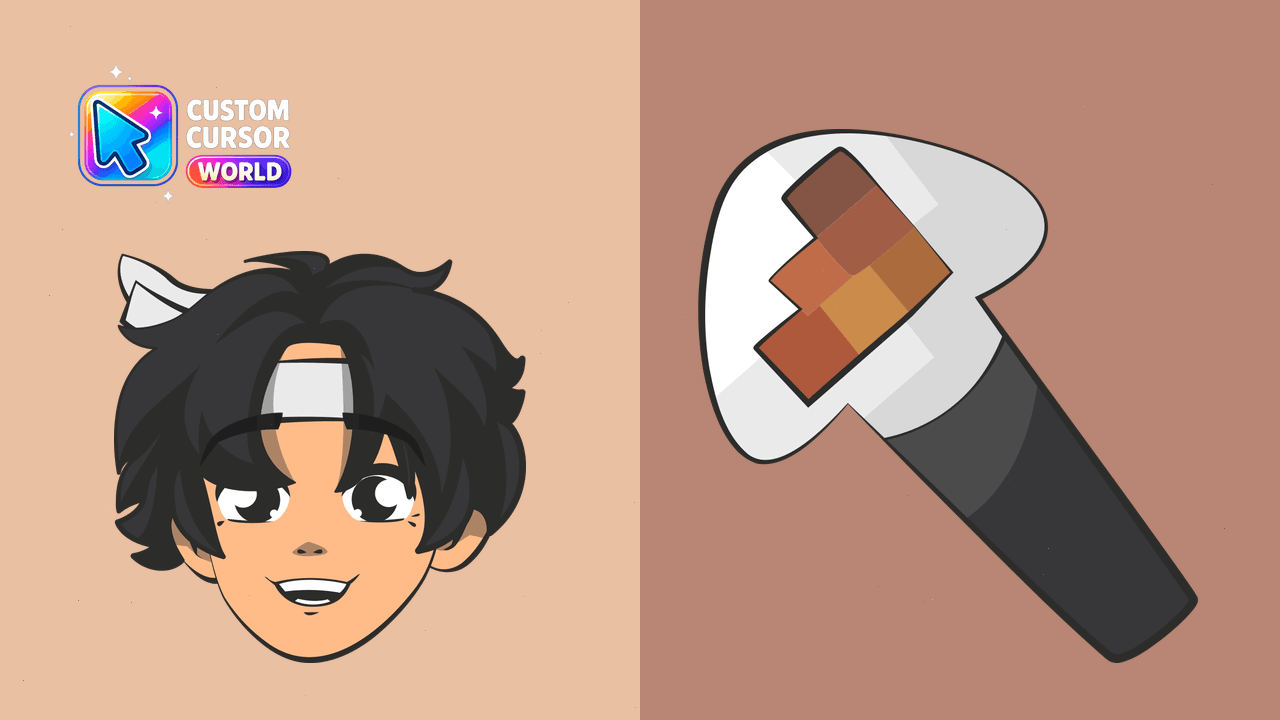
Enhance your digital world with Custom Cursor Pack for Minecraft Lovers, featuring over 10 unique designs inspired by Dream SMP.
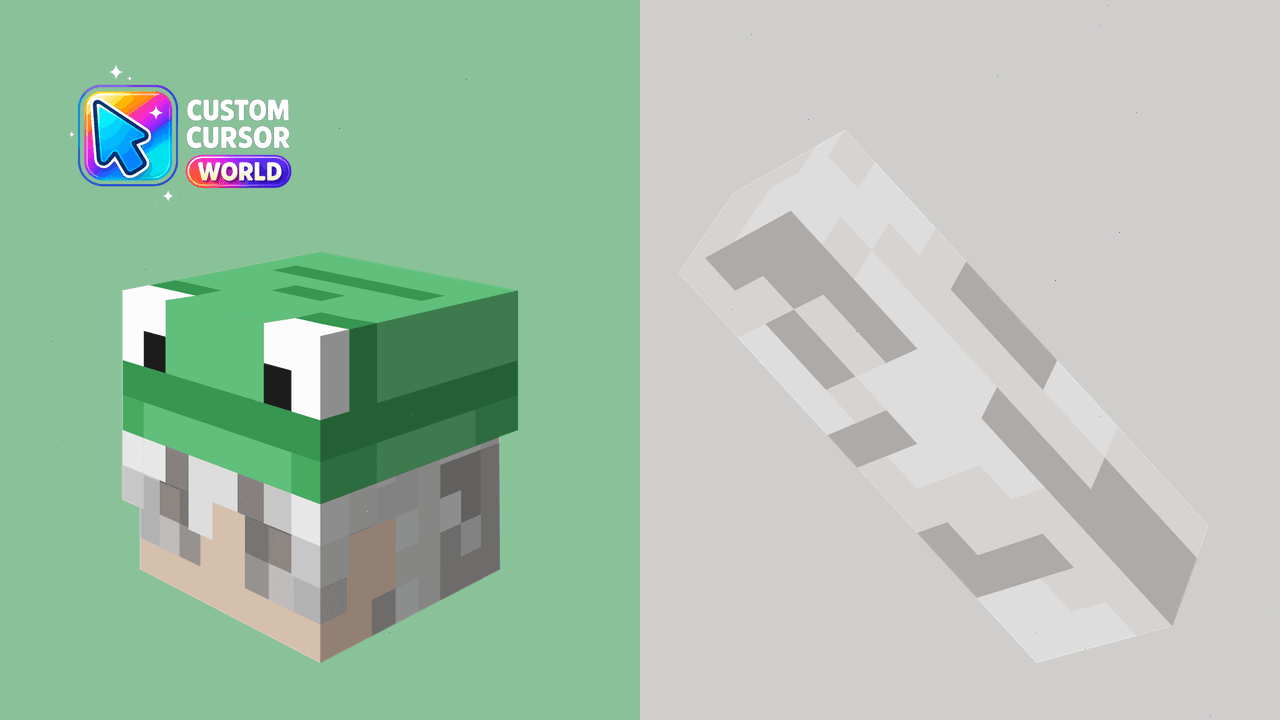
Boost your browser's fun factor with the blocky-style BoomerNA Minecraft cursor for Chrome or Edge.
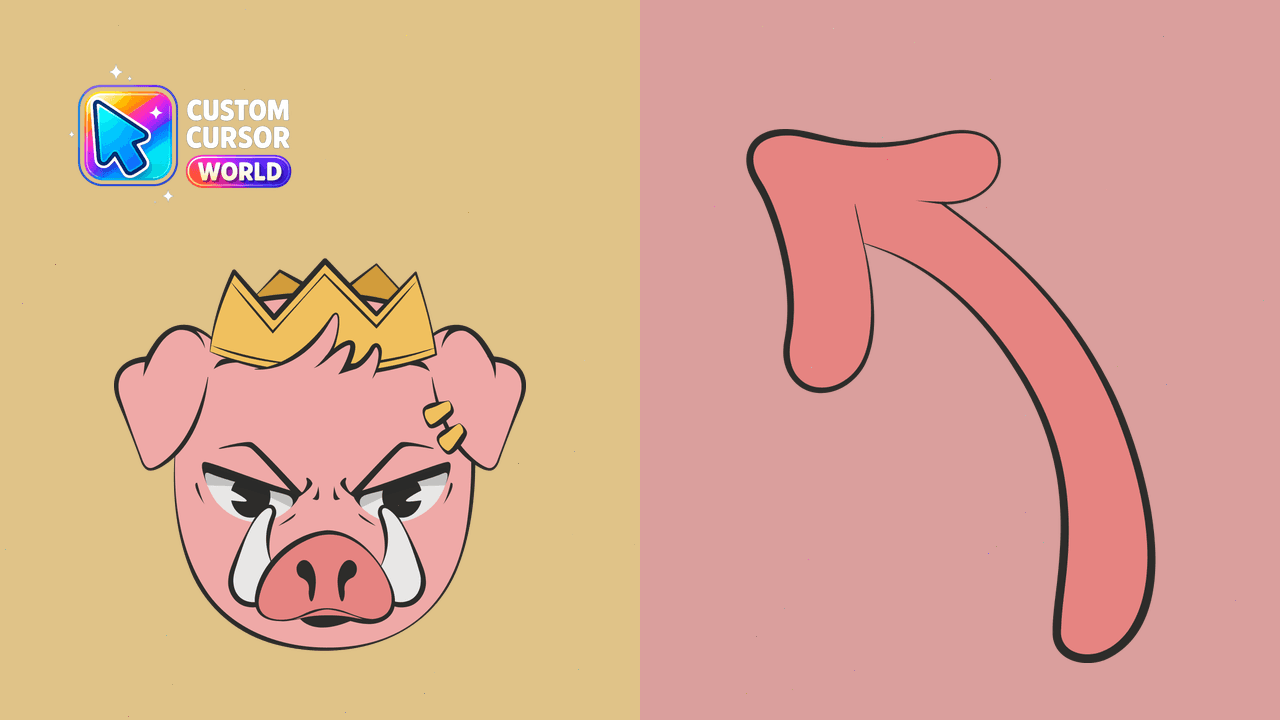
Custom cursors with Technoblade designs for Chrome & Edge
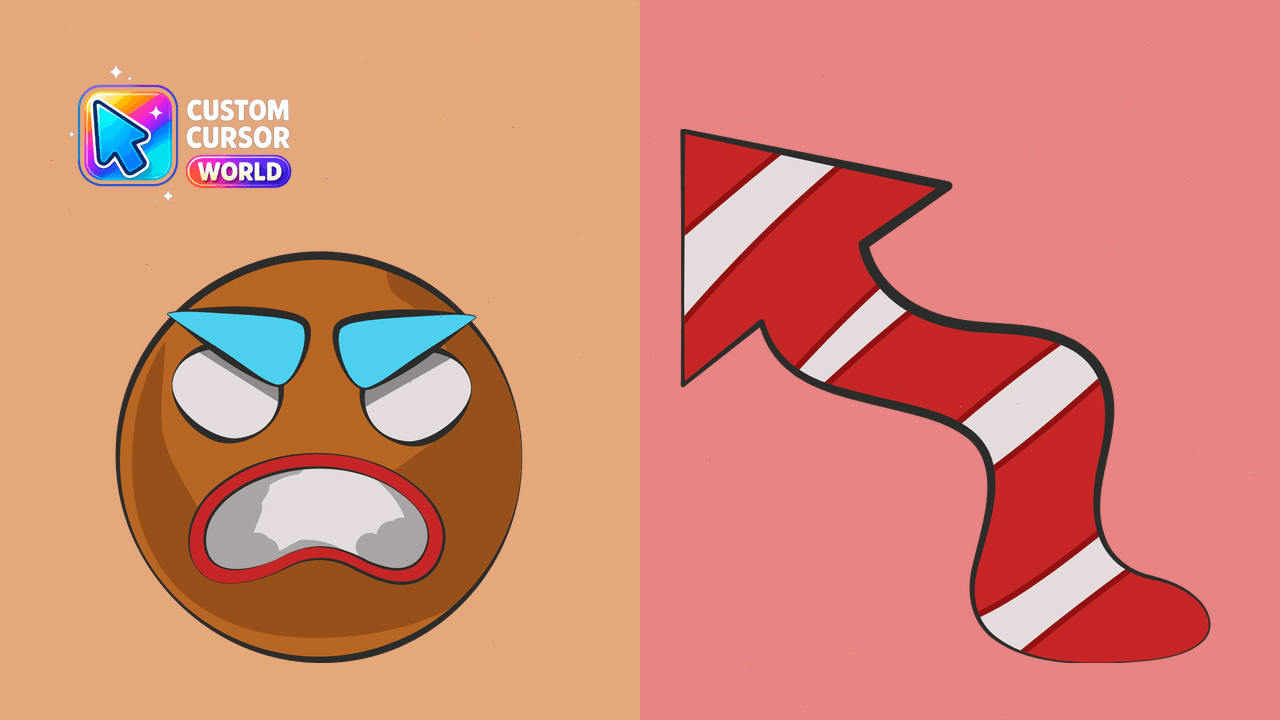
LazarBeam Cursor Pack - Your Custom Browser Companion
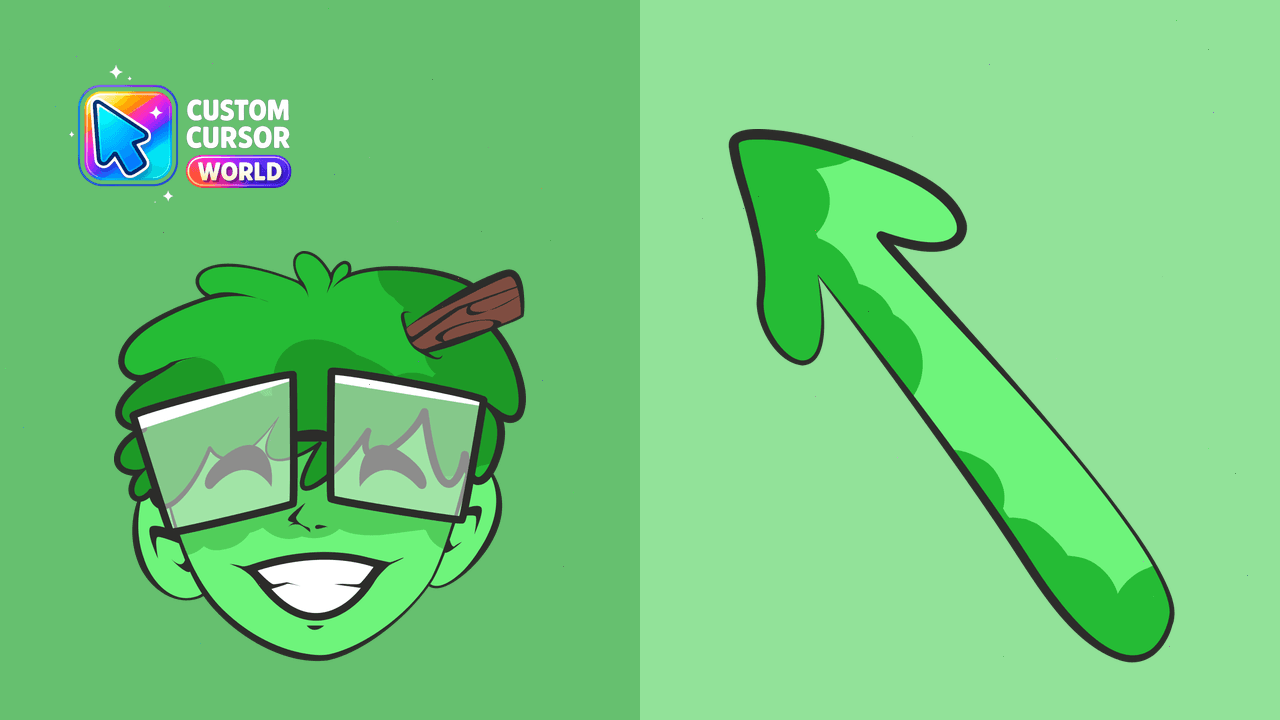
Enhance Chrome with the playful Slimecicle Cursor Pack for an entertaining browsing adventure
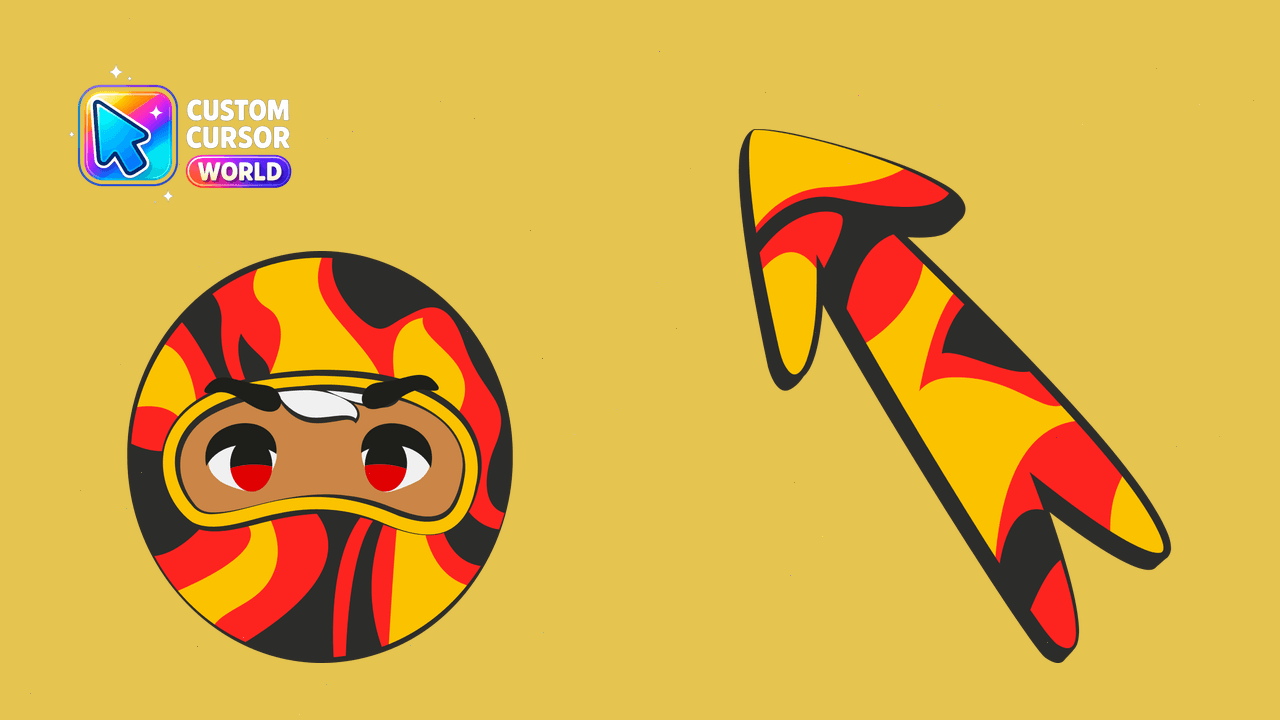
Transform your Chrome experience with Ponk's whimsical cursor!
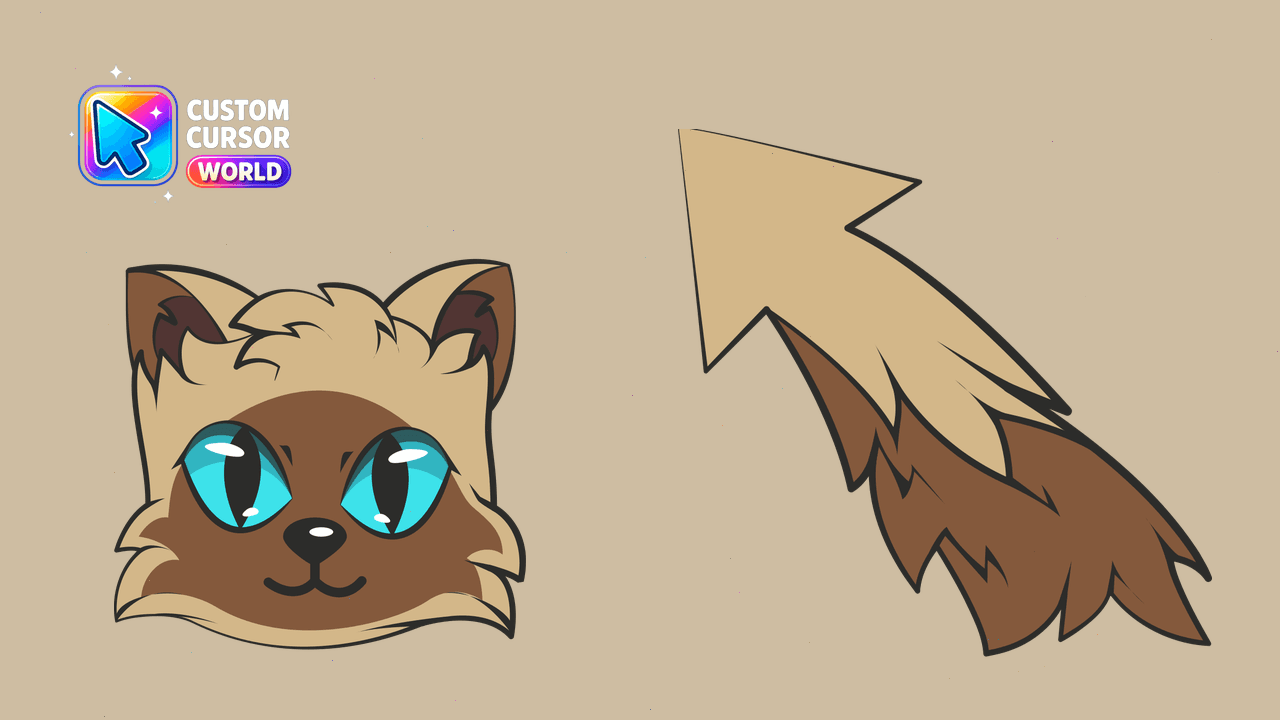
Embark on a Minecraft-themed journey with the Antfrost Custom Cursor Pack for your browser.
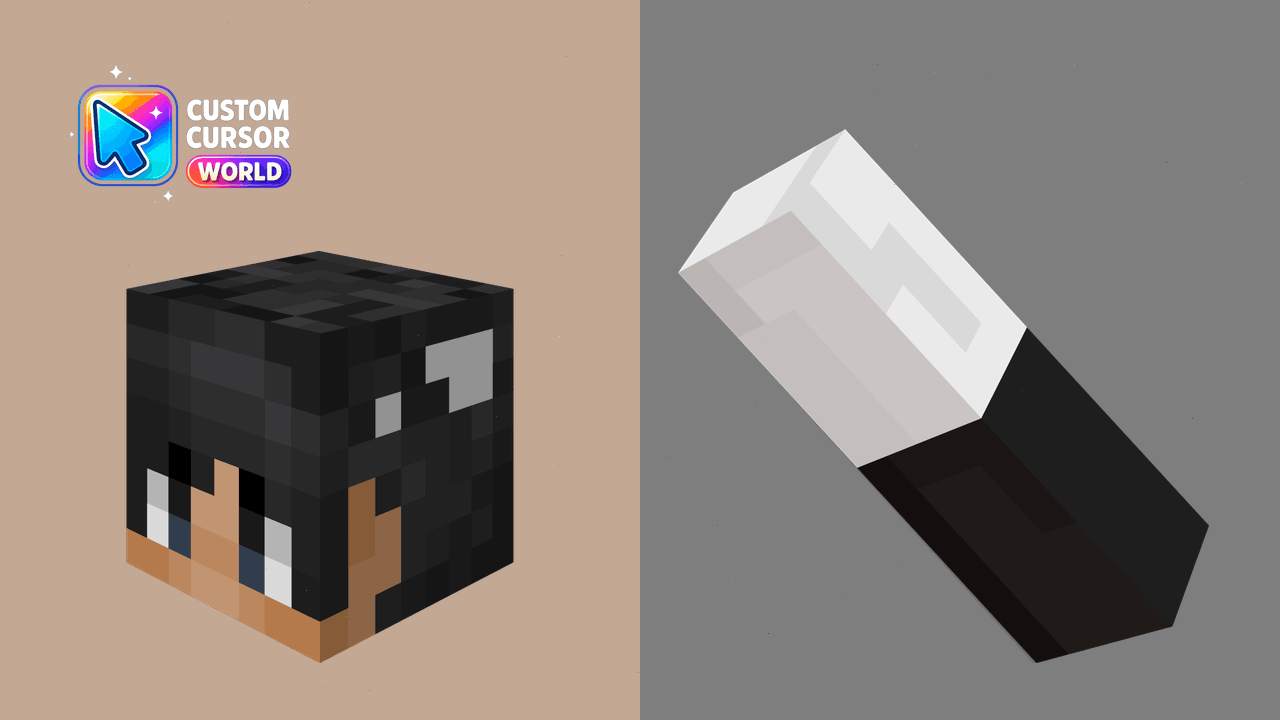
Explore new territories with your cursor!
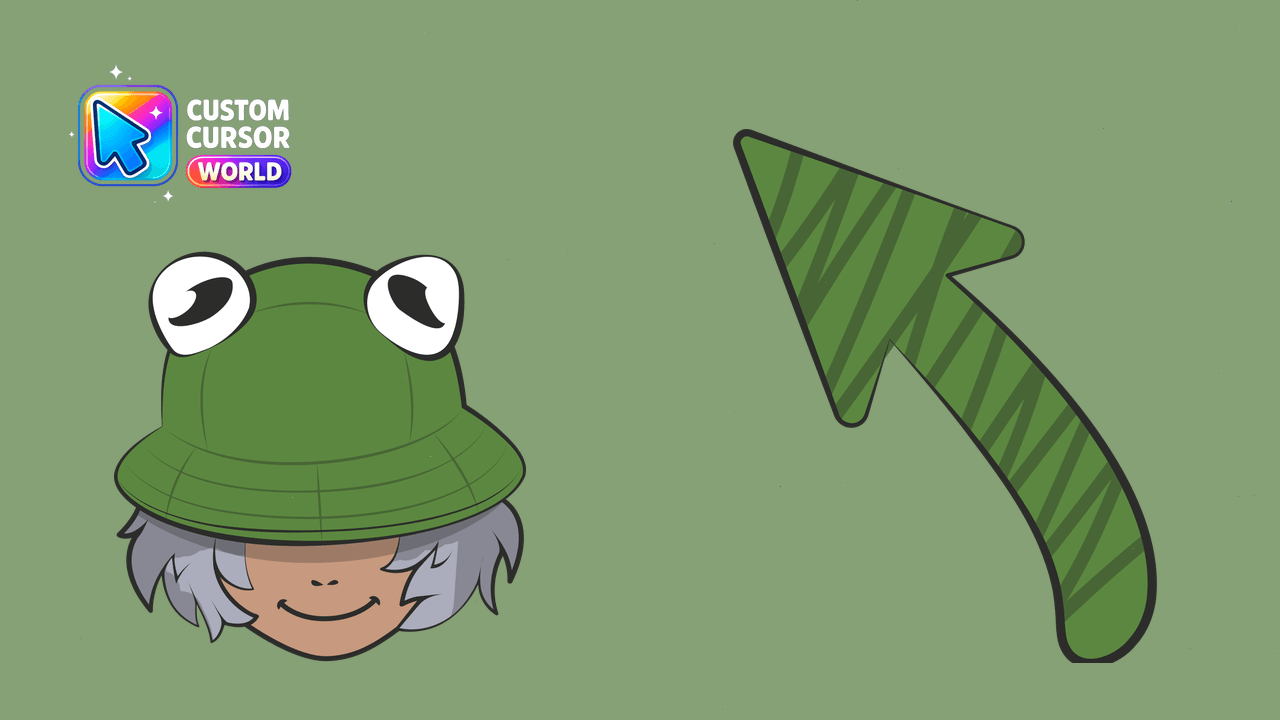
Boost your browsing experience with BoomerNA Custom Cursor Pack! Quick installation, accessible design, reduced motion support for all users.
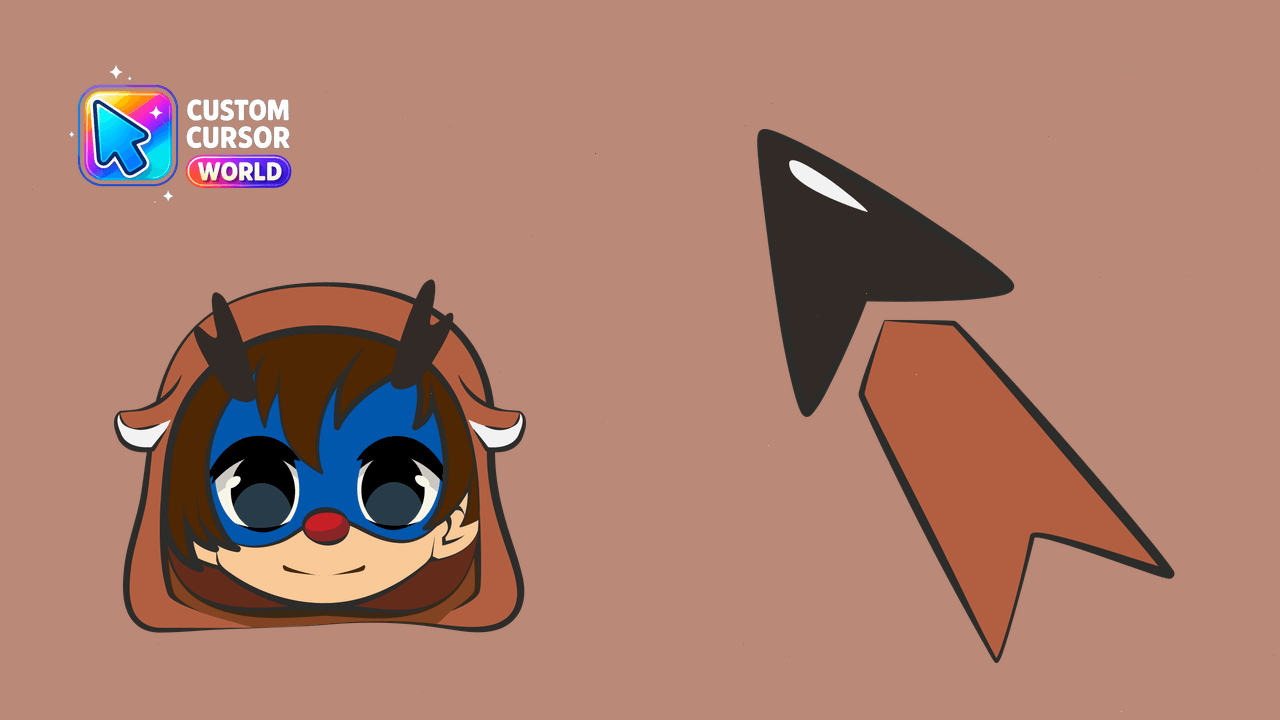
Transform your Chrome browser with Callahan's artistic cursor pack for enhanced style and functionality.
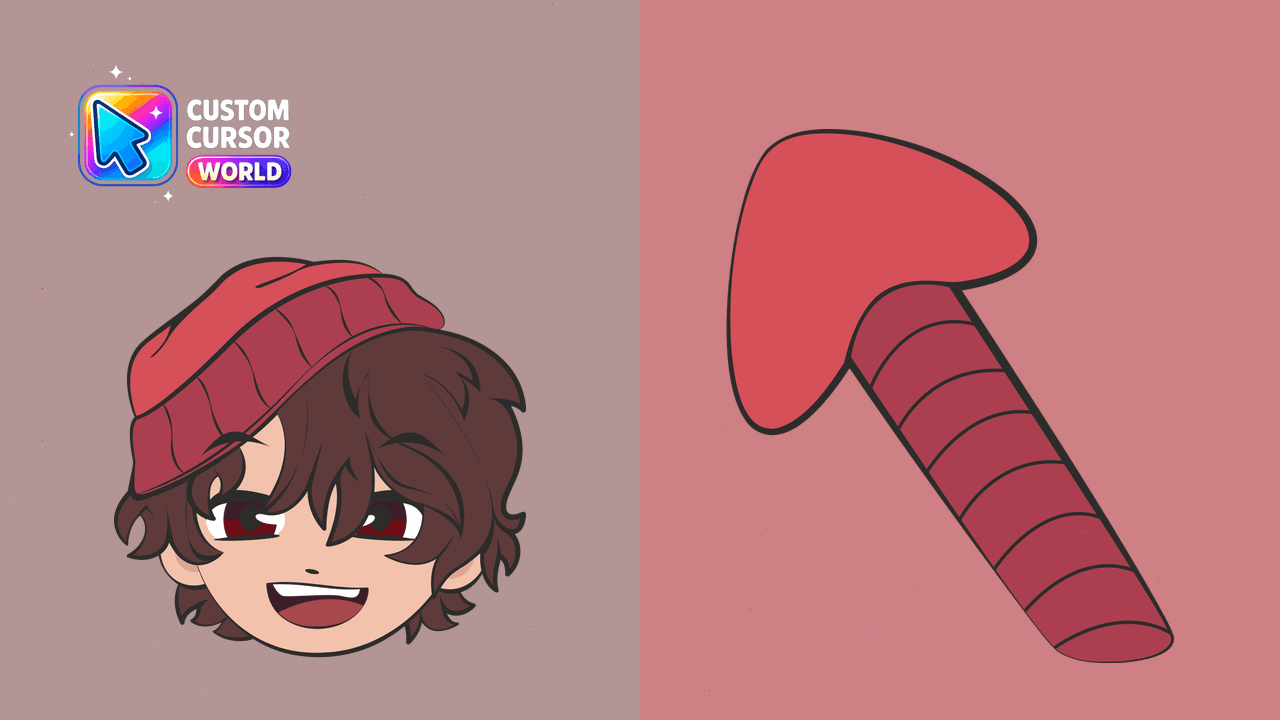
Elevate browsing with Wilbur Soot's charm on Chrome & Edge
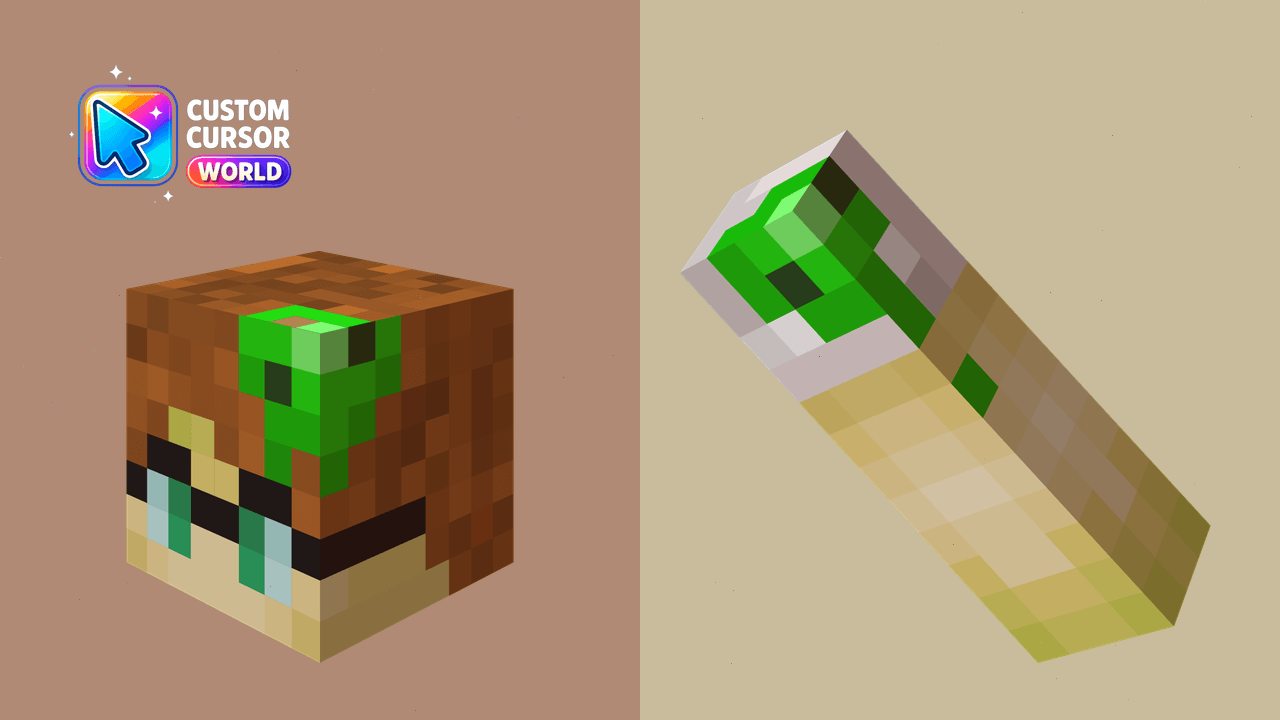
Transform your Chrome or Edge cursor into a fun Minecraft style!
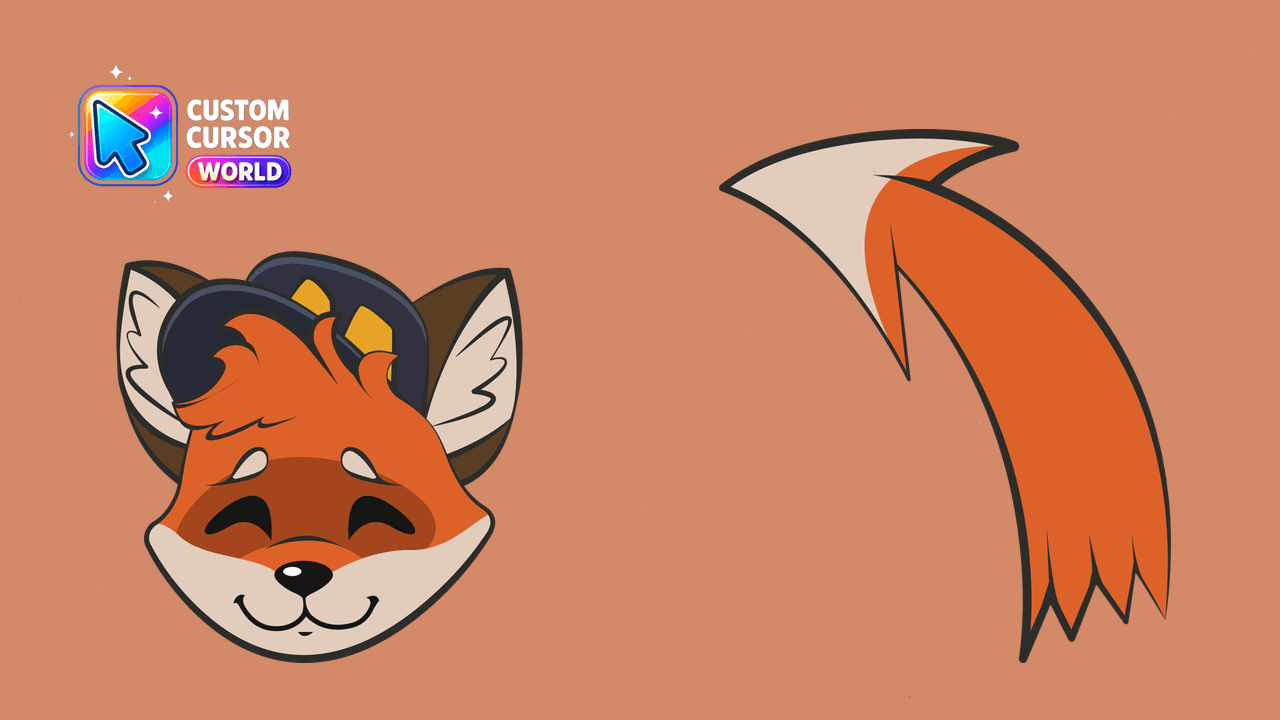
Add Seapeekay's fun-loving avatar as your custom chrome/edge browser cursor with this vibrant pack!
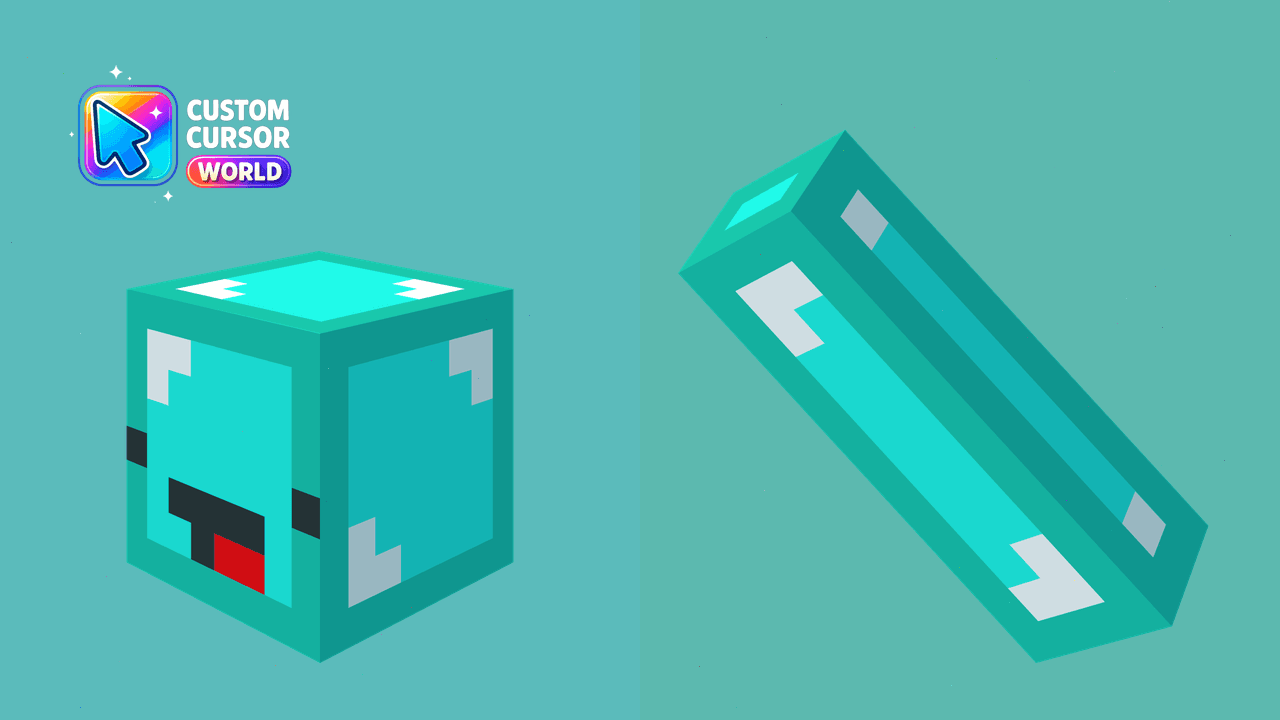
Transform your cursor into the mischievous Skeppy in a Chrome or Edge-compatible Minecraft theme. Accessible and fun!
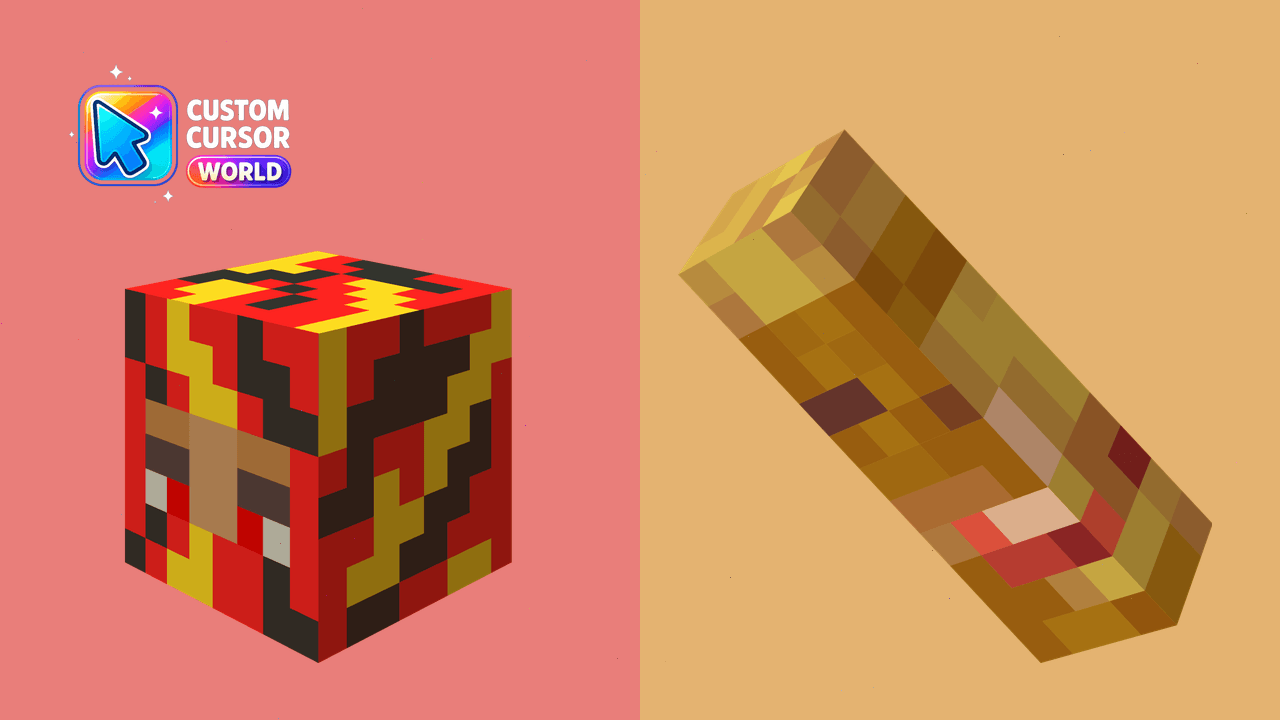
Custom Minecraft-style Chrome Cursor
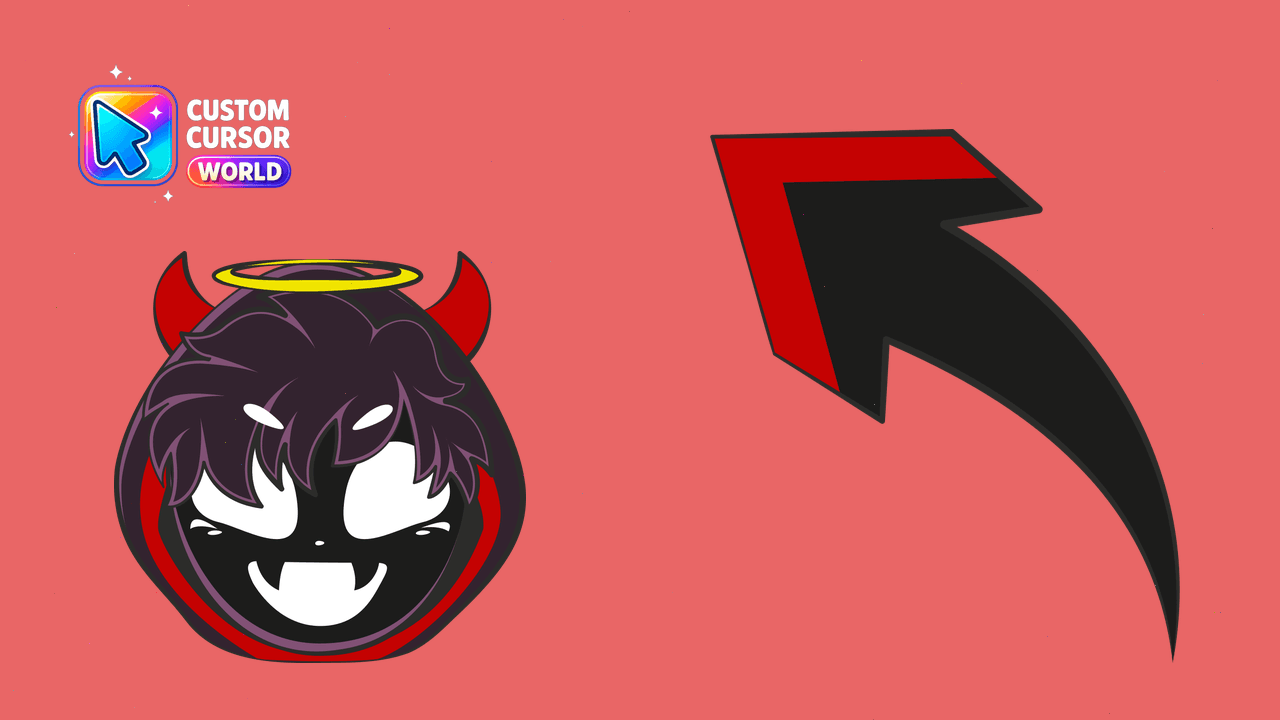
Upgrade your browser's visual appeal with our BadBoyHalo Custom Cursor Pack compatible with Chrome & Edge
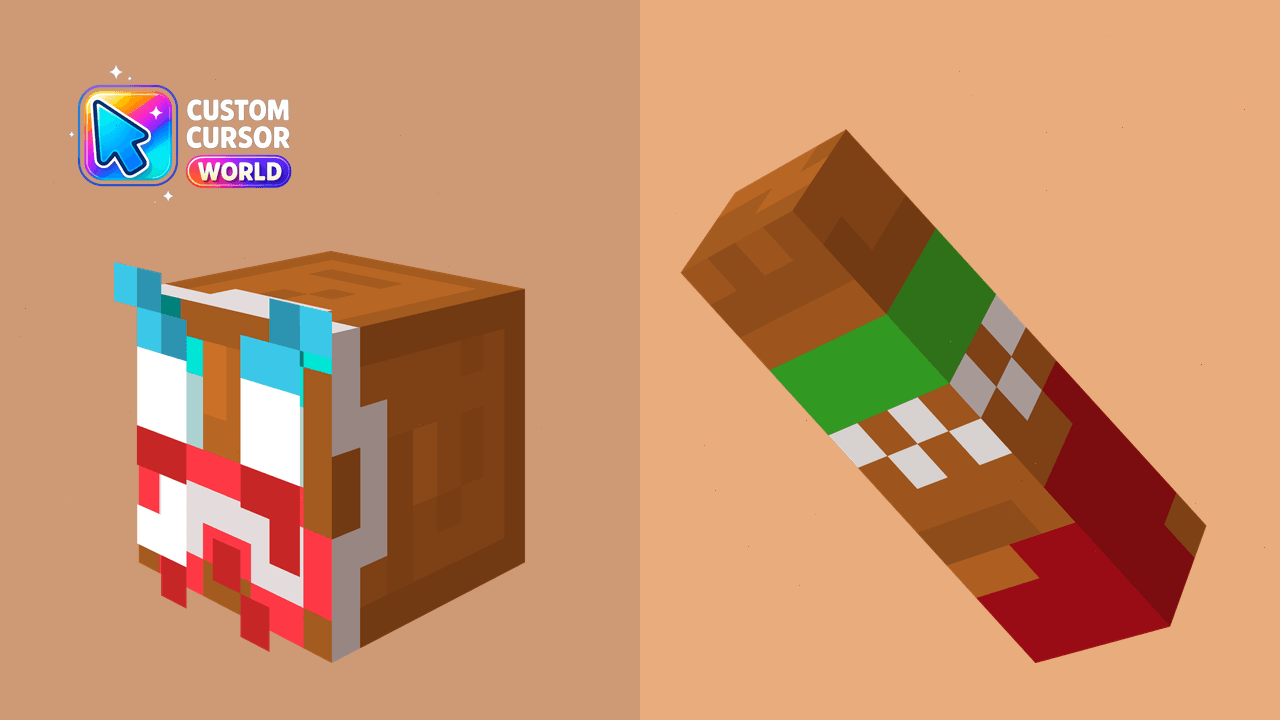
Transform your Chrome browsing experience with this custom Minecraft cursor pack.
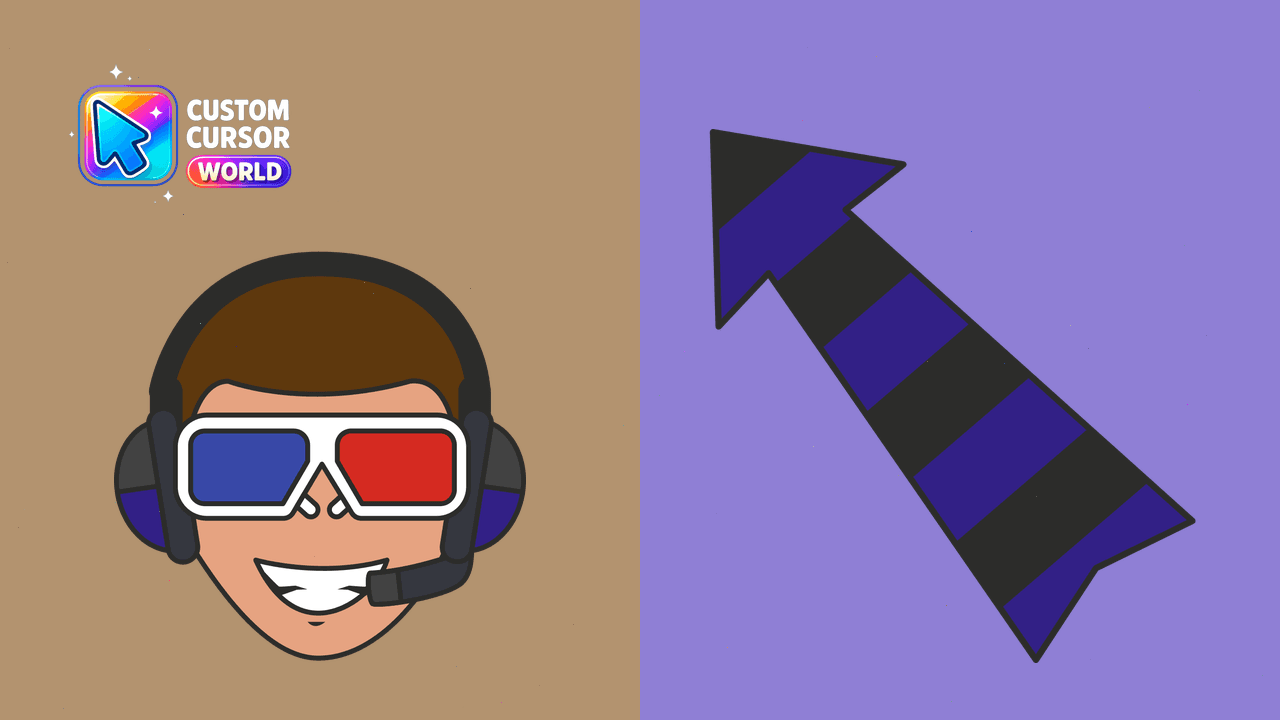
Elevate your exploration experience with the iconic JackManifoldTV cursor pack. Perfect for Windows and Chrome users seeking thrilling digital adventu
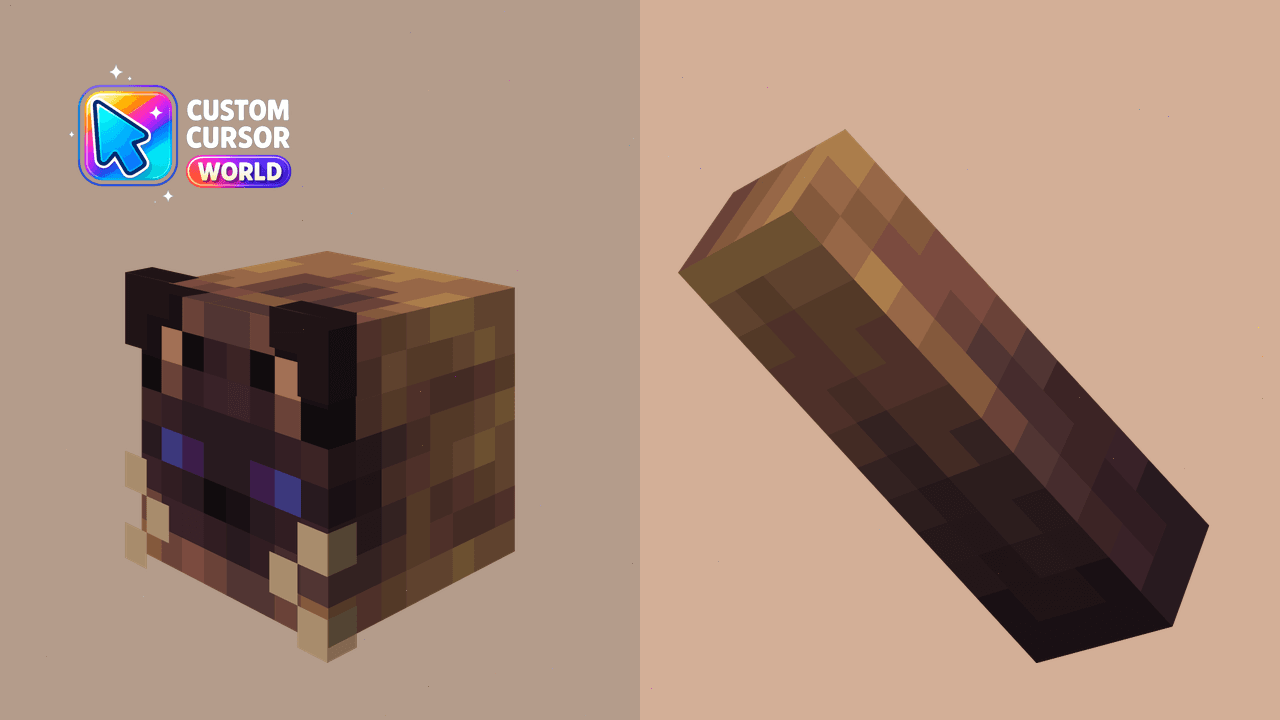
Immerse yourself in Minecraft with our custom cursor pack for Chrome, inspired by the Dream SMP style.
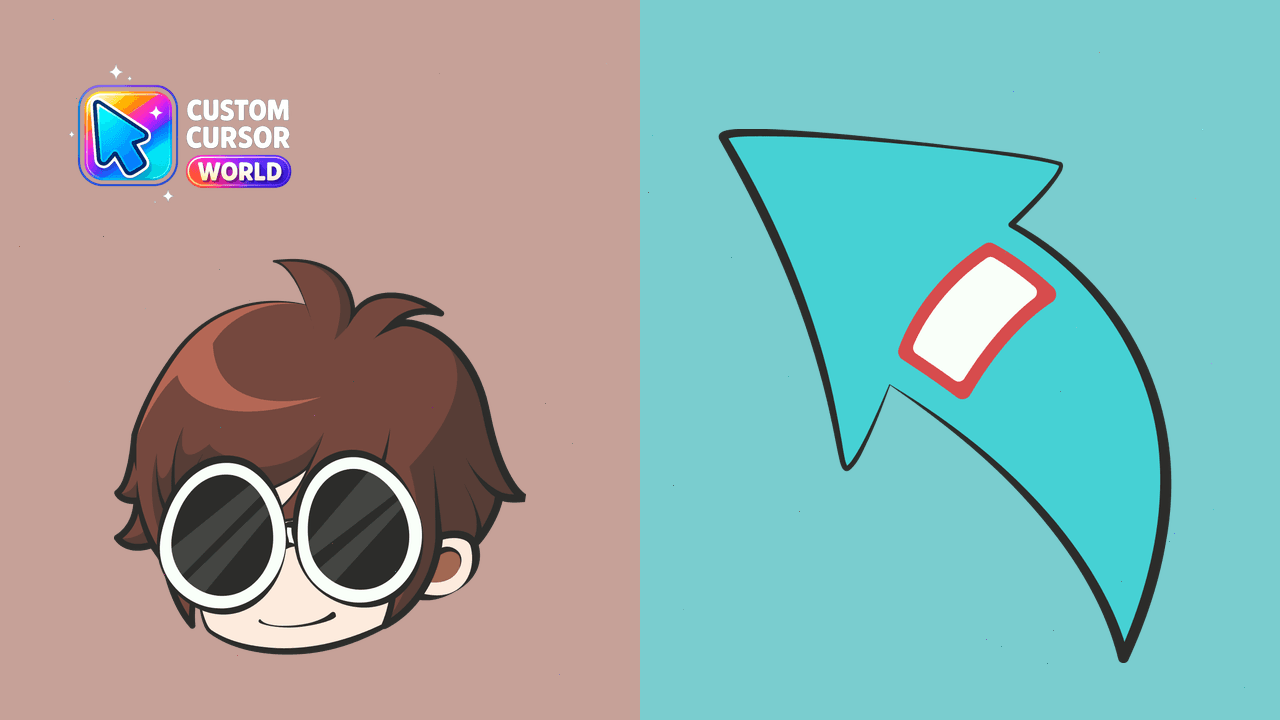
Personalize your online adventures with our sleek custom cursor pack for Chrome & Edge!
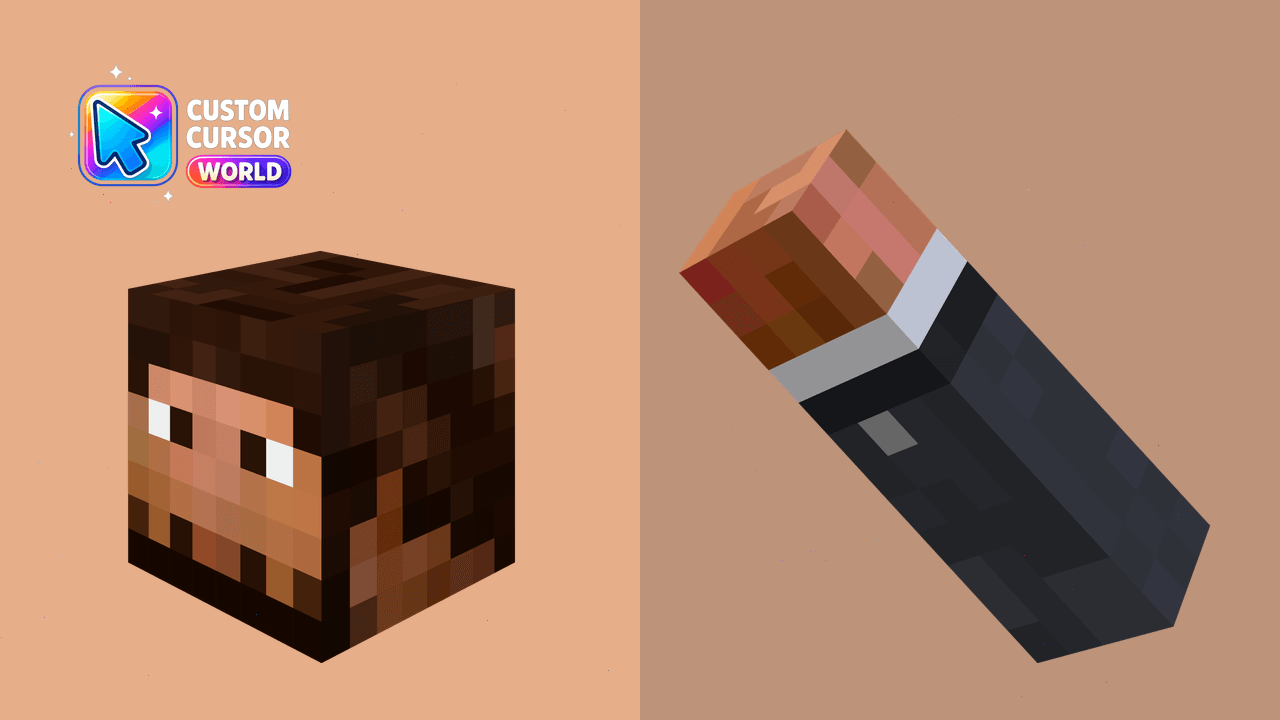
Customize your Chrome or Edge browser with the charming Jschlatt Custom Cursor Pack
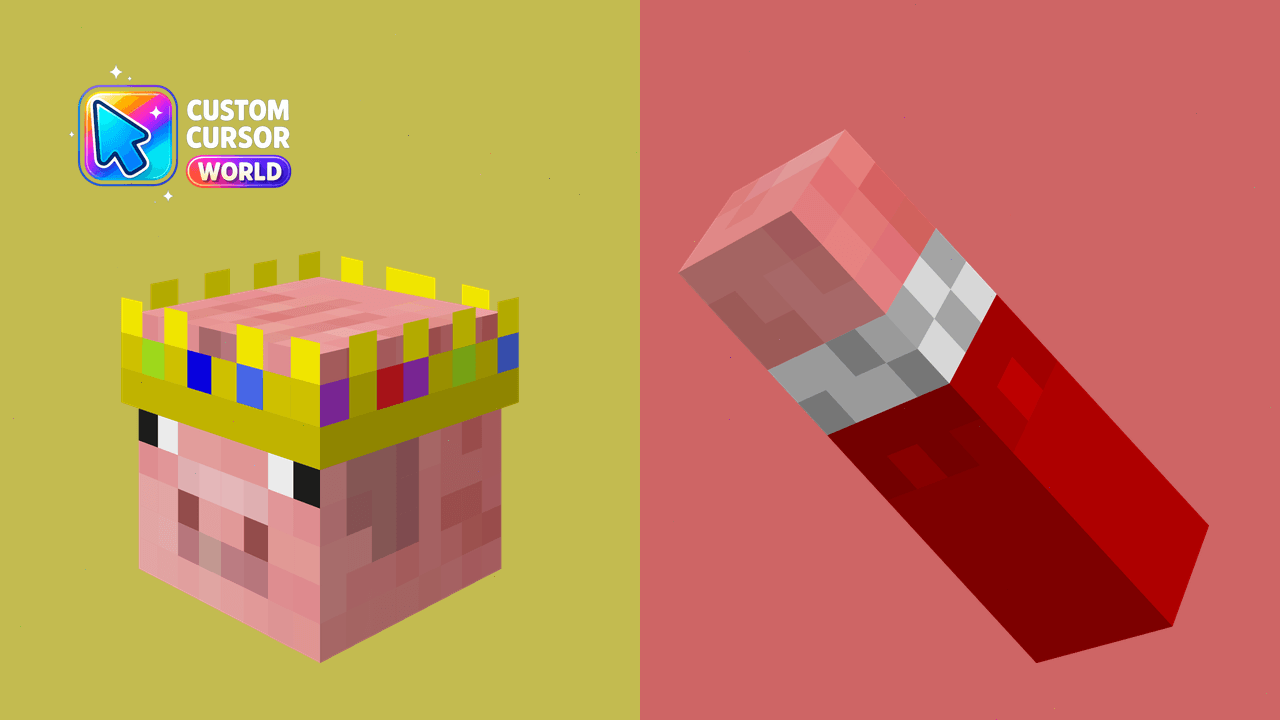
Custom Minecraft Cursor Pack - Experience Dream SMP in Style
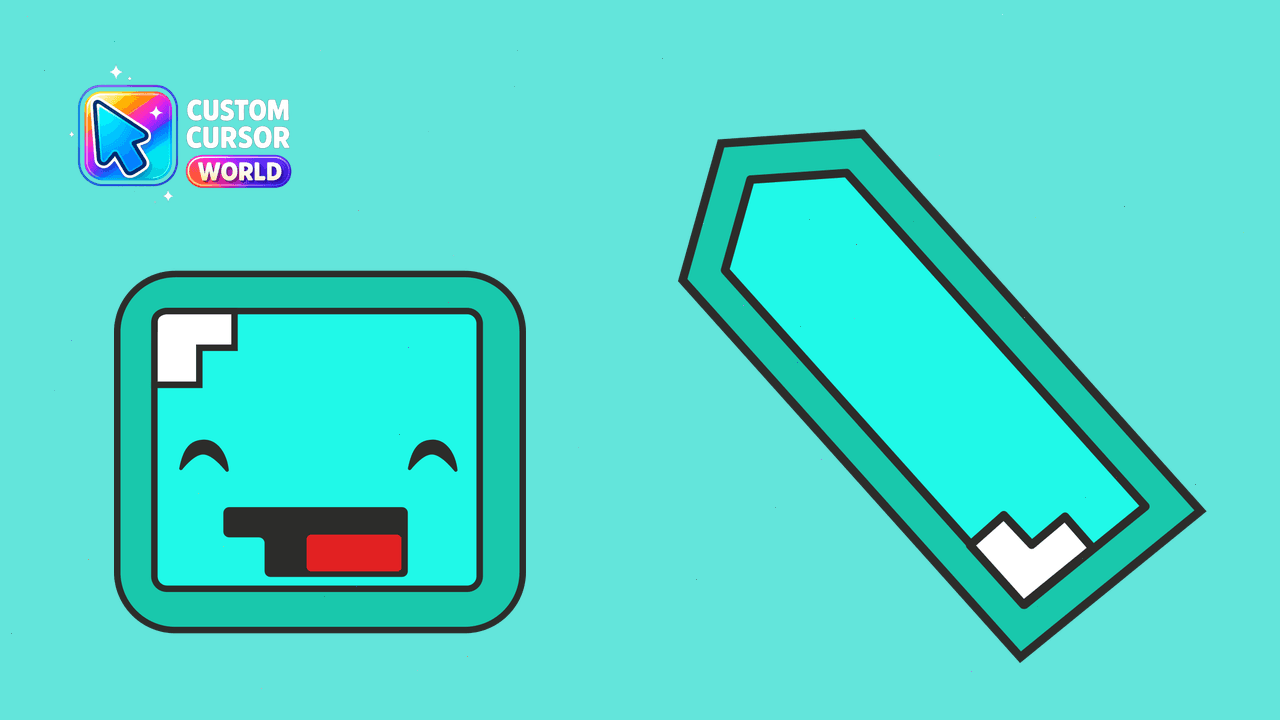
Adventure awaits at your fingertips with Skeppy! Customizable and accessible, this cursor pack delivers fun-filled internet exploration.
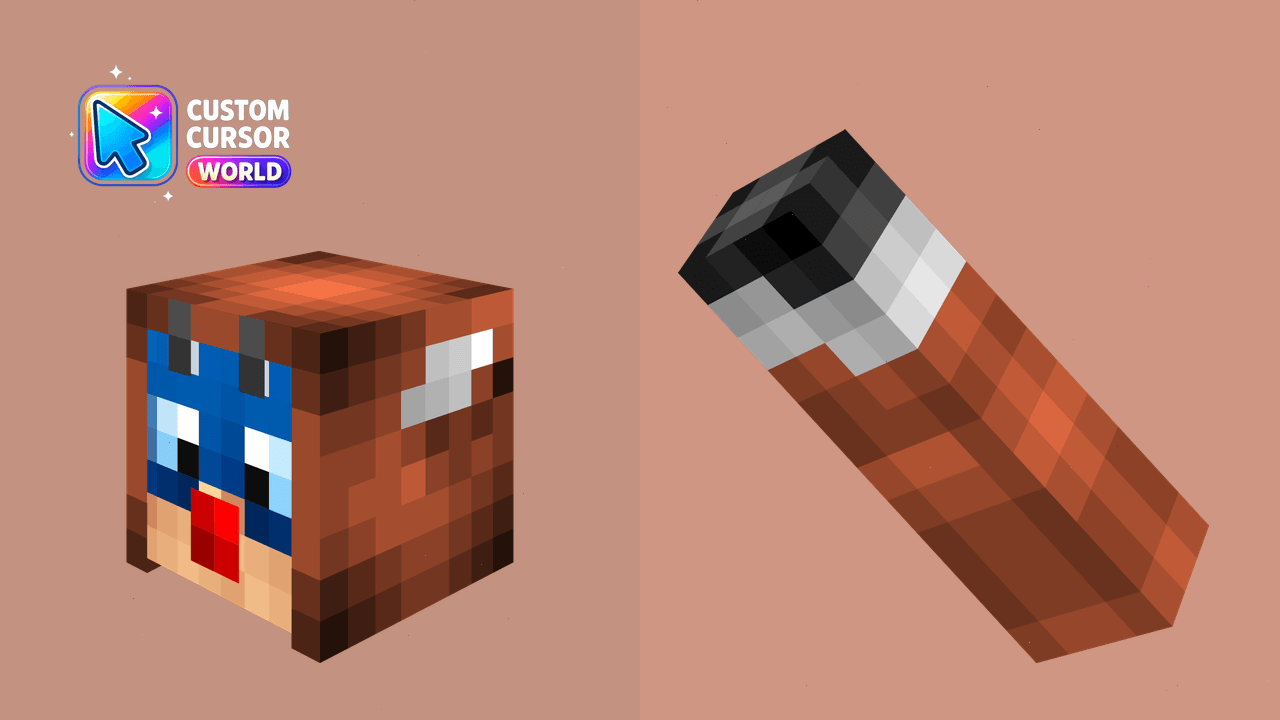
Experience the fun of Minecraft with our Custom Cursor Pack for Chrome and Edge. Navigate like never before!
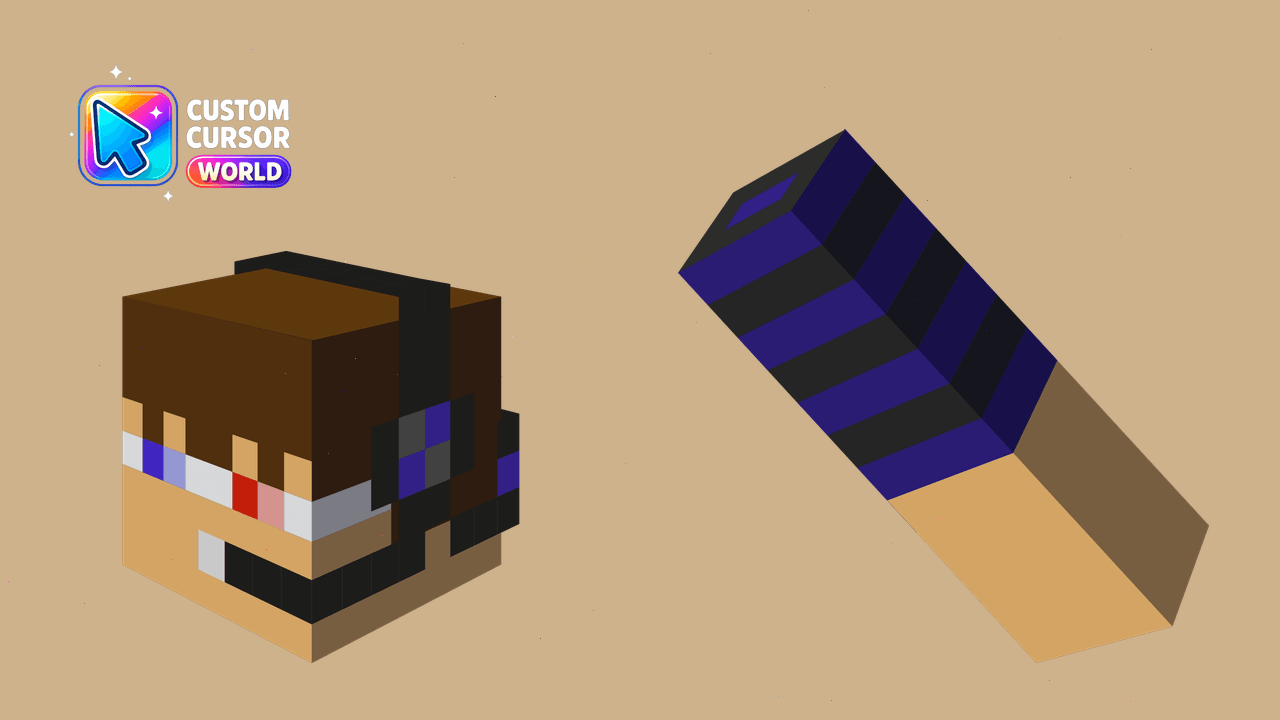
Join the Dream SMP universe with JackManifoldTV Minecraft Cursor Pack!
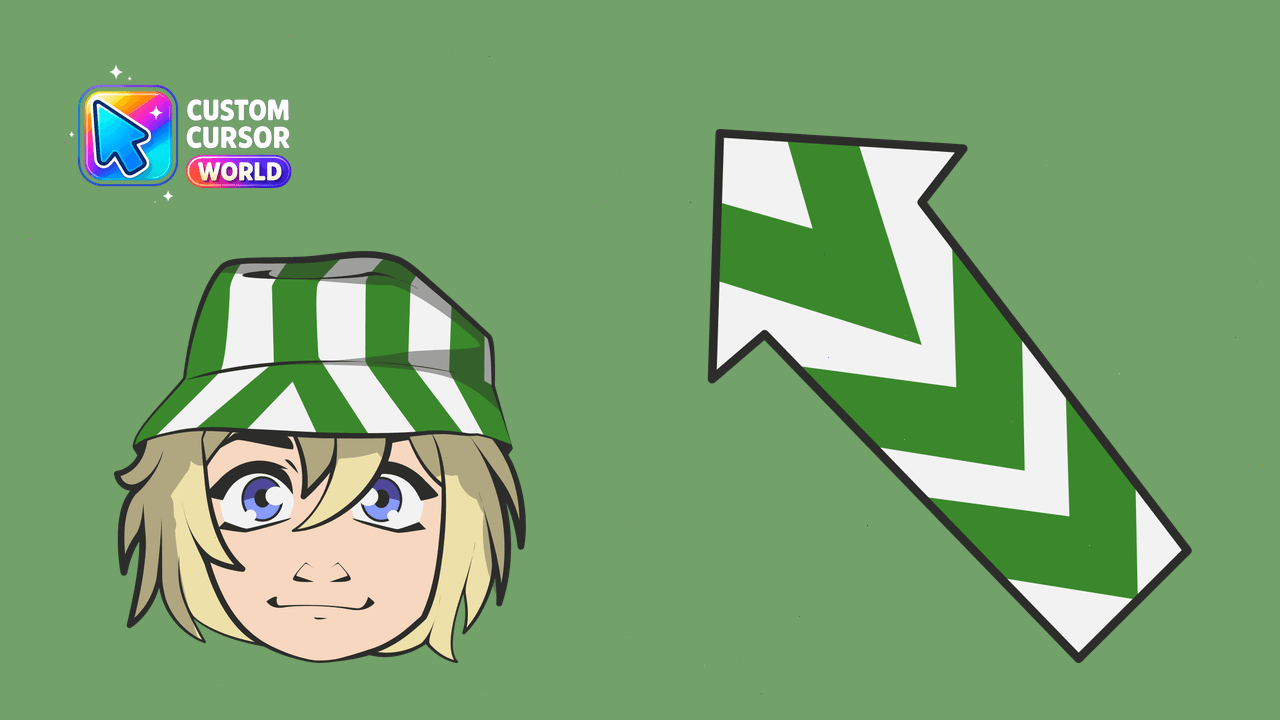
Philza Cursor Pack - Customize your browser with the Dream SMP's Philza avatar!
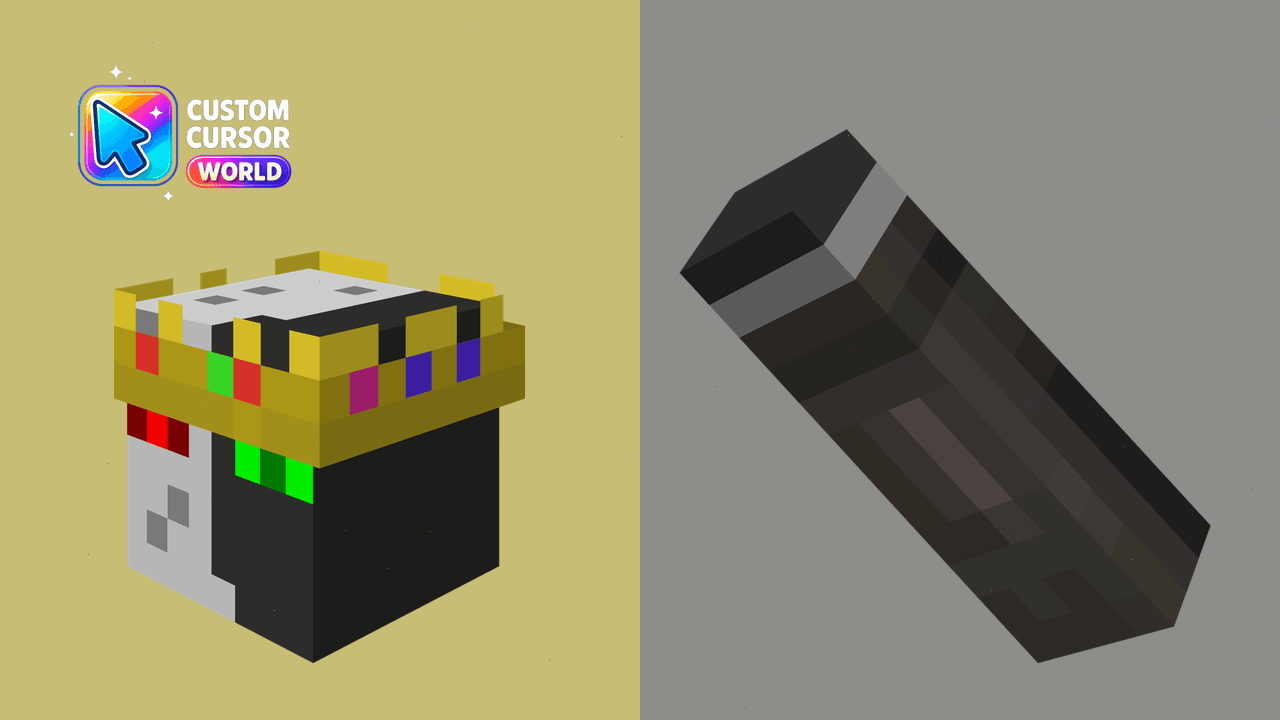
Minecraft-themed cursor pack for Chrome & Edge

Technoblade and his Crowned Pig cursor with a Crowned Pig pointer - free dark outline character custom cursor.