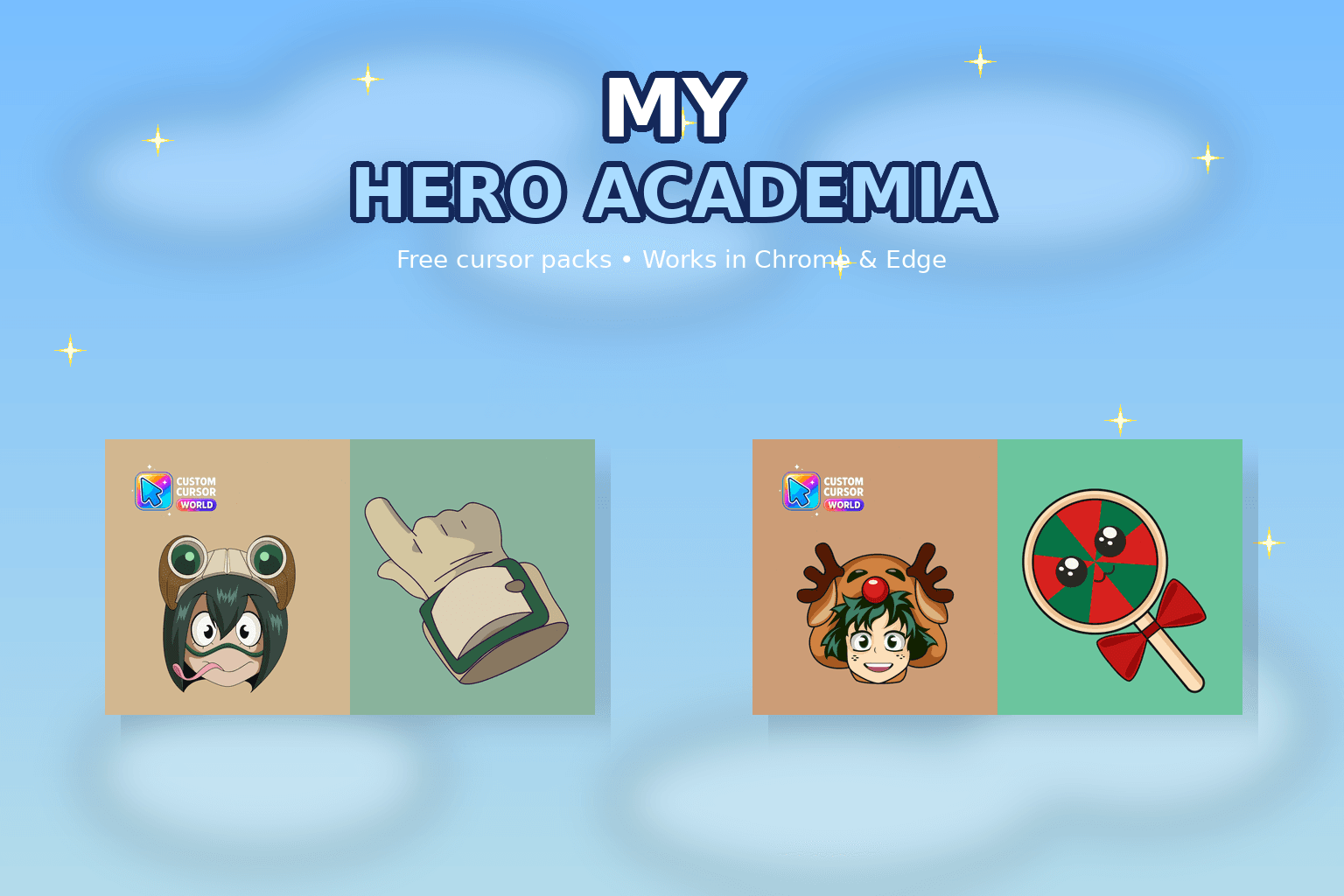
5.0
My Hero Academia Custom Cursor Collection
My Hero Academia cursor collection for Chrome and Edge.
6,697
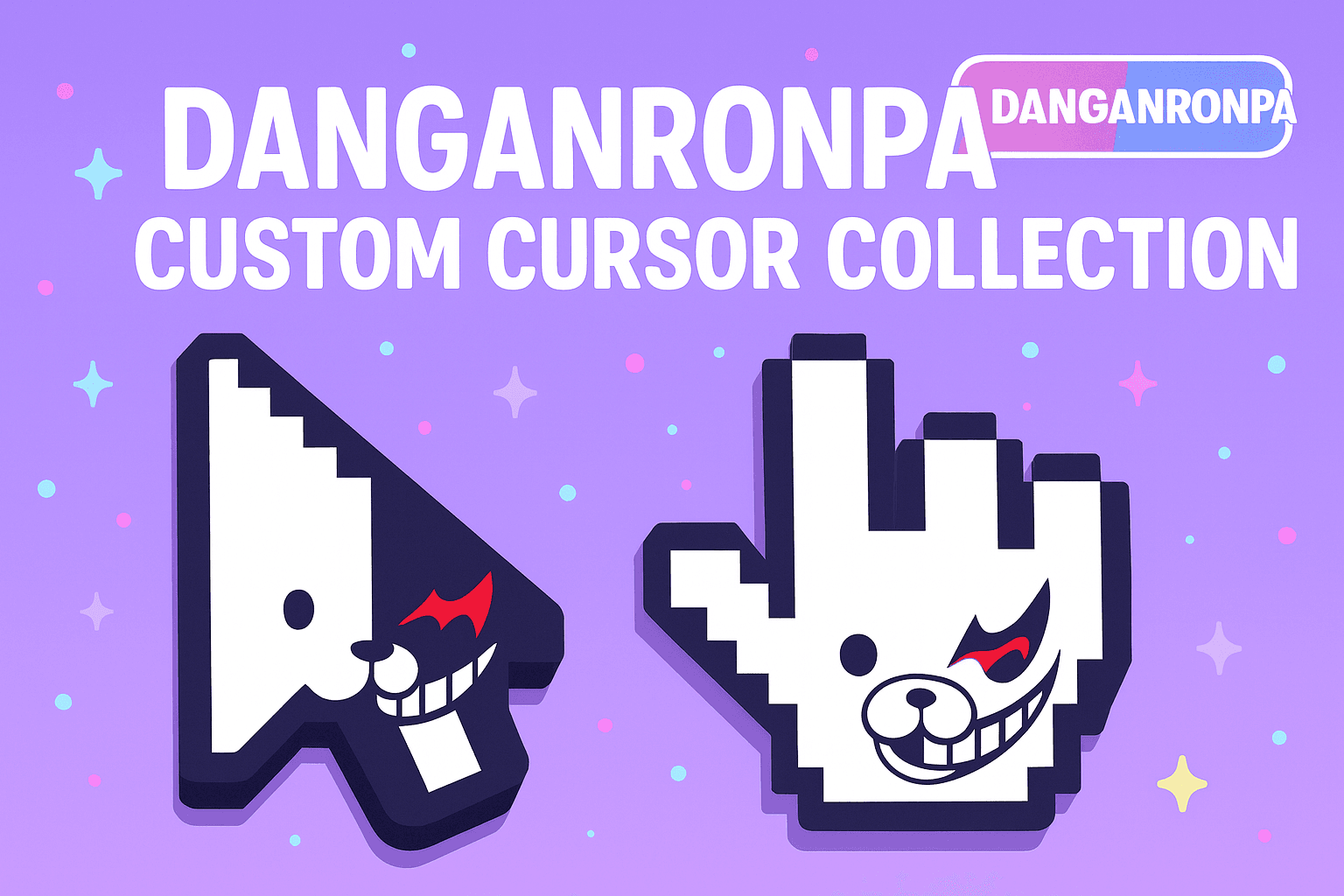
Danganronpa cursors: detective-game mouse pointers for Chrome, Edge & Windows.
Browse 44 carefully curated cursor packs in this collection. All packs are free to download and work with Chrome, Edge, and Windows browsers.
From Custom Cursor World, Custom Cursors, and Cute Cursors catalogs
Discover more curated cursor collections that match your interests. Explore similar themed collections with free cursor packs for Chrome, Edge, and Windows.
My Hero Academia cursor collection for Chrome and Edge.
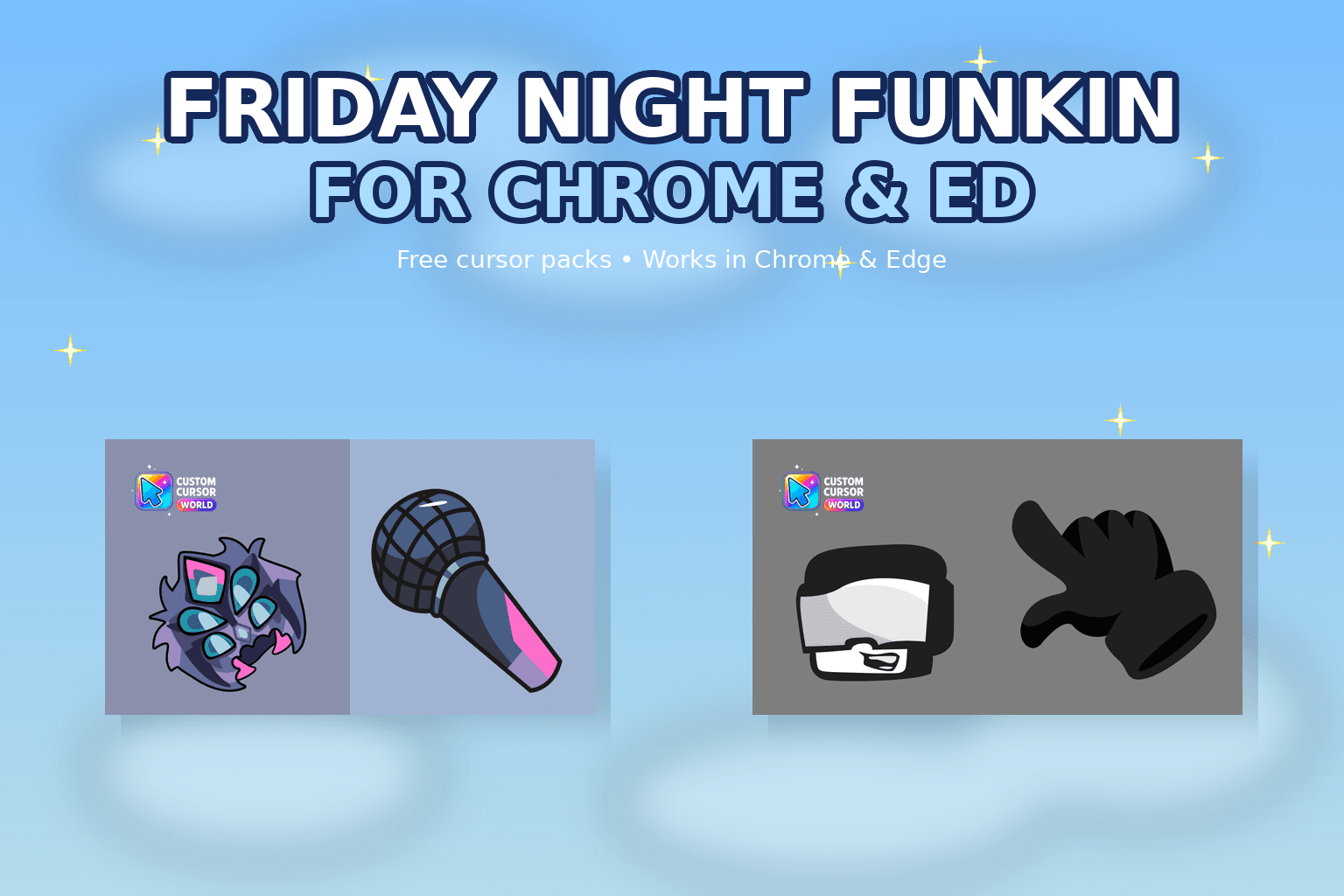
Elevate your browsing experience with our custom cursor collection inspired by 'Friday Night Funkin'. Set popular game characters instead of default b
Explore the Cursor Kingdom Collection - Fun cursors for Chrome, Edge & Windows
Personalize with Noragami Cursor Collection for Chrome, Edge, Windows
Follow these simple steps to start using custom cursors from the Danganronpa Custom Cursor Collection collection. All cursor packs are free and easy to install.
Install the Custom Cursor World extension for Chrome or Edge browser. The extension is free and takes less than a minute to set up.
Explore 44 cursor packs in the Danganronpa Custom Cursor Collection collection and find your favorite designs. Each pack is carefully curated for quality.
Click on any cursor pack and download it directly to your browser. No additional software or configuration needed.
Your new cursor is now active! Customize your browsing experience with unique cursor designs from the Danganronpa Custom Cursor Collection collection.
Common questions about the Danganronpa Custom Cursor Collection cursor collection
The Danganronpa Custom Cursor Collection collection is a curated set of custom cursor packs designed to enhance your browsing experience. Each pack in this collection has been carefully selected to provide unique and visually appealing cursor designs.
Yes! All cursor packs in this collection are completely free to download and use. There are no hidden fees or subscriptions required.
These cursor packs work with Chrome and Edge browsers through the Custom Cursor World extension. The extension is free and easy to install.
Simply click on any cursor pack in this collection, then click the "Add" or "Download" button. The extension will automatically install the cursor pack for you.
Yes! You can switch between different cursor packs at any time. Just browse our collections and select a new pack whenever you want to change your cursor style.
No restart is needed! Once you install a cursor pack, it becomes active immediately. You can start using your new cursor right away.
Install our free browser extension to instantly apply any cursor from our vast collection with one click. Works seamlessly with Chrome, Edge, and Windows.

Nagito Komaeda cute cursor - a free custom cursor with hope and despair energy.

Download the Monokuma cute cursor - a custom cursor with a playful class-trial vibe.
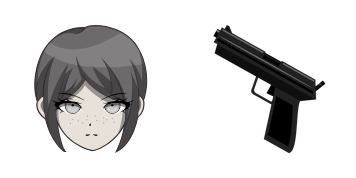
Mukuro Ikusaba cute cursor pack - free custom cursor featuring Monokuma chaos charm.
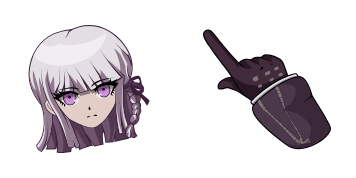
Kyoko Kirigiri cute cursor pack - free custom cursor featuring Monokuma chaos charm.

Junko Enoshima custom cursor - a cute cursor pack with trial-room mystery style.

Try the Makoto Naegi cute cursor - free custom cursor style with a bold academy look.
Kiyotaka Ishimaru custom cursor - a cute cursor pack with trial-room mystery style.

Download the Aoi Asahina cute cursor - a custom cursor with a playful class-trial vibe.
Download the Byakuya Togami cute cursor - a custom cursor with a playful class-trial vibe.

Seresutia Rudenberuku cute cursor pack - free custom cursor featuring Monokuma chaos charm.
Leon Kuwata cute cursor - a free custom cursor with hope and despair energy.

Hagakure Yasuhiro custom cursor - a cute cursor pack with trial-room mystery style.

Chihiro Fujisaki cute cursor pack - free custom cursor featuring Monokuma chaos charm.

Download the Sayaka Maizono cute cursor - a custom cursor with a playful class-trial vibe.

Mondo Owada cute cursor - a free custom cursor with hope and despair energy.
Elevate your desktop experience with the Custom Cursor Pack: Mondo Owada Designs
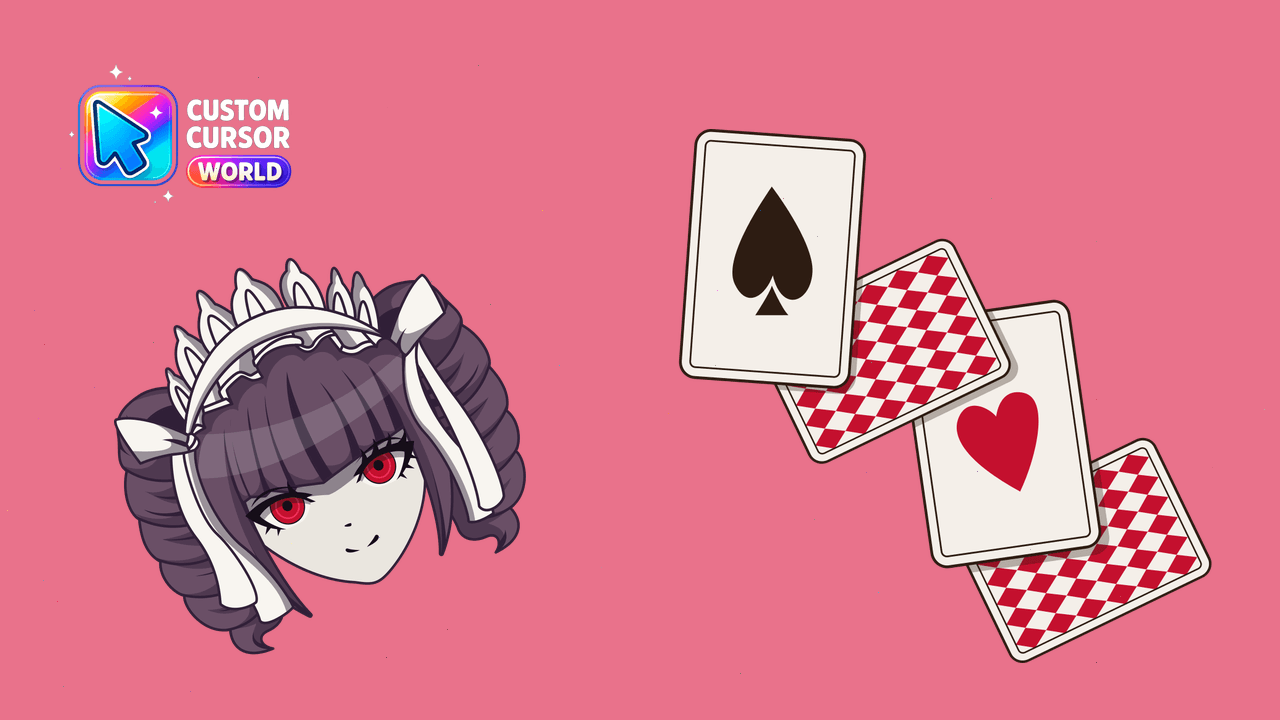
Navigate with style using our Seresutia Rudenberuku Custom Cursor Pack, ideal for Chrome and Edge browsers!
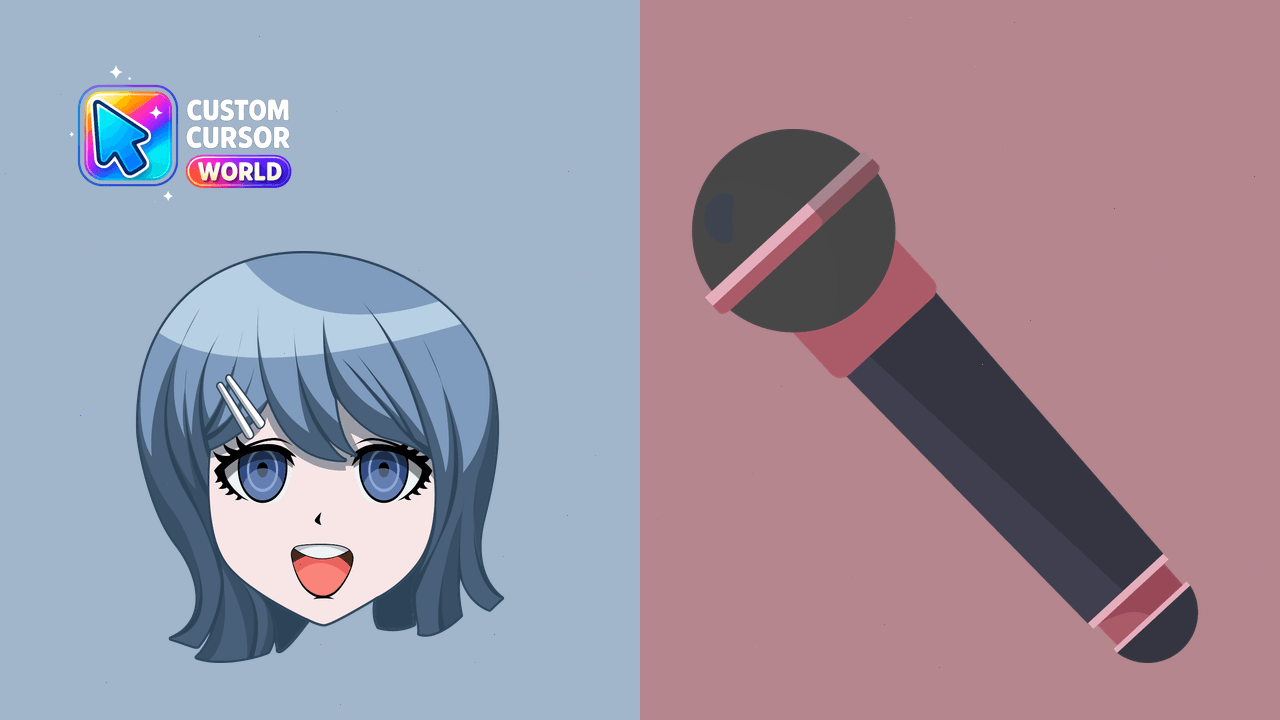
Sayaka Maizono Custom Cursor Pack - Ultimate Pop Star's charm on your screen
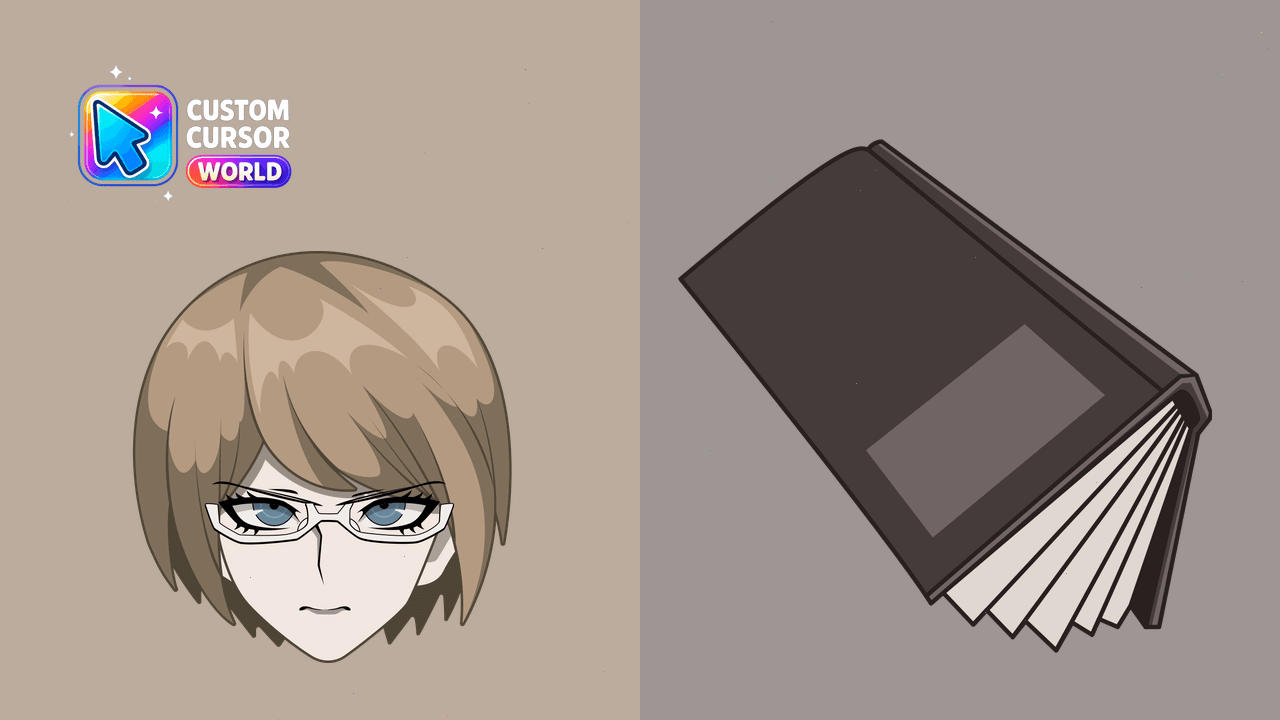
Upgrade your cursor experience with Byakuya Togami's custom mouse pointers for PC and browser compatibility
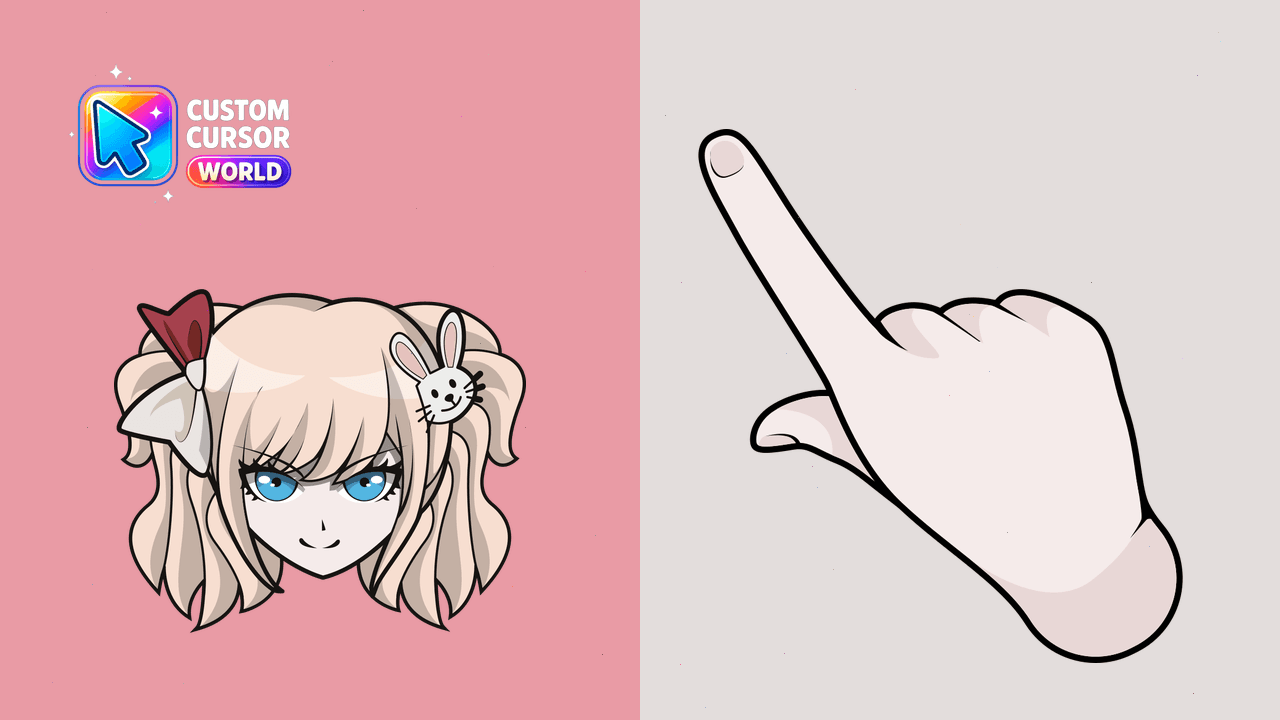
Immerse yourself in Danganronpa's world with Junko Enoshima's stylish custom cursors for Windows, Chrome and Edge
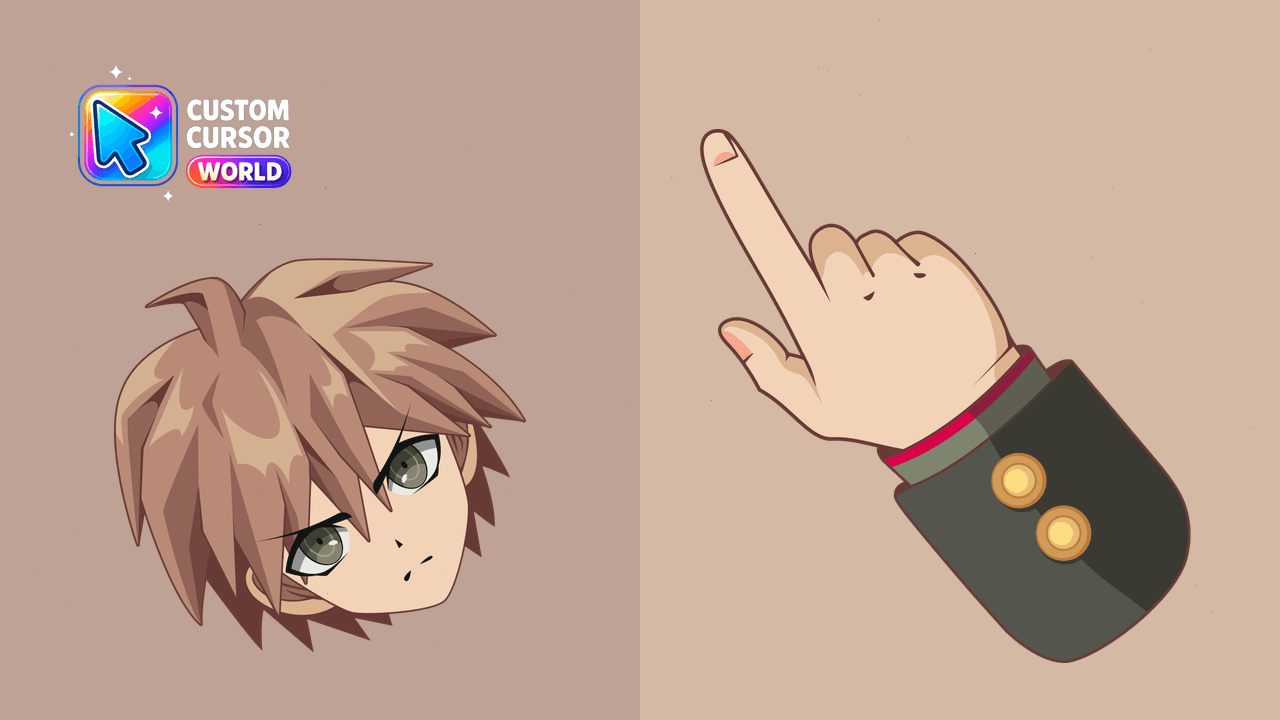
Enhance your browser with the ultimate luck Makoto Naegi cursor pack.
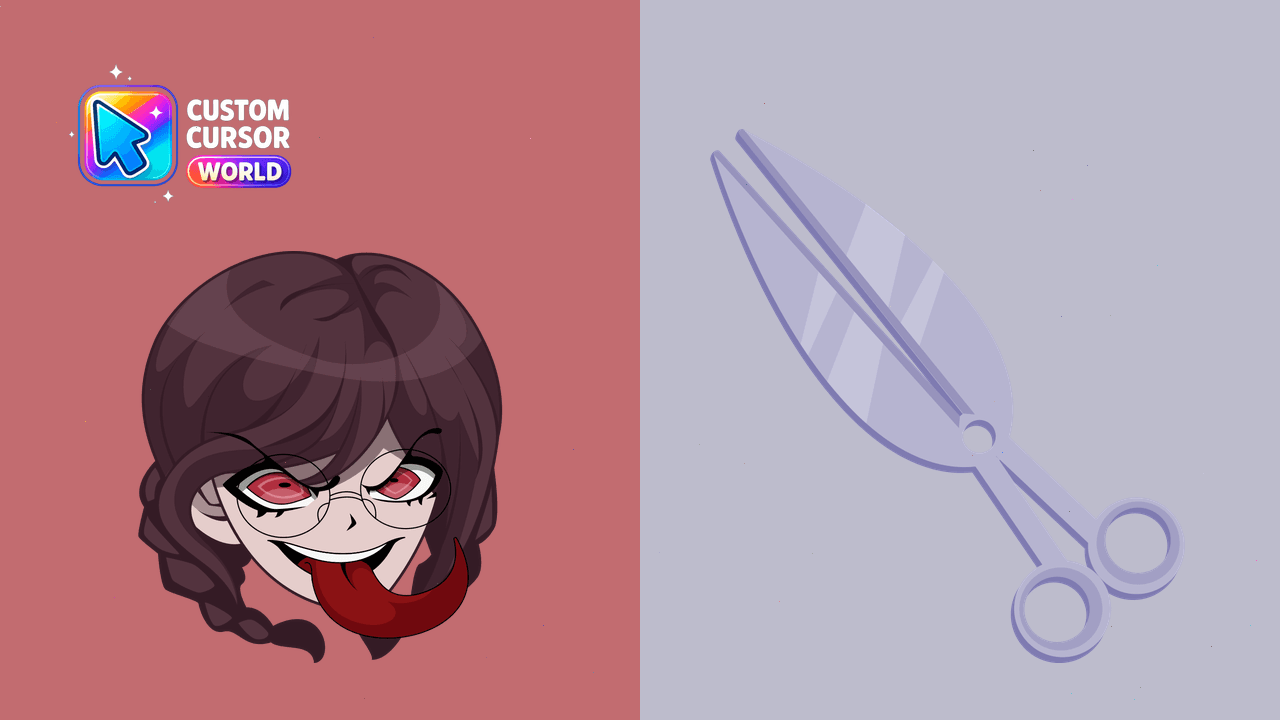
Toko Fukawa Custom Cursor Pack: Bring Toko Fukawa to your desktop with customizable writing instruments, tailored for Windows or Chrome users.
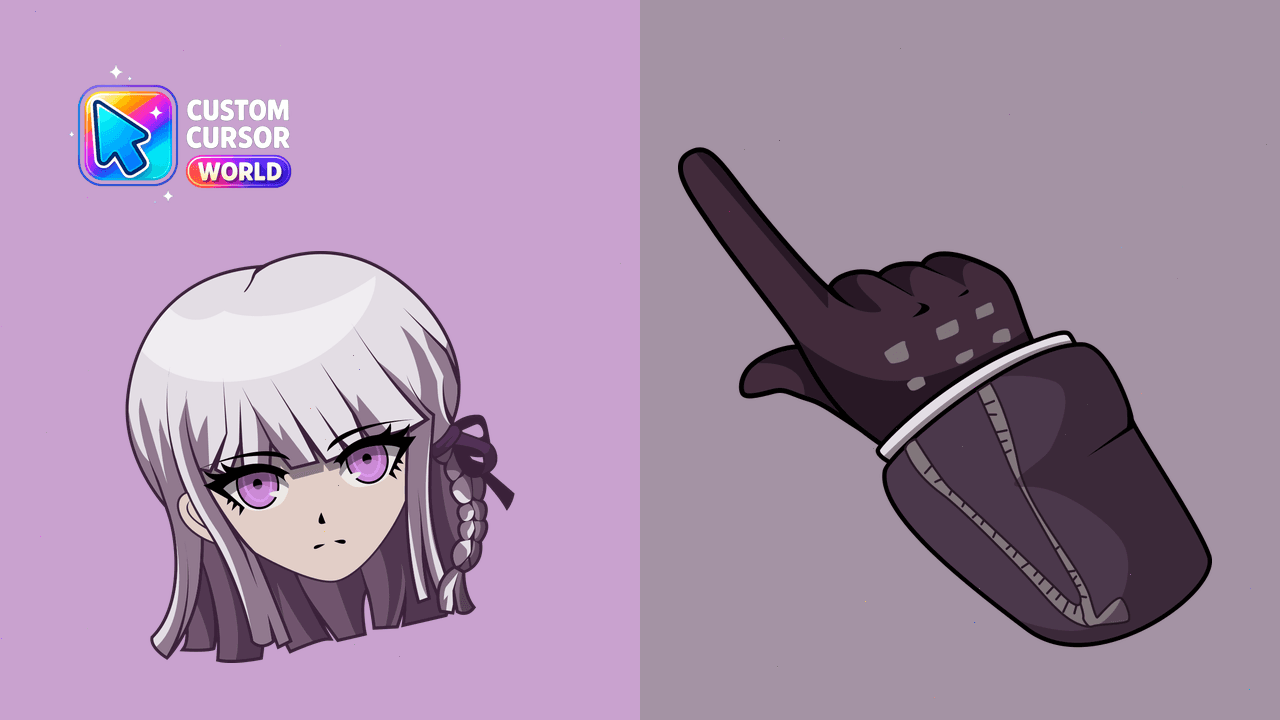
Stylish Kyoko Kirigiri mouse and pointer set with enhanced accessibility features
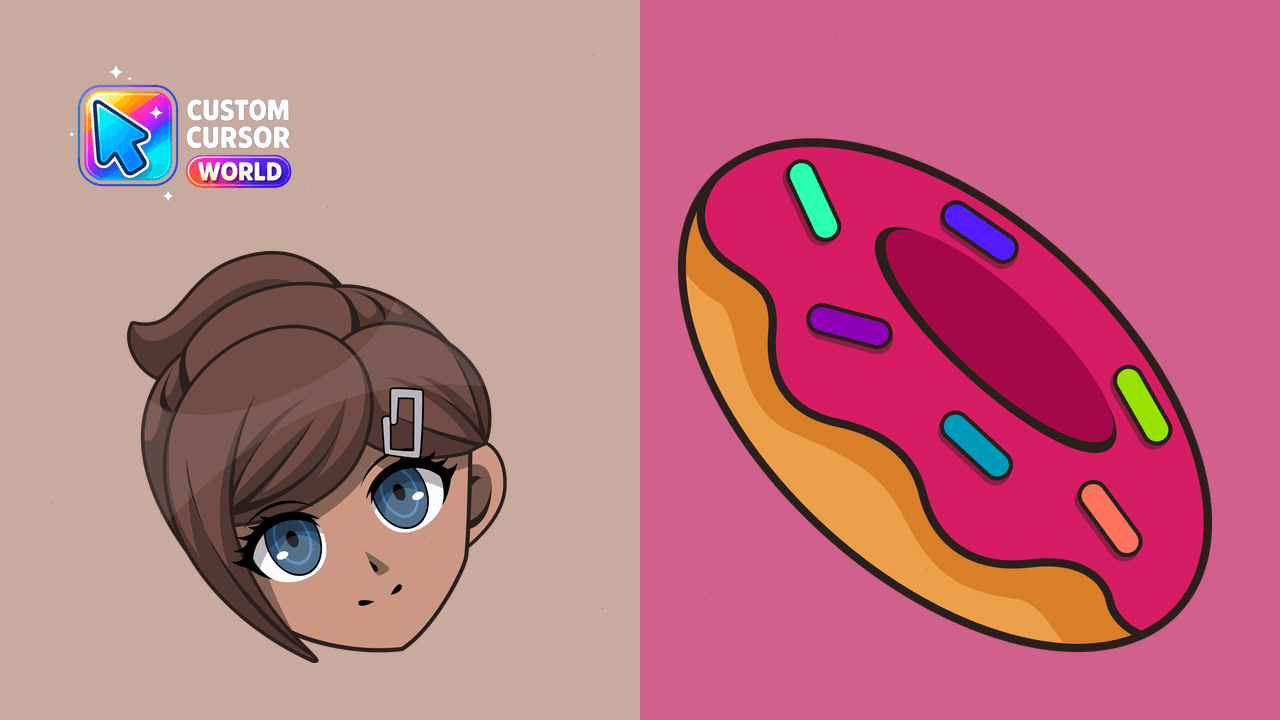
Unique Aoi Asahina cursor pack - Ultimate Swimmer theme for Windows, Chrome, and Edge
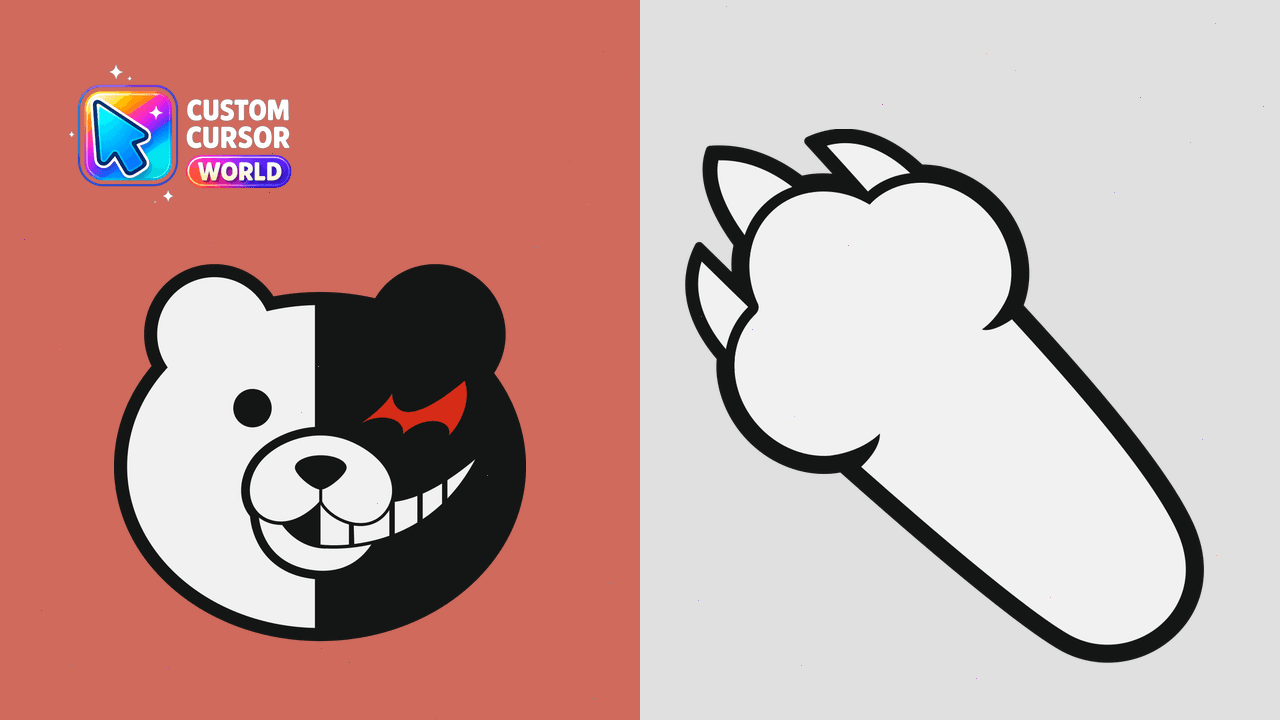
Boost your browsing experience on Chrome & Edge with our playful yet slightly ominous Monokuma custom cursor from Danganronpa
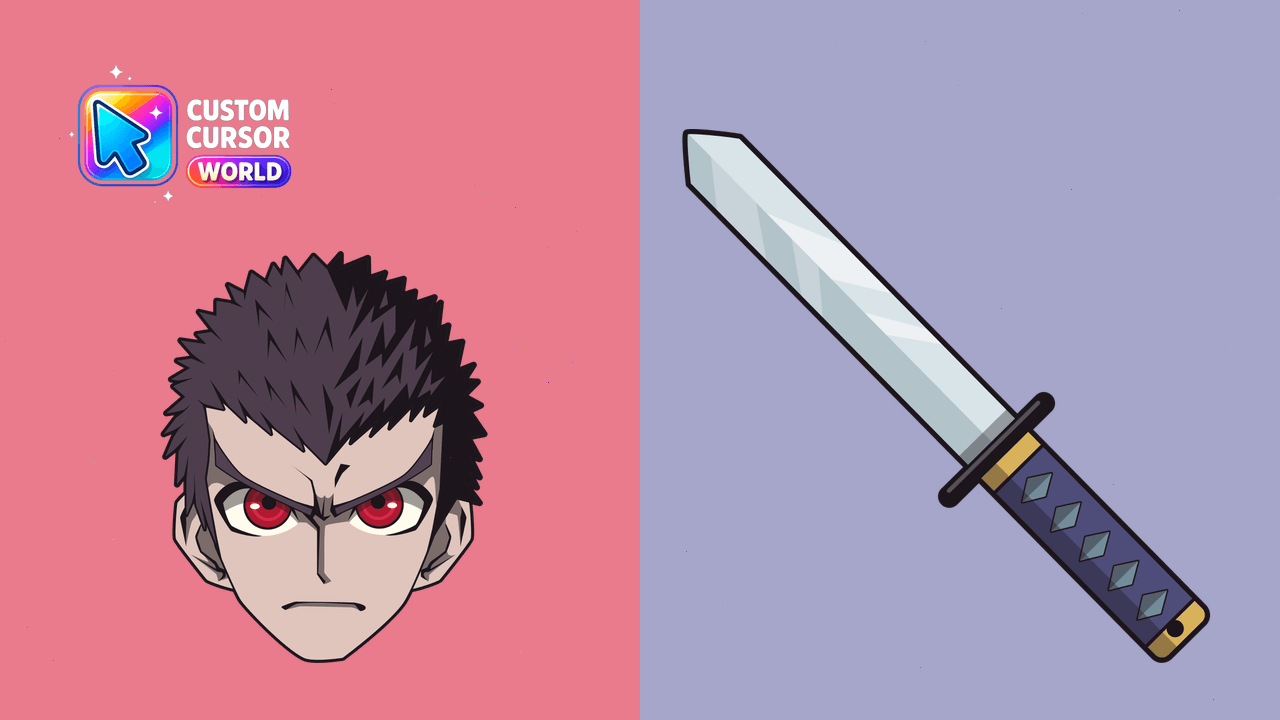
Enhance your browsing experience with Kiyotaka Ishimaru's unique cursor from Danganronpa for Chrome users
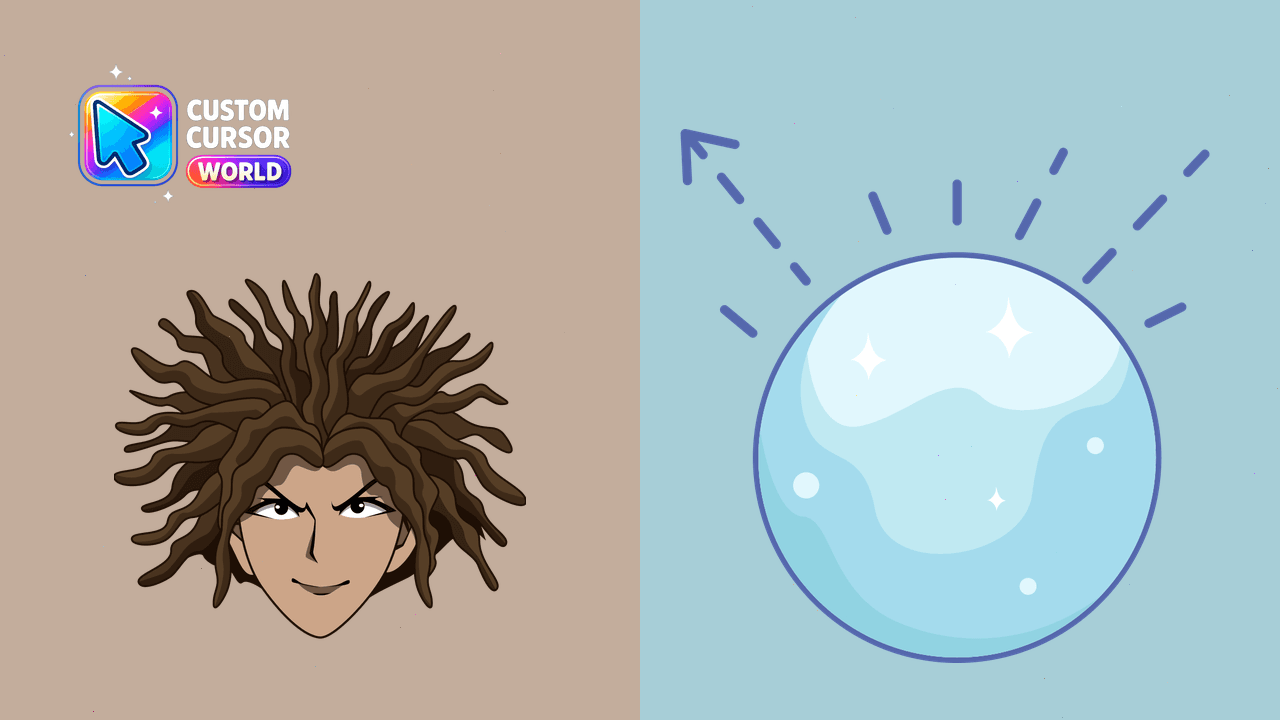
Unique Hagakure Yasuhiro Cursor Pack
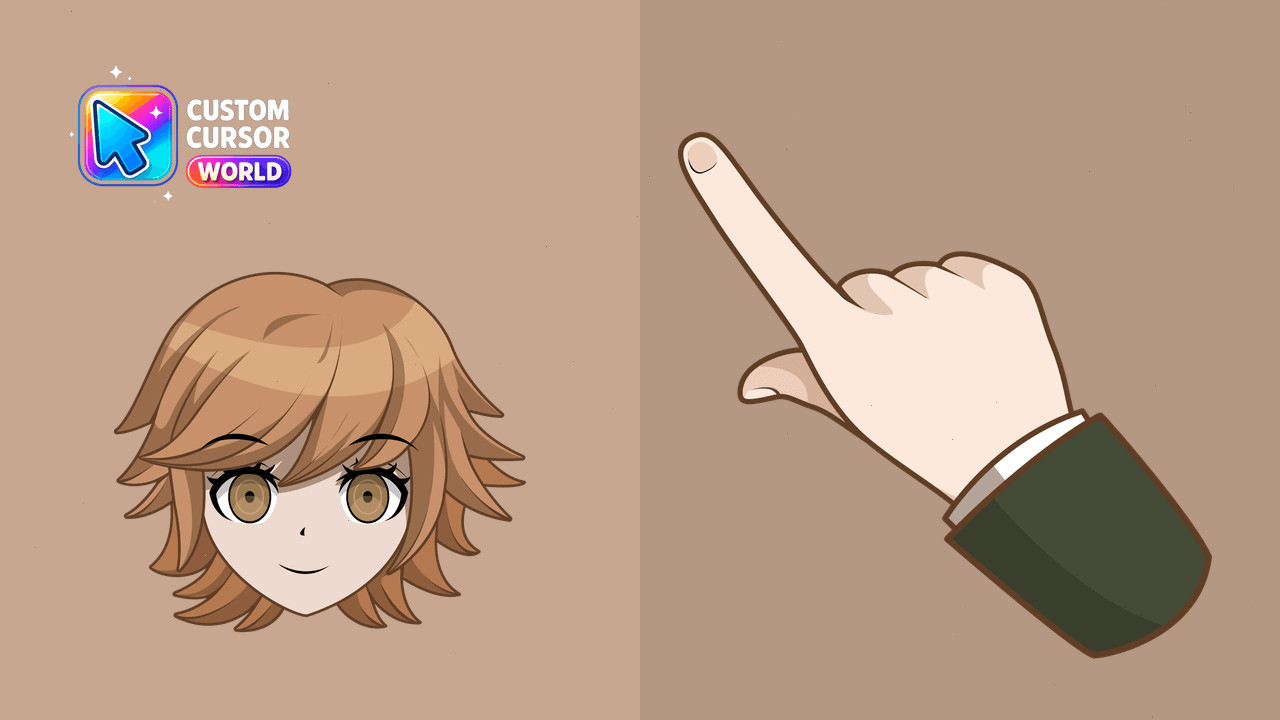
Elevate your browsing with Ultimate Programmer Chihiro Danganronpa cursors on Chrome and Edge
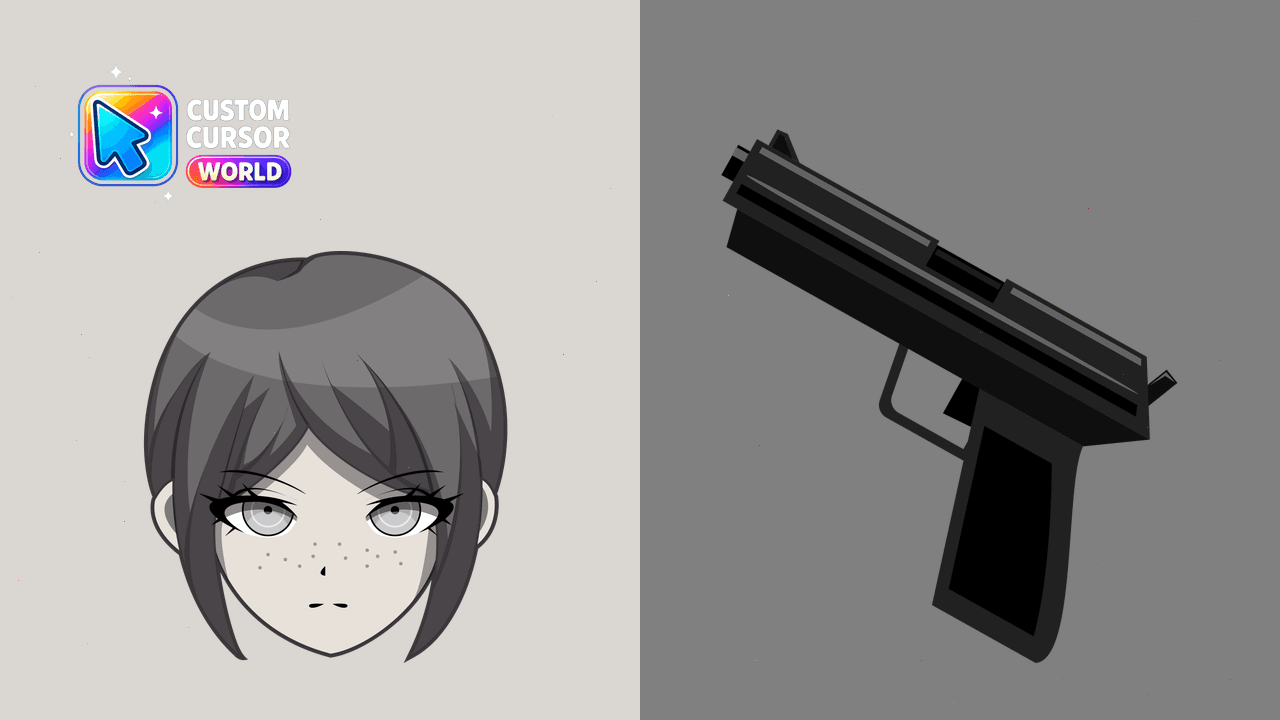
Enhance your cursor with Ultimate Soldier - Mukuro Ikusaba Cursor Pack!
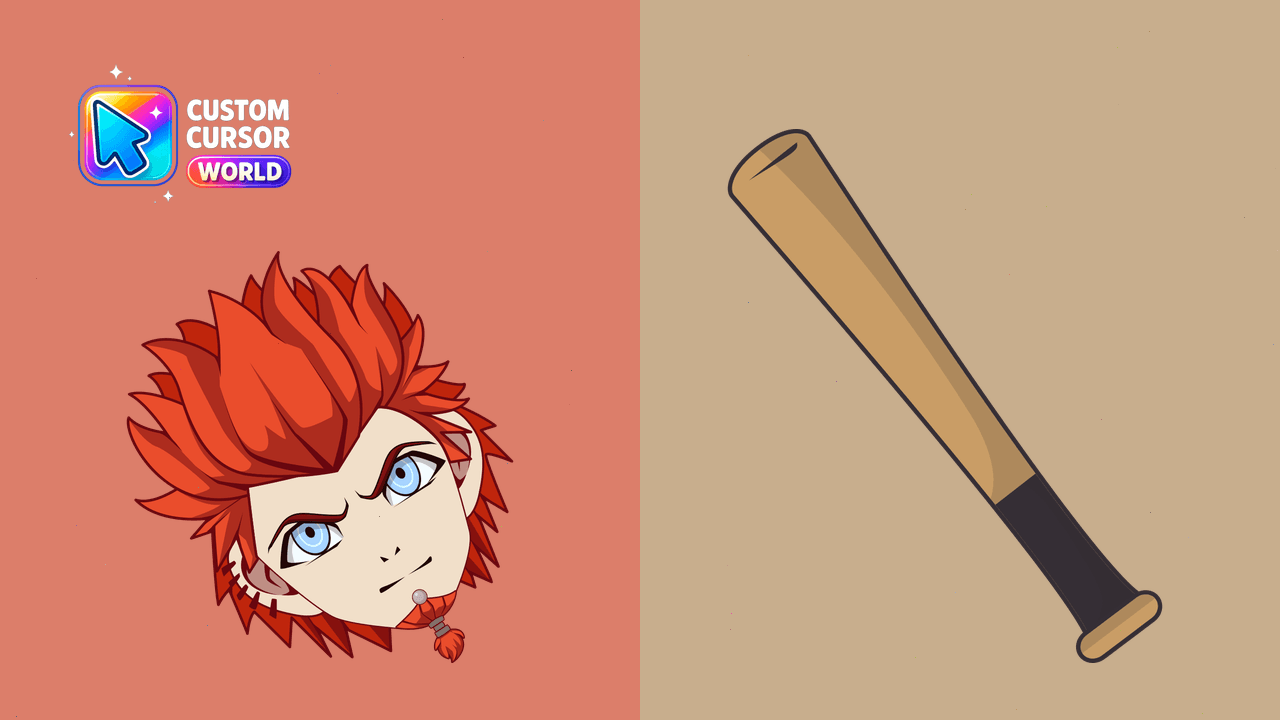
Enjoy a unique Danganronpa-themed cursor experience with our Leon Kuwata custom cursor pack, tailored for Chrome and compatible with Windows.
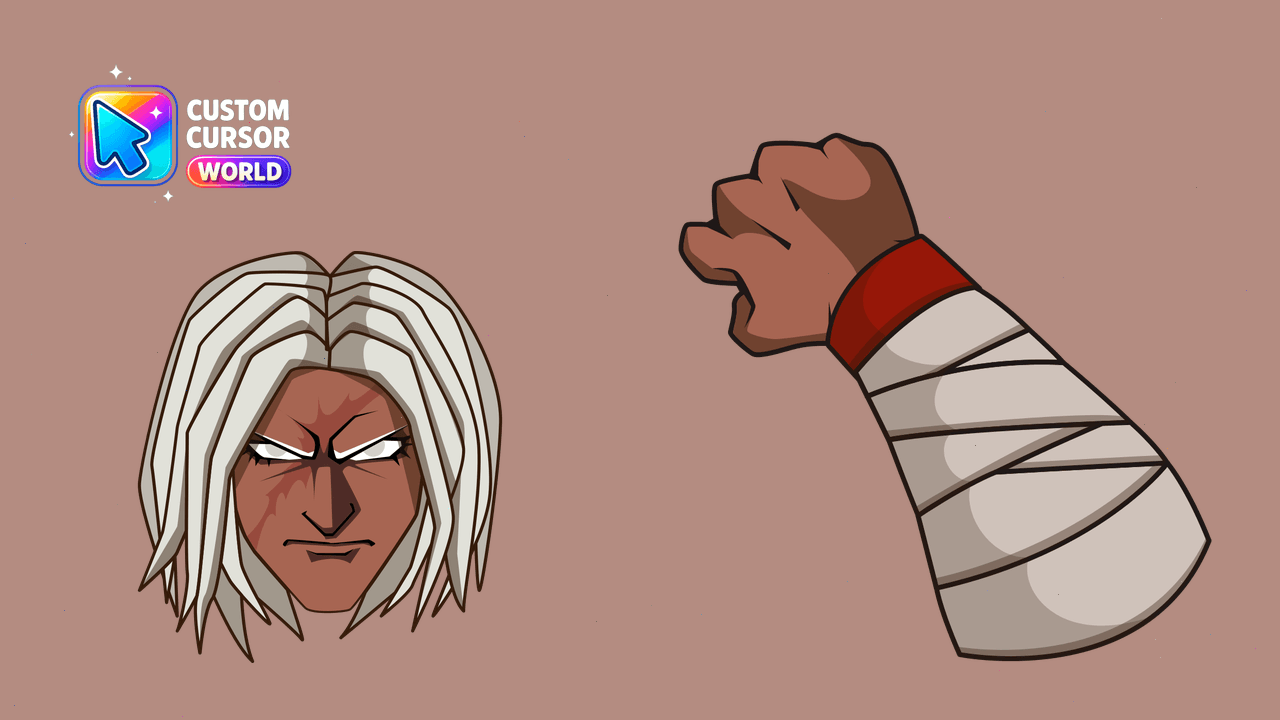
Navigate like a martial artist! Experience the precision of Sakura Ogami with our custom cursor pack for Windows and Chrome browsers.


Free Monokuma custom cursor - cute game character arrow and themed pointer.


Free Kokichi Oma custom cursor - cute game character arrow and themed pointer.

Free Kyoko Kirigiri custom cursor - cute game character arrow and themed pointer.

Byakuya Togami custom cursor for fans - darkened rim character pack.

Hajime Hinata custom cursor for fans - darkened rim character pack.

Among Us Danganronpa Monokuma Character cursor - split black-white bear crewmate with a matching hand.

Danganronpa Detective Boy cute cursor packs a dark-haired student arrow and a matching hand pointer.

Danganronpa Flower Girl cute cursor brings a pink-flower schoolgirl arrow and a matching hand pointer.

Danganronpa Hope Boy cute cursor packs a brown-haired student arrow and a matching hand pointer.

Danganronpa Glasses Boy cute cursor brings a blonde glasses student arrow and a matching hand pointer.

Danganronpa Bows Girl cute cursor packs a purple-bow schoolgirl arrow and a matching hand pointer.