4.9
Cursors Castle Crashers
Elevate your gaming experience with our Castle Crashers cursors collection!
9,133
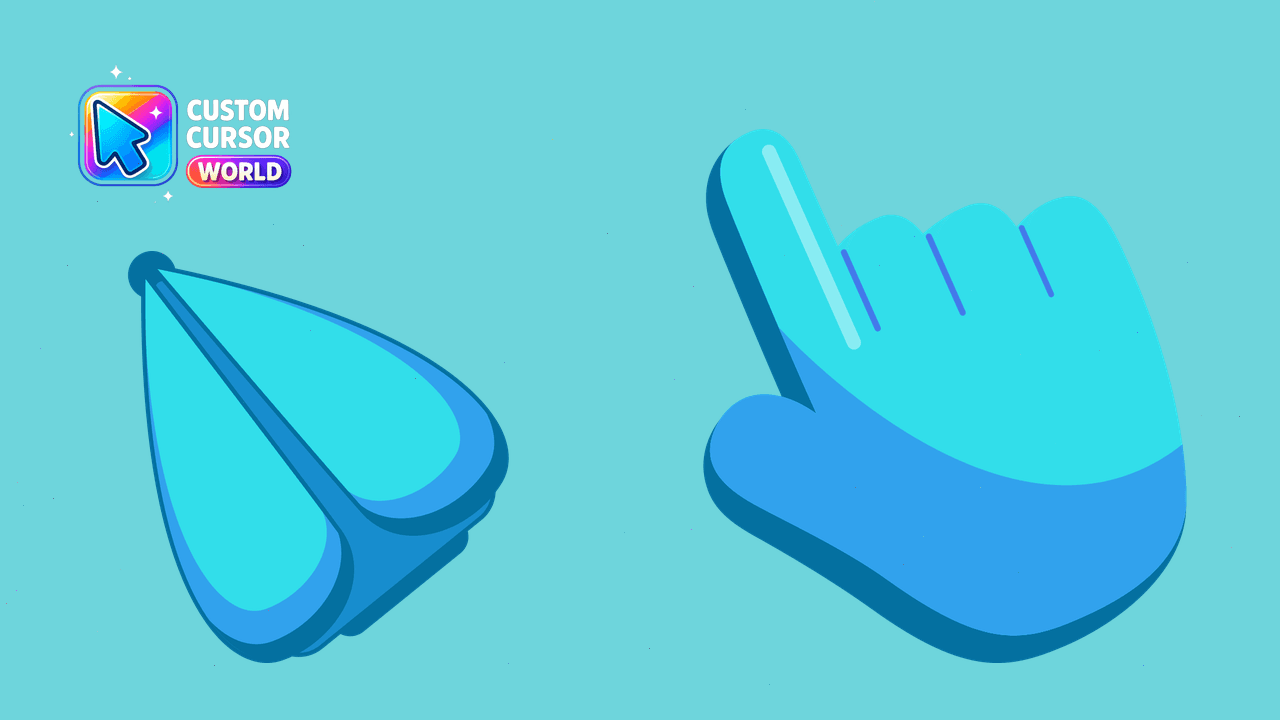
Blue, sea and water-themed cursor packs from The Cursors.
Browse 8 carefully curated cursor packs in this collection. All packs are free to download and work with Chrome, Edge, and Windows browsers.
From Custom Cursor World, Custom Cursors, and Cute Cursors catalogs
Discover more curated cursor collections that match your interests. Explore similar themed collections with free cursor packs for Chrome, Edge, and Windows.
Elevate your gaming experience with our Castle Crashers cursors collection!
Captain Underpants Cursors: Fun Desktop Collection for Chrome, Edge & Windows.
Discover a wide range of stunning cursor designs in the Terraria Cursors Collection.
Discover exquisite cursors for Chrome, Edge & Windows
Follow these simple steps to start using custom cursors from the The Cursors - Blue & Water collection. All cursor packs are free and easy to install.
Install the Custom Cursor World extension for Chrome or Edge browser. The extension is free and takes less than a minute to set up.
Explore 8 cursor packs in the The Cursors - Blue & Water collection and find your favorite designs. Each pack is carefully curated for quality.
Click on any cursor pack and download it directly to your browser. No additional software or configuration needed.
Your new cursor is now active! Customize your browsing experience with unique cursor designs from the The Cursors - Blue & Water collection.
Common questions about the The Cursors - Blue & Water cursor collection
The The Cursors - Blue & Water collection is a curated set of custom cursor packs designed to enhance your browsing experience. Each pack in this collection has been carefully selected to provide unique and visually appealing cursor designs.
Yes! All cursor packs in this collection are completely free to download and use. There are no hidden fees or subscriptions required.
These cursor packs work with Chrome and Edge browsers through the Custom Cursor World extension. The extension is free and easy to install.
Simply click on any cursor pack in this collection, then click the "Add" or "Download" button. The extension will automatically install the cursor pack for you.
Yes! You can switch between different cursor packs at any time. Just browse our collections and select a new pack whenever you want to change your cursor style.
No restart is needed! Once you install a cursor pack, it becomes active immediately. You can start using your new cursor right away.

Install our free browser extension to instantly apply any cursor from our vast collection with one click. Works seamlessly with Chrome, Edge, and Windows.
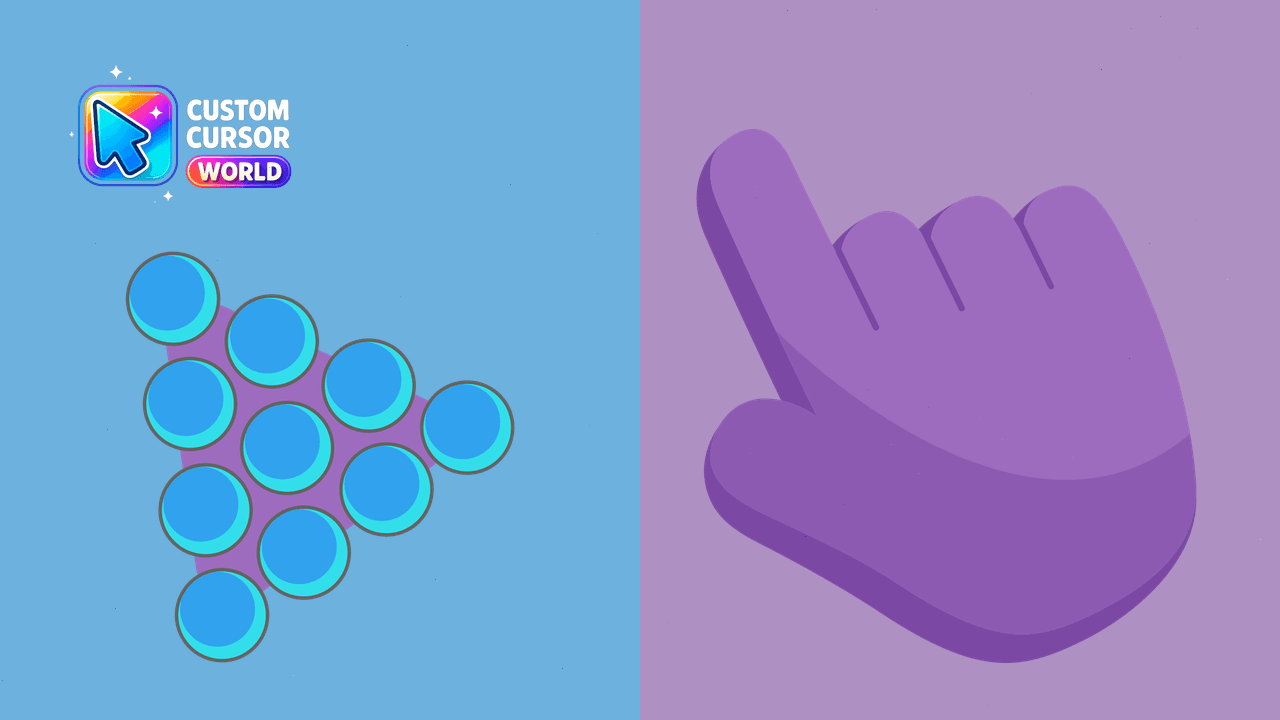
Customize your desktop experience with our Modern Cursor Pack - Super Trendy Collection

Innovative Custom Cursors for Chrome

Transform your mouse pointer with unique 'Water' custom cursors in our General collection
Transform your browsing with the stylish Blue Bug custom cursor for Chrome and Edge
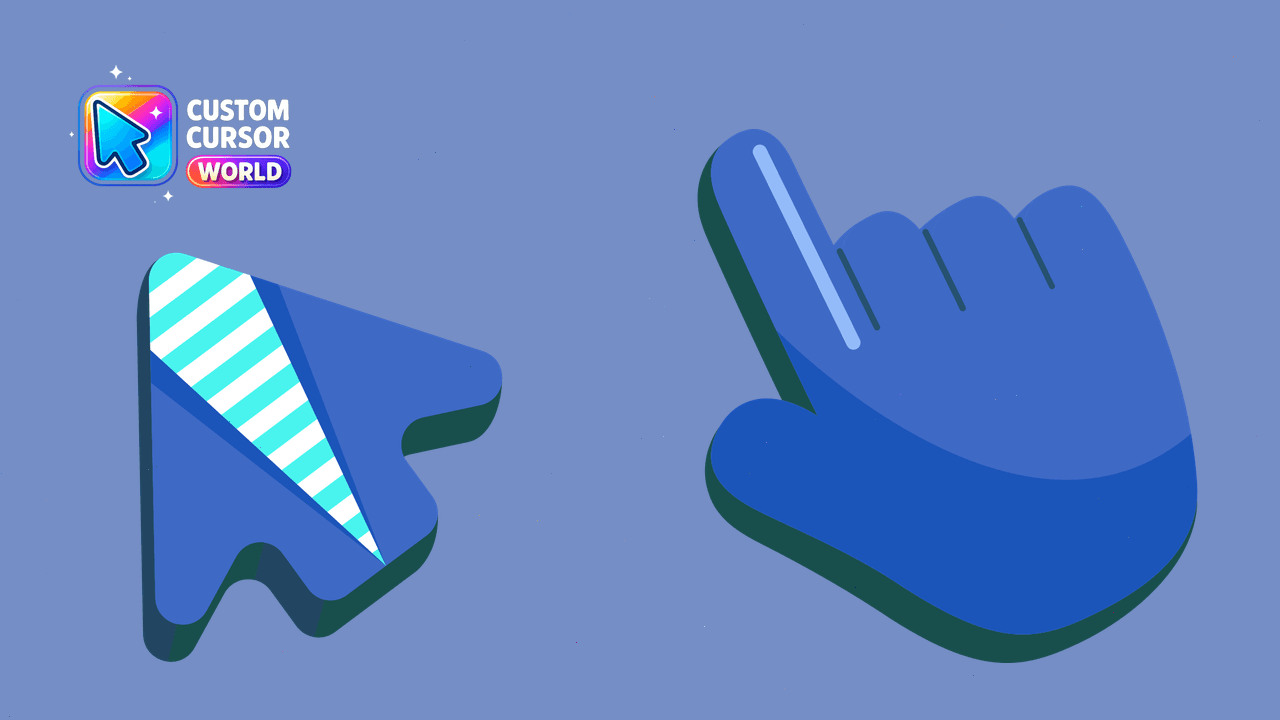
Navigate the Internet with our unique Sea Cursor Pack featuring nautical-themed mouse pointers for Chrome and Edge

Add fun and customization with Red Line Cursor Pack - Perfect for Chromium-based browsers like Google Chrome & Microsoft Edge!
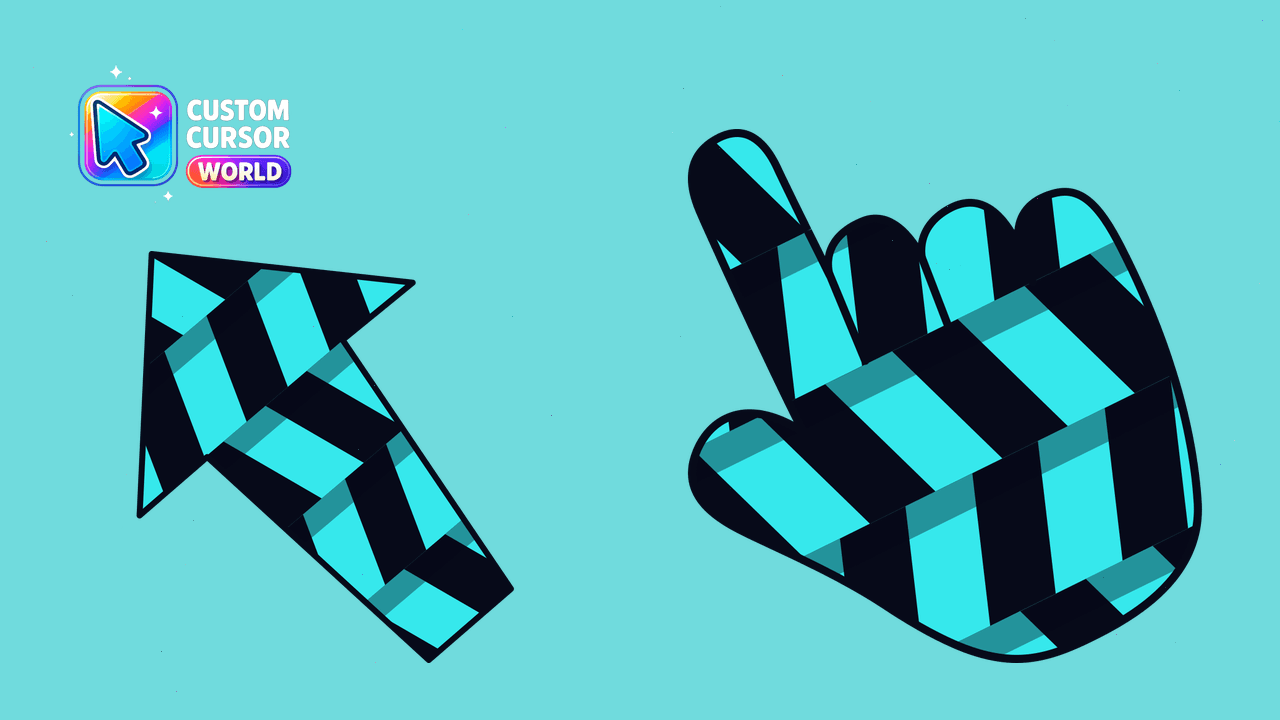
Sophisticated blue-themed cursor pack for Chrome and Edge browsers
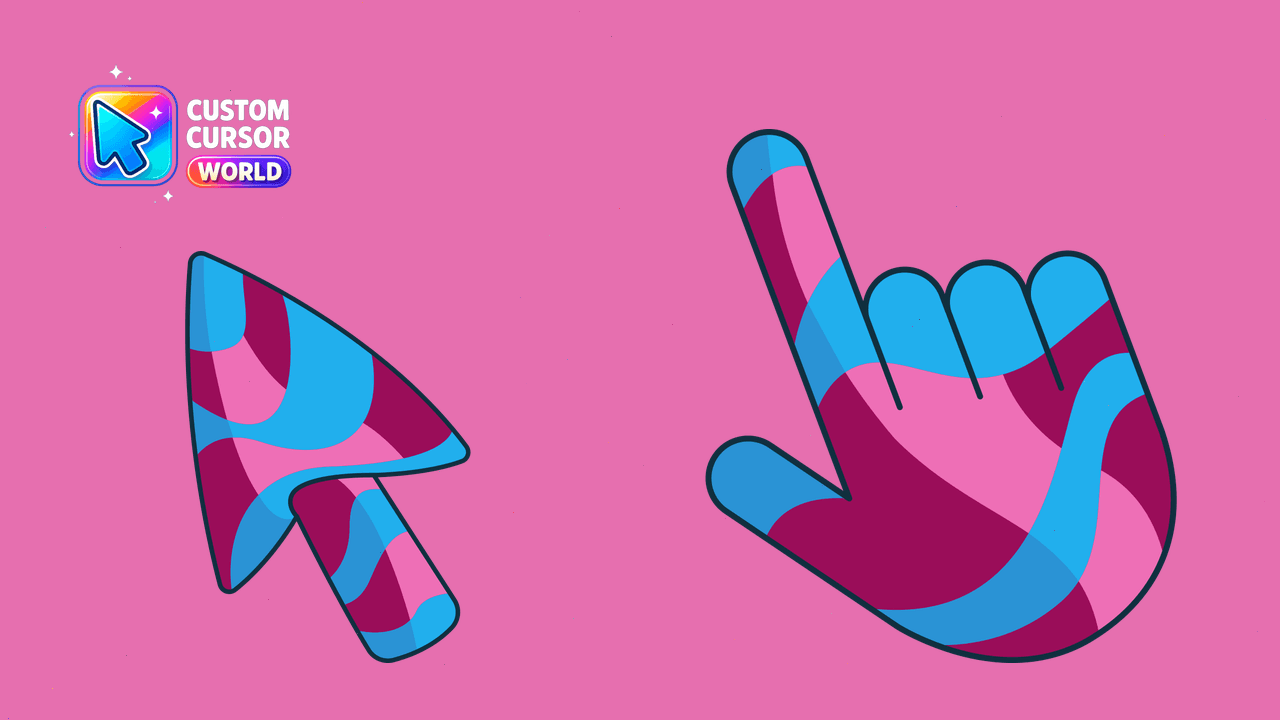
Stylish Custom Cursor for Chrome