
Cute Cursors
DeviantArt
Free DeviantArt-themed custom cursors - cute creative pointer art for artists.

Poppy Playtime found a very effective formula: take toys designed to be hugged, make them enormous, and put them in a factory where everyone stopped clocking in ten years ago. Huggy Wuggy has the proportions of a plush and the reach of something that can cross a corridor in one step.
The GrabPack is what makes it more than a chase game. Two extendable hands on wires let you pull levers across a room, carry power between circuits, and solve the environmental puzzles that fill the space between scares. It gives you something to do with your hands while you're being hunted, which paradoxically makes the hunting worse.
The lore is doled out through tapes and scattered documents in a way that turned the game into a community project. Playtime Co. is hiding something, obviously, and working out what has kept theorists busy across every chapter.
Kissy Missy's pink counterpart status and Mommy Long Legs's stretching are both good examples of the series' core trick: exaggerate a toy just enough and it stops being cute.
This collection covers the factory's residents. Install one if you like your desktop slightly menacing.
Browse 31 carefully curated cursor packs in this collection. All packs are free to download and work with Chrome, Edge, and Windows browsers.
From Custom Cursor World, Custom Cursors, and Cute Cursors catalogs
Discover more curated cursor collections that match your interests. Explore similar themed collections with free cursor packs for Chrome, Edge, and Windows.
Free DeviantArt-themed custom cursors - cute creative pointer art for artists.

Free Alley Cats cursors - Ricky Gervais Netflix scruffy cat crew with dark outline fan art.

Free Strawberry Buddy custom cursors - cute strawberry character packs with matching pointers.

Free Blueberry Buddy custom cursors - cute blueberry character packs with matching pointers.
Follow these simple steps to start using custom cursors from the Poppy Playtime collection. All cursor packs are free and easy to install.
Install the Custom Cursor World extension for Chrome or Edge browser. The extension is free and takes less than a minute to set up.
Explore 31 cursor packs in the Poppy Playtime collection and find your favorite designs. Each pack is carefully curated for quality.
Click on any cursor pack and download it directly to your browser. No additional software or configuration needed.
Your new cursor is now active! Customize your browsing experience with unique cursor designs from the Poppy Playtime collection.
Common questions about the Poppy Playtime cursor collection
The Poppy Playtime collection is a curated set of custom cursor packs designed to enhance your browsing experience. Each pack in this collection has been carefully selected to provide unique and visually appealing cursor designs.
Yes! All cursor packs in this collection are completely free to download and use. There are no hidden fees or subscriptions required.
These cursor packs work with Chrome and Edge browsers through the Custom Cursor World extension. The extension is free and easy to install.
Simply click on any cursor pack in this collection, then click the "Add" or "Download" button. The extension will automatically install the cursor pack for you.
Yes! You can switch between different cursor packs at any time. Just browse our collections and select a new pack whenever you want to change your cursor style.
No restart is needed! Once you install a cursor pack, it becomes active immediately. You can start using your new cursor right away.

Install our free browser extension to instantly apply any cursor from our vast collection with one click. Works seamlessly with Chrome, Edge, and Windows.

Add Huggy Wuggy to your cursor with this fan-inspired pack for Windows.

Bring Poppy Playtime's Kissy Missy to your desktop! Quick installation. Custom Cursor Pack for Windows cursor enthusiasts.
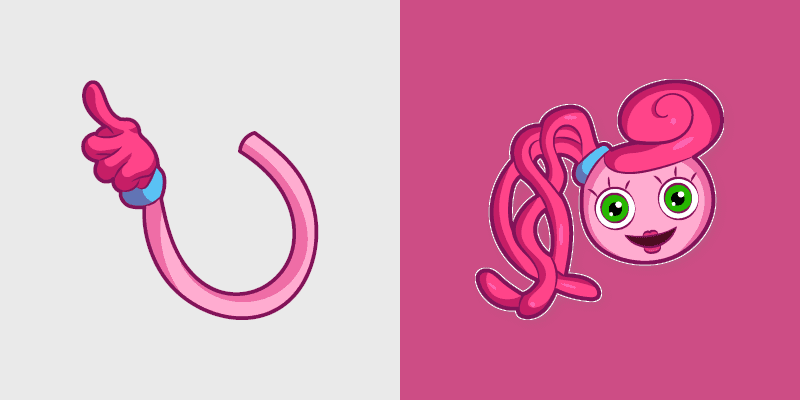
Poppy Playtime Mommy Long Legs Custom Cursor Pack - spooky game cursor

Candy Cat Custom Cursor Pack - Whimsical Mouse Cursors for Gaming
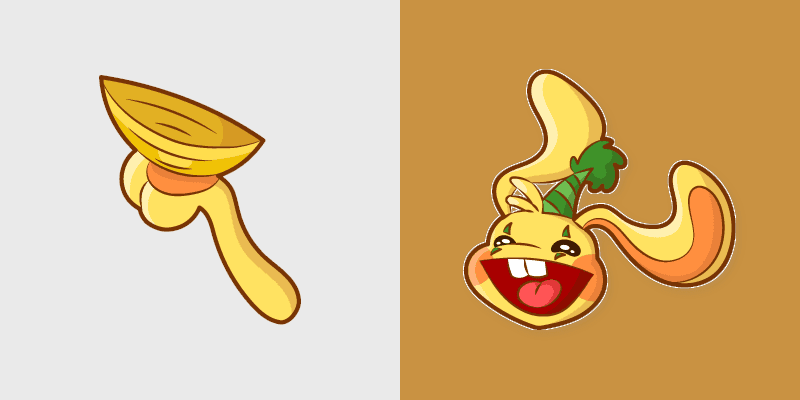
Personalize your Windows mouse pointer with this Bunzo Bunny Cute Cursor Pack inspired by Poppy Playtime's favorite antagonist. Perfect for gamers and customization enthusiasts!

Add a touch of whimsy to your digital life with Daisy's Sunshine Cursors Pack

Unique Poppy Playtime Boogie Bot cursor pack. Fun customization!
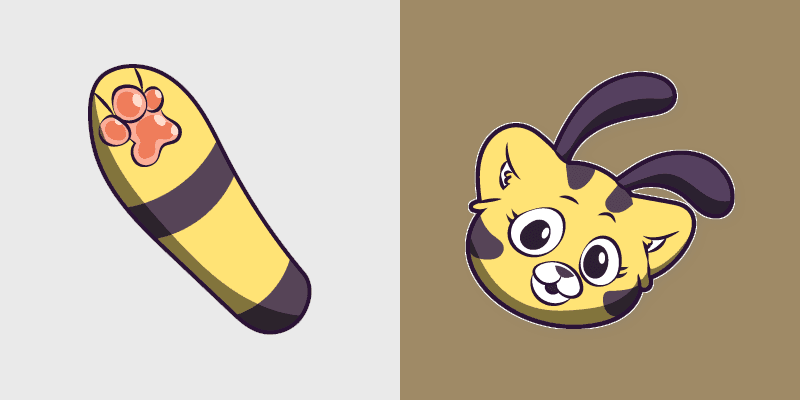
Immerse in the Poppy Playtime world with our Custom Cursor Pack, perfect for desktop theming!

Bron Cute Cursor - Inspired by Poppy Playtime's iconic character for Windows cursor enthusiasts

Bring Project: Playtime's creepy creature to your screen with our Custom Cursor Boxy Boo! Quick installation and playful color palette inspired by ghost tales.

Immerse in the Poppy Playtime world with our Custom Cute Cursor Pack - quick install, great theme compatibility

Immerse yourself in 'Poppy Playtime' with our unique cursor pack featuring iconic characters!

Bring fun to your desktop with Custom Cursor Pug-a-Pillar for Windows. Perfect for gamers and casual users.

Poppy Playtime Games cute cursor - free custom cursor with toy-factory flair.

Huggy Wuggy cute cursor pack - free custom cursor with big blue hugs.

Candy Cat cute cursor pack - free custom cursor with sweet factory style.

Bunzo Bunny animated cute cursor - free custom cursor with circus flair.

Kissy Missy animated cute cursor - free custom cursor with soft pink charm.

Mommy Long Legs animated cute cursor - free custom cursor for fans.

Boogie Bot animated cute cursor - free custom cursor with robot bounce.

Daddy Long Legs animated cute cursor - free custom cursor download.

Bron animated cute cursor - free custom cursor with dino toy energy.


Among Us Poppy Playtime The Prototype Gray Character cursor - soft gray toy crewmate pack.
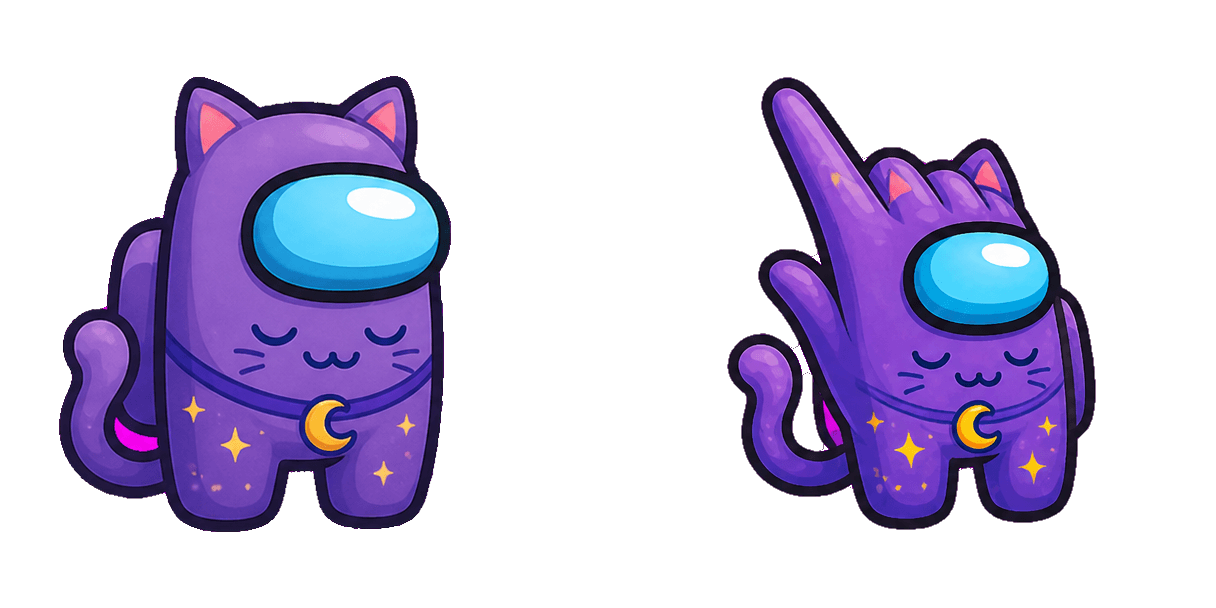
Among Us Poppy Playtime CatNap Purple Character cursor - sleepy CatNap crewmate pointer pack.

Poppy Purple Bear cute cursor brings a purple bear plush arrow and a matching purple paw pointer.

Poppy Green Dino cute cursor packs a green dinosaur plush arrow and a matching green hand pointer.

Poppy Yellow Chick cute cursor brings a fluffy yellow chick plush arrow and a matching yellow hand pointer.

Poppy Teddy Bear cute cursor packs a tan teddy plush arrow and a matching tan paw pointer.

Poppy Blue Puppy cute cursor brings a soft blue dog plush arrow and a matching blue paw pointer.

Poppy Red Cube Toy cute cursor packs a smiling red cube plush arrow and a matching red hand pointer.