
Cute Cursors
DeviantArt
Free DeviantArt-themed custom cursors - cute creative pointer art for artists.

Overwatch arrived in 2016 and reset what a shooter could look like. Bright, colourful, full of distinct silhouettes, and built around the idea that your character choice mattered more than your aim - which was a genuinely radical proposition at the time.
The roster is the game. Tracer's blinks, Reinhardt's shield, Mercy's beam, D.Va's mech, Lúcio's speed. Every hero is designed to be readable from a distance and to lose to something specific, so the real skill is composition and swapping rather than raw mechanics.
Blizzard's other achievement was worldbuilding through implication. There was never much story in the game itself - just animated shorts, voice lines and map details that suggested a whole optimistic near-future the fandom then filled in enthusiastically.
The payload push remains one of the better objective designs in multiplayer, mostly because it produces a natural rhythm of pressure and collapse.
This collection covers heroes and their signature abilities. Fanart, drawn to read clearly at pointer size.
Browse 73 carefully curated cursor packs in this collection. All packs are free to download and work with Chrome, Edge, and Windows browsers.
From Custom Cursor World, Custom Cursors, and Cute Cursors catalogs
Discover more curated cursor collections that match your interests. Explore similar themed collections with free cursor packs for Chrome, Edge, and Windows.
Free DeviantArt-themed custom cursors - cute creative pointer art for artists.

Free Alley Cats cursors - Ricky Gervais Netflix scruffy cat crew with dark outline fan art.

Free Strawberry Buddy custom cursors - cute strawberry character packs with matching pointers.

Free Blueberry Buddy custom cursors - cute blueberry character packs with matching pointers.
Follow these simple steps to start using custom cursors from the Overwatch collection. All cursor packs are free and easy to install.
Install the Custom Cursor World extension for Chrome or Edge browser. The extension is free and takes less than a minute to set up.
Explore 73 cursor packs in the Overwatch collection and find your favorite designs. Each pack is carefully curated for quality.
Click on any cursor pack and download it directly to your browser. No additional software or configuration needed.
Your new cursor is now active! Customize your browsing experience with unique cursor designs from the Overwatch collection.
Common questions about the Overwatch cursor collection
The Overwatch collection is a curated set of custom cursor packs designed to enhance your browsing experience. Each pack in this collection has been carefully selected to provide unique and visually appealing cursor designs.
Yes! All cursor packs in this collection are completely free to download and use. There are no hidden fees or subscriptions required.
These cursor packs work with Chrome and Edge browsers through the Custom Cursor World extension. The extension is free and easy to install.
Simply click on any cursor pack in this collection, then click the "Add" or "Download" button. The extension will automatically install the cursor pack for you.
Yes! You can switch between different cursor packs at any time. Just browse our collections and select a new pack whenever you want to change your cursor style.
No restart is needed! Once you install a cursor pack, it becomes active immediately. You can start using your new cursor right away.

Install our free browser extension to instantly apply any cursor from our vast collection with one click. Works seamlessly with Chrome, Edge, and Windows.
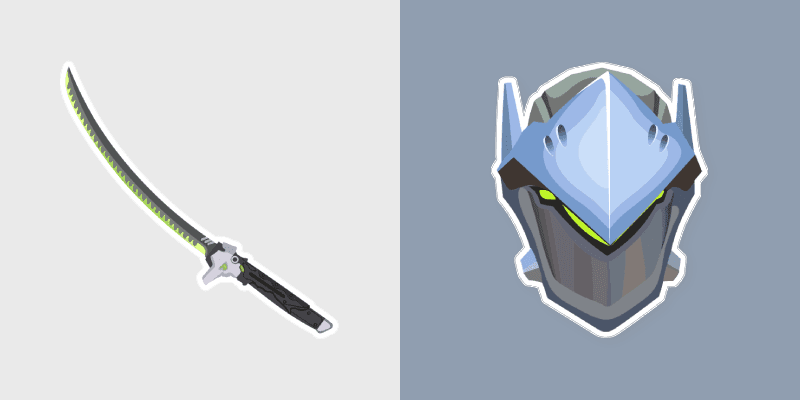
Genji's dragon blade katana slices swift ninja steel across your pointer with cyber shimada grace.
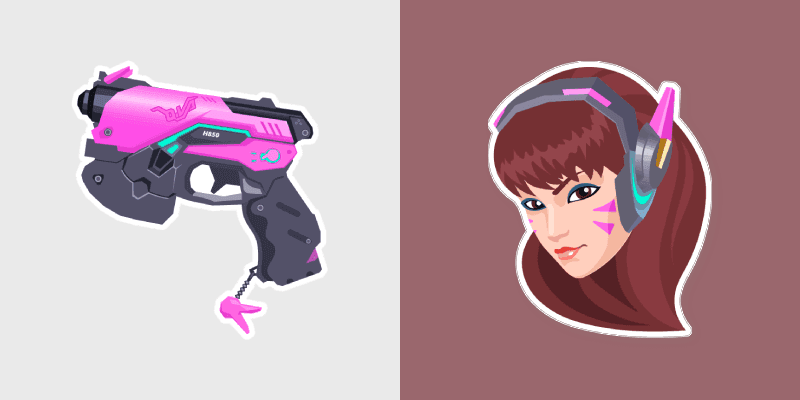
D.Va's pink MEKA light gun brings gamer girl tank swagger to your pointer and click pair.
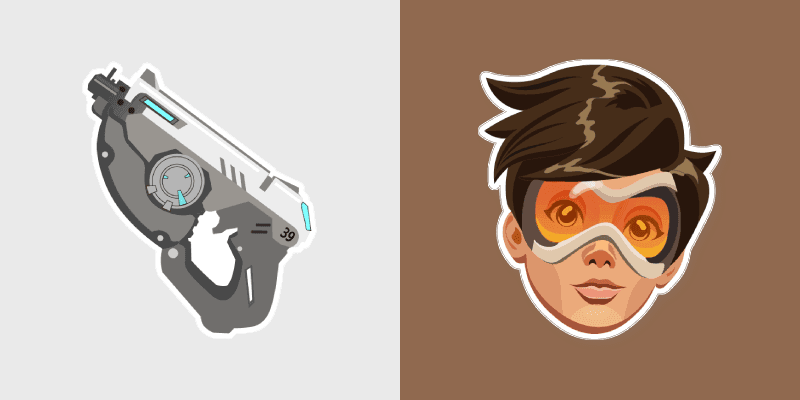
Orange Tracer pulse pistol energy streaks across tabs with bright hero icon bounce and speed.
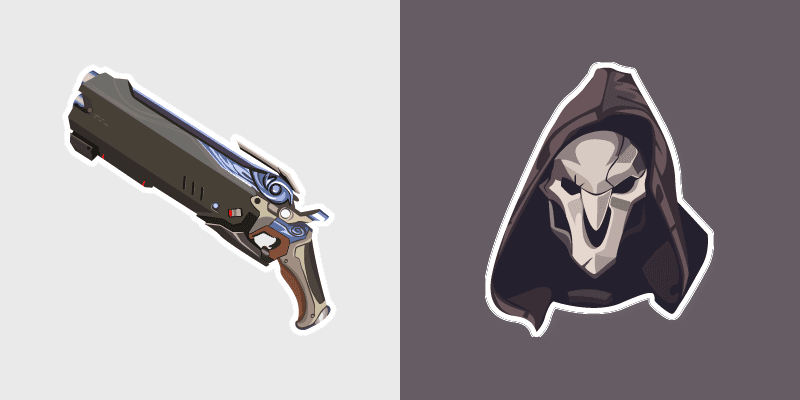
Reaper's hellfire shotgun pumps close range shadow across your pointer with reaper darkness.
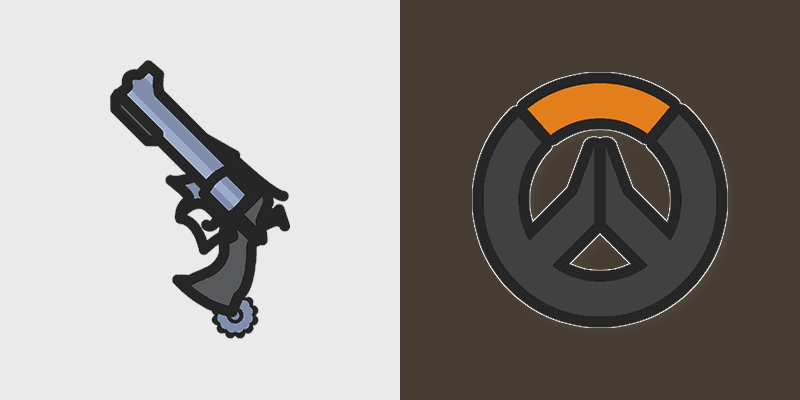
McCree's iconic Peacekeeper revolver spins onto your pointer with classic cowboy gunslinger flair.
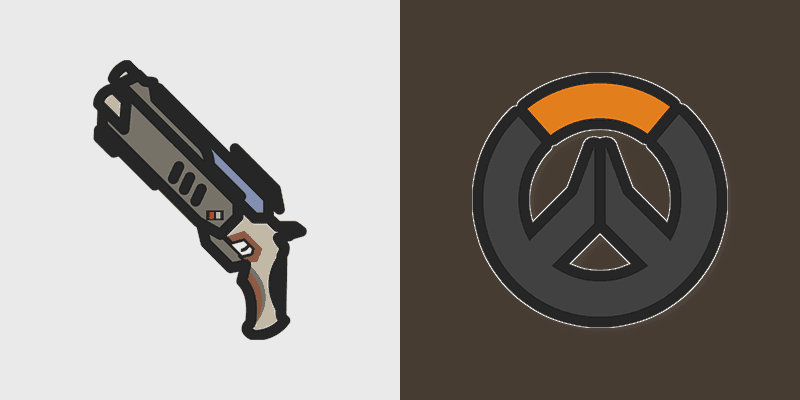
Reaper's dual hellfire shotguns blaze across your pointer with shadowy Overwatch damage dealer energy.
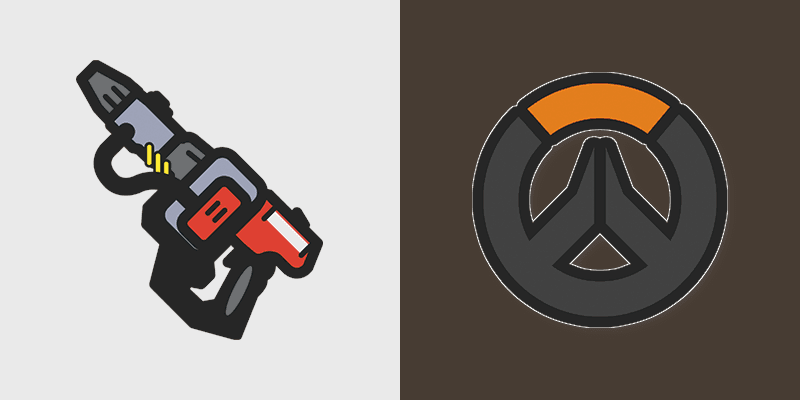
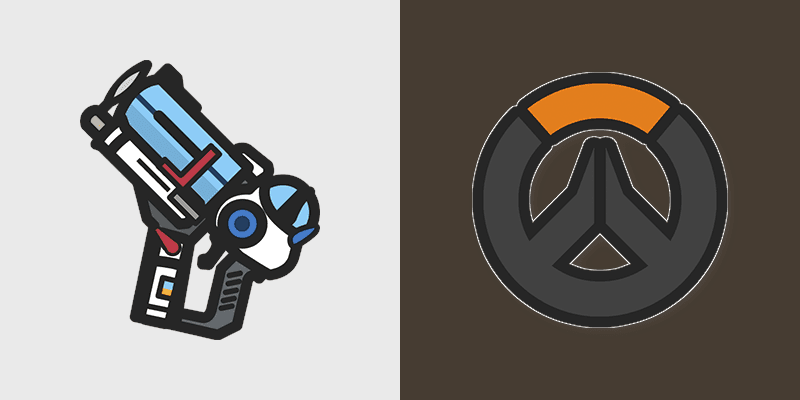
Mei's endothermic blaster freezes icy science onto your pointer with cryogenic Overwatch chill.
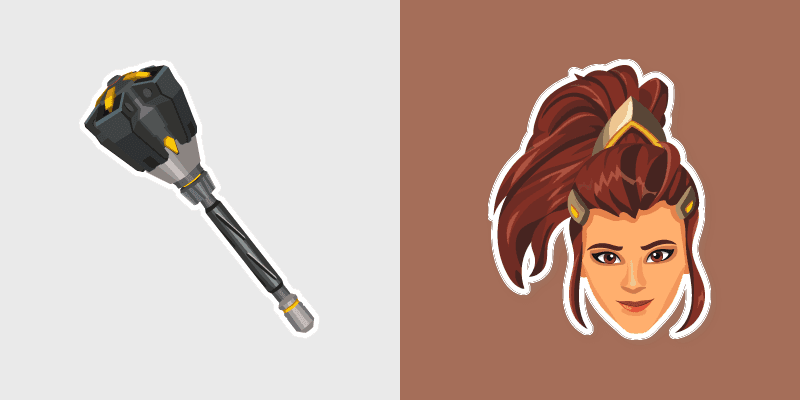
Brigitte's rocket flail swings support tank momentum across your pointer with shield maiden steel.
Tracer's pulse blaster pistols zip orange agility across your pointer with blink speed blur.
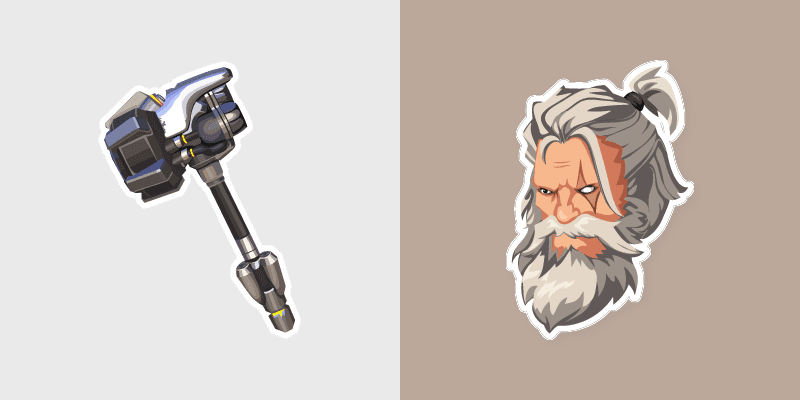
Reinhardt's rocket hammer swings crusader strength across your pointer with barrier tank pride.



D.Va and Blaster cute cursor for fans - free custom cursor with hero charm.

B.O.B. and Route 66 cute cursor pack: free custom cursors with hero squad style.

Overwatch Shadow Character and Ability cursor - bright cute character custom cursor with matching pointer.

Overwatch Shadow Badge and Trophy cursor - bright cute character custom cursor with matching pointer.

Overwatch Shadow Map and Compass cursor - bright cute character custom cursor with matching pointer.

Overwatch Shadow Portal and Key cursor - bright cute character custom cursor with matching pointer.

Overwatch Shadow Mascot and Token cursor - bright cute character custom cursor with matching pointer.

Overwatch Shadow Boss and Arena cursor - bright cute character custom cursor with matching pointer.

Overwatch Shadow Rival and Weapon cursor - bright cute character custom cursor with matching pointer.

Overwatch Shadow Hero and Power-Up cursor - bright cute character custom cursor with matching pointer.

Overwatch Neon Logo and Controller cursor - bright cute character custom cursor with matching pointer.

Overwatch Neon Vehicle and Trail cursor - bright cute character custom cursor with matching pointer.

Overwatch Neon Character and Ability cursor - bright cute character custom cursor with matching pointer.

Overwatch Neon Badge and Trophy cursor - bright cute character custom cursor with matching pointer.

Overwatch Neon Map and Compass cursor - bright cute character custom cursor with matching pointer.

Overwatch Neon Portal and Key cursor - bright cute character custom cursor with matching pointer.

Overwatch Neon Mascot and Token cursor - bright cute character custom cursor with matching pointer.

Overwatch Neon Boss and Arena cursor - bright cute character custom cursor with matching pointer.

Overwatch Neon Rival and Weapon cursor - bright cute character custom cursor with matching pointer.

Overwatch Neon Hero and Power-Up cursor - bright cute character custom cursor with matching pointer.

Overwatch Classic Logo and Controller cursor - bright cute character custom cursor with matching pointer.

Overwatch Classic Vehicle and Trail cursor - bright cute character custom cursor with matching pointer.

Overwatch Classic Character and Ability cursor - bright cute character custom cursor with matching pointer.

Overwatch Classic Badge and Trophy cursor - bright cute character custom cursor with matching pointer.

Overwatch Classic Map and Compass cursor - bright cute character custom cursor with matching pointer.

Overwatch Halloween Logo and Controller cursor - bright cute character custom cursor with matching pointer.

Overwatch Classic Portal and Key cursor - bright cute character custom cursor with matching pointer.

Overwatch Halloween Vehicle and Trail cursor - bright cute character custom cursor with matching pointer.

Overwatch Classic Mascot and Token cursor - bright cute character custom cursor with matching pointer.

Overwatch Halloween Character and Ability cursor - bright cute character custom cursor with matching pointer.

Overwatch Classic Boss and Arena cursor - bright cute character custom cursor with matching pointer.

Overwatch Halloween Badge and Trophy cursor - bright cute character custom cursor with matching pointer.

Overwatch Classic Rival and Weapon cursor - bright cute character custom cursor with matching pointer.

Overwatch Halloween Map and Compass cursor - bright cute character custom cursor with matching pointer.

Overwatch Classic Hero and Power-Up cursor - bright cute character custom cursor with matching pointer.

Overwatch Halloween Portal and Key cursor - bright cute character custom cursor with matching pointer.

Overwatch Halloween Mascot and Token cursor - bright cute character custom cursor with matching pointer.

Overwatch Halloween Boss and Arena cursor - bright cute character custom cursor with matching pointer.

Overwatch Halloween Rival and Weapon cursor - bright cute character custom cursor with matching pointer.

Overwatch Halloween Hero and Power-Up cursor - bright cute character custom cursor with matching pointer.

Overwatch Winter Logo and Controller cursor - bright cute character custom cursor with matching pointer.

Overwatch Winter Vehicle and Trail cursor - bright cute character custom cursor with matching pointer.

Overwatch Retro Map and Compass cursor - bright cute character custom cursor with matching pointer.

Overwatch Retro Portal and Key cursor - bright cute character custom cursor with matching pointer.

Overwatch Retro Mascot and Token cursor - bright cute character custom cursor with matching pointer.

Overwatch Retro Boss and Arena cursor - bright cute character custom cursor with matching pointer.

Overwatch Retro Rival and Weapon cursor - bright cute character custom cursor with matching pointer.

Overwatch Retro Hero and Power-Up cursor - bright cute character custom cursor with matching pointer.

Overwatch Pixel Logo and Controller cursor - bright cute character custom cursor with matching pointer.

Overwatch Pixel Vehicle and Trail cursor - bright cute character custom cursor with matching pointer.

Teal Hero cute cursor download - free custom cursor for everyday clicks.

Meet the Cat Hero cute cursor - free custom cursor ready for every click.

Try Purple Hero cute cursor - free custom cursor with clean hero energy.

Grab the Blue Hero cute cursor - a free custom cursor pack for Overwatch fans.

Bear Robot cute cursor - free custom cursor with Overwatch vibes.

Pink Hero: cute cursor pack and free custom cursor for Overwatch lovers.

Overwatch 2 D.Va cursor with MEKA Controller pointer - free dark outline custom cursor.

Overwatch 2 Genji cursor with Shuriken pointer - free dark outline custom cursor.

Overwatch 2 Tracer cursor with Pulse Pistol pointer - free dark outline custom cursor.