
Cute Cursors
DeviantArt
Free DeviantArt-themed custom cursors - cute creative pointer art for artists.

Luntik is a Russian animated series about a small purple creature who is born on the moon and falls to Earth, where he knows nothing at all and has to learn how everything works. That premise is a very efficient engine for a preschool show - every episode has a legitimate reason to explain something.
The tone is unusually gentle. There are no villains and no real conflict. The worst thing that happens is a misunderstanding between insects, and the resolution is always someone explaining kindly. For the target audience that's exactly right.
The meadow cast - bees, caterpillars, a pair of grasshopper brothers, an elderly fish - are all designed as soft rounded shapes in muted colours, which gives the whole show a watercolour warmth that most children's CG lacks.
It ran for hundreds of episodes and remains one of the most recognisable characters in the Russian-speaking world for anyone under thirty.
This collection covers Luntik and his friends.
Browse 7 carefully curated cursor packs in this collection. All packs are free to download and work with Chrome, Edge, and Windows browsers.
From Custom Cursor World, Custom Cursors, and Cute Cursors catalogs
Discover more curated cursor collections that match your interests. Explore similar themed collections with free cursor packs for Chrome, Edge, and Windows.
Free DeviantArt-themed custom cursors - cute creative pointer art for artists.

Free Alley Cats cursors - Ricky Gervais Netflix scruffy cat crew with dark outline fan art.

Free Strawberry Buddy custom cursors - cute strawberry character packs with matching pointers.

Free Blueberry Buddy custom cursors - cute blueberry character packs with matching pointers.
Follow these simple steps to start using custom cursors from the Luntik collection. All cursor packs are free and easy to install.
Install the Custom Cursor World extension for Chrome or Edge browser. The extension is free and takes less than a minute to set up.
Explore 7 cursor packs in the Luntik collection and find your favorite designs. Each pack is carefully curated for quality.
Click on any cursor pack and download it directly to your browser. No additional software or configuration needed.
Your new cursor is now active! Customize your browsing experience with unique cursor designs from the Luntik collection.
Common questions about the Luntik cursor collection
The Luntik collection is a curated set of custom cursor packs designed to enhance your browsing experience. Each pack in this collection has been carefully selected to provide unique and visually appealing cursor designs.
Yes! All cursor packs in this collection are completely free to download and use. There are no hidden fees or subscriptions required.
These cursor packs work with Chrome and Edge browsers through the Custom Cursor World extension. The extension is free and easy to install.
Simply click on any cursor pack in this collection, then click the "Add" or "Download" button. The extension will automatically install the cursor pack for you.
Yes! You can switch between different cursor packs at any time. Just browse our collections and select a new pack whenever you want to change your cursor style.
No restart is needed! Once you install a cursor pack, it becomes active immediately. You can start using your new cursor right away.

Install our free browser extension to instantly apply any cursor from our vast collection with one click. Works seamlessly with Chrome, Edge, and Windows.

Luntik Glow Firefly cute cursor packs a glowing yellow firefly arrow and a matching yellow pointing-hand pointer.

Luntik Striped Bee cute cursor brings the yellow-orange bee arrow and a matching striped pointing-hand pointer.

Luntik Ladybug cute cursor packs the red spotted ladybug arrow and a matching red pointing-hand pointer.

Luntik Green Cricket cute cursor brings the bright green insect friend arrow and a matching green pointing-hand pointer.

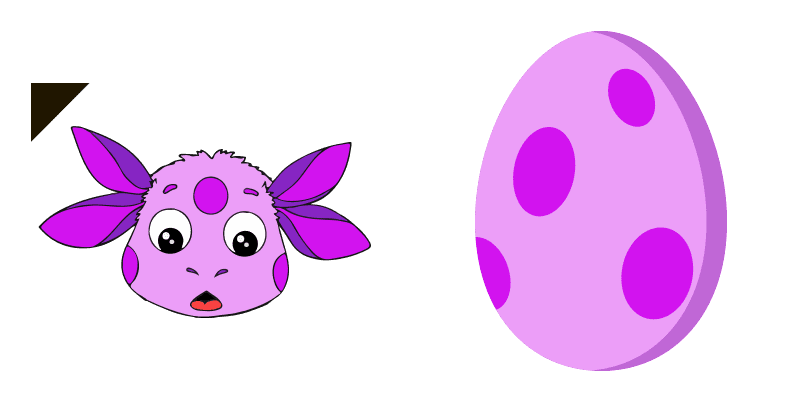
Luntik Purple Hero cute cursor packs the lilac moon-baby arrow and a matching purple pointing-hand pointer.