
Cute Cursors
DeviantArt
Free DeviantArt-themed custom cursors - cute creative pointer art for artists.

Homestar Runner was, for a good stretch of the early 2000s, the funniest thing on the internet. Two brothers from Georgia making Flash cartoons about a character with no arms, and the whole thing ran on a website with no ads, no sponsors and no business model.
Strong Bad Email is the part that changed web comedy. A wrestling-mask-wearing antagonist reads viewer emails on a Compy 386, insults the sender, and derails into a sketch. Weekly, for years, and the format spawned an entire genre of internet video.
The deep-cut humour is what built the fandom. Running gags stacked for a decade, characters that only appeared in one cartoon and became legendary, and an approach to continuity that assumed you'd been paying attention.
Trogdor, the Cheat, Teen Girl Squad - the site produced more durable memes than most media companies with actual budgets.
This collection covers Homestar, Strong Bad and friends. Deleted.
Browse 118 carefully curated cursor packs in this collection. All packs are free to download and work with Chrome, Edge, and Windows browsers.
From Custom Cursor World, Custom Cursors, and Cute Cursors catalogs
Discover more curated cursor collections that match your interests. Explore similar themed collections with free cursor packs for Chrome, Edge, and Windows.
Free DeviantArt-themed custom cursors - cute creative pointer art for artists.

Free Alley Cats cursors - Ricky Gervais Netflix scruffy cat crew with dark outline fan art.

Free Strawberry Buddy custom cursors - cute strawberry character packs with matching pointers.

Free Blueberry Buddy custom cursors - cute blueberry character packs with matching pointers.
Follow these simple steps to start using custom cursors from the Homestar Runner collection. All cursor packs are free and easy to install.
Install the Custom Cursor World extension for Chrome or Edge browser. The extension is free and takes less than a minute to set up.
Explore 118 cursor packs in the Homestar Runner collection and find your favorite designs. Each pack is carefully curated for quality.
Click on any cursor pack and download it directly to your browser. No additional software or configuration needed.
Your new cursor is now active! Customize your browsing experience with unique cursor designs from the Homestar Runner collection.
Common questions about the Homestar Runner cursor collection
The Homestar Runner collection is a curated set of custom cursor packs designed to enhance your browsing experience. Each pack in this collection has been carefully selected to provide unique and visually appealing cursor designs.
Yes! All cursor packs in this collection are completely free to download and use. There are no hidden fees or subscriptions required.
These cursor packs work with Chrome and Edge browsers through the Custom Cursor World extension. The extension is free and easy to install.
Simply click on any cursor pack in this collection, then click the "Add" or "Download" button. The extension will automatically install the cursor pack for you.
Yes! You can switch between different cursor packs at any time. Just browse our collections and select a new pack whenever you want to change your cursor style.
No restart is needed! Once you install a cursor pack, it becomes active immediately. You can start using your new cursor right away.

Install our free browser extension to instantly apply any cursor from our vast collection with one click. Works seamlessly with Chrome, Edge, and Windows.
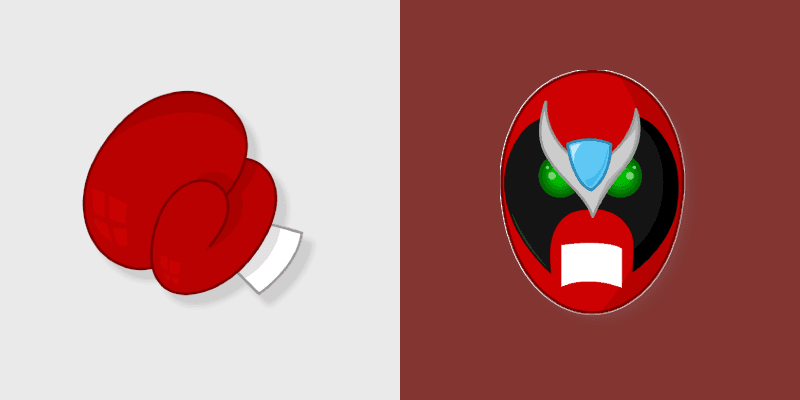
Strong Bad layers Strong Bad email villain cool Free Country laptop charm across your Homestar custom cursor pointer duo.
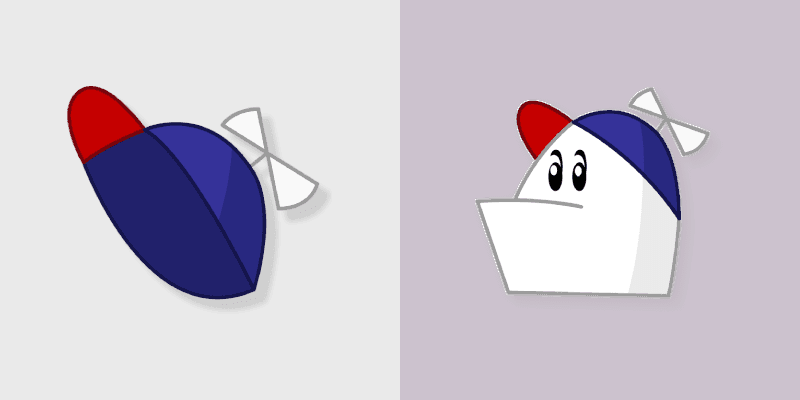
Webtoon free country mix custom cursor pair with Free Country USA icon collage Homestar cast charm on every click.
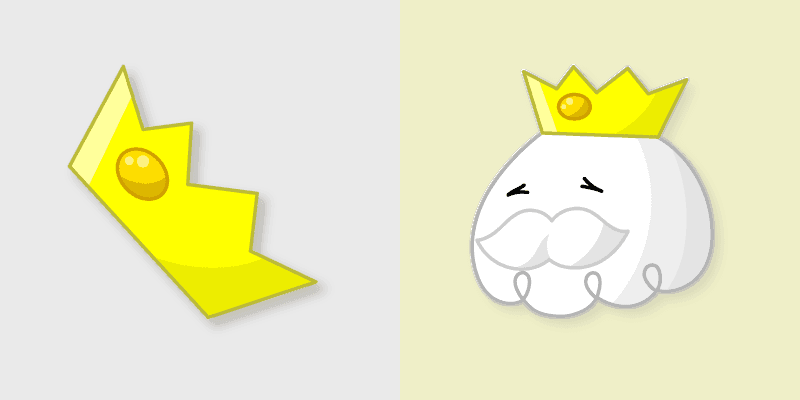
King of Town adds King of Town royal glutton Free Country ruler flair to your pointer and click Homestar character cursor duo.

Homestar Collection Free Country pointer theme with Homestar cast collection Free Country ensemble charm on your custom cursor click pair.

Grab the Strong Bad cute cursor - a free custom cursor pack for Homestar Runner fans.

Homestar Runner and Hat cute cursor - free custom cursor with Homestar vibes.

Homestar Runner red roof cute cursor packs the white building with steep red roof arrow and a matching red white pointing-hand pointer.

Homestar Runner white star cute cursor brings the bold white five-pointed star arrow and a matching white red pointing-hand pointer.

Homestar Runner propeller beanie cute cursor packs the red blue beanie with white propeller arrow and a matching red blue pointing-hand pointer.

Homestar Runner Homsar cute cursor brings the light blue blob with bowler hat arrow and a matching light blue pointing-hand pointer.

Homestar Runner Homestar cute cursor packs the red star shirt propeller beanie character arrow and a matching red white pointing-hand pointer.

Homestar Runner Halloween Logo and Controller cursor - bright cute character custom cursor with matching pointer.

Homestar Runner Halloween Vehicle and Trail cursor - bright cute character custom cursor with matching pointer.

Homestar Runner Halloween Character and Ability cursor - bright cute character custom cursor with matching pointer.

Homestar Runner Halloween Badge and Trophy cursor - bright cute character custom cursor with matching pointer.

Homestar Runner Halloween Map and Compass cursor - bright cute character custom cursor with matching pointer.

Homestar Runner Halloween Portal and Key cursor - bright cute character custom cursor with matching pointer.

Homestar Runner Halloween Mascot and Token cursor - bright cute character custom cursor with matching pointer.

Homestar Runner Halloween Boss and Arena cursor - bright cute character custom cursor with matching pointer.

Homestar Runner Halloween Rival and Weapon cursor - bright cute character custom cursor with matching pointer.

Homestar Runner Halloween Hero and Power-Up cursor - bright cute character custom cursor with matching pointer.

Homestar Runner Winter Logo and Controller cursor - bright cute character custom cursor with matching pointer.

Homestar Runner Winter Vehicle and Trail cursor - bright cute character custom cursor with matching pointer.

Homestar Runner Winter Character and Ability cursor - bright cute character custom cursor with matching pointer.

Homestar Runner Winter Badge and Trophy cursor - bright cute character custom cursor with matching pointer.

Homestar Runner Winter Map and Compass cursor - bright cute character custom cursor with matching pointer.

Homestar Runner Winter Portal and Key cursor - bright cute character custom cursor with matching pointer.

Homestar Runner Winter Mascot and Token cursor - bright cute character custom cursor with matching pointer.

Homestar Runner Winter Boss and Arena cursor - bright cute character custom cursor with matching pointer.

Homestar Runner Winter Rival and Weapon cursor - bright cute character custom cursor with matching pointer.

Homestar Runner Winter Hero and Power-Up cursor - bright cute character custom cursor with matching pointer.

Homestar Runner Cosmic Logo and Controller cursor - bright cute character custom cursor with matching pointer.

Homestar Runner Cosmic Vehicle and Trail cursor - bright cute character custom cursor with matching pointer.

Homestar Runner Cosmic Character and Ability cursor - bright cute character custom cursor with matching pointer.

Homestar Runner Cosmic Badge and Trophy cursor - bright cute character custom cursor with matching pointer.

Homestar Runner Cosmic Map and Compass cursor - bright cute character custom cursor with matching pointer.

Homestar Runner Cosmic Portal and Key cursor - bright cute character custom cursor with matching pointer.

Homestar Runner Cosmic Mascot and Token cursor - bright cute character custom cursor with matching pointer.

Homestar Runner Cosmic Boss and Arena cursor - bright cute character custom cursor with matching pointer.

Homestar Runner Cosmic Rival and Weapon cursor - bright cute character custom cursor with matching pointer.

Homestar Runner Cosmic Hero and Power-Up cursor - bright cute character custom cursor with matching pointer.

Homestar Runner Glitched Logo and Controller cursor - bright cute character custom cursor with matching pointer.

Homestar Runner Glitched Vehicle and Trail cursor - bright cute character custom cursor with matching pointer.

Homestar Runner Glitched Character and Ability cursor - bright cute character custom cursor with matching pointer.

Homestar Runner Glitched Badge and Trophy cursor - bright cute character custom cursor with matching pointer.

Homestar Runner Glitched Map and Compass cursor - bright cute character custom cursor with matching pointer.

Homestar Runner Glitched Portal and Key cursor - bright cute character custom cursor with matching pointer.

Homestar Runner Glitched Mascot and Token cursor - bright cute character custom cursor with matching pointer.

Homestar Runner Glitched Boss and Arena cursor - bright cute character custom cursor with matching pointer.

Homestar Runner Glitched Rival and Weapon cursor - bright cute character custom cursor with matching pointer.

Homestar Runner Glitched Hero and Power-Up cursor - bright cute character custom cursor with matching pointer.

Homestar Runner Retro Logo and Controller cursor - bright cute character custom cursor with matching pointer.

Homestar Runner Retro Vehicle and Trail cursor - bright cute character custom cursor with matching pointer.

Homestar Runner Retro Character and Ability cursor - bright cute character custom cursor with matching pointer.

Homestar Runner Retro Badge and Trophy cursor - bright cute character custom cursor with matching pointer.

Homestar Runner Retro Map and Compass cursor - bright cute character custom cursor with matching pointer.

Homestar Runner Retro Portal and Key cursor - bright cute character custom cursor with matching pointer.

Homestar Runner Retro Mascot and Token cursor - bright cute character custom cursor with matching pointer.

Homestar Runner Retro Boss and Arena cursor - bright cute character custom cursor with matching pointer.

Homestar Runner Retro Rival and Weapon cursor - bright cute character custom cursor with matching pointer.

Homestar Runner Retro Hero and Power-Up cursor - bright cute character custom cursor with matching pointer.

Homestar Runner Pixel Logo and Controller cursor - bright cute character custom cursor with matching pointer.

Homestar Runner Pixel Vehicle and Trail cursor - bright cute character custom cursor with matching pointer.

Homestar Runner Pixel Character and Ability cursor - bright cute character custom cursor with matching pointer.

Homestar Runner Pixel Badge and Trophy cursor - bright cute character custom cursor with matching pointer.

Homestar Runner Pixel Map and Compass cursor - bright cute character custom cursor with matching pointer.

Homestar Runner Pixel Portal and Key cursor - bright cute character custom cursor with matching pointer.

Homestar Runner Pixel Mascot and Token cursor - bright cute character custom cursor with matching pointer.

Homestar Runner Pixel Boss and Arena cursor - bright cute character custom cursor with matching pointer.

Homestar Runner Pixel Rival and Weapon cursor - bright cute character custom cursor with matching pointer.

Homestar Runner Pixel Hero and Power-Up cursor - bright cute character custom cursor with matching pointer.

Homestar Runner Golden Logo and Controller cursor - bright cute character custom cursor with matching pointer.

Homestar Runner Golden Vehicle and Trail cursor - bright cute character custom cursor with matching pointer.

Homestar Runner Golden Character and Ability cursor - bright cute character custom cursor with matching pointer.

Homestar Runner Golden Badge and Trophy cursor - bright cute character custom cursor with matching pointer.

Homestar Runner Golden Map and Compass cursor - bright cute character custom cursor with matching pointer.

Homestar Runner Golden Portal and Key cursor - bright cute character custom cursor with matching pointer.

Homestar Runner Golden Mascot and Token cursor - bright cute character custom cursor with matching pointer.

Homestar Runner Golden Boss and Arena cursor - bright cute character custom cursor with matching pointer.

Homestar Runner Golden Rival and Weapon cursor - bright cute character custom cursor with matching pointer.

Homestar Runner Golden Hero and Power-Up cursor - bright cute character custom cursor with matching pointer.

Homestar Runner Shadow Logo and Controller cursor - bright cute character custom cursor with matching pointer.

Homestar Runner Shadow Vehicle and Trail cursor - bright cute character custom cursor with matching pointer.

Homestar Runner Shadow Character and Ability cursor - bright cute character custom cursor with matching pointer.

Homestar Runner Shadow Badge and Trophy cursor - bright cute character custom cursor with matching pointer.

Homestar Runner Shadow Map and Compass cursor - bright cute character custom cursor with matching pointer.

Homestar Runner Shadow Portal and Key cursor - bright cute character custom cursor with matching pointer.

Homestar Runner Shadow Mascot and Token cursor - bright cute character custom cursor with matching pointer.

Homestar Runner Shadow Boss and Arena cursor - bright cute character custom cursor with matching pointer.

Homestar Runner Shadow Rival and Weapon cursor - bright cute character custom cursor with matching pointer.

Homestar Runner Shadow Hero and Power-Up cursor - bright cute character custom cursor with matching pointer.

Homestar Runner Neon Logo and Controller cursor - bright cute character custom cursor with matching pointer.

Homestar Runner Neon Vehicle and Trail cursor - bright cute character custom cursor with matching pointer.

Homestar Runner Neon Character and Ability cursor - bright cute character custom cursor with matching pointer.

Homestar Runner Neon Badge and Trophy cursor - bright cute character custom cursor with matching pointer.

Homestar Runner Neon Map and Compass cursor - bright cute character custom cursor with matching pointer.

Homestar Runner Neon Portal and Key cursor - bright cute character custom cursor with matching pointer.

Homestar Runner Neon Mascot and Token cursor - bright cute character custom cursor with matching pointer.

Homestar Runner Neon Boss and Arena cursor - bright cute character custom cursor with matching pointer.

Homestar Runner Neon Rival and Weapon cursor - bright cute character custom cursor with matching pointer.

Homestar Runner Neon Hero and Power-Up cursor - bright cute character custom cursor with matching pointer.

Homestar Runner Classic Logo and Controller cursor - bright cute character custom cursor with matching pointer.

Homestar Runner Classic Vehicle and Trail cursor - bright cute character custom cursor with matching pointer.

Homestar Runner Classic Character and Ability cursor - bright cute character custom cursor with matching pointer.

Homestar Runner Classic Badge and Trophy cursor - bright cute character custom cursor with matching pointer.

Homestar Runner Classic Map and Compass cursor - bright cute character custom cursor with matching pointer.

Homestar Runner Classic Portal and Key cursor - bright cute character custom cursor with matching pointer.

Homestar Runner Classic Mascot and Token cursor - bright cute character custom cursor with matching pointer.

Homestar Runner Classic Boss and Arena cursor - bright cute character custom cursor with matching pointer.

Homestar Runner Classic Rival and Weapon cursor - bright cute character custom cursor with matching pointer.

Homestar Runner Classic Hero and Power-Up cursor - bright cute character custom cursor with matching pointer.

Free Homestar Runner custom cursor - cute homestar runner pointer, darkened rim.

Among Us White Homestar Runner Character cursor with a Strong Soft Hand pointer - cute homestar runner crewmate crossover custom
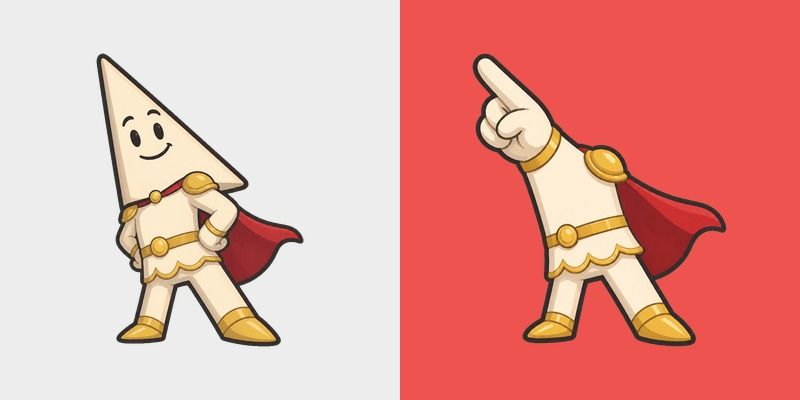
Meme Cute Homestar Runner Rather Dashing cursor - cape knight fanart custom cursor with darkened rim.
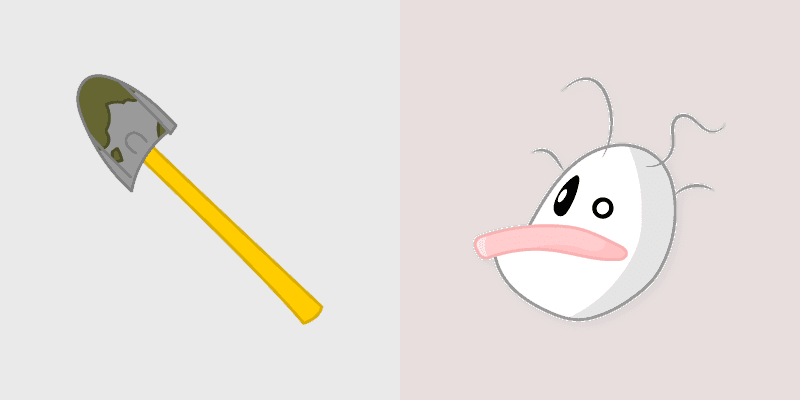
Classic the brothers strong Homestar art with Brothers Strong duo Free Country classic web toon flair on your pointer pair.
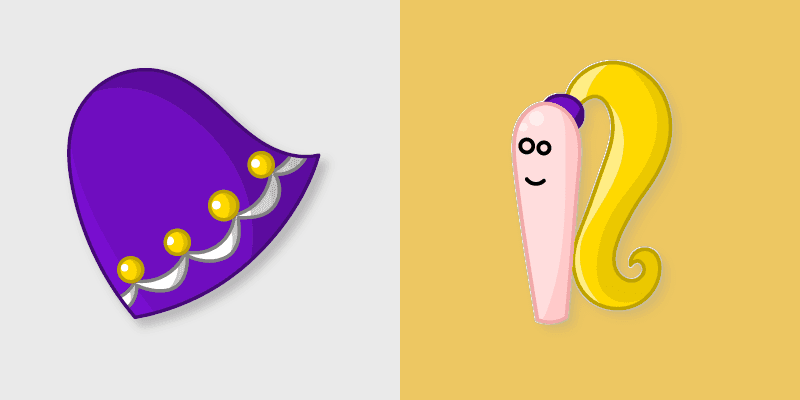
Retro marzipan and dress pointer and click cursor pair with Marzipan dress vegetarian Free Country classic flair.
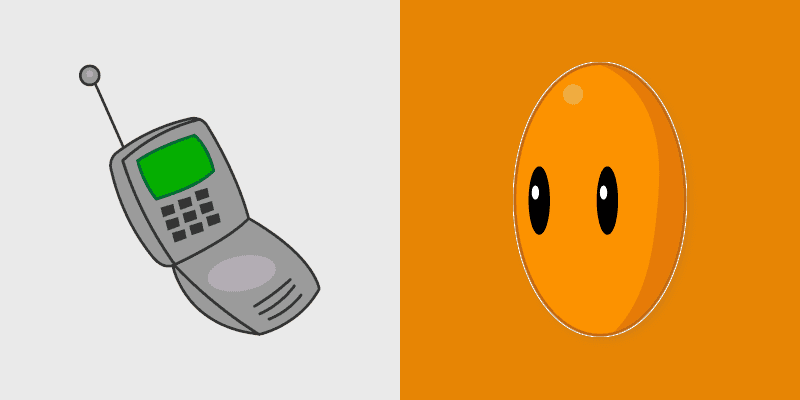
Homestar Hero brings Homestar Runner hero pose Strong Bad web cartoon charm to your Free Country custom cursor set.
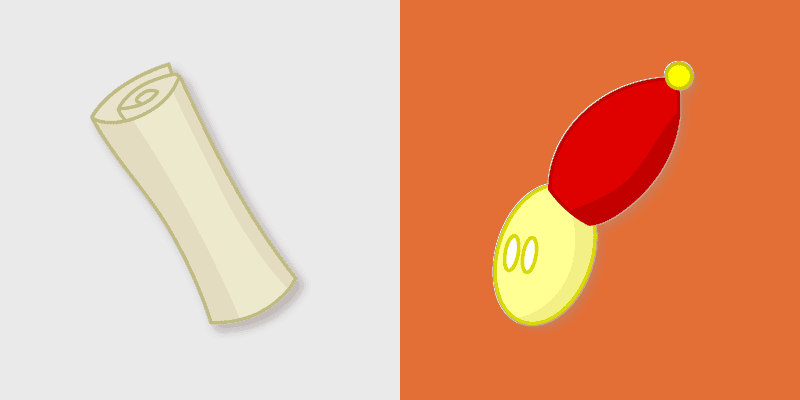
Homestar Runner Homestar pointer art with Homestar Runner star athlete Free Country USA flair on your custom cursor pair.