Cute Cursors
DeviantArt
Free DeviantArt-themed custom cursors - cute creative pointer art for artists.

Doom came out in 1993 and effectively invented the first-person shooter as a mass-market form. It was distributed as shareware, spread on floppy disks and university networks, and reportedly ended up installed on more computers than Windows at one point.
The design philosophy has barely changed across three decades. You move fast, you never stop moving, and the enemies are arranged so that standing still is death. The 2016 reboot's greatest achievement was recognising that modern shooters had forgotten this and simply doing it again.
The Slayer works as a character precisely because he has no interior life on screen. In Eternal there's a codex full of lore explaining he's an ancient force of vengeance, and in the actual game he responds to a monologuing villain by breaking the monitor.
The super shotgun remains one of the finest weapons in gaming, entirely on feel.
This collection covers the Slayer and his arsenal. Rip and tear.
Browse 14 carefully curated cursor packs in this collection. All packs are free to download and work with Chrome, Edge, and Windows browsers.
From Custom Cursor World, Custom Cursors, and Cute Cursors catalogs
Discover more curated cursor collections that match your interests. Explore similar themed collections with free cursor packs for Chrome, Edge, and Windows.
Free DeviantArt-themed custom cursors - cute creative pointer art for artists.

Free Alley Cats cursors - Ricky Gervais Netflix scruffy cat crew with dark outline fan art.

Free Strawberry Buddy custom cursors - cute strawberry character packs with matching pointers.

Free Blueberry Buddy custom cursors - cute blueberry character packs with matching pointers.
Follow these simple steps to start using custom cursors from the Doom collection. All cursor packs are free and easy to install.
Install the Custom Cursor World extension for Chrome or Edge browser. The extension is free and takes less than a minute to set up.
Explore 14 cursor packs in the Doom collection and find your favorite designs. Each pack is carefully curated for quality.
Click on any cursor pack and download it directly to your browser. No additional software or configuration needed.
Your new cursor is now active! Customize your browsing experience with unique cursor designs from the Doom collection.
Common questions about the Doom cursor collection
The Doom collection is a curated set of custom cursor packs designed to enhance your browsing experience. Each pack in this collection has been carefully selected to provide unique and visually appealing cursor designs.
Yes! All cursor packs in this collection are completely free to download and use. There are no hidden fees or subscriptions required.
These cursor packs work with Chrome and Edge browsers through the Custom Cursor World extension. The extension is free and easy to install.
Simply click on any cursor pack in this collection, then click the "Add" or "Download" button. The extension will automatically install the cursor pack for you.
Yes! You can switch between different cursor packs at any time. Just browse our collections and select a new pack whenever you want to change your cursor style.
No restart is needed! Once you install a cursor pack, it becomes active immediately. You can start using your new cursor right away.

Install our free browser extension to instantly apply any cursor from our vast collection with one click. Works seamlessly with Chrome, Edge, and Windows.

Doom Slayer and Crucible Sword free custom cursor - cute cursor flair for Doom fans.

Doom muzzle flash cute cursor packs the bright yellow orange energy burst arrow and a matching yellow orange pointing-hand pointer.

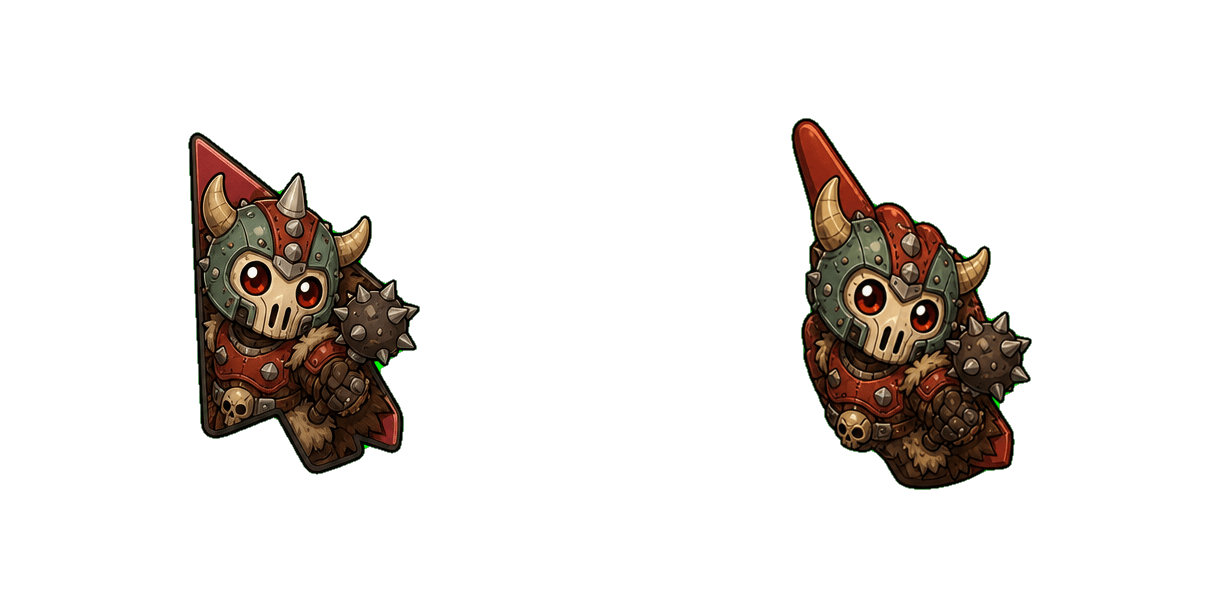
Doom Imp runner cute cursor brings the small red horned demon arrow and a matching red pointing-hand pointer.

Doom plasma rifle cute cursor packs the bulky grey futuristic firearm with muzzle flash arrow and a matching charcoal yellow pointing-hand pointer.

Doom Cacodemon grin cute cursor brings the bright red one-eyed floating demon arrow and a matching red pointing-hand pointer.

Doom Slayer armor cute cursor packs the olive green power armor helmet arrow and a matching olive armor pointing-hand pointer.


Grab the Explosion cute cursor - a free custom cursor pack for Doom fans.


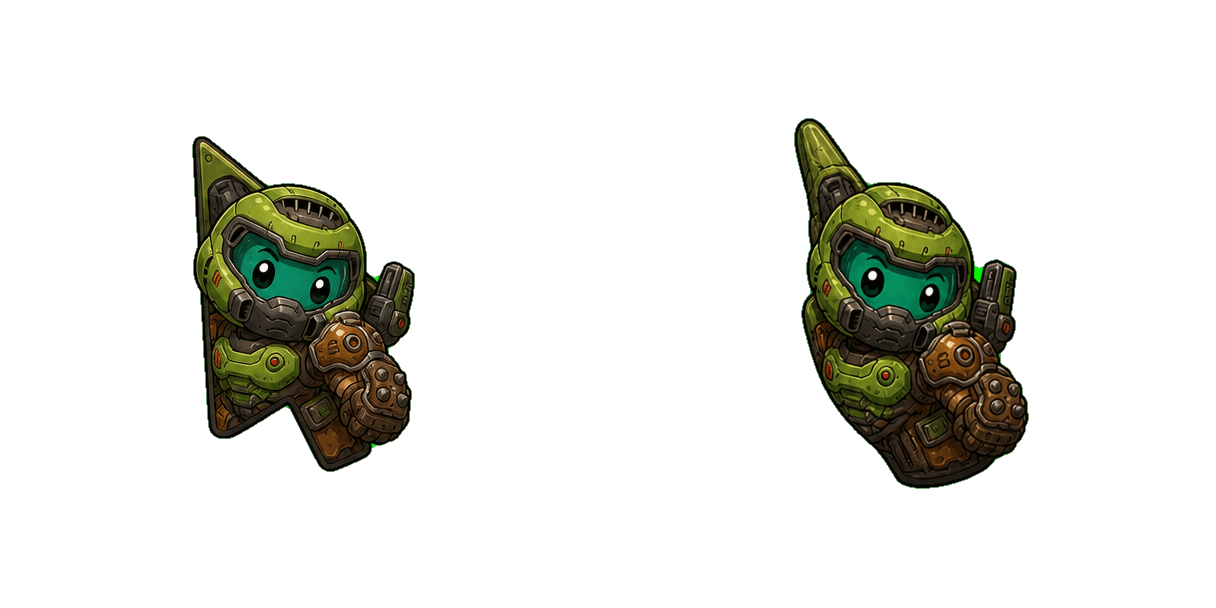
Free Doom Slayer custom cursor - cute game character arrow and themed pointer.
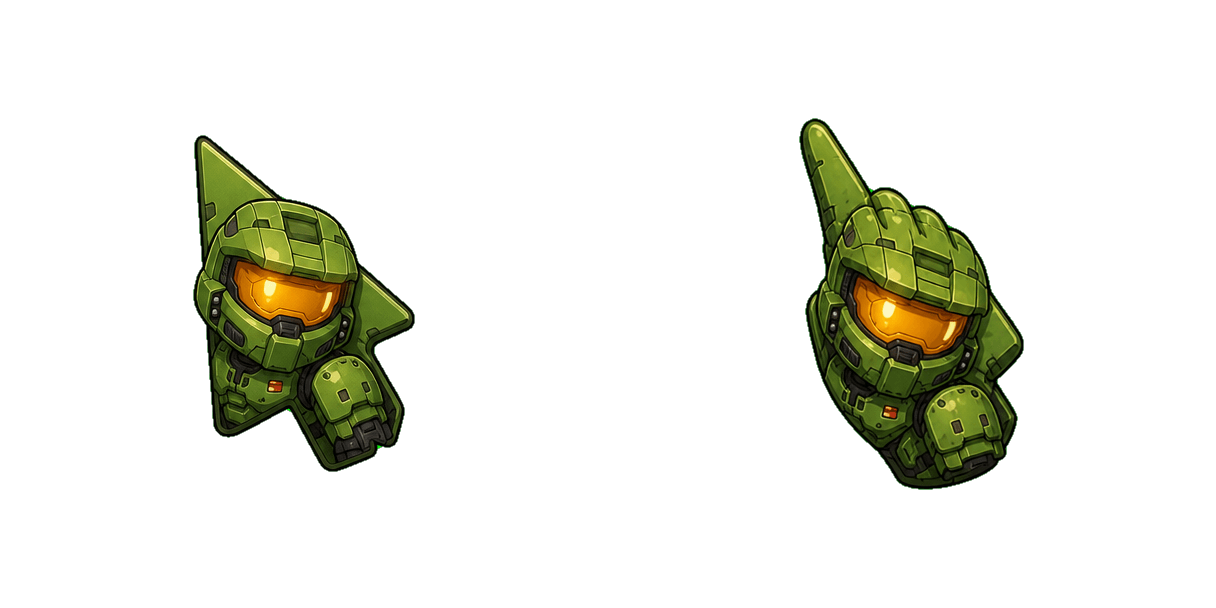
Free Doomguy Classic custom cursor - cute game character arrow and themed pointer.