
Cute Cursors
Death Stranding
Cute Death Stranding character cursors - bright porter pals with darkened rims.

Death Note asks a very uncomfortable question and refuses to answer it for you. A bored student finds a notebook that kills anyone whose name he writes in it. He decides to use it on criminals. Somewhere in the following weeks he stops being the protagonist and nobody quite marks the moment it happened.
The genius of Tsugumi Ohba's writing is that the show is almost entirely people sitting in rooms thinking. There is no action. The tension comes from two extremely intelligent people trying to make each other flinch, and from the fact that both of them are right about the other and wrong about themselves.
L is the reason it works. He sits wrong, eats nothing but sugar, and is the only person alive who guessed correctly within days. Their mutual respect is real, which makes what happens between them worse.
Ryuk floats above all of it eating apples, providing commentary, and reminding you that from a shinigami's perspective this is just entertainment.
This collection covers Light, L, Ryuk, Misa, Near and the notebook itself. Install one and try not to write anything down.
Browse 17 carefully curated cursor packs in this collection. All packs are free to download and work with Chrome, Edge, and Windows browsers.
From Custom Cursor World, Custom Cursors, and Cute Cursors catalogs
Discover more curated cursor collections that match your interests. Explore similar themed collections with free cursor packs for Chrome, Edge, and Windows.
Cute Death Stranding character cursors - bright porter pals with darkened rims.

Free DeviantArt-themed custom cursors - cute creative pointer art for artists.

Free Alley Cats cursors - Ricky Gervais Netflix scruffy cat crew with dark outline fan art.

Free Strawberry Buddy custom cursors - cute strawberry character packs with matching pointers.
Follow these simple steps to start using custom cursors from the Death Note collection. All cursor packs are free and easy to install.
Install the Custom Cursor World extension for Chrome or Edge browser. The extension is free and takes less than a minute to set up.
Explore 17 cursor packs in the Death Note collection and find your favorite designs. Each pack is carefully curated for quality.
Click on any cursor pack and download it directly to your browser. No additional software or configuration needed.
Your new cursor is now active! Customize your browsing experience with unique cursor designs from the Death Note collection.
Common questions about the Death Note cursor collection
The Death Note collection is a curated set of custom cursor packs designed to enhance your browsing experience. Each pack in this collection has been carefully selected to provide unique and visually appealing cursor designs.
Yes! All cursor packs in this collection are completely free to download and use. There are no hidden fees or subscriptions required.
These cursor packs work with Chrome and Edge browsers through the Custom Cursor World extension. The extension is free and easy to install.
Simply click on any cursor pack in this collection, then click the "Add" or "Download" button. The extension will automatically install the cursor pack for you.
Yes! You can switch between different cursor packs at any time. Just browse our collections and select a new pack whenever you want to change your cursor style.
No restart is needed! Once you install a cursor pack, it becomes active immediately. You can start using your new cursor right away.

Install our free browser extension to instantly apply any cursor from our vast collection with one click. Works seamlessly with Chrome, Edge, and Windows.
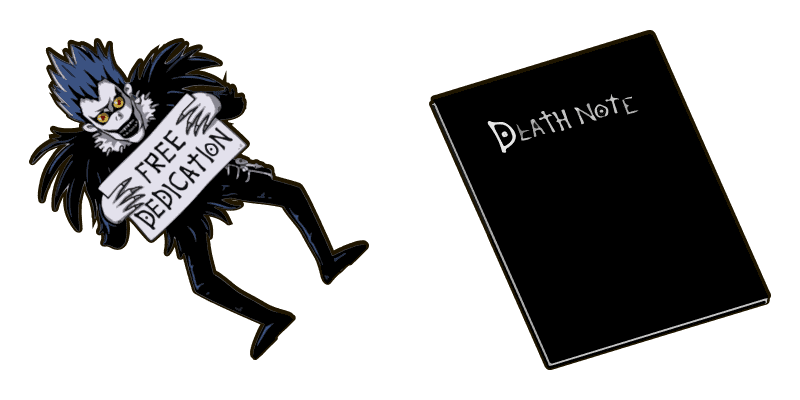
Death Note Classic cute cursor - free custom cursor with Death Note vibes.

Death Note L cute cursor pack: free custom cursors with notebook mystery style.

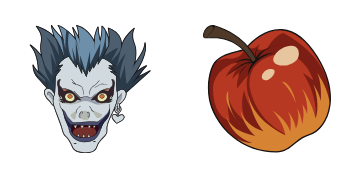
Ryuk and Apple cute cursor for fans - free custom cursor with notebook mystery charm.

Meet the Light Yagami cute cursor - free custom cursor ready for every click.

Misa Amane and Necklace free custom cursor - cute cursor flair for Death Note fans.

Drop the Near and Dice cute cursor - a free custom cursor for your desktop.
Grab the Death Note Alt cute cursor - a free custom cursor pack for Death Note fans.
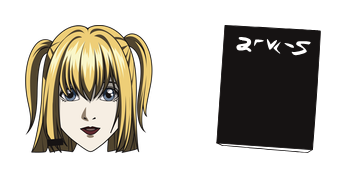
Misa Amane Classic: cute cursor pack and free custom cursor for Death Note lovers.
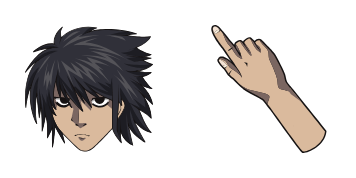

Chibi Death Note L Lawliet and his L Symbol cursor - free cute minimalist custom cursor with darkened rim.

Death Note Light Yagami cursor with a Death Note Book pointer - realistic dark psychological custom cursor.

Death Note Brass Lantern cute cursor packs a warm brass lantern arrow and a matching amber pointing-hand pointer.

Death Note Open Book cute cursor brings an open blank notebook arrow and a matching cream pointing-hand pointer.

Death Note Red Apple cute cursor packs a bright red apple arrow and a matching red pointing-hand pointer.

Death Note Detective Girl cute cursor brings the checkered-hat detective arrow and a matching tan pointing-hand pointer.

Death Note White Hair Boy cute cursor packs the white-haired hoodie hero arrow and a matching white pointing-hand pointer.