
Cute Cursors
DeviantArt
Free DeviantArt-themed custom cursors - cute creative pointer art for artists.

Crash Bandicoot was Sony's answer to a mascot problem, and Naughty Dog built him around a hardware limitation. The PlayStation couldn't render large open 3D spaces well, so they pointed the camera down a corridor and made the levels run toward or away from you. A restriction became a genre.
The character design was reverse-engineered from what would look good from behind, since that's what players would see for hours. Hence the orange fur, the wide shoulders and the enormous silhouette.
The difficulty is the other thing people remember. These games are unfair in a specific, precise way, and the crate-smashing completionist runs demand a level of memorisation that modern platformers rarely ask for.
Aku Aku, the floating mask that grants you extra hits, is the best power-up design of the era - the number of masks you're carrying is your health bar, visible and audible at all times.
This collection covers Crash and Aku Aku.
Browse 14 carefully curated cursor packs in this collection. All packs are free to download and work with Chrome, Edge, and Windows browsers.
From Custom Cursor World, Custom Cursors, and Cute Cursors catalogs
Discover more curated cursor collections that match your interests. Explore similar themed collections with free cursor packs for Chrome, Edge, and Windows.
Free DeviantArt-themed custom cursors - cute creative pointer art for artists.

Free Alley Cats cursors - Ricky Gervais Netflix scruffy cat crew with dark outline fan art.

Free Strawberry Buddy custom cursors - cute strawberry character packs with matching pointers.

Free Blueberry Buddy custom cursors - cute blueberry character packs with matching pointers.
Follow these simple steps to start using custom cursors from the Crash Bandicoot collection. All cursor packs are free and easy to install.
Install the Custom Cursor World extension for Chrome or Edge browser. The extension is free and takes less than a minute to set up.
Explore 14 cursor packs in the Crash Bandicoot collection and find your favorite designs. Each pack is carefully curated for quality.
Click on any cursor pack and download it directly to your browser. No additional software or configuration needed.
Your new cursor is now active! Customize your browsing experience with unique cursor designs from the Crash Bandicoot collection.
Common questions about the Crash Bandicoot cursor collection
The Crash Bandicoot collection is a curated set of custom cursor packs designed to enhance your browsing experience. Each pack in this collection has been carefully selected to provide unique and visually appealing cursor designs.
Yes! All cursor packs in this collection are completely free to download and use. There are no hidden fees or subscriptions required.
These cursor packs work with Chrome and Edge browsers through the Custom Cursor World extension. The extension is free and easy to install.
Simply click on any cursor pack in this collection, then click the "Add" or "Download" button. The extension will automatically install the cursor pack for you.
Yes! You can switch between different cursor packs at any time. Just browse our collections and select a new pack whenever you want to change your cursor style.
No restart is needed! Once you install a cursor pack, it becomes active immediately. You can start using your new cursor right away.

Install our free browser extension to instantly apply any cursor from our vast collection with one click. Works seamlessly with Chrome, Edge, and Windows.
Add vibrant 'Crash Bandicoot' themed cursors to your Windows with easy setup and fun colors
Add pink tablet device mouse cursor to your desktop or browser theme
Amazing Crash Bandicoot custom cursor pack - easy installation, funky design.
Custom Cursor Pack for Crash Bandicoot with Electrifying Effects - Easy Installation, Seamlessly Blends with Themes
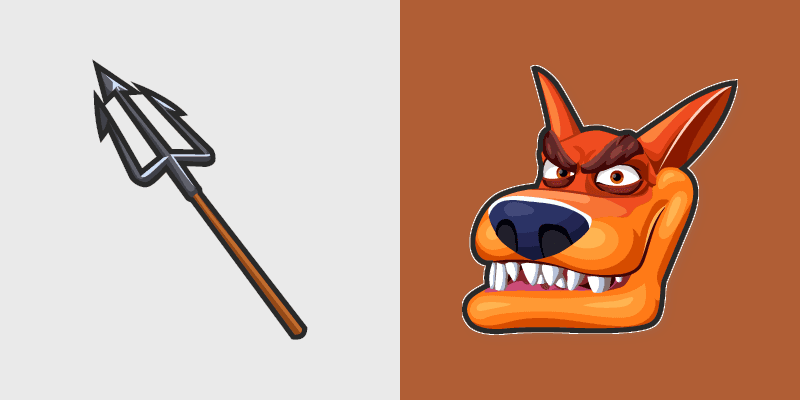
Add Crash Bandicoot's Tiny Tiger & Trident flair as a unique cursor pack for Windows!
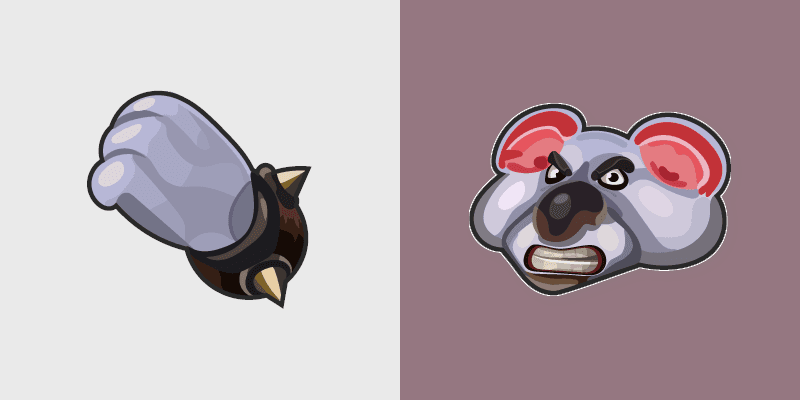
Cute Cursor Pack - Koala Kong brings adorable Australian wildlife to your Windows cursor theme, ideal for task-intensive environments!
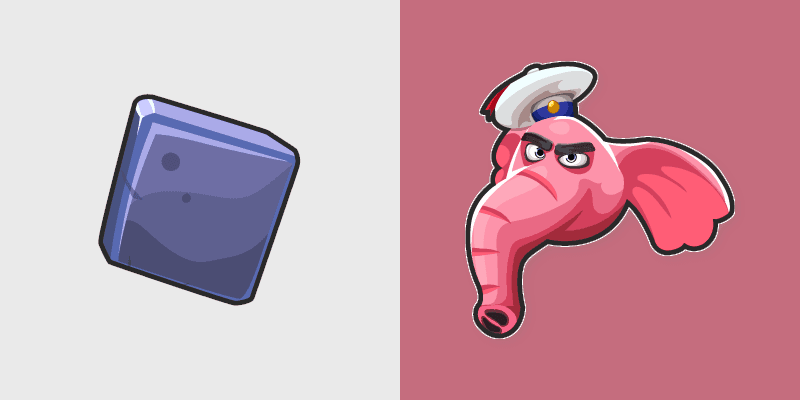
Add a playful touch of Crash Bandicoot's Pink Elephant to your cursor!
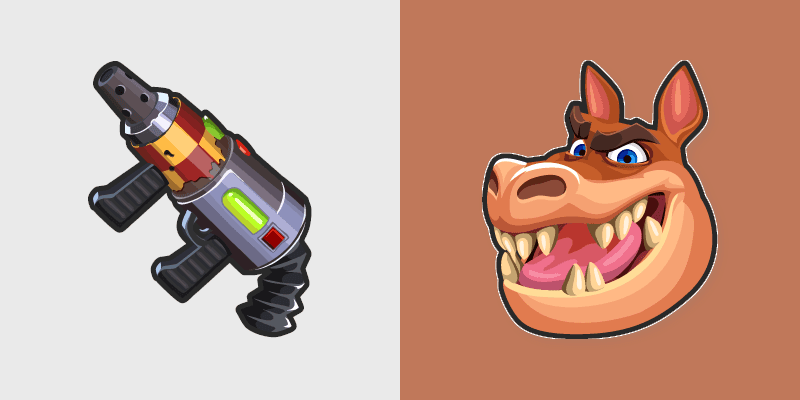
Add flair to your desktop with the Custom Cursor Crash Bandicoot Dingodile & Flamethrower cursor pack.

Crash Bandicoot and Aku Aku Mask cute cursor - free custom cursor with Crash vibes.

Grab the Crash Bandicoot Dab cute cursor - a free custom cursor pack for Crash Bandicoot fans.

Crash Bandicoot Uka Uka cute cursor brings the purple tiki mask arrow and a matching purple pointing-hand pointer.

Crash Bandicoot wumpa cute cursor packs the red yellow fruit arrow and a matching fruit pointing-hand pointer.

Crash Bandicoot crate cute cursor brings the wooden crate arrow and a matching wood brown pointing-hand pointer.

Crash Bandicoot spin cute cursor packs the orange tornado bandicoot arrow and a matching orange pointing-hand pointer.