
Cute Cursors
DeviantArt
Free DeviantArt-themed custom cursors - cute creative pointer art for artists.

Baldur's Gate 3 did something the industry had quietly decided was impossible: shipped a genuine Dungeons & Dragons campaign as a video game, with the freedom mostly intact. Larian let players solve encounters in whatever order they liked, including badly.
The systems are the appeal. Almost everything can be shoved, stacked, set on fire or thrown, and the game rarely stops you. Players routinely finish encounters in ways no designer planned, and the game accommodates it rather than punishing it.
The companions are why people finished it three times. Astarion is a vampire with a defence mechanism made entirely of charm, and his arc is the most-discussed piece of writing in the game. Lae'zel arrives certain of everything and spends the campaign discovering her certainty was manufactured.
It also handles romance, betrayal and consequence with more nuance than the genre had managed before, largely by letting characters actually dislike your choices.
This collection covers the party and their weapons. Roll for initiative.
Browse 14 carefully curated cursor packs in this collection. All packs are free to download and work with Chrome, Edge, and Windows browsers.
From Custom Cursor World, Custom Cursors, and Cute Cursors catalogs
Discover more curated cursor collections that match your interests. Explore similar themed collections with free cursor packs for Chrome, Edge, and Windows.
Free DeviantArt-themed custom cursors - cute creative pointer art for artists.

Free Alley Cats cursors - Ricky Gervais Netflix scruffy cat crew with dark outline fan art.

Free Strawberry Buddy custom cursors - cute strawberry character packs with matching pointers.

Free Blueberry Buddy custom cursors - cute blueberry character packs with matching pointers.
Follow these simple steps to start using custom cursors from the Baldur's Gate collection. All cursor packs are free and easy to install.
Install the Custom Cursor World extension for Chrome or Edge browser. The extension is free and takes less than a minute to set up.
Explore 14 cursor packs in the Baldur's Gate collection and find your favorite designs. Each pack is carefully curated for quality.
Click on any cursor pack and download it directly to your browser. No additional software or configuration needed.
Your new cursor is now active! Customize your browsing experience with unique cursor designs from the Baldur's Gate collection.
Common questions about the Baldur's Gate cursor collection
The Baldur's Gate collection is a curated set of custom cursor packs designed to enhance your browsing experience. Each pack in this collection has been carefully selected to provide unique and visually appealing cursor designs.
Yes! All cursor packs in this collection are completely free to download and use. There are no hidden fees or subscriptions required.
These cursor packs work with Chrome and Edge browsers through the Custom Cursor World extension. The extension is free and easy to install.
Simply click on any cursor pack in this collection, then click the "Add" or "Download" button. The extension will automatically install the cursor pack for you.
Yes! You can switch between different cursor packs at any time. Just browse our collections and select a new pack whenever you want to change your cursor style.
No restart is needed! Once you install a cursor pack, it becomes active immediately. You can start using your new cursor right away.

Install our free browser extension to instantly apply any cursor from our vast collection with one click. Works seamlessly with Chrome, Edge, and Windows.

Astarion and Knife cute cursor - free custom cursor with Gate vibes.

Grab the Lae'zel and Sword cute cursor - a free custom cursor pack for Baldur's Gate fans.

Baldur's Gate tankard cute cursor packs the gold tavern tankard arrow and a matching soft gold pointing-hand pointer.
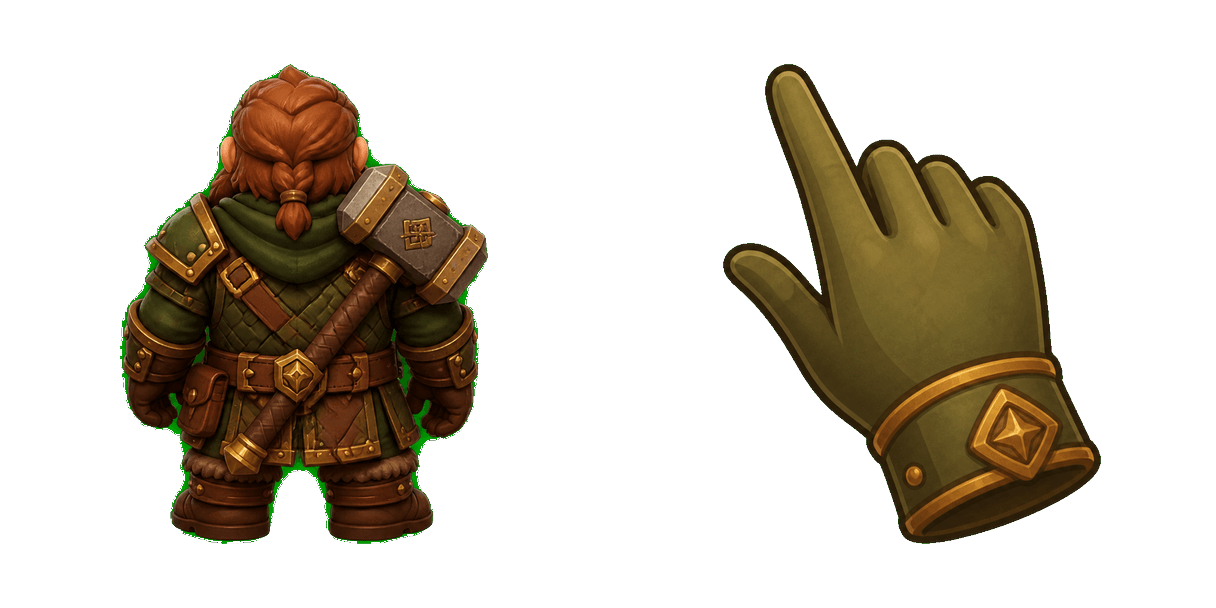
Baldur's Gate dwarf cute cursor brings the stout dwarf with hammer arrow and a matching olive brown pointing-hand pointer.
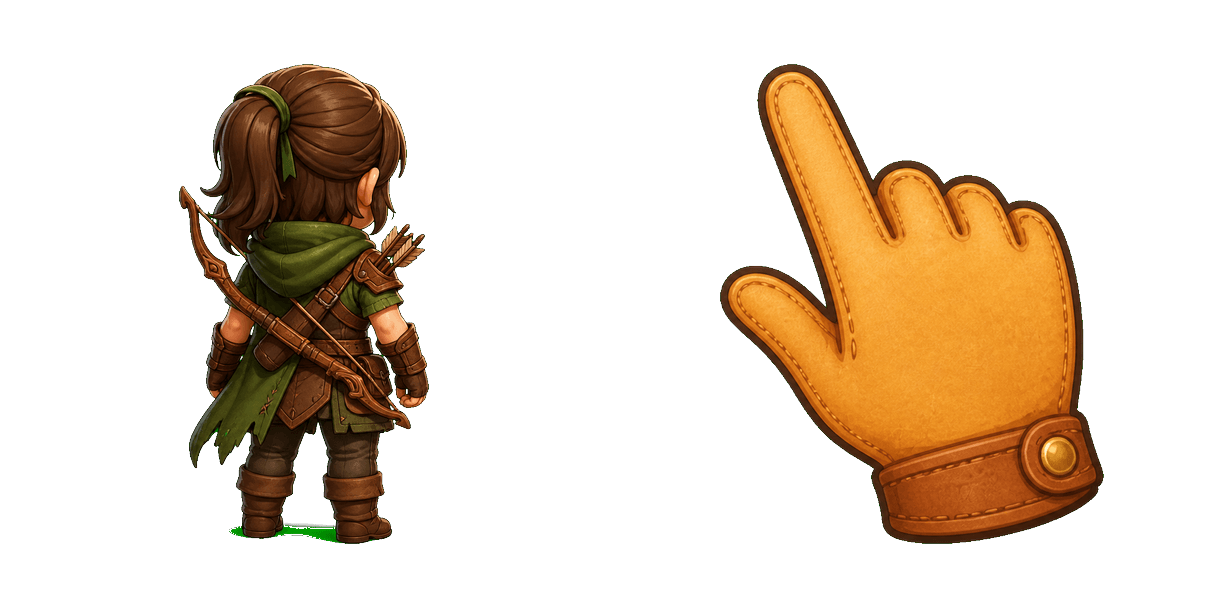
Baldur's Gate rogue cute cursor packs the leather armor bow scout arrow and a matching soft tan pointing-hand pointer.
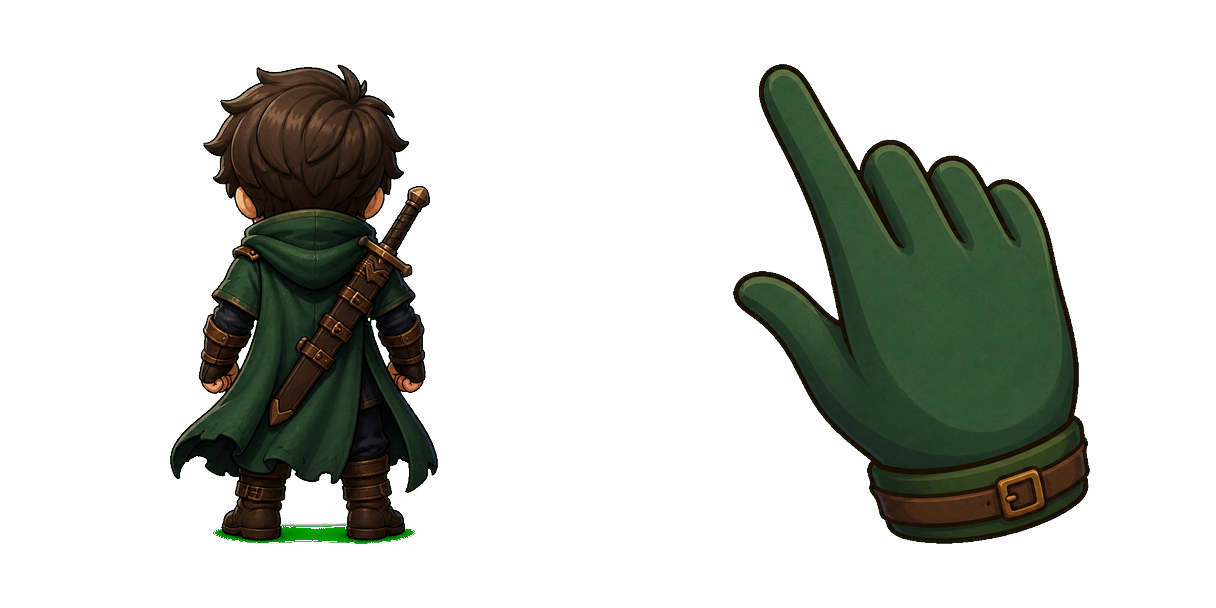
Baldur's Gate fighter cute cursor brings the green cloak sword fighter arrow and a matching forest green pointing-hand pointer.
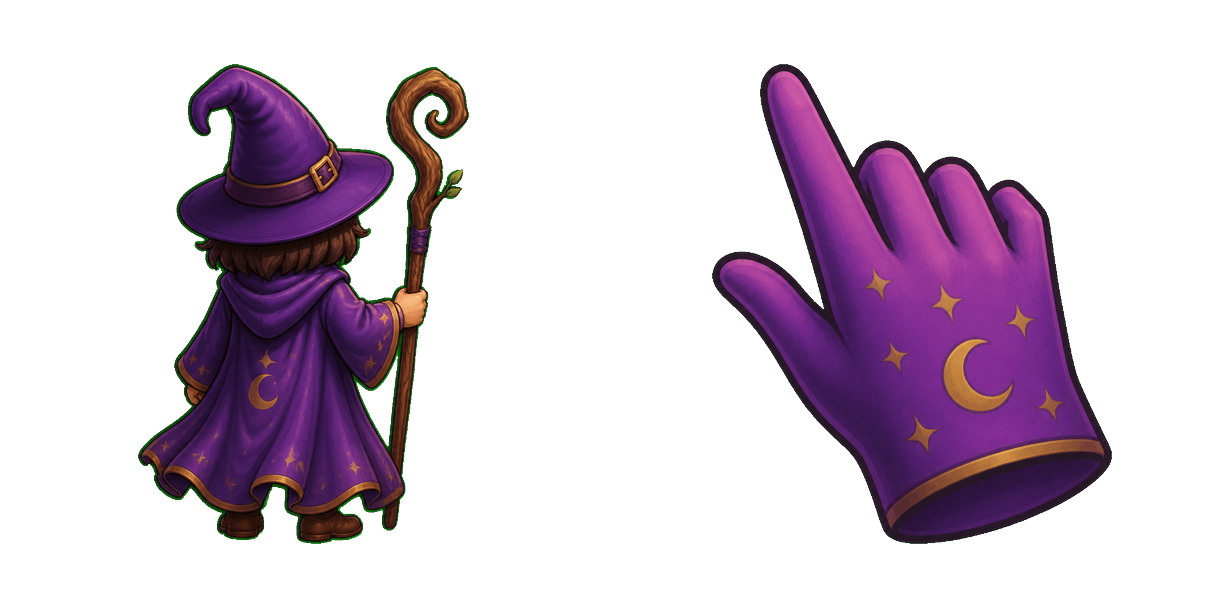
Baldur's Gate wizard cute cursor packs the purple robes staff mage arrow and a matching soft purple pointing-hand pointer.
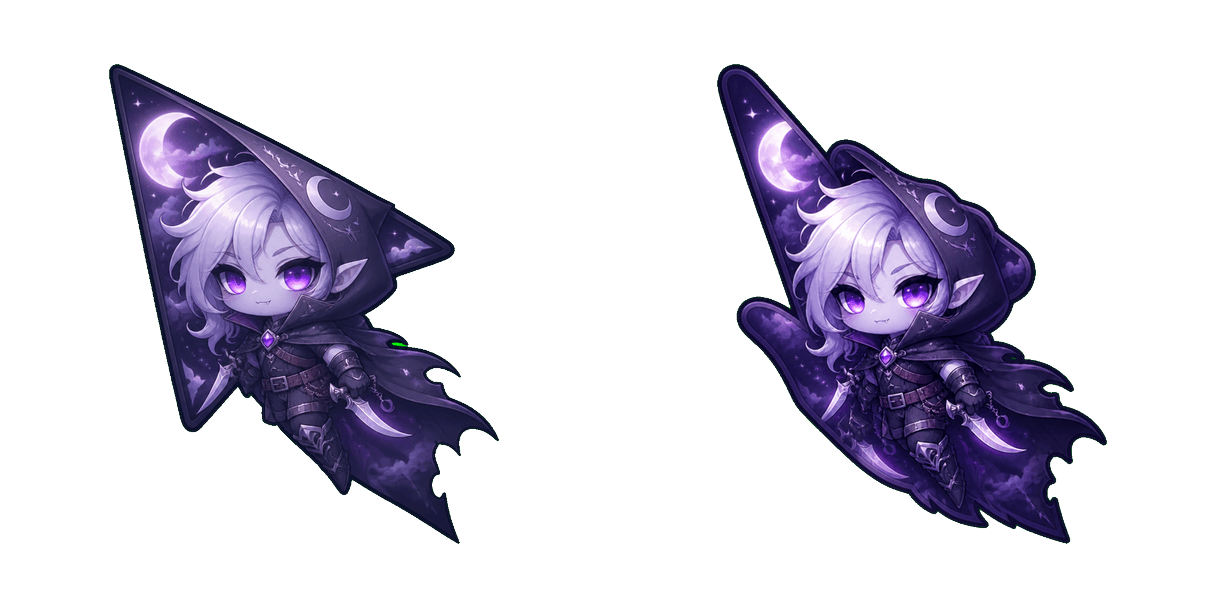
Baldur's Gate 3 Astarion Moonlight cursor with a character pointer - free dark outline custom cursor.
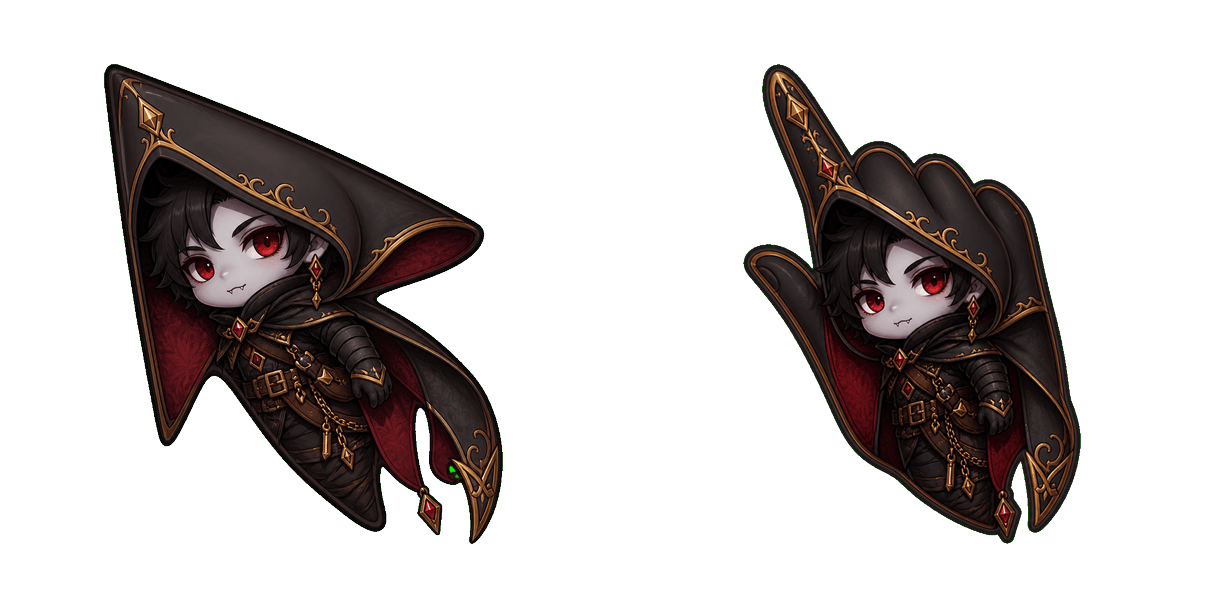
Baldur's Gate 3 Astarion Rogue cursor with a character pointer - free dark outline custom cursor.
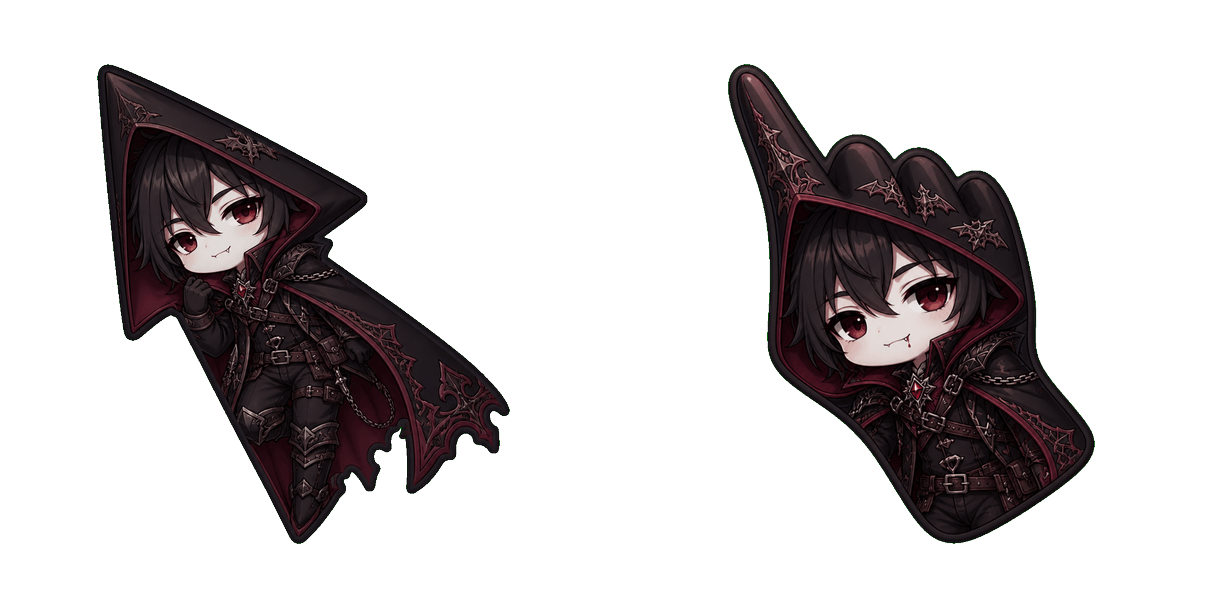
Baldur's Gate 3 Astarion Vampire cursor with a character pointer - free dark outline custom cursor.
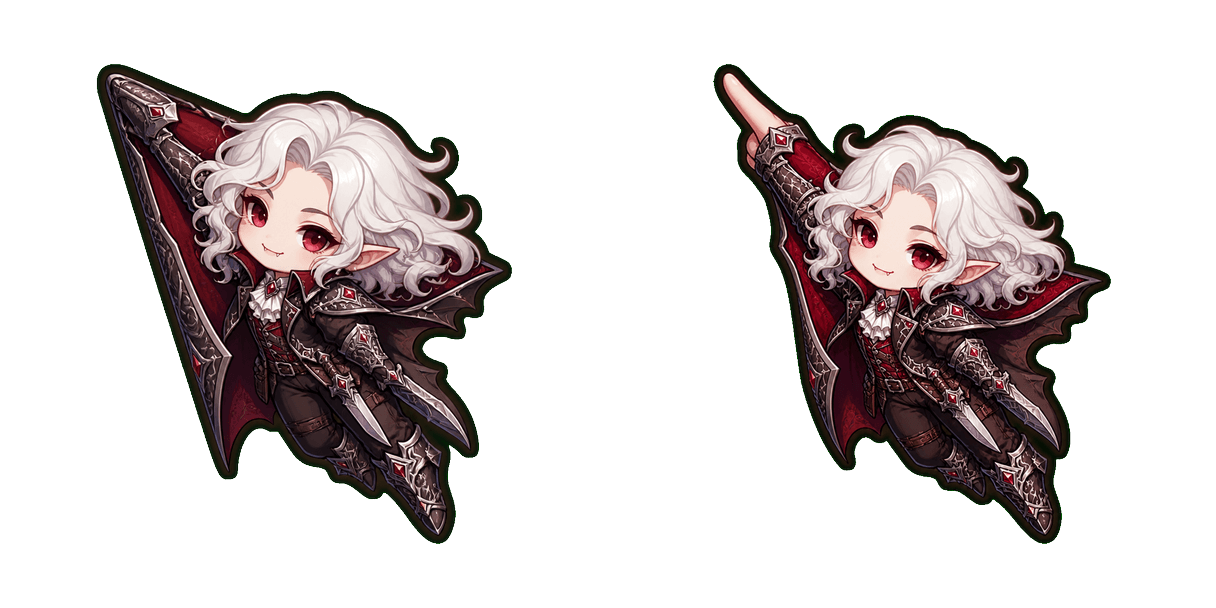
Baldur's Gate 3 Astarion cursor with a character pointer - free dark outline custom cursor.
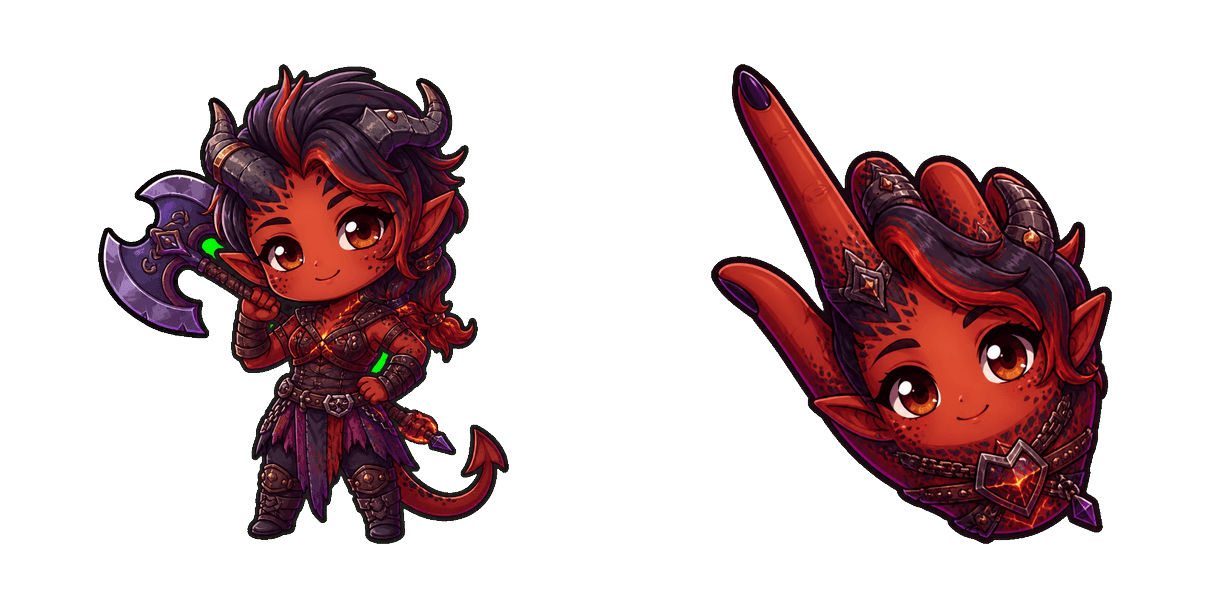
Baldur’s Gate 3 Karlach cursor with Infernal Heart pointer - free dark outline custom cursor.
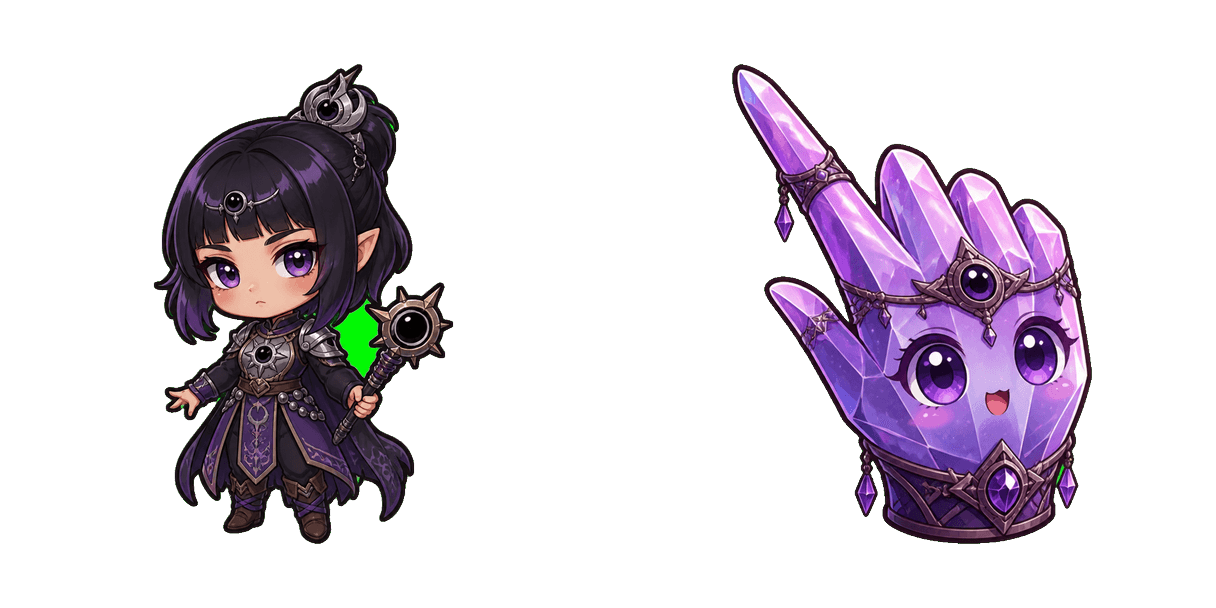
Baldur’s Gate 3 Shadowheart cursor with Astral Prism pointer - free dark outline custom cursor.
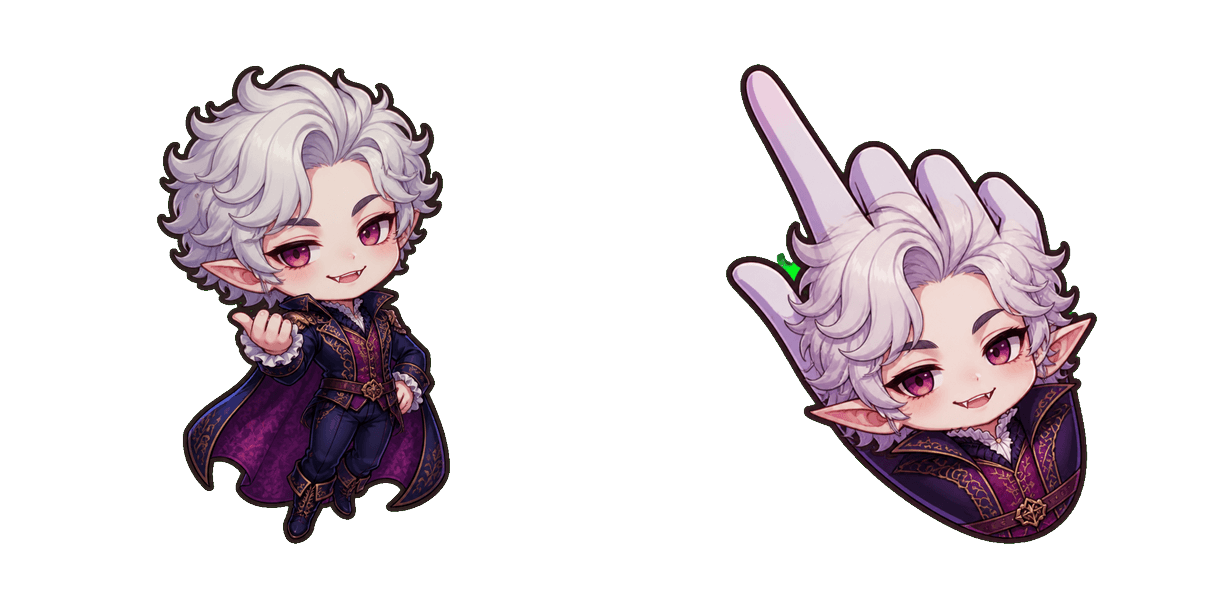
Baldur’s Gate 3 Astarion cursor with Vampire Fang pointer - free dark outline custom cursor.