
Cute Cursors
The Angry Beavers
The Angry Beavers cursors with Norbert, Daggett and a dam built by two brothers who argue constantly.

In 2009 a small Finnish studio was running low on options, so they shipped a game about flinging birds at pigs. Rovio had made dozens of titles nobody remembers. This one sold over a billion downloads.
The design is close to perfect for a touchscreen. Pull back, let go, watch physics do the rest. Every bird has exactly one trick - Red just hits things, Chuck goes fast, Bomb explodes, Blues split into three - and learning which one to use where is the whole game.
The pigs deserve credit too. They never do anything except sit inside badly built structures and grin, and somehow that made them the most punchable antagonists in mobile gaming. King Pig in particular has the smug expression of someone who has never once considered reinforcing a wall.
This collection includes Red in his usual state of irritation, Chuck, Bomb, Terence looming silently, the Mighty Eagle, and King Pig looking pleased with himself.
If you spent a commute or three three-starring levels, these will feel familiar. Load one up and give your pointer a slingshot's worth of attitude.
Browse 141 carefully curated cursor packs in this collection. All packs are free to download and work with Chrome, Edge, and Windows browsers.
From Custom Cursor World, Custom Cursors, and Cute Cursors catalogs
Discover more curated cursor collections that match your interests. Explore similar themed collections with free cursor packs for Chrome, Edge, and Windows.
The Angry Beavers cursors with Norbert, Daggett and a dam built by two brothers who argue constantly.

Cute Australia Birds custom cursors - kookaburra, cockatoo, lorikeet, emu, fairywren and bright Aussie bird pals with matching pointer hands.

Cute jungle tropical bird custom cursors - quetzals, hummingbirds, birds of paradise and songbirds with matching pointer hands.

Cute African bird cursors - eagles, ostrich, flamingo, crane and parrot with matching pointer hands.
Follow these simple steps to start using custom cursors from the Angry Birds collection. All cursor packs are free and easy to install.
Install the Custom Cursor World extension for Chrome or Edge browser. The extension is free and takes less than a minute to set up.
Explore 141 cursor packs in the Angry Birds collection and find your favorite designs. Each pack is carefully curated for quality.
Click on any cursor pack and download it directly to your browser. No additional software or configuration needed.
Your new cursor is now active! Customize your browsing experience with unique cursor designs from the Angry Birds collection.
Common questions about the Angry Birds cursor collection
The Angry Birds collection is a curated set of custom cursor packs designed to enhance your browsing experience. Each pack in this collection has been carefully selected to provide unique and visually appealing cursor designs.
Yes! All cursor packs in this collection are completely free to download and use. There are no hidden fees or subscriptions required.
These cursor packs work with Chrome and Edge browsers through the Custom Cursor World extension. The extension is free and easy to install.
Simply click on any cursor pack in this collection, then click the "Add" or "Download" button. The extension will automatically install the cursor pack for you.
Yes! You can switch between different cursor packs at any time. Just browse our collections and select a new pack whenever you want to change your cursor style.
No restart is needed! Once you install a cursor pack, it becomes active immediately. You can start using your new cursor right away.

Install our free browser extension to instantly apply any cursor from our vast collection with one click. Works seamlessly with Chrome, Edge, and Windows.
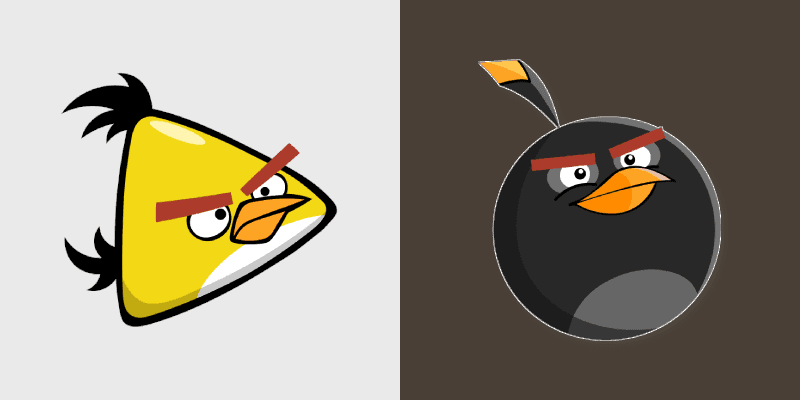
Fun Angry Birds Chuck & Bomb Cursor Pack - Custom Mouse Cursors
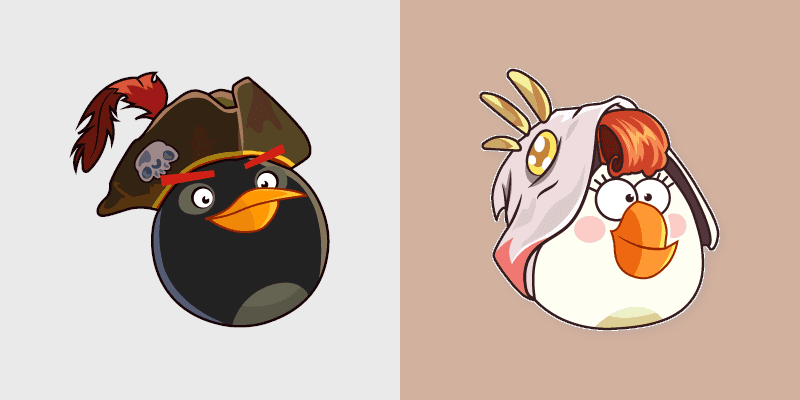
Cute Cursor Bomb & Matilda Pack - Angry Birds Desktop Theme
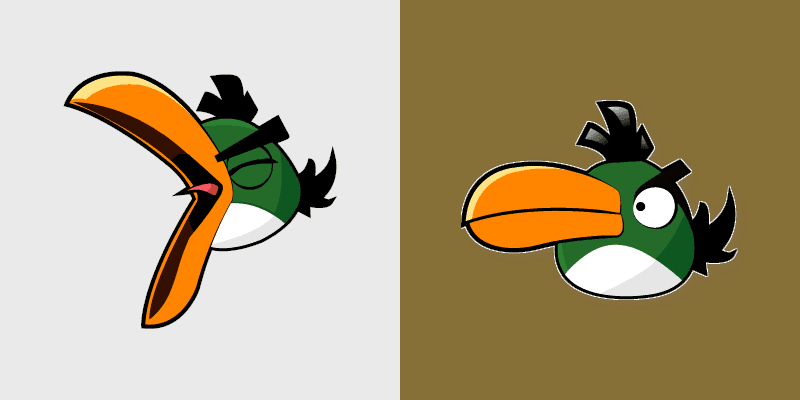
Hal's Emerald Cursor Pack - A vibrant Angry Birds cursor pack featuring Hal, the emerald toucanet.
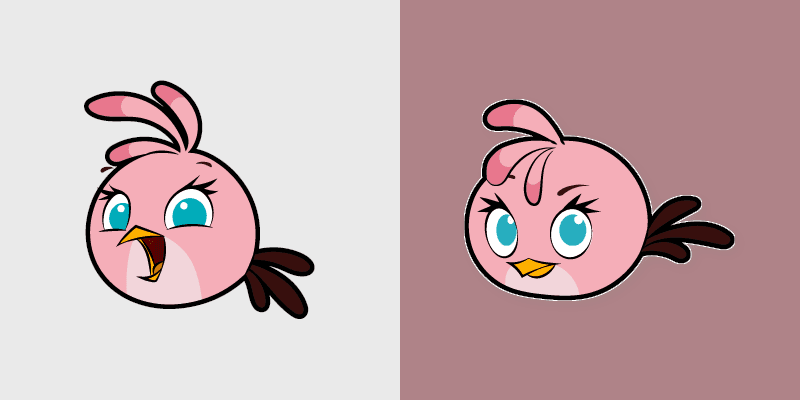
Unique Custom Cursor Pack for Angry Birds Stella. Easy installation!
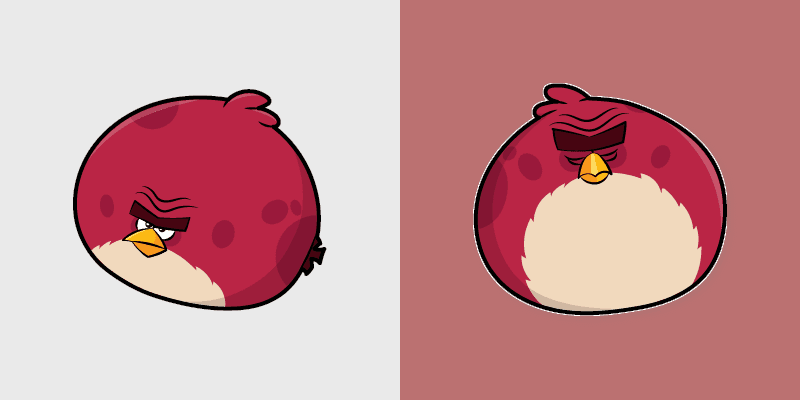
Angry Birds Terence Cursor Pack: Customize your mouse cursor with this vibrant game character!
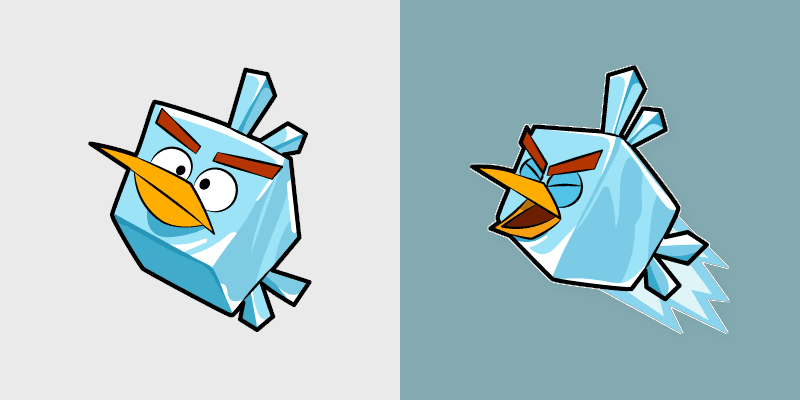
Add flair to your desktop with the Cute Cursor Pack - Ice Bird!

Add some piggy flair with our customizable Angry Birds Leonard cursor pack!
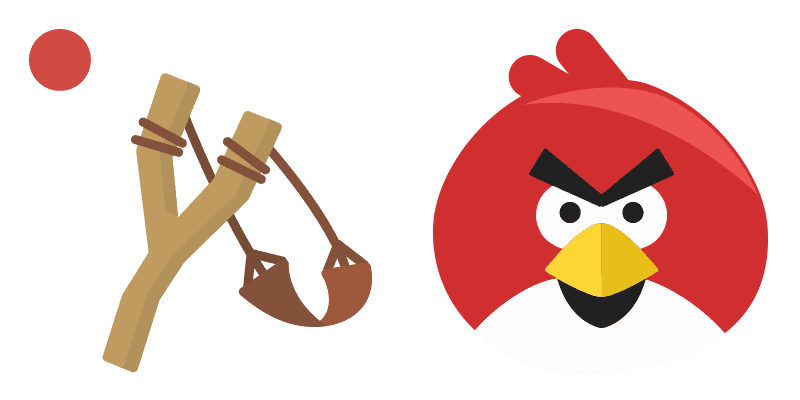
Whole flock spirit in this Angry Birds cute cursor, a free custom cursor pack for longtime players.
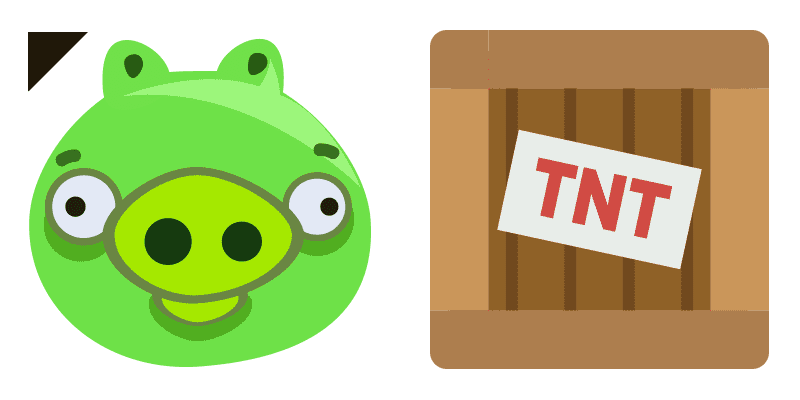
Rounded flock charm in this Angry Birds cute cursor, a free custom cursor pack for casual fans.
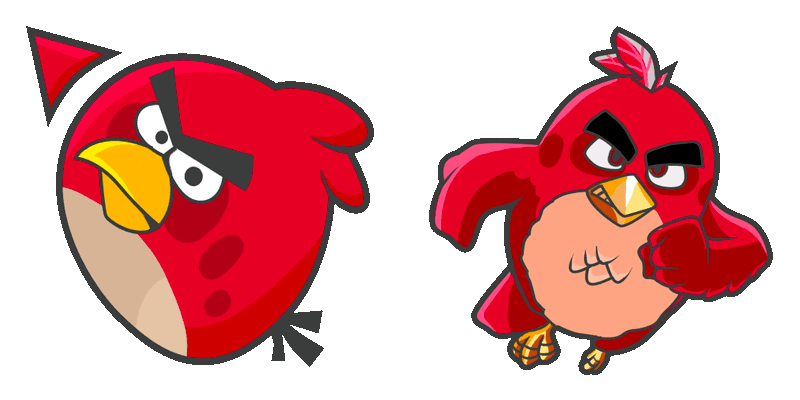
Flock leader attitude in the Red cute cursor, a free custom cursor pack for slingshot classics.
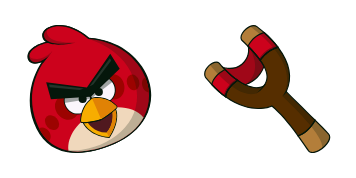
Classic red bird styling in the Red J. Bird cute cursor, a free custom cursor pack for fans.
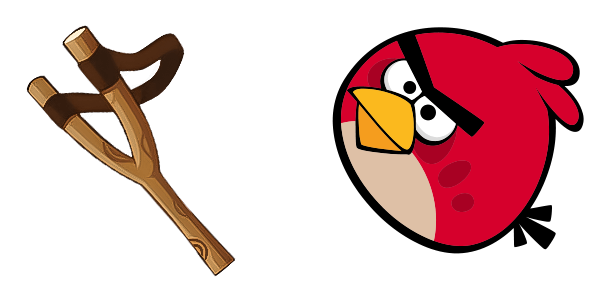
Game-series flavor in this Angry Birds cute cursor, a free custom cursor pack for mobile play fans.
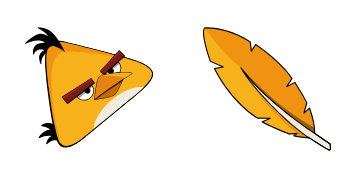
Lightning-fast yellow bird in the Chuck cute cursor, a free custom cursor pack for speed fans.

Crowned pig villainy in the King Pig cute cursor, a free custom cursor pack for egg thieves.
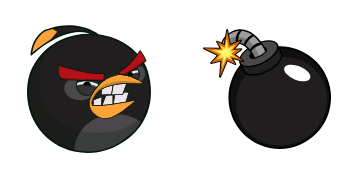
Short-fuse temper in the Bomb cute cursor, a free custom cursor pack for black bird fans.
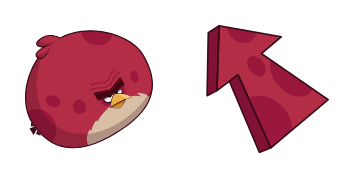
Silent heavyweight in the Terence bird cute cursor, a free custom cursor pack for big brother fans.

Red and the slingshot cute cursor, a free custom cursor pack loaded for a level-one launch.
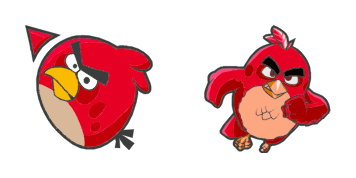
A softer Red cute cursor, a free custom cursor pack with rounded flock-leader charm.
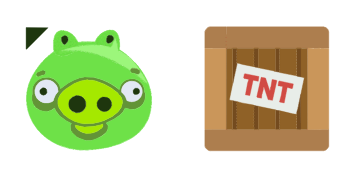
Original mobile-game feel in this Angry Birds cute cursor, a free custom cursor pack for fans.
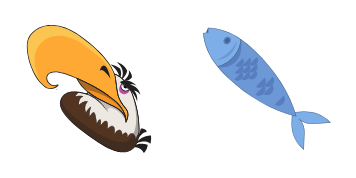
Level-clearing power in the Mighty Eagle cute cursor, a free custom cursor pack for fans.

Speedy yellow bird energy in the Chuck cute cursor, a free custom cursor pack for slingshot fans.
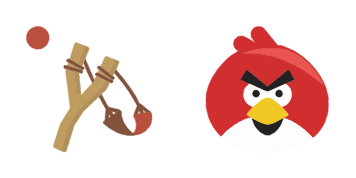
Chibi flock fun in this Angry Birds cute cursor, a free custom cursor pack with playful proportions.

Animated minion pig cute cursor, a free custom cursor pack packed with grunt-level mischief.

Animated Bomb cute cursor, a free custom cursor pack with an explosive black bird temper.

Animated Leonard and crown cute cursor, a free custom cursor pack for pig king movie fans.

Triplet trouble in the Blues cute cursor, a free custom cursor pack for splitting-bird fans.

Animated Bubbles cute cursor, a free custom cursor pack starring the inflating orange bird.

Big brother bulk in the Terence cute cursor, a free custom cursor pack for heavy hitter fans.
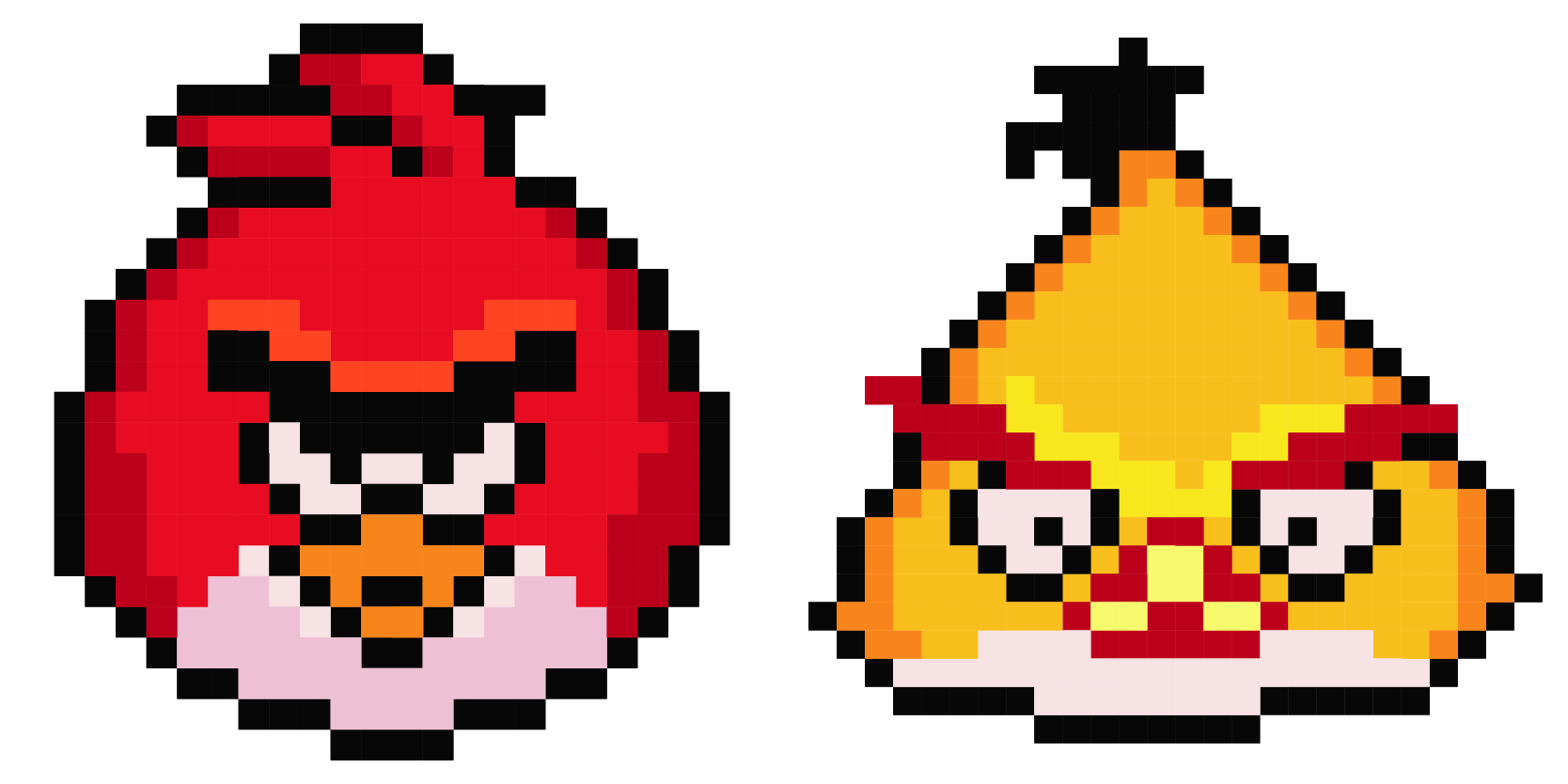
Retro sprite style in the Angry Birds pixel cute cursor, a free custom cursor pack with 8-bit flair.

Animated Stella cute cursor, a free custom cursor pack starring the bubbly pink bird.

Animated Hal cute cursor, a free custom cursor pack featuring the boomerang toucan.

Upbeat flock mood in the Happy bird cute cursor, a free custom cursor pack full of cheer.

Custom Cursor - Red from Angry Birds Space!

Angry Birds Classic Classic Logo and Gamepad cursor - bright cute character custom cursor with matching pointer.

Angry Birds Classic Golden Star and Crown cursor - bright cute character custom cursor with matching pointer.

Angry Birds Classic Dream and Pillow cursor - bright cute character custom cursor with matching pointer.

Angry Birds Classic Friend and Flower cursor - bright cute character custom cursor with matching pointer.

Angry Birds Classic Magic Wand and Spark cursor - bright cute character custom cursor with matching pointer.

Angry Birds Classic Party Hat and Cake cursor - bright cute character custom cursor with matching pointer.

Angry Birds Classic Cloud and Moon cursor - bright cute character custom cursor with matching pointer.

Angry Birds Classic Rainbow and Heart cursor - bright cute character custom cursor with matching pointer.

Angry Birds Classic Hero and Candy cursor - bright cute character custom cursor with matching pointer.

Angry Birds Classic Mascot and Star cursor - bright cute character custom cursor with matching pointer.

Angry Birds Pastel Classic Logo and Gamepad cursor - bright cute character custom cursor with matching pointer.

Angry Birds Pastel Golden Star and Crown cursor - bright cute character custom cursor with matching pointer.

Angry Birds Pastel Dream and Pillow cursor - bright cute character custom cursor with matching pointer.

Angry Birds Pastel Friend and Flower cursor - bright cute character custom cursor with matching pointer.

Angry Birds Pastel Magic Wand and Spark cursor - bright cute character custom cursor with matching pointer.

Angry Birds Pastel Party Hat and Cake cursor - bright cute character custom cursor with matching pointer.

Angry Birds Pastel Cloud and Moon cursor - bright cute character custom cursor with matching pointer.

Angry Birds Pastel Rainbow and Heart cursor - bright cute character custom cursor with matching pointer.

Angry Birds Pastel Hero and Candy cursor - bright cute character custom cursor with matching pointer.

Angry Birds Pastel Mascot and Star cursor - bright cute character custom cursor with matching pointer.

Angry Birds Golden Classic Logo and Gamepad cursor - bright cute character custom cursor with matching pointer.

Angry Birds Golden Golden Star and Crown cursor - bright cute character custom cursor with matching pointer.

Angry Birds Golden Dream and Pillow cursor - bright cute character custom cursor with matching pointer.

Angry Birds Golden Friend and Flower cursor - bright cute character custom cursor with matching pointer.

Angry Birds Golden Magic Wand and Spark cursor - bright cute character custom cursor with matching pointer.

Angry Birds Golden Party Hat and Cake cursor - bright cute character custom cursor with matching pointer.

Angry Birds Golden Cloud and Moon cursor - bright cute character custom cursor with matching pointer.

Angry Birds Golden Rainbow and Heart cursor - bright cute character custom cursor with matching pointer.

Angry Birds Golden Hero and Candy cursor - bright cute character custom cursor with matching pointer.

Angry Birds Golden Mascot and Star cursor - bright cute character custom cursor with matching pointer.

Angry Birds Party Classic Logo and Gamepad cursor - bright cute character custom cursor with matching pointer.

Angry Birds Party Golden Star and Crown cursor - bright cute character custom cursor with matching pointer.

Angry Birds Party Dream and Pillow cursor - bright cute character custom cursor with matching pointer.

Angry Birds Party Friend and Flower cursor - bright cute character custom cursor with matching pointer.

Angry Birds Party Magic Wand and Spark cursor - bright cute character custom cursor with matching pointer.

Angry Birds Party Party Hat and Cake cursor - bright cute character custom cursor with matching pointer.

Angry Birds Party Cloud and Moon cursor - bright cute character custom cursor with matching pointer.

Angry Birds Party Rainbow and Heart cursor - bright cute character custom cursor with matching pointer.

Angry Birds Party Hero and Candy cursor - bright cute character custom cursor with matching pointer.

Angry Birds Party Mascot and Star cursor - bright cute character custom cursor with matching pointer.

Angry Birds Winter Classic Logo and Gamepad cursor - bright cute character custom cursor with matching pointer.

Angry Birds Winter Golden Star and Crown cursor - bright cute character custom cursor with matching pointer.

Angry Birds Winter Dream and Pillow cursor - bright cute character custom cursor with matching pointer.

Angry Birds Winter Friend and Flower cursor - bright cute character custom cursor with matching pointer.

Angry Birds Winter Magic Wand and Spark cursor - bright cute character custom cursor with matching pointer.

Angry Birds Winter Party Hat and Cake cursor - bright cute character custom cursor with matching pointer.

Angry Birds Winter Cloud and Moon cursor - bright cute character custom cursor with matching pointer.

Angry Birds Winter Rainbow and Heart cursor - bright cute character custom cursor with matching pointer.

Angry Birds Winter Hero and Candy cursor - bright cute character custom cursor with matching pointer.

Angry Birds Winter Mascot and Star cursor - bright cute character custom cursor with matching pointer.

Angry Birds Starry Classic Logo and Gamepad cursor - bright cute character custom cursor with matching pointer.

Angry Birds Starry Golden Star and Crown cursor - bright cute character custom cursor with matching pointer.

Angry Birds Starry Dream and Pillow cursor - bright cute character custom cursor with matching pointer.

Angry Birds Starry Friend and Flower cursor - bright cute character custom cursor with matching pointer.

Angry Birds Starry Magic Wand and Spark cursor - bright cute character custom cursor with matching pointer.

Angry Birds Starry Party Hat and Cake cursor - bright cute character custom cursor with matching pointer.

Angry Birds Starry Cloud and Moon cursor - bright cute character custom cursor with matching pointer.

Angry Birds Starry Rainbow and Heart cursor - bright cute character custom cursor with matching pointer.

Angry Birds Starry Hero and Candy cursor - bright cute character custom cursor with matching pointer.

Angry Birds Starry Mascot and Star cursor - bright cute character custom cursor with matching pointer.

Angry Birds Candy Classic Logo and Gamepad cursor - bright cute character custom cursor with matching pointer.

Angry Birds Candy Golden Star and Crown cursor - bright cute character custom cursor with matching pointer.

Angry Birds Candy Dream and Pillow cursor - bright cute character custom cursor with matching pointer.

Angry Birds Candy Friend and Flower cursor - bright cute character custom cursor with matching pointer.

Angry Birds Candy Magic Wand and Spark cursor - bright cute character custom cursor with matching pointer.

Angry Birds Candy Party Hat and Cake cursor - bright cute character custom cursor with matching pointer.

Angry Birds Candy Cloud and Moon cursor - bright cute character custom cursor with matching pointer.

Angry Birds Candy Rainbow and Heart cursor - bright cute character custom cursor with matching pointer.

Angry Birds Candy Hero and Candy cursor - bright cute character custom cursor with matching pointer.

Angry Birds Candy Mascot and Star cursor - bright cute character custom cursor with matching pointer.

Angry Birds Rainbow Classic Logo and Gamepad cursor - bright cute character custom cursor with matching pointer.

Angry Birds Rainbow Golden Star and Crown cursor - bright cute character custom cursor with matching pointer.

Angry Birds Rainbow Dream and Pillow cursor - bright cute character custom cursor with matching pointer.

Angry Birds Rainbow Friend and Flower cursor - bright cute character custom cursor with matching pointer.

Angry Birds Rainbow Magic Wand and Spark cursor - bright cute character custom cursor with matching pointer.

Angry Birds Rainbow Party Hat and Cake cursor - bright cute character custom cursor with matching pointer.

Angry Birds Rainbow Cloud and Moon cursor - bright cute character custom cursor with matching pointer.

Angry Birds Rainbow Rainbow and Heart cursor - bright cute character custom cursor with matching pointer.

Angry Birds Rainbow Hero and Candy cursor - bright cute character custom cursor with matching pointer.

Angry Birds Rainbow Mascot and Star cursor - bright cute character custom cursor with matching pointer.

Angry Birds Sleepy Classic Logo and Gamepad cursor - bright cute character custom cursor with matching pointer.

Angry Birds Sleepy Golden Star and Crown cursor - bright cute character custom cursor with matching pointer.

Angry Birds Sleepy Dream and Pillow cursor - bright cute character custom cursor with matching pointer.

Angry Birds Sleepy Friend and Flower cursor - bright cute character custom cursor with matching pointer.

Angry Birds Sleepy Magic Wand and Spark cursor - bright cute character custom cursor with matching pointer.

Angry Birds Sleepy Party Hat and Cake cursor - bright cute character custom cursor with matching pointer.

Angry Birds Sleepy Cloud and Moon cursor - bright cute character custom cursor with matching pointer.

Angry Birds Sleepy Rainbow and Heart cursor - bright cute character custom cursor with matching pointer.

Angry Birds Sleepy Hero and Candy cursor - bright cute character custom cursor with matching pointer.

Angry Birds Sleepy Mascot and Star cursor - bright cute character custom cursor with matching pointer.

Angry Birds Happy Classic Logo and Gamepad cursor - bright cute character custom cursor with matching pointer.

Angry Birds Happy Golden Star and Crown cursor - bright cute character custom cursor with matching pointer.

Angry Birds Happy Dream and Pillow cursor - bright cute character custom cursor with matching pointer.

Angry Birds Happy Friend and Flower cursor - bright cute character custom cursor with matching pointer.

Angry Birds Happy Magic Wand and Spark cursor - bright cute character custom cursor with matching pointer.

Angry Birds Happy Party Hat and Cake cursor - bright cute character custom cursor with matching pointer.

Angry Birds Happy Cloud and Moon cursor - bright cute character custom cursor with matching pointer.

Angry Birds Happy Rainbow and Heart cursor - bright cute character custom cursor with matching pointer.

Angry Birds Happy Hero and Candy cursor - bright cute character custom cursor with matching pointer.

Angry Birds Happy Mascot and Star cursor - bright cute character custom cursor with matching pointer.

Among Us Angry Birds Red Character cursor - cute Among Us crewmate with darkened rim and matching character pointing hand.

Angry Birds Chuck cute cursor brings a speedy yellow bird arrow and a matching yellow hand pointer.

Angry Birds Pig cute cursor brings a cheerful green pig arrow and a matching green hand pointer.

Angry Birds Matilda cute cursor packs a white mother hen arrow and a matching white hand pointer.

Angry Birds Bomb cute cursor brings a black explosive bird arrow and a matching black hand pointer.

Angry Birds Blue cute cursor packs a tiny blue bird arrow and a matching blue hand pointer.

Angry Birds Red cute cursor packs a fierce red bird arrow and a matching red feather hand pointer.

Angry Birds 2 cursor - slingshot bird buddy with a Red Bird character pointer.