Custom Cursors
Anime Shonen & Thriller
Death Note, Bleach, Tokyo Revengers, Mob Psycho, and shonen thriller custom cursor pointer packs.
Fruits Basket, Komi, Saiki, Toradora, and slice-of-life anime custom cursor pointer packs.
Browse 46 carefully curated cursor packs in this collection. All packs are free to download and work with Chrome, Edge, and Windows browsers.
From Custom Cursor World, Custom Cursors, and Cute Cursors catalogs
Discover more curated cursor collections that match your interests. Explore similar themed collections with free cursor packs for Chrome, Edge, and Windows.
Death Note, Bleach, Tokyo Revengers, Mob Psycho, and shonen thriller custom cursor pointer packs.

SK8 the Infinity, Kuroko, Beyblade, Food Wars, and sports anime custom cursor pointer packs.

Sword Art Online, Re:Zero, Konosuba, Black Clover, and isekai fantasy custom cursor pointer packs.
K-On Yui, Mio, Ritsu, and light music club custom cursor pointer packs for band anime fans.
Follow these simple steps to start using custom cursors from the Anime Slice of Life collection. All cursor packs are free and easy to install.
Install the Custom Cursor World extension for Chrome or Edge browser. The extension is free and takes less than a minute to set up.
Explore 46 cursor packs in the Anime Slice of Life collection and find your favorite designs. Each pack is carefully curated for quality.
Click on any cursor pack and download it directly to your browser. No additional software or configuration needed.
Your new cursor is now active! Customize your browsing experience with unique cursor designs from the Anime Slice of Life collection.
Common questions about the Anime Slice of Life cursor collection
The Anime Slice of Life collection is a curated set of custom cursor packs designed to enhance your browsing experience. Each pack in this collection has been carefully selected to provide unique and visually appealing cursor designs.
Yes! All cursor packs in this collection are completely free to download and use. There are no hidden fees or subscriptions required.
These cursor packs work with Chrome and Edge browsers through the Custom Cursor World extension. The extension is free and easy to install.
Simply click on any cursor pack in this collection, then click the "Add" or "Download" button. The extension will automatically install the cursor pack for you.
Yes! You can switch between different cursor packs at any time. Just browse our collections and select a new pack whenever you want to change your cursor style.
No restart is needed! Once you install a cursor pack, it becomes active immediately. You can start using your new cursor right away.

Install our free browser extension to instantly apply any cursor from our vast collection with one click. Works seamlessly with Chrome, Edge, and Windows.
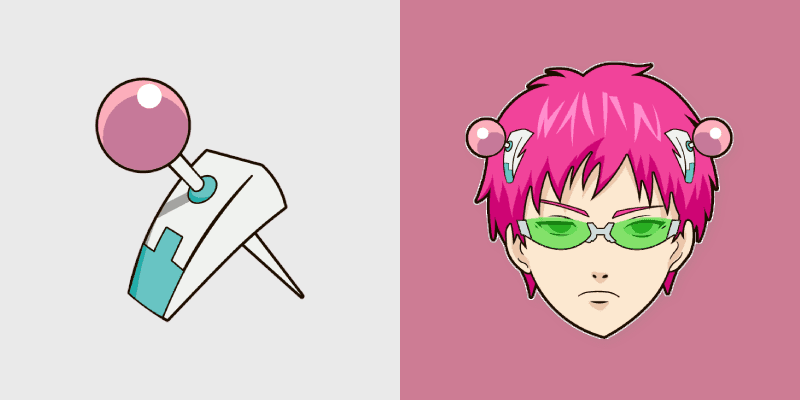
Saiki Kusuo's pink hair and psychic limiter rods bring deadpan psi-nan comedy to your pointer pair.
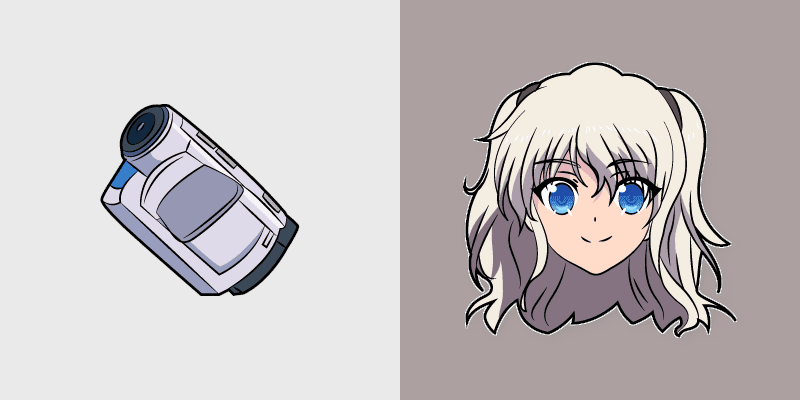
Charlotte Nao Tomori's camcorder student council star frames your pointer with superpower school drama.
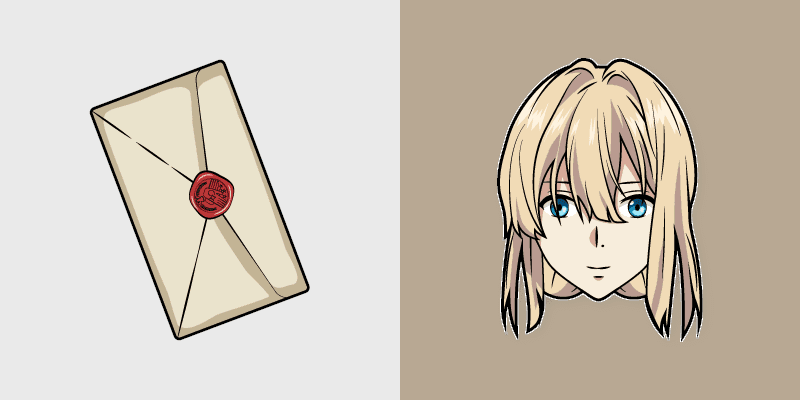
Violet Evergarden auto memory doll letter quill writes postwar drama elegance across your pointer path.
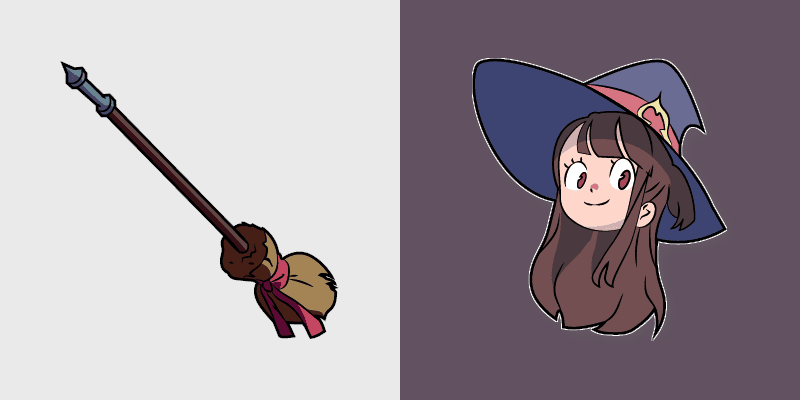
Little Witch Academia Akko's Shiny Chariot wand spark casts Luna Nova magic on your pointer today.
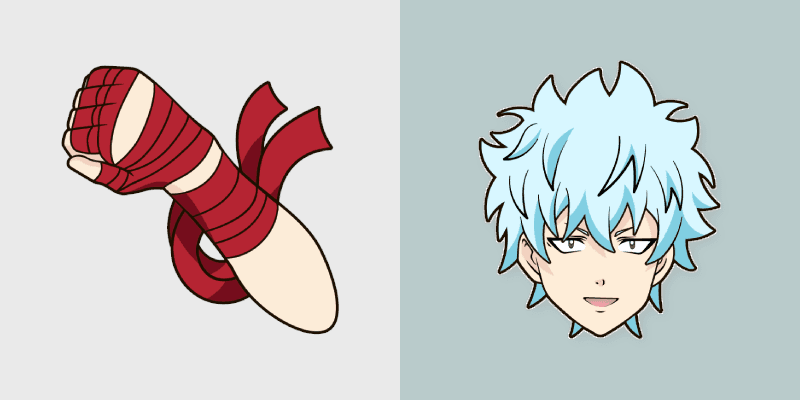
Kaidou Shun's jet helmet chuunibyou blaze from Saiki K rides your pointer with psychic school heat.
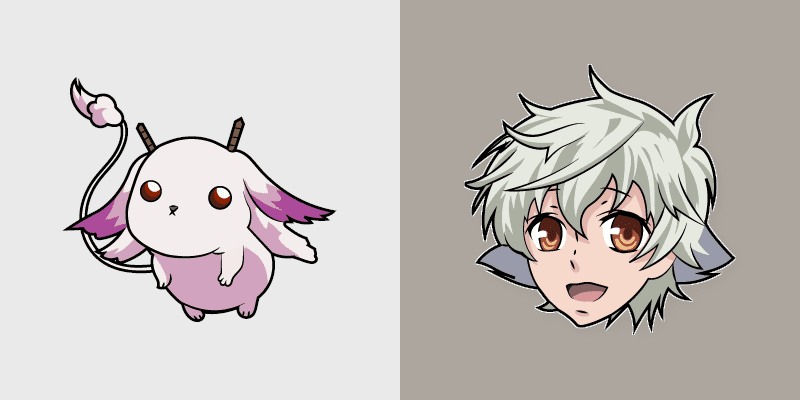
Karneval Gareki's patchwork scarf circus rogue art stitches mystery across your anime pointer tabs.
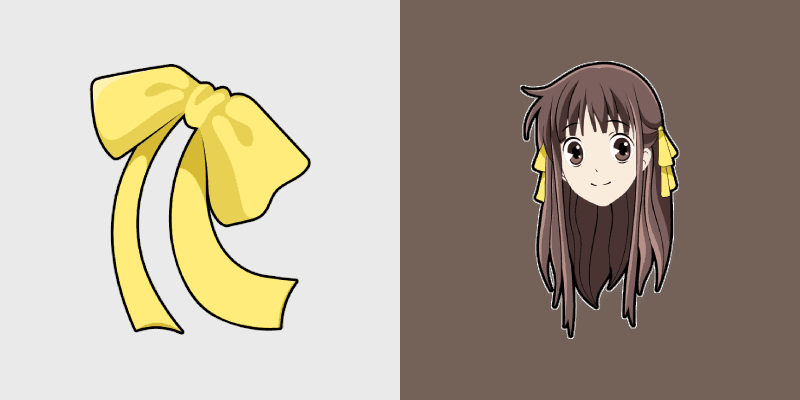
Fruits Basket Tohru Honda's cheerful basket spirit brightens your pointer with sohma family warmth.
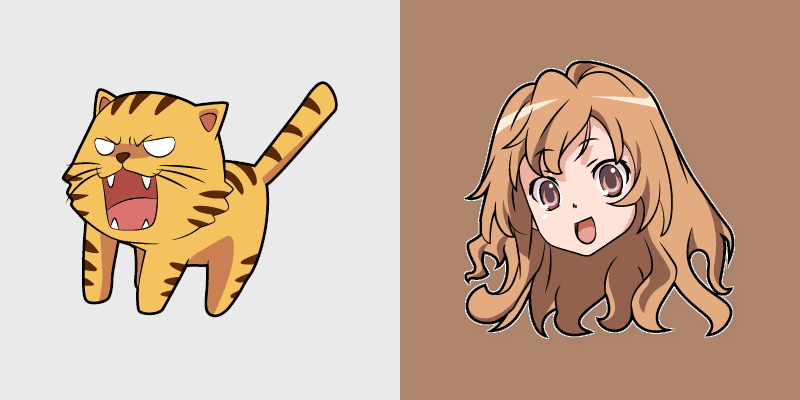
Toradora Taiga Aisaka palmtop tiger wooden sword swings school romance fire across your pointer tabs.
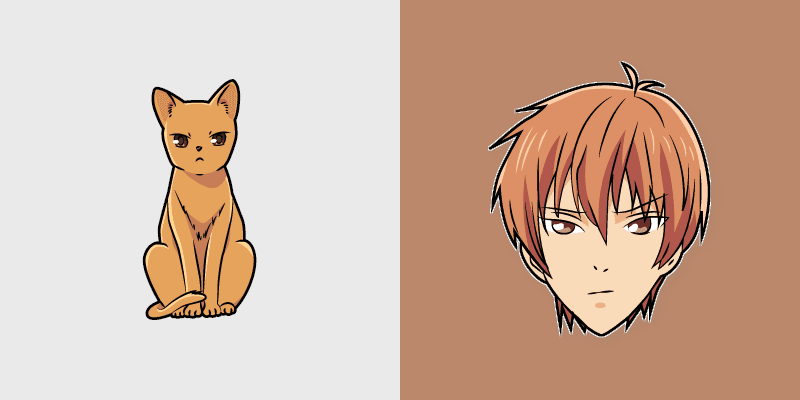
Kyo Sohma's orange cat zodiac spirit from Fruits Basket pounces across your romance anime pointer.
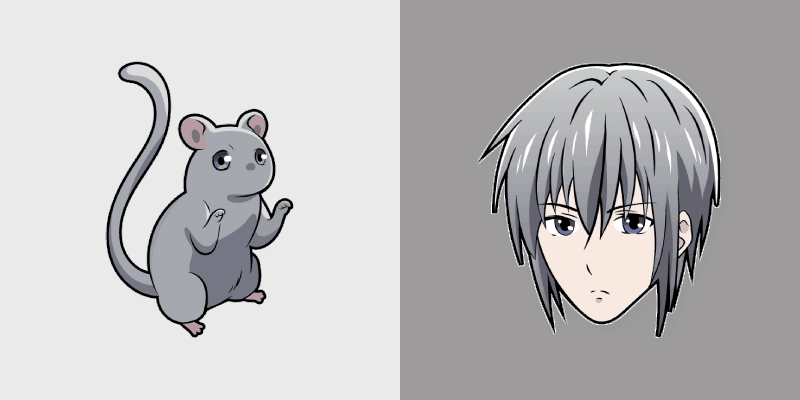
Yuki Sohma rat prince silver grace from Fruits Basket glides across your shojo romance pointer tabs.
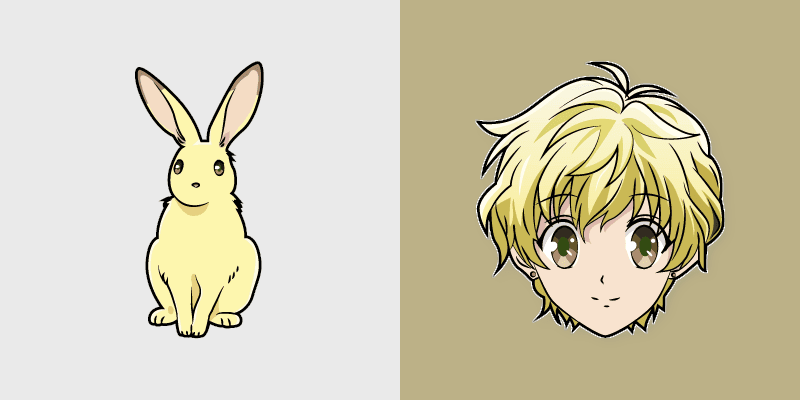
Momiji Sohma rabbit zodiac sweetness from Fruits Basket hops wholesome spring joy onto your pointer.
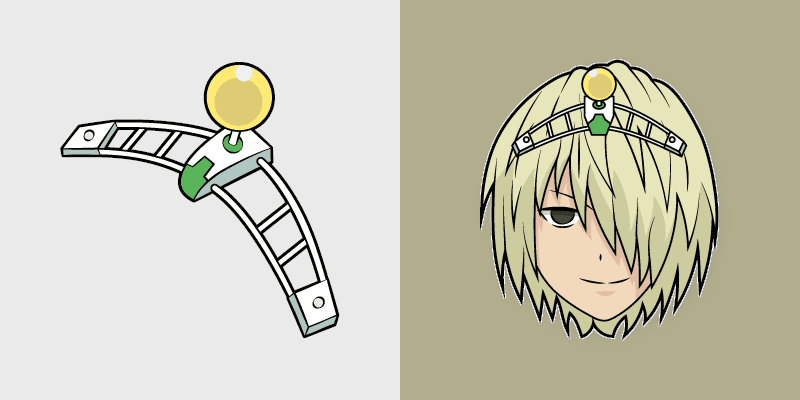
Disastrous Life of Saiki K psychic school roster deadpan comedy colors your custom anime pointer pair.
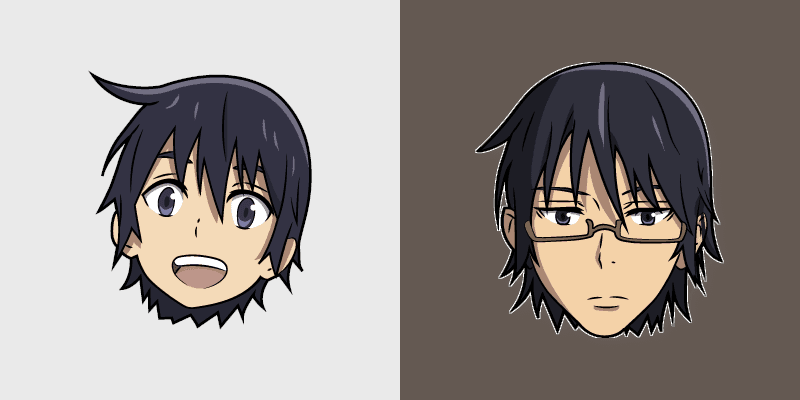
ERASED Satoru Fujinuma child smile and adult glasses time-leap across your mystery anime pointer.
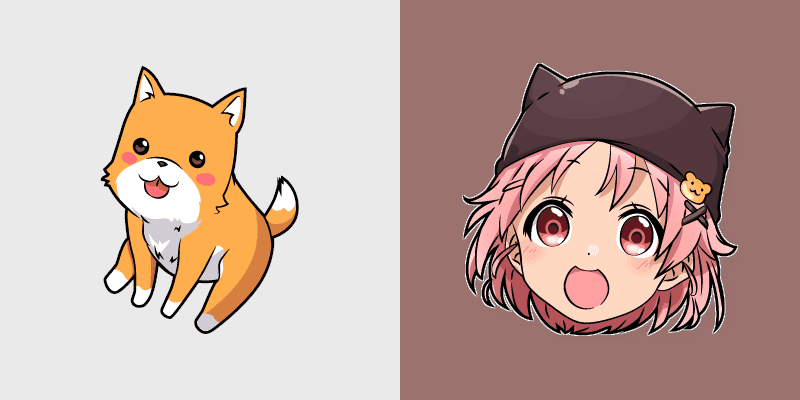
School-Live Yuki Takeya pink hat and Taromaru dog pastel club bittersweet charm colors your pointer pair.
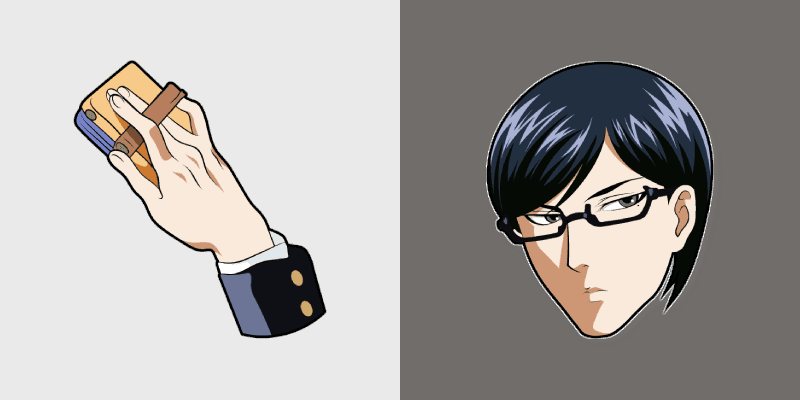
Sakamoto Desu ga cool delinquent swagger shades glide your pointer with untouchable school legend calm.
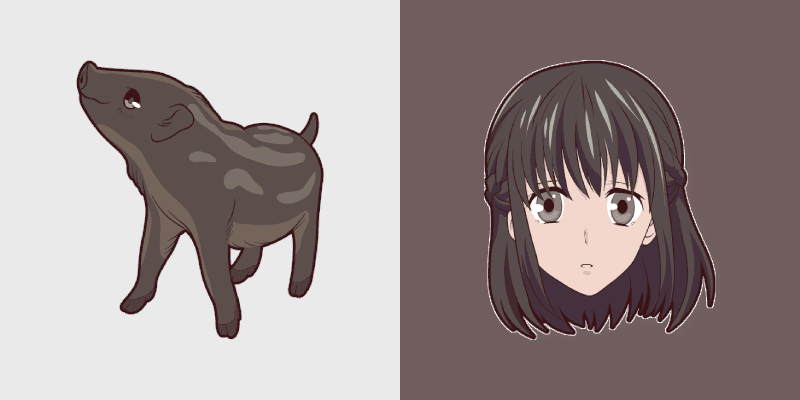
Kagura Sohma boar zodiac whirlwind from Fruits Basket spins festival chaos across your pointer pair.
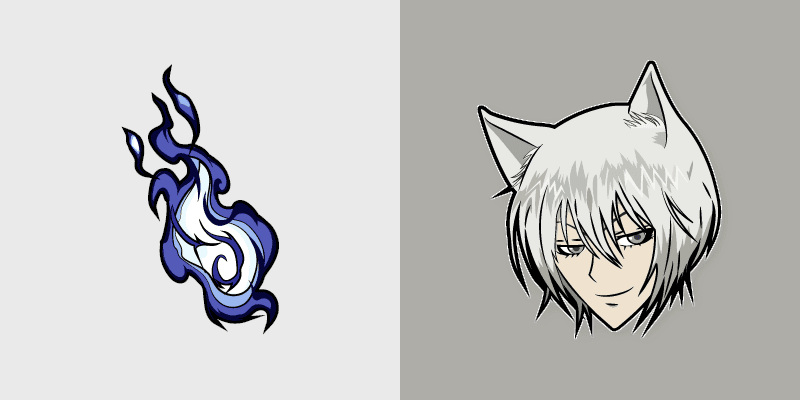
Kamisama Kiss Tomoe fox yokai silver hair ear flicks fox spirit romance across your fantasy pointer tabs.
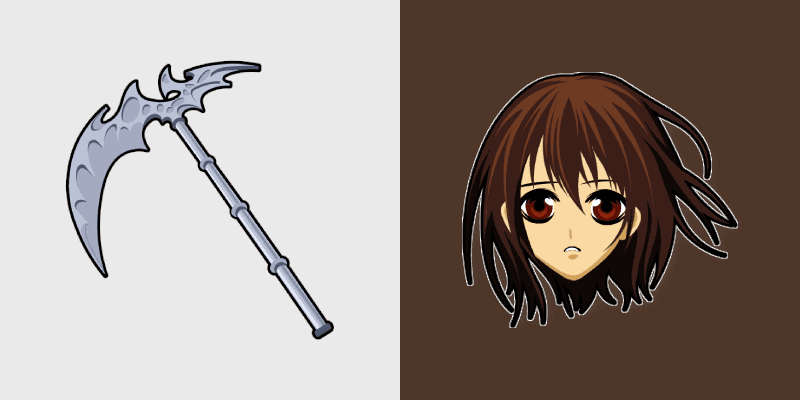
Yuki Kuran's Artemis rod from Vampire Knight ices your pointer with night class gothic romance.
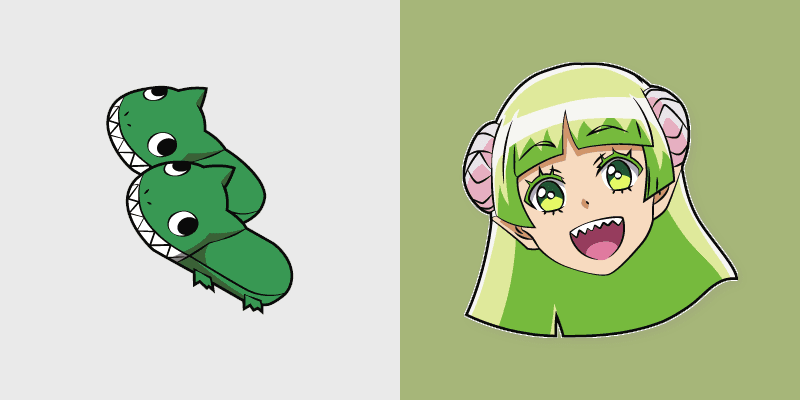
Welcome Demon School Valac Clara fluffy slippers bounce Babyls demon school comedy across your pointer.
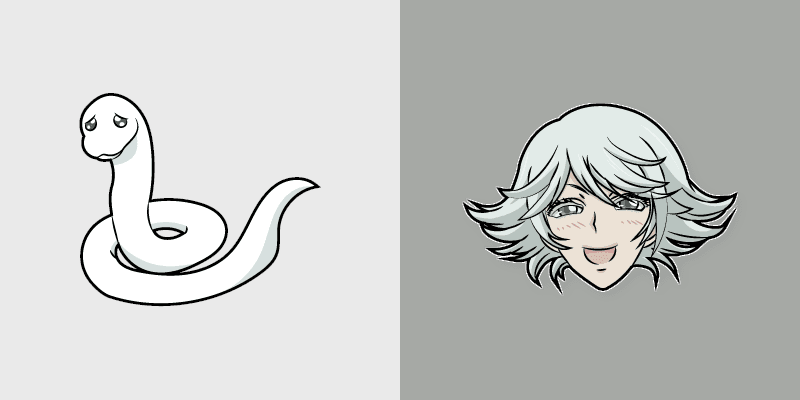
Kamisama Kiss Mizuki white snake yokai guardian coils shrine fantasy guardian charm around your pointer.
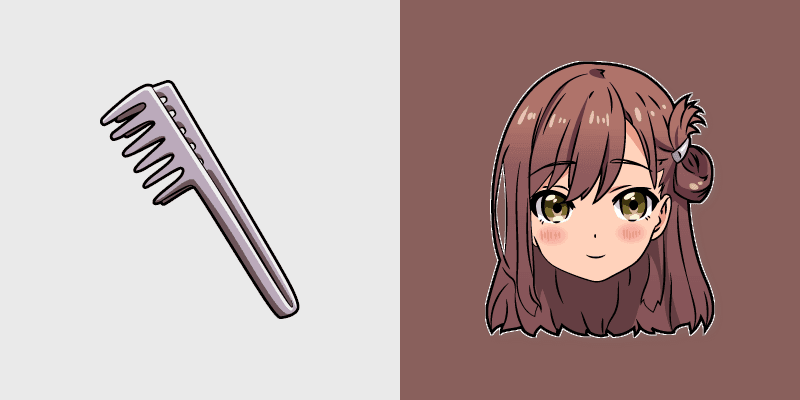
School-Live Yuuri Wakasa megurigaoka survivor bow carries club survival hope across your anime pointer.
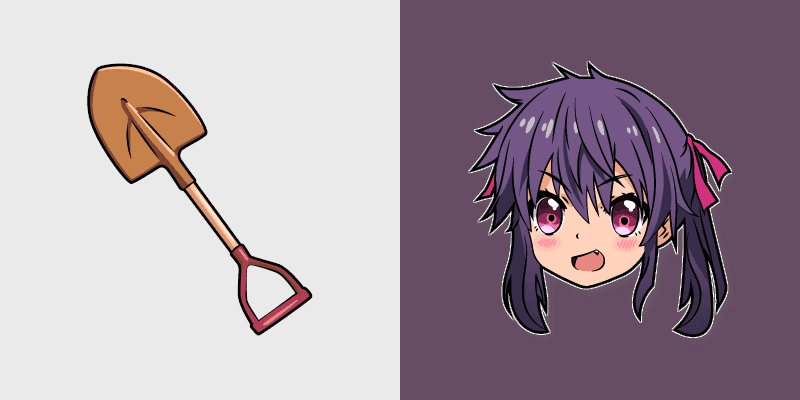
School-Live Kurumi Ebisuzawa shovel survivor green fights club survival grit across your anime pointer tabs.
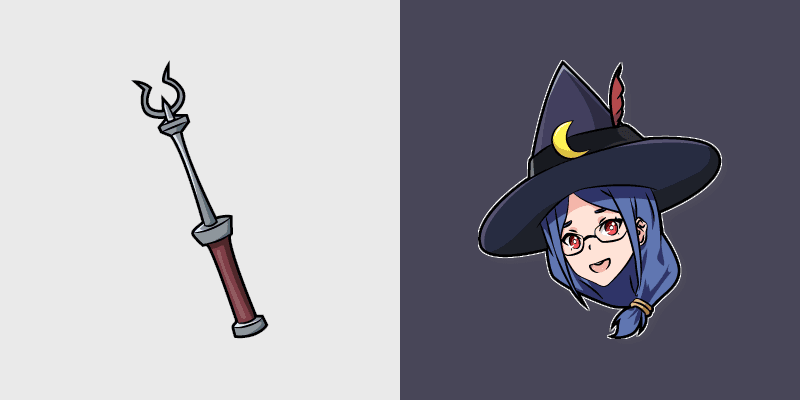
Little Witch Academia Ursula Callistis Shiny Chariot Luna Nova professor magic crowns your pointer path.
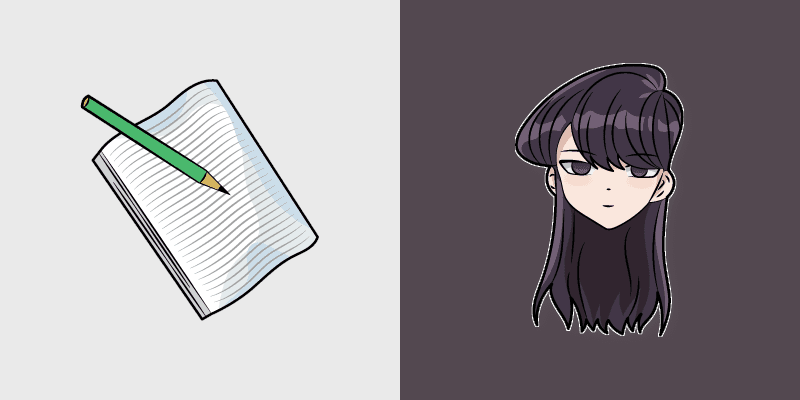
Shoko Komi's silent beauty from Komi Can't Communicate hushes school comedy warmth across your wholesome pointer tabs.
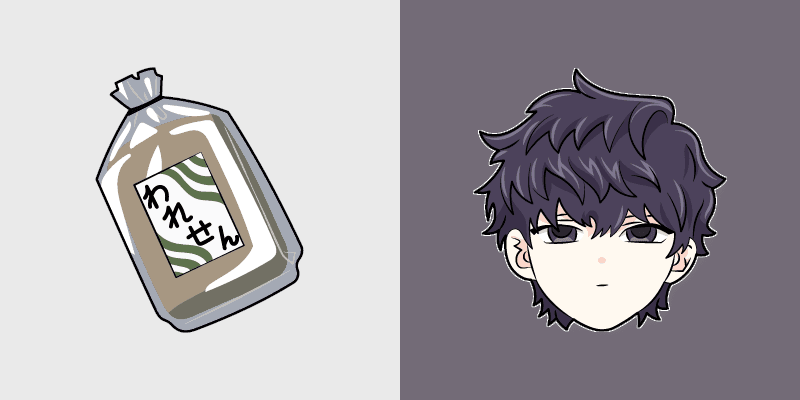
Shousuke Komi's stoic brother gray calm from Komi-san anchors sibling comedy across your pointer tabs.
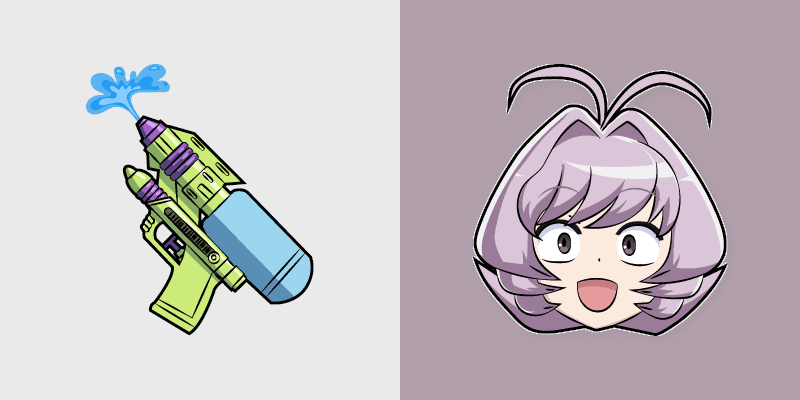
Najimi Osana's chaotic rainbow friend energy from Komi-san sparks school comedy chaos across your pointer pair.
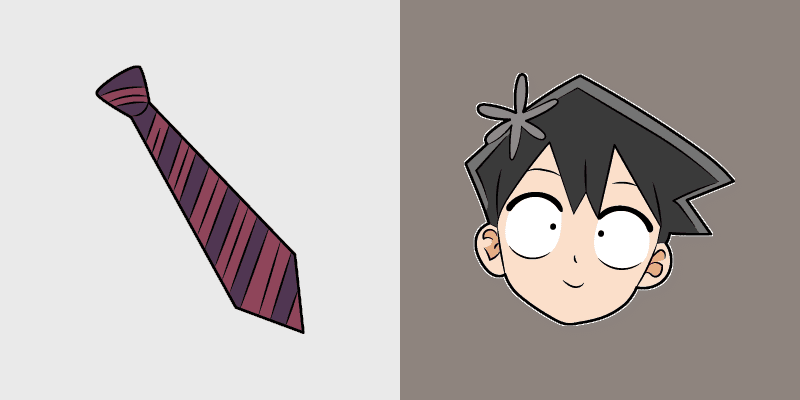
Hitohito Tadano's kind mediator calm from Komi Can't Communicate bridges shy romance across your school pointer.
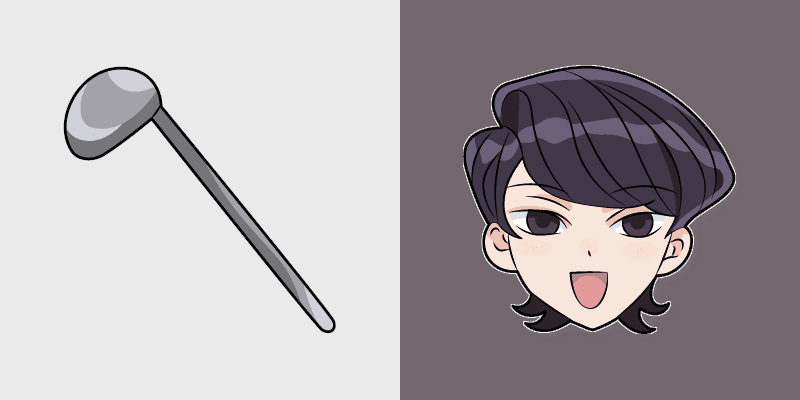
Shuuko Komi's elegant mom grace from Komi Can't Communicate softens family comedy across your pointer pair.
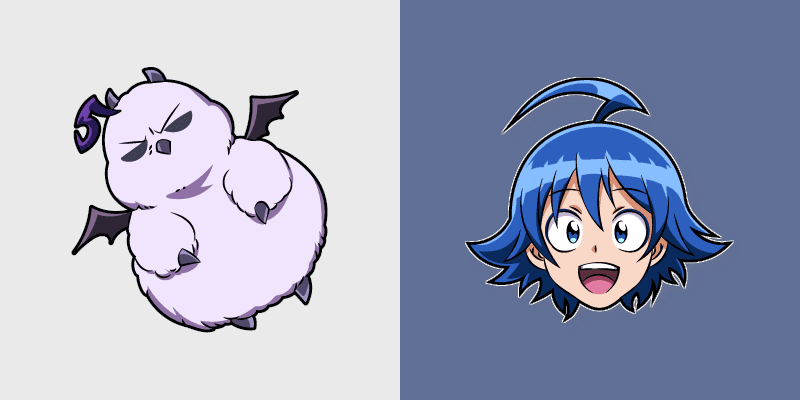
Welcome Demon School Iruma Suzuki human demon prince red gold Babyls charm rules demon school on your pointer.
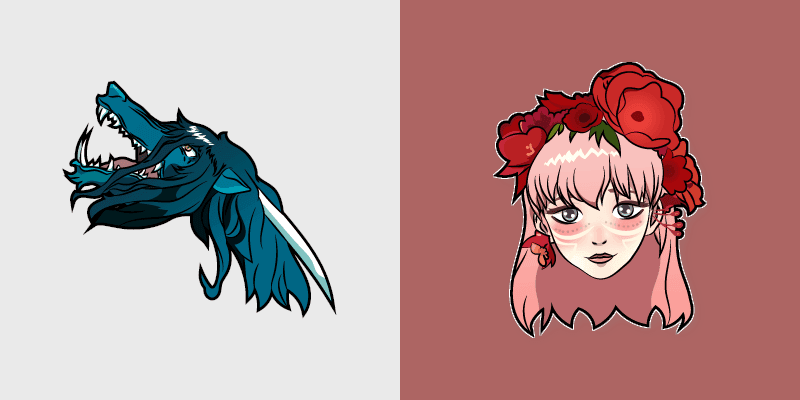
Beauty and the Beast Belle yellow dress dragon fairy tale romance glows golden storybook charm on your pointer.
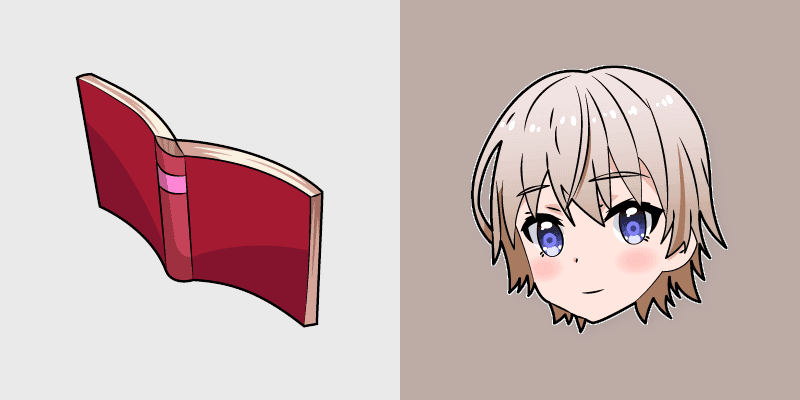
School-Live Miki Naoki megurigaoka club leader steers bittersweet club survival across your anime pointer pair.
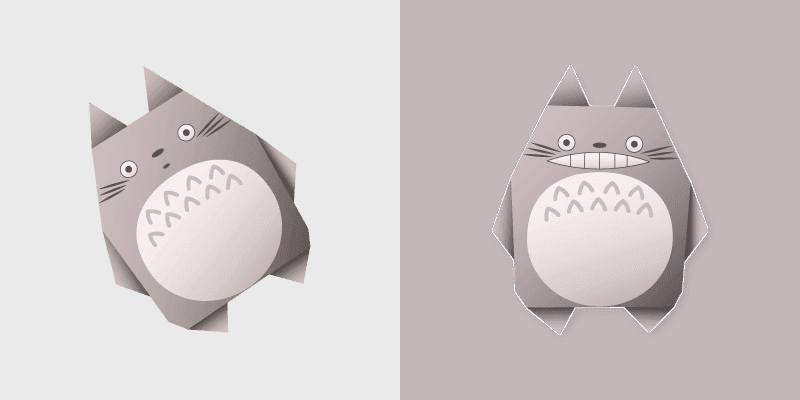
Trimmed origami totoro from Origami Totoro layers through clicks with origami custom cursor fold and color glow.

Dragon Maid Riko Saikawa hat Kanna best friend pink yellow school joy bounces across your cute comedy pointer.
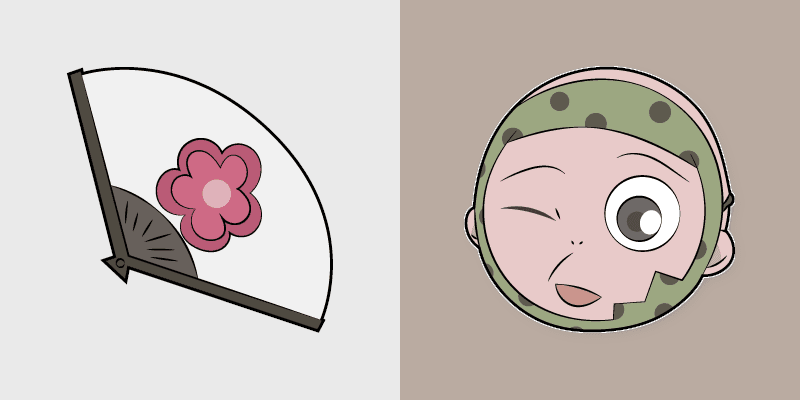
Kamisama Kiss Kotetsu and onibi war fan shrine spirits flicker orange white fox romance across your pointer tabs.
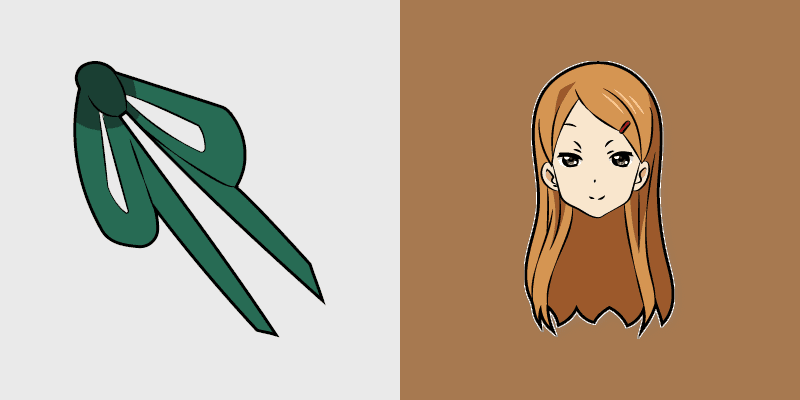
SK8 Infinity Megumi Sokabe fanart sparkle skater pink white fanart glimmer skates across your infinity pointer tabs.
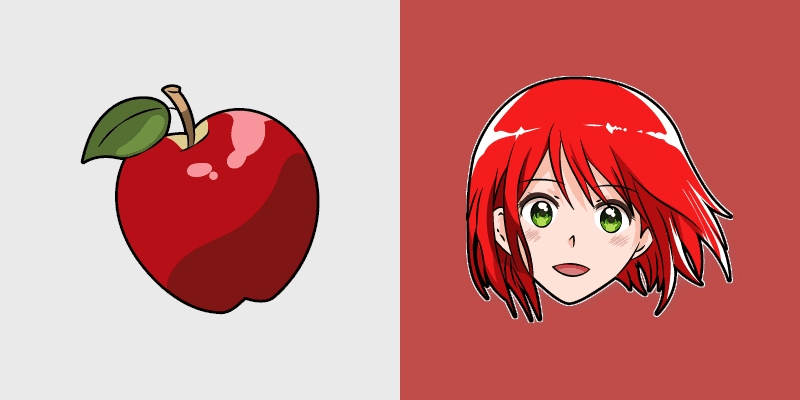
Snow White with the Red Hair Shirayuki apple herbal red green akagami romance blooms across your fantasy pointer.
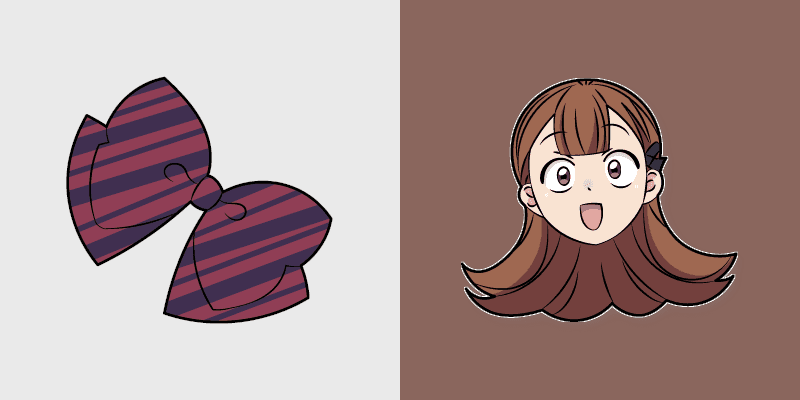
Ren Yamai's obsessive yandere spark from Komi-san flares red black school comedy across your pointer tabs.

Gakkou Gurashi Akiko Kamiyama school life charm mint cream gurashi sweetness colors your school anime pointer tabs.

Meme Cute Chiikawa and Momonga with Ice Cream cursor - snack-buddy fanart custom cursor with darkened rim.

Houtarou Oreki cursor pack with a brick-red geometric arrow and his brown-hair portrait as the click custom cursor.
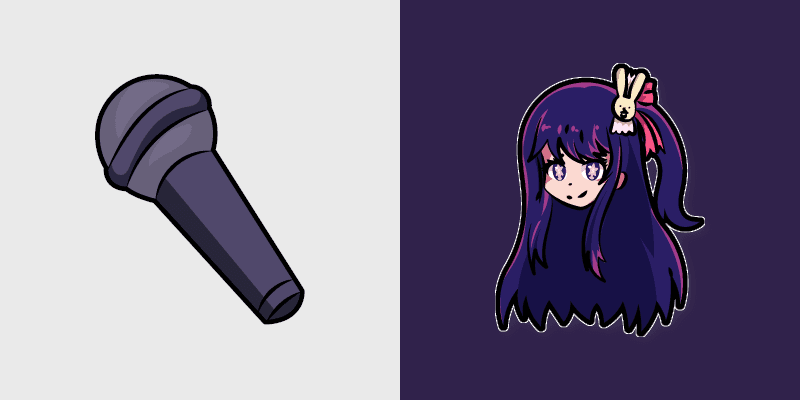
Mic super ai hoshino rhythm lands on your FNF custom cursor pointer pair with mod chart flair.
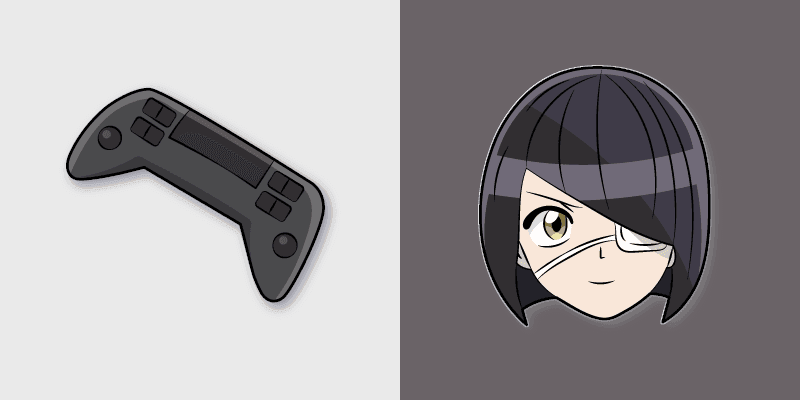
Nakanaka Omoharu dramatic author flair from Komi-san scripts violet cream school comedy on your pointer tabs.
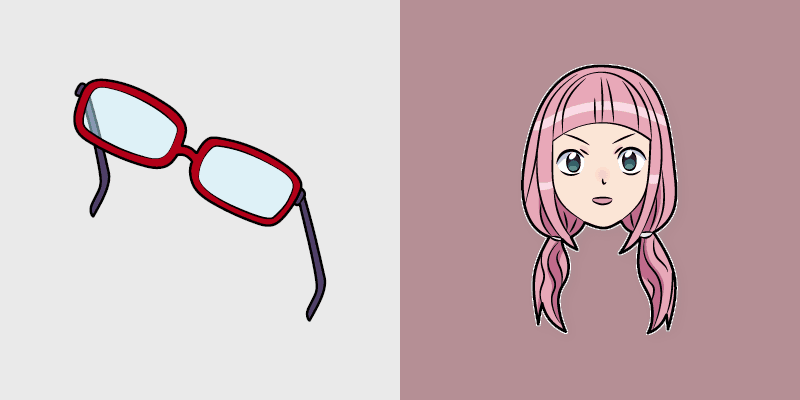
Yadano Makeru undying gamer legend from Komi Can't Communicate rules purple black gamer tabs on your pointer.
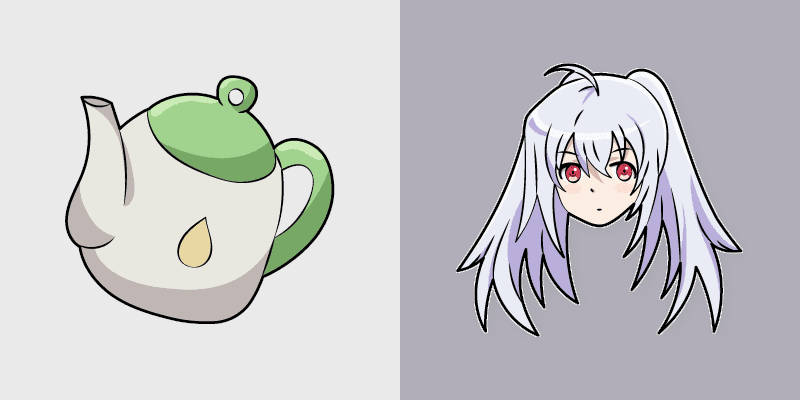
Plastic Memories Isla giftia terminal smile cyan white sci-fi romance bittersweet glows across your emotional pointer.
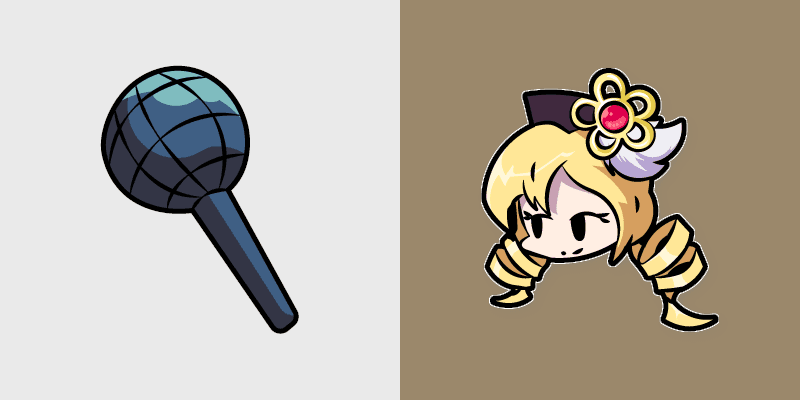
Mic ultra mami tomoe rhythm lands on your FNF custom cursor pointer pair with mod chart flair.
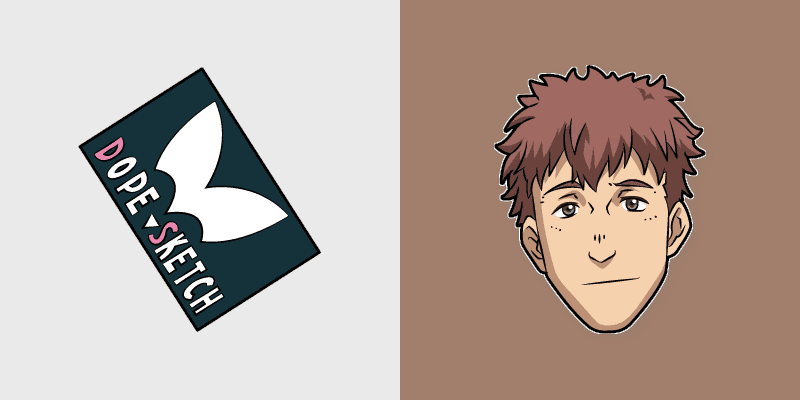
SK8 Infinity Shokichi Oka DOPE sketch marker art neon graffiti marker DOPE sketch tags infinity skate pointer tabs.