4.8
Cursor Kingdom Collection
Explore the Cursor Kingdom Collection - Fun cursors for Chrome, Edge & Windows
8,018
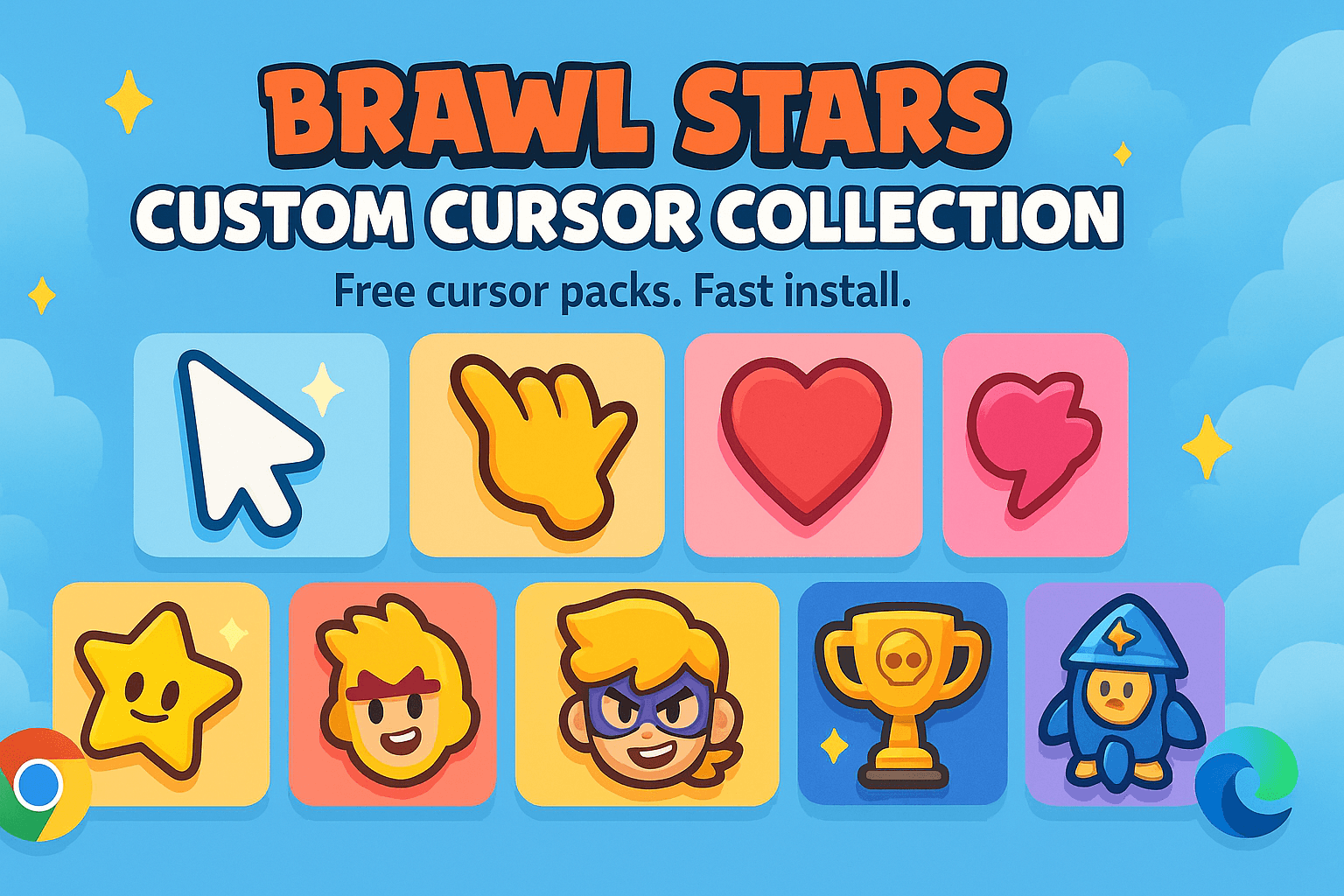
Customize your cursor with the vibrant Brawl Stars Cursor Collection for Chrome & Edge!
Browse 60 carefully curated cursor packs in this collection. All packs are free to download and work with Chrome, Edge, and Windows browsers.
From Custom Cursor World, Custom Cursors, and Cute Cursors catalogs
Discover more curated cursor collections that match your interests. Explore similar themed collections with free cursor packs for Chrome, Edge, and Windows.
Explore the Cursor Kingdom Collection - Fun cursors for Chrome, Edge & Windows
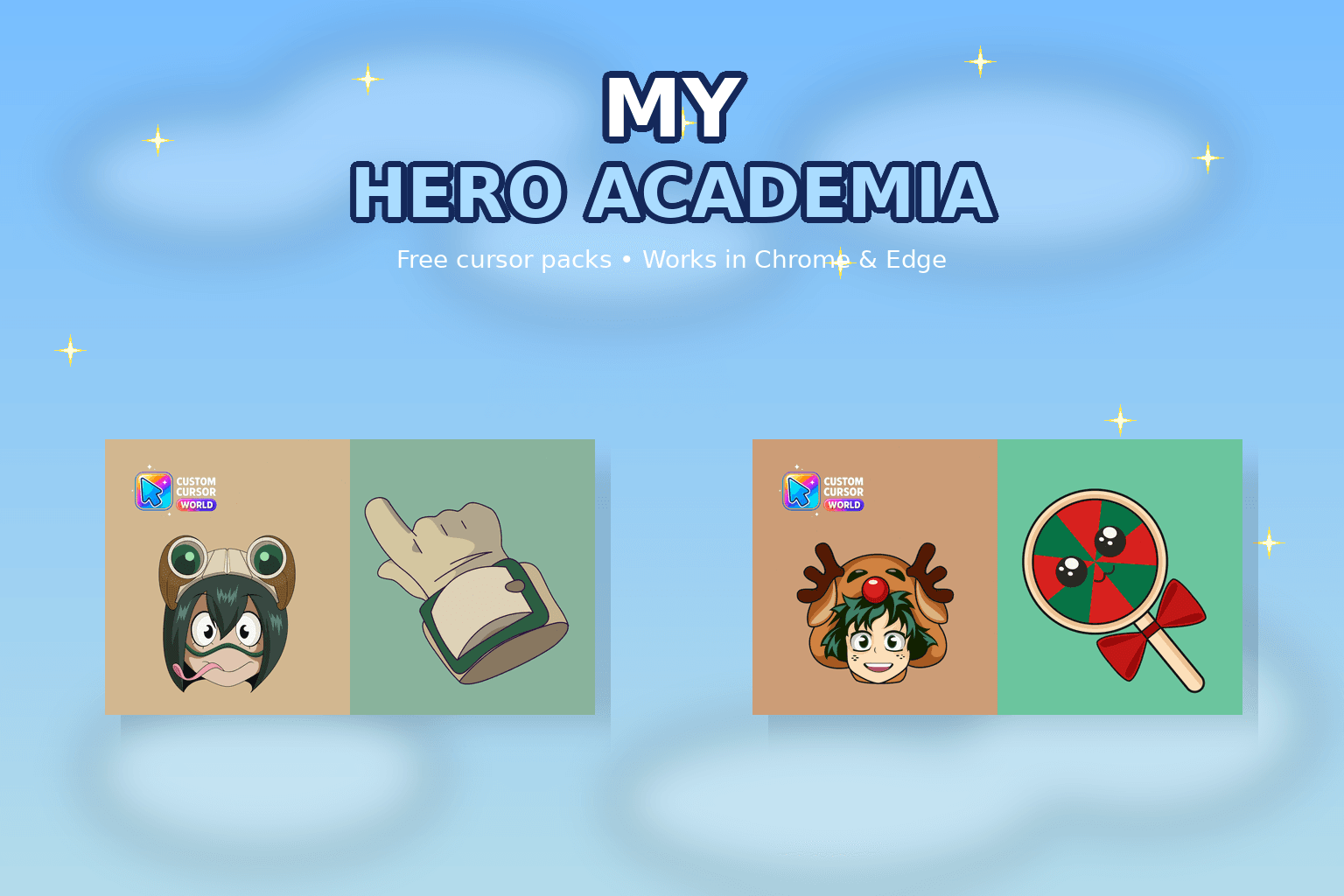
My Hero Academia cursor collection for Chrome and Edge.
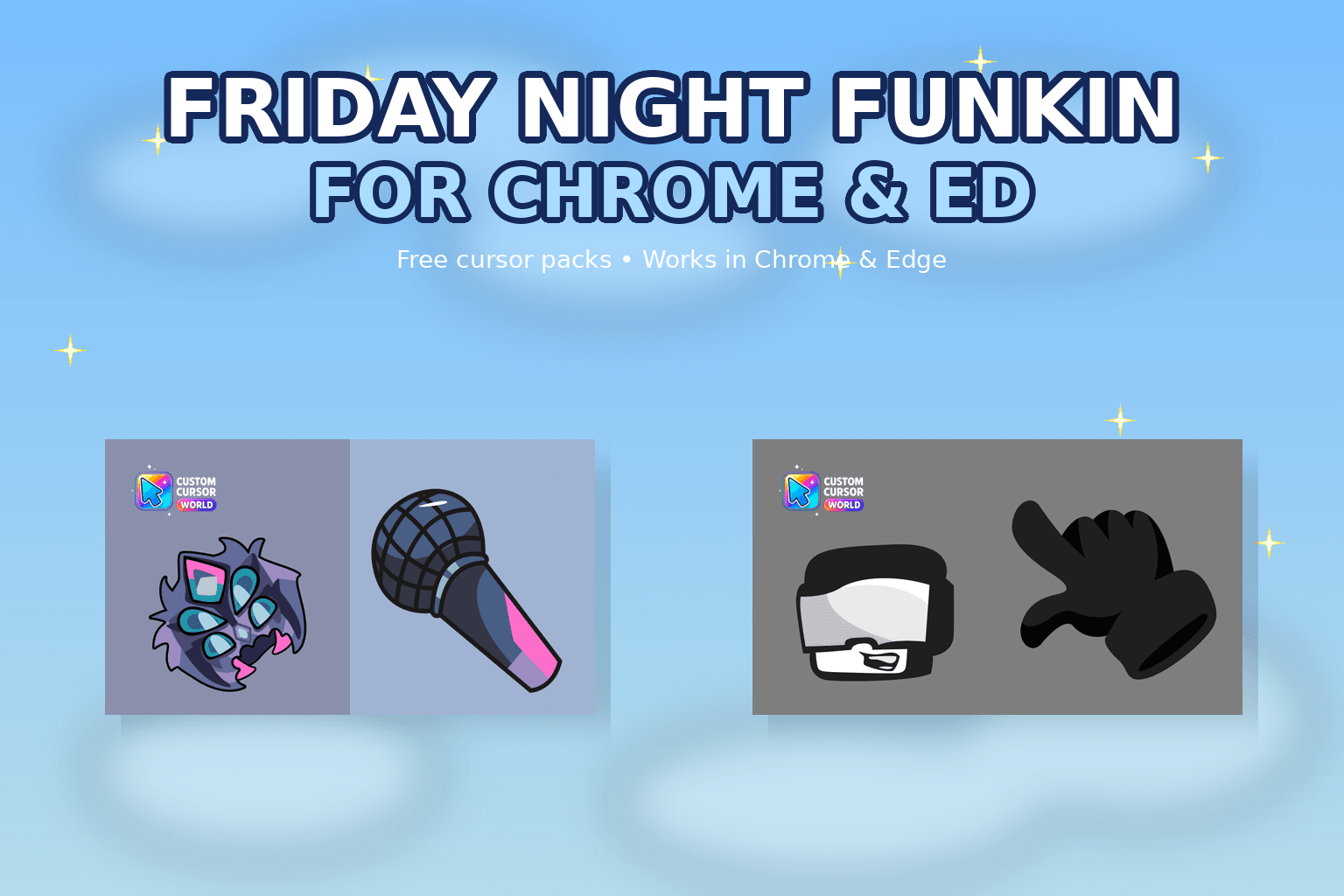
Elevate your browsing experience with our custom cursor collection inspired by 'Friday Night Funkin'. Set popular game characters instead of default b
Personalize with Noragami Cursor Collection for Chrome, Edge, Windows
Follow these simple steps to start using custom cursors from the Brawl Stars Cursor Collection collection. All cursor packs are free and easy to install.
Install the Custom Cursor World extension for Chrome or Edge browser. The extension is free and takes less than a minute to set up.
Explore 60 cursor packs in the Brawl Stars Cursor Collection collection and find your favorite designs. Each pack is carefully curated for quality.
Click on any cursor pack and download it directly to your browser. No additional software or configuration needed.
Your new cursor is now active! Customize your browsing experience with unique cursor designs from the Brawl Stars Cursor Collection collection.
Common questions about the Brawl Stars Cursor Collection cursor collection
The Brawl Stars Cursor Collection collection is a curated set of custom cursor packs designed to enhance your browsing experience. Each pack in this collection has been carefully selected to provide unique and visually appealing cursor designs.
Yes! All cursor packs in this collection are completely free to download and use. There are no hidden fees or subscriptions required.
These cursor packs work with Chrome and Edge browsers through the Custom Cursor World extension. The extension is free and easy to install.
Simply click on any cursor pack in this collection, then click the "Add" or "Download" button. The extension will automatically install the cursor pack for you.
Yes! You can switch between different cursor packs at any time. Just browse our collections and select a new pack whenever you want to change your cursor style.
No restart is needed! Once you install a cursor pack, it becomes active immediately. You can start using your new cursor right away.
Install our free browser extension to instantly apply any cursor from our vast collection with one click. Works seamlessly with Chrome, Edge, and Windows.
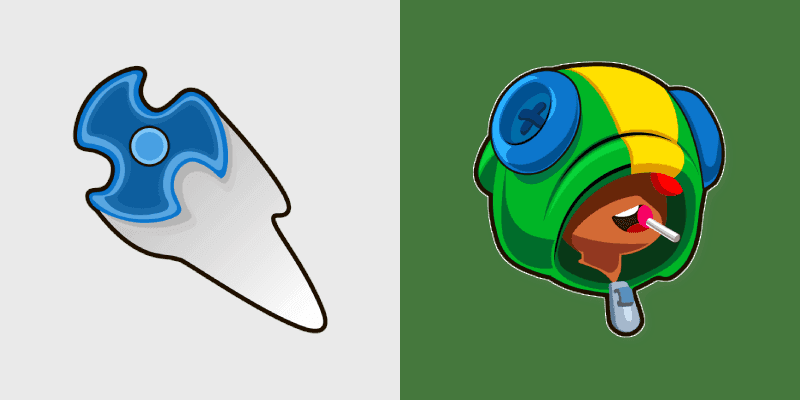
Leon shuriken stealth invisibility ninja brawler slips Brawl Stars custom cursor shadow across your clicks.
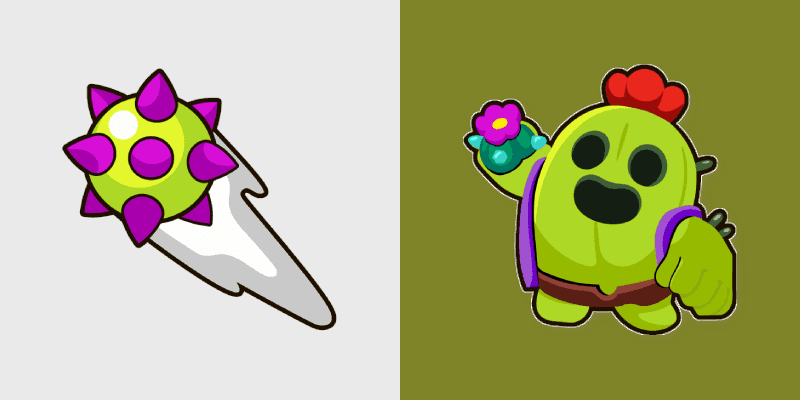
Spike cactus grenade thrower brawler prickly fun pops Brawl Stars custom cursor desert charm on your pointer.
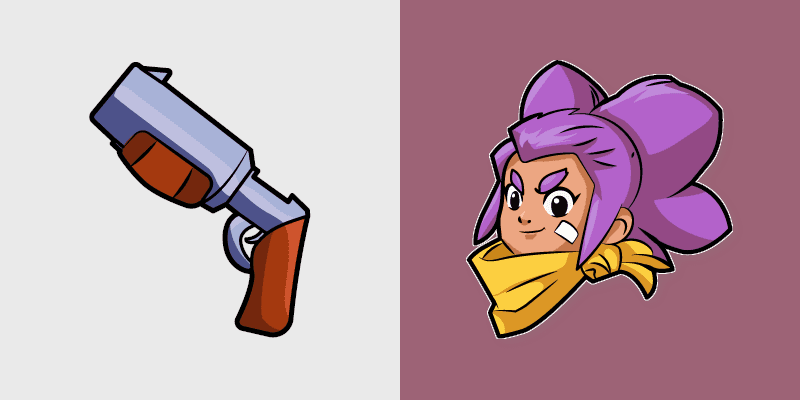
Shelly shotgun spread brawler starter energy blasts Brawl Stars custom cursor flair across your pointer tabs.
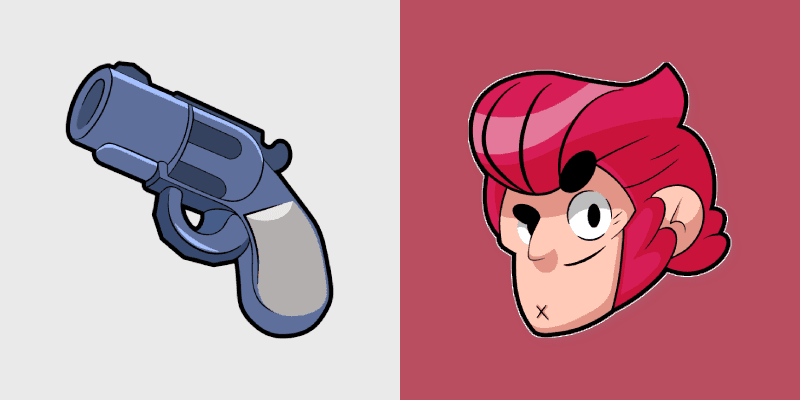
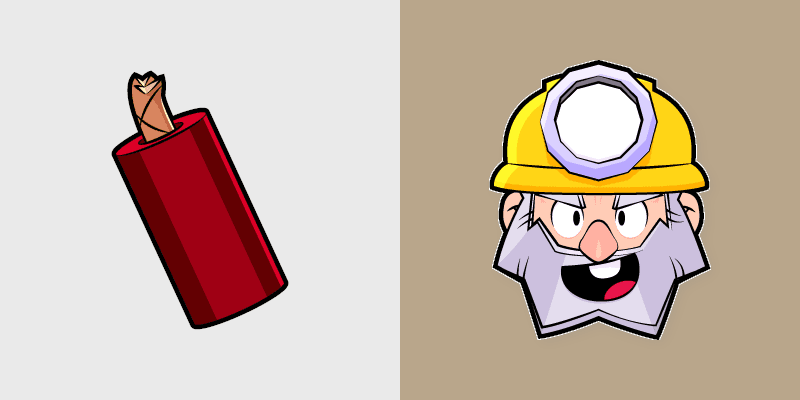
Dynamike dynamite thrower brawler lob blast high damage pops Brawl Stars custom cursor boom on your pointer.

Piercing Piper sniper sharpshooter brawler long shot ambush picks Brawl Stars custom cursor range on your tabs.
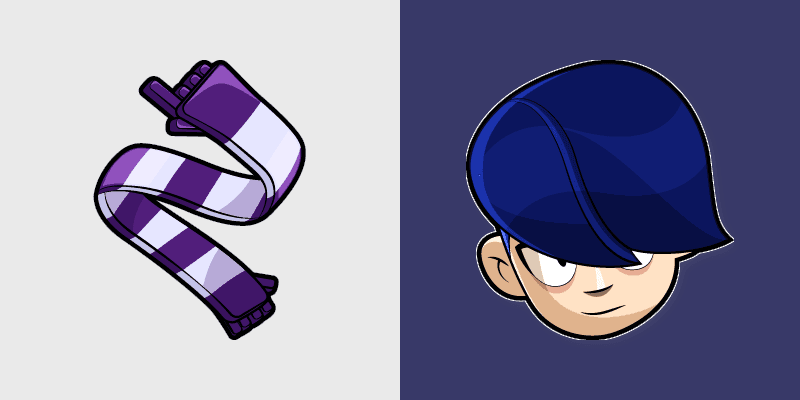
Edgar scarf dash mythic brawler shadow strike speed blitzes Brawl Stars custom cursor hype on your pointer tabs.
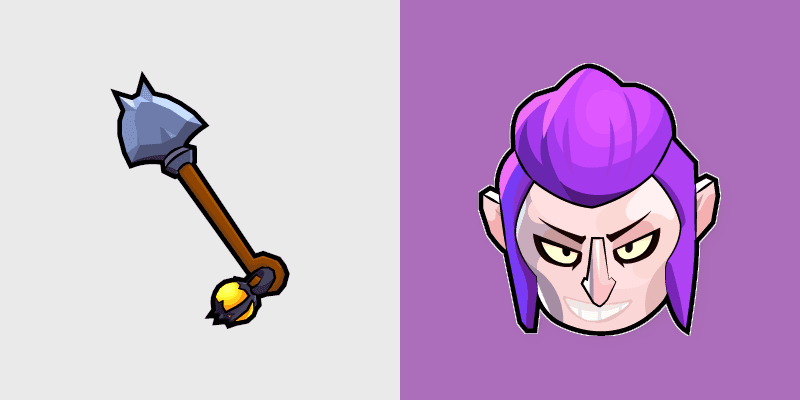
Mortis shovel dash mythic brawler bat cloud super creeps Brawl Stars custom cursor vampire flair on your clicks.
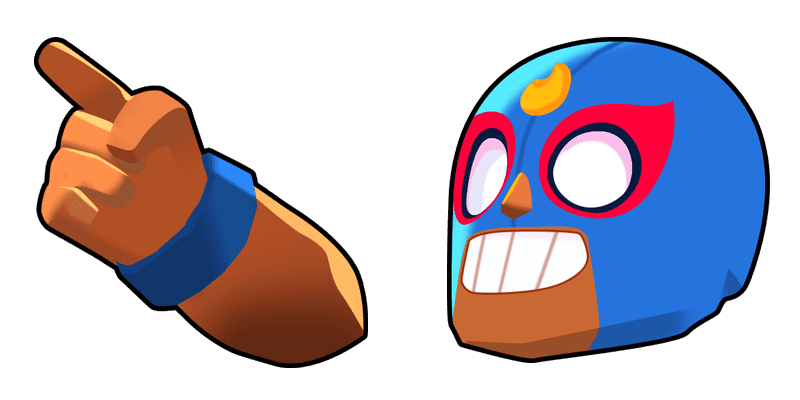
El Primo Classic custom cursor - a cute cursor pack with trophy road style.

Try the Logo Classic cute cursor - free custom cursor style with a bold showdown look.
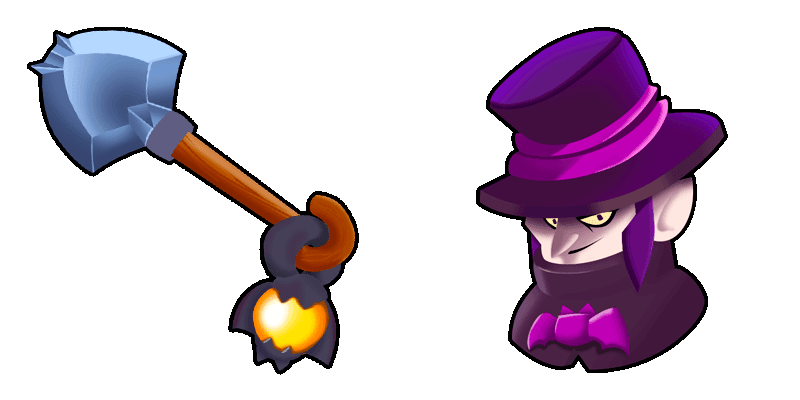
Mortis Classic cute cursor pack - free custom cursor featuring gem grab charm.
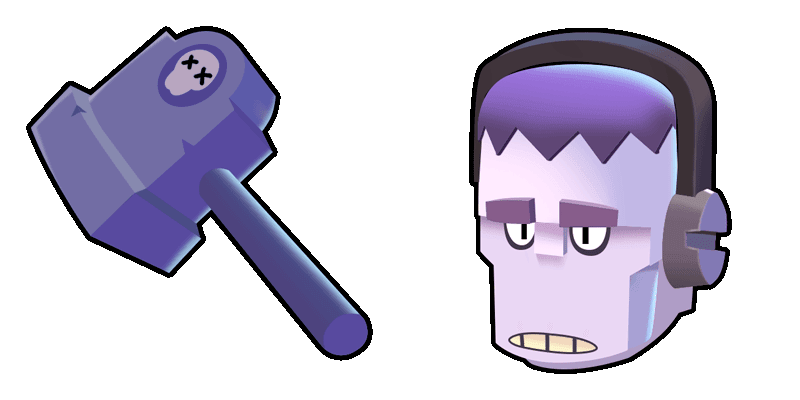
Try the Frank Classic cute cursor - free custom cursor style with a bold showdown look.

Barley Classic cute cursor - a free custom cursor with arena brawler energy.
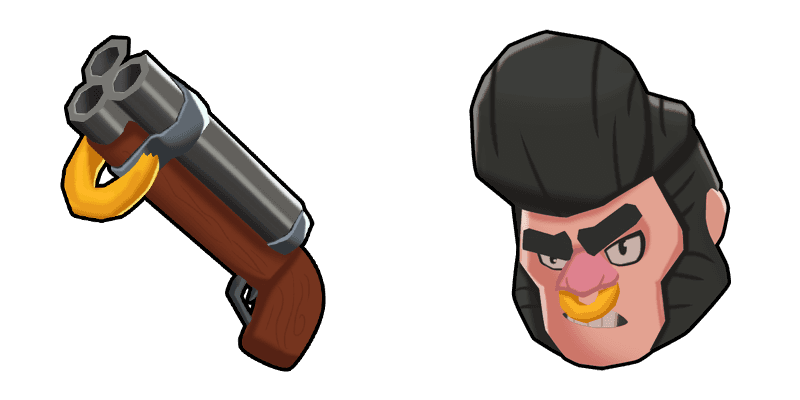
Bull Classic cute cursor pack - free custom cursor featuring gem grab charm.

Dynamike Classic custom cursor - a cute cursor pack with trophy road style.
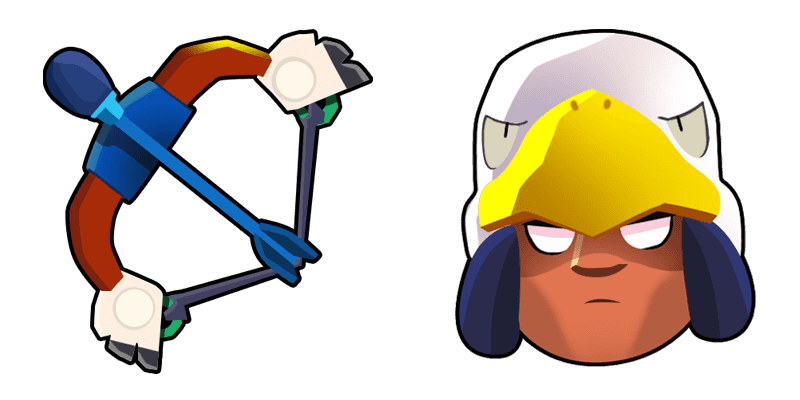
Bo Classic custom cursor - a cute cursor pack with trophy road style.
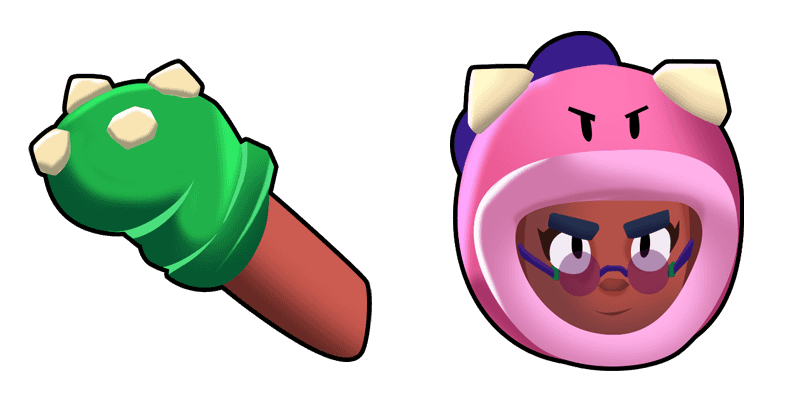
Download the Rosa cute cursor - a custom cursor with a playful battle vibe.
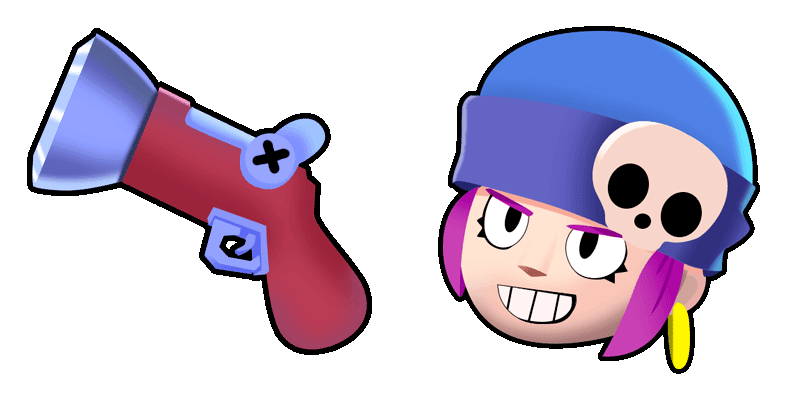
Penny Classic cute cursor pack - free custom cursor featuring gem grab charm.
Logo Soft Style cute cursor pack - free custom cursor featuring gem grab charm.
Mortis Soft Style cute cursor pack - free custom cursor featuring gem grab charm.
Download the El Primo Soft Style cute cursor - a custom cursor with a playful battle vibe.
Penny Soft Style cute cursor - a free custom cursor with arena brawler energy.
Dynamike Soft Style cute cursor - a free custom cursor with arena brawler energy.
Download the Frank Soft Style cute cursor - a custom cursor with a playful battle vibe.
Barley Soft Style custom cursor - a cute cursor pack with trophy road style.
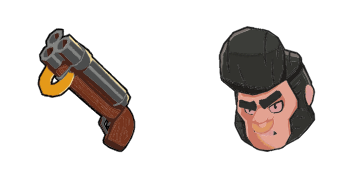
Try the Bull Soft Style cute cursor - free custom cursor style with a bold showdown look.
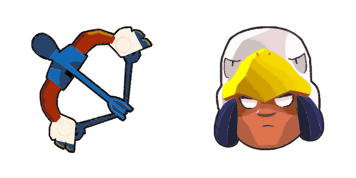

Download the Crow and Daggers cute cursor - a custom cursor with a playful battle vibe.

Try the Surge cute cursor - free custom cursor style with a bold showdown look.

Try the Spike cute cursor - free custom cursor style with a bold showdown look.

Download the Leon and Spinner Blade cute cursor - a custom cursor with a playful battle vibe.

Logo Animated cute cursor - a free custom cursor with arena brawler energy.

Try the Phoenix Crow cute cursor - free custom cursor style with a bold showdown look.

Download the Virus 8-BIT cute cursor - a custom cursor with a playful battle vibe.

Grab the Sandy cute cursor - a free custom cursor with a sharp fighter silhouette.

Try the Poco and Guitar cute cursor - free custom cursor style with a bold showdown look.

Download the Emz cute cursor - a custom cursor with a playful battle vibe.

Download the Horus Bo cute cursor - a custom cursor with a playful battle vibe.

Dark Lord Spike custom cursor - a cute cursor pack with trophy road style.

Moldy Mike cute cursor - a free custom cursor with arena brawler energy.

Mr. P custom cursor - a cute cursor pack with trophy road style.

Try the Shelly and Gun cute cursor - free custom cursor style with a bold showdown look.

Try the Rico cute cursor - free custom cursor style with a bold showdown look.

Download the Amber cute cursor - a custom cursor with a playful battle vibe.

Bunny Grom cute cursor - a free custom cursor with arena brawler energy.

Try the Griff cute cursor - free custom cursor style with a bold showdown look.

Enchanting Brawl Stars cursor pack featuring mythic brawler Willow and her wind-up tadpole lantern.
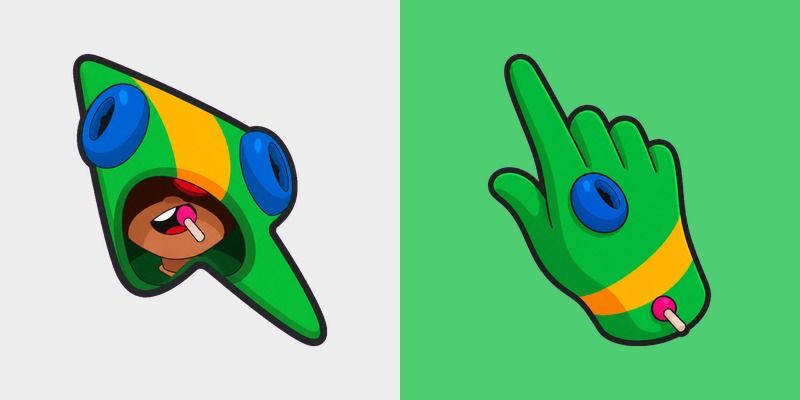
Leon Custom Cursor - chameleon hoodie Brawl Stars fanart custom cursor with darkened rim.
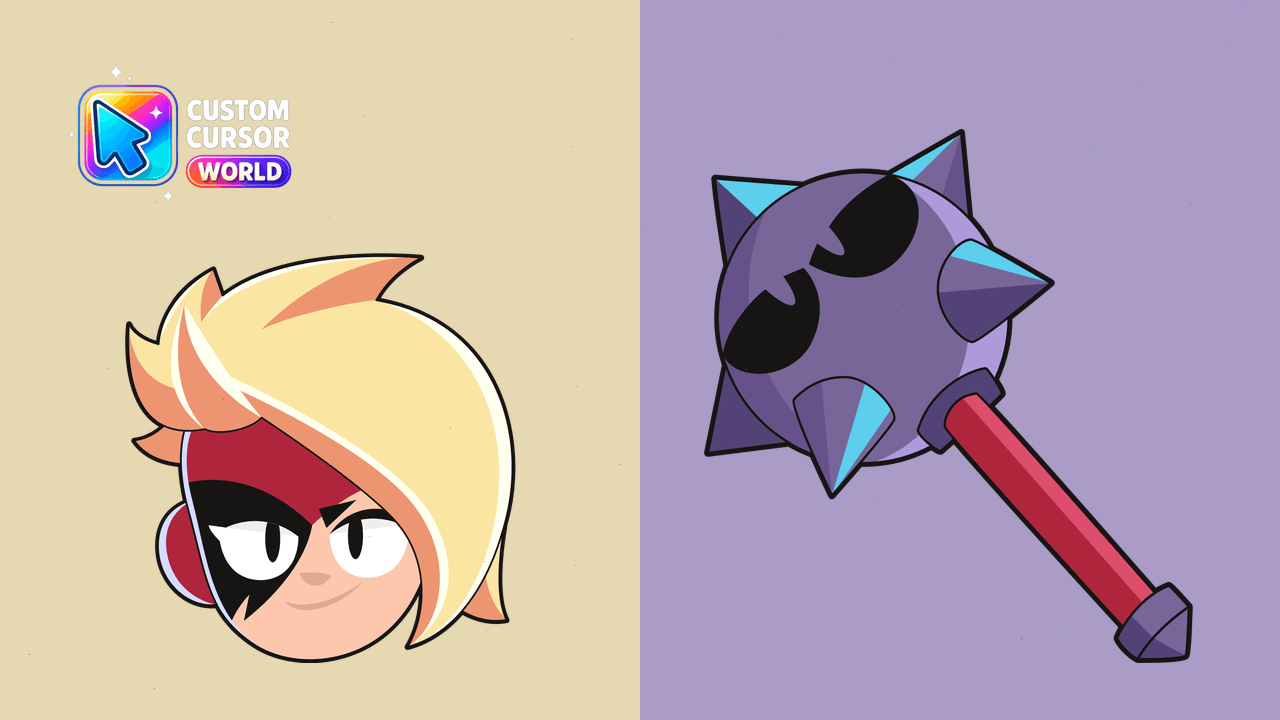
Add a touch of magic to your browser with the Lumi Custom Cursor Pack for Chrome & Edge, featuring vibrant designs and smooth motions.
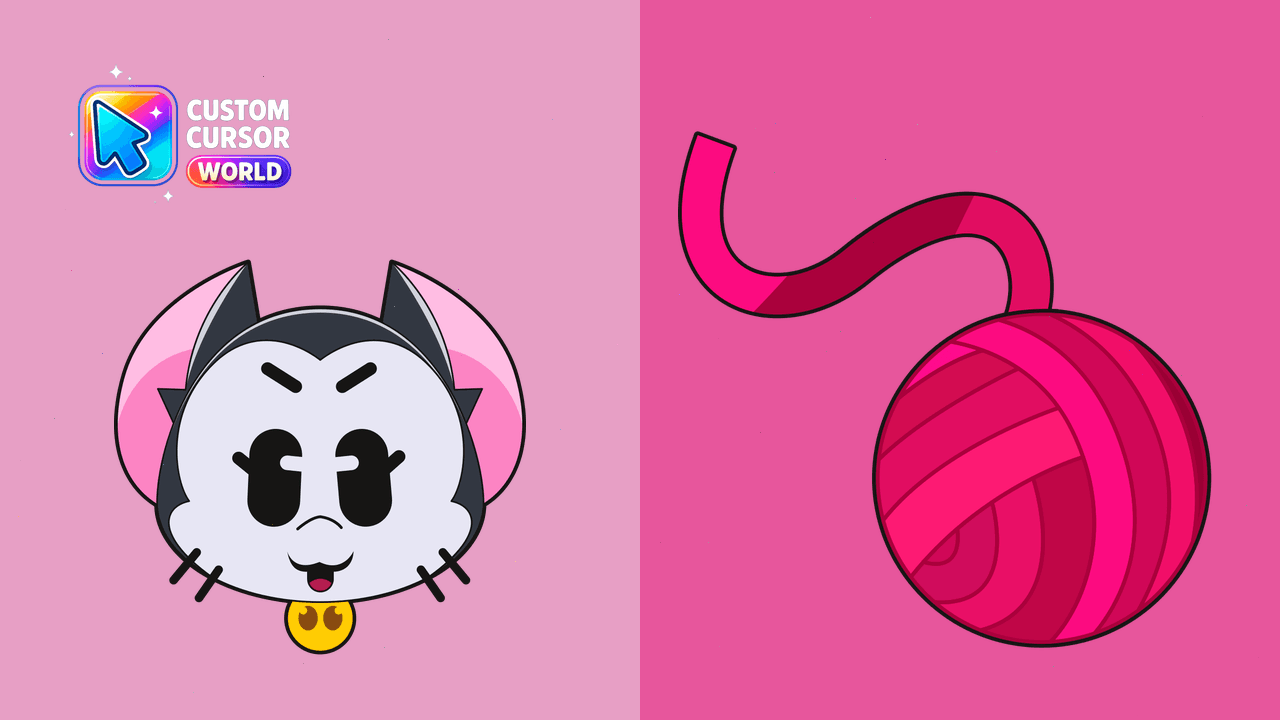
Bring Brawl Stars excitement to your browsing!
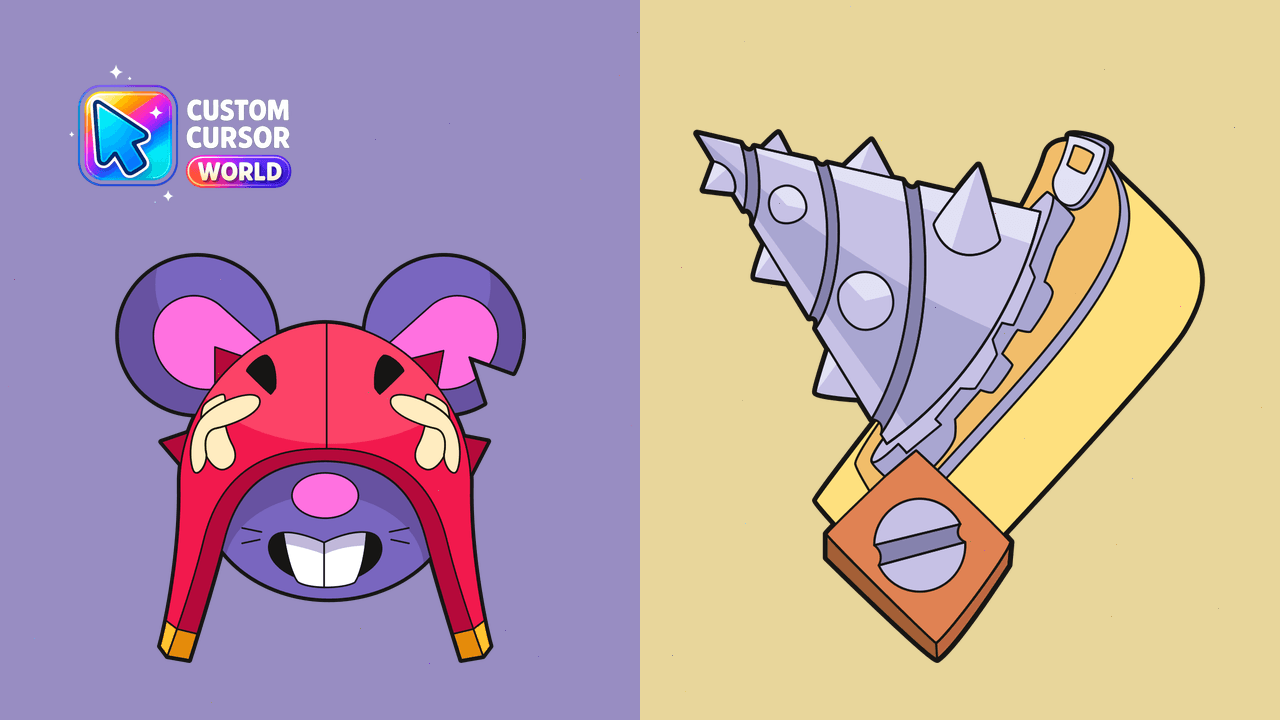
Revamp your browser experience with Moo's explosive design. Perfect for gamers, fans of Brawl Stars!
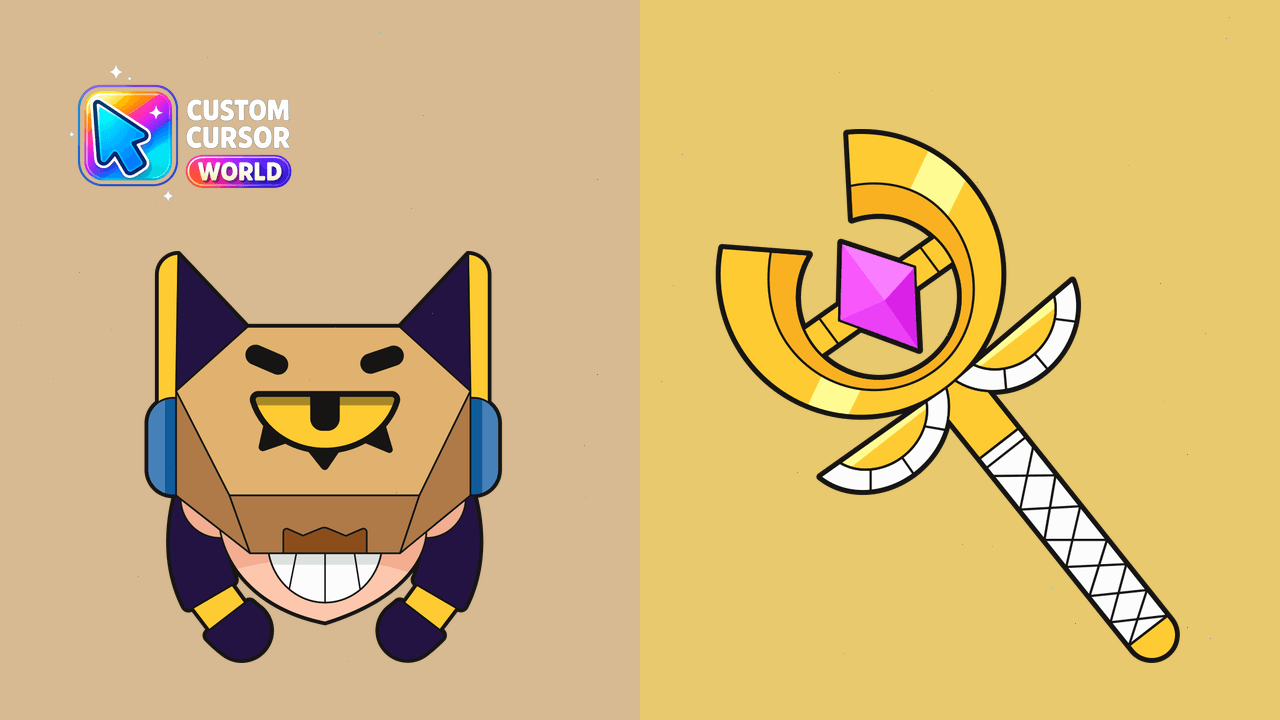
Ignite your browser's appearance with our dynamic Finx cursor pack for Chrome and Edge browsers!

Among Us Bibi Character cursor - purple bat-girl bean with a matching purple hand.

Among Us Brawl Stars Gene Character cursor - purple genie bean with lamp hat and matching purple hand.

Among Us Brawl Stars Sprout Character cursor - plant-pot green bean with leafy sprout and matching hand.

Brawl Stars Sandy Koya cursor - cute chibi sleepy Sandy in a fluffy koala Koya onesie with a matching dark-rim pointing hand.

Brawl Stars Gus cursor - cute chibi tiny overalls buddy with a happy balloon with a matching dark-rim pointing hand.

Brawl Stars Sam cursor - cute chibi hero kid in a yellow star hoodie with a matching dark-rim pointing hand.

Brawl Stars cursor - cartoon brawler buddy with a Starr Drop character pointer.